

Turn recordings into transcripts and summaries in minutes
Upload audio or video for multilingual transcription, AI notes, and action items
3 AI Recording Tools Tested in 2026: Can ChatGPT Record Audio? Which Is Better for Chinese Meetings?
Can ChatGPT record audio? Yes, but don't rush to treat it as a universal solution for meeting notes. First, you need to determine one thing: are you just occasionally wanting to turn voice into a summary, or do you have weekly Chinese meetings that require post-meeting search, follow-up questions, to-dos, and team sharing? These two answers will lead you to completely different tools.
Can ChatGPT Record Audio? First, Clarify Whether You Want to "Record It" or "Be Able to Search and Collaborate After the Meeting"
Let's start with the conclusion: ChatGPT can record audio. OpenAI has launched "Record Mode," allowing users to record meetings, brainstorming sessions, or voice notes within the macOS desktop app, and generate a structured summary canvas after recording ends.
But its limitations are also clear. It currently primarily supports the macOS desktop app and is being rolled out to paid subscribers; availability across different plans and regions should still be confirmed with official documentation. The maximum length for a single recording is 120 minutes; exceeding this will automatically stop and generate notes. OpenAI also mentions that the feature performs best in English environments, and accuracy in other languages is still being improved.
In other words, ChatGPT's Record Mode is more like "desktop meeting recording + automatic summary." If you use Windows, mobile, or primarily hold Chinese meetings, it may not be your smoothest choice.
I usually ask readers three questions first: What platform do you use for meetings? Do you need to keep the audio file after the meeting? Does your team need to search meeting notes together? These three questions are more decisive than "Can ChatGPT record audio" in determining which tool you should use.
Before Choosing an AI Recording Tool, Understand These 4 Key Points
1. Platform and Input Sources Some tools only support macOS desktop, while others cover desktop, mobile, and file uploads. ChatGPT's Record Mode currently focuses on macOS desktop; if your meetings happen on Windows, mobile, or you have a bunch of existing recording files to organize, pay special attention to the supported range.
2. Chinese and Multilingual Scenarios ChatGPT's Record Mode performs best in English environments, and other languages are still being improved. If you frequently hold Chinese or mixed Chinese-English meetings, or need real-time translation and bilingual transcripts, you should look at how deeply a tool supports Chinese. Tinrec can emphasize Chinese meetings, Traditional Chinese, multilingual transcription, and team hotwords in this regard.
3. Post-Meeting Output Is More Than Just a Transcript After recording, what do you want? Just a text file, or summaries, chapters, to-dos, mind maps, and even the ability to directly ask "Who mentioned the budget in the last meeting?" ChatGPT generates a canvas that can be rewritten into project plans, emails, or code; Tinrec puts summaries, chapters, to-dos, AI Q&A, translation, and export all in one workflow.
4. Team Data Ownership and Governance Personal use and team use are two different things. Teams need independent spaces, member roles, seats, usage, and audit logs, not multiple people sharing one account. When a member leaves, whether meeting data can stay with the team and be handed over is key.
Tinrec — If You Want Chinese Meetings + Post-Meeting Collaboration, I'd Look at It First
Tinrec is an AI meeting notes and collaboration tool for individuals and teams. It doesn't just convert audio to text; it organizes meeting recordings into searchable, summarizable, queryable, exportable, and further processable data, and accumulates them as meeting assets in team spaces.
Let's start with the most practical scenario: during online meetings, Tinrec's desktop version can directly capture computer system audio, handling Zoom, Google Meet, Microsoft Teams, Webex, and other meetings without inviting a meeting bot to join. You actively open Tinrec to start recording and can generate a transcript while recording; after the meeting ends, AI organizes summaries, chapters, key points, and to-dos. For those who don't want an extra bot in the meeting list but need Chinese transcripts, the workflow is more complete than ChatGPT's Record Mode.
The second difference is post-meeting use. Tinrec supports AI Q&A around meeting content; you can directly ask "What was the client's main concern this time?" or "Who was the person responsible for last week's decision?" It doesn't just give you keyword search but provides answers based on meeting content. Additionally, it can generate meeting minutes, reports, tables, and documents, and export to Notion, Google Docs, OneNote, Dropbox, and other tools for continued use. ChatGPT's Record Mode is currently strong in macOS desktop recording and canvas summaries; but if you want a Chinese meeting database and team collaboration, Tinrec's positioning is more direct.
Stop organizing recordings by hand
Upload audio or video and automatically get a transcript, summary, and action items
The third difference is teams. Tinrec's team version is not multiple people sharing a personal account but an independent team space. You can create multiple teams, invite members via join links, set owners/admins/regular members, and assign or revoke seats. Team data belongs to the team; when a member leaves or is removed, their responsible resources can be handed over to other active members. Admins can also view usage trends, member rankings, details, audit logs, and use the audio recycle bin. These are team governance issues that a personal ChatGPT Record Mode won't handle for you.
Limitations should also be clearly stated. Tinrec does not recommend promising a fixed accuracy rate; actual results are affected by recording quality, noise, accents, overlapping speakers, and technical terminology. Team version pricing and benefits are subject to the official purchase page. Currently, the first eligible team trial is 7 days, 1 free seat, 300 minutes of team shared import quota; team monthly payment is USD 29.80 per paid seat per month, annual payment is USD 199 per paid seat per year, equivalent to about USD 16.58 per month. Paid seats provide 2,000 minutes of team shared import quota per month. Real-time recording under an active team plan and active seat currently does not deduct minutes; document and web imports consume team shared import minutes.
Who is it for? If you have weekly Chinese meetings, need to keep audio files, want to use AI to check key points after meetings, or your team needs to manage meeting data together, Tinrec will be a more complete choice than ChatGPT's Record Mode.
Besides Tinrec, What Other Options Are There?
ChatGPT Record Mode It's suitable for people who already have a paid ChatGPT subscription, mainly use macOS desktop, and primarily hold English meetings. After recording, it generates a canvas, and you can also refer to past recording notes and transcripts. Limitations are that the platform is currently mainly macOS desktop, single session 120 minutes, and languages other than English are still being improved. If you need a Chinese team space, seat management, and audio file retention, Tinrec's scope is broader.
Otter.ai Otter is a mature English AI meeting assistant. According to its official pricing page, Basic is free with 300 minutes per month, Pro annual billing is about USD 8.49 per user per month, including 1,200 minutes of in-app recording per month and 10 file imports. If you mainly record English meetings and have a limited budget, Otter is worth considering. But if your meetings are primarily in Chinese, or you need bot-free desktop recording and team data accumulation, Tinrec will be closer to your needs.
Granola Granola is also a bot-free AI meeting notes tool. Basic is free, Business is USD 14 per user per month, Enterprise is USD 35 per user per month. It supports real-time transcript viewing, copying, and searching, but does not support uploading pre-recorded audio files and does not save meeting audio. Tinrec supports audio file retention, document import, Chinese experience, real-time translation, more export methods, and team data management.
Pitfall Guide: The 4 Most Common Mistakes When Choosing an AI Recording Tool
Pitfall 1: Assuming ChatGPT recording works on all platforms. ChatGPT's Record Mode currently primarily supports the macOS desktop app and is being rolled out to paid subscribers, with a single session limit of 120 minutes and best performance in English. Confirm your device, language, and plan before deciding whether to make it your main tool.
Pitfall 2: Only looking at transcription and ignoring post-meeting organization. If a tool only gives you a transcript, you still have to manually organize summaries and to-dos. Tinrec puts summaries, chapters, to-dos, AI Q&A, and export in one workflow, saving you that post-meeting hour.
Pitfall 3: Treating team sharing as sharing a personal account. A team version should have independent spaces, roles, and seats. Tinrec's team version distinguishes roles and seats: active members without seats can view, play, and read team data but cannot upload, edit, or export; only with a seat can they use resources.
Pitfall 4: Ignoring recording consent and privacy. OpenAI officially reminds users to obtain appropriate consent before recording others. The same applies to any AI recording tool; confirm company policies and local laws before starting to record.
Summary: ChatGPT Can Record Audio, But Which One Should You Choose?
ChatGPT can record audio, there's no doubt about that. But its Record Mode has platform, language, and duration limitations, making it more suitable for macOS, English meetings, and those who already have a paid subscription.
If you want Chinese meetings, bot-free recording, post-meeting AI Q&A, to-do organization, and team data accumulation, Tinrec will be a more complete choice.
Quick routing:
- Use macOS, mainly hold English meetings, already have a paid ChatGPT subscription → Try ChatGPT Record Mode first.
- Chinese or mixed Chinese-English meetings, need transcripts, summaries, chapters, and to-dos → Tinrec.
- Don't want to invite a meeting bot to Zoom, Meet, Teams → Tinrec desktop version.
- Want to directly ask AI after the meeting "What was decided last time?" → Tinrec's AI Q&A.
- Team needs to share meeting data, manage seats, view usage and audits → Tinrec team version.
- Mainly record English meetings, limited budget → Otter.ai can be included in the comparison.
It's recommended to start with the free version or team trial to confirm that Chinese transcription and post-meeting organization meet your needs before deciding whether to upgrade. Rather than asking "Can ChatGPT record audio," ask "After my meeting is recorded, can it become data my team can use?" — that's the real dividing line for choosing a tool.
References
- ChatGPT Meeting Notes New Feature Revealed: One-Click Recording + Cloud Data Integration Assistant
- ChatGPT New Feature | Adds Recording Function Up to 2 Hours - EJ Tech
- How Long Can ChatGPT Record? 2026 Audio-to-Text Tool Review and Tinrec Practical Guide - Tinrec Blog
- ChatGPT Record Mode Launched! 2-Hour Meeting One-Click Generate "Key Summary + To-Do List": 4-Step Tutorial at a Glance | BusinessNext
- ChatGPT Record | OpenAI Help Center
Turn every recording into actionable outcomes
Get 60 free transcription minutes when you sign in. No credit card required.
Related Reading
You might also like

6 Ways to Launch Google Gemini in 2026: Phone, Computer, and Voice Compared
How do you launch Google Gemini? This guide covers 6 practical ways to wake it up, from Android's "Ok Google" voice command and long-pressing the power button to asking about screen content, Gemini Live, the iPhone app, and the desktop web version. It includes setup paths and common troubleshooting reasons so you can figure out which method to use on your device.

2026 Audio-to-Text Solutions Compared: Beyond ChatGPT, Why Tinrec Is Better for Meeting Notes
Can ChatGPT actually transcribe audio files? The answer depends on your plan, version, and usage limits. This article compares ChatGPT and Tinrec in real meeting scenarios, covering audio sources, Chinese recognition, transcript post-processing, team collaboration, and pricing. It also includes 7 FAQs to help you decide which approach fits your workflow.

5 Best Audio-to-Transcript Tools in 2026: Which One Handles Chinese Meetings and Post-Meeting Workflows Best?
Audio-to-transcript tools do more than just convert sound to text. This article examines real-world use cases, covering core capabilities like real-time transcription, AI summaries, action item extraction, Q&A, and team collaboration. It also outlines 5 key buying criteria and answers common questions to help you choose a transcript tool that truly saves time.

2026 Comparison of 3 Transcription Tools: Which AI Auto-Summarizer Saves the Most Time?
What does a transcript mean? This article starts with common misconceptions, explains the difference between a transcript and meeting minutes, and uses Tinrec to demonstrate real-time transcription, AI summaries, action item extraction, and AI Q&A. It also covers 5 key points to consider when choosing a transcription tool, along with recording compliance and FAQs.

How to Take Meeting Minutes in 2026 with Tinrec: 3 Steps to Transcripts + Action Items
Many people struggle with meeting minutes not because they type slowly, but because they use the wrong approach. This article breaks down the three most common mistakes and demonstrates a 3-step workflow with Tinrec: 'write the skeleton during the meeting, fill in details after.' It covers real-time transcription, AI summaries, action item extraction, and AI Q&A, plus 5 checkpoints for choosing a meeting notes tool.
4 Transcription Tools Tested in 2026: Can Gemini Do Transcriptions? Which Is More Reliable for Chinese Meetings?
Can Gemini do transcriptions? Yes, free accounts can upload audio files to generate transcripts, but there's a 100MB per-file limit, up to 10 files per session, and the mobile version is more prone to failure. This article tests four common methods and compares Tinrec, Gemini, Notta, and Otter.ai in Chinese meetings, post-meeting organization, and team collaboration to help you choose the best transcription tool.

4 AI Meeting Tools Free Plans Compared in 2026: Is Gemini's Free Version Enough?
Gemini has a free version, but not all features are free. This article first clarifies the boundaries between Gemini's free and paid options, then starts from the real need for 'meeting notes' to test and compare four free AI tool approaches. It uses Tinrec to demonstrate the complete workflow from recording, transcription, summarization, action items to team sharing, helping you determine if the free quota is sufficient.
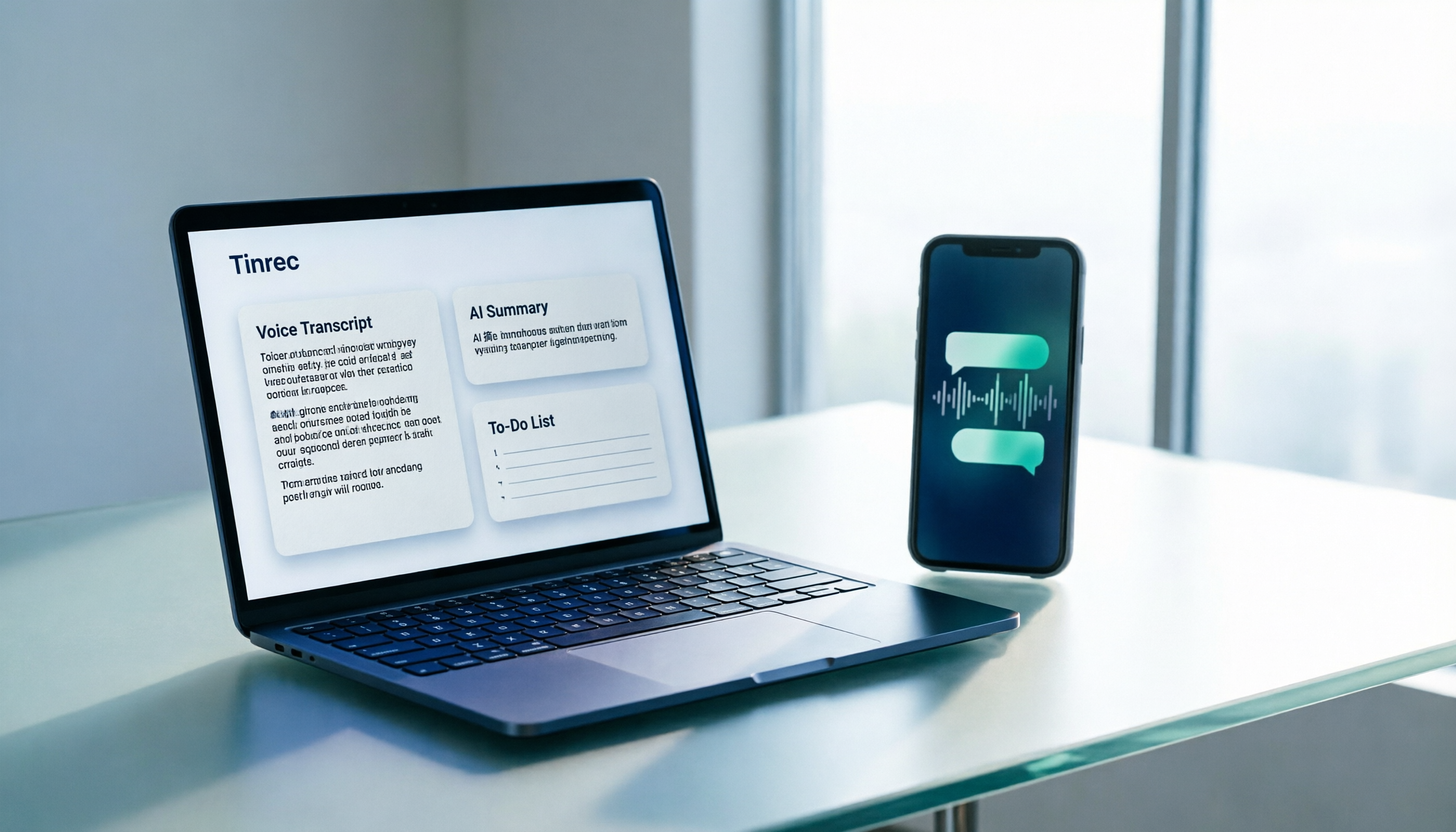
How to Transcribe WhatsApp Voice Messages in 2026: A 3-Step Guide
WhatsApp voice messages are inconvenient to listen to in meetings or on the subway. This guide tackles real-world frustrations and shows you how to turn WhatsApp recordings into transcripts, AI summaries, and to-do lists in 3 steps, plus 5 key factors for choosing a tool and FAQs.

2026 Comparison of 3 Transcription Tools: Who Made Yating Transcription and Which One Should You Choose?
Who made Yating Transcription? Public information points to Taiwan AI Labs and local Taiwanese teams. This article compares Yating Transcription, Tinrec, and Otter.ai across four aspects: post-transcription processing, online meeting audio capture, Chinese and mixed Chinese-English recognition, and team data ownership. It also summarizes key points to avoid pitfalls and offers scenario-based selection advice.