

Turn recordings into transcripts and summaries in minutes
Upload audio or video for multilingual transcription, AI notes, and action items
5 Best Audio-to-Transcript Tools in 2026: Which One Handles Chinese Meetings and Post-Meeting Workflows Best?
Open a search page and you'll see a bunch of audio-to-transcript tools that all look the same: upload a file, wait a few seconds, download the text. It seems like there are plenty of options, but the only real decision you need to make is this—do you want a transcript, or do you want meeting materials you can keep working with?
That question will directly determine which features you should look at. If you only occasionally turn a recording into text, a free tool will probably do the job. But if you're in meetings, interviews, or classes every week, the transcript is just the starting point—after that comes summaries, action items, follow-up questions, archiving, and team sharing.
When I test these kinds of tools myself, I usually look at three things first: how the meeting gets recorded, what you can do after transcription, and whether the free version is actually enough. Below, I'll use Tinrec as the main example to break down the whole "audio-to-transcript" process from start to finish.
What Can Audio-to-Transcript Do for You?
Scenario 1: Get usable meeting notes shortly after a meeting ends
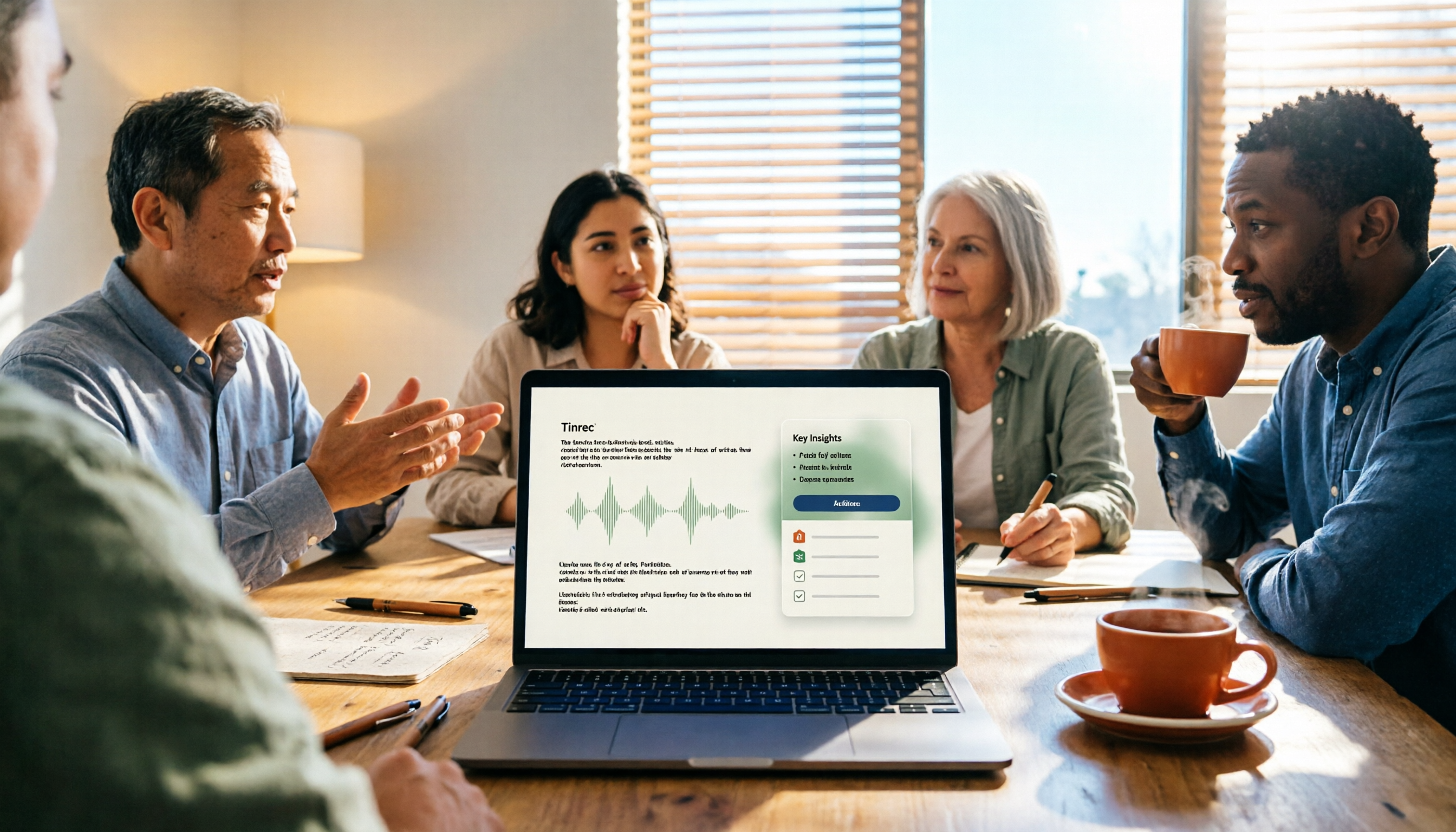
In the past, after a two-hour meeting, the real work just began: pausing, playing back, and typing over and over. A single recording often had to be replayed several times. With Tinrec, for example, you can record and transcribe simultaneously during the meeting, and afterward the AI directly generates a summary, chapters, and action items—who's responsible for what and when it's due, all clear at a glance.
Scenario 2: Turning interviews and research materials into text
The most annoying part of interview recordings is "finding that one sentence." After converting to a transcript, you can search by keyword or use AI Q&A to directly ask "what were the interviewee's concerns about pricing?" without having to listen from the beginning again.
Scenario 3: Organizing courses, lectures, and video content
Class recordings, online lectures, and public videos can all be imported into Tinrec to convert into text, then organized into notes or article material. When you need bilingual content, you can also use real-time translation alongside the original text for comparison.
Scenario 4: Turning historical recordings into a searchable database
Years of accumulated meeting and interview files sitting in folders are essentially useless. Tinrec can transcribe them and store them centrally, and later you can dig back into the data through Q&A. That's the real long-term value of audio-to-transcript.
What Are the Core Capabilities of Audio-to-Transcript?
Multi-source input: more than just uploading files. Tinrec supports real-time recording, uploading existing audio and video files, and mobile recording on the go. More importantly, the desktop version can directly capture your computer's system audio, handling meetings on Zoom, Google Meet, Microsoft Teams, and Webex without needing to pull in an extra meeting bot.
Real-time transcription while recording. It's not about waiting for the file to process after recording—text appears synchronously during the meeting, so you can listen and confirm in real time whether any key points are missed.
AI summaries and chapters. The most time-consuming part of a long meeting is "going back to find the key points." Tinrec breaks content into chapters and condenses it into a summary, letting you see the structure first before deciding whether to dive into the full transcript.
Action item extraction. When people say a bunch of "next time," "later," and "who's going to handle this" in a meeting, Tinrec organizes these action items so they don't get lost after the meeting ends.
AI conversational query. After transcription is complete, you can directly ask questions about the meeting content, such as "what was the conclusion about the budget in this meeting?" The AI answers based on semantics rather than dumping a long document on you to read yourself.
Output and further processing. Transcripts, summaries, mind maps, reports, and tables can all be generated, and you can export to commonly used document and note-taking tools to fit back into your existing workflow.
Multilingual and real-time translation. It handles Chinese, mixed Chinese-English, and multilingual meetings. During recording, you can switch between original text, translation, or bilingual view, so cross-language meetings don't have to wait until afterward for translation.
Real-World Use Cases
Daily meetings and weekly standups. Using Tinrec as an example, open the desktop version before the meeting to start recording, and afterward you directly get the transcript, summary, and action items. The decision-making context of the entire meeting is preserved, so next time you need to check "why was this decided back then," you have a basis.
Customer interviews and sales conversations. Customer needs, concerns, and commitments often only come back to mind weeks later. Converting conversations to text and having AI organize the key points lets you quickly grasp what the customer really cares about when preparing proposals or responses later.
Stop organizing recordings by hand
Upload audio or video and automatically get a transcript, summary, and action items
Courses and content creation. Instructors, podcasters, and self-media operators can convert recordings into transcripts and then rewrite them into articles or scripts. Tinrec's Agent post-processing can further generate reports or document drafts, saving most of the organizing time.
Team knowledge retention. This is where the team version really stands out. Tinrec for Teams provides an independent team space where meeting data belongs to the team. New members can view historical meetings after joining; admins can manage member roles, seats, sharing permissions, usage, and audit logs. When a member leaves or loses their seat, the team resources they were responsible for are transferred to other members rather than disappearing with the individual.
5 Things to Watch When Choosing an Audio-to-Transcript Tool
1. First, figure out whether you want a transcript or usable meeting materials. There are many tools that only do transcription, but the ones that can help you summarize, extract action items, and let you ask follow-up questions after transcription are the key to saving time. Tinrec's positioning is to extend "recording" into "understanding" and "action."
2. How the meeting gets recorded. Some tools need to join the meeting as a participant, while others capture audio directly from your computer. Tinrec's desktop version is the latter—the user actively initiates recording and no extra participant is added. Note that it is not the type that "automatically joins all calendar meetings."
3. Test Chinese performance with your own recordings. Don't just look at official numbers. Actual transcription quality is affected by recording environment, noise, accents, overlapping speakers, and technical terminology. It's recommended to run a test with a segment of your own meeting recording before deciding whether to use it long-term. Tinrec also offers team hotwords, so you can maintain company-specific terminology.
4. Understand the quotas and billing. Free versions usually have basic quotas to test the waters. Tinrec's personal version is divided into Free, Weekly Pass, Pro Monthly, and Pro Annual based on needs, corresponding to temporary high-frequency use, steady use, and long-term retention scenarios. The team version offers a 7-day trial (1 free seat, 300 minutes of team shared import quota), after which it's USD 29.80 per paid seat per month, or USD 199 per paid seat per year (about USD 16.58 per month), with each paid seat providing 2,000 minutes of team shared import quota per month. Note that real-time recording within the team is currently not deducted by the minute, but file and link imports consume team shared import minutes. Actual prices and promotions are subject to the official purchase page.
5. Can you take the data with you, and can the team manage it? If transcription results can only stay within the tool, they'll eventually become another silo. Tinrec supports multi-format export and can continue to generate documents, reports, and tables. The team version additionally provides usage analytics, audit logs, and an audio recycle bin (you can restore accidentally deleted audio before permanent cleanup; TODOs are not covered by the recycle bin). These are capabilities you'll only need after data has been kept long-term—but you'll need them sooner or later.
Frequently Asked Questions
Q1: How accurate is audio-to-transcript? Today's ASR technology is quite mature under conditions of clear recording and single-speaker speech, but no tool can promise a fixed number. Actual results are affected by audio quality, noise, accents, overlapping speakers, and technical terminology. A more practical approach: after transcribing with Tinrec, cross-check important content by replaying the original audio at the corresponding timestamps.
Q2: Do online meetings always require a meeting bot to join? Not necessarily. Tinrec's desktop version directly captures computer system audio and does not require an extra bot participant, making it suitable for situations where you don't want a third-party account appearing on the meeting roster. It handles the meeting audio playing on your computer and does not imply official partnerships with any meeting platform.
Q3: Is the free version enough? If you only occasionally organize a recording, Tinrec's free version provides a basic quota to experience recording, importing, summaries, and transcription. It's reasonable to try it first before deciding whether to upgrade. If you have regular weekly meetings, the Pro plan will be smoother; if you only have short-term intensive needs, consider the Weekly Pass.
Q4: After the transcript is generated, what else can you do? This is exactly the difference between Tinrec and pure transcription tools. You can ask AI to organize summaries and chapters, extract action items, ask questions about the content, generate bilingual comparisons, and even further generate reports, tables, and documents, or export to your existing tools for further processing.
Q5: What's the difference between "seats" and "roles" in the team version? Roles determine who can manage the team, members, audits, and settings; seats determine whether a member can record, upload, edit, import/export, and use team resources. Active members without a seat can still view, play, and read team data, but cannot perform resource-usage operations. Currently, the team version is primarily team-level sharing, not a file-level granular permission system.
Q6: Are there legal issues with recording-to-text? Recording and transcription involve other people's conversations. It's recommended to comply with local regulations and obtain participants' consent in advance when needed. This varies by situation, so it's best to confirm the rules in your location before use.
Conclusion
Audio-to-transcript has long ceased to be difficult. The hard part is how to use the data after transcription. If you just want to turn a recording into text, a free tool is probably enough. But if you're in meetings, interviews, or classes every week, what's truly worth investing in is the process that lets you "keep working after transcription."
With Tinrec, it connects real-time recording, bot-free online meeting transcription, AI summaries, action item extraction, Q&A, export, and team space, turning meeting content into searchable, collaborative, and traceable data. It's recommended to start with the free version, run a real test with your own recording, see how much time transcription quality and post-meeting organization can save, and then decide whether to move to the team version.
References
- Online AI speech, video, and audio file auto-transcription - Free trial - cSubtitle
- Online speech-to-text AI, free MP3 or audio file to transcript - MyEdit
- Yating Transcript
- Hands-on test of 4 best "speech-to-text" online tools, free instant audio-to-transcript
- Asking the Threads experts, any recommended AI tools that can turn audio files into transcripts?
Turn every recording into actionable outcomes
Get 60 free transcription minutes when you sign in. No credit card required.
Related Reading
You might also like

Tinrec vs Otter.ai 2026: 5-Dimension Comparison — Who Transcribes 180 Words Per Minute More Accurately?
Average Chinese speech rate is about 160-220 words per minute, so a 60-minute meeting can produce over 10,000 words of transcript. This article first clarifies the actual number of words per minute in typical speech, then reviews 7 audio-to-text solutions and compares Tinrec and Otter.ai across 5 dimensions to help US readers choose the right tool and save time on meeting notes.

How to Use Gemini for Meeting Notes in 2026: Audio Transcription Test + Tinrec Bot-Free Organization
Can Gemini take meeting notes? This article breaks down Gemini's audio upload, Google Meet's Take Notes for Me, and Gemini Notebook's practical limitations, and compares Tinrec's bot-free recording, AI Q&A, to-dos, and team spaces to help you choose the right meeting notes tool.

2026 Audio-to-Transcript Tools Compared: Is Gemini Enough? Tinrec Saves Time on Chinese Meeting Notes
2026 hands-on comparison: Can Gemini really turn audio files into transcripts? This article answers that question from a student's perspective and compares real-time recording, file import, AI summaries, action item extraction, AI Q&A, and team collaboration. It explains why Tinrec is better suited for students and small groups who need Chinese meeting notes and searchable, shareable transcripts, with 5 key buying tips and FAQs.

ChatGPT Recording Mode 2026: 120-Minute Limit + Transcript Tested
ChatGPT's recording mode has a single-session limit of about 120 minutes, and audio is deleted after transcription. This article explains what that limit really means and its usage constraints, then compares Tinrec, Notta, Otter.ai, and Granola using 5 key buying factors, and outlines 4 common pitfalls to help you find a tool that truly saves time on meeting notes.

4 Transcription Tools Tested and Compared in 2026: What Does 'Verbatim' Mean? Which Saves the Most Time for Chinese Meetings?
What does 'verbatim' mean? This article starts with dictionary definitions to clarify the pronunciation, part of speech, and usage of 'verbatim,' then explains why verbatim transcripts (audio typing, stenography) are so time-consuming. It compares Chinese recognition, post-meeting organization, team collaboration, and pricing of transcription and AI meeting note tools like Tinrec, Otter.ai, Notta, and PLAUD Note, helping you decide which type of tool you actually need.

6 Ways to Launch Google Gemini in 2026: Phone, Computer, and Voice Compared
How do you launch Google Gemini? This guide covers 6 practical ways to wake it up, from Android's "Ok Google" voice command and long-pressing the power button to asking about screen content, Gemini Live, the iPhone app, and the desktop web version. It includes setup paths and common troubleshooting reasons so you can figure out which method to use on your device.

2026 Audio-to-Text Solutions Compared: Beyond ChatGPT, Why Tinrec Is Better for Meeting Notes
Can ChatGPT actually transcribe audio files? The answer depends on your plan, version, and usage limits. This article compares ChatGPT and Tinrec in real meeting scenarios, covering audio sources, Chinese recognition, transcript post-processing, team collaboration, and pricing. It also includes 7 FAQs to help you decide which approach fits your workflow.

2026 Comparison of 3 Transcription Tools: Which AI Auto-Summarizer Saves the Most Time?
What does a transcript mean? This article starts with common misconceptions, explains the difference between a transcript and meeting minutes, and uses Tinrec to demonstrate real-time transcription, AI summaries, action item extraction, and AI Q&A. It also covers 5 key points to consider when choosing a transcription tool, along with recording compliance and FAQs.
How to Take Meeting Minutes in 2026 with Tinrec: 3 Steps to Transcripts + Action Items
Many people struggle with meeting minutes not because they type slowly, but because they use the wrong approach. This article breaks down the three most common mistakes and demonstrates a 3-step workflow with Tinrec: 'write the skeleton during the meeting, fill in details after.' It covers real-time transcription, AI summaries, action item extraction, and AI Q&A, plus 5 checkpoints for choosing a meeting notes tool.