

Turn recordings into transcripts and summaries in minutes
Upload audio or video for multilingual transcription, AI notes, and action items
Tinrec vs Otter.ai 2026: 5-Dimension Comparison — Who Transcribes 180 Words Per Minute More Accurately?
"I don't speak fast, so dropping my recording into a transcriber should be no problem." — This is the first misconception many US office workers have. The truth is, most people can't say how many words they speak per minute, so they can't estimate how many words a meeting recording will turn into, let alone which tools can handle the connected speech and elisions of Cantonese and mixed Chinese-English. Below, we first clarify the actual number of words per minute in typical speech, then review 7 audio-to-text solutions to save you trial-and-error time.
Why You Need to Know "How Many Words Per Minute in Typical Speech"
Based on various sources, typical Chinese speech rates fall into these ranges:
- Daily conversation, casual talk: about 160-200 words per minute
- Work meetings, news broadcasts: about 180-220 words per minute
- Formal TV news-level broadcasts: about 220-300 words per minute
In other words, 180 words per minute is normal and middle-of-the-road; slower or faster rates directly affect transcription tool performance. This number has two practical uses:
- Estimate transcript length: At 180-220 words per minute, a 60-minute Chinese meeting produces about 10,000 to 13,000 words of text. Without AI summarization, manual reading and organizing can easily take 1 to 2 hours.
- Judge if a tool is sufficient: Connected speech and elisions at fast speech rates are the dividing line for transcription accuracy. If a tool can't handle them, you're left with text you need to re-listen to.
Knowing your speech rate means knowing how powerful a tool you need. The following 7 solutions range from the most complete AI meeting assistants to zero-cost built-in platform features.
Solution 1 | Tinrec — The Most Complete AI Recording Assistant
One-line positioning: Turn meetings into searchable, collaborative, actionable team data.
Core highlights
- No bot needed in meetings: The desktop version directly captures computer system audio, handling meeting audio played on Zoom, Google Meet, Microsoft Teams, and Webex on your computer, without needing an extra bot account to join. For daily meeting-goers, one less step means one less error.
- Transcription is just the beginning: Beyond verbatim transcripts, it automatically generates AI summaries, chapters, key points, and to-dos, and you can continue asking questions about meeting content (AI Q&A), even generating reports, tables, and documents. You don't just get text; you get material ready to hand off.
- Handles mixed Chinese-English and multilingual meetings: Supports real-time translation, viewing original, translated, or bilingual side-by-side, and has team hotwords to remember company terminology. Actual results depend on recording quality, accents, background noise, overlapping speakers, and technical terms; no tool guarantees 100% accuracy.
- Team space accumulation: The team version centralizes transcripts, summaries, and to-dos in one space, with data owned by the team; when members leave or are removed, resources can be transferred to other active members, not tied to individuals.
Pricing: Personal plans include free, weekly, Pro monthly, and Pro annual, choose based on usage frequency. Team version first eligible trial is 7 days, 1 free seat, 300 minutes of team shared import quota; thereafter USD 29.80 per paid seat per month, or USD 199 per paid seat per year (about USD 16.58 per month), with each paid seat getting 2,000 minutes of team shared import quota per month. Actual prices subject to official purchase page.
Who it's for: US office workers and teams who meet daily, have mixed Chinese-English content, and need to find and track to-dos afterward.
Solution 2 | Otter.ai — The Veteran AI Assistant for English Business Meetings
Otter is a mature AI meeting assistant, covering Zoom, Microsoft Teams, Google Meet, real-time transcription, speaker identification, AI Chat, and team management. Pricing: Basic free, 300 minutes per month; Pro annual about USD 8.49 per user per month, including 1,200 minutes of in-app recording per month and 10 file imports; Business offers unlimited meetings and in-app recording, with specific prices affected by promotions. Suitable for: English-dominant business meetings.
Stop organizing recordings by hand
Upload audio or video and automatically get a transcript, summary, and action items
Solution 3 | Notta — Multilingual Transcription and File Organization
Notta covers multi-platform transcription, meeting notes, file import, translation, and team plans, with significant overlap with Tinrec's features. Free version: 120 minutes per month, max 3 minutes per file; Pro annual about USD 8.17 per month, 1,800 minutes per month; Business annual about USD 16.67 per seat per month, offering unlimited transcription, role permissions, and usage reports. Suitable for: users needing extensive multilingual file transcription and subtitle creation.
Solution 4 | Granola — Bot-Free AI Meeting Notes
Granola also uses desktop system audio for bot-free real-time transcription, with a strength in combining your own handwritten notes to generate more targeted content. Basic free; Business USD 14 per user per month; Enterprise USD 35 per user per month. Note that it supports real-time transcript viewing, copying, and searching, but does not support uploading pre-recorded audio files, nor does it save meeting audio. Suitable for: those who prefer taking notes while listening and don't need to keep recordings.
Solution 5 | TurboScribe — Affordable Long-File Transcription
Focuses on long files, batch uploads, subtitles, and translation, the purest file transcription tool on the list. Free version: 3 files per day, max 30 minutes per file; Unlimited annual USD 120 (about USD 10 per month), paid version supports up to 10 hours or 5 GB per file, and up to 50 files at once. Suitable for: those with a backlog of recordings wanting to process them all at once.
Solution 6 | PLAUD Note / NotePin — AI Recording Hardware
Hardware route: you buy a portable recorder, paired with an app for transcription and summarization. NotePin USD 159, Note Pro USD 189; memberships: Starter 300 minutes per month, Pro USD 99.99 per year (1,200 minutes per month), Unlimited USD 239.99 per year. Suitable for: salespeople or journalists who are often out meeting clients and want one device for capturing and recording.
Solution 7 | Zoom / Google Meet / Microsoft Teams Built-in Transcription — Zero-Cost Entry
Meeting platforms' own transcription features require no extra tools or fees, and basic transcripts are generally sufficient. But if you need cross-platform organization, post-meeting follow-up questions, or to accumulate years of meetings into a searchable database, you'll need another solution. Suitable for: those who only need a rough record and don't want to install another app.
With So Many Options, How Should You Choose?
- Want the most complete AI features (transcription + AI chat queries + automatic minutes + to-do extraction) → Tinrec, one of the few on the list with all these
- Meetings mainly in Chinese or mixed Chinese-English, and need bilingual comparison → Tinrec, supports real-time translation and team hotwords
- Don't want a bot in meetings → Tinrec desktop version; Granola is also bot-free, but doesn't save audio or support pre-recorded uploads
- Need to switch between phone, computer, and web → Tinrec, works on iOS, Android, and web
- Need team governance (roles, seats, usage, audit) → Tinrec team version
- Only need to process a bunch of existing long files, limited budget → TurboScribe
- Zero budget, only need platform's basic records → Zoom / Meet / Teams built-in transcription
Direct comparison with Otter.ai: Tinrec wins in Chinese and Cantonese experience, bot-free desktop recording, and post-meeting team data accumulation; Otter wins in maturity and ecosystem for English business meetings. Which to choose depends on the language of your meetings.
4 Things to Know Before Using Audio-to-Text Tools
- Measure your own speech rate first: Record yourself speaking for 1 to 3 minutes, count total words and divide by minutes. For example, 450 words in 3 minutes is 150 words per minute. Knowing your rate helps estimate transcription time.
- Recording quality matters more than the tool: Air conditioning noise, overlapping speakers, and speaking too fast all reduce effectiveness. Use a tool that supports team hotwords (like Tinrec) to build a company terminology list first, improving recognition of technical terms.
- Transcript is not meeting minutes: A 60-minute meeting easily exceeds 10,000 words, and reading it all takes time. When choosing a tool, check for AI summaries, chapters, and to-do extraction, otherwise you're just trading listening time for reading time.
- Handle consent and compliance before recording: Recording meetings involves personal data; clearly stating the purpose beforehand and obtaining consent when necessary is basic practice.
Conclusion
"How many words per minute in typical speech?" The answer: typical Chinese conversation is about 160 to 200 words per minute, work meetings and news broadcasts about 180 to 220 words per minute, and formal broadcasts can reach 220 to 300 words per minute. At 180 words per minute, a 60-minute meeting is over 10,000 words of transcript — so what really saves time isn't "whether you record," but choosing a tool that turns recordings into searchable, actionable data. To handle transcription, summaries, to-dos, and team sharing all at once, Tinrec is the most complete on the list; if you only occasionally process long files, TurboScribe is quite sufficient. To see if it fits, start with Tinrec's free version and use the basic quota to try recording, import, summary, and transcription.
References
- How Many Words Per Minute Is Good? Mastering the Art of Speaking Rate - JB Women's Style Accessories
- How Many Words Per Minute in Typical Speech? 2025 Audio-to-Text Tool Test and Selection Guide - Tinrec Blog
- Speaking Speed Reflects Personality! Test Your Potential Personality from Your Speech Rate in 1 Minute | Good Morning Lohas
- Speech Communication: Avoid Speaking Too Fast - Daily Headlines
- What Is the Ideal Speaking Rate Per Minute for Speeches? - Autoppt
Turn every recording into actionable outcomes
Get 60 free transcription minutes when you sign in. No credit card required.
Related Reading
You might also like

How to Use Gemini for Meeting Notes in 2026: Audio Transcription Test + Tinrec Bot-Free Organization
Can Gemini take meeting notes? This article breaks down Gemini's audio upload, Google Meet's Take Notes for Me, and Gemini Notebook's practical limitations, and compares Tinrec's bot-free recording, AI Q&A, to-dos, and team spaces to help you choose the right meeting notes tool.
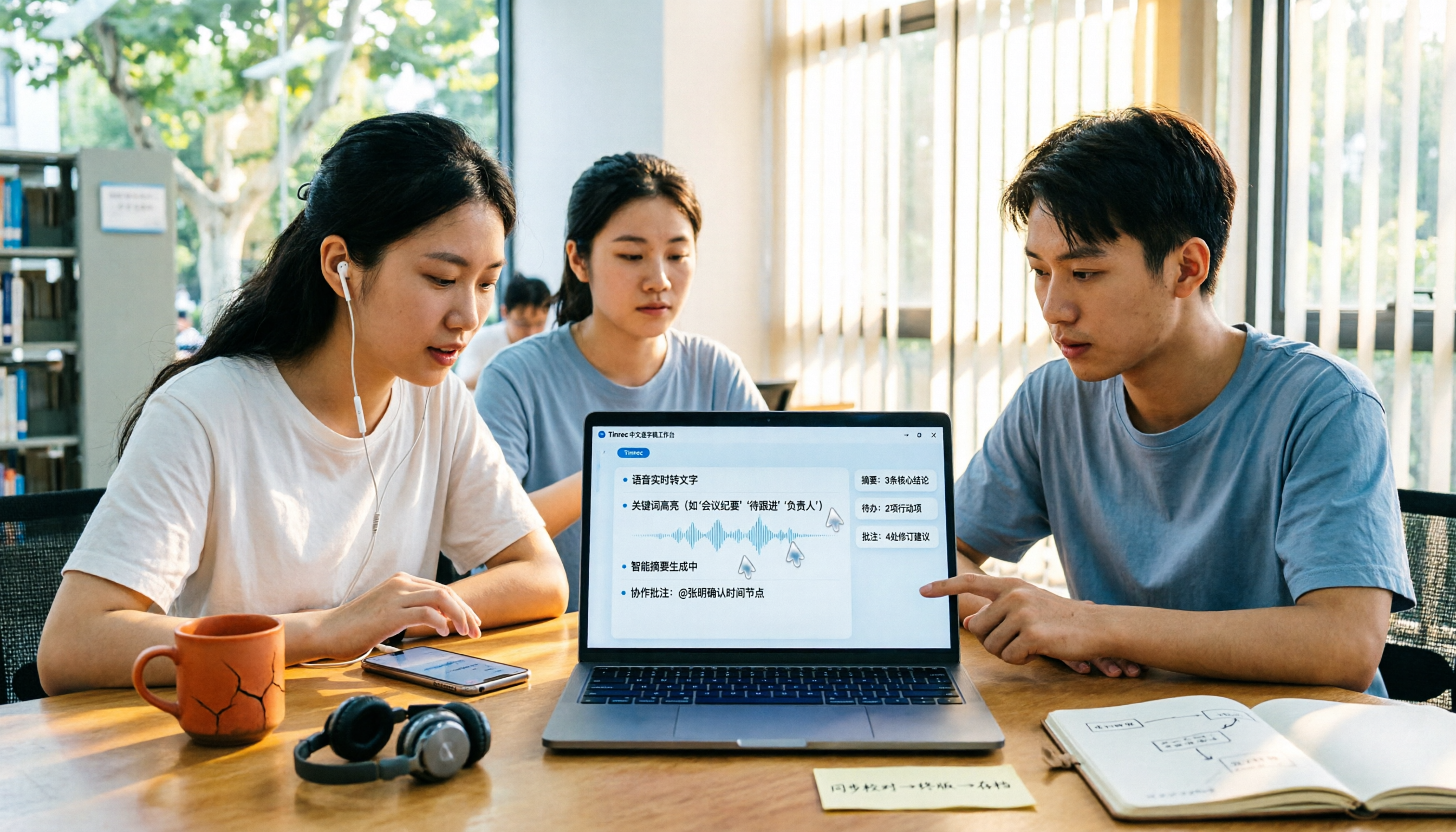
2026 Audio-to-Transcript Tools Compared: Is Gemini Enough? Tinrec Saves Time on Chinese Meeting Notes
2026 hands-on comparison: Can Gemini really turn audio files into transcripts? This article answers that question from a student's perspective and compares real-time recording, file import, AI summaries, action item extraction, AI Q&A, and team collaboration. It explains why Tinrec is better suited for students and small groups who need Chinese meeting notes and searchable, shareable transcripts, with 5 key buying tips and FAQs.

ChatGPT Recording Mode 2026: 120-Minute Limit + Transcript Tested
ChatGPT's recording mode has a single-session limit of about 120 minutes, and audio is deleted after transcription. This article explains what that limit really means and its usage constraints, then compares Tinrec, Notta, Otter.ai, and Granola using 5 key buying factors, and outlines 4 common pitfalls to help you find a tool that truly saves time on meeting notes.

4 Transcription Tools Tested and Compared in 2026: What Does 'Verbatim' Mean? Which Saves the Most Time for Chinese Meetings?
What does 'verbatim' mean? This article starts with dictionary definitions to clarify the pronunciation, part of speech, and usage of 'verbatim,' then explains why verbatim transcripts (audio typing, stenography) are so time-consuming. It compares Chinese recognition, post-meeting organization, team collaboration, and pricing of transcription and AI meeting note tools like Tinrec, Otter.ai, Notta, and PLAUD Note, helping you decide which type of tool you actually need.

6 Ways to Launch Google Gemini in 2026: Phone, Computer, and Voice Compared
How do you launch Google Gemini? This guide covers 6 practical ways to wake it up, from Android's "Ok Google" voice command and long-pressing the power button to asking about screen content, Gemini Live, the iPhone app, and the desktop web version. It includes setup paths and common troubleshooting reasons so you can figure out which method to use on your device.

2026 Audio-to-Text Solutions Compared: Beyond ChatGPT, Why Tinrec Is Better for Meeting Notes
Can ChatGPT actually transcribe audio files? The answer depends on your plan, version, and usage limits. This article compares ChatGPT and Tinrec in real meeting scenarios, covering audio sources, Chinese recognition, transcript post-processing, team collaboration, and pricing. It also includes 7 FAQs to help you decide which approach fits your workflow.

5 Best Audio-to-Transcript Tools in 2026: Which One Handles Chinese Meetings and Post-Meeting Workflows Best?
Audio-to-transcript tools do more than just convert sound to text. This article examines real-world use cases, covering core capabilities like real-time transcription, AI summaries, action item extraction, Q&A, and team collaboration. It also outlines 5 key buying criteria and answers common questions to help you choose a transcript tool that truly saves time.

2026 Comparison of 3 Transcription Tools: Which AI Auto-Summarizer Saves the Most Time?
What does a transcript mean? This article starts with common misconceptions, explains the difference between a transcript and meeting minutes, and uses Tinrec to demonstrate real-time transcription, AI summaries, action item extraction, and AI Q&A. It also covers 5 key points to consider when choosing a transcription tool, along with recording compliance and FAQs.
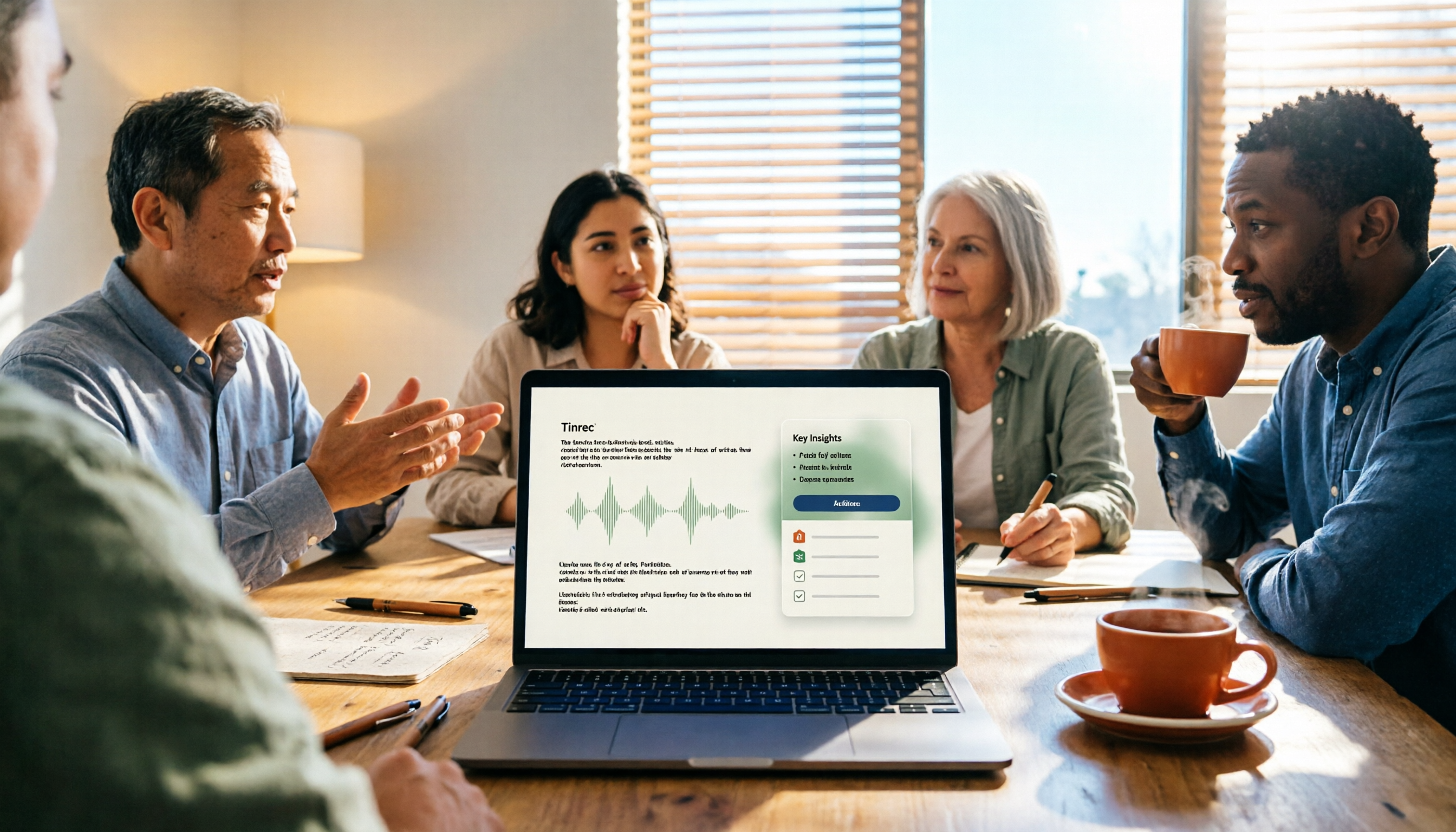
How to Take Meeting Minutes in 2026 with Tinrec: 3 Steps to Transcripts + Action Items
Many people struggle with meeting minutes not because they type slowly, but because they use the wrong approach. This article breaks down the three most common mistakes and demonstrates a 3-step workflow with Tinrec: 'write the skeleton during the meeting, fill in details after.' It covers real-time transcription, AI summaries, action item extraction, and AI Q&A, plus 5 checkpoints for choosing a meeting notes tool.