

Turn recordings into transcripts and summaries in minutes
Upload audio or video for multilingual transcription, AI notes, and action items
2026 Audio-to-Text Solutions Compared: Beyond ChatGPT, Why Tinrec Is Better for Meeting Notes
The meeting ends, and you have a 58-minute recording sitting on your phone. You open ChatGPT, drag the MP3 in, and think: this should give me a transcript, right?
Honestly, I've been asked this question at least ten times recently.
What readers are really asking isn't about features—it's: "How do I turn this recording into usable text as fast as possible?"
There are roughly four common approaches: ChatGPT App's voice input, uploading audio files to ChatGPT, using a dedicated transcription tool, and meeting tools like Tinrec that integrate recording and post-meeting organization. This article uses ChatGPT as a reference point to see what the latter two add.
Why Are People Looking for Audio-to-Text Solutions Beyond ChatGPT?
ChatGPT handles audio in two main ways. One is the App's built-in voice input—you speak, and it uses Whisper to turn your speech into a text draft. The other is uploading audio files in plans that have the corresponding permissions, letting it call speech recognition tools within the work environment to complete transcription.
But in practice, there are a few sticking points.
First, differences in versions and permissions. Information is inconsistent: some tests show that specific work versions can upload MP3, M4A, WAV and complete transcription; other sources clearly state that the standard conversation interface does not yet support direct audio uploads. Whether you can use it depends on your account plan, and this is hard for the average office worker to confirm in advance.
Second, limits and file restrictions. Whether you can upload, and how long a file can be processed, depends on your plan, file format, size, and usage.
Third, after transcription you still have to do the work yourself. The transcript is there, but paragraphs, key points, action items, and owners still need to be pasted into a document and rearranged section by section. One reader described their process as: record, upload, copy transcript, paste into Google Docs, manually organize paragraphs, translate, and organize again.
If you only occasionally want to turn a short recording into text, ChatGPT is actually sufficient. But if you're organizing meetings every week, this back-and-forth will slowly eat up your time. That's why many people start looking for dedicated meeting tools like Tinrec.
Tinrec vs ChatGPT: What's Different in the Core Experience?
How Audio Sources Are Captured
The most troublesome part of meeting transcription is often not the "transcription" but "how to get the audio file." Tinrec's desktop version directly captures computer system audio, handling online meetings on Zoom, Google Meet, Microsoft Teams, Webex, etc., without needing to invite an extra meeting bot. Users simply start recording actively, and after the meeting there's no need to download files from elsewhere.
With a ChatGPT-centric workflow, you first need an audio file, then upload it for processing—an extra step in between.
Chinese and Mixed Chinese-English Meeting Content
Meetings in Taiwan are rarely pure Chinese; they usually mix Chinese with English product names and abbreviations. Tinrec covers Chinese, Traditional Chinese, and multilingual meeting scenarios, supports real-time translation, and allows viewing original text, translation, or bilingual side-by-side. It also offers team hotwords to maintain professional terminology.
Note that any tool's accuracy is affected by background noise, multiple people speaking at once, and heavy accents—this applies to both ChatGPT and Tinrec. Important content should be checked against the recording.
Workflow After the Transcript
This is where the gap is most obvious. After transcription, Tinrec automatically generates AI summaries, chapters, key points, and action items. You can also ask follow-up questions about the meeting content using AI Q&A—"What was the conclusion of this meeting?" "Who is responsible for what?"—and export results to Notion, Google Docs, OneNote, Dropbox, or further generate reports, tables, and documents.
ChatGPT's strength is text generation and rewriting. Pasting a transcript in and asking it to polish, translate, or summarize works well, but you have to move all the data in and out yourself.
Data Retention and Team Collaboration
Using personal tools for personal recordings is fine, but team meeting data usually needs to be searchable, queryable, and transferable. Tinrec's team version provides an independent team space where meeting data belongs to the team, with members, roles, seats, usage analytics, and audit logs. When a member leaves or loses their seat, their team resources can be handed over to other members, so data doesn't leave with the person.
ChatGPT in this area mainly follows personal conversation logic, lacking team-level data ownership design.
Pricing and Plan Flexibility
Tinrec's personal version has a free plan to try first. For short-term intensive use, there's a weekly card; for steady use, there's a Pro monthly or annual card. The team version is USD 29.80 per paid seat per month (monthly), or USD 199 per paid seat per year (annual, about USD 16.58 per month). Each paid seat provides 2,000 minutes of team shared import quota per month; eligible teams get a 7-day first trial with 1 free seat and 300 minutes of shared import quota. Actual prices and promotions are subject to the official purchase page.
ChatGPT's subscription fees and benefits are adjusted from time to time; please refer to the official page.
Stop organizing recordings by hand
Upload audio or video and automatically get a transcript, summary, and action items
Tinrec's Core Features at a Glance
Real-time audio-to-text: Open Tinrec and transcribe while recording. You can see text synchronously during the meeting, and the transcript is ready when it ends—no need to wait for post-upload processing.
Bot-free online meeting recording: The desktop version captures system audio to handle Zoom, Google Meet, Teams, Webex. No extra bot hanging on the meeting list, and no need to hand over speaking rights to a third-party service.
AI summaries and chapters: Long meetings are automatically broken into browsable structures. You can look at chapters first and decide which section to read in detail—much faster than scrolling through tens of thousands of words from the beginning.
Action item extraction: Pulls out follow-up actions and owners from discussions, especially useful for project and client meetings.
AI Q&A: This is my most-used feature. After recording a one-hour meeting, I ask it questions directly, and it gives answers based on semantics—no need to manually flip through pages to find key sentences.
Multi-format export and Agent post-processing: Take results into Notion, Google Docs, OneNote, Dropbox for continued use, or directly generate reports, tables, and meeting documents.
Team space and governance: Centrally store team meeting data, manage roles and seats, view usage trends, query and export audit logs, and there's a 30-day audio recycle bin to recover accidentally deleted files.
Real-World Use Cases
Weekly meetings: Previously I typed while meeting; now I turn on Tinrec's bot-free recording, and the summary and action items are already generated afterward. I just check if the owner fields are correct. This often saves one to two hours of post-meeting organization.
Client interviews: Customer needs, concerns, and promises are the easiest to miss. Tinrec keeps the entire conversation, and later I can use AI Q&A to confirm "What was the budget range the client mentioned?"—more reliable than flipping through handwritten notes.
Courses and lectures: For a two-hour class, the transcript and chapters are automatically generated. When reviewing, I can jump directly to chapters. For foreign language or bilingual content, real-time translation allows side-by-side viewing of original and translation.
Cross-department project meetings: The decision process and rationale stay in the team space. New members can look up past meetings themselves, without having to ask "What was the conclusion last time?" every time.
Points to Note When Choosing an Audio-to-Text Tool
First ask yourself how often you'll use it. For occasional short recordings, a general-purpose tool is enough; if you organize meetings weekly, the difference of a dedicated tool becomes apparent.
Check Chinese and mixed Chinese-English performance. Most tools are decent at English; the real differentiator is Chinese proper nouns and English abbreviations. Tinrec offers team hotwords to add your company's common terminology.
Look at what comes after the transcript. A tool that only gives you a transcript is essentially handing the organization work right back to you. Summaries, chapters, action items, Q&A, and export—these post-processing features are where time is truly saved.
Pay attention to how quotas are calculated. Under an active team plan and active seats, Tinrec's real-time recording currently does not deduct by the minute; file and web imports use team shared import minutes, calculated separately. Before choosing a plan, think about whether you mainly do real-time recording or upload existing files.
Data ownership and member changes. The team version requires clear roles and seats: roles determine who can manage the team, seats determine who can record, upload, edit, and import/export. Active members without seats can view, play, and read team data, but cannot upload or edit.
Confirm legality before recording. Recording and transcription involve local regulations; obtain participant consent when needed.
Frequently Asked Questions
Q1: Can ChatGPT actually transcribe audio files to text? Information is inconsistent. Some tests show that specific work versions can upload MP3, M4A, WAV and complete transcription; other sources indicate that the standard conversation interface does not yet support direct audio uploads. Whether it works depends on your plan, version, file format, and usage limits. It's best to test directly with your own account.
Q2: Can I paste the transcript into ChatGPT for organization? Yes. ChatGPT performs well in text polishing, summarizing, and translation. However, the whole process becomes "get transcript, copy, paste, then organize," with data moving back and forth between several tools.
Q3: Does Tinrec have a free version? Yes. The free version lets you experience recording, import, summary, and transcription with basic quota. Testing with your own recording is most accurate. For short-term intensive use, consider a weekly card; for long-term steady use, Pro monthly or annual cards are the main options.
Q4: Does Tinrec require inviting a meeting bot? No. The desktop version directly captures computer system audio to handle online meetings. Note that this does not mean "automatically join all meetings"—you actively open Tinrec to start recording.
Q5: Can all team members edit meeting data? No. The team version distinguishes roles and seats: active members without seats can view, play, and read team data; only after obtaining a seat can they record, upload, edit, and import/export.
Q6: Is transcription accuracy guaranteed? It's not recommended to expect that. Any speech recognition is affected by recording quality, background noise, accents, overlapping speech, and technical terminology. Tinrec can greatly reduce manual recording and organization costs, but important information should be verified with transcript timestamps and recording playback.
Q7: If a team member leaves, will meeting data be taken away? Team resources belong to the team. When a member exits, is removed, or loses their seat, their team resources are handed over to other active members and do not disappear with the individual.
Conclusion: Is Tinrec Worth a Try?
Back to the original question—can ChatGPT transcribe audio files to text? The answer is "it depends," and even if it can, what you get is usually just a transcript that still needs organizing.
If you have meetings to record every week, need Chinese and mixed Chinese-English recognition, want summaries and action items generated right after recording, and don't want to copy-paste between three tools, then a dedicated meeting tool like Tinrec will be closer to your needs than a general-purpose AI.
I suggest starting with the free version and running it once with your own meeting recording. See how it performs with your accent, your industry terminology, and your meeting environment—that's more direct than any review.
References
Turn every recording into actionable outcomes
Get 60 free transcription minutes when you sign in. No credit card required.
Related Reading
You might also like

Tinrec vs Otter.ai 2026: 5-Dimension Comparison — Who Transcribes 180 Words Per Minute More Accurately?
Average Chinese speech rate is about 160-220 words per minute, so a 60-minute meeting can produce over 10,000 words of transcript. This article first clarifies the actual number of words per minute in typical speech, then reviews 7 audio-to-text solutions and compares Tinrec and Otter.ai across 5 dimensions to help US readers choose the right tool and save time on meeting notes.

How to Use Gemini for Meeting Notes in 2026: Audio Transcription Test + Tinrec Bot-Free Organization
Can Gemini take meeting notes? This article breaks down Gemini's audio upload, Google Meet's Take Notes for Me, and Gemini Notebook's practical limitations, and compares Tinrec's bot-free recording, AI Q&A, to-dos, and team spaces to help you choose the right meeting notes tool.
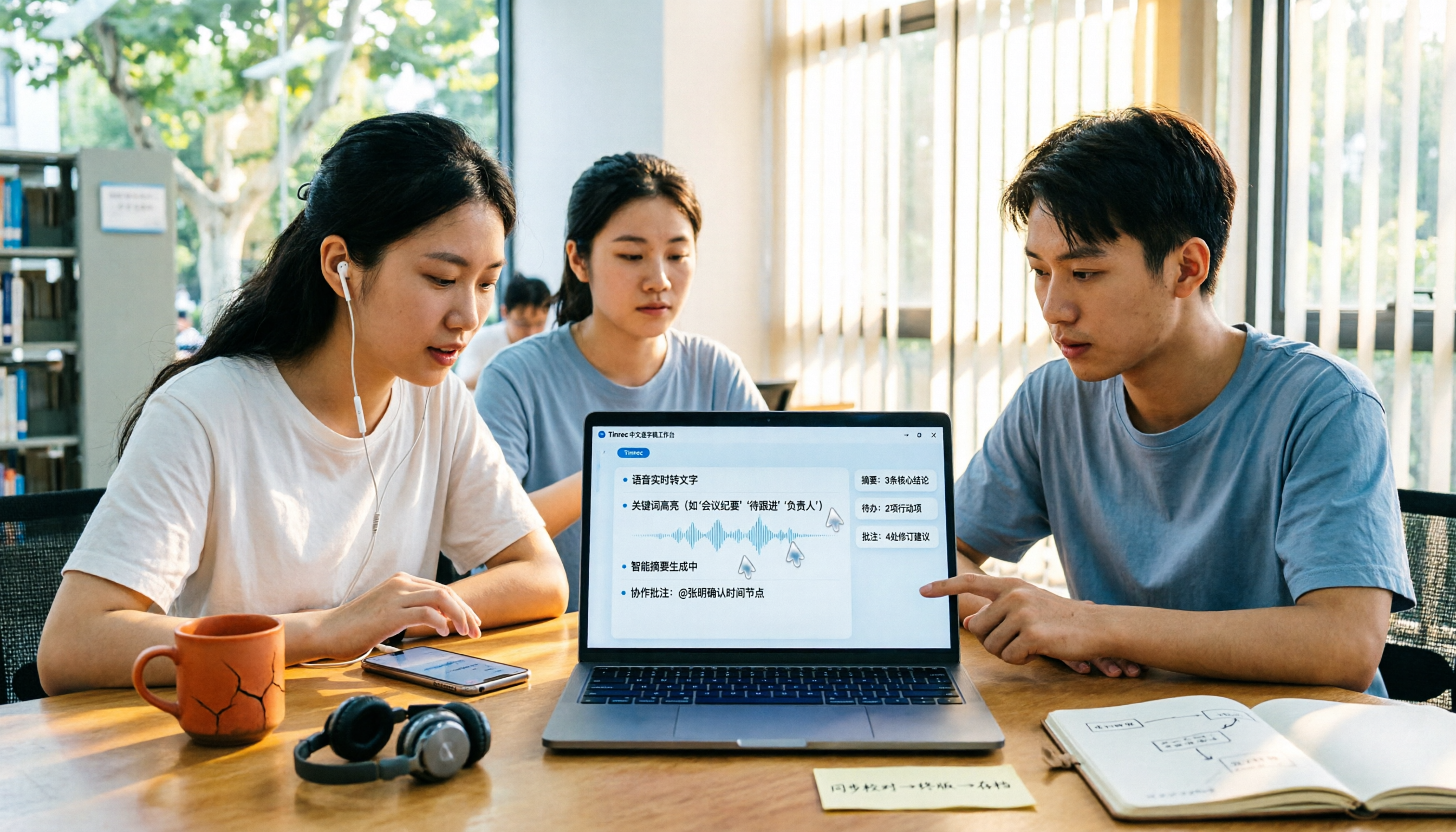
2026 Audio-to-Transcript Tools Compared: Is Gemini Enough? Tinrec Saves Time on Chinese Meeting Notes
2026 hands-on comparison: Can Gemini really turn audio files into transcripts? This article answers that question from a student's perspective and compares real-time recording, file import, AI summaries, action item extraction, AI Q&A, and team collaboration. It explains why Tinrec is better suited for students and small groups who need Chinese meeting notes and searchable, shareable transcripts, with 5 key buying tips and FAQs.

ChatGPT Recording Mode 2026: 120-Minute Limit + Transcript Tested
ChatGPT's recording mode has a single-session limit of about 120 minutes, and audio is deleted after transcription. This article explains what that limit really means and its usage constraints, then compares Tinrec, Notta, Otter.ai, and Granola using 5 key buying factors, and outlines 4 common pitfalls to help you find a tool that truly saves time on meeting notes.

4 Transcription Tools Tested and Compared in 2026: What Does 'Verbatim' Mean? Which Saves the Most Time for Chinese Meetings?
What does 'verbatim' mean? This article starts with dictionary definitions to clarify the pronunciation, part of speech, and usage of 'verbatim,' then explains why verbatim transcripts (audio typing, stenography) are so time-consuming. It compares Chinese recognition, post-meeting organization, team collaboration, and pricing of transcription and AI meeting note tools like Tinrec, Otter.ai, Notta, and PLAUD Note, helping you decide which type of tool you actually need.

6 Ways to Launch Google Gemini in 2026: Phone, Computer, and Voice Compared
How do you launch Google Gemini? This guide covers 6 practical ways to wake it up, from Android's "Ok Google" voice command and long-pressing the power button to asking about screen content, Gemini Live, the iPhone app, and the desktop web version. It includes setup paths and common troubleshooting reasons so you can figure out which method to use on your device.

5 Best Audio-to-Transcript Tools in 2026: Which One Handles Chinese Meetings and Post-Meeting Workflows Best?
Audio-to-transcript tools do more than just convert sound to text. This article examines real-world use cases, covering core capabilities like real-time transcription, AI summaries, action item extraction, Q&A, and team collaboration. It also outlines 5 key buying criteria and answers common questions to help you choose a transcript tool that truly saves time.

2026 Comparison of 3 Transcription Tools: Which AI Auto-Summarizer Saves the Most Time?
What does a transcript mean? This article starts with common misconceptions, explains the difference between a transcript and meeting minutes, and uses Tinrec to demonstrate real-time transcription, AI summaries, action item extraction, and AI Q&A. It also covers 5 key points to consider when choosing a transcription tool, along with recording compliance and FAQs.
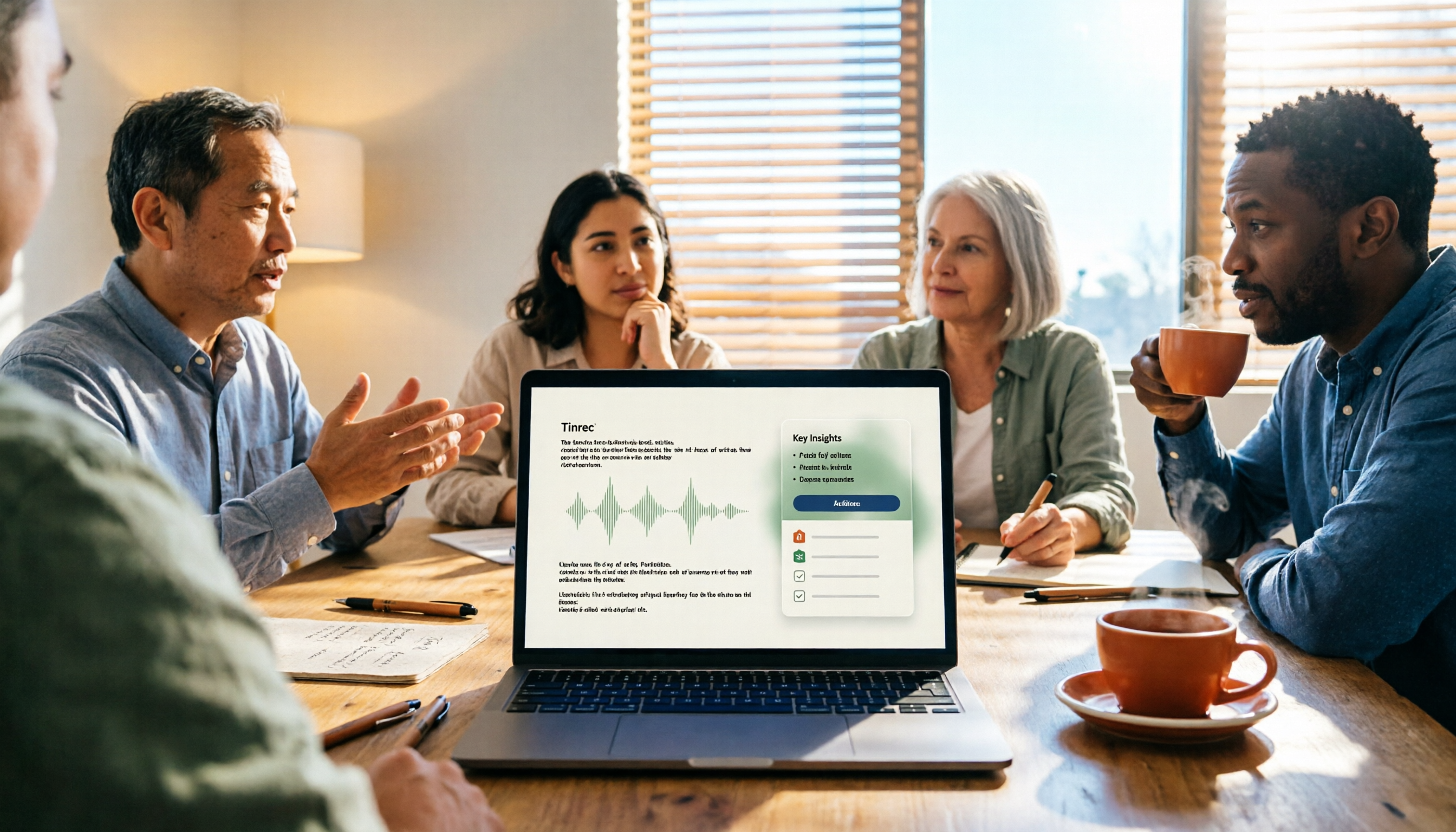
How to Take Meeting Minutes in 2026 with Tinrec: 3 Steps to Transcripts + Action Items
Many people struggle with meeting minutes not because they type slowly, but because they use the wrong approach. This article breaks down the three most common mistakes and demonstrates a 3-step workflow with Tinrec: 'write the skeleton during the meeting, fill in details after.' It covers real-time transcription, AI summaries, action item extraction, and AI Q&A, plus 5 checkpoints for choosing a meeting notes tool.