

Turn recordings into transcripts and summaries in minutes
Upload audio or video for multilingual transcription, AI notes, and action items
ChatGPT Recording Mode 2026: 120-Minute Limit + Transcript Tested
After a two-hour meeting, you realize "can record" doesn't mean "has notes"
The 2 PM meeting runs until 4 PM. Your manager says, "You're taking notes," so you open ChatGPT's recording mode and watch the transcript scroll out line by line, thinking you won't have to work overtime organizing it this time.
But when the meeting ends, all you have is a summary canvas. You want to go back and confirm "who said they'd deliver the report by the end of the month," but you have to scroll through the transcript from the beginning. Five minutes in, you still haven't found that sentence.
Even more common: in a cross-department meeting, three people talk over each other, mixing Chinese and English. The transcript comes out as one big blob, and you can't tell who said what. You want to organize last week's client interview recording too, but you find that recording mode only works in real time—past audio files are no help.
The common thread in these situations: the problem is never just "how long can it record," but whether you can turn the content into usable notes after recording.
First, the core question: How long can ChatGPT record?
To answer this, you need to distinguish two things that are often confused.
"Voice conversation" lets you have a back-and-forth with ChatGPT. It's designed for conversation, not for long meeting recordings. "Record Mode" is the feature for recording meetings, brainstorming, or voice notes.
According to current public information, ChatGPT's recording mode has a single-session limit of about 120 minutes (2 hours). It works best in English and is mainly available to paid subscribers on Enterprise, Edu, Team, and Pro plans. In real work scenarios:
- Meetings under 2 hours can generally be recorded in one go;
- For marathon meetings over 2 hours, all-day courses, or multiple consecutive interviews, you'll need to record in segments. The missing part won't be automatically filled in;
- Recording and transcription performance depends on internet connection quality. When the connection is unstable, transcript quality suffers.
There are two easily overlooked details that are just as important as "how long can it record":
First, the audio file generated by recording mode is only used for transcription and is deleted immediately after completion—it is not retained. The transcript and summary canvas follow your workspace's data retention settings. If you need to keep the original recording to listen again or reorganize later, think this through first.
Second, recording is off by default in Enterprise and Edu workspaces and must be enabled manually by an admin. Related content is not used for model training by default. For Pro individual users, if the "Improve the model for everyone" option is enabled, transcripts and summaries may be used for model training.
In other words, 120 minutes is a "single-session limit," not a "meeting notes solution." What really determines whether you'll stay late organizing notes is the post-recording workflow.
Before choosing an audio-to-text tool, understand these 5 key points
1. Look at single-session length and quota separately. Some tools limit single-session length (e.g., max 2 hours at a time), while others limit monthly total quota. If you have frequent meetings, the latter matters more—no matter how long a single session can be, once the quota is used up, you're stuck.
2. Chinese and mixed Chinese-English recognition performance. The impressive numbers in official marketing usually come from tests in quiet environments. Real meeting rooms have air conditioning noise, keyboard sounds, multiple people talking over each other, and a mix of Chinese, English, and technical terms—performance gaps become obvious. When choosing a tool, test it with your own meeting recordings, not just ads.
3. Does it have speaker separation and editable transcripts? If the transcript is all one big blob and you can't distinguish speakers, editing afterward becomes another chore. Tools that automatically segment, label speakers, and generate chapters can cut organizing time by several times.
4. Can you directly "ask" for key points after the meeting? This is the biggest differentiator in the past two years. Most tools only give you a transcript and summary; you have to Ctrl+F to find keywords yourself. Tools that let you ask a question in one sentence and have the system understand the semantics and answer have completely different organizing efficiency.
5. Is audio retained? Can it be shared across devices and teams? For personal use, you might not care. But as soon as "I need to listen again next week" or "a colleague needs to take over" comes into play, audio retention, cross-platform sync, and team spaces become hard requirements.
Tinrec — Our top recommendation after testing
Tinrec is an AI meeting notes and collaboration tool for individuals and teams, available on iOS, Android, and web. It's not just an "audio-to-text tool"—it turns meetings into searchable, collaborative, actionable data.
No bot needed for online meetings. Tinrec's desktop app captures your computer's system audio directly, handling Zoom, Google Meet, Microsoft Teams, Webex, and other online meetings without an extra meeting bot joining as a participant. Open Tinrec before the meeting to start recording; the transcript is generated in real time during the meeting, and no strange account appears in the participant list.
Stop organizing recordings by hand
Upload audio or video and automatically get a transcript, summary, and action items
Recording is not the end—it's the beginning. After the meeting, the system automatically generates a summary, chapters, and action items, listing who is responsible for what and by when. If you just want to confirm a decision, you can ask directly in the AI chat box: "What was decided about the launch timeline in this meeting?" The system will provide an answer with a link to the corresponding recording segment, so you don't have to re-listen to the whole recording. This kind of AI Q&A around meeting content is its main differentiator from similar tools.
Output integrates with your existing workflow. Transcripts, summaries, and action items can be exported as TXT, Word, and other formats, and taken to Notion, Google Docs, OneNote, Dropbox, and other tools for further processing. When you need to deliver more, you can use Agent post-processing to generate reports, tables, and documents. For cross-language meetings, it supports real-time translation, viewable in original, translated, or bilingual mode.
For team use, data doesn't leave with people. The team version provides an independent team space where meeting data belongs to the team, with member and role management, seat allocation, shared quota, usage analytics, audit logs, audio recycle bin (currently retained for 30 days), and team hotwords. When a member leaves or is removed, their team resources can be transferred to other active members, so historical meetings don't disappear. For plans, the personal version offers a free plan, weekly pass, Pro monthly, and Pro annual. The team version offers a 7-day trial for first-time eligible users, 1 free seat, and 300 minutes of team shared import quota. Paid plans provide 2,000 minutes of team shared import quota per paid seat per month, at USD 29.80/seat/month or USD 199/seat/year (about USD 16.58/month). Actual prices and benefits are subject to the official purchase page.
Limitations should also be clear. The free version provides a basic quota; heavy users need to upgrade. File and web link imports consume quota; real-time recording currently does not deduct minutes within an active team plan. Also, transcription performance is affected by recording quality, accents, noise, overlapping speakers, and technical terms. For important content, it's recommended to verify against transcript timestamps and recording playback.
Besides Tinrec, what other options are there?
Notta. Multi-platform transcription, meeting notes, file import, translation, and team plans are all available—it's a close competitor. The official free version offers 120 minutes per month, with a maximum of 3 minutes per session. Pro annual is about USD 8.17/month (1,800 minutes per month). If your need is simple file transcription and subtitles, it's sufficient. But for bot-free online meeting recording, AI Q&A, and team data retention, Tinrec's capabilities are more complete.
Otter.ai. A mature choice for English business meetings. The free version offers a generous 300 minutes per month. Pro annual is about USD 8.49/user/month (including 1,200 minutes of in-app recording and 10 file imports per month). If almost all your meetings are in English, it's worth considering. But Chinese meetings, bilingual transcripts, multi-format export after meetings, and team space management are not its focus.
Granola. Also uses a bot-free approach to capture device audio, focusing on "handwritten notes + AI enhancement." Basic is free; Business is USD 14/user/month. It supports real-time transcript viewing and search, but does not support uploading pre-recorded audio files and does not save meeting audio. If you need to retain recordings, organize historical files, and share with teams, this is a blocker.
Pitfall guide: The 4 most common mistakes when choosing an audio-to-text tool
Pitfall 1: Treating "voice conversation" as "meeting recording." The two have completely different purposes. Voice conversation is not designed for long meeting recordings; only recording mode has a single-session time limit. Understand which one you need so you don't discover after the meeting that nothing was recorded.
Pitfall 2: Assuming a usable meeting record is automatically created after recording. Having a transcript doesn't mean having notes. Without speaker separation, chapter labeling, and smooth post-editing, you'll still spend time re-listening. When choosing a tool, look directly at what its "post-meeting output" looks like.
Pitfall 3: Ignoring audio retention and data governance. Some tools delete audio after transcription, leaving only the transcript. If you need long-term retention, reuse, or handoff to colleagues, confirm whether the tool retains audio and whether it has team spaces and permission management. In multi-person collaboration scenarios, ask clearly about member, role, and seat distinctions in advance—being able to view data doesn't mean being able to edit or import.
Pitfall 4: Only looking at minutes, ignoring post-meeting processing time. The few minutes saved on recording hours may be far less than the time you spend organizing minutes and action items afterward. The real cost is in "from recording to usable data."
Final reminder: Recording and transcription involve personal data and local regulations. Before recording, confirm you have obtained consent from participants and handle meeting content according to organizational policies.
Summary: Which one should you choose?
Back to the original question, the answer for ChatGPT's recording mode is clear: about 120 minutes per session, works best in English, suitable for meetings under 2 hours, brainstorming, and voice notes. Audio is deleted after transcription. It's like a handy "temporary notebook," but if you have meetings every day and need to produce minutes and action items, it won't be your main workflow.
- Need transcripts, summaries, and action items for Chinese and mixed Chinese-English meetings → Tinrec
- Don't want a meeting bot joining online meetings; use desktop app to record system audio directly → Tinrec
- Want to ask for decisions and owners in one sentence after recording → Tinrec (AI Q&A is its core differentiator)
- Need cross-device use on phone and computer, and to retain historical meetings as team data → Tinrec (team space, seats, usage, and audit)
- Almost only record English meetings, zero budget → Otter.ai's free version is worth a try
If you're currently getting by with ChatGPT's recording mode, first clarify where you get stuck most—is it recording length, speaker confusion, or no time to organize after recording? Find the real bottleneck, then decide whether to switch tools, so you don't waste money.
References
- How long can ChatGPT record in 2026? Complete 4-step tutorial - Tinrec Blog
- How long can ChatGPT record? 2026 audio-to-text tool review and Tinrec practical guide - Tinrec Blog
- How long can ChatGPT record? 2026 test of 3 audio-to-text tools, Tinrec best for Hong Kong workers - Tinrec Blog
- ChatGPT new feature | Recording function added, up to 2 hours - EJ Tech
- ChatGPT recording mode launched! One-click generate "key summary + action items" for 2-hour meetings: 4-step tutorial at a glance | BusinessNext
Turn every recording into actionable outcomes
Get 60 free transcription minutes when you sign in. No credit card required.
Related Reading
You might also like

Tinrec vs Otter.ai 2026: 5-Dimension Comparison — Who Transcribes 180 Words Per Minute More Accurately?
Average Chinese speech rate is about 160-220 words per minute, so a 60-minute meeting can produce over 10,000 words of transcript. This article first clarifies the actual number of words per minute in typical speech, then reviews 7 audio-to-text solutions and compares Tinrec and Otter.ai across 5 dimensions to help US readers choose the right tool and save time on meeting notes.

How to Use Gemini for Meeting Notes in 2026: Audio Transcription Test + Tinrec Bot-Free Organization
Can Gemini take meeting notes? This article breaks down Gemini's audio upload, Google Meet's Take Notes for Me, and Gemini Notebook's practical limitations, and compares Tinrec's bot-free recording, AI Q&A, to-dos, and team spaces to help you choose the right meeting notes tool.

2026 Audio-to-Transcript Tools Compared: Is Gemini Enough? Tinrec Saves Time on Chinese Meeting Notes
2026 hands-on comparison: Can Gemini really turn audio files into transcripts? This article answers that question from a student's perspective and compares real-time recording, file import, AI summaries, action item extraction, AI Q&A, and team collaboration. It explains why Tinrec is better suited for students and small groups who need Chinese meeting notes and searchable, shareable transcripts, with 5 key buying tips and FAQs.

4 Transcription Tools Tested and Compared in 2026: What Does 'Verbatim' Mean? Which Saves the Most Time for Chinese Meetings?
What does 'verbatim' mean? This article starts with dictionary definitions to clarify the pronunciation, part of speech, and usage of 'verbatim,' then explains why verbatim transcripts (audio typing, stenography) are so time-consuming. It compares Chinese recognition, post-meeting organization, team collaboration, and pricing of transcription and AI meeting note tools like Tinrec, Otter.ai, Notta, and PLAUD Note, helping you decide which type of tool you actually need.

6 Ways to Launch Google Gemini in 2026: Phone, Computer, and Voice Compared
How do you launch Google Gemini? This guide covers 6 practical ways to wake it up, from Android's "Ok Google" voice command and long-pressing the power button to asking about screen content, Gemini Live, the iPhone app, and the desktop web version. It includes setup paths and common troubleshooting reasons so you can figure out which method to use on your device.

2026 Audio-to-Text Solutions Compared: Beyond ChatGPT, Why Tinrec Is Better for Meeting Notes
Can ChatGPT actually transcribe audio files? The answer depends on your plan, version, and usage limits. This article compares ChatGPT and Tinrec in real meeting scenarios, covering audio sources, Chinese recognition, transcript post-processing, team collaboration, and pricing. It also includes 7 FAQs to help you decide which approach fits your workflow.

5 Best Audio-to-Transcript Tools in 2026: Which One Handles Chinese Meetings and Post-Meeting Workflows Best?
Audio-to-transcript tools do more than just convert sound to text. This article examines real-world use cases, covering core capabilities like real-time transcription, AI summaries, action item extraction, Q&A, and team collaboration. It also outlines 5 key buying criteria and answers common questions to help you choose a transcript tool that truly saves time.

2026 Comparison of 3 Transcription Tools: Which AI Auto-Summarizer Saves the Most Time?
What does a transcript mean? This article starts with common misconceptions, explains the difference between a transcript and meeting minutes, and uses Tinrec to demonstrate real-time transcription, AI summaries, action item extraction, and AI Q&A. It also covers 5 key points to consider when choosing a transcription tool, along with recording compliance and FAQs.
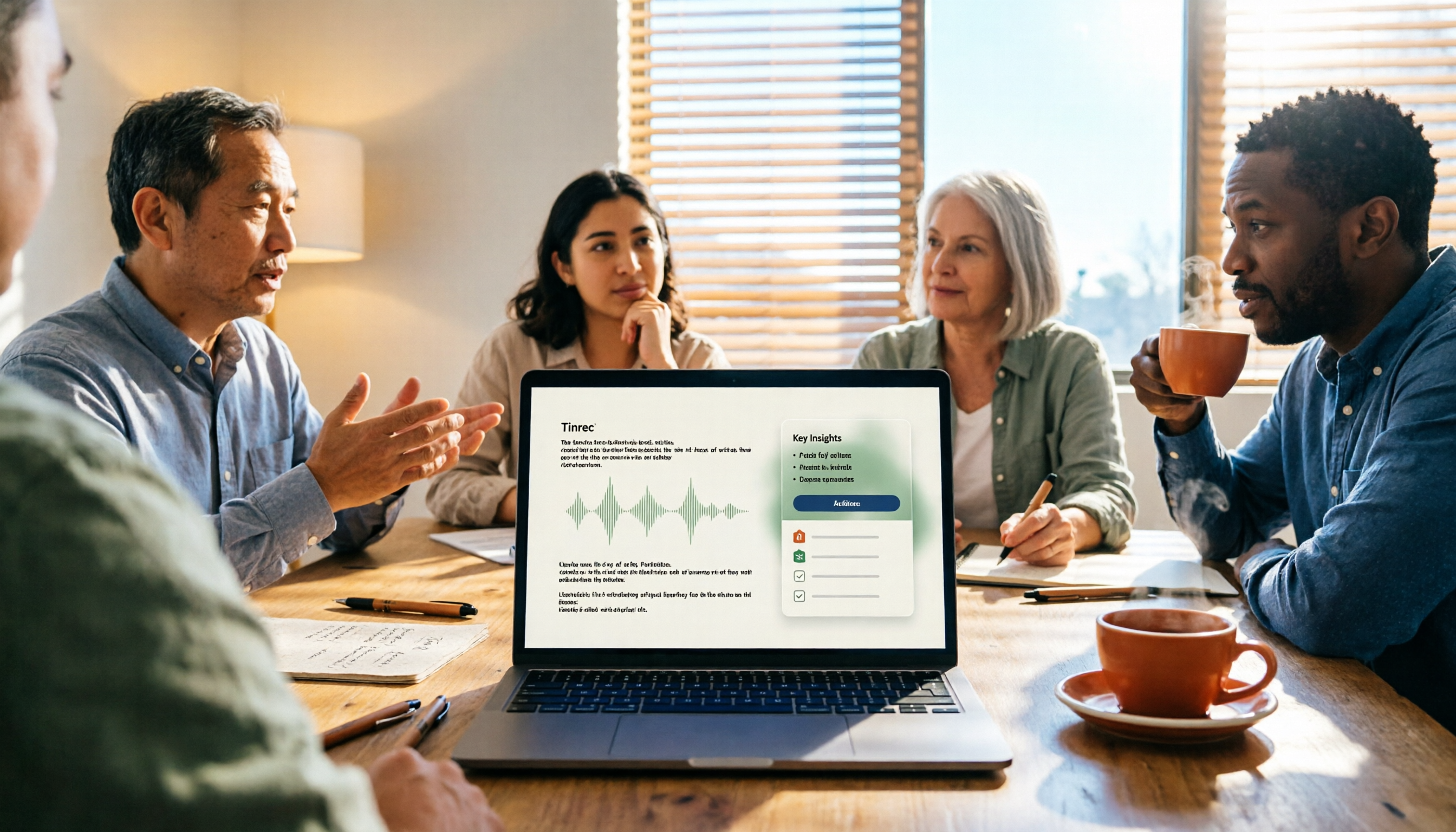
How to Take Meeting Minutes in 2026 with Tinrec: 3 Steps to Transcripts + Action Items
Many people struggle with meeting minutes not because they type slowly, but because they use the wrong approach. This article breaks down the three most common mistakes and demonstrates a 3-step workflow with Tinrec: 'write the skeleton during the meeting, fill in details after.' It covers real-time transcription, AI summaries, action item extraction, and AI Q&A, plus 5 checkpoints for choosing a meeting notes tool.