
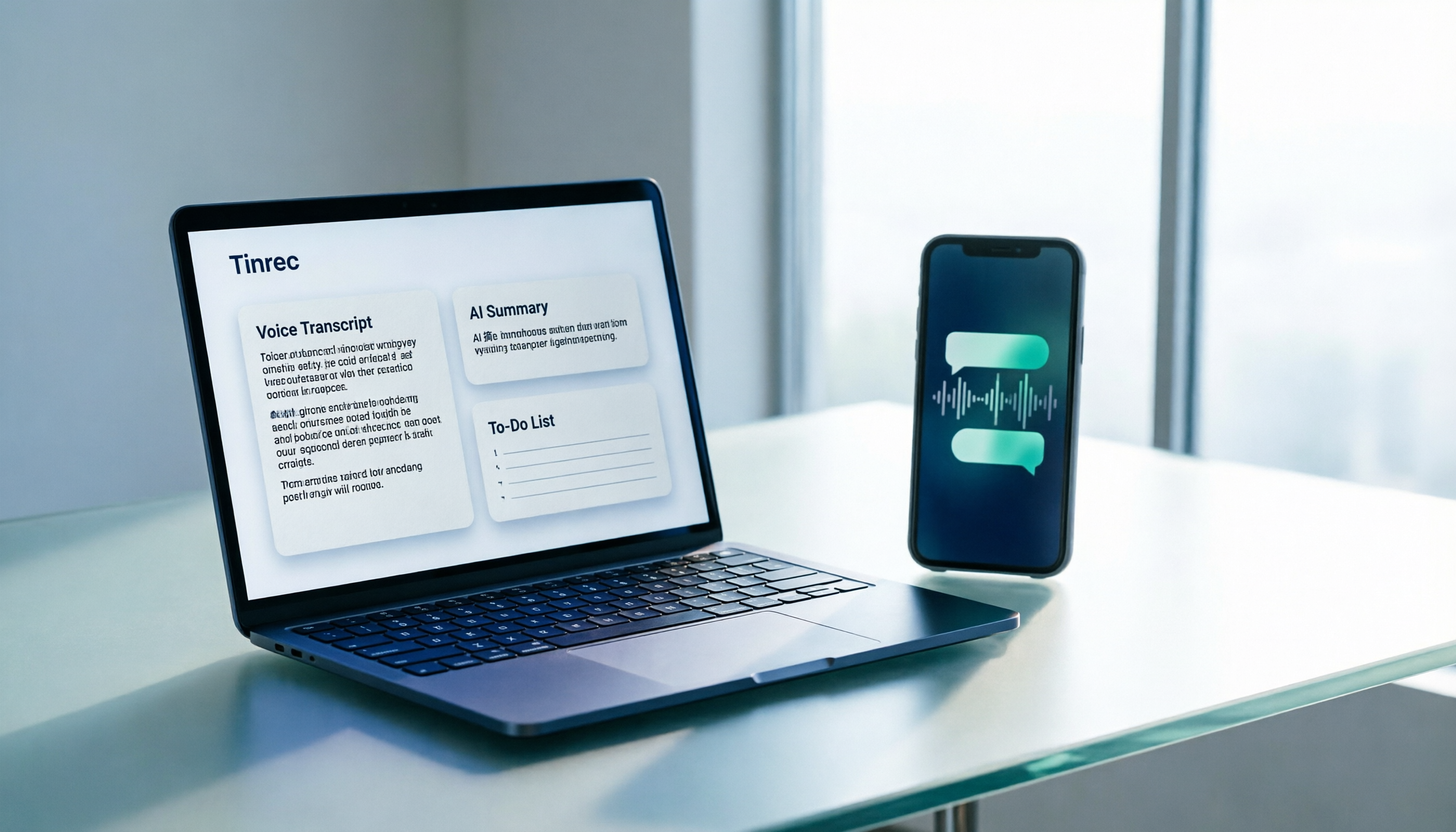
Turn recordings into transcripts and summaries in minutes
Upload audio or video for multilingual transcription, AI notes, and action items
How to Transcribe WhatsApp Voice Messages in 2026: A 3-Step Guide
Your phone buzzes on the subway, and a client sends a 1-minute-40-second WhatsApp voice message. You're wearing headphones but don't dare play it out loud; you want to reply but worry about missing that one number they mentioned. In times like these, you wish the recording would turn into text on its own.
WhatsApp has started adding a "voice message transcript" feature in recent years, but it's rolling out gradually, with language and region restrictions, and the transcribed text is read-only—you can't organize it. If you want to turn voice into searchable, summarizable data you can share with colleagues, you need the right tool. Here's a complete walkthrough using Tinrec.
What Can WhatsApp Voice-to-Text Do for You?
Scenario 1: Read messages even in quiet places
In a meeting room, library, or client office, playing voice messages isn't convenient. Save the voice message and import it into Tinrec, and the transcript appears on screen quickly—no need to listen to a 2-minute recording to know what the other person wants.
Scenario 2: Turn voice directly into a to-do list
A client assigns 5 tasks via voice. It's easy to miss one or two after listening. Tinrec automatically generates a summary and to-do items after transcription, clearly listing who's responsible for what and when to reply.
Scenario 3: Understand voice messages in other languages
If the other person sends a voice message in English or Japanese, Tinrec supports real-time translation and bilingual view, so you can see the original and translation side by side without needing a separate translation tool.
3 Steps to Turn WhatsApp Recordings into Text
Step 1: Save the voice message as an audio file
In a WhatsApp chat, long-press the voice message and choose to save or share it to your device's file storage (exact options vary slightly by OS version). If the voice is played from another device, you can also record it directly using the Tinrec mobile app.
Step 2: Import into Tinrec
Open Tinrec's web, desktop, or mobile app and upload the audio file. Tinrec supports audio and video file transcription, and the entire process doesn't require inviting any meeting bot.
Step 3: Get the transcript and organize your output
After transcription, you'll get a transcript and can generate AI summaries, chapters, and to-do items with one click. When you need to share with colleagues or integrate into your workflow, you can export to Notion, Google Docs, OneNote, Dropbox, and other tools.
Note: WhatsApp's built-in "voice message transcript" is currently rolling out gradually. The path is Settings > Chats > Voice message transcripts; availability depends on version and region. Its transcription is generated on-device and protected by end-to-end encryption, but it currently lacks translation, only transcribes in the same language, and the transcript doesn't appear immediately. That's why many users turn to a separate tool.
Tinrec's Core Capabilities for WhatsApp Recordings
Audio and video file transcription: Not only can it handle live recordings, but it can also import voice files you've already received, turning old voice messages piled up in chats into text all at once.
AI summaries and chapters: For a 20-minute long voice message, Tinrec breaks it into chapters and key points, so you don't have to listen from start to finish.
To-do extraction: Pulls action items from the conversation. When a client says "Send me the quote by next Wednesday," it saves that item for you.
AI Q&A: After transcription, you can ask it questions directly, such as "What were the client's concerns about pricing?" It answers based on the content instead of making you search through the transcript yourself.
Real-time translation and bilingual view: For recordings or imported content, you can view the original and translation simultaneously, making cross-language communication especially easy.
Multi-format export and Agent post-processing: Generate meeting notes, reports, and tables, then bring them into your existing workflow for further processing.
Stop organizing recordings by hand
Upload audio or video and automatically get a transcript, summary, and action items
Team workspace: For team use, Tinrec's team plan offers a separate team workspace where meeting data belongs to the team, and you can manage members, roles, and seats. Note that active members can view, play, and read team data even without a seat, but a seat is required to record, upload, edit, and export. Team monthly pricing is USD 29.80 per paid seat per month, and annual is USD 199 per paid seat per year (about USD 16.58 per month). Actual prices are subject to the official purchase page.
Real-World Use Cases
Sales and client communication: A client explains requirements via voice. After importing into Tinrec, you get a requirements summary and to-dos, ready to reply with a quote or schedule next steps.
Project weekly meetings and cross-department discussions: By the end of the meeting, summaries, conclusions, and owners are already organized. When you need a record of decisions, the transcript is searchable and traceable.
Interviews and research: Import one-on-one interview recordings into Tinrec. Beyond the transcript, you can extract quotes and insights, saving time from repeatedly listening to recordings.
Personal knowledge management: Collect courses, lectures, and random thoughts, then use AI Q&A to find information later instead of digging through a pile of filenames.
5 Things to Consider When Choosing a Tool
1. Chinese and accent recognition performance: Don't just rely on marketing claims—test with your own recordings. Tinrec covers Chinese, Traditional Chinese, and multilingual meeting scenarios, but actual accuracy still depends on recording quality, noise, accents, and overlapping speakers.
2. Can it help you organize after transcription?: Tools that only provide a transcript still require you to read it yourself. Tinrec directly produces summaries, chapters, and to-dos after transcription—that's the key to saving time.
3. Does it retain the original audio?: When you need to verify details, being able to retrieve the recording is important. Tinrec retains audio and provides a recycle bin; the team plan's audio recycle bin retention period is 30 days.
4. Cross-platform and export capabilities: Make sure the tool supports your commonly used devices and workflow. Tinrec has iOS, Android, web, and desktop versions, and can export to Notion, Google Docs, OneNote, and Dropbox.
5. Team collaboration and permission design: If meeting data is for the whole team, check whether it distinguishes members, roles, and seats. Tinrec's team plan focuses on team-level sharing, with roles controlling governance and seats controlling usage eligibility—it's not file-level granular permission settings.
FAQs
WhatsApp already has built-in transcription—why use Tinrec?
WhatsApp's feature is rolling out gradually, only transcribes in the same language, lacks translation, and the transcript can't be further organized or exported. Tinrec can process saved audio and video files and produces summaries, to-dos, translations, and exportable documents after transcription, offering more complete functionality.
Does Tinrec support Chinese?
Yes. Tinrec covers Chinese, Traditional Chinese, and multilingual meeting scenarios, and offers real-time translation, bilingual view, and team hotwords, making it easier to handle technical terms.
Can I record WhatsApp calls directly?
Tinrec's desktop version can capture computer system audio to record online meetings without a meeting bot. However, recording involves local laws and the other party's consent; please ensure you have obtained necessary consent before use.
Is there a free version to try?
Yes, the free version offers basic quota, suitable for experiencing recording, importing, summarizing, and transcription workflows. If you only need short-term intensive use, other plans are available based on usage frequency.
How is the team plan priced?
Team monthly is USD 29.80 per paid seat per month, and annual is USD 199 per paid seat per year. The first eligible team trial is 7 days, 1 free seat, and 300 minutes of team shared import quota. Actual benefits are subject to the official purchase page.
Conclusion
WhatsApp voice messages are convenient, but being "listen-only" is a real pain in the office, on the subway, or in front of clients. The built-in voice transcript feature is gradually rolling out, but it still can't translate or organize into usable data. If you spend time re-listening to voice messages and typing notes every time, using Tinrec to turn recordings into transcripts, summaries, and to-dos will save you that time directly. Start with the free version's basic quota to run one of your own voice messages and see if the output matches your work habits before deciding on long-term use.
References
- "Latest" WhatsApp Voice to Text 2026 Official Method!
- WhatsApp Voice to Text Finally Launched! 3-Step Setup Guide, No More Forced Listening
- WhatsApp Voice to Text Officially Launched in Hong Kong! Simple 3-Step Setup for iOS/Android, Plus Unofficial AI Conversion Methods
- Reporter Test: WhatsApp Voice to Text Works, Simple 3-Step Setup for iOS/Android
- WhatsApp Voice to Text Complete Guide: How to Enable and FAQs – AirDroid
Turn every recording into actionable outcomes
Get 60 free transcription minutes when you sign in. No credit card required.
Related Reading
You might also like

Tinrec vs Otter.ai 2026: 5-Dimension Comparison — Who Transcribes 180 Words Per Minute More Accurately?
Average Chinese speech rate is about 160-220 words per minute, so a 60-minute meeting can produce over 10,000 words of transcript. This article first clarifies the actual number of words per minute in typical speech, then reviews 7 audio-to-text solutions and compares Tinrec and Otter.ai across 5 dimensions to help US readers choose the right tool and save time on meeting notes.

How to Use Gemini for Meeting Notes in 2026: Audio Transcription Test + Tinrec Bot-Free Organization
Can Gemini take meeting notes? This article breaks down Gemini's audio upload, Google Meet's Take Notes for Me, and Gemini Notebook's practical limitations, and compares Tinrec's bot-free recording, AI Q&A, to-dos, and team spaces to help you choose the right meeting notes tool.

2026 Audio-to-Transcript Tools Compared: Is Gemini Enough? Tinrec Saves Time on Chinese Meeting Notes
2026 hands-on comparison: Can Gemini really turn audio files into transcripts? This article answers that question from a student's perspective and compares real-time recording, file import, AI summaries, action item extraction, AI Q&A, and team collaboration. It explains why Tinrec is better suited for students and small groups who need Chinese meeting notes and searchable, shareable transcripts, with 5 key buying tips and FAQs.

ChatGPT Recording Mode 2026: 120-Minute Limit + Transcript Tested
ChatGPT's recording mode has a single-session limit of about 120 minutes, and audio is deleted after transcription. This article explains what that limit really means and its usage constraints, then compares Tinrec, Notta, Otter.ai, and Granola using 5 key buying factors, and outlines 4 common pitfalls to help you find a tool that truly saves time on meeting notes.

4 Transcription Tools Tested and Compared in 2026: What Does 'Verbatim' Mean? Which Saves the Most Time for Chinese Meetings?
What does 'verbatim' mean? This article starts with dictionary definitions to clarify the pronunciation, part of speech, and usage of 'verbatim,' then explains why verbatim transcripts (audio typing, stenography) are so time-consuming. It compares Chinese recognition, post-meeting organization, team collaboration, and pricing of transcription and AI meeting note tools like Tinrec, Otter.ai, Notta, and PLAUD Note, helping you decide which type of tool you actually need.

6 Ways to Launch Google Gemini in 2026: Phone, Computer, and Voice Compared
How do you launch Google Gemini? This guide covers 6 practical ways to wake it up, from Android's "Ok Google" voice command and long-pressing the power button to asking about screen content, Gemini Live, the iPhone app, and the desktop web version. It includes setup paths and common troubleshooting reasons so you can figure out which method to use on your device.

2026 Audio-to-Text Solutions Compared: Beyond ChatGPT, Why Tinrec Is Better for Meeting Notes
Can ChatGPT actually transcribe audio files? The answer depends on your plan, version, and usage limits. This article compares ChatGPT and Tinrec in real meeting scenarios, covering audio sources, Chinese recognition, transcript post-processing, team collaboration, and pricing. It also includes 7 FAQs to help you decide which approach fits your workflow.

5 Best Audio-to-Transcript Tools in 2026: Which One Handles Chinese Meetings and Post-Meeting Workflows Best?
Audio-to-transcript tools do more than just convert sound to text. This article examines real-world use cases, covering core capabilities like real-time transcription, AI summaries, action item extraction, Q&A, and team collaboration. It also outlines 5 key buying criteria and answers common questions to help you choose a transcript tool that truly saves time.

2026 Comparison of 3 Transcription Tools: Which AI Auto-Summarizer Saves the Most Time?
What does a transcript mean? This article starts with common misconceptions, explains the difference between a transcript and meeting minutes, and uses Tinrec to demonstrate real-time transcription, AI summaries, action item extraction, and AI Q&A. It also covers 5 key points to consider when choosing a transcription tool, along with recording compliance and FAQs.