
Productivity Tips

2026 iPhone Recording Guide: Voice Memos + Call Recording Full Steps
How to use iPhone recording features? This guide covers everything from the basics of Voice Memos, the built-in call recording in iOS 18.1, to quick launch via Back Tap, along with all recording methods and important considerations.

4 Ways to Record Audio on iPhone with Headphones in 2026: From AirPods to External Mics
Wondering how to record audio on your iPhone using headphones? This hands-on comparison covers four methods—AirPods, wired headsets, Lightning external microphones, and the built-in mic—evaluating recording quality, ease of use, and ideal use cases to help you find the best setup.

How to Upload iPhone Voice Memos in 2026: 4 Proven Ways to Transfer Recordings to PC, Cloud, and LINE
Wondering how to upload iPhone voice memos? This guide tests 4 methods—exporting voice memos, AirDrop, cloud storage, and USB transfer—and explains where recordings are stored, how to convert M4A to MP3, and how to fix failed uploads of long recordings.
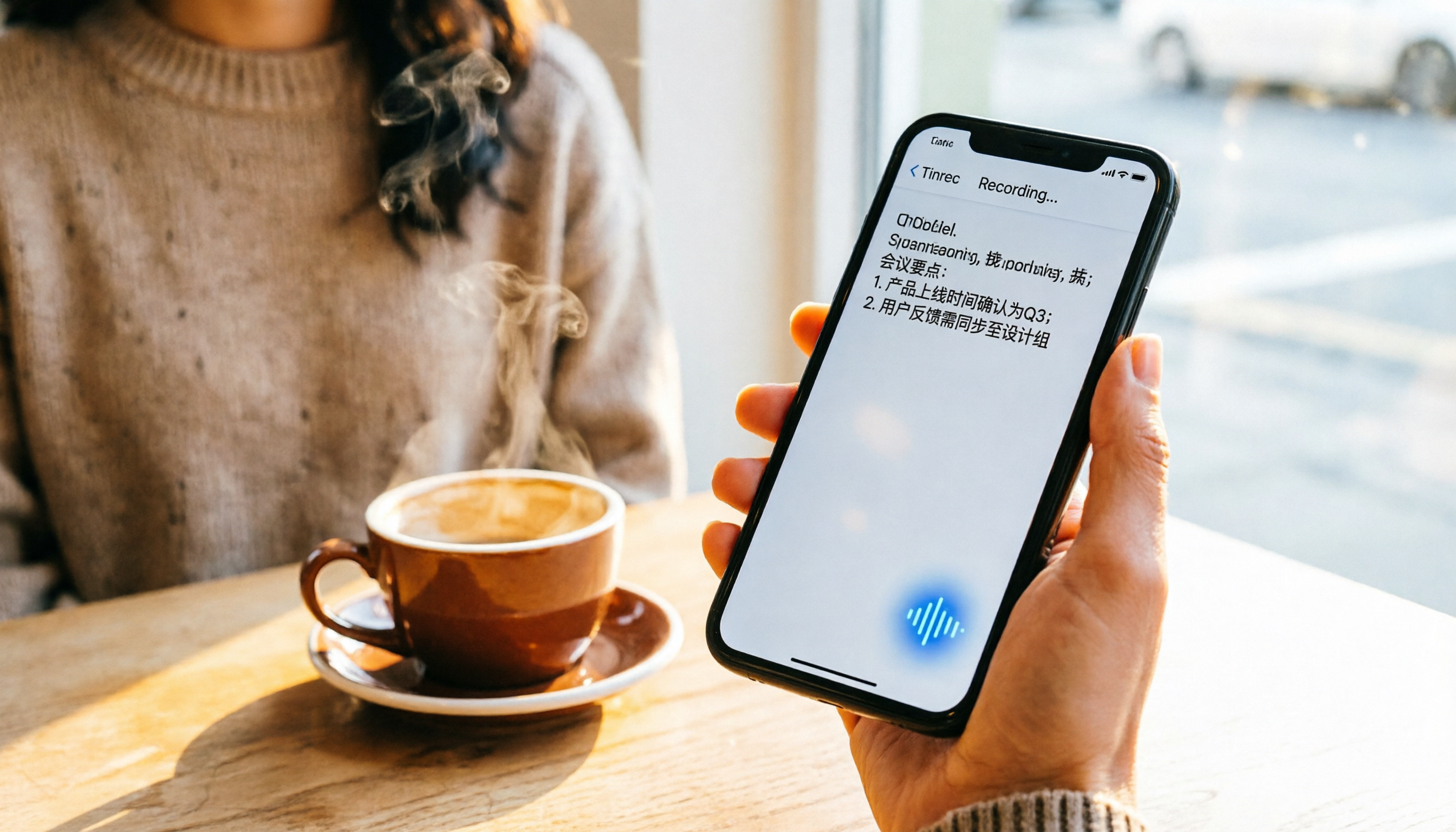
Best iPhone Recording Apps in 2026: Tested 4 Options, and the Free Built-in Feature Wins
You don't always need to pay for an iPhone recording app. This article compares the built-in Voice Memos, Back Tap shortcut, GarageBand, and AI recording assistant Tinrec through real-world scenarios, helping you decide which one suits your needs—from personal protection recordings to meeting notes.

iPhone Voice Recording to Ringtone in 2026: 3 Methods Compared – Which Is the Least Hassle?
You can't directly set an iPhone recording as your ringtone, but you can do it via GarageBand, Voice Memos with the Files app, or by purchasing ringtones from the iTunes Store. This article compares the steps, time costs, and best use cases for each method to help you pick the right one.

4 iPhone Recording Apps Tested in 2026: Which AI Meeting Notes Feature Really Saves You Time?
iPhone recording goes beyond the built-in Voice Memos. This hands-on test of 4 recording and AI transcription tools covers recording methods, Chinese transcription, meeting organization, and free tiers to help you find the best fit for office workers.

Complete Guide to iPhone 13 Recording in 2026: From Built-in Tools to Efficient Class Organization
Where is the recording feature on iPhone 13? Actually, the built-in Voice Memos app in iOS can handle most class, meeting, and interview needs. This guide covers everything from where to find it, recording tips, to post-editing, and also includes recording organization methods for students—turning recordings into searchable highlights without spending a dime.
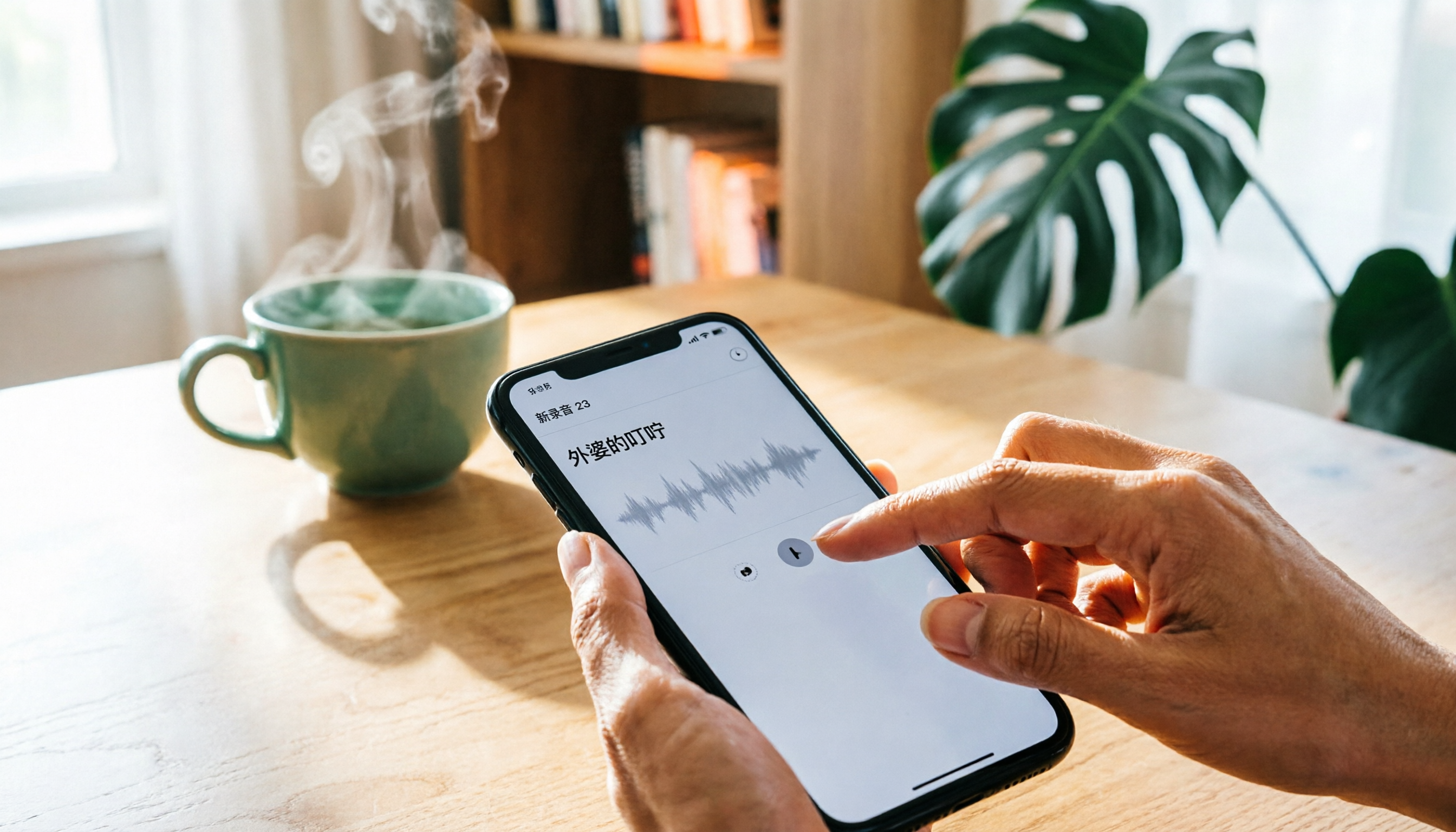
How to Rename Voice Memos on iPhone: 3 Simple Steps to Stop Hunting for Your Recordings
Renaming voice memos on your iPhone is easy, but the default location-based naming can make it hard to find specific recordings. This guide shows you 3 steps to rename recordings, turn off location-based naming, and practical tips for organizing your audio files.