
Blog - Page 277 - Tinrec

2026 Speech-to-Text Tools: Record Lectures, Get Transcripts & AI-Powered Summaries
A senior student tests speech-to-text tools, from whether free plans are sufficient to organizing lecture recordings and using AI Q&A to find key points, helping you avoid common pitfalls discussed on PTT.

Best Speech-to-Text Software in 2026: Tested 4 Tools, This One Saves the Most Time for Meeting Minutes
From the perspective of a mid-level manager attending 15 meetings a week, we tested MyEdit, Google Play speech-to-text apps, cSubtitle, Windows built-in dictation, and Tinrec. This article explains how to choose speech-to-text software, which features truly save time on meeting minutes, and how to decide between free and paid plans.
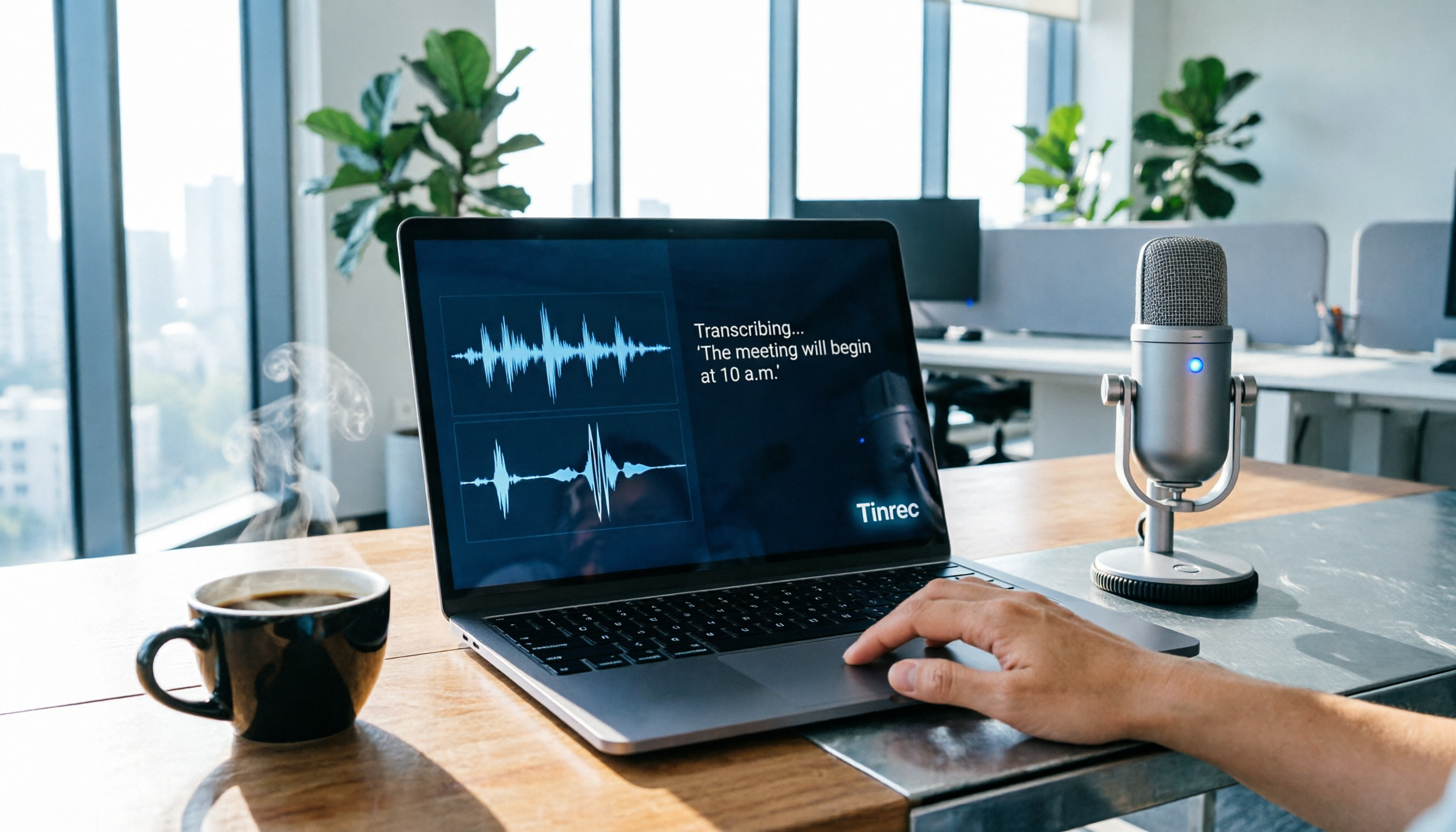
How to Use Speech-to-Text in 2026? A Complete 5-Step Buzz Tutorial
Buzz is a free, open-source speech-to-text tool based on OpenAI's Whisper, supporting Windows and Mac. It quickly converts recordings and videos into transcripts or subtitle files. This article provides a complete 5-step tutorial, along with hands-on insights, model selection advice, and usage limitations.
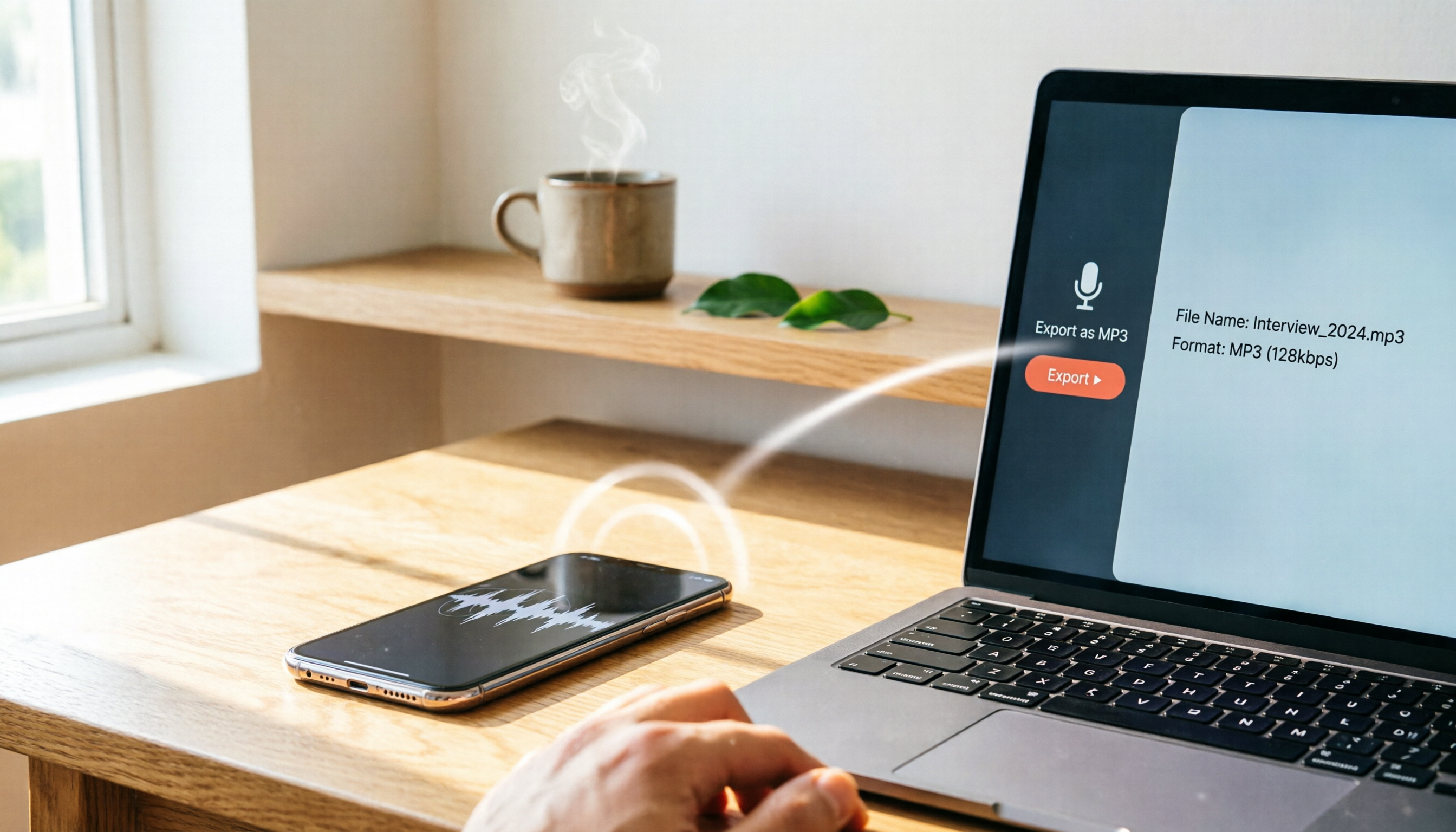
How to Download iPhone Voice Memos in 2026: Export to Computer & Convert to MP3 (Full Guide)
Wondering how to download iPhone voice memos to your computer? This guide covers 5 iTunes-free export methods, including iCloud Drive, AirDrop, LINE, Dropbox, and email, plus how to convert M4A to MP3 for seamless playback on both Windows and Mac.
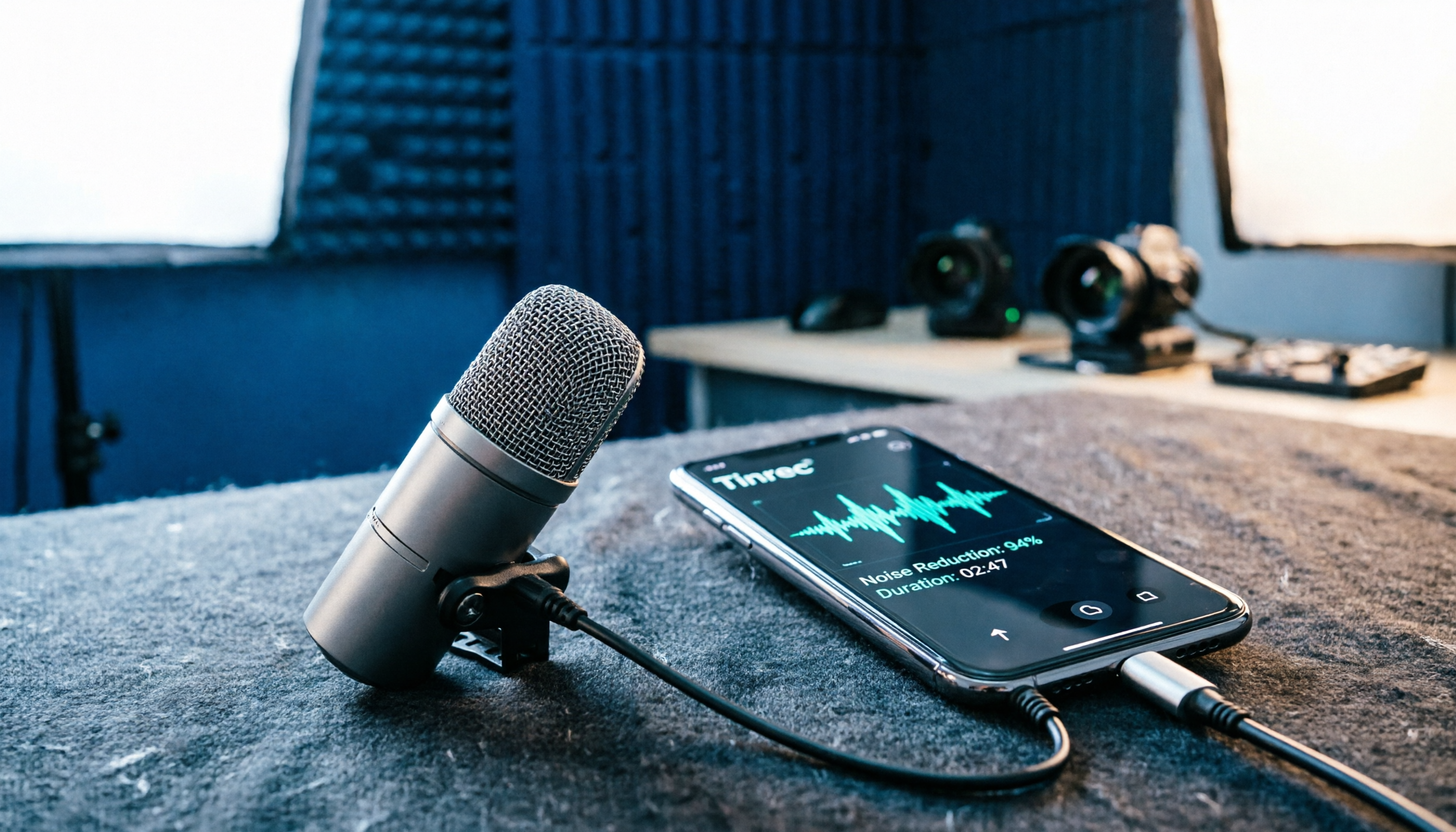
2026 iPhone Recording Microphone Buying Guide: 5 Tested Picks and Recommendations
The built-in iPhone microphone easily picks up ambient noise, so for vlogging, interviews, or live streaming, an external microphone is essential. This guide covers 5 clip-on and wireless recording solutions for iPhone, from plug-and-play options to noise reduction and pass-through charging, helping you choose the right recording tool.
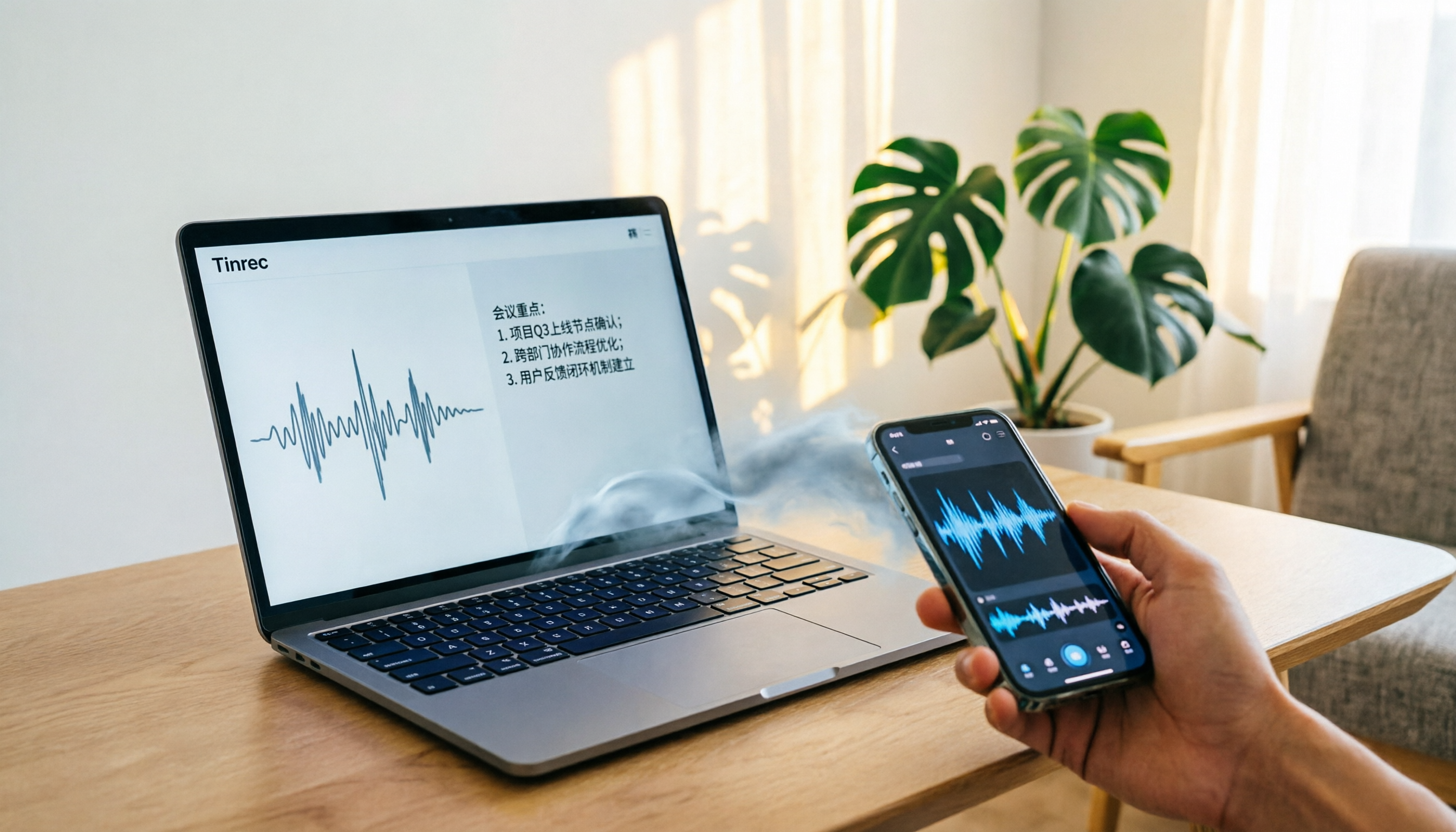
How to Download iPhone Voice Memos in 2026: 3 Steps to Export and Convert Audio Files
Learn how to download iPhone voice memos to your computer using AirDrop, email, LINE, and other methods. This guide also covers converting M4A to MP3 and using Tinrec for transcription, so your recordings never stay stuck on your phone.

2026 iPhone Voice Recording Shortcuts: 3 Free Solutions Compared
You can quickly start recording on your iPhone using built-in Shortcuts, but turning recordings into transcripts, summaries, and to-dos requires more. This article, written from a mid-level manager's perspective, covers how to set up iPhone recording shortcuts, where files go, and three free tools to help you decide if you just need to 'capture audio' or 'get actionable results.'

How to Download iPhone Voice Recordings to a Computer: 5 Tested Methods Without iTunes
Wondering how to export voice memos from your iPhone? This guide covers 5 iTunes-free methods, including iCloud Drive, AirDrop, LINE, Dropbox, and email, plus tips for converting M4A to MP3 and troubleshooting common issues.