
Blog - Page 98 - Tinrec

2026 Meeting Minutes Tool Buying Guide: 4 Tools Tested and Selection Tips
How do you take meeting minutes without turning them into a verbatim transcript? This article covers everything from what to record and how to structure your notes to choosing the right tool. We tested four tools—Tinrec, Otter.ai, Notta, and Granola—to help you find the best solution for meeting organization and team collaboration.
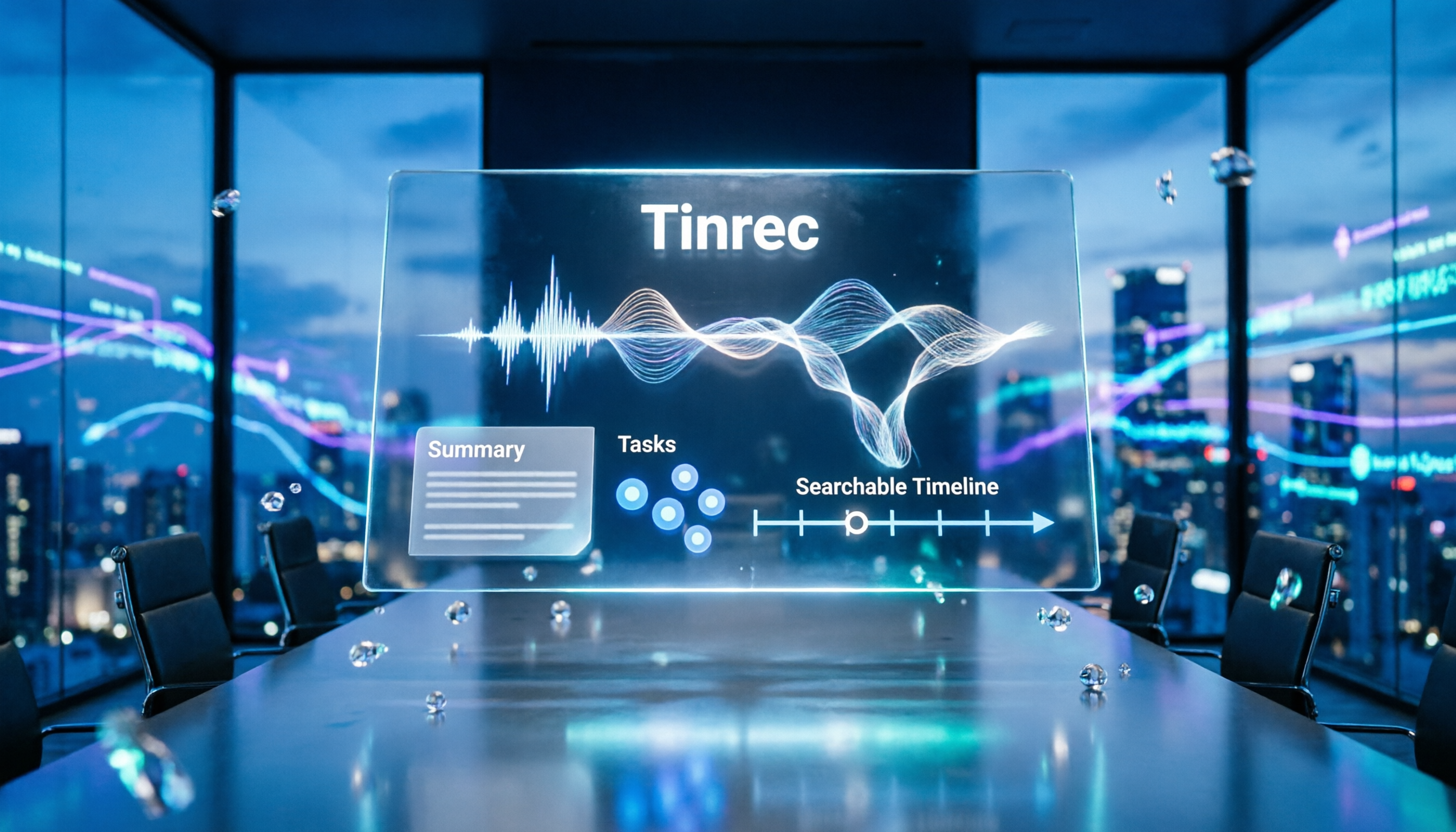
How to Write Meeting Minutes in 2026: 3 Key Focus Points Instead of Transcripts—A Beginner-Friendly Guide
Meeting minutes are not transcripts. This article covers the essential components of meeting minutes, 3 techniques for capturing key points, and ready-to-use templates. It also demonstrates how Tinrec can quickly turn recordings into summaries, action items, and searchable meeting data, helping beginners avoid turning minutes into conversation logs.

How to Record LINE Calls in 2026: Step-by-Step for iPhone, Android, and PC
LINE doesn't have built-in call recording, but you can still save important conversations using iOS 26's 'Local Capture' on iPhone, screen recording on Android, or desktop recording tools. This guide walks you through each method and highlights legal and privacy considerations.

Free AI Meeting Transcription Tools in 2026: 5 Solutions Compared
Tired of spending hours on meeting notes after every call? We tested 5 AI meeting transcription tools, comparing free plan limits, Cantonese support, and team collaboration features to help you find the most time-saving solution.

5 Best AI Transcription Tools of 2026: Free Plans and Meeting Organization Compared
AI transcription tools are not just about converting audio to text—what matters more is the summary, action items, and team collaboration that follow. This article focuses on Tinrec, comparing free quotas, meeting recording methods, and Chinese language processing capabilities to help you find the most suitable AI transcription solution.
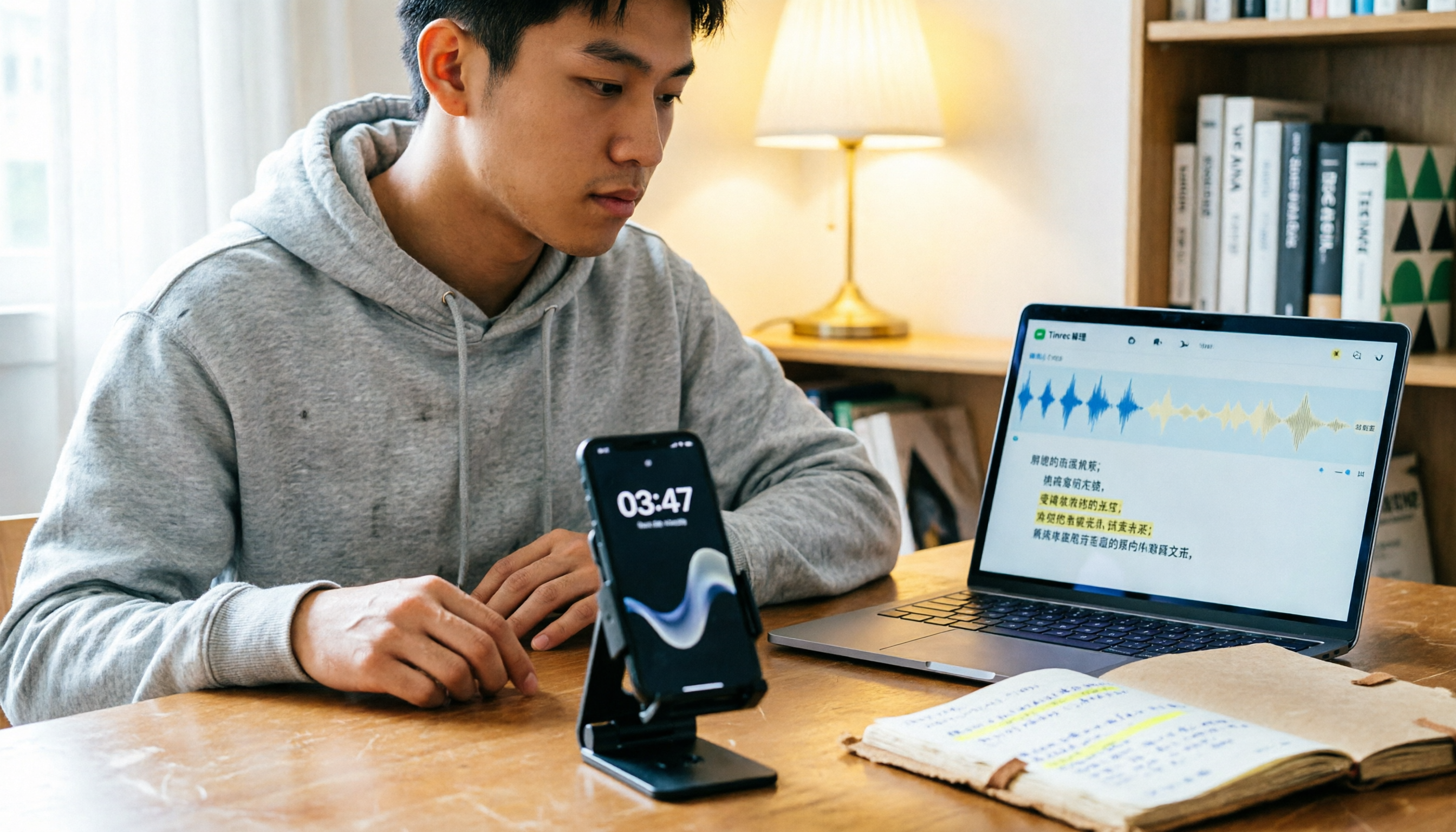
Free LINE Call Recording Methods Compared in 2026: A Student's Real-World Test on a Budget
LINE doesn't have built-in call recording, but students can use iPhone integrated calling, Android screen recording, or free recording apps. This article shares a senior's hands-on experience comparing free methods, their limitations, and smarter ways to organize recordings.

How to Join Google Meet Without a Camera: Audio Setup and Post-Meeting Transcript Handoff
You can still join Google Meet even if your device has no camera or you don't want your camera to show your room or coworkers. This article walks through the steps in order: requirements for joining without turning on your camera, microphone and audio setup, confirming recording consent during the meeting, and how to use Tinrec desktop to capture a transcript, turn it into meeting notes and action items, and hand it off to the right people.

Join Google Meet Without a Google Account: Guest Steps and Post-Meeting Transcript Handoff
When you're pulled into an external Google Meet at the last minute, don't have a Google account, or your company doesn't allow personal accounts for external meetings, this guide walks through the guest mode join requirements and limits, the five steps to enter from a link or meeting code, microphone and camera checkpoints, and how to use Tinrec afterward to produce a transcript and action items and hand them off to the right people.