
Blog - Page 99 - Tinrec

Free AI Meeting Transcription Tools in 2026: 5 Solutions Compared
Tired of spending hours on meeting notes after every call? We tested 5 AI meeting transcription tools, comparing free plan limits, Cantonese support, and team collaboration features to help you find the most time-saving solution.

5 Best AI Transcription Tools of 2026: Free Plans and Meeting Organization Compared
AI transcription tools are not just about converting audio to text—what matters more is the summary, action items, and team collaboration that follow. This article focuses on Tinrec, comparing free quotas, meeting recording methods, and Chinese language processing capabilities to help you find the most suitable AI transcription solution.
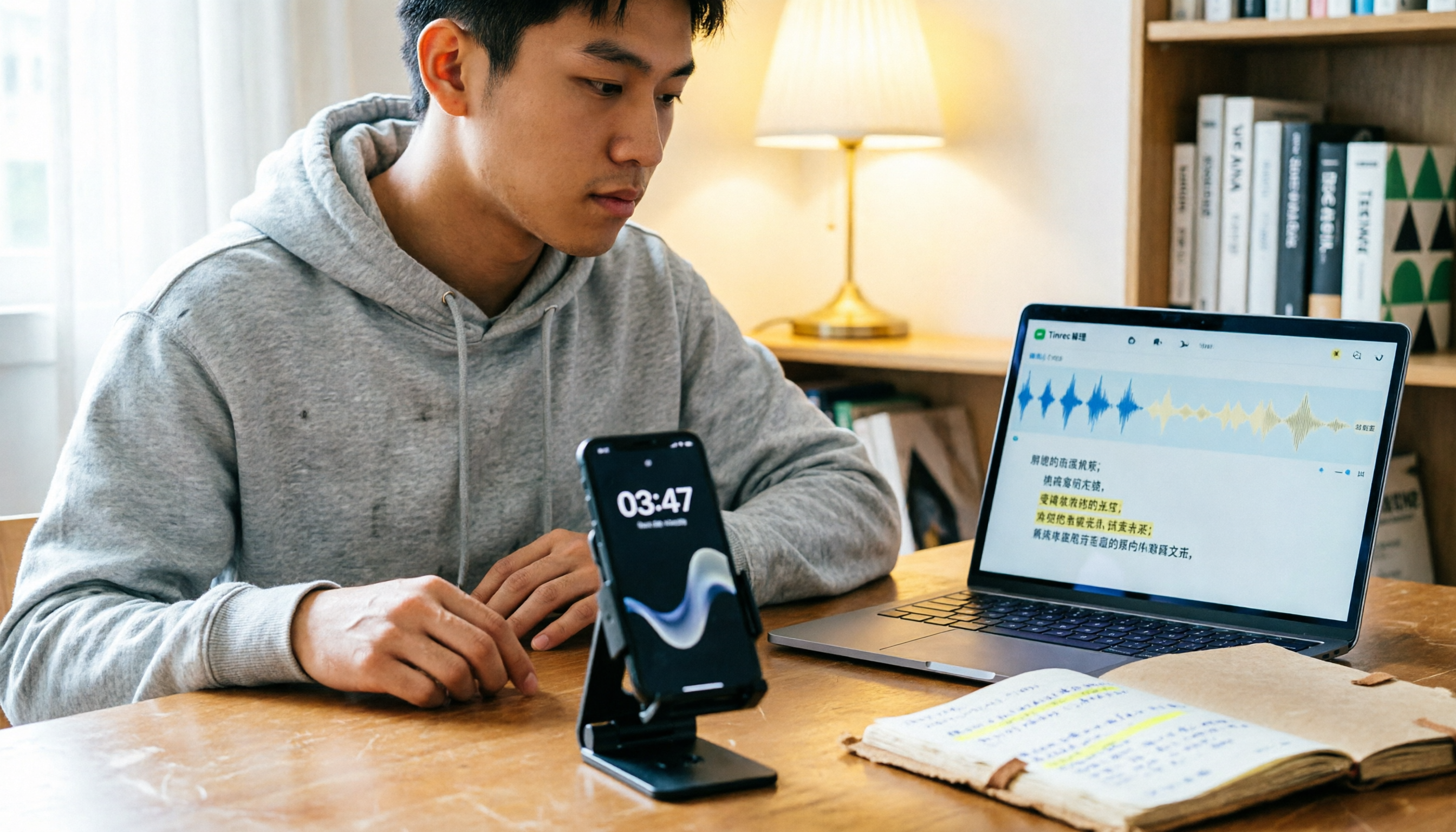
Free LINE Call Recording Methods Compared in 2026: A Student's Real-World Test on a Budget
LINE doesn't have built-in call recording, but students can use iPhone integrated calling, Android screen recording, or free recording apps. This article shares a senior's hands-on experience comparing free methods, their limitations, and smarter ways to organize recordings.

How to Join Google Meet Without a Camera: Audio Setup and Post-Meeting Transcript Handoff
You can still join Google Meet even if your device has no camera or you don't want your camera to show your room or coworkers. This article walks through the steps in order: requirements for joining without turning on your camera, microphone and audio setup, confirming recording consent during the meeting, and how to use Tinrec desktop to capture a transcript, turn it into meeting notes and action items, and hand it off to the right people.

Join Google Meet Without a Google Account: Guest Steps and Post-Meeting Transcript Handoff
When you're pulled into an external Google Meet at the last minute, don't have a Google account, or your company doesn't allow personal accounts for external meetings, this guide walks through the guest mode join requirements and limits, the five steps to enter from a link or meeting code, microphone and camera checkpoints, and how to use Tinrec afterward to produce a transcript and action items and hand them off to the right people.

How to Use Google Meet Translation: Pacing Challenges in Cross-Language Meetings and a Bilingual Meeting Data Workflow
Google Meet's built-in translation solves in-the-moment understanding, not post-meeting action. This article breaks down the capabilities and limits of live captions and translation, common distortion scenarios, and provides a replicable workflow: record meeting audio, obtain a bilingual transcript, organize summaries and action items, and finally share and follow up in a team space.

What Does Google Meet Recording Leave Behind? A Post-Meeting Workflow from Video to Transcript, Minutes, and Action Items
Google Meet's built-in recording isn't available on all accounts, and it only leaves a video file in the host's cloud drive. This article explains the prerequisites and output boundaries of recording, and provides a post-meeting workflow to turn the video into a transcript, minutes, and action items. Finally, it explains how the team edition enables meeting data to be shared and continuously followed up.

Is Google Meet's Gemini Enough? Capability Boundaries and Workflow Gaps from Captions to Summaries to Post-Meeting To-Dos
Google Meet's built-in Gemini mainly solves understanding during and immediately after meetings, but turning discussions into assignable, trackable meeting data still requires another workflow. This article breaks down Gemini's capability boundaries in captions, translation, recording transcription, and summaries, and explains how to fill the post-meeting gap with Tinrec desktop and AI assistant, finally depositing meeting data into team spaces.