
Turn recordings into transcripts and summaries in minutes
Upload audio or video for multilingual transcription, AI notes, and action items
Staring at an hour-long recording after a meeting, not knowing where to start? Manually typing transcripts is not only time-consuming but also risks missing key decisions. This is a common pain point for many professionals and students. There are countless "voice-to-text" tools on the market, but which ones are truly useful and offer enough free usage?
This article evaluates popular tools in 2026, comparing them across dimensions such as language support, transcription accuracy, AI summarization capabilities, and free plan limitations, and includes step-by-step operation guides. If you need to quickly turn recordings into action lists or achieve efficient note-taking on an iPhone/Android phone, this article will provide clear guidance.
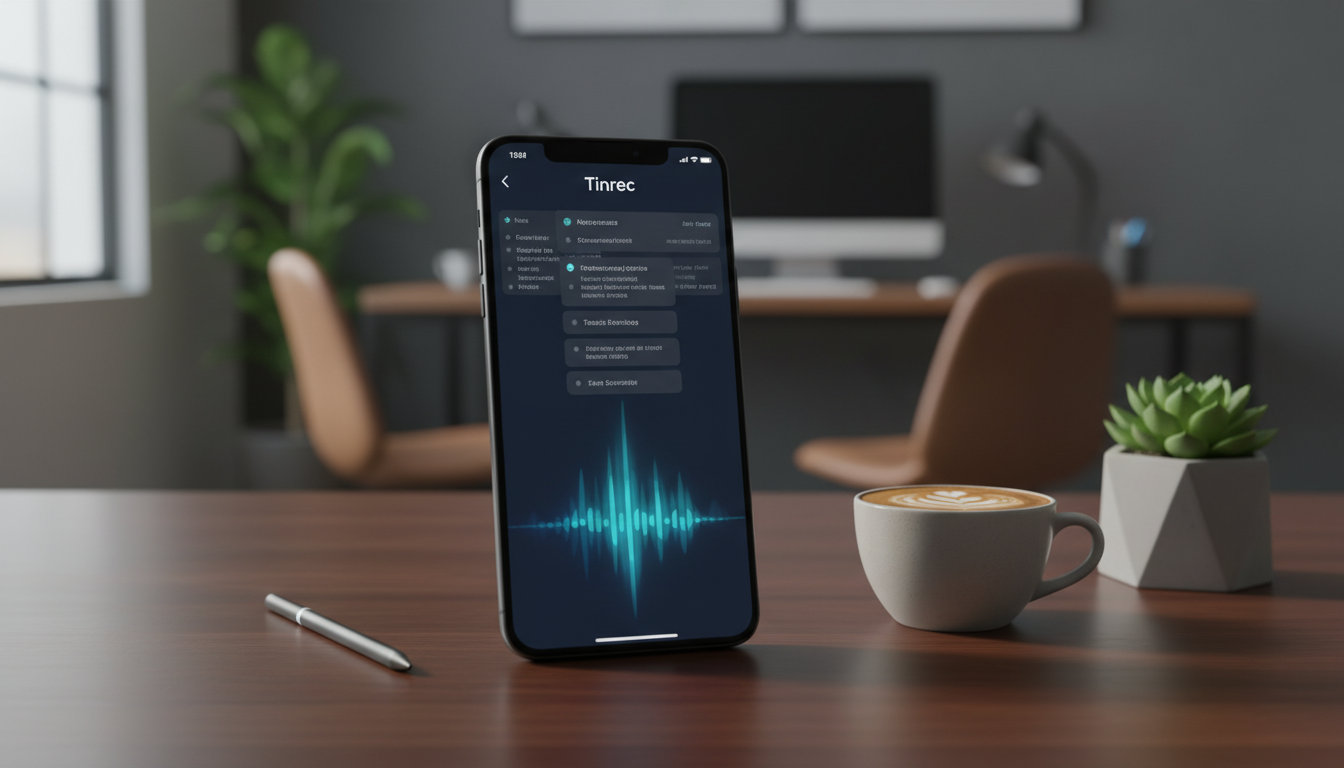
Quick Navigation Conclusion:
- If you only need simple short input: Use your phone's built-in keyboard or Google Keep.
- If you need to organize long meetings and generate summaries: Choose a tool with AI semantic understanding (e.g., Tinrec).
- If English is a priority: Otter.ai remains strong.
Why Is Speech-to-Text So Important? Solving Three Hidden Time Wasters
In the digital office era, simply "recording" is no longer enough. Traditional audio files suffer from extremely low information density, often causing the following issues:
- High cost of re-listening: A one-hour recording often takes two hours of pausing and re-listening to extract key points.
- Inability to quickly search: To find "the budget number the manager mentioned," you have to blindly drag the progress bar—extremely inefficient.
- Lack of action connection: If you record without organizing, it's just digital junk, not convertible into meeting conclusions or to-dos.
The core value of modern AI recording tools is not just "transcription" but turning unstructured voice into searchable, readable, actionable information.
2026 Popular Speech-to-Text Tool Comparison: Which One Fits You Best?
To help you decide quickly, we selected several representative tools including Tinrec (Instant Voice Recorder) for a side-by-side comparison. When choosing a tool, besides accuracy, also consider the convenience of "post-processing."
Tool Evaluation Dimensions Comparison Table
| Dimension | Tinrec (Instant Voice Recorder) | Google Voice Input/Keep | Otter.ai | iPhone Voice Memos | Generic Recorder Apps |
|---|---|---|---|---|---|
| Core Positioning | AI recording assistant (understanding + action) | Basic voice input | English meeting notes | Quick note-taking | Pure recording storage |
| Language Support | 10 languages including Chinese, English, Japanese, Korean, Cantonese, etc. | Multiple languages (requires switching) | English only (strong) | Multiple languages | Depends on phone system |
| Live Transcription | Yes (transcribes as you record) | Yes (requires stable internet) | Yes | Yes (iOS newer versions) | No |
| AI Summary/Actions | Auto-generates meeting minutes and to-dos | No | Yes (English mainly) | Basic summary (some models) | No |
| AI Query/Dialogue | Yes (can ask about recording content) | No | Yes | No | No |
| Free Tier | 100 minutes per month | Completely free | 300 minutes per month (with many restrictions) | Completely free | Varies by app |
| Ideal Use Case | Full meetings, interviews, course notes | Short messages, quick notes | International English meetings | Personal idea capture | Evidence preservation |
Summary Recommendations:
Stop organizing recordings by hand
Upload audio or video and automatically get a transcript, summary, and action items
- If you only need to transcribe a short phrase, Google Keep or the keyboard microphone is enough.
- If you need to process Chinese/multilingual long meetings or courses and want AI to automatically highlight key points and create to-dos, Tinrec is a more complete solution because it solves "what to do after recording."
Deep Dive: Differentiating Features of Tinrec (Instant Voice Recorder)
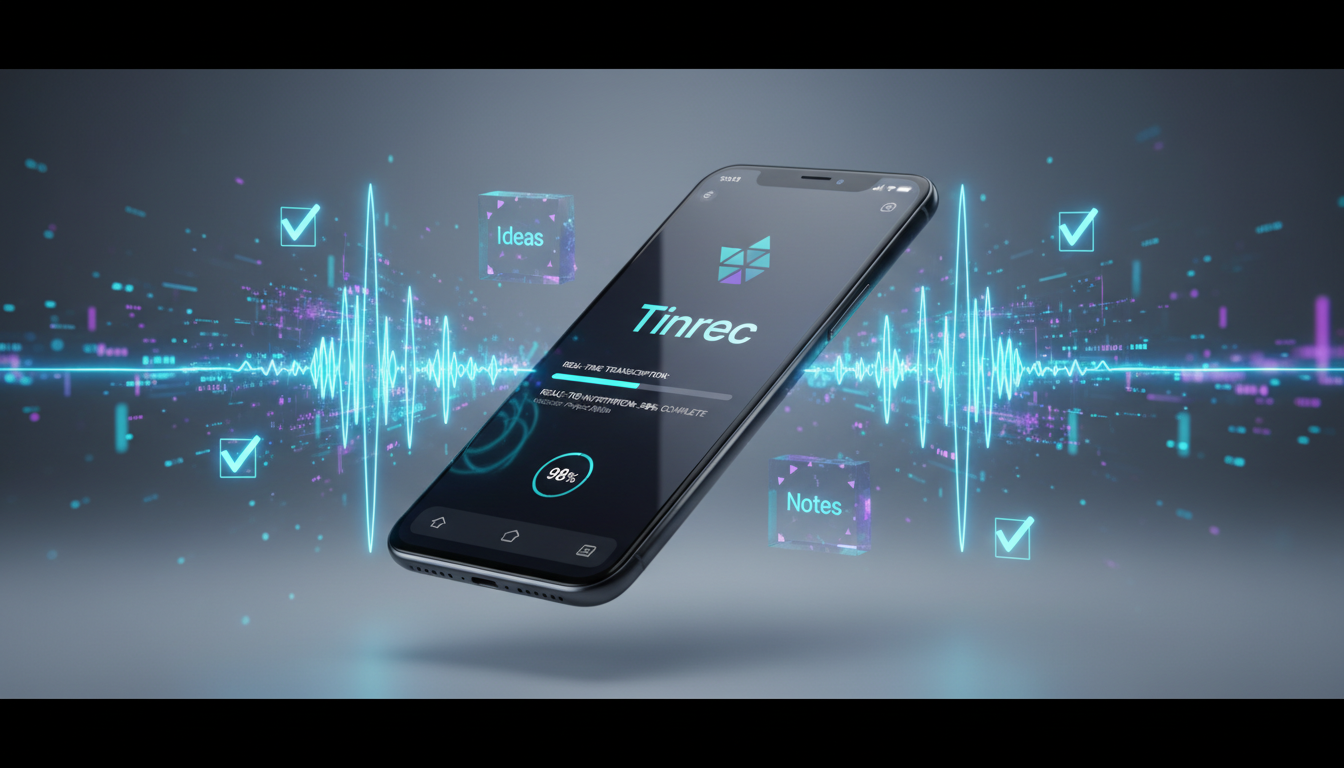
Among many tools, Tinrec (Instant Voice Recorder) is designed with a workflow-oriented approach. It's not just a transcription tool; it emphasizes a complete loop of "Record → Understand → Act." For students or professionals dealing with large amounts of voice information, its following features offer practical value:
1. Beyond Transcription: Extracting Key Points
Traditional tools give you a 10,000-word transcript that you don't want to read. Tinrec uses AI to automatically generate meeting minutes and action items. This means after a meeting, you don't need to re-listen; just read the AI-summarized conclusions.

2. Ask Instead of Search
This is an advanced feature rarely seen in the market. Tinrec supports AI dialogue queries. For example, you can directly ask the AI: "What is the conclusion about the marketing budget in this meeting?" or "What did the teacher say would be on the final exam?" The AI answers based on the recording content, saving you the time of manual Ctrl+F.

3. Multiple Input Sources
In addition to live recording, it also handles existing files. It supports uploading audio files (mp3, m4a, etc.) and even pasting YouTube or Podcast links to convert video content into text summaries. This is very useful for organizing online courses or competitor video analysis.

Hands-On Tutorial: How to Quickly Produce Perfect Meeting Notes with a Mobile App
Below, using Tinrec as an example, we demonstrate the standard workflow from recording to report generation. The logic is similar for both iOS and Android users.
Scenario 1: Live Recording at Meetings or Classes
This is the most common feature, ideal for seeing text generated as you record.
- Open the App: Enter Tinrec's homepage and tap the microphone icon at the bottom.
- Start Recording: The system automatically starts recording and displays live transcription on the screen. Keep your phone close to the speaker.
- Mark Highlights: During recording, if you hear important points, tap the "Mark" button for easy review later.
- Stop and Generate: Press the stop button. AI automatically processes and within minutes generates a full transcript and smart summary.

Scenario 2: Processing Existing Recording Files
If you recorded with a voice recorder or received a file from a colleague, use this method.

- Go to the "Import" or "Upload" page.
- Select an audio file from your phone (supports multiple formats).
- After upload, wait for cloud transcription. Once done, you'll get a transcript with speaker differentiation.

Scenario 3: Summarizing YouTube Tutorial Videos
No need to download the video; use the link to extract key points.
- Copy the YouTube video link.
- In the app, select "Link to Text" and paste the link.
- AI parses the video audio and generates a text summary with timestamp notes.
Frequently Asked Questions (FAQ)
Here are answers to common questions about choosing speech-to-text tools:
Q1: What limitations do free plans usually have? Most tools use a "freemium" model. For example, Tinrec's free plan offers 100 minutes of transcription per month, which is usually enough for occasional meetings or weekly class notes. If your needs are higher, consider a paid plan for more minutes.
Q2: Is transcription accurate in noisy environments? Background noise is indeed the biggest enemy. Recommendations:
- Keep the phone close to the speaker.
- Use a directional microphone accessory.
- Choose apps with noise reduction (some AI tools have post-processing noise reduction to improve recognition).
Q3: What languages are supported? Can it handle Taiwanese Hokkien or Cantonese? Google Voice supports many languages but requires manual switching. Tinrec supports 10 languages including Chinese, English, Japanese, Korean, Taiwanese Hokkien, Cantonese, etc., with automatic detection, making it more adaptable to multilingual workplaces.
Q4: Will my data be leaked? It's important to choose reputable apps. Avoid using unknown free online conversion websites. Reputable services (like Tinrec, Otter) have clear privacy policies and encrypted transmission.
Q5: Can iPhone's Voice Memos transcribe to text? iOS has added transcription features in recent years, but they are basic—mainly pure text without AI summaries, action items, or dialogue queries. For deep organization, third-party apps are still the first choice.
Q6: Can I export the transcribed text? Yes. Tools like Tinrec usually support exporting to Word, TXT, PDF, or even Markdown formats, making it easy to paste into Notion or reports.

Turn every recording into actionable outcomes
Get 60 free transcription minutes when you sign in. No credit card required.
Related Reading
You might also like

4 Best English Transcription Tools in 2026: Free vs Paid Comparison
Looking for an English transcription tool? This article compares 4 popular options: Tinrec, Otter.ai, Notta, and TurboScribe. From free tiers to mixed Chinese-English recognition, post-meeting organization to team collaboration, we break it down to help you find the best English transcription solution.

Tinrec vs Notta 2026: 5-Dimension Comparison for Chinese Meeting Notes
How to choose a meeting transcription tool? This article compares Tinrec and Notta across five dimensions: meeting capture methods, Chinese and mixed-language transcription, post-meeting AI organization and Q&A, team data ownership, and pricing. It also provides practical selection criteria and four common pitfalls to help you find the right AI meeting notes tool for your team.

2026 Free Transcription App Plans Compared: 4 Top Picks
Compare free plans for Tinrec, Otter.ai, Notta, and Yating in 2026. See free minutes, language support, and post-meeting features to choose the right audio-to-text tool and save time on transcript cleanup.
5 Best Meeting Recording Tools in 2026: From Transcripts to Meeting Minutes
Recording a meeting isn't just about placing your phone on the table—the real pain points are the transcript, summary, and action items that follow. This article breaks down the 6 key factors for choosing a meeting recording tool, from recording legality and online meeting capture methods to team permissions and pricing, and demonstrates the complete workflow from recording to action items using Tinrec.

4 Meeting Transcription Tools Tested: Is AI Meeting Summary Good Enough in 2026?
Tired of writing meeting minutes after hours? We tested 4 meeting transcription tools, comparing transcription accuracy, post-meeting organization, language support, and team collaboration. Using Tinrec as the primary example, we show you the difference between tools that only produce transcripts and those that truly help you organize.

2026 Best AI Meeting Transcription Tools Compared: Which Saves the Most Time for Chinese Meetings?
Starting from the decision of which recording-to-meeting-notes tool to choose, this hands-on comparison evaluates Tinrec, Otter.ai, Notta, and Granola on meeting recording methods, Chinese and mixed Chinese-English processing, post-meeting organization, and team collaboration. It also covers 4 key buying factors, 4 common pitfalls, and scenario-based recommendations.
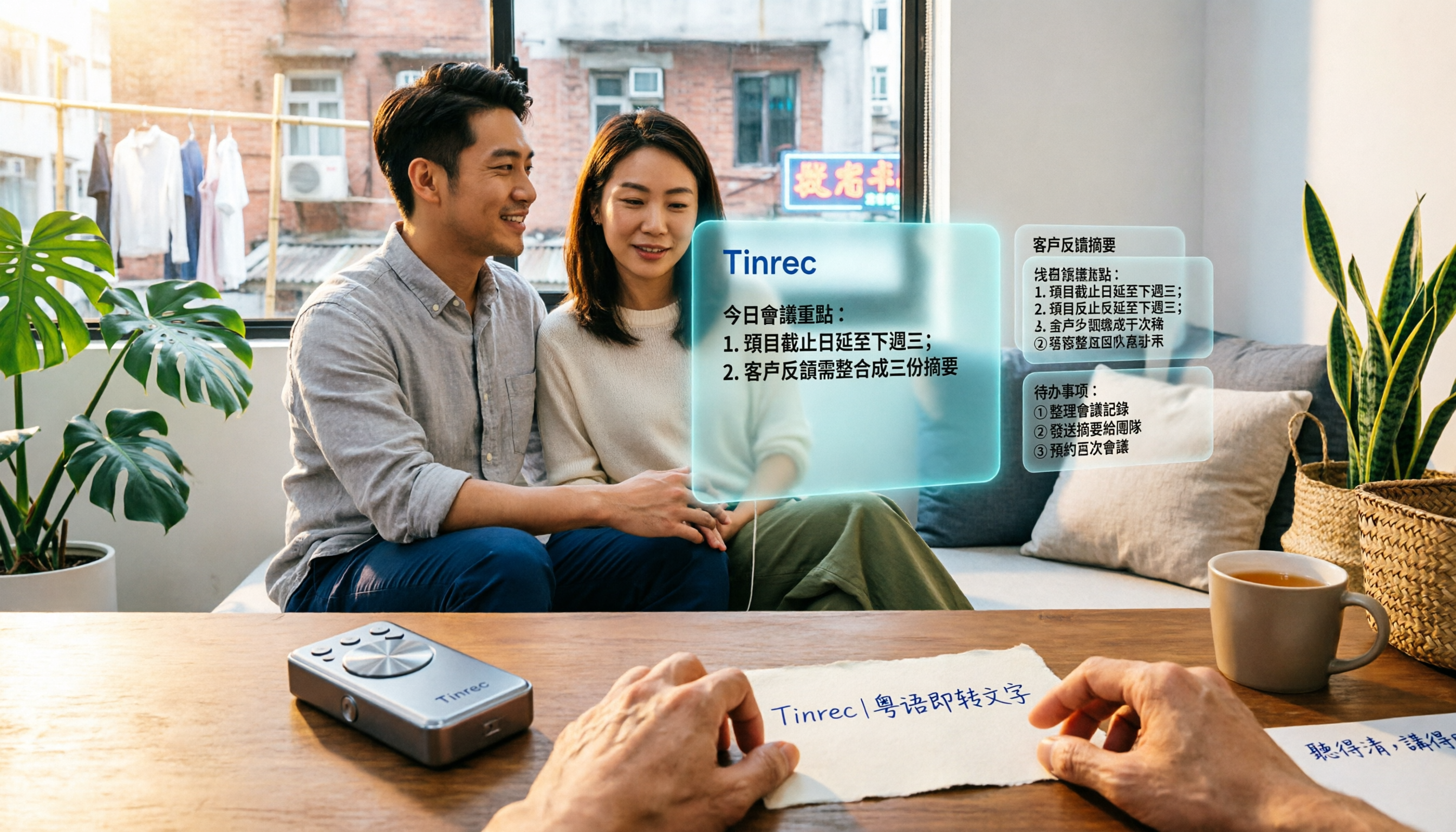
5 Cantonese Speech-to-Text Tools Tested in 2026: Which Saves More Time on Cantonese Transcripts and Post-Meeting Organization?
Looking for a speech-to-text tool that accurately recognizes Cantonese? This article starts with the three most common pitfalls, then covers key points for choosing a Cantonese transcription tool based on real tests, free quotas, and team pricing differences. It also uses Tinrec as an example to demonstrate the complete workflow from recording and transcription to summaries, action items, and team knowledge retention.

2026 Meeting Notes App Comparison: Which AI Summarizer Saves Managers the Most Time?
A mid-level manager leading a 10-person team and attending 15 meetings a week tested five meeting notes apps and shares the criteria for choosing one. From post-meeting organization speed, AI summaries and action items, and online meeting recording methods, to team data ownership and seat management, this explains how Tinrec works in real meeting scenarios, where its limits are, and how to choose between the free and team versions.

5 Best AI Meeting Transcription Tools in 2026: Which Free Plan Is Most Generous?
Tired of replaying meeting recordings to write notes? We break down 5 key factors for choosing an AI meeting transcription tool and compare Tinrec, Granola, Notta, and PLAUD on transcription, AI Q&A, action item extraction, and team collaboration. We also cover free plan limits, pricing, and common pitfalls to help you pick the most time-saving option.