
Turn recordings into transcripts and summaries in minutes
Upload audio or video for multilingual transcription, AI notes, and action items
Struggling to keep up with the professor's pace while scribbling notes in class? Recorded the lecture but find that "listening for an hour" is more exhausting than "sitting through class for an hour"? This is a common pain point for 90% of students and professionals. A raw audio file is an information silo—it's "unsearchable" and "impossible to skim."
This article breaks down the most efficient note-taking logic for 2026, using a tool comparison table to help you choose the right solution, and demonstrates how to transform "voice" into "actionable knowledge" with AI tools. If you value study efficiency, prioritize tools with "AI summary" and "conversational query" features; for simple archiving, a traditional voice recorder will suffice.
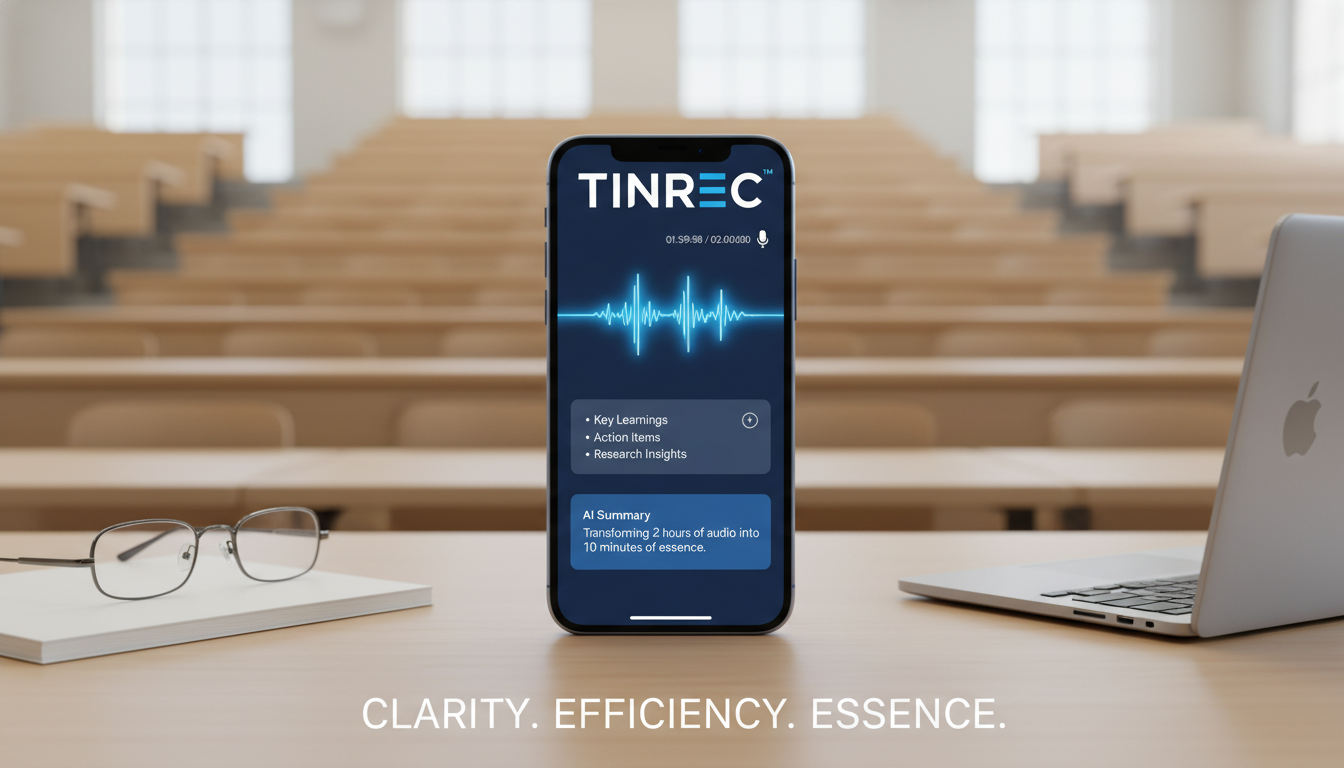
Why Can't You Ever Finish Organizing Your Lecture Recordings?
Many mistakenly believe that "recording" equals "learning." In reality, unorganized audio files often become digital clutter on your computer. Traditional methods face three major bottlenecks:
- High linear review cost: To confirm one concept, you must repeatedly scrub a 90-minute audio track.
- Low information density: Spoken language is full of filler words and pauses; listening to the entire recording is extremely inefficient.
- Lack of structure: Audio files can't be searched with Ctrl+F like text, making it hard to quickly pinpoint key points during review.
Tool Comparison: Traditional Recording vs. Voice Typing vs. AI Note Assistant
To overcome these issues, choosing the right tool is critical. Below is a multi-dimensional evaluation of three common solutions:
| Dimension | Traditional Recorder / Phone Recording | General Voice Typing (e.g., Google/Word) | AI Recording Note Assistant (e.g., Tinrec) |
|---|---|---|---|
| Core Function | Saves audio file only | Converts speech to plain text | Recording + Transcription + AI Summary |
| Real-Time Output | Low (must relisten later) | High (real-time text) | High (real-time text with speaker identification) |
| Summary & Action Items | None | None | Auto-generates meeting minutes, to-do lists |
| Content Search | Unsearchable | Keyword search only (Ctrl+F) | AI conversational query (semantic understanding) |
| Multi-Language Support | N/A | Usually manual language switch | Auto-detect Chinese, English, Japanese, Korean, etc. |
| Ideal Use Case | Evidence retention | Short messages, simple memos | Lecture, meeting, online course organization |
| Free Tier | Unlimited (storage-dependent) | Free | Usually minute-based (Tinrec offers 100 free minutes/month) |
Recommendation:
- If you only record "just in case," your phone's built-in recorder is enough.
- If you need to turn lectures into "exam notes" or "project reports," choose a tool with AI summary and semantic search (e.g., Tinrec)—it saves about 80% of organization time.
Deep Dive: What Makes Next-Gen AI Note Tools Different
Among many AI tools, Tinrec (Seconds to Listen) is designed to solve the "post-recording" problem. Unlike competitors that only provide transcripts, its differentiator is not just "transcription" but building a workflow from "Recording → Understanding → Action."
Stop organizing recordings by hand
Upload audio or video and automatically get a transcript, summary, and action items

For classroom scenarios, tools like this typically offer:
- Mixed-language recognition: When professors mix English jargon or when attending foreign online courses, AI automatically identifies and transcribes both languages, bridging language gaps.
- Audio/Video content integration: Beyond physical classes, Tinrec supports importing YouTube or Podcast links—very useful for organizing online courses (e.g., Coursera, Udemy or educational YouTube videos).
- Conversational query: This is impossible with traditional notes. You can directly ask the AI: "What was the professor's conclusion about 'market pricing' in this lecture?" The system answers based on the recording content, instead of forcing you to browse thousands of words of transcript.
Hands-On Tutorial: How to Organize Lecture Notes in 3 Steps
Below, using Tinrec as an example, we demonstrate a standard operating procedure (SOP) for efficient note-taking.
Step 1: Choose Input Method Based on Scenario
In-Person Class/Meeting: Open the app or web version and use the "Live Recording" feature. Sit closer to the speaker—although AI has noise reduction, clear audio improves accuracy.
Tool Entry: Audio-to-Text Live
Make-up Class / Old File Organization: If you have existing audio files (mp3, wav, m4a, etc.), upload them directly for transcription. Tinrec supports speaker diarization, automatically separating teacher's speech from student questions.
Tool Entry: Audio File to Text
Online Courses / Instructional Videos: For YouTube tutorials or podcasts, no download needed—just paste the URL to generate notes.
Tool Entry: Podcast/Online Video to Text
Step 2: Get a Structured Summary
After recording, the system automatically generates a "transcript" and an "AI summary." Don't dive into the transcript yet; first review the summary and mind map (if supported).
- Check key points: Confirm that the AI-extracted "lecture highlights" cover the core concepts you remember.
- Extract action items: If the lecture includes homework or exam scope, Tinrec automatically lists them under "Action Items"—copy them into your calendar.

Step 3: Review with AI Chat
This is the most efficient review method. Don't re-read the entire transcript; instead, use the AI chat panel on the right for "exam prep" or "concept clarification."
- Example query: "List three key marketing theories mentioned in this lecture."
- Example query: "What did the professor say about the final exam?"
Tool Entry: AI Chat Query

FAQ
Q1: If I switch apps to reply to messages while recording on my phone, will it stop?
Most professional recording apps (including Tinrec) support background recording. However, due to iOS limitations, opening another app that uses the microphone (e.g., camera, call) may cause recording to stop. Enable "Do Not Disturb" during lectures.
Q2: How accurate is the audio-to-text conversion?
In a quiet classroom, modern AI tools like Tinrec achieve over 95% accuracy for Mandarin. Accuracy may drop in noisy environments or with strong accents; use the editing feature to correct proper nouns.
Q3: Can I record online meetings (Google Meet/Teams)?
Yes. Using Tinrec's web version, you can capture system audio (internal recording) to grab meeting sound; alternatively, place your phone near the computer speaker to record.
Q4: Are these tools free?
AI computation is costly, so most offer a "freemium" model. Tinrec, for example, provides 100 free minutes per month—suitable for light users. For heavy use (e.g., 600–1200 minutes per month), consider upgrading to Basic or Pro plans.
Q5: What languages are supported?
Tinrec supports Chinese, Japanese, English, Korean, German, Cantonese, and 10 other languages, with auto-detection—ideal for language learners.
Q6: Can I export my notes?
Yes. Completed notes can be exported as Word, PDF, Markdown, or plain text, making it easy to integrate into Notion or OneNote for permanent storage.
Turn every recording into actionable outcomes
Get 60 free transcription minutes when you sign in. No credit card required.
Related Reading
You might also like

4 Customer Follow-Up Report Methods Tested in 2026: Which One Actually Saves You Time?
After a customer conversation ends, the follow-up report is often the most time-consuming part. This article uses Tinrec in a real workflow to break down the full process from recording, transcript, summary, and action items to exporting the report, and compares different approaches to help you find a truly time-saving and practical method.

Tinrec vs Notta 2026: 5-Dimension Comparison for Chinese Client Visit Notes
The hardest part of organizing client visit needs isn't recording—it's finding, following up, and handing off afterward. This article compares Tinrec and Notta across 5 dimensions: capture method, Chinese experience, post-meeting organization, team retention, and pricing limits, with a pitfall guide and selection advice.

2026 Client Meeting Note-Taking Tools Buyer's Guide: 3 Hands-On Tests and Post-Meeting Follow-Up Tips
Client meetings often end with follow-up actions falling through the cracks. This article, from a mid-level manager's practical perspective, explains 4 key criteria for choosing a client meeting note-taking tool, tests Tinrec's bot-free recording, AI summaries and action item extraction, AI Q&A, and team spaces, and briefly reviews who Otter.ai, Notta, and PLAUD Note are each best for, with a pitfalls guide and selection advice at the end.

2026 Sales Meeting AI Tools Comparison: Which One Turns Customer Conversations into Team Assets?
The real cost of sales meetings isn't the meeting itself—it's that no one organizes the follow-up. This article tests 5 AI meeting tools in real sales scenarios, comparing recording methods, post-meeting outputs, Chinese language support, and data ownership. We also highlight common pitfalls to help you choose a tool that can accumulate customer conversations over the long term.

2026 Client Visit Meeting Minutes Tools Buying Guide: 4 Tested and Recommended
Client visit meeting minutes are not verbatim transcripts. This article starts from the most common inefficient practices, outlines 5 key purchasing points, and compares the recording methods and post-meeting processing capabilities of Tinrec, Notta, Otter.ai, and Granola through hands-on testing, with a pitfall guide and scenario-based selection advice.

Tinrec vs Notta 2026: 5-Dimension Comparison for Chinese Client Meetings
Tired of organizing client meeting notes after hours? This article compares Tinrec and Notta across 5 dimensions: meeting capture methods, mixed Chinese-English performance, post-meeting outputs, team governance, and pricing. It also covers Granola and PLAUD Note positioning, plus 4 common pitfalls to help you choose the best client meeting note-taking tool for your team.

5 Customer Visit Recording Tools Tested for 2026: Which One Turns Transcripts into Your Next Sales Advantage?
Customer visit recording organization isn't about who transcribes most accurately—it's about who turns recordings into searchable, actionable customer data. Using Tinrec as an example, this article breaks down the complete workflow from real-time transcription, AI summaries, action item extraction, AI Q&A to team spaces, and compiles 5 key buying considerations and FAQs.

2026 Comparison of 4 Client Visit Follow-Up Tools: How to Turn Visit Recordings into Trackable Follow-Up Materials
After a client visit, how do you turn recordings, notes, and client commitments into follow-up materials you can use next time? This article focuses on Tinrec and explains the complete process from bot-free recording, transcription, AI summaries to action item extraction and team data retention, plus 5 purchasing considerations and FAQs.

3 Meeting Transcription Tools Tested for 2026: Which Keeps Handover Data Most Complete?
When you leave a job, meeting notes scattered across personal accounts are a nightmare. This article tests 3 meeting transcription tools, comparing team spaces, AI Q&A, and export capabilities, with Tinrec as the primary test subject, and outlines selection criteria and pitfalls to avoid for meeting data handover.