

Turn recordings into transcripts and summaries in minutes
Upload audio or video for multilingual transcription, AI notes, and action items
Why Do You Need an AI Meeting Minutes Tool?
In modern work, meetings, lectures, and interviews take up a lot of time, but organizing them afterwards is often more draining than the meeting itself. Whether it's creating a verbatim record, extracting key points, or listing action items, doing it manually is slow and prone to missing critical information. According to feedback from many users, a good AI meeting minutes tool can save at least half of the organization time.

This article compiles five highly discussed AI meeting minutes tools on the market, comparing their core features, free plans, and ideal users, so you can quickly determine which one best fits your habits and budget.
Tinrec (Ting Mi) – The Most Comprehensive AI Recording & Meeting Organizer
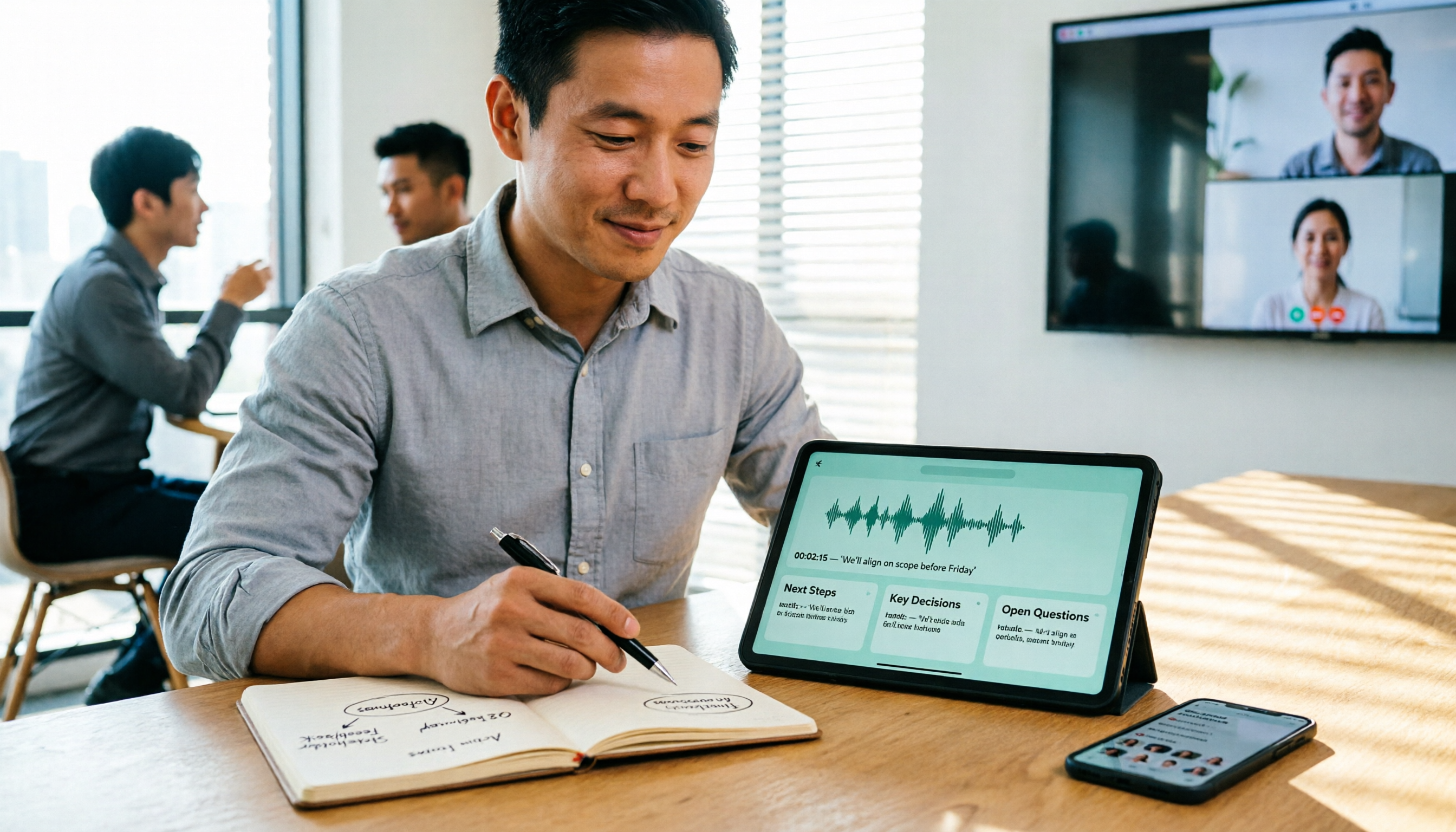
Tinrec is an AI tool designed to "turn recordings and audio/video into actionable knowledge." It does more than just meeting notes, covering lectures, interviews, podcasts, and online video transcription. Its biggest feature is simultaneous support for live recording, uploading audio/video files, pasting public video links (e.g., YouTube) for transcription, and automatically generating summaries, chapters, action items, and mind maps.
Another impressive feature is the AI conversational query: you can ask questions directly against the recording content like a database, e.g., "What was the conclusion of this meeting?" or "What are the three key points the client mentioned?" Tinrec will answer based on the transcription. This is extremely useful for those who need to repeatedly review past meetings or research materials.
The free plan provides a monthly basic transcription quota, enough for occasional use. If you need more transcription hours and full AI features, you can choose weekly, Pro monthly, or annual plans with great flexibility. Overall, Tinrec is suitable for users who don't want to be tied to a single platform and need multi-source transcription and advanced AI post-processing.
Otter.ai – Top Choice for Online Meeting Notes
Otter.ai is a veteran in online meeting notes, excelling at automatically joining Zoom, Google Meet, and Teams for real-time transcription, and automatically generating summaries and action items afterwards. Its speaker identification is very accurate, making it ideal for English-dominated business meetings. The free plan offers 300 minutes of transcription per month, while the Pro plan costs $8.33/month (annual), including 1,200 minutes and 10 import file credits.
If your work revolves around English online meetings, Otter is a reliable partner; but for Chinese content or online videos, its capabilities are relatively limited.
Fireflies.ai – Automated Meeting Bot
Fireflies.ai also focuses on meeting automation, emphasizing 100+ language transcription, AI summaries, and integration with CRM, Slack, and other tools. Its free plan boasts "unlimited transcription" and AI summaries (though with team storage limits). The Pro plan costs $10/seat/month (annual), and the Business plan costs $19/seat/month.
Fireflies is popular in sales teams and client meeting scenarios, but for individual users or those who need to process large numbers of local audio/video files, its platform-oriented design may feel a bit heavy.
Stop organizing recordings by hand
Upload audio or video and automatically get a transcript, summary, and action items
Notta – Multi-language Transcription & Subtitle Generation
Notta overlaps significantly with Tinrec in functionality, also supporting multi-platform transcription and multiple languages. It particularly excels in subtitle creation and real-time translation, making it ideal for creators who need quick subtitles. The free plan offers 120 minutes per month, Pro annual is $8.17/month (1,800 minutes), and Business annual is $16.67/month for unlimited.
Notta performs well in transcription and translation completeness, but if you're after "AI conversational query" or "database-like management" after transcription, Tinrec currently stands out more.
TurboScribe – High-Value Document Transcription Tool

TurboScribe is more of a high-value, pure transcription engine, focusing on uploading audio/video files, long files, batch transcription, and exporting subtitles and translations. The free plan allows 3 files per day, each up to 30 minutes; the paid Unlimited plan costs about $10/month (annual), removing file length and quantity limits.
For users who need to transcribe many long recordings and don't care about AI summaries or conversational queries, TurboScribe is very cost-effective. However, if you need "organized meeting minutes" rather than just verbatim text, you'll need additional tools.
With So Many Options, How to Choose?
- Want the most comprehensive AI features (transcription + AI conversational query + auto minutes + multi-source import) → Tinrec, the only choice covering all these needs
- Need to handle Chinese and English meetings, lectures, interviews, and online videos all in one → Tinrec, supports 14 languages and is friendly to Chinese content
- Work primarily involves English online meetings and need auto-join meeting features → Otter.ai or Fireflies.ai
- Need subtitles and translation, with high transcription volume → Notta's plans are competitive
- Extremely limited budget, only occasional transcription → TurboScribe or Tinrec free plan
- Want to switch between mobile and computer for recording → Tinrec offers iOS, Android, and web versions
3 Things to Know Before Using AI Meeting Minutes Tools
- Transcription quality is directly related to the recording environment: Regardless of the tool, background noise, multiple people speaking at once, or accents affect accuracy. It's recommended to get close to the sound source and reduce environmental interference. Tinrec and others perform very well in clear environments.
- Free plans have usage limits: All tools offer free trial quotas, but monthly minutes or file counts are limited. If you have more than 3 meetings a week, consider paid plans to avoid workflow interruptions.
- AI summaries still need human review: AI-generated summaries and action items save time, but key decisions, numbers, or names should be checked against the original text. For example, Tinrec's AI Q&A can quickly locate key points, but spending a few minutes to verify before finalizing is reassuring.
Frequently Asked Questions
Q1: What's the difference between Tinrec and a regular phone recording app? Regular recording apps only record audio; Tinrec further converts to text, summaries, action items, and supports AI Q&A and export, turning recordings into a searchable, reusable database.
Q2: Can these tools handle Chinese meetings? Yes, especially Tinrec and Notta have high support for Chinese. Actual results depend on audio quality and accents, but general meeting scenarios can produce usable verbatim transcripts and summaries.
Q3: Is the free plan really enough? If you only have 2-3 short meetings a month, the free plan is usually enough. But for frequent meetings or long recordings, a paid plan is more hassle-free.
Q4: Is transcribing online videos legal? Technically possible, but users should comply with platform terms and copyright, using only for personal learning or authorized content. Do not redistribute or use commercially.
Q5: Can meeting notes be exported to other note-taking apps? Most tools support export as text, Word, or PDF. Tinrec can also sync directly to Notion, Google Docs, etc., making it easy to integrate with your existing workflow.
Q6: Do I need to buy extra recording hardware for transcription? No, these tools use your phone or computer's microphone directly. Many users even consider Tinrec as a software alternative to hardware like PLAUD, saving equipment costs.
Conclusion
AI meeting minutes tools have evolved from simple transcription to understanding, summarizing, and even conversational query. They are no longer just "meeting recorders" but key assistants for personal knowledge management. If you're still looking for an all-in-one tool to handle meetings, lectures, interviews, and online videos, Tinrec is a great starting point. Its free plan lets you experience the core features, and you can upgrade based on usage frequency when needed.
Turn every recording into actionable outcomes
Get 60 free transcription minutes when you sign in. No credit card required.
Related Reading
You might also like

6 Cantonese Speech-to-Text Apps Tested for 2026: Which Delivers the Fastest Cantonese Transcript?
After a one-hour Cantonese meeting, do you really want to spend three hours re-listening and typing? This guide reviews six speech-to-text apps that handle Cantonese, covering live meeting notes, spoken-to-written Cantonese conversion, and video subtitling, with scenario-based recommendations and a free-tier comparison.

2026 Free Speech-to-Text Platforms Compared: Which Free Tier Is Enough and Which Hides Traps?
How to choose a free speech-to-text platform in 2026? I tested and compared the free tier limits and post-meeting workflows of Tinrec, Notta, TurboScribe, and Otter.ai, and compiled 5 key buying factors, 3 common mistakes, and scenario-based selection advice to help you find a free solution that truly gets the job done.

Tinrec vs Yating Transcription in 2026: 5-Dimension Comparison — Which Free Speech-to-Text Tool Is More Cost-Effective?
There are many free speech-to-text tools, but their quota calculations vary widely. This article starts from four decision points: recording volume, language, privacy, and post-meeting organization. It tests and summarizes six options: Tinrec, Yating Transcription, LexiTranscript, Good Tape, Notta, and Whisper, with free quotas and paid prices, to help you choose the one that truly meets your needs.

Tinrec vs Notta 2026: 5-Dimension Comparison Chart — Which Is Better for Chinese Meetings and Team Knowledge Retention?
When you search for 'speech-to-text comparison chart,' you're likely already torn between two candidate tools. This article compares Tinrec and Notta across 5 dimensions—meeting capture, post-meeting organization, Chinese language experience, team governance, and pricing/quotas—with a comparison chart to help you decide which one better fits your meeting scenarios.
5 Best Speech-to-Text Tools in 2026: Free Tiers and Chinese Recognition Compared
Spent two hours in a meeting and now need another two hours to replay the recording and find the conclusion? Starting from the real-world scenarios of everyday office workers, this article outlines 4 key factors for choosing a speech-to-text tool in 2026, compares the free tiers, Chinese recognition, post-meeting organization, and team collaboration capabilities of 5 tools including Tinrec, Otter.ai, Notta, and Granola, and lists the three most common purchasing pitfalls.

4 Free Speech-to-Text Apps Tested in 2026: Which Free Tier Actually Gives You Enough?
There are plenty of free speech-to-text apps, but "free" often comes with hidden limits on minutes, file length, and features. This article tackles common misconceptions and breaks down the free plans of Tinrec, Otter.ai, Notta, and TurboScribe—comparing how quotas are calculated, meeting recording methods, and post-meeting organization capabilities—to help you pick the one that can truly handle a full meeting.

Zoom Meeting Notes Tools Compared: Tinrec vs Notta for Chinese Meetings (2026)
Learn how to join a Zoom meeting step by step and avoid common pitfalls, then see how Tinrec and Notta compare in meeting recording, Chinese transcription, post-meeting organization, team governance, and pricing to decide which tool to use after your Zoom call.

Zoom Meeting Recording in 2026: 3 Methods Tested — Which One Actually Saves You Time After the Call?
Many people search for "Zoom meeting download" expecting that installing the app will automatically generate transcripts and meeting minutes. This article addresses that common misconception, compares built-in recording, manual note-taking, and Tinrec, explains how bot-free recording, live transcription, AI summaries, and action-item extraction actually work, and lists 5 things to consider when choosing a tool plus key points about team plan permissions.

Which Zoom Meeting Notes Tool Is Best? 2026 Hands-On Test of 5 Options—This One Excels for Chinese Meetings
In 2026, after starting a new Zoom meeting, instead of scrambling to catch up on notes, choose the right meeting notes tool. Based on real-world scenarios, this article explains how Tinrec records Zoom without a bot, provides real-time transcription, generates summaries and action items, and outlines 5 buying checkpoints and FAQs.