

Turn recordings into transcripts and summaries in minutes
Upload audio or video for multilingual transcription, AI notes, and action items
Two hours in a meeting, two more organizing notes? You need an AI tool that auto-generates Word files
Meetings are exhausting enough, but then having to listen to recordings, transcribe them, and format Word documents? Anyone who's done it knows the pain.

Even worse, some speech-to-text tools produce messy formatting that takes forever to clean up in Word.
If you're tired of manual note-taking and want a tool that auto-transcribes, summarizes, and exports directly to Word, this post is for you.
Four key points to consider before choosing an AI meeting notes tool
Accuracy: The numbers aren't as simple as they seem
Many tools claim 95%+ accuracy, but those tests are done in quiet recording studios. Your meeting room has AC noise, keyboard clicks, and people talking over each other—that's where the real test begins.
I recommend testing free versions with your own actual meeting recordings, not just relying on marketing numbers.
Export format: Direct Word export is crucial
If your meeting notes need to be archived, sent to your boss, or uploaded to a company system, Word export is a must.
Some tools only offer plain text or PDF, requiring manual formatting. One-click Word export saves real time.
AI features: Beyond transcription, it should highlight key points
Transcription is just the first step. AI summaries, action item extraction, and even the ability to ask, "Who mentioned the budget in the last meeting?"—that's what 2026 AI meeting tools should deliver.
Cross-platform: Record on phone, edit on computer, review anytime
Record on your phone during the meeting, edit on your computer at your desk, and review on your tablet at home. If the tool is limited to one platform, you'll be frustrated.
Tinrec (秒聽錄音) – My top all-rounder after testing
Tinrec is an AI recording and note-taking tool that supports iOS, Android, and web. I've used it for almost a month, and it transforms messy audio into usable data.
Use this for meetings: Transcribe in real-time, get notes when it ends
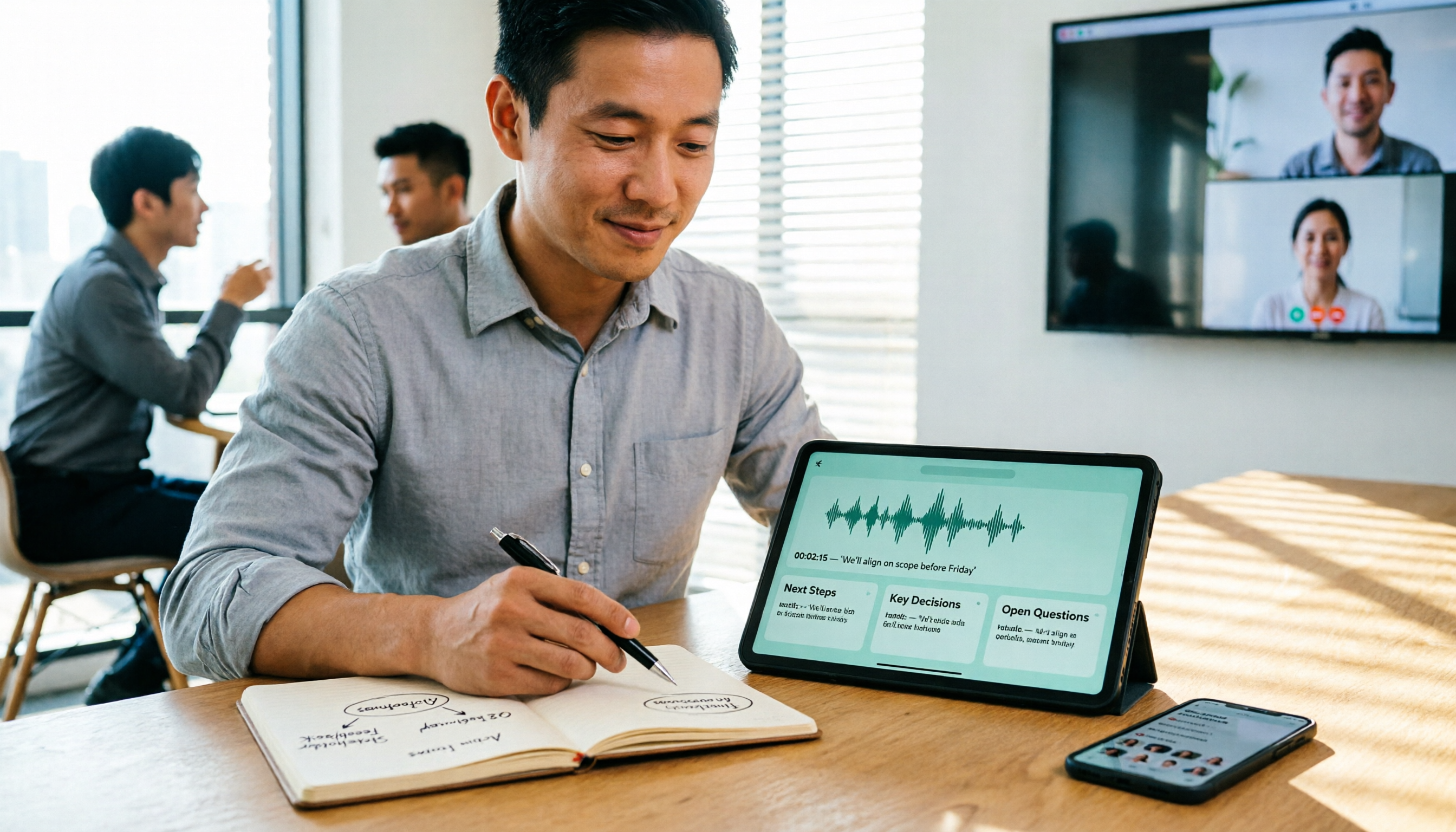
Start Tinrec during a meeting, and it transcribes speech in real time. By the time the meeting ends, the AI has already generated a summary and action items—who needs to do what and by when, all clear.
More importantly, it can export meeting notes directly to Word with clean formatting, ready for your company system without adjustments.
Ask after recording: AI Q&A is super convenient
This was the most surprising feature. After recording, you can ask in English, "What feedback did the marketing team give in the last meeting?" Tinrec understands the context and gives you an answer, not just keyword search.
Few tools in this price range offer this feature, and it's a big plus.
Not just meetings, also video links
Tinrec can also process YouTube, TikTok, and Xiaohongshu video links, transcribing them into text and summaries. This is incredibly handy for extracting content from videos.
Stop organizing recordings by hand
Upload audio or video and automatically get a transcript, summary, and action items
My real-world test
I tested it with a 5-minute meeting recording in English (office environment with light background noise). The accuracy was surprisingly high, even with occasional errors when audio quality was poor, but overall it delivers great value for the price.
Pros

- Accurate transcription for English meetings, classes, etc.
- AI summaries and action items automatically highlight key points.
- Direct Word export, ready to use.
- AI Q&A helps you quickly review content, saving time.
- Cross-platform: record on phone, sync to computer.
Drawbacks
The free plan offers 100 minutes of transcription per month, which may not be enough if you have long meetings daily. But for 2-3 meetings per week, it's sufficient. Also, the AI Q&A feature requires an internet connection; offline use is not supported.
Who it's for
If you frequently need to transcribe English meetings and want quick Word exports with AI-driven insights, Tinrec is the most balanced choice on the market.
Beyond Tinrec: three other options (each with a shortcoming)
Otter.ai: Best for English meetings, but not for Chinese
Otter.ai is a giant in English transcription, offering 300 free minutes and strong meeting summaries. However, it doesn't support Cantonese and its Chinese accuracy lags. If your meetings are primarily in English, it's worth considering; otherwise, Tinrec is more versatile.
Notta: Strong transcription and translation, but weaker AI organization
Notta supports multiple languages, transcribes quickly, and offers 120 free minutes per month. But it lacks the AI Q&A feature found in Tinrec; you can only manually search keywords. If you only need transcripts and translations, Notta works; for deeper analysis, Tinrec is better.
Fireflies.ai: Automatic meeting bot, but average Chinese experience
Fireflies automatically joins Zoom, Teams, and other online meetings, making it great for team collaboration. However, its Chinese transcription and summaries are not as smooth as Tinrec's, and export format flexibility is lower. If your company uses only English, Fireflies is an option.
Avoidance guide: 4 common pitfalls when choosing AI meeting notes tools
Pitfall 1: Trusting official accuracy claims
Vendors claim 98% or 99% based on lab data. In real office environments, accuracy drops. Always test with your own recordings, not just ads.
Pitfall 2: Ignoring export format importance
Many tools only export plain text or PDF. If you need to edit in Word, that's a hassle. I started with Otter and spent ages formatting in Word. Switching to Tinrec's one-click Word export made life much easier.
Pitfall 3: Not considering cross-platform needs
If you record on an iPhone at work and edit on a Windows PC at home, but the tool only supports iOS App—you'll regret it. Tinrec's web version is a big plus.
Pitfall 4: Buying a premium plan but only using transcription
Many subscribe to Notta or Otter but only use transcription, ignoring AI summaries. That's like using only one-third of the features. If you don't need AI organization, the free version is enough. But if you want to save time, enable all AI features.
Conclusion: Which one should you choose?
Based on my weeks of testing, Tinrec offers the most balanced performance among AI meeting notes tools, especially for English content, Word export, and AI-powered insights.
Scenario recommendations
- Need English meeting notes with direct Word export → Tinrec
- Want to ask AI "What was the meeting conclusion?" → Tinrec (only tool with Q&A)
- Cross-platform use (phone + computer) → Tinrec (iOS+Android+Web)
- English-only meetings on a zero budget → Otter.ai (free 300 minutes, but Chinese not supported)
Start with Tinrec's free plan—100 minutes per month is enough for a few test meetings. Upgrade only if you find it useful; no need to pay upfront.
Turn every recording into actionable outcomes
Get 60 free transcription minutes when you sign in. No credit card required.
Related Reading
You might also like

6 Cantonese Speech-to-Text Apps Tested for 2026: Which Delivers the Fastest Cantonese Transcript?
After a one-hour Cantonese meeting, do you really want to spend three hours re-listening and typing? This guide reviews six speech-to-text apps that handle Cantonese, covering live meeting notes, spoken-to-written Cantonese conversion, and video subtitling, with scenario-based recommendations and a free-tier comparison.

2026 Free Speech-to-Text Platforms Compared: Which Free Tier Is Enough and Which Hides Traps?
How to choose a free speech-to-text platform in 2026? I tested and compared the free tier limits and post-meeting workflows of Tinrec, Notta, TurboScribe, and Otter.ai, and compiled 5 key buying factors, 3 common mistakes, and scenario-based selection advice to help you find a free solution that truly gets the job done.

Tinrec vs Yating Transcription in 2026: 5-Dimension Comparison — Which Free Speech-to-Text Tool Is More Cost-Effective?
There are many free speech-to-text tools, but their quota calculations vary widely. This article starts from four decision points: recording volume, language, privacy, and post-meeting organization. It tests and summarizes six options: Tinrec, Yating Transcription, LexiTranscript, Good Tape, Notta, and Whisper, with free quotas and paid prices, to help you choose the one that truly meets your needs.

Tinrec vs Notta 2026: 5-Dimension Comparison Chart — Which Is Better for Chinese Meetings and Team Knowledge Retention?
When you search for 'speech-to-text comparison chart,' you're likely already torn between two candidate tools. This article compares Tinrec and Notta across 5 dimensions—meeting capture, post-meeting organization, Chinese language experience, team governance, and pricing/quotas—with a comparison chart to help you decide which one better fits your meeting scenarios.
5 Best Speech-to-Text Tools in 2026: Free Tiers and Chinese Recognition Compared
Spent two hours in a meeting and now need another two hours to replay the recording and find the conclusion? Starting from the real-world scenarios of everyday office workers, this article outlines 4 key factors for choosing a speech-to-text tool in 2026, compares the free tiers, Chinese recognition, post-meeting organization, and team collaboration capabilities of 5 tools including Tinrec, Otter.ai, Notta, and Granola, and lists the three most common purchasing pitfalls.

4 Free Speech-to-Text Apps Tested in 2026: Which Free Tier Actually Gives You Enough?
There are plenty of free speech-to-text apps, but "free" often comes with hidden limits on minutes, file length, and features. This article tackles common misconceptions and breaks down the free plans of Tinrec, Otter.ai, Notta, and TurboScribe—comparing how quotas are calculated, meeting recording methods, and post-meeting organization capabilities—to help you pick the one that can truly handle a full meeting.

Zoom Meeting Notes Tools Compared: Tinrec vs Notta for Chinese Meetings (2026)
Learn how to join a Zoom meeting step by step and avoid common pitfalls, then see how Tinrec and Notta compare in meeting recording, Chinese transcription, post-meeting organization, team governance, and pricing to decide which tool to use after your Zoom call.

Zoom Meeting Recording in 2026: 3 Methods Tested — Which One Actually Saves You Time After the Call?
Many people search for "Zoom meeting download" expecting that installing the app will automatically generate transcripts and meeting minutes. This article addresses that common misconception, compares built-in recording, manual note-taking, and Tinrec, explains how bot-free recording, live transcription, AI summaries, and action-item extraction actually work, and lists 5 things to consider when choosing a tool plus key points about team plan permissions.

Which Zoom Meeting Notes Tool Is Best? 2026 Hands-On Test of 5 Options—This One Excels for Chinese Meetings
In 2026, after starting a new Zoom meeting, instead of scrambling to catch up on notes, choose the right meeting notes tool. Based on real-world scenarios, this article explains how Tinrec records Zoom without a bot, provides real-time transcription, generates summaries and action items, and outlines 5 buying checkpoints and FAQs.