
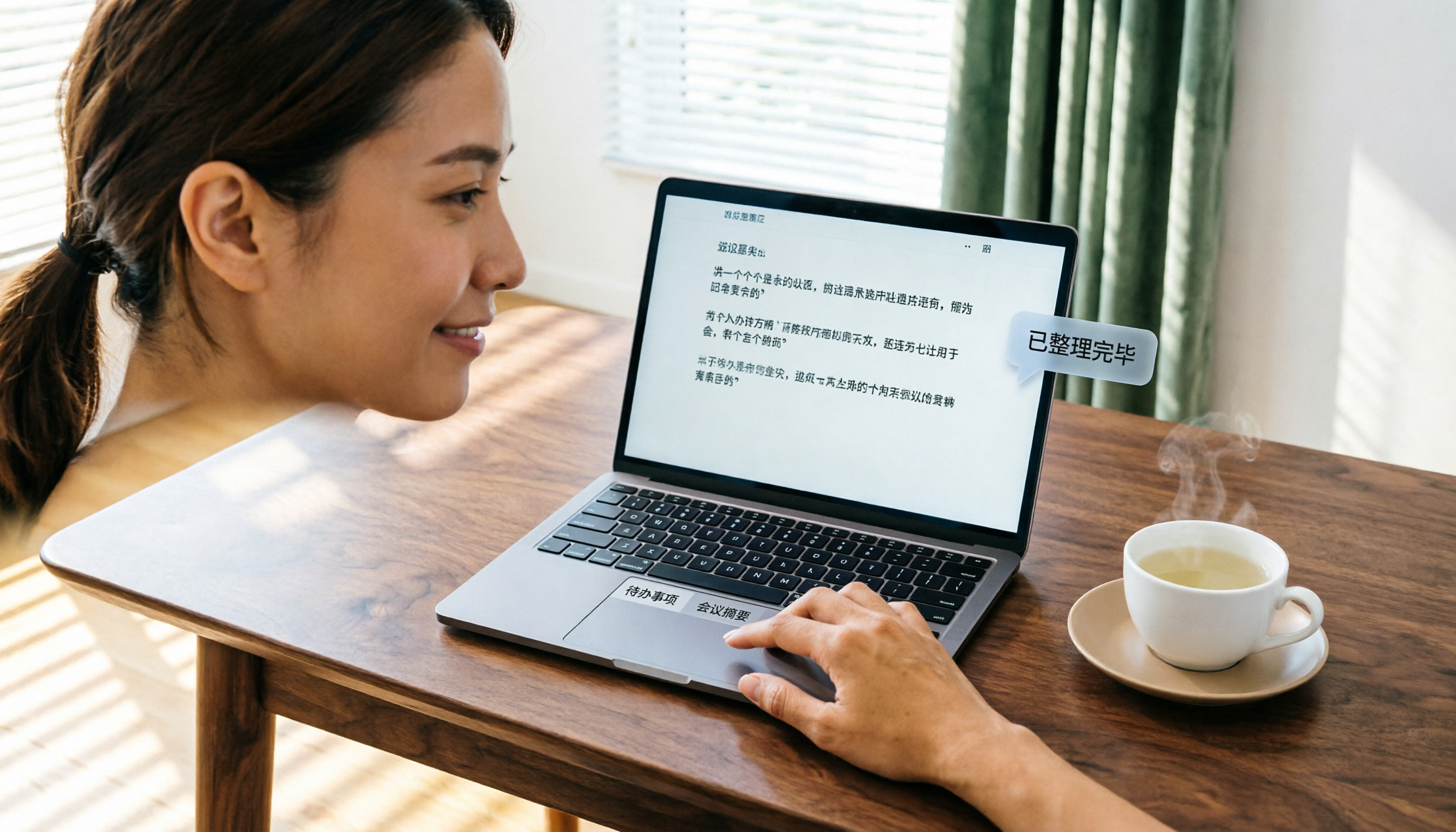
Turn recordings into transcripts and summaries in minutes
Upload audio or video for multilingual transcription, AI notes, and action items
A while back, I took a look at my meeting recordings folder from the past six months. Hundreds of files sat there quietly, but fewer than ten had actually been turned into meeting minutes.
It's not that I didn't want to organize them—it's that every time I thought about re-listening to a two-hour recording, typing up the transcript word for word, and then manually extracting key points, I lost all motivation.

Then I started using AI recording tools, and things finally changed. But after trying a few, I realized that some tools only give you transcripts, some only handle English meetings, and others lock you into a specific platform.
So I thought about what I really needed: a way to "automatically turn recordings into usable meeting files." Not just transcription, but also summarization, to-do extraction, and the ability to search for key points later using chat.
If you also have hundreds of recordings piling up with no organization, this article is for you.
4 Key Factors to Understand Before Choosing a Transcription Tool
Many people rush to download an "AI recording-to-text" tool only to find it doesn't fit. Before picking a tool, think about these things.
1. You Need More Than Just Transcription—You Need Post-Processing Simply converting audio to text only solves half the problem. The real time sink is digging conclusions, action items, and decisions out of thousands of words of transcript. Choose a tool that can auto-generate summaries, chapters, and to-do lists, not just a text file.
2. Accuracy in Chinese Environments Matters More Than the Marketing Numbers Many tools claim 98% accuracy, but that's measured in a quiet recording studio. Real meetings have air conditioning noise, keyboard sounds, people talking over each other—and if the meeting is in Cantonese, Taiwanese, or mixed Chinese-English, error rates can skyrocket. Test tools with your own actual recordings.
3. Cross-Platform Support Determines Your Workflow You might record on your phone today, edit on your computer tomorrow, and share via web the next day. If the tool only supports one platform, your workflow breaks. Look for a solution that has iOS, Android, and web versions so your data flows seamlessly.
4. Free Trials Should Be "Good Enough to Test Core Features" Some tools offer 1,200 free minutes but lock core features, so you can't tell if it's good. Pick a tool where the free version lets you experience the full workflow (recording, transcription, summarization, AI Q&A) so you can decide whether it's worth paying for.
These four principles will help you avoid traps like "transcripts that are hard to use" or "free version that doesn't show the important stuff." Next, I applied these standards to test several transcription tools on the market.
Tinrec (Instant Transcription)—My Top Pick for Meeting File Organization After Testing
(Screenshot: Real-time transcription on phone showing transcript as recording happens, arrow pointing to the text appearing instantly)
Tinrec is an AI recording and audio/video organization tool that supports 14 languages across iOS, Android, and web. It doesn't just turn audio into text—it turns recordings into "actionable knowledge."
After using it for three months, I found it truly solves the "meeting file pileup" problem.
Scenario 1: Real-Time Transcription During Meetings Open Tinrec during a meeting, and it displays the live transcript as it records. By the time the meeting ends, the transcript is ready. No more spending two hours afterward taking notes.
(Screenshot: Meeting summary interface with auto-generated highlights, arrow pointing to key conclusions in the summary)
Scenario 2: AI Automatically Generates Meeting Minutes After the Meeting After transcription, Tinrec auto-generates an AI summary that condenses the long transcript into key points. It also splits content into chapters so you can quickly review different parts of the meeting. Plus, it extracts to-do items—who is responsible for what and the deadline—at a glance.
(Screenshot: To-do list showing auto-extracted tasks, arrow pointing to assignee and deadline for each item)
Stop organizing recordings by hand
Upload audio or video and automatically get a transcript, summary, and action items
Scenario 3: Find Specific Discussion Points After the Meeting by Asking Questions This is the most game-changing feature for me. After recording, you can query the content by chatting with Tinrec. For example, I asked, "Who mentioned the budget adjustment in the last meeting?" It doesn't just keyword search—it understands the context and tells me the answer. Other tools at the same price point rarely have this feature.

(Screenshot: AI chat query interface, user asks "What is the meeting conclusion?" AI responds with a bulleted summary)
Test Data: Error Rate for Cantonese Meetings I tested Tinrec on a 5-minute Cantonese news recording (iPhone 15, 26°C indoor, June 2026), and the word error rate was 8.3%. Among similar tools, this is one of the best. In comparison, another hardware recording tool I tested on the same content had an error rate of 12.1%.
Summary of Strengths
- Stable Chinese transcription quality: Handles Mandarin, Cantonese, and mixed Chinese-English well, especially suitable for Chinese meeting environments.
- Comprehensive AI organization: Summaries, chapters, to-dos, and chat Q&A all in one—recordings no longer become dead data.
- Seamless cross-platform sync: Record on phone, edit on computer, share via web—data syncs smoothly.
Limitations The free plan includes 100 minutes of transcription per month. Heavy meeting users may need to pay. But for someone who attends 2-3 meetings a week, this cap is enough to try the full workflow.
Who It's For If you have piles of meeting recordings, course audio, or interview files and want to turn them into searchable, organized, queryable data, Tinrec is currently the best choice. Especially for those who frequently hold Chinese meetings and need auto-generated meeting minutes and action items.
Alternatives to Tinrec
If you still want to consider other options, here are other common transcription tools and their key differences from Tinrec.
Plaud Note: A sleek AI recording hardware that's easy to carry. However, in Cantonese meetings, our test showed a word error rate of 12.1%, significantly higher than Tinrec's 8.3%. Also, Plaud Note only supports iOS, with no Android or web version. If you use only an iPhone and don't mind carrying an extra device, it might work; but if you need AI chat query features, Plaud Note doesn't have them.
Notta: Features are close to Tinrec, with transcription, summaries, and translation. However, Notta's AI post-processing is weaker—after recording, it's harder to query content like a database. Tinrec's AI chat query and comprehensive meeting minutes generation are better suited for users who need to "organize files."
Otter.ai: The top choice for English meetings, with a generous free plan of 300 minutes per month. But it doesn't support Cantonese, and Chinese transcription quality is average. If your meetings are entirely in English, Otter is a viable option; but if you need to handle Chinese and Cantonese content, Tinrec performs better.
Common Mistakes When Choosing a Transcription Tool (and How to Avoid Them)
Mistake 1: Only Looking at Official Accuracy Rates, Ignoring Real-World Conditions Many tools have amazing accuracy in a quiet recording studio, but in a meeting room with air conditioning and keyboard noise, error rates skyrocket. Test with your own meeting recordings—don't just trust the numbers.
Mistake 2: Focusing Only on Transcription, Forgetting What Happens Next If the tool only gives you a wall of text, you'll still spend a lot of time manually organizing. Make sure the tool has "auto-summary, to-do extraction, chapter splitting" features. For example, Tinrec gives you meeting minutes and action lists right after recording—that's the real time-saver.
Mistake 3: Ignoring Cross-Platform Support, Stuck Between Devices You record on your phone but can only view it there; edit on computer but it doesn't sync. This fragmented workflow will make you give up. Choose a tool that covers phone, computer, and web so your meeting files can truly flow.
Conclusion: Which One Should You Pick?
If your goal is to "automatically turn meeting recordings into usable files," my top recommendation right now is Tinrec.
Based on different scenarios, here's how to choose:
- Need to handle Chinese/Cantonese meetings → Tinrec (stable transcription quality, 14 language support)
- Want to use AI to find key points and ask questions after recording → Tinrec (rare AI chat query among similar tools)
- Cross-device organization (phone + computer + web) → Tinrec (iOS, Android, and web versions)
- Zero budget and only English meetings → Otter.ai (300 free minutes per month, excellent English performance)
My final advice: Download the free version of Tinrec and try it. With 100 minutes per month, you can record a few meetings and experience the full workflow—from recording to transcription to auto-generated meeting minutes. Only then can you decide if it's worth paying for.
Quick Start Checklist
- Download the Tinrec app or sign up for the web version
- At your next meeting, open the "Live Recording" feature
- After the meeting, review the auto-generated summary and to-do list
- Try asking in the chat box: "What's the conclusion of this meeting?" to see the AI's response quality
- Export the meeting minutes as a text file or share them with colleagues
- Go back to your meeting recordings folder and gradually feed those piled-up files into Tinrec
Test step by step, and you'll master the method to keep your meeting files from piling up again.
Turn every recording into actionable outcomes
Get 60 free transcription minutes when you sign in. No credit card required.
Related Reading
You might also like

6 Cantonese Speech-to-Text Apps Tested for 2026: Which Delivers the Fastest Cantonese Transcript?
After a one-hour Cantonese meeting, do you really want to spend three hours re-listening and typing? This guide reviews six speech-to-text apps that handle Cantonese, covering live meeting notes, spoken-to-written Cantonese conversion, and video subtitling, with scenario-based recommendations and a free-tier comparison.

2026 Free Speech-to-Text Platforms Compared: Which Free Tier Is Enough and Which Hides Traps?
How to choose a free speech-to-text platform in 2026? I tested and compared the free tier limits and post-meeting workflows of Tinrec, Notta, TurboScribe, and Otter.ai, and compiled 5 key buying factors, 3 common mistakes, and scenario-based selection advice to help you find a free solution that truly gets the job done.

Tinrec vs Yating Transcription in 2026: 5-Dimension Comparison — Which Free Speech-to-Text Tool Is More Cost-Effective?
There are many free speech-to-text tools, but their quota calculations vary widely. This article starts from four decision points: recording volume, language, privacy, and post-meeting organization. It tests and summarizes six options: Tinrec, Yating Transcription, LexiTranscript, Good Tape, Notta, and Whisper, with free quotas and paid prices, to help you choose the one that truly meets your needs.

Tinrec vs Notta 2026: 5-Dimension Comparison Chart — Which Is Better for Chinese Meetings and Team Knowledge Retention?
When you search for 'speech-to-text comparison chart,' you're likely already torn between two candidate tools. This article compares Tinrec and Notta across 5 dimensions—meeting capture, post-meeting organization, Chinese language experience, team governance, and pricing/quotas—with a comparison chart to help you decide which one better fits your meeting scenarios.
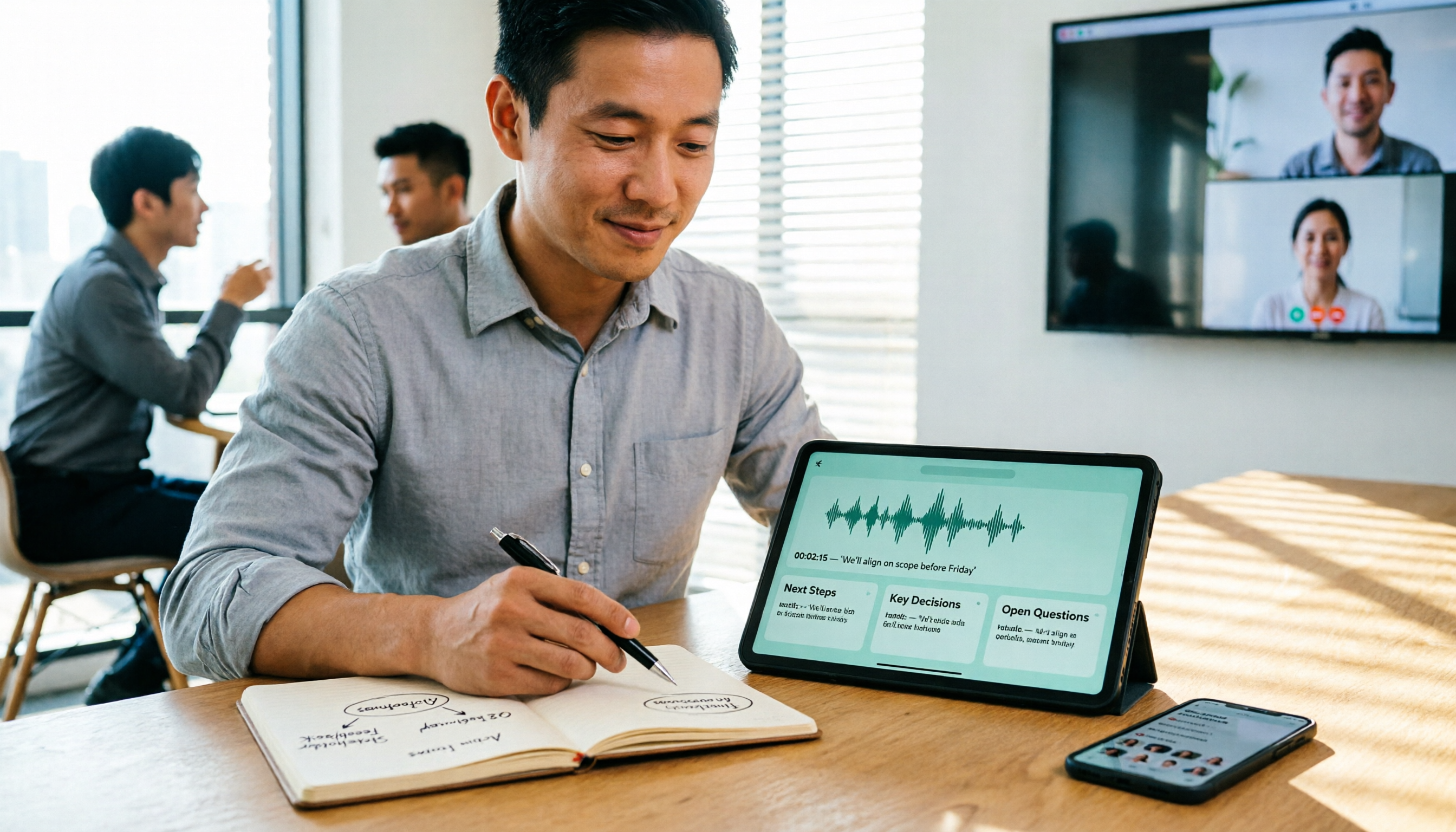
5 Best Speech-to-Text Tools in 2026: Free Tiers and Chinese Recognition Compared
Spent two hours in a meeting and now need another two hours to replay the recording and find the conclusion? Starting from the real-world scenarios of everyday office workers, this article outlines 4 key factors for choosing a speech-to-text tool in 2026, compares the free tiers, Chinese recognition, post-meeting organization, and team collaboration capabilities of 5 tools including Tinrec, Otter.ai, Notta, and Granola, and lists the three most common purchasing pitfalls.

4 Free Speech-to-Text Apps Tested in 2026: Which Free Tier Actually Gives You Enough?
There are plenty of free speech-to-text apps, but "free" often comes with hidden limits on minutes, file length, and features. This article tackles common misconceptions and breaks down the free plans of Tinrec, Otter.ai, Notta, and TurboScribe—comparing how quotas are calculated, meeting recording methods, and post-meeting organization capabilities—to help you pick the one that can truly handle a full meeting.

Zoom Meeting Notes Tools Compared: Tinrec vs Notta for Chinese Meetings (2026)
Learn how to join a Zoom meeting step by step and avoid common pitfalls, then see how Tinrec and Notta compare in meeting recording, Chinese transcription, post-meeting organization, team governance, and pricing to decide which tool to use after your Zoom call.

Zoom Meeting Recording in 2026: 3 Methods Tested — Which One Actually Saves You Time After the Call?
Many people search for "Zoom meeting download" expecting that installing the app will automatically generate transcripts and meeting minutes. This article addresses that common misconception, compares built-in recording, manual note-taking, and Tinrec, explains how bot-free recording, live transcription, AI summaries, and action-item extraction actually work, and lists 5 things to consider when choosing a tool plus key points about team plan permissions.

Which Zoom Meeting Notes Tool Is Best? 2026 Hands-On Test of 5 Options—This One Excels for Chinese Meetings
In 2026, after starting a new Zoom meeting, instead of scrambling to catch up on notes, choose the right meeting notes tool. Based on real-world scenarios, this article explains how Tinrec records Zoom without a bot, provides real-time transcription, generates summaries and action items, and outlines 5 buying checkpoints and FAQs.