

Turn recordings into transcripts and summaries in minutes
Upload audio or video for multilingual transcription, AI notes, and action items
What is an AI agent secretary? Simply put, it's a smart assistant that automatically converts audio and video content into usable materials. By 2026, these tools go beyond just transcribing audio—they can generate summaries, extract action items, and even let you query recordings like a chat. This article rounds up the most notable AI agent secretary tools on the market today, including free and paid options, helping you quickly find the one that best fits your needs.
Why You Need an AI Agent Secretary

You have multiple meetings each week, and writing meeting minutes is tedious; after finishing an online course, you want to review but don't want to rewatch hours of video; transcribing interviews takes forever; you come across useful videos online and want to save key points—these scenarios are all too familiar. In 2026, an AI agent secretary can automatically convert this audio and video content into text, summaries, action items, and even let you ask questions about the recording. This article covers five different AI secretary tools, detailing features, pricing, and who they're best for.
Tinrec (Miaoting Recording) – The Most Comprehensive AI Audio & Video Organizer
One-line summary: Tinrec is an AI-powered recording and audio/video organization workstation for meetings, learning, interviews, and content creation. It doesn't just transcribe—it turns your materials into searchable, summarizable, reusable knowledge.
Key Highlights:
- Multiple input sources, not just meetings: Handle live recordings, uploaded audio/video files, and online video links (YouTube, TikTok, Bilibili). Supports online meeting recording and quick phone recordings. No need to classify upfront—if it's audio or video, Tinrec can process it.
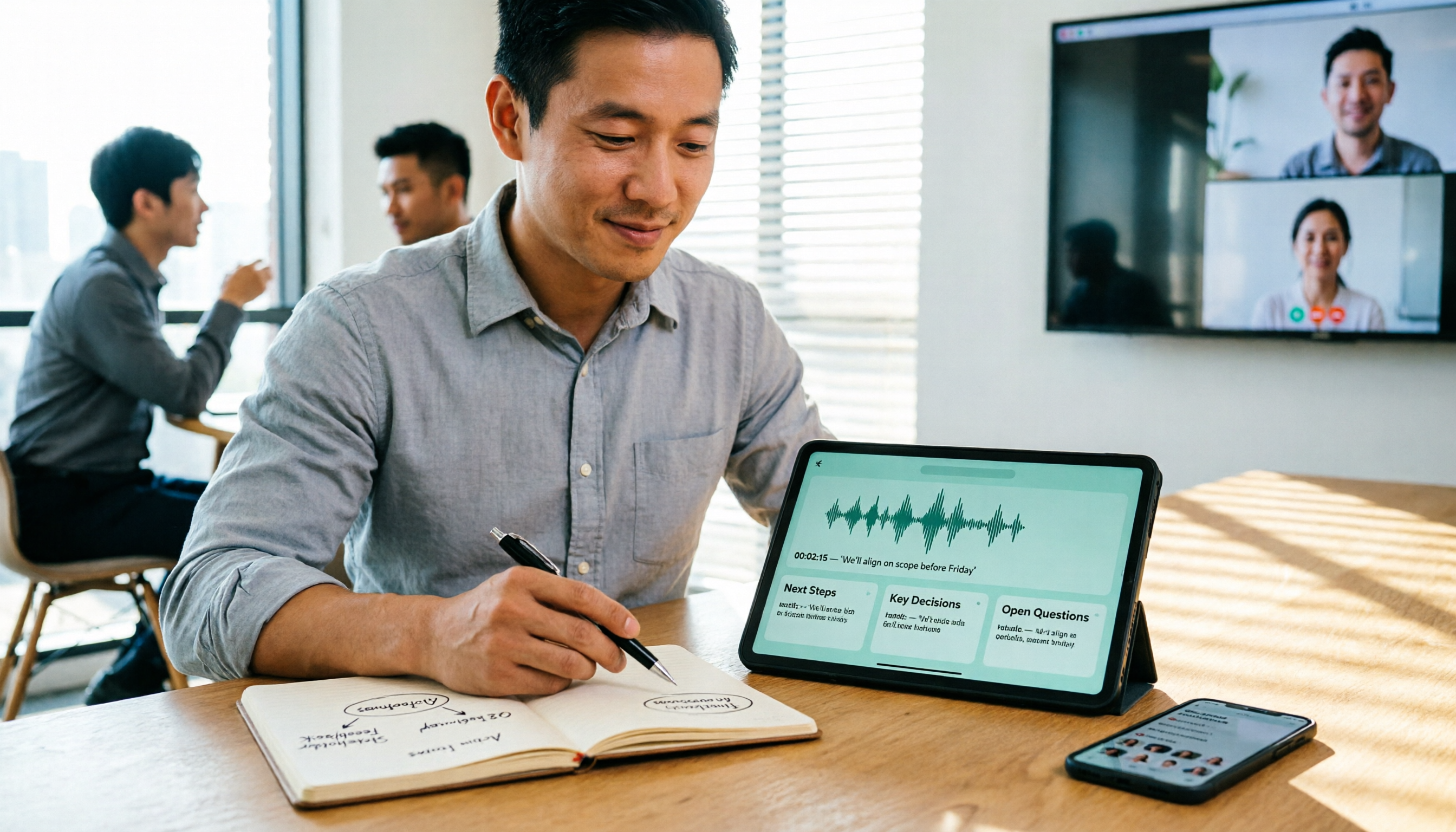
- Beyond raw transcripts—practical outputs: Automatically generates AI summaries, chapters, action items, mind maps, and subtitles. You can mark key points during recording and export directly to Notion, Google Docs, OneNote, etc., integrating into your existing workflow.
- AI-powered conversation queries: Unlike basic transcription tools, Tinrec has built-in AI Q&A. Ask questions like "What was the budget limit mentioned by the client in the last meeting?" or "What are the key points of Chapter 3 from the lecture?" and it finds answers from the recording—no need to re-listen.
- Great Chinese content processing: Transcription and summary quality for Chinese meetings, courses, and interviews is more tailored to Taiwan usage habits than many foreign tools, and it handles mixed Chinese-English content well.
Pricing: The free version offers basic monthly transcription quota for live recording, file import, and online video parsing. If you have intensive meetings or courses coming up, consider a weekly pass; for long-term use, the Pro monthly or annual plan is more cost-effective with a lower monthly cost.
Best for: Office workers, students, and creators who need to consistently organize meetings, classes, interviews, and online videos into a personal knowledge base. If you want more than just a transcript—you want to query, export, and repurpose content—Tinrec is the most feature-complete choice.
Otter.ai – Automated Online Meeting Assistant
Otter.ai is a leading AI meeting note tool overseas. Its strength is automatically joining Zoom, Google Meet, and other online meetings for real-time transcription with speaker labels. It then generates summaries and action items, ideal for team synchronization. The free plan offers 300 minutes of transcription per month, and the Pro annual plan is about US$8.33/month, providing 1,200 minutes and file import. If your main scenario is English online meetings with team collaboration needs, Otter is a strong candidate. However, for Chinese courses, interviews, or online videos, Otter's Chinese performance is less refined.
Notta – Multilingual Transcription & Translation Assistant
Notta is a versatile transcription tool supporting meeting recording, file-to-text, multilingual translation, and subtitle generation. It offers complete multilingual capabilities and is available as a web app, mobile app, and Chrome extension. The free plan gives 120 minutes per month, and the Pro annual plan is about US$8.17/month, offering 1,800 minutes. Notta is great for users needing multilingual translation and subtitle creation. However, it leans more toward transcription and translation, with less flexibility for subsequent organization, Q&A, and exports compared to Tinrec.
Stop organizing recordings by hand
Upload audio or video and automatically get a transcript, summary, and action items
TurboScribe – Cost-Effective Long File Transcription
TurboScribe focuses on uploading audio/video files, long file transcription, and subtitle output. Its free plan allows 3 files per day with a 30-minute limit per file; the paid Unlimited plan (annual ~US$10/month) offers unlimited long files and large file support, plus multilingual translation. If you frequently have large batches of long recordings or videos to transcribe quickly, TurboScribe offers great value. However, it lacks live recording, online video parsing, and AI Q&A features, making it better suited for straightforward file transcription.
PLAUD Note – Portable Hardware Recording Assistant

PLAUD Note is a rare AI recording hardware device—thin, lightweight, long battery life, and one-button recording. Ideal for users who prefer to carry a dedicated recorder without relying on their phone. After recording, the app transcribes and generates summaries. The PLAUD Note Pro pre-order price is about US$179, with 300 minutes of monthly transcription included; the annual plan at US$99.99 gives 1,200 minutes, and higher tiers offer unlimited minutes. Hardware excels in recording convenience, but if you often need to process existing files on your computer, online videos, or want AI Q&A, Tinrec's software solution is more flexible without additional hardware costs.
How to Choose Among These Options?
- Want the most complete AI features (transcription + summary + AI Q&A + export)? → Tinrec is the only option with all these features and excellent Chinese support.
- Need multilingual translation and subtitle generation? → Notta excels in multilingual and subtitle output, but has fewer organization features.
- Frequently have long audio files or videos to transcribe in bulk? → TurboScribe offers great value for long files, but lacks live recording and Q&A.
- Team primarily uses English for online meetings and needs auto-join and sharing? → Otter.ai has mature meeting bot features, but weaker Chinese support.
- Prefer to carry a dedicated recorder without using your phone? → PLAUD Note is compact and convenient, but organization and follow-up still require the phone app.
In short, if you want an AI secretary that "does more than transcribe—it helps you understand content and makes it easy to search later," Tinrec is the closest thing to a complete workstation.
4 Things to Know Before Using an AI Agent Secretary
- Recording quality determines accuracy: Regardless of the tool, background noise, overlapping speakers, and accents affect transcription accuracy. Tinrec performs well in clear Chinese environments, but for important use cases, always double-check against the original.
- Free plans typically have limits: Most free plans are trial-oriented with monthly minute or file caps. If you use it frequently, a stable paid plan is more cost-effective than switching tools.
- Video transcription must comply with platform rules: Tools like Tinrec offer convenient link-based transcription, but be mindful of copyright and platform terms of service—only process content you have rights to.
- AI summaries may miss details: AI-generated summaries and action items are useful but cannot fully replace human verification. For important decisions, data, and names, cross-check against the transcript or original recording.
Conclusion
In 2026, AI agent secretaries can turn your audio and video content into truly usable data—no longer just "recording it." Among these tools, Tinrec (Miaoting Recording) stands out for its comprehensive features, support for multiple sources, excellent Chinese experience, and AI Q&A with export capabilities—making it a great option for individuals and small teams. If you often struggle with organizing recordings and videos, start with Tinrec's free plan to see how much time an AI secretary can save you.
Frequently Asked Questions
Q: What's the difference between an AI agent secretary and a regular recording app? A: A regular recording app just captures audio. An AI agent secretary goes further—transcribing to text, summarizing, extracting action items, and even letting you search content via Q&A, saving you from re-listening and manual organization.
Q: Is Tinrec's Chinese transcription accurate? A: In clear recording environments like typical meetings and courses, Tinrec's Chinese transcription quality is excellent, and it handles mixed Chinese-English content well. Accuracy can be affected by background noise, accents, or overlapping speakers, so verify important content against the original.
Q: Is the free plan sufficient? A: The free plan offers basic transcription quota, suitable for occasional use or trial. If you have weekly meetings or courses, consider a Pro plan for higher quota and long-term data retention.
Q: Which platforms does Tinrec support? A: Tinrec offers iOS, Android apps, and a web version. It syncs across devices, making it easy to switch between computer and phone.
Q: Is transcribing online videos legal? A: The tool simply processes the link you provide. Ensure you have the right to use the video (e.g., your own content or authorized material) and comply with platform terms like YouTube and Bilibili.
Q: Can I export Tinrec's results to other tools? A: Yes, it supports export to Notion, Google Docs, OneNote, Dropbox, and various file formats, seamlessly integrating into your workflow.
Turn every recording into actionable outcomes
Get 60 free transcription minutes when you sign in. No credit card required.
Related Reading
You might also like

6 Cantonese Speech-to-Text Apps Tested for 2026: Which Delivers the Fastest Cantonese Transcript?
After a one-hour Cantonese meeting, do you really want to spend three hours re-listening and typing? This guide reviews six speech-to-text apps that handle Cantonese, covering live meeting notes, spoken-to-written Cantonese conversion, and video subtitling, with scenario-based recommendations and a free-tier comparison.

2026 Free Speech-to-Text Platforms Compared: Which Free Tier Is Enough and Which Hides Traps?
How to choose a free speech-to-text platform in 2026? I tested and compared the free tier limits and post-meeting workflows of Tinrec, Notta, TurboScribe, and Otter.ai, and compiled 5 key buying factors, 3 common mistakes, and scenario-based selection advice to help you find a free solution that truly gets the job done.

Tinrec vs Yating Transcription in 2026: 5-Dimension Comparison — Which Free Speech-to-Text Tool Is More Cost-Effective?
There are many free speech-to-text tools, but their quota calculations vary widely. This article starts from four decision points: recording volume, language, privacy, and post-meeting organization. It tests and summarizes six options: Tinrec, Yating Transcription, LexiTranscript, Good Tape, Notta, and Whisper, with free quotas and paid prices, to help you choose the one that truly meets your needs.

Tinrec vs Notta 2026: 5-Dimension Comparison Chart — Which Is Better for Chinese Meetings and Team Knowledge Retention?
When you search for 'speech-to-text comparison chart,' you're likely already torn between two candidate tools. This article compares Tinrec and Notta across 5 dimensions—meeting capture, post-meeting organization, Chinese language experience, team governance, and pricing/quotas—with a comparison chart to help you decide which one better fits your meeting scenarios.
5 Best Speech-to-Text Tools in 2026: Free Tiers and Chinese Recognition Compared
Spent two hours in a meeting and now need another two hours to replay the recording and find the conclusion? Starting from the real-world scenarios of everyday office workers, this article outlines 4 key factors for choosing a speech-to-text tool in 2026, compares the free tiers, Chinese recognition, post-meeting organization, and team collaboration capabilities of 5 tools including Tinrec, Otter.ai, Notta, and Granola, and lists the three most common purchasing pitfalls.

4 Free Speech-to-Text Apps Tested in 2026: Which Free Tier Actually Gives You Enough?
There are plenty of free speech-to-text apps, but "free" often comes with hidden limits on minutes, file length, and features. This article tackles common misconceptions and breaks down the free plans of Tinrec, Otter.ai, Notta, and TurboScribe—comparing how quotas are calculated, meeting recording methods, and post-meeting organization capabilities—to help you pick the one that can truly handle a full meeting.

Zoom Meeting Notes Tools Compared: Tinrec vs Notta for Chinese Meetings (2026)
Learn how to join a Zoom meeting step by step and avoid common pitfalls, then see how Tinrec and Notta compare in meeting recording, Chinese transcription, post-meeting organization, team governance, and pricing to decide which tool to use after your Zoom call.

Zoom Meeting Recording in 2026: 3 Methods Tested — Which One Actually Saves You Time After the Call?
Many people search for "Zoom meeting download" expecting that installing the app will automatically generate transcripts and meeting minutes. This article addresses that common misconception, compares built-in recording, manual note-taking, and Tinrec, explains how bot-free recording, live transcription, AI summaries, and action-item extraction actually work, and lists 5 things to consider when choosing a tool plus key points about team plan permissions.

Which Zoom Meeting Notes Tool Is Best? 2026 Hands-On Test of 5 Options—This One Excels for Chinese Meetings
In 2026, after starting a new Zoom meeting, instead of scrambling to catch up on notes, choose the right meeting notes tool. Based on real-world scenarios, this article explains how Tinrec records Zoom without a bot, provides real-time transcription, generates summaries and action items, and outlines 5 buying checkpoints and FAQs.