
Turn recordings into transcripts and summaries in minutes
Upload audio or video for multilingual transcription, AI notes, and action items
Why Is It So Hard to Turn Recordings into Action Items?
Have you ever been in this situation: a one-hour meeting, your phone recording the entire time, but afterward you stare at a 60-minute audio file and can't remember who said they would do what.

Traditional voice recorders or built-in phone recording apps solve the "recording" problem but create a bigger "organizing" nightmare. Picking out action items from a continuous stream of conversation often takes more time than the meeting itself. For project managers, administrative staff, or students reviewing lectures, this is a productivity killer.
In 2026, simple speech-to-text is no longer enough. A truly productivity-boosting tool must have semantic understanding and the ability to automatically extract to-do items. This article reviews 5 popular tools and shows you how to use AI to generate actionable decision lists.
Quick Navigation Conclusion:
- If you are deep in the Microsoft ecosystem: Consider Teams Copilot first.
- If you need accurate bilingual (Chinese-English) recognition + automatic action item generation: Tinrec is currently the best value choice.
- If you only need English meeting records: Otter.ai remains a reliable veteran.
2026 Hot AI Voice Note Tools Compared: Who Picks Out the Key Points?
We selected 5 representative solutions on the market for a multi-dimensional comparison. The focus is not on which has the most features, but on which can turn "voice" into "actionable tasks" the fastest.
| Dimension | Tinrec | Otter.ai | Yating | Microsoft Teams (Copilot) | iPhone / Google Recorder |
|---|---|---|---|---|---|
| Primary Focus | Action item extraction & AI chat | English meeting notes | Localized Taiwanese voice | Enterprise video integration | Basic recording backup |
| Language Support | 10 languages: CN, JP, EN, KR, etc. | English only (strong) | Chinese, English, Taiwanese | Multilingual (Enterprise plan) | Depends on phone OS |
| To-Do Extraction | Auto-generated list (High) | Auto-generated (Medium) | Manual tagging required | Auto-generated (High) | None |
| AI Chat Query | Supported (ask about recording content) | Supported (English only) | None | Supported | None |
| Import/Integration | Audio, video links | Zoom/Meet integration | Primarily transcription | Teams meetings only | Cannot import external files |
| Free Tier | 100 min/month | 300 min/month | Trial-based | Paid subscription required | Free but basic |
Buying Guide: If your workflow includes cross-platform recordings (e.g., in-person meetings, online video notes) and you need accurate Chinese understanding with automatic to-do list generation, Tinrec offers more flexibility than closed enterprise video software and adds a key "decision summary" feature over traditional transcription tools.
Deep Dive: How Tinrec Achieves "Record → Understand → Action"
Unlike tools that only provide a word-for-word transcript, Tinrec is designed with a "post-meeting action" optimization. It doesn't just convert voice to text; it uses a large language model (LLM) to analyze context, solving the information overload problem.
Stop organizing recordings by hand
Upload audio or video and automatically get a transcript, summary, and action items
1. Skip the Transcript, Get Results Directly
Many tools produce a dense wall of text that's painful to read. Tinrec automatically generates a structured "Meeting Summary" and "Action Items" after transcription. It detects commitment phrases in the conversation (e.g., "I'll send the report by next Tuesday," "Please contact the vendor") and turns them into a checklist of tasks.

2. Ask Instead of Search
This is the biggest difference between Tinrec and traditional tools—AI Chat Query. If you forget a detail, you don't need to Ctrl+F in the transcript; you can ask directly like an assistant: "What was the conclusion about the budget?" or "When did Kevin promise to deliver?"

3. Full Coverage of Scenarios
Whether it's an in-person meeting (mobile app recording), an online remote meeting (web recording), or even summarizing a YouTube tutorial or podcast (paste link to transcribe), Tinrec can turn these unstructured audio sources into a standardized note format.
Practical Tutorial: How to Automatically Extract Meeting Action Items
Here's a demonstration of how to turn a messy project discussion into a clear to-do list using Tinrec. The steps apply to iOS, Android, and the web version.
Step 1: Start Recording or Import a File
- Live Recording: Open the Tinrec app and tap the red microphone button on the home screen. Ideal for in-person meetings, classes, or interviews.
- Import a File: If you already have a recording (MP3/M4A, etc.), select "Import file" to upload. This also works for organizing past recordings.
Step 2: Choose Language and Transcribe
- Confirm language settings before starting (supports mixed recognition: Chinese, English, Japanese, Korean, etc.).
- After recording ends, tap "Transcribe." Tinrec's AI engine simultaneously performs speech-to-text and speaker diarization.
Step 3: View "AI Notes" and "To-Do List"
- This is the most crucial step. After transcription, don't just look at the verbatim transcript. Switch to the "AI Notes" or "Summary" tab.
- You will see automatically generated content:
- Full Summary: One-sentence meeting recap.
- Chapter Overview: Topic-based timeline.
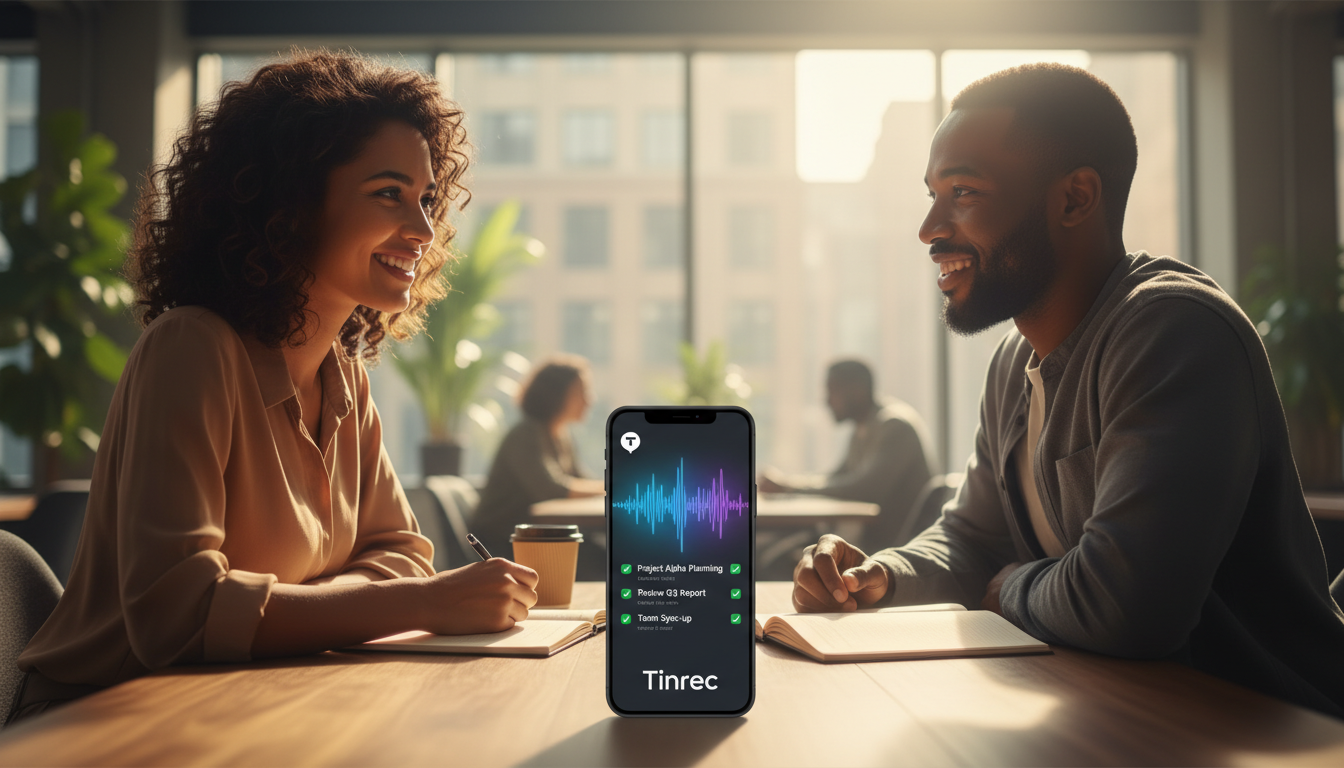
- Action Items: Task list extracted by the system, including "who" needs to "do what" by "when."
Step 4: Use AI Chat to Fill Gaps
- If you think the auto-generated list missed something, tap the "AI Chat" icon in the bottom right.
- Enter a command: "List all discussion points about the marketing budget," and AI will rescan the full text and answer, ensuring no detail is missed.

FAQ
Q1: How accurate is Tinrec at recognizing mixed Chinese and English?
This is a common concern for professionals. Tinrec supports multilingual mixed recognition and handles typical workplace "Chinglish" well (e.g., "The deadline for this project is next week"), correctly identifying English proper nouns.
Q2: Can I transcribe iPhone recordings directly?
Yes. Tinrec offers an iOS app where you can record directly. If you use the built-in Voice Memos app, you can also share the file to Tinrec for transcription and summary extraction.
Q3: Can I export the generated to-do items?
Yes. The generated meeting notes and action items can be copied as text or exported as TXT, Word, PDF, etc., making it easy to paste into Notion, Trello, or your company's project management software.
Q4: How do I record online meetings (Google Meet/Teams)?
For online meetings on a computer, we recommend using the Tinrec web version and recording on your computer (ensure system audio input is correct), or simply use the mobile app placed near your computer speakers—the quality remains clear, and you can see the transcription in real time.
Q5: What are the free tier limits?
Currently, Tinrec offers 100 minutes of free transcription per month, which is sufficient for individual users attending 1-2 important meetings per week. If you have large files or long videos, you can consider upgrading.
Q6: Is my data secure?
Tinrec uses encrypted transmission to protect user data and is primarily designed to help individuals and teams improve productivity. However, we recommend informing meeting participants that you are using recording-assisted note-taking, in compliance with local laws or company policies.
In summary, when choosing a tool, remember: your goal is not to "preserve sound" but to "extract action." Use tools with AI summarization and action item extraction to truly free yourself from unproductive meetings.
Turn every recording into actionable outcomes
Get 60 free transcription minutes when you sign in. No credit card required.
Related Reading
You might also like

2026 Webcam Recording Guide: From Video Capture to AI Meeting Notes
Can a webcam record video? Yes. This guide covers standard webcam recording methods and compares them with Tinrec's AI meeting notes workflow, showing how to turn recordings into searchable, collaborative, and actionable meeting data.

4 AI Transcription Tools Tested in 2026: Which Saves the Most Time for Chinese Meetings?
Still spending two hours after a meeting to clean up transcripts? This article compares Tinrec, Yating Transcription, Google AI Studio, and Notta from four angles: Chinese recognition, post-meeting organization, online meeting recording methods, and team data retention. It also covers free quotas, pricing, and three common pitfalls in choosing a tool, helping you find the one that saves the most time.

4 Audio-to-Text Apps Tested for 2026: Which Saves the Most Time in Cantonese Meetings?
2026 audio-to-text app comparison. We used the same Cantonese meeting recording with mixed English to compare transcription and post-meeting organization across 4 tools, breaking down 4 key buying factors, pitfalls to avoid, and scenario-based recommendations. We also tested Tinrec's desktop bot-free meeting recording, AI Q&A, and team seat management.

4 Best Browser Audio Recorders in 2026: Which One Transcribes While Recording and Keeps the Audio?
We tested and compared 4 tools for recording browser audio, analyzing recording sources, format limits, transcription, and team collaboration. We cover key buying factors and common pitfalls, and explain how Tinrec turns browser recordings into searchable, actionable transcripts and summaries.

4 AI Transcription Tools Tested in 2026: Which Saves the Most Time on Chinese Meeting Transcripts?
AI transcription isn't just pressing record. This article addresses common misconceptions and compares four AI transcription tools—Tinrec, Notta, Otter.ai, and TurboScribe—on recording methods, Chinese language performance, and post-meeting organization. It also outlines selection criteria and pitfalls to avoid.

2026 Comparison of 4 AI Meeting Note-Takers for Chinese: Which Saves the Most Time on Chinese Transcription and Post-Meeting Organization?
How to choose an AI meeting note-taker for Chinese? This article compares Tinrec, Notta, Otter.ai, and Granola on Chinese recognition performance, recording methods, and post-meeting organization capabilities. It covers free tiers, team collaboration, and common pitfalls to help you find the most time-saving Chinese meeting note-taking tool.
2026 Comparison of 4 Web Recording Tools: Which One Can Record Both Microphone and System Audio?
The most common reason web recording fails isn't the tool—it's setting the wrong audio source and not organizing the recording afterward. This article first highlights three common pitfalls, then uses Tinrec as an example to explain the core capabilities of web recording, practical use cases, 5 key factors to consider when choosing a tool, and the differences and costs between personal and team plans, ending with an FAQ.
How to Use AI for Meeting Recordings in 2026: A Complete 5-Step Tutorial
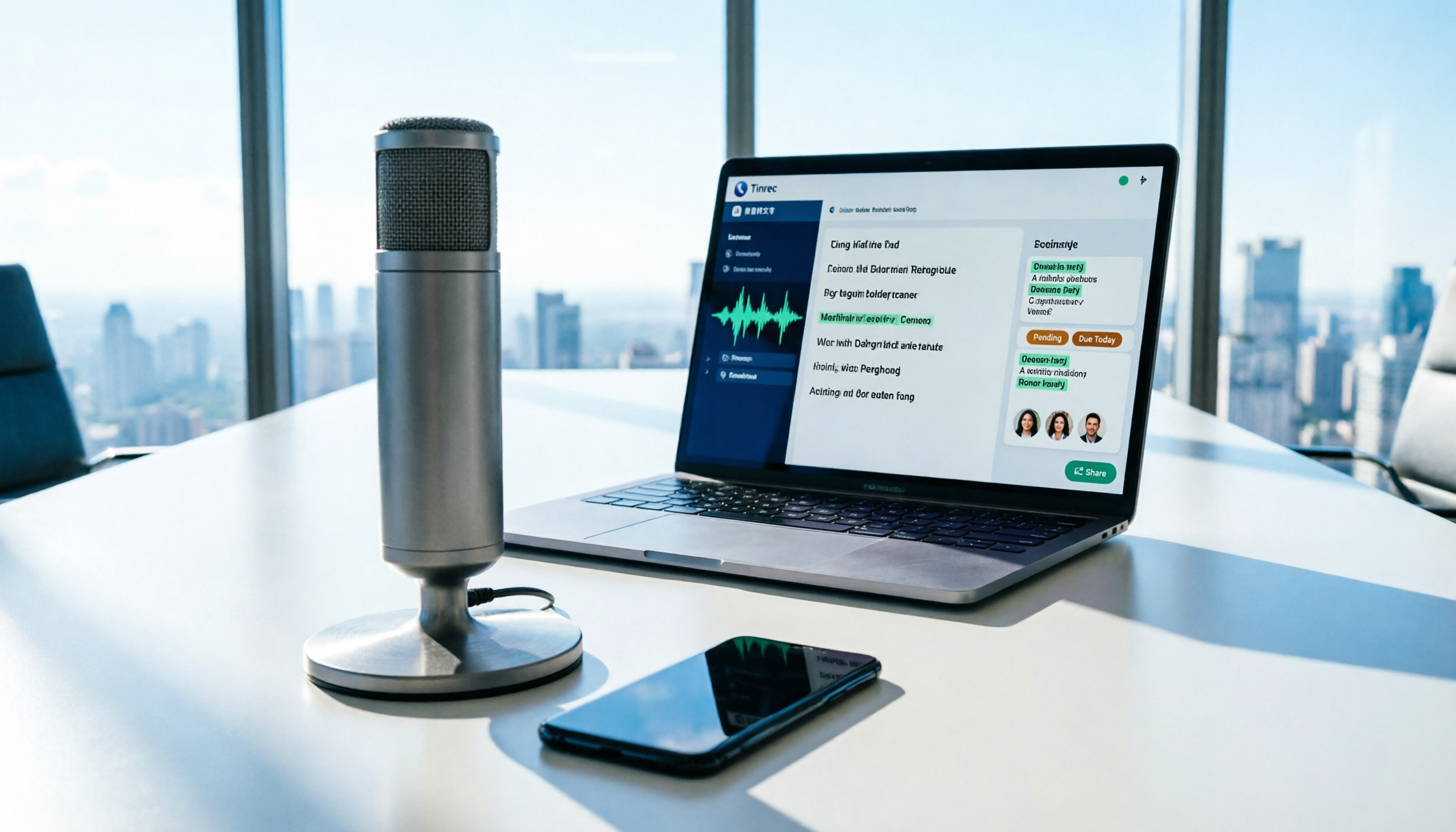
Struggling to organize long meeting recordings? This tutorial uses Tinrec as an example to guide you through 5 steps: recording, transcription, proofreading, generating meeting minutes, and exporting/sharing. It also includes troubleshooting FAQs and 3 efficiency-boosting tips to turn your meeting recordings into searchable, collaborative team resources with AI.

2026 AI Meeting Notes Tools Comparison: Tinrec vs Notta — Which Is Better for Chinese-Speaking Teams Across 5 Key Areas?
Starting from common misconceptions, this hands-on comparison of Tinrec and Notta examines 5 key areas: Chinese meeting recording, post-meeting organization, team governance, pricing and quotas, and export workflows. It also answers 6 common questions to help you decide which AI meeting notes workflow best fits your work style.