

Turn recordings into transcripts and summaries in minutes
Upload audio or video for multilingual transcription, AI notes, and action items
Why "having a recording" doesn't equal "having notes": three common practices that actually waste time
Many people think the problem with meeting notes is "no recording." Honestly, the real problem almost always comes after recording.
The most common first type: typing away throughout the meeting, afraid of missing a single word. As a result, you're a typist the whole time—not speaking when you should, thinking about formatting when you should be thinking.
Second type: relying on built-in transcription features. Zoom, Meet, and Teams can all keep records, but the data is scattered across platforms. Next week, when you need to find "who said the budget would be cut by 30% last time," you first have to remember which platform that meeting was on.
Third type: copying the entire transcript and pasting it into an AI chatbot to summarize. This isn't wrong, but a one-hour transcript can easily be tens of thousands of words; pasting it in requires chunking and back-and-forth confirmation, and once the chat is closed, the organized content is lost.
A more reasonable approach actually combines three things: recording, transcription, and organization—all done at once, with results that are easy to find, follow up on, and take away. This article compares which tool truly achieves this.
Understand these 4 things before choosing a tool
1. What the summary looks like determines whether you can use it
Some tools produce summaries as bullet lists of keywords—looks rich, but to send as meeting notes to your boss, you still have to rewrite it yourself. Paragraph-style summaries with decisions, discussion points, and action items are what truly save time.
2. How the meeting is recorded
There are three common ways: a meeting bot joins as a participant, desktop software captures system audio directly, or pure manual recording. Bots are convenient, but in some client meetings, an extra "recording bot" on screen is a bit awkward.
3. Can you continue asking questions after recording?
This is the biggest difference I've seen this year. Tools that only output transcripts still require you to Ctrl+F for keywords; tools with AI Q&A let you directly ask "What were the three concerns the client mentioned?" and get an answer.
4. Free quota and data ownership
Whether the free version is enough depends on "monthly minutes" plus "per-file length limit." Some tools are generous with monthly free minutes but only allow a few minutes per file—essentially for testing only. Also, for team use, confirm: does data belong to individuals or the team?
Tinrec — the choice closest to "usable right after recording" in my tests
Tinrec is an AI meeting notes and collaboration tool for individuals and teams, available on iOS, Android, desktop, and web. Its one-line positioning is clear: turn meetings into searchable, collaborative, actionable data.
Record online meetings without a meeting bot
This is what sets it apart from most AI meeting assistants. Tinrec's desktop version directly captures system audio, handling meeting audio played on Zoom, Google Meet, Microsoft Teams, Webex, and other platforms without inviting an extra bot into the meeting room.
In practice: open the desktop version before the meeting and press record; the meeting proceeds as usual, and the transcript generates in real time. Note that it doesn't automatically join every meeting on your calendar—you have to press start yourself, which is a different mode from fully automatic meeting bots.
Summaries aren't keyword stacks—they're ready to use
After the meeting, AI generates summaries, chapters, and key points, and extracts action items from the discussion. For Chinese meetings, its ability to handle mixed Chinese-English is what I find most practical—phrases like "let's keep this pending" or "sync again next time" common in Taiwanese workplaces are less likely to be awkwardly translated into strange formal language.
Additionally, it can produce mind maps, reports, tables, and meeting minutes documents—essentially doing half of the post-meeting deliverables for you. Output can be exported to Notion, Google Docs, OneNote, Dropbox, etc. for further processing without retyping.
AI Q&A is the key differentiator from tools at the same price
After recording, you can directly ask questions about the meeting content, such as "How was the budget finally allocated in this meeting?" or "What concerns did the client have about the delivery date?" It doesn't give you a bunch of keyword search results but answers based on the content.
For those who need to revisit old meetings, this feature saves an hour of dragging through the timeline. Honestly, it's the one feature I find hardest to go back from after using it.
Stop organizing recordings by hand
Upload audio or video and automatically get a transcript, summary, and action items
Team version moves data from personal hard drives to team space
If you're a multi-person team, it's worth understanding the team version's logic: it's an independent team space, not "multiple people sharing one account." You can create multiple teams, invite members via link, and set owners/admins/regular members.
One commonly misunderstood point to clarify: roles and seats are two different things. Roles determine who can manage the team and audit; seats determine who can record, upload, edit, and export. Members without seats can still view, play, and read team data, but cannot perform resource-consuming operations. Team data belongs to the team; when a member leaves, their resources must be handed over to other members and won't be taken away.
The team version also includes usage analytics, audit logs, team hotwords, and a 30-day audio recycle bin.
Current team version pricing: USD 29.80 per paid seat per month, or USD 199 per paid seat per year (about USD 16.58/month), with each paid seat providing 2,000 minutes of team shared import quota per month; eligible teams can try 7 days free with 1 free seat and 300 minutes shared quota. Actual prices and promotions are subject to the official purchase page.
Limitations to be honest about
First, it doesn't automatically join all calendar meetings; you need to initiate recording. Second, the team version currently has team-level shared visibility, not file-level granular permissions. Third, transcription quality is affected by recording environment, accents, overlapping speech, and technical terms—same for any tool; for important content, verify with recording playback.
Who it's for
If you mainly have Chinese meetings, don't want a recording bot in front of clients, and want to continue asking questions after recording—Tinrec is currently the best fit. For individuals, start with the free version and consider a weekly pass for short-term intensive meetings.
Besides Tinrec, what other options are there?
Otter.ai: A mature choice for English meetings. The free version offers 300 minutes per month, quite generous, and Pro annual billing is about USD 8.49/user/month. Its strength is English business scenarios; Chinese meetings and mixed Chinese-English minutes are relatively challenging. If 90% of your meetings are in English, it's sufficient; but if you need bilingual transcripts or team hotwords for Chinese technical terms, Tinrec is more aligned.
Notta: Does multilingual transcription and translation well—a close direct competitor. Free version offers 120 minutes per month, but per-file limit is 3 minutes—fine for testing, but almost certainly requires payment for regular use. Its positioning leans toward transcription and translation processing; Tinrec focuses on bot-free online meeting recording and post-meeting AI follow-up and Agent post-processing.
Granola: Also a bot-free AI meeting notes tool that enhances with your handwritten notes. Basic is free, Business is USD 14/user/month. Note that it doesn't support uploading existing audio files and doesn't save meeting audio. If your problem is "what to do with three years of interview recordings," Tinrec can import audio files and retain recordings—this is a key difference.
Pitfall guide: 4 most common mistakes when choosing a meeting summary tool
Pitfall 1: Only looking at free minutes, ignoring per-file length limits. Some tools give you 120 minutes per month but only 3 minutes per file—one meeting exceeds that. Look at both numbers together.
Pitfall 2: Treating "having a transcript" as "having meeting notes." A transcript is raw material, not a finished product. What truly saves time is the summary, chapters, and action items layer—be sure to see what the summary looks like before purchasing.
Pitfall 3: Thinking meeting bots are the only solution. Bots appear in the participant list, which can be inconvenient for some external meetings. Desktop system audio capture is another option—check which one your tool supports.
Pitfall 4: Buying for the team only to find data belongs to individuals. Personal version data follows the account; if a colleague leaves, it's troublesome. If meeting notes are company assets, choose a solution with team space, seat management, and audit logs from the start, rather than a few people sharing one account.
Conclusion: Which one should you choose?
One-line conclusion: For those mainly having Chinese meetings and wanting to use notes right after recording, Tinrec is my top recommendation after testing.
- Chinese meetings, mixed Chinese-English weekly and client meetings → Tinrec, summaries written close to human notes, and you can continue asking questions
- Don't want a recording bot in meetings → Tinrec, desktop version captures system audio without adding participants
- Need to organize old audio files, interviews, course recordings → Tinrec, supports audio and video import
- Meeting notes are company assets requiring permissions and auditing → Tinrec team version, with team space, roles, seats, usage, and auditing
- Meetings almost entirely in English, limited budget → Otter.ai free version with 300 minutes per month is a reasonable choice
Recommended approach: first run a real meeting recording through the free version to see if you're comfortable with the summary style and whether action items are captured accurately. The best way to know if a tool works is to test it with your own meeting—no need to pay upfront.
Final reminder: recording and transcription involve personal data and local regulations; remember to inform participants and obtain consent before recording.
References
- 4 Meeting Summary Generators Worth Recommending in 2026: Beyond Transcription, They Help You Organize Action Lists - Tinrec Blog
- Meeting notes too troublesome? ChatGPT+Whisper does it all! Auto transcription, summary, and sending | BusinessNext
- No time limit! 3 free AI transcript tools, highly recommended! AI voice notes generate meeting records, presentations, mind maps | 104 Job Bank
- Get meeting notes done! How to do AI voice-to-transcript? Gemini Notebook, Gemini, EchoScript operation analysis | 104 Job Bank
- How to turn recordings into meeting notes in 2026? 2 steps from recording to AI summary - Tinrec Blog
Turn every recording into actionable outcomes
Get 60 free transcription minutes when you sign in. No credit card required.
Related Reading
You might also like

2026 Comparison of 5 Recording Summary Tools: Is the Free Tier Enough, and Which Saves the Most Time?
Organizing meeting, interview, and class recordings often takes more time than the recording itself. This article focuses on Tinrec, breaking down what recording summary tools can do for you, their core capabilities, the differences between five common approaches, five checkpoints when choosing one, and the roles and seat design of the team version, helping you find a truly time-saving approach.

4 Auto-Generated Transcript Tools Tested: Which Saves the Most Time for Chinese Meetings in 2026?
Auto-generated transcripts are more than just converting audio to text. This article takes a practical workflow approach to explain that post-transcription summaries, action items, AI Q&A, and team knowledge retention are the real time-savers. Using Tinrec as an example, it breaks down real-time transcription, bot-free meeting recording, multi-format export, and team spaces, while highlighting four key pitfalls to avoid when choosing a tool and answering common questions.

5 Best Meeting Transcription Tools in 2026: Tinrec vs. Popular Options
How to choose a meeting transcription tool? This article compares Tinrec with common approaches, covering meeting capture, transcript organization, post-meeting workflows, and team collaboration. It also summarizes free tiers, team pricing, and purchasing considerations to help professionals and small teams find the right solution.

4 Audio Summary Tools Tested in 2026: Which Saves the Most Time on Chinese Meeting Summaries?
Starting from the pain points of actually organizing audio files, this comparison covers Tinrec, Notta, TurboScribe, and Granola's audio summarization workflows, free tiers, paid plans, and team collaboration capabilities to help you decide which one is best for Chinese meetings, interviews, and long audio file organization.

2026 Cantonese Speech-to-Text AI Comparison: Tinrec vs CantoSub vs Subanana — Which Turns Transcripts into Action Items?
Starting from real decision points in Cantonese meeting notes, this comparison examines Tinrec, CantoSub, and Subanana across Cantonese transcription, post-meeting organization, team collaboration, and free tiers to help you decide which fits your recording workflow.

How to Transcribe Cantonese iPhone Recordings in 2026: Built-in Transcript in 3 Steps + AI Meeting Summaries
A practical guide to transcribing Cantonese audio on iPhone, covering the built-in Voice Memos transcript in iOS 18.4 and Tinrec's AI summaries, action items, and team meeting organization, helping you choose the right tool for your needs.
2026 Cantonese Speech-to-Text AI Comparison: Which Tool Produces Usable Transcripts?
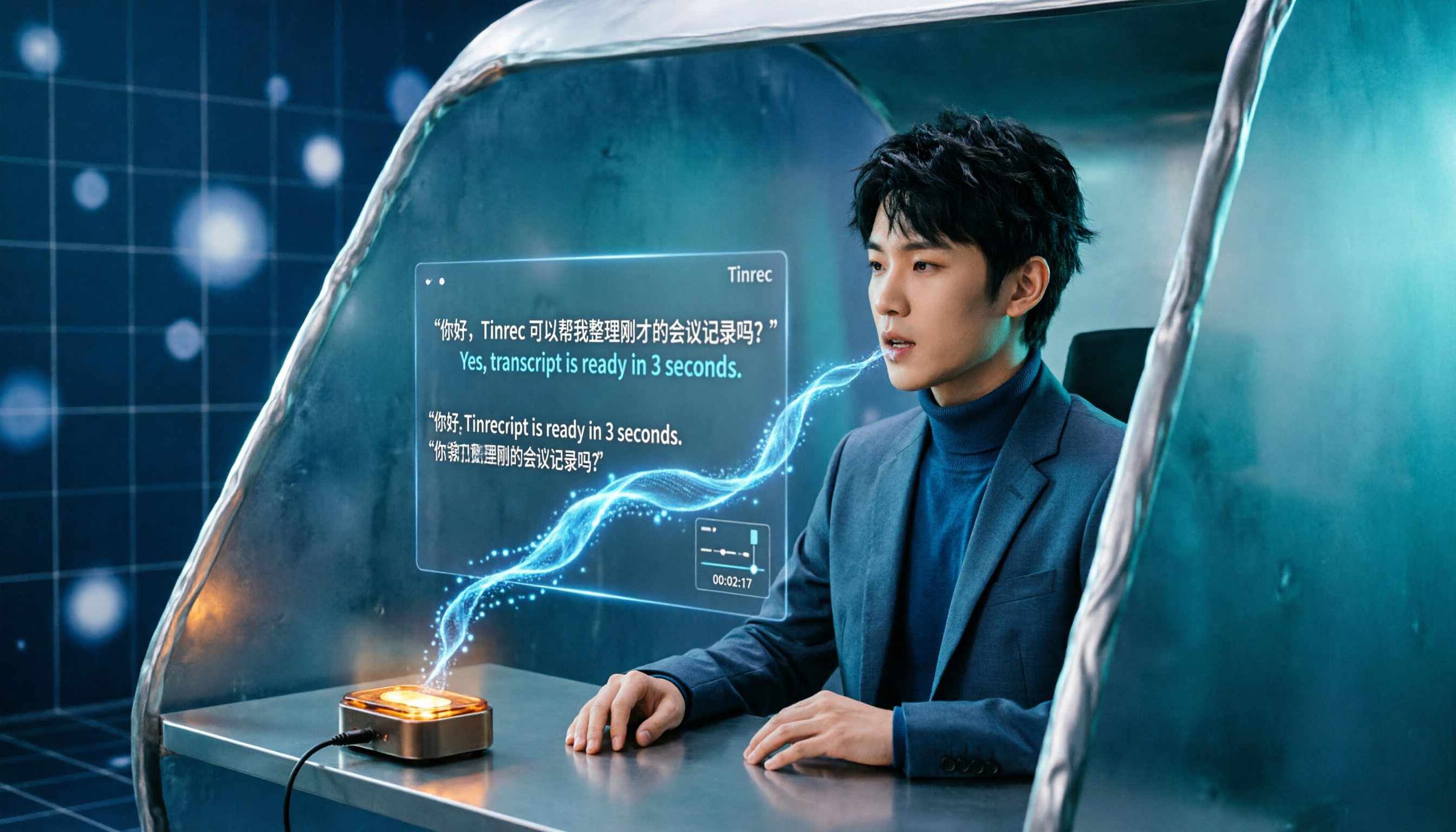
The challenge with Cantonese speech-to-text isn't whether AI can understand the language—it's converting spoken Cantonese to written Chinese, handling mixed Chinese-English, and post-meeting organization. This article addresses common misconceptions, outlines four key selection criteria, tests and compares Tinrec, Notta, PLAUD, and Otter.ai, and summarizes three common pitfalls and scenario-based recommendations.
iPhone Live Translation vs Tinrec in 2026: 5-Dimension Comparison — Which One for Cantonese Meetings?
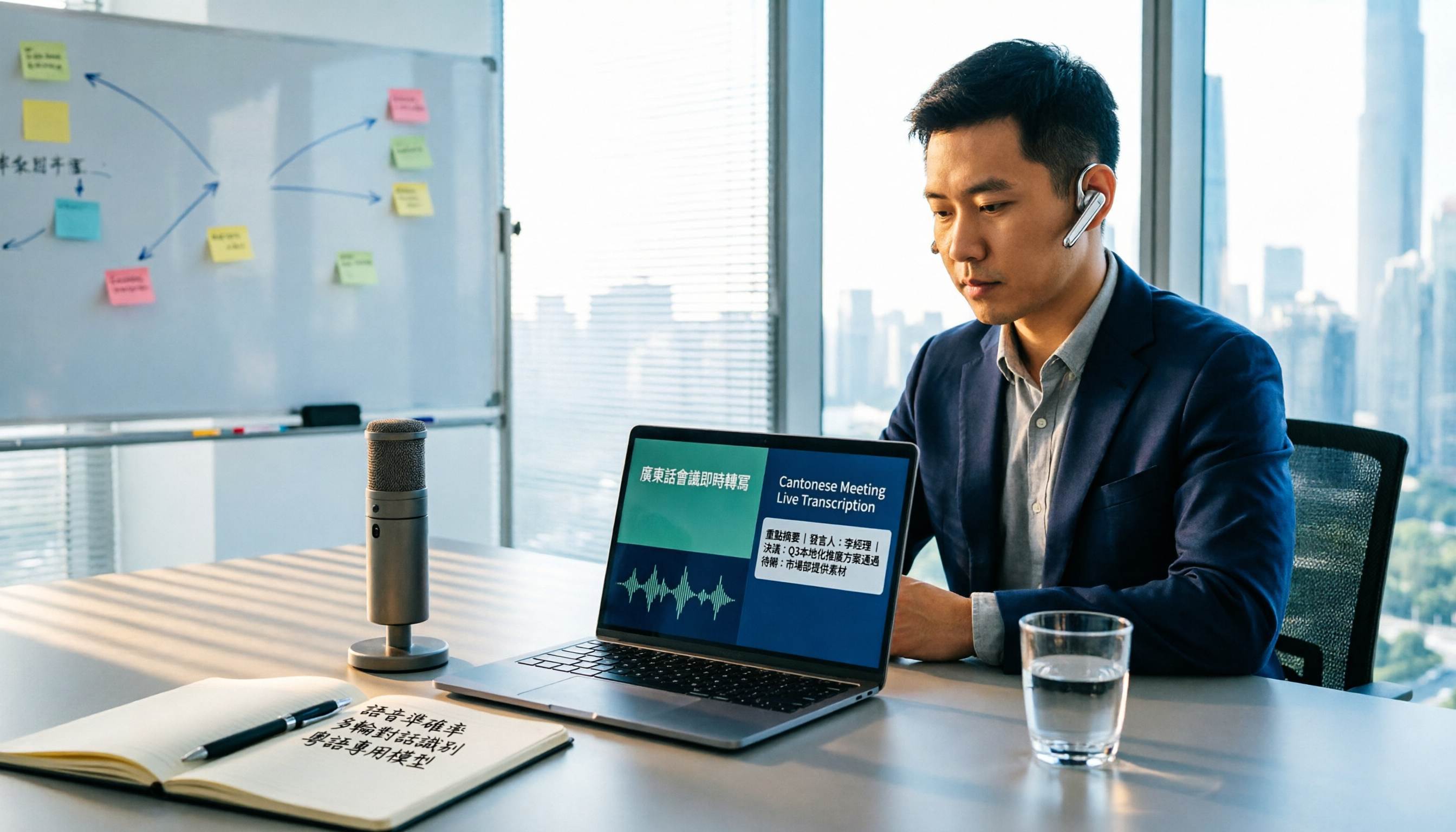
Can iPhone's built-in Live Translation handle Cantonese, and can it be used in Zoom meetings? This article compares it with Tinrec across 5 dimensions, from language barriers and meeting scenarios to post-meeting organization and team governance, to directly tell you which one to choose in which situation.

2026 Comparison of 3 iPhone Cantonese Speech-to-Text Solutions: Built-in, Dictation, and Tinrec — Which to Choose?
On iPhone, there are now three ways to turn Cantonese recordings into text: the built-in Voice Memos transcription, keyboard dictation, and AI meeting tools like Tinrec. This article compares features and workflows, starting with decision questions, then contrasting transcription scope, long meeting handling, post-meeting organization, cross-device export, and team collaboration, noting which data readers should verify themselves, and finally offering selection advice by use case.