
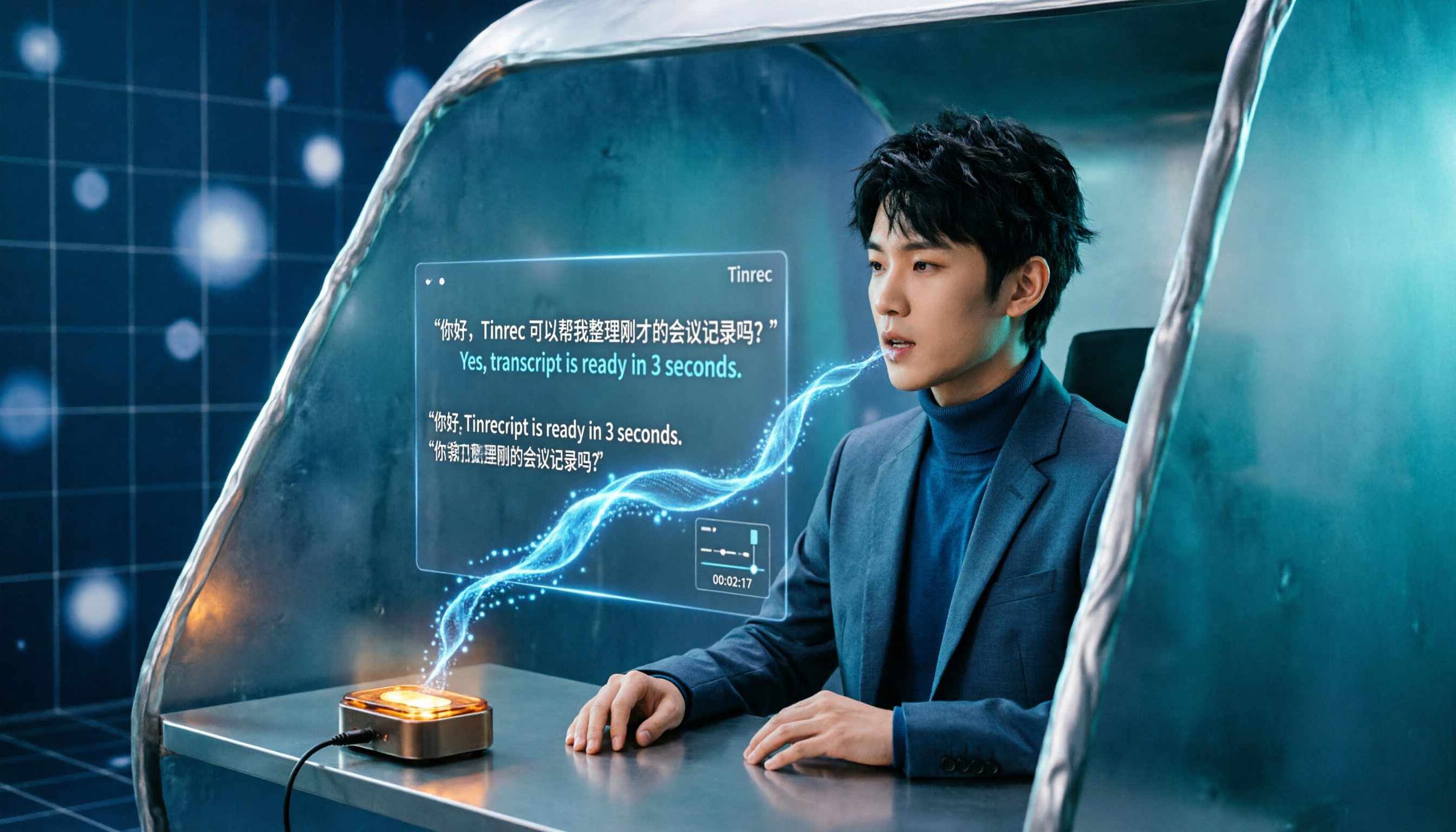
Turn recordings into transcripts and summaries in minutes
Upload audio or video for multilingual transcription, AI notes, and action items
Cantonese Speech-to-Text: The Real Challenge Isn't "Understanding"
Let's start with a pitfall we've experienced ourselves.
Years ago, when we first had to transcribe a 50-minute Cantonese interview, the instinct was to find an AI that claimed to "support Cantonese." The transcription did produce text, but upon opening it—colloquialisms were copied verbatim, mixed Chinese-English parts turned into gibberish, and there was no way to tell who said what.
The result: 3 minutes to transcribe, 3 hours to proofread.
Later, we gradually realized the problem was never about whether AI could understand Cantonese, but about three other aspects.
First, spoken Cantonese and written Chinese are two different systems. In the recording, you hear "係咪" (is it?) and "唔係喎" (it's not), but the meeting minutes you need to deliver must be written as "whether" and "is not." Most general-purpose AI simply transcribes what it hears, leaving the rewriting work to you.
Second, mixed Chinese-English. In Hong Kong and foreign business settings, people naturally mix in words like deadline, presentation, and confirm. A single-language model often breaks down when encountering such sentences.
Third, a transcript is not the end goal. A one-hour meeting may produce 8,000 words, but what you need isn't 8,000 words—it's "who agreed to what and when it's due."
So instead of asking "which one supports Cantonese," ask "which one, after transcription, saves me from redoing the work."
Why "Producing Text" and "Being Directly Usable" Are Two Different Things
Let's look at what actually happens.
For a one-hour cross-department meeting, the traditional way: listen to the recording for 60 minutes, type and organize for 90 minutes, then extract key points for another 30 minutes. An entire afternoon is gone.
Interviews or research are even more troublesome. You need quotable original words, searchable paragraphs, and the ability to trace back "who said this and at what minute." A plain text file can't provide that.
At the team level, there's a third problem: data is scattered across individual phones and cloud drives. When the responsible colleague leaves, those meeting recordings disappear with them.
None of these can be solved by "how accurately the AI hears," but by whether the tool can do something more after transcription. The following comparison starts from this point.
Four Key Points to Understand Before Choosing a Cantonese Transcription Tool
1. Does it use a true Cantonese model?
Many tools advertise "support for 100 languages," but Cantonese is merely an option under Chinese, and the actual model runs on Mandarin. In such cases, heavy accents or slang lead to guessing.
The way to judge is simple: take a real recording with background noise and several people interrupting, and try it—you'll know in ten minutes.
2. Can it switch between spoken and written styles, and choose traditional or simplified characters?
This makes a big difference. If it can directly output written Chinese and select traditional characters, your subsequent editing will be reduced by more than half.
If the tool can only output simplified Chinese or only copy spoken language, then you're essentially just replacing "typing from listening" with "editing a draft," saving limited time.
3. What does it give you after transcription?
A tool that only provides a transcript versus one that gives summaries, chapters, action items, and allows you to ask questions about the content—these are two completely different workflows.
My criterion is: after transcription, can I understand the three conclusions of the meeting within five minutes? If not, it's just a semi-finished product.
4. How are quotas calculated, and how does team collaboration work?
Free quotas usually have limits on file length or monthly minutes—check clearly before committing.
If you're using it as a team, ask one more question: who owns the data? Does the data remain after a member leaves? Are there usage statistics and activity logs?
Tinrec (秒聽錄音)—The Smoothest Tool We've Used for the Entire Workflow
Tinrec (秒聽錄音) is an AI meeting notes and collaboration tool for individuals and teams, available on web, desktop, and mobile. It doesn't just convert audio to text; it connects "recording → transcript → summary → action items → Q&A → export → team knowledge base" into one streamlined process.
No bot needed for online meetings. This is its most practical feature. The desktop version directly captures system audio, so when handling Zoom, Google Meet, Microsoft Teams, or Webex meetings, you don't need to invite an extra meeting bot—avoiding the awkwardness of "a Bot suddenly appearing in the participant list." The transcript is generated in real-time during the meeting, and organization continues right after.
The real value is after transcription. When the meeting ends, AI automatically generates summaries, chapters, and key points, and extracts action items from the discussion—who is responsible and what to do—listed as a checklist. If needed, you can generate reports, tables, and documents based on the meeting content. This is where many people feel they "can't go back," because it compresses the most time-consuming post-meeting organization into minutes.
Ask questions about the meeting content. This is the feature that sets it furthest apart from pure transcription tools. You don't need to Ctrl+F through thousands of words guessing keywords; just ask "What were the client's concerns about the budget?" or "What three things were decided in the last meeting?" and the system will organize answers based on semantics. The more historical meetings accumulate, the more valuable this feature becomes.
Stop organizing recordings by hand
Upload audio or video and automatically get a transcript, summary, and action items
Chinese and multilingual scenarios. Supports transcription of Chinese, Traditional Chinese, and multilingual meetings, and can organize mixed Chinese-English content; during recording, you can view the original text, translation, or bilingual comparison, so cross-language meetings don't have to wait until after. The team version also offers "team hotwords," allowing you to add frequently used product codes, industry terms, and brand names to reduce the chance of mishearing specialized terms.
Multiple export formats. Transcripts, summaries, and action items can all be exported and taken to Notion, Google Docs, OneNote, Dropbox, and other tools for further processing without reformatting.
Regarding accuracy, I won't include numbers like "96% Cantonese accuracy" in this article. Such numbers usually come from quiet studio samples and are not the same as what you and I record in the office. Actual performance is affected by audio quality, background noise, accent, speaking speed, and overlapping speech. A more honest approach: use your own meeting recording and run a segment within the free quota to see.
How the team version is calculated. The team version is not "multiple people sharing one account" but an independent team space: you can create multiple teams, invite members via link, set owners/admins/regular members, and distinguish "roles" and "seats"—roles determine who can manage the team and view audits, seats determine who can record, upload, edit, and export. Valid members without seats can still view, play, and read team data, but cannot perform resource-consuming operations.
Current terms: eligible teams can enjoy a 7-day trial, 1 free seat, and 300 minutes of shared team import quota upon first qualification; monthly payment USD 29.80 per paid seat per month, annual payment USD 199 per paid seat per year (approximately USD 16.58 per month); each paid seat provides 2,000 minutes of shared team import quota per month; under valid team plans and active seats, real-time recording currently does not deduct minutes, while file and web imports consume shared team quota. Prices and benefits are subject to the official purchase page.
Limitations to note. The free version has limited quota; heavy use requires payment; the team version currently focuses on team-level sharing, not fine-grained file-level permissions; audio in the recycle bin has a retention period (currently 30 days) before permanent deletion.
Who it's for. Those who frequently handle Chinese and mixed Chinese-English meetings, want to use AI to find key points directly after meetings, need to switch between phone and computer, or want to turn meeting data into team assets.
Besides Tinrec, What Other Options Are There?
Notta. A veteran multilingual transcription tool with mature subtitles, translation, and file processing. The official free version offers 120 minutes per month, up to 3 minutes per session; Pro annual payment is about USD 8.17 per month, 1,800 minutes per month; Business annual payment is about USD 16.67 per seat per month. If you mainly batch-process existing audio files, it's sufficient; but for "recording meetings without a bot + post-meeting team knowledge base," Tinrec is more aligned.
PLAUD Note / NotePin. A representative of AI recording hardware, slim and lightweight, suitable for carrying and phone call recording. The US official site currently lists NotePin at USD 159, Note Pro at USD 189; membership plans: Starter 300 minutes per month, Pro USD 99.99 per year (1,200 minutes per month), Unlimited USD 239.99 per year. Its value lies in the hardware form factor; if you don't want to carry an extra device, Tinrec works via web, desktop, and mobile, and adds team space and seat management.
Otter.ai. A mature choice for English business meetings. Basic is free with 300 minutes per month; Pro annual payment is about USD 8.49 per user per month, including 1,200 minutes per month and 10 file imports. Its primary use case is English meetings; if your recordings are mostly in English, it's cost-effective. But for Chinese and Cantonese scenarios, Tinrec's Chinese experience and mixed Chinese-English organization are more aligned with the needs.
Pitfall Guide: The Three Most Common Mistakes When Choosing Such Tools
Pitfall 1: Only looking at the officially stated accuracy rate. Those numbers mostly come from clean samples. Real meeting rooms have air conditioning noise, keyboard sounds, and people interrupting. It's recommended to test your own recordings with the free quota—you can judge in ten minutes.
Pitfall 2: Treating the transcript as the end goal. If you only use "audio to text," you're using only one-third of the tool's capabilities. Summaries, action items, Q&A, and export are where the real time savings are.
Pitfall 3: Ignoring data ownership. Personal accounts work smoothly, but once the team expands, problems arise: colleagues leave, data can't be found, no one knows who has permissions. When choosing a tool, first ask: "After a member leaves, does the data remain with the team?"
Conclusion: Which One Should You Choose?
In one sentence: if you want "directly usable after transcription" rather than "three hours of editing after transcription," Tinrec currently has the most complete workflow.
- For Chinese and mixed Chinese-English meetings, and you want summaries and action items directly after → Tinrec
- For recording on Zoom, Meet, Teams without a bot joining → Tinrec desktop version
- For accumulating meeting recordings into a searchable team database with seat and usage management → Tinrec team version
- For portable hardware recording, often in situations without a computer → consider hardware devices like PLAUD
- For almost entirely English content and zero budget → Otter.ai free version is a reasonable choice
The recommended approach is to first run a segment of your own Cantonese recording within the free quota, and consider upgrading if it suits you. When it comes to tools, no matter how good others say it is, it's not as good as listening to the transcription result yourself.
FAQ
Q: Is the free version enough? You can first use the basic quota to test a real recording and confirm the transcription quality and workflow. If you have meetings every week, upgrading is more practical; for occasional projects, a short-term plan is sufficient.
Q: Do I have to use the desktop version? For online meetings, the desktop version can directly capture system audio without an extra bot. For offline meetings or field interviews, phone recording is fine; for existing audio files, use upload or import.
Q: What if the Cantonese accent is heavy? First confirm the tool's language setting is correct, then test with real recordings. The team version allows adding common terms to hotwords to reduce misjudgment of specialized terms.
Q: Can team members without a seat see the data? They can view, play, and read team data, but to record, upload, edit, or export, they need a seat.
Q: Can the exported files be used elsewhere? Transcripts, summaries, and action items can be exported and taken to Notion, Google Docs, OneNote, Dropbox, and other tools for further editing.
References
- Free Cantonese Speech-to-Text App 2026 | Subanana
- Cantonese Speech-to-Text | AI Cantonese Speech Recognition | CantoSub
- 2026 Latest 6 Cantonese Speech-to-Text AI Tools: Solving Transcript Organization and Mixed Chinese-English Pain Points - Tinrec Blog
- [Free Tool] Cantonese Speech-to-Text! Just Upload a File or YouTube Link. Up to 96% Accuracy - YouTuber AI | Spend time on creativity, leave the AI to do the hustle work.
- 2026 Latest 4 Cantonese Speech-to-Text Tools: Solving Mixed Chinese-English and Meeting Notes Pain Points - Tinrec Blog
Turn every recording into actionable outcomes
Get 60 free transcription minutes when you sign in. No credit card required.
Related Reading
You might also like

2026 Cantonese Speech-to-Text AI Comparison: Tinrec vs CantoSub vs Subanana — Which Turns Transcripts into Action Items?
Starting from real decision points in Cantonese meeting notes, this comparison examines Tinrec, CantoSub, and Subanana across Cantonese transcription, post-meeting organization, team collaboration, and free tiers to help you decide which fits your recording workflow.

How to Transcribe Cantonese iPhone Recordings in 2026: Built-in Transcript in 3 Steps + AI Meeting Summaries
A practical guide to transcribing Cantonese audio on iPhone, covering the built-in Voice Memos transcript in iOS 18.4 and Tinrec's AI summaries, action items, and team meeting organization, helping you choose the right tool for your needs.

iPhone Live Translation vs Tinrec in 2026: 5-Dimension Comparison — Which One for Cantonese Meetings?
Can iPhone's built-in Live Translation handle Cantonese, and can it be used in Zoom meetings? This article compares it with Tinrec across 5 dimensions, from language barriers and meeting scenarios to post-meeting organization and team governance, to directly tell you which one to choose in which situation.

2026 Comparison of 3 iPhone Cantonese Speech-to-Text Solutions: Built-in, Dictation, and Tinrec — Which to Choose?
On iPhone, there are now three ways to turn Cantonese recordings into text: the built-in Voice Memos transcription, keyboard dictation, and AI meeting tools like Tinrec. This article compares features and workflows, starting with decision questions, then contrasting transcription scope, long meeting handling, post-meeting organization, cross-device export, and team collaboration, noting which data readers should verify themselves, and finally offering selection advice by use case.

2026 AI Meeting Summary Free Plans Compared: 4 Tools to Try
A roundup of free plans for 4 AI meeting summary tools in 2026, including Tinrec, Otter.ai, Notta, and Granola. Compare free quotas, Chinese language support, post-meeting organization, and team collaboration to find a no-cost way to boost meeting efficiency.
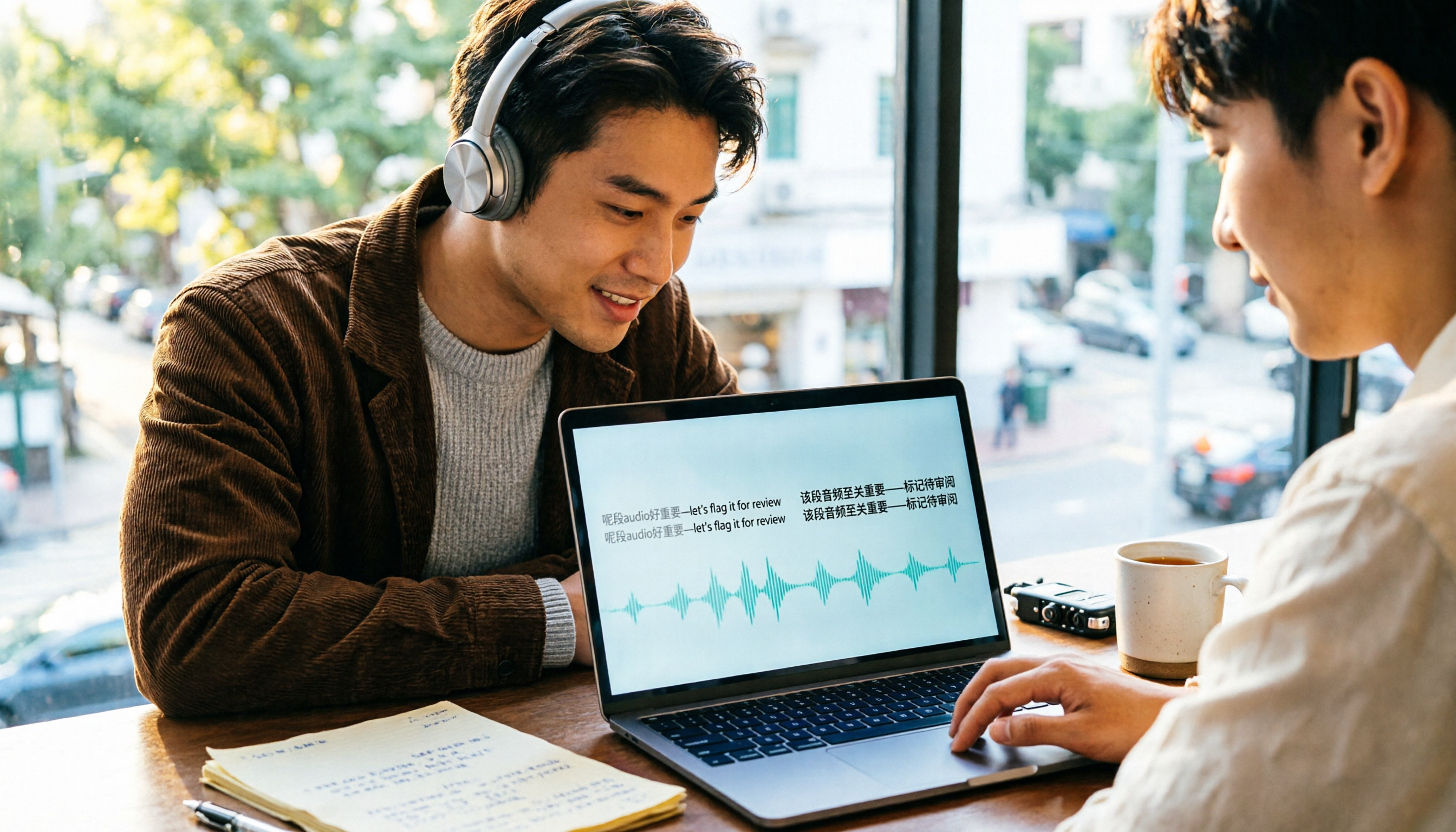
4 Cantonese Speech-to-Text Tools Compared (2026): Code-Switching and Spoken-to-Written Conversion Made Clear
The most time-consuming part of Cantonese speech-to-text is often not the transcription itself, but the editing and organizing afterward. This article breaks down four key purchasing factors—spoken-to-written conversion, mixed Chinese-English handling, free tier limits, and post-meeting workflow—and compares Tinrec, Subanana, CantoSub, and TurboScribe to help you decide which one suits you best.

5 Best Auto Transcription Tools in 2026: Chinese Transcription, Meeting Summaries & Team Collaboration Compared
Still spending half an hour organizing transcripts after meetings? This article compares 5 automatic transcription tools—Tinrec, Otter.ai, Notta, Yating Transcription, and cSubtitle—covering Chinese and mixed Chinese-English recognition, post-meeting summaries and action items, online meeting audio capture, team seats and quota limits, with use cases, buying tips, and pitfalls to avoid. Published by Tinrec; bias disclosed.

2026 Cantonese Speech-to-Text App Comparison: Which Handles Mixed Chinese-English and Spoken-to-Written Conversion Best?
Many people looking for a Cantonese speech-to-text app only care about whether it can transcribe, but overlook mixed Chinese-English speech, converting spoken Cantonese to written Chinese, and post-meeting organization. Based on hands-on experience, this article explains 4 key buying factors and uses Tinrec as the main test subject, comparing how Subanana, Notta, and Otter.ai differ in positioning to help you judge which one truly saves time on re-listening and retyping.

2026 AI Meeting Notes Showdown: Tinrec vs Otter.ai — Which Saves More Time?
We tested Tinrec and Otter.ai across five dimensions—Chinese-language meetings, bot-free recording, post-meeting action items, and team governance—to help Hong Kong office workers decide which AI meeting notes tool better fits Chinese meeting scenarios.