

Turn recordings into transcripts and summaries in minutes
Upload audio or video for multilingual transcription, AI notes, and action items
Most people searching for "automatic transcription" aren't really thinking about the text itself—they're thinking about the meeting minutes they need to hand in soon. Turning audio into text is only half the job; the other half is whether you can capture decisions, owners, and next steps within thirty minutes.
This article is published by Tinrec, the product team, and we disclose our bias here. Feature and plan information is based on each product's official pages and internal product documents, verified as of August 18, 2026. We did not conduct traceable timed tests, so we do not provide speed or accuracy rankings; any items involving actual recognition performance are marked as pending verification—we recommend testing with a real recording of your own.
The real bottleneck is the 30 minutes after the meeting
Your weekly meeting ends, your manager asks in the group chat "So what's the conclusion?" and all you have is a 45-minute transcript with no paragraphs and no punctuation.
You recorded a one-hour client interview. You remember they mentioned a budget cap, but you can't recall which part—so you drag the timeline from the beginning.
In cross-department meetings with mixed Chinese and English, the tool mishears Chinese words as English, or skips entire sections, and correcting takes longer than listening again.
The common thread: the problem isn't whether it converted to text, but whether the text is usable afterward. Choosing the right tool makes all the difference.
4 key points before choosing an automatic transcription tool
1. What comes after the transcript. A tool that only outputs text hands the organizing work right back to you. Prioritize tools that can automatically generate summaries, chapters, and action items—or even let you ask follow-up questions about the content. This determines whether you save twenty minutes or two hours.
2. Handling Chinese and mixed Chinese-English. Workplace meetings in Taiwan are rarely pure Chinese or pure English—product names, technical terms, and abbreviations are mixed in constantly. Don't just look at the number of languages listed; look for mechanisms tailored to Chinese and professional terminology, such as shared team glossaries.
3. How online meetings are captured. A common approach is sending a meeting bot to join the meeting; another is capturing system audio directly on the desktop. The difference: the former requires the host to admit the bot, while the latter is initiated by the user without adding another participant. Also confirm: does the tool retain the original audio file? Because replaying to verify is often more important than the transcript itself.
4. Quotas, seats, and data ownership. Free quotas can be "minutes per month" or "minutes per session"—a big difference. For team use, whether data belongs to the individual uploader or the team directly affects whether you can retrieve meeting records after a member leaves or changes departments.
Tinrec: connecting transcripts to post-meeting deliverables
Tinrec is an AI meeting notes and collaboration tool for individuals and teams, available on web, desktop, and mobile. Its positioning isn't "audio to text" but turning meetings into searchable, queryable, collaborative data.
During the meeting. The desktop version captures system audio directly, handling Zoom, Google Meet, Microsoft Teams, Webex, and other online meetings without an extra bot joining; for offline meetings and interviews, real-time recording produces transcripts as you record. Note: this is user-initiated recording, not automatic joining of all calendar meetings.
After the meeting. After the meeting ends, the tool generates summaries, chapters, and key points, extracts action items from discussions, and can generate mind maps to help understand the structure of topics. For those who need to deliver meeting minutes, this step is usually the most time-consuming.
Follow-up and reuse. This is where Tinrec stands apart from most pure transcription tools: you can ask questions directly about the meeting content, such as "Who mentioned the budget in the last meeting?" and it provides answers based on the content, not just keyword matching results. Organized data can be exported to Notion, Google Docs, OneNote, Dropbox, and other tools for further processing, and Agent post-processing can generate reports, tables, and documents. For cross-language meetings, real-time translation can be enabled to view in original, translated, or bilingual mode.
Team edition. The team edition is a separate team workspace, not multiple people sharing a personal account. Meeting data belongs to the team, and new members can view historical data; admins can create multiple team workspaces, invite members via link, set Owner/Admin/Member roles, and assign or revoke seats. Roles determine who can manage the team; seats determine who can record, upload, edit, and export; active members without seats can still view, play, and read team data. There are also team glossaries, usage trends and member details, audit log queries and exports, an audio recycle bin (currently retained for 30 days, recoverable or permanently deleted), and when a member leaves, their team resources must be handed over to other active members.
Stop organizing recordings by hand
Upload audio or video and automatically get a transcript, summary, and action items
Plans and quotas. Personal plans include Free, Weekly Pass, Pro Monthly, and Pro Annual—choose based on usage frequency and data retention needs; actual prices are subject to the official website. The team edition's first qualifying trial is 7 days, 1 free seat, 300 minutes of team shared import quota; team monthly is USD 29.80 per paid seat per month, annual is USD 199 per paid seat per year (about USD 16.58/month), with each paid seat providing 2,000 minutes of team shared import quota per month. Under an active team plan and active seats, real-time recording currently does not deduct minutes; file and web link imports consume team shared quota. Prices, currencies, and promotions are subject to the official purchase page.
Limitations, upfront. First, it does not automatically join all meetings—you need to start recording manually. Second, no fixed accuracy is promised; actual performance is affected by recording quality, noise, accents, overlapping speakers, and technical terminology—for important content, verify against transcript timestamps and audio playback. Third, the team edition currently focuses on team-level sharing; all active members can read team data, not file-level granular permission control. Fourth, if your need is one-time batch transcription of many long files, this is not its main strength.
Who it's for. Those who frequently hold Chinese or mixed Chinese-English meetings, need post-meeting summaries and action items, want to ask follow-up questions directly after recording, or want to turn meeting records from personal devices into team assets.
Besides Tinrec, what other automatic transcription tools are there?
Otter.ai: A mature choice for English business meetings. The official pricing page shows Basic free at 300 minutes per month, Pro annual at about USD 8.49 per user per month, including 1,200 minutes of in-app recording and 10 file imports per month (verified August 2026). Its strength is English meetings and integration with existing workflows; if you record Chinese or mixed Chinese-English internal meetings, Tinrec's Chinese transcription, real-time translation, and bilingual viewing are worth comparing first. Prices and quotas are subject to the official page.
Notta: Good at multi-platform transcription and file import. The official pricing page shows free at 120 minutes per month with a 3-minute per-item limit, Pro annual at about USD 8.17 per month with 1,800 minutes per month. Complete plans and many languages, suitable for file-transcription-centric workflows; the difference is in the live meeting—Tinrec's desktop version captures system audio directly without a meeting bot joining, and after the meeting can connect content to AI Q&A and Agent post-processing. If you mainly batch-process existing audio files, Notta is still worth evaluating.
Yating Transcription: A local Chinese speech-to-text service in Taiwan. According to 104 Job Bank's tool roundup, its advantage is good multi-speaker recognition; its disadvantage is slower transcription speed; that source does not mention AI Q&A or team seat management features. If you want to ask follow-up questions about meeting content after recording and organize action items for the team, Tinrec's workflow is more complete; if you only need stable Chinese transcription, both are worth trying.
cSubtitle: A pure file-upload online tool, usable without registration, supporting MP4, MOV, MP3, WAV, M4A, and other formats, with a single file limit of 4GB and duration up to 5 hours, outputting text files, Word files with timecodes, and subtitle files. It's straightforward for "turning a video into subtitles"; but according to the source description, it processes uploaded files, does not involve real-time meeting recording, and has no meeting summaries or team workspaces. For scenarios requiring transcripts during meetings, the direction is different.
Pitfall guide: 4 most common mistakes when choosing a transcription tool
Pitfall 1: Treating official accuracy as your accuracy. Promotional numbers usually come from favorable audio files. Real meeting rooms have air conditioning noise, keyboard sounds, and people talking over each other—performance drops noticeably. The right approach is to test with your own recording that has noise and mixed Chinese-English; that's far more useful than reading ads.
Pitfall 2: Assuming a transcript equals meeting minutes. A transcript is raw material, not a finished product. When choosing a tool, look one level deeper: does it have summaries, chapters, action items, and follow-up Q&A? Otherwise you're just trading transcription time for reading time.
Pitfall 3: Ignoring whether audio is retained and exportable. Some tools focus on transcripts and don't save meeting audio, making it impossible to replay and verify a specific sentence later. Before buying, confirm the audio retention policy, export formats, and data ownership after team members leave.
Pitfall 4: Sharing one personal account for the team. Account sharing blurs quotas, permissions, and data ownership. When adopting for a team, check whether roles, seats, and usage management are designed separately; for example, Tinrec's team edition separates "who can manage" from "who can record, upload, edit," and members without seats can still view and play data but cannot upload or edit.
One final practical reminder: recording and transcription involve personal data. Before recording, obtain consent from participants in accordance with local regulations, and explain the purpose and storage of recordings within the team.
Conclusion: Which one should you choose for your situation?
Need transcripts for Chinese meetings, plus post-meeting summaries and action items → Tinrec. Its value is in the post-transcription stage—summaries, chapters, and action items are generated directly.
Want to ask follow-up questions after recording and search past decisions → Tinrec. AI Q&A around meeting data is much faster than manually searching keywords in a 45-minute transcript.
Team needs to accumulate meeting assets, with seats, usage, and auditing → Tinrec team edition. Data belongs to the team, can be handed over when members change, and won't disappear when individuals leave.
Need to use on phone, desktop, and web, and frequently record online meetings → Tinrec. The desktop version captures system audio without inviting a bot to the meeting.
Only need to turn a video file into a subtitle file, no summaries or team features → Upload-based tools like cSubtitle are more direct; if you mainly record English meetings and are already familiar with the Otter ecosystem, Otter.ai is also worth evaluating. This is one of the few scenarios in this article not pointing to Tinrec.
Whichever you choose, we recommend first running through your real meeting workflow with the free quota: from recording, generating a transcript, viewing the summary, to exporting a version others are willing to read. After one round, you'll clearly know which step is still wasting your time.
References
- Yating Transcription
- No time limit! 3 free AI transcription tools, highly recommended! AI voice notes generate meeting minutes, presentations, mind maps | 104 Job Bank
- [AI Voice Notes] 5 highly recommended AI speech-to-text tools! Generate transcripts and meeting minutes highlights, free vs subscription, pros and cons comparison | 104 Job Bank
- Online AI speech, video, audio file auto transcription - free trial - cSubtitle
- AI Transcript Generator: Online free audio file to transcript - MyEdit
Turn every recording into actionable outcomes
Get 60 free transcription minutes when you sign in. No credit card required.
Related Reading
You might also like

2026 AI Meeting Summary Free Plans Compared: 4 Tools to Try
A roundup of free plans for 4 AI meeting summary tools in 2026, including Tinrec, Otter.ai, Notta, and Granola. Compare free quotas, Chinese language support, post-meeting organization, and team collaboration to find a no-cost way to boost meeting efficiency.
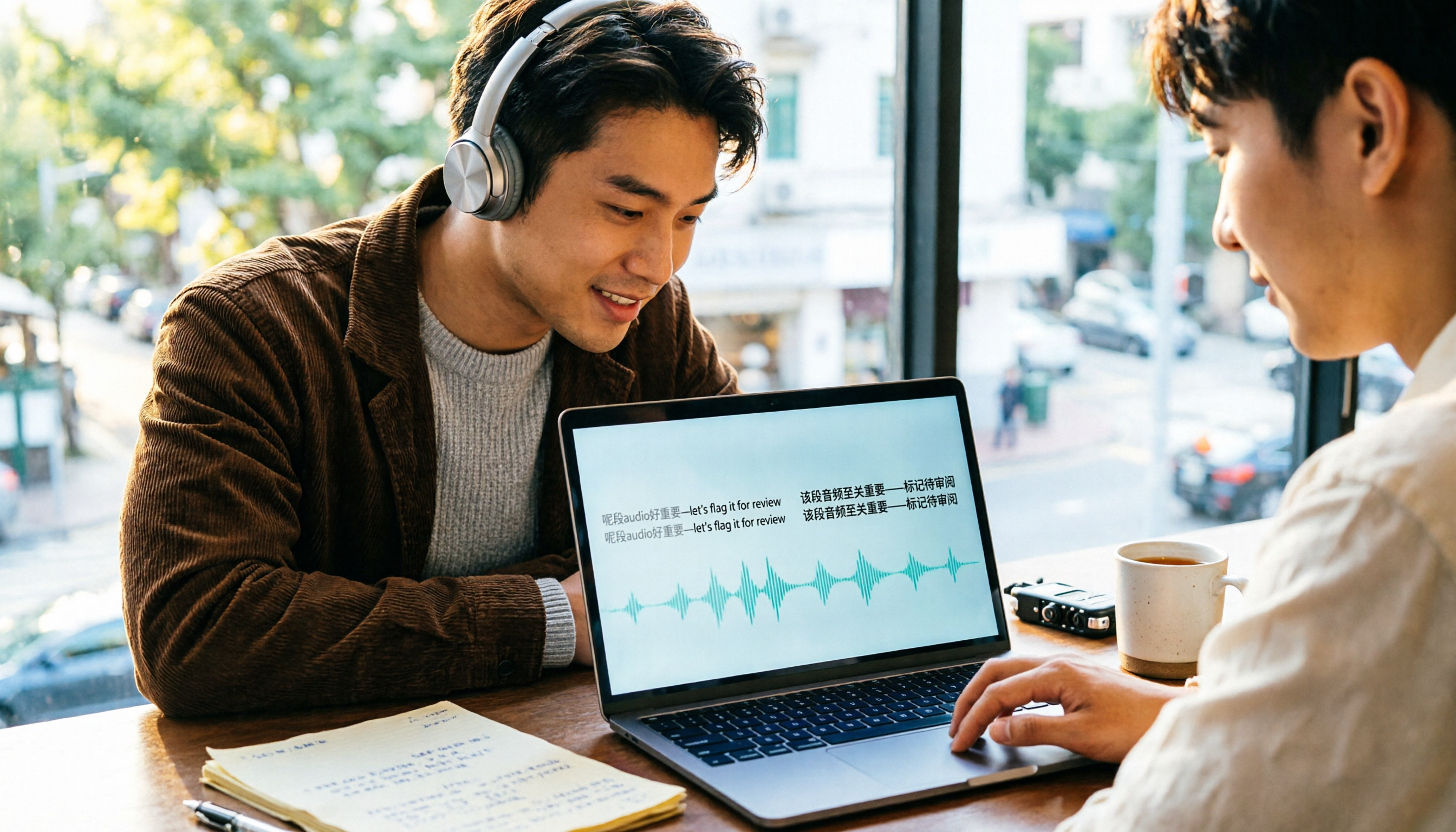
4 Cantonese Speech-to-Text Tools Compared (2026): Code-Switching and Spoken-to-Written Conversion Made Clear
The most time-consuming part of Cantonese speech-to-text is often not the transcription itself, but the editing and organizing afterward. This article breaks down four key purchasing factors—spoken-to-written conversion, mixed Chinese-English handling, free tier limits, and post-meeting workflow—and compares Tinrec, Subanana, CantoSub, and TurboScribe to help you decide which one suits you best.

2026 Cantonese Speech-to-Text App Comparison: Which Handles Mixed Chinese-English and Spoken-to-Written Conversion Best?
Many people looking for a Cantonese speech-to-text app only care about whether it can transcribe, but overlook mixed Chinese-English speech, converting spoken Cantonese to written Chinese, and post-meeting organization. Based on hands-on experience, this article explains 4 key buying factors and uses Tinrec as the main test subject, comparing how Subanana, Notta, and Otter.ai differ in positioning to help you judge which one truly saves time on re-listening and retyping.

2026 AI Meeting Notes Showdown: Tinrec vs Otter.ai — Which Saves More Time?
We tested Tinrec and Otter.ai across five dimensions—Chinese-language meetings, bot-free recording, post-meeting action items, and team governance—to help Hong Kong office workers decide which AI meeting notes tool better fits Chinese meeting scenarios.

3 WhatsApp Voice-to-Text Tools Tested: Which Handles Cantonese Best in 2026?
A practical comparison of three common ways to transcribe WhatsApp Cantonese voice messages, covering language support, privacy, post-meeting organization, and team collaboration to help you choose the right tool and workflow.

2026 Audio-to-Text Tools Compared: Which Free Tier and Post-Meeting Workflow Actually Saves You Time?
The real difference between audio-to-text tools isn't transcription speed—it's what happens after the transcript is done. We tested Tinrec, Notta, Granola, and TurboScribe using the same imperfect meeting recording, comparing free tier limits, file length restrictions, post-meeting summaries and action items, and team data ownership to help you decide which one truly saves you time on meeting follow-ups.

4 Free Recording Summary Tools for 2026: Free Tiers and Meeting Notes Comparison
How to choose a recording summary tool without getting burned? This article rounds up 4 recording summary tools with free trials in 2026, comparing free quotas, per-file limits, Chinese summaries, and post-meeting follow-up Q&A, and explains which scenarios each suits—meeting notes, class notes, and team collaboration—so you pick the right tool and work less overtime.

2026 Comparison of 4 Meeting Summary Generators: Which Free Tier Is Actually Enough?
A free version doesn't mean you can use it for free. This article compares the free offerings of Tinrec, Notta, Otter.ai, and TurboScribe—breaking down the three different ways limits are counted (minutes, files, and per-session caps), explaining what each can and can't do, and noting the date the data was verified—so you know which one is truly usable before you pay.
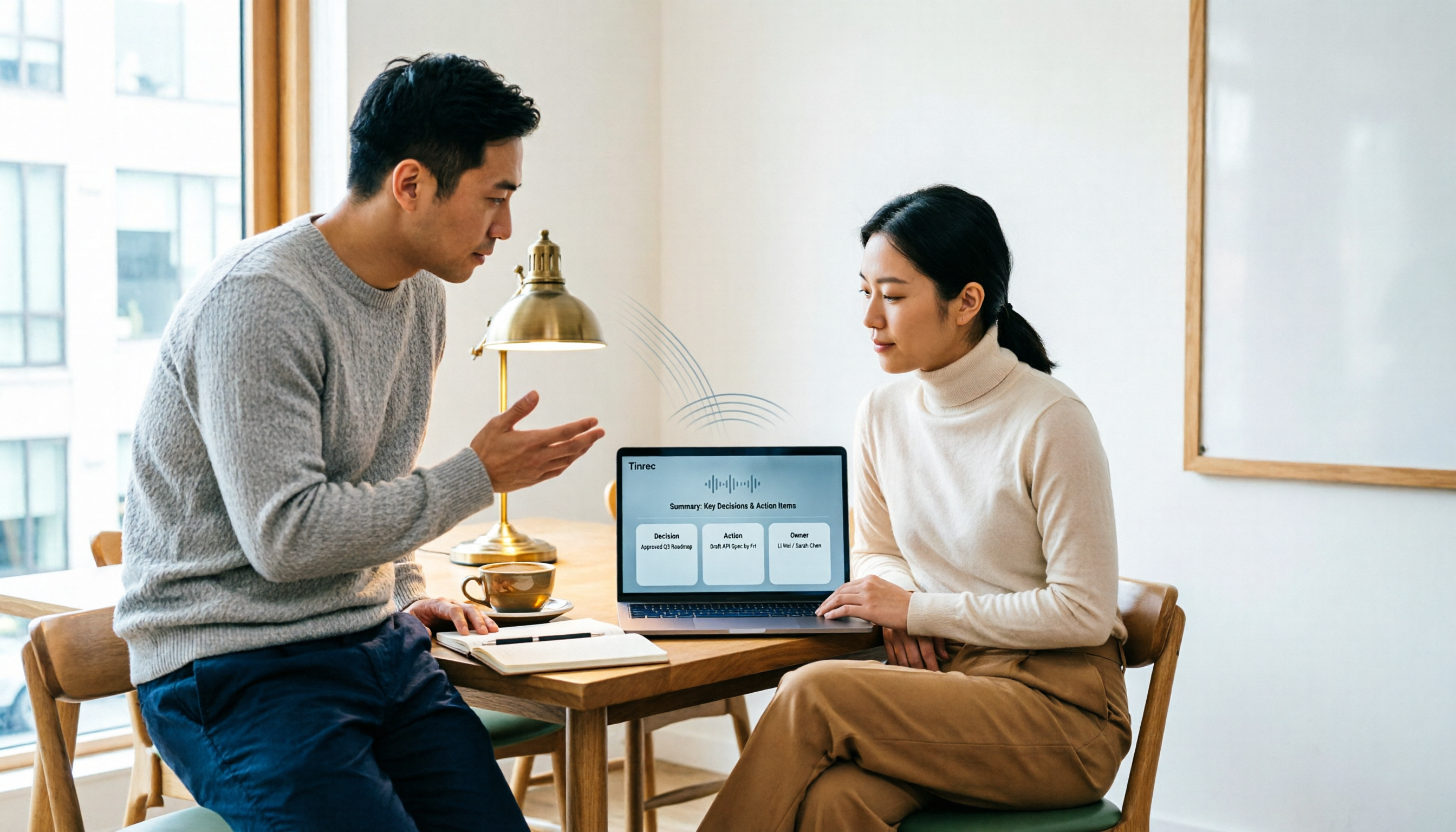
2026 AI Note Taker Comparison: 5 Tools Tested — Transcripts Aren't Meeting Notes, Which One Actually Saves You Time?
Most people think AI note takers just turn audio into text, but you still end up with a massive transcript to review yourself. This guide covers buying criteria, hands-on testing, and pitfalls, comparing Tinrec, Notta, Otter.ai, Granola, and more to help you find the one that truly saves you organizing time.