

Turn recordings into transcripts and summaries in minutes
Upload audio or video for multilingual transcription, AI notes, and action items
2026 Comparison of 4 Meeting Summary Generators: Which Free Tier Is Actually Enough?
Many people assume "free version" means "free to use." They install it and only then discover a 3-minute cap per recording, AI summaries locked behind a separate upgrade, and an upgrade pop-up the moment they try to export—what really slows you down isn't the meeting, it's spending half the night figuring out what costs money before you pay.
This article focuses on one thing: how much work the free plans of 4 meeting summary generators can actually get done. The comparison covers free quotas, per-session limits, whether installation is required, and whether you can get summaries and action items directly after transcription. All free-tier conditions are based on official pages, with data verified as of August 2026; products change at any time, so please confirm again before committing.
What to Check Before Using a Free Plan
Three spots are the easiest to get tripped up on.
First, long-term free vs. one-time trial. Long-term free usually means a fixed monthly quota that refills the next month; a trial is a one-time pool of minutes that's gone once used up. Comparing the two together easily leads to overestimating actual usable capacity.
Second, the quota units are fundamentally different. Some count monthly minutes, some count daily uploadable files, and some directly limit per-session length. 300 minutes, 3 files, and 3 minutes per session cannot be directly ranked by size.
Third, whether summaries and exports are included in the free tier. Getting a transcript doesn't mean you get a meeting summary you can send straight to colleagues. AI summaries, action-item extraction, and export formats are often the key areas with tiered pricing.
1. Tinrec: Chinese Meetings Plus Post-Meeting Organization
Free conditions. The free version provides a basic quota for trying recording, importing, summaries, and transcription; actual usable capacity is shown in your account. Team users also get a first-time trial: 7 days, 1 free seat, and 300 minutes of shared team import quota.
Key features and workflow. After opening the desktop app, you start recording yourself, directly capturing computer system audio to handle Zoom, Google Meet, Microsoft Teams, Webex, and other meetings—no extra bot needs to join as a participant. During the meeting, the transcript appears as you record, and you can switch between original text, translation, or bilingual view; after the meeting, summaries, chapters, and action items are generated automatically, and you can ask questions about the meeting content; results can be exported to Notion, Google Docs, OneNote, Dropbox, and other tools for further work.
Use cases and limitations. Suitable for office workers with regular weekly meetings who need Chinese transcripts and post-meeting summaries, and for sales and research staff who need to turn client interviews into organized material. Note: it doesn't automatically join all calendar meetings—you have to start recording yourself each time; the free quota has a cap, so long meetings or large file imports require an upgrade; the team version is team-level sharing controlled by roles and seats, not file-level individual permissions. Accuracy is also affected by recording quality, accents, and multiple people speaking at once; for important numbers and commitments, it's best to check back against the original timestamps.
2. Notta: Multilingual File Transcription
Free conditions. The free version offers 120 minutes per month, with a maximum of 3 minutes per session. For paid plans, Pro billed annually works out to USD 8.17/month with 1,800 minutes per month; Business billed annually works out to USD 16.67/seat/month with unlimited transcription. Based on the official pricing page.
What it can do. Upload audio or video files to convert to text, with translation support—good for organizing already-recorded interviews or course materials.
Stop organizing recordings by hand
Upload audio or video and automatically get a transcript, summary, and action items
Limitations. The 3-minute per-session cap is quite crippling on the free tier—a half-hour regular meeting would need to be split into ten segments, making organization more costly instead. The free tier is better for testing the interface and transcription quality, not for processing an entire training recording in one go.
3. Otter.ai: Primarily for English Meetings
Free conditions. The Basic plan is free with 300 minutes per month. Pro billed annually works out to USD 8.49/user/month, including 1,200 minutes of in-app recording per month and 10 file imports. Based on the official pricing page.
What it can do. Mature meeting transcription and AI conversation capabilities, full support for English business meetings, and relatively complete team management features.
Limitations. If your meetings are mainly in Chinese or mixed Chinese-English, you'll need to test the transcription performance yourself before deciding—don't just look at the minutes. Also, the feature scope and export conditions of the free tier should be based on what's publicly posted on the official page at the time.
4. TurboScribe: Long Files and Batch Processing
Free conditions. The free version allows 3 files per day, with a maximum of 30 minutes per file. Unlimited billed annually is USD 120, roughly USD 10/month; the paid version supports up to 10 hours or 5 GB per file and can upload 50 files at once. Based on the official pricing page.
What it can do. Handles long recordings, batch uploads, subtitles, and translation—quite practical for users with a large backlog of files to transcribe at once.
Limitations. It follows a file-upload approach, doesn't handle live meetings, and lacks the post-meeting action items and team workspace layer. If you want "summary right after the meeting," the workflow requires a few extra steps.
Free Feature Comparison Table
| Platform | Registration or Installation Requirements | Free Quota | Key Features | Main Limitations | Data Source |
|---|---|---|---|---|---|
| Tinrec | Web, desktop, mobile | Free version basic quota (shown in account); team first-time trial 7 days, 1 seat, 300 minutes shared import | Bot-free desktop recording, summary chapters and action items, AI Q&A, multi-format export | Must start recording yourself; upgrade needed when quota runs out; team is team-level sharing | Official product data, August 2026 |
| Notta | Web, app | 120 minutes per month, max 3 minutes per session | Multilingual transcription, translation | Noticeable per-session length cap | Notta official pricing page, August 2026 |
| Otter.ai | Web, app, desktop | Basic 300 minutes per month | Meeting transcription, AI conversation, team management | Chinese meetings need self-testing; free-tier feature scope based on official postings | Otter official pricing page, August 2026 |
| TurboScribe | Web | 3 files per day, max 30 minutes per file | Long-file and batch transcription, subtitles, translation | Requires file upload, doesn't handle live meetings | TurboScribe official pricing page, August 2026 |
Which One Is Right for You?
Want to get summaries and action items right after a meeting, with meetings mainly in Chinese: Tinrec. The free quota is enough to test the workflow clearly, and bot-free desktop recording works with the meeting platforms commonly used in Hong Kong offices.
Mainly hold English meetings and your team already has usage habits: Otter.ai's free 300 minutes is relatively generous, but you'll need to verify Chinese performance yourself.
Have a pile of old recordings to batch transcribe: TurboScribe's file-count method is simple, and long-file support is sufficient.
Need multilingual support and budget by minutes: Notta lets you try 120 free minutes first, but be prepared for the 3-minute per-session limit.
Conclusion: The Right Way to Use a Free Plan
First confirm the quota unit, then test with a real meeting—not the official demo audio, but your own meeting with accents, mixed Chinese-English, and people talking over each other. If the transcript reads smoothly, then talk about upgrading. One final reminder: before recording and transcribing, obtain participants' consent in accordance with local regulations.
References: Otter.ai pricing page, Notta pricing page, TurboScribe pricing page.
References
- Meeting Ink - AI Meeting Notes Assistant: Automatic Transcription and Meeting Summary
- AI Meeting Summary Generator | Smart Minutes
- 4 Meeting Summary Generators Worth Recommending in 2026: More Than Transcription, They Help You Organize Action Items - Tinrec Blog
- No More Taking Turns Writing Meeting Notes! 3 AI Tools That Record in Real Time and Produce Summaries, So You Can Focus on the Meeting | Manager Today
- Tactiq: AI Meeting Notes Tool for Google Meet, Zoom, and MS Teams - Chrome Web Store
Turn every recording into actionable outcomes
Get 60 free transcription minutes when you sign in. No credit card required.
Related Reading
You might also like

3 WhatsApp Voice-to-Text Tools Tested: Which Handles Cantonese Best in 2026?
A practical comparison of three common ways to transcribe WhatsApp Cantonese voice messages, covering language support, privacy, post-meeting organization, and team collaboration to help you choose the right tool and workflow.
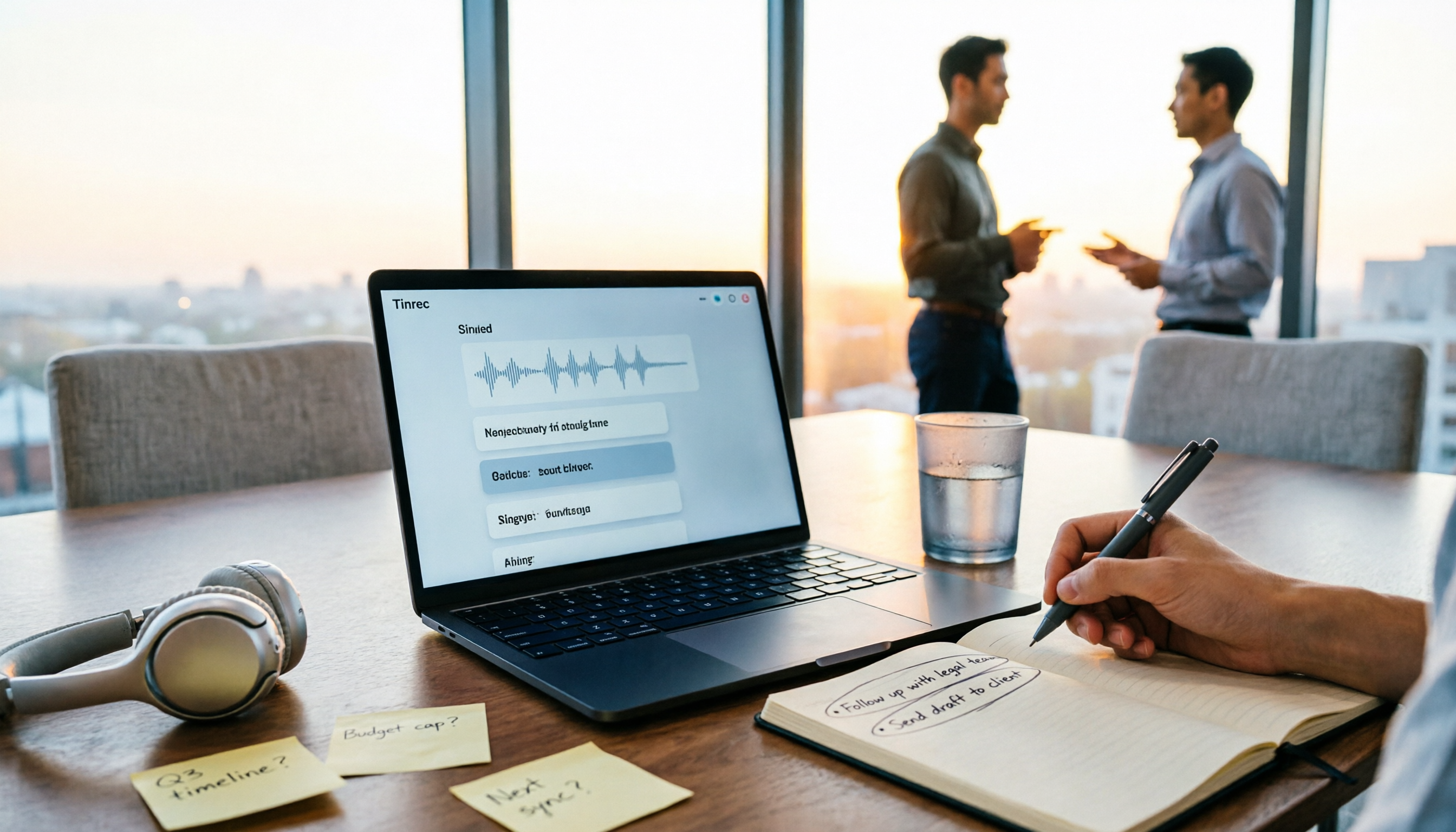
2026 Audio-to-Text Tools Compared: Which Free Tier and Post-Meeting Workflow Actually Saves You Time?
The real difference between audio-to-text tools isn't transcription speed—it's what happens after the transcript is done. We tested Tinrec, Notta, Granola, and TurboScribe using the same imperfect meeting recording, comparing free tier limits, file length restrictions, post-meeting summaries and action items, and team data ownership to help you decide which one truly saves you time on meeting follow-ups.

4 Free Recording Summary Tools for 2026: Free Tiers and Meeting Notes Comparison
How to choose a recording summary tool without getting burned? This article rounds up 4 recording summary tools with free trials in 2026, comparing free quotas, per-file limits, Chinese summaries, and post-meeting follow-up Q&A, and explains which scenarios each suits—meeting notes, class notes, and team collaboration—so you pick the right tool and work less overtime.
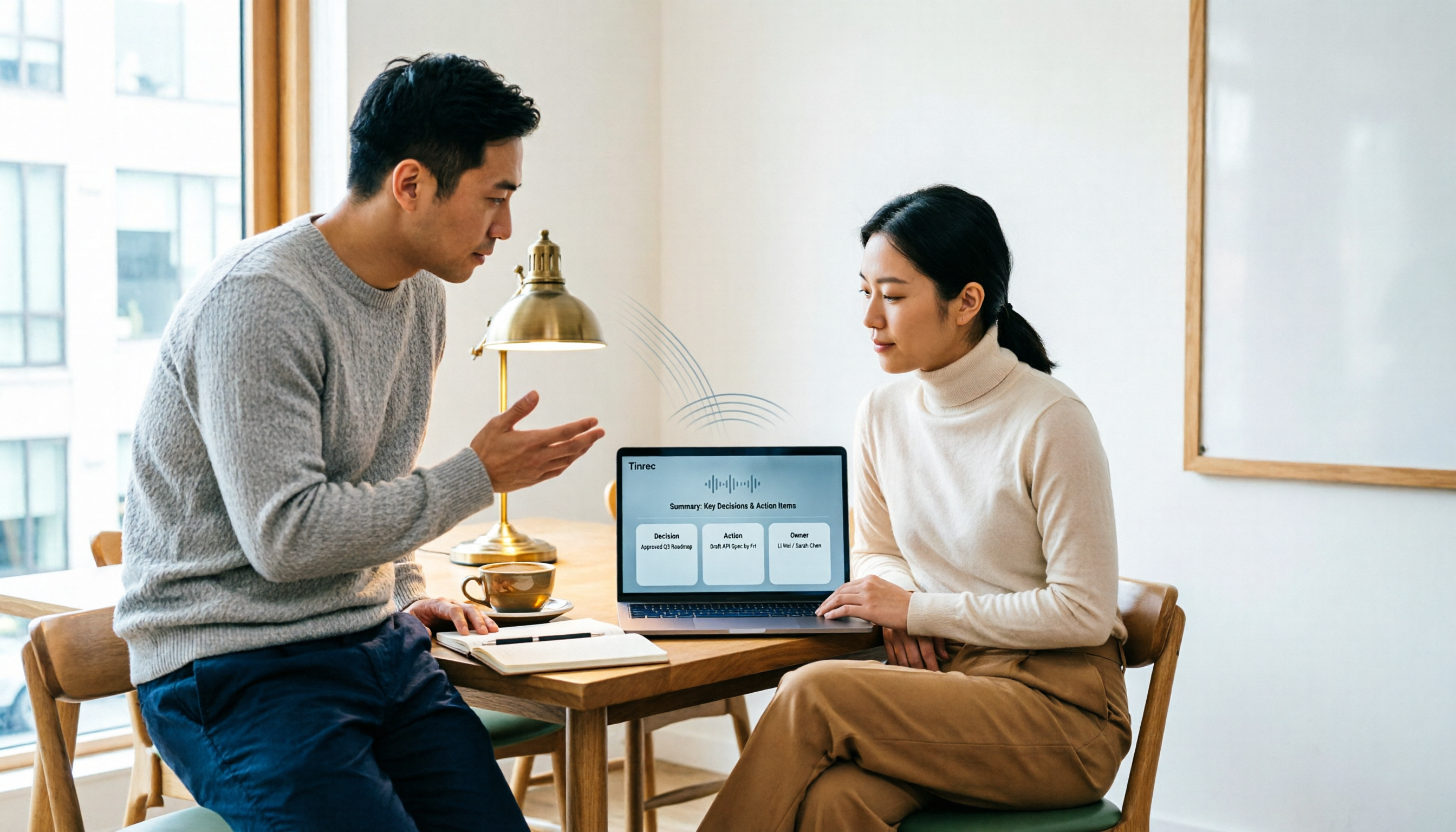
2026 AI Note Taker Comparison: 5 Tools Tested — Transcripts Aren't Meeting Notes, Which One Actually Saves You Time?
Most people think AI note takers just turn audio into text, but you still end up with a massive transcript to review yourself. This guide covers buying criteria, hands-on testing, and pitfalls, comparing Tinrec, Notta, Otter.ai, Granola, and more to help you find the one that truly saves you organizing time.

The Complete Guide to Cantonese Audio Transcription in 2026: From AI Transcripts to Team Collaboration
A roundup of key considerations for choosing a Cantonese speech-to-text AI in 2026, covering Cantonese recognition, mixed Chinese-English, spoken vs. written language, post-meeting summaries, action items, and team knowledge retention. Features hands-on testing with Tinrec as the primary example, compares use cases and limitations of Otter.ai, Notta, and PLAUD, and includes a pitfalls guide and selection advice.

4 Audio-to-Text Tools Tested and Compared in 2026: Which AI Meeting Notes Actually Save Time?
We tested 4 audio-to-text tools with the same mixed Chinese-English meeting recording, comparing meeting audio capture methods, whether audio files are retained, post-meeting summaries and AI Q&A, Chinese recognition experience, team quotas and permission governance, and compiled 4 common purchasing pitfalls to help you choose a solution that truly saves time within budget.
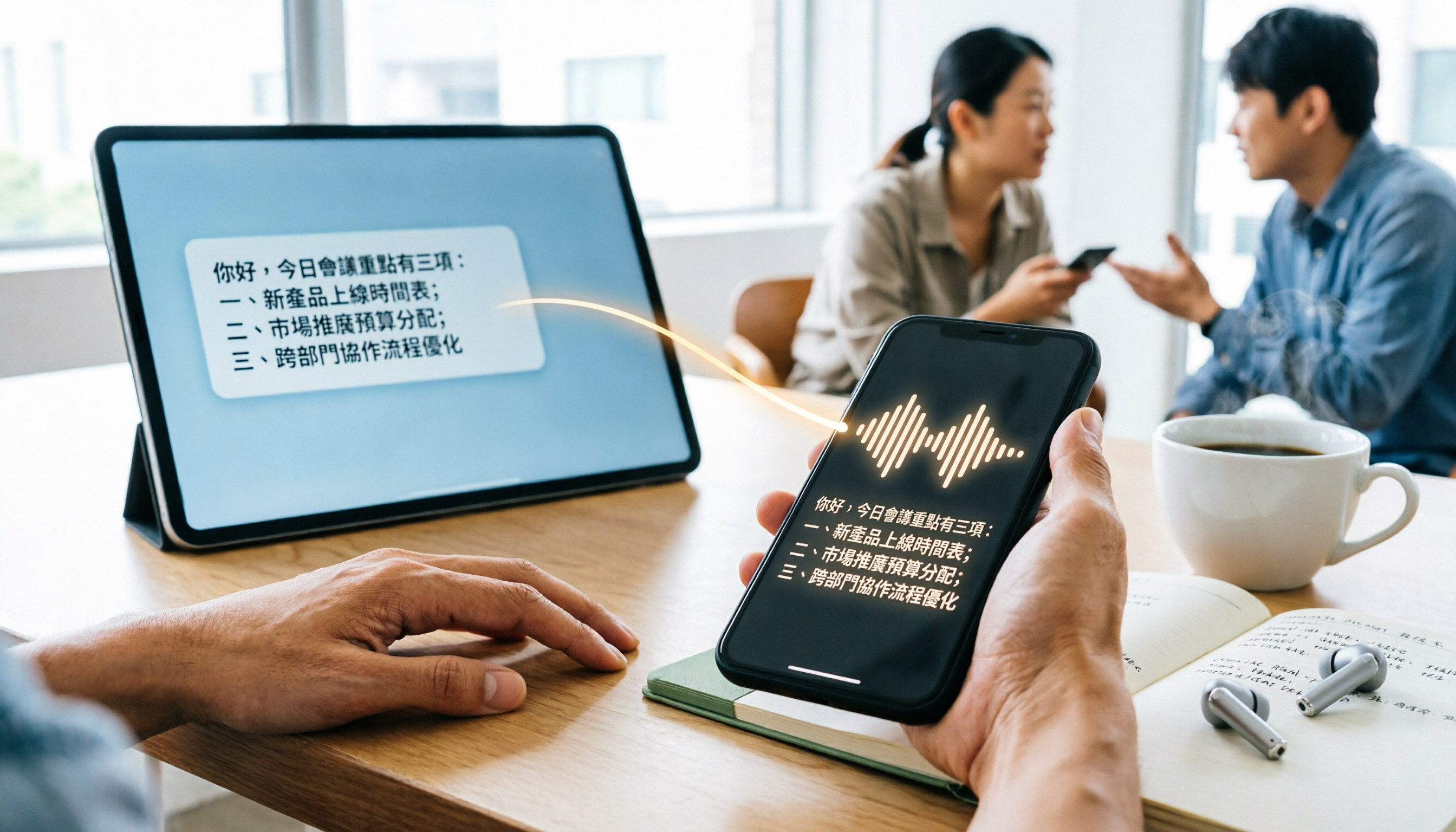
WhatsApp Cantonese Voice to Text in 2026: Official Transcription vs. iOS Shortcut vs. Tinrec
WhatsApp's official voice-to-text feature is rolling out gradually, but Cantonese support and language settings often confuse users. This article compares WhatsApp's official transcription, the iOS Shortcut cantonese.ai, and Tinrec, covering text capture, post-meeting organization, team collaboration, cross-platform support, and pricing to help you choose the right approach.

The Complete 2026 Guide to Transcribing Cantonese Audio on iPhone: From Built-in Dictation to AI Transcripts
Many people think speaking into the iPhone keyboard microphone is the same as recording-to-text, but meeting recordings still need to be replayed. This article covers three common methods for transcribing Cantonese audio on iPhone: iOS built-in Voice Memos, local Whisper tools, and the Tinrec post-meeting workflow. It also helps you choose the right tool with selection criteria, pitfalls to avoid, and scenario-based recommendations.
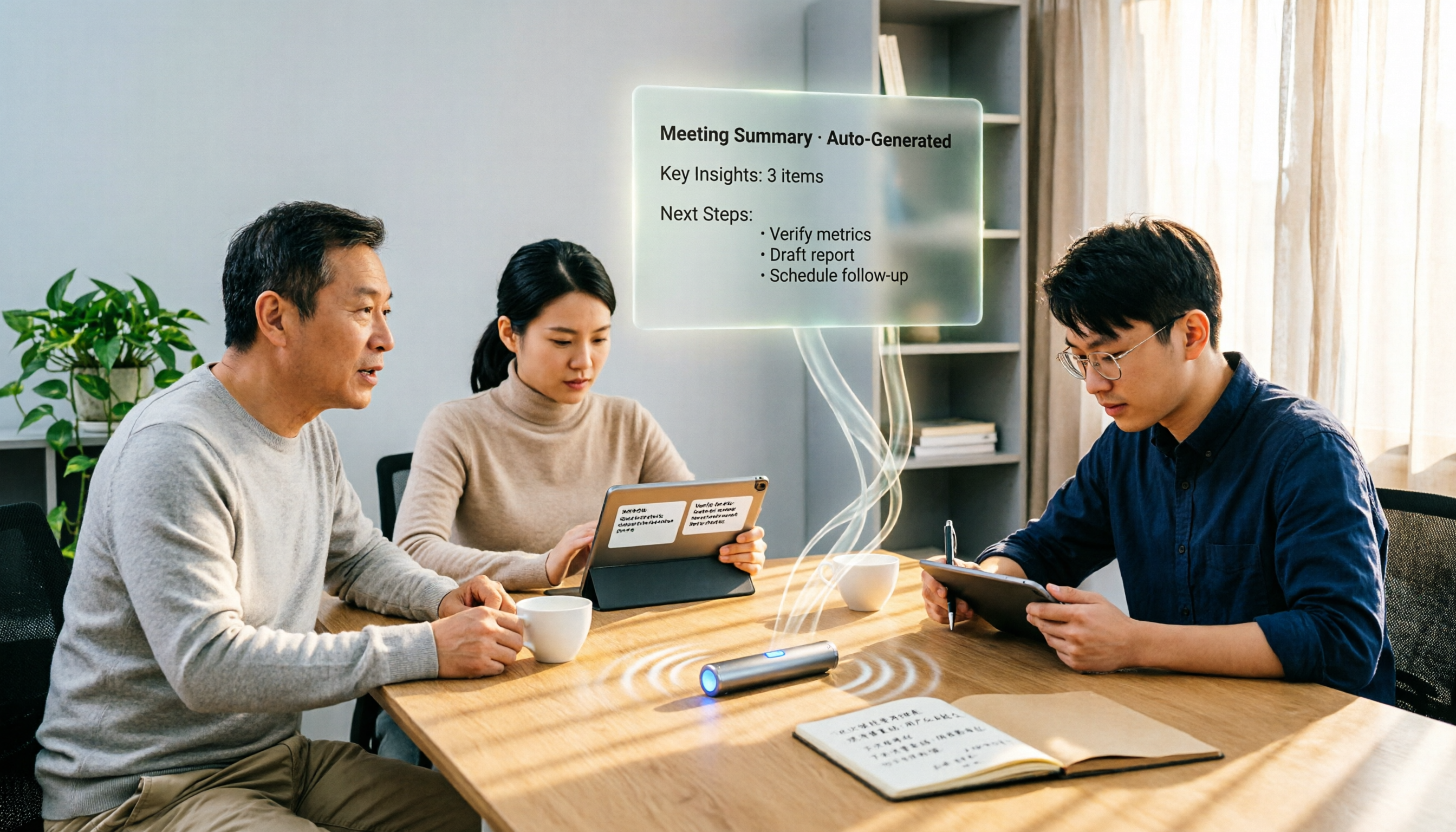
4 Free Cantonese Speech-to-Text Options in 2026: Free Tiers and Post-Meeting Cleanup Compared
Looking for free Cantonese speech-to-text but hitting limits like only 15 minutes free, paid exports, or manual post-meeting cleanup? This article rounds up 4 options in 2026, comparing free conditions, Cantonese recognition, and post-meeting summary/to-do capabilities, and explains when Tinrec's free and team plans fit. This is not a hands-on test; data verified as of August 18, 2026.