

Turn recordings into transcripts and summaries in minutes
Upload audio or video for multilingual transcription, AI notes, and action items
You get a 3-minute Cantonese voice message on the subway—do you just hit play?
It's 8:30 AM, and a client's WhatsApp voice message pops up on your phone. You press play, and it's three minutes of Cantonese. You're on the subway without headphones, people are nearby, so you just let it sit there.
Another scenario: a colleague uses voice messages in a group chat to assign five things—model number, quantity, deadline, contact person, and "that thing we said we'd change last time." After listening once, you might only remember two of them.
Even more frustrating: a week later, you want to search for "what was the budget cap the client mentioned?" and realize voice messages can't be searched like text.
This isn't a lab accuracy leaderboard. Instead, we break down three common workflows—WhatsApp's built-in transcription, the cantonese.ai shortcut, and Tinrec—to help you decide which one fits your usage volume.
Before choosing a WhatsApp voice-to-text tool, understand these 4 key points
1. Which languages does your version actually support?
WhatsApp's voice-to-text feature varies by version, phone system, and language pack. Different sources disagree on whether Cantonese is supported, so don't rely on old tutorials—check the language options on your phone directly.
2. After transcription, can you still find the original audio?
Getting just text is convenient in the moment, but if you need to verify amounts, dates, or commitments, not having the original recording and timestamp can be painful. That's why some people import voice messages into tools that retain audio files.
3. Can the text become usable data?
Simple dictation only solves the reading problem. If you also want summaries, action items, key chapters, or the ability to ask follow-up questions like "which constraints did the client mention?", you need a tool with more complete post-meeting organization capabilities.
4. Privacy and team sharing
Forwarding voice messages to a third-party service means the audio may leave your device. When client data, contracts, or personal information are involved, confirm authorization and privacy policies first. For team use, also consider whether data is stored in personal accounts or in a team space that can be centrally managed and handed over.
Tinrec—the choice that turns voice into queryable data
Tinrec is an AI meeting notes and collaboration tool for individuals and teams, available on iOS, Android, and web. It's not a WhatsApp plugin; its strength is turning recordings or audio files into transcripts, summaries, chapters, and action items, and letting you continue asking questions about the content.
If you save or share WhatsApp voice messages as audio files, you can import them into Tinrec and turn the content into a searchable transcript. Instead of listening and taking notes simultaneously, let the tool handle the first pass, then you extract key points from the text.
After a meeting or interview, you can ask Tinrec directly: "What budget constraints did the client mention?" or "Who's responsible for follow-up next week?" It answers based on the meeting content, rather than just giving you keyword search results. For anyone who doesn't want to re-listen to a 30-minute recording, that's a big difference.
For team use, Tinrec's team plan puts meeting recordings, transcripts, summaries, and action items in one team space. New members can view historical data; when a member leaves or loses their seat, team resources can be handed over to other active members instead of disappearing with the personal account.
Stop organizing recordings by hand
Upload audio or video and automatically get a transcript, summary, and action items
Limitations should be clear too: Tinrec doesn't focus on real-time plugins for single WhatsApp voice messages, and it can't guarantee perfect recognition for every accent, noisy environment, or overlapping speakers. If you only need to read one or two voice messages, native features or shortcuts may be faster. For language support and actual performance, we recommend testing with your own Cantonese recordings first.
Pricing: The team plan is currently USD 29.80 per paid seat per month, or USD 199 annually. Actual prices and benefits are subject to the official purchase page. The first eligible team trial is 7 days, 1 free seat, and 300 minutes of shared team import quota.
In short, if you have a high volume of meetings, interviews, or client voice messages every day, and you want to search, summarize, ask follow-up questions, export, and hand over after transcription, Tinrec is more complete than a simple voice-to-text tool.
Besides Tinrec, what other options are there?
WhatsApp built-in transcription
Long-press a voice message, and if your version has a "Transcribe" option, you can convert the voice to text directly. The advantage is no new tool needed, and some official documentation mentions that native transcription is processed on-device. Limitations: language support and versions vary widely, and sources disagree on Cantonese support; it only provides text, with no summaries, action items, AI follow-up questions, and it's not convenient for cross-device or team organization.
Speech to Text by cantonese.ai (iOS Shortcut / Android App)
Forward or share a WhatsApp voice message to this tool, and you'll see the text within seconds. The advantage is it's designed for Cantonese and intuitive to use, suitable for reading one or two voice messages on the fly. Limitations: it mainly handles single voice segments, and you still need to paste the transcribed text into a notes app or document yourself; there's no team space, post-meeting summary, action items, or cross-meeting Q&A. If you have a high volume of voice messages daily, the subsequent organization time will be longer than the transcription time.
Pitfall guide: 4 most common mistakes when choosing a WhatsApp voice-to-text tool
Pitfall 1: Assuming updating WhatsApp will definitely support Cantonese.
Official features roll out in batches, and system version, language pack, and region can all affect availability. Instead of reading old tutorials, check directly whether your phone currently has a Cantonese option.
Pitfall 2: Only transcribing text without keeping the original audio and timestamp.
Important commitments, amounts, or dates may need to be verified later. Keeping only text means losing the original evidence.
Pitfall 3: Casually forwarding sensitive voice messages to third parties.
Before forwarding client data, contract content, or personal information, confirm whether the other party agrees and check the third-party service's privacy policy.
Pitfall 4: Ignoring quotas and single-file length limits.
Free tools often have monthly minute limits, single-segment length limits, or file size limits. Calculate before heavy use to avoid running out of quota halfway through.
Conclusion: Which one should you choose?
If you only occasionally read one or two WhatsApp Cantonese voice messages and don't want to install a new tool → try WhatsApp built-in transcription first; if there's no Cantonese option, use the cantonese.ai shortcut.
If you receive a high volume of voice messages daily and want to search, summarize, and ask follow-up questions after transcription → Tinrec.
If meetings, interviews, and client communications need transcripts and action items → Tinrec.
If your team needs to share meeting data, manage seats, view usage, and hand over → Tinrec team plan.
If you organize the same batch of recordings across phone and computer → Tinrec, because it supports mobile, desktop, and web.
We recommend testing with a real Cantonese voice message using the free version or trial quota. Instead of asking "which one is the best," ask "which workflow best fits the volume of voice messages I handle every day."
References
- "Latest" WhatsApp Voice to Text 2026 Official Method!
- [Tutorial] WhatsApp Cantonese Voice to Text: One Simple Shortcut
- WhatsApp Voice to Text New Feature Is Here! See Android and iPhone Setup Methods
- WhatsApp Recording Is a Hassle! Simple Tutorial: One Step to Turn Recordings into Text (iOS / Android) - ePrice.HK
- WhatsApp Voice to Text: How to Set Up? Which Languages Are Supported? (With SME Use Cases)
Turn every recording into actionable outcomes
Get 60 free transcription minutes when you sign in. No credit card required.
Related Reading
You might also like

2026 Audio-to-Text Tools Compared: Which Free Tier and Post-Meeting Workflow Actually Saves You Time?
The real difference between audio-to-text tools isn't transcription speed—it's what happens after the transcript is done. We tested Tinrec, Notta, Granola, and TurboScribe using the same imperfect meeting recording, comparing free tier limits, file length restrictions, post-meeting summaries and action items, and team data ownership to help you decide which one truly saves you time on meeting follow-ups.

4 Free Recording Summary Tools for 2026: Free Tiers and Meeting Notes Comparison
How to choose a recording summary tool without getting burned? This article rounds up 4 recording summary tools with free trials in 2026, comparing free quotas, per-file limits, Chinese summaries, and post-meeting follow-up Q&A, and explains which scenarios each suits—meeting notes, class notes, and team collaboration—so you pick the right tool and work less overtime.

2026 Comparison of 4 Meeting Summary Generators: Which Free Tier Is Actually Enough?
A free version doesn't mean you can use it for free. This article compares the free offerings of Tinrec, Notta, Otter.ai, and TurboScribe—breaking down the three different ways limits are counted (minutes, files, and per-session caps), explaining what each can and can't do, and noting the date the data was verified—so you know which one is truly usable before you pay.

2026 AI Note Taker Comparison: 5 Tools Tested — Transcripts Aren't Meeting Notes, Which One Actually Saves You Time?
Most people think AI note takers just turn audio into text, but you still end up with a massive transcript to review yourself. This guide covers buying criteria, hands-on testing, and pitfalls, comparing Tinrec, Notta, Otter.ai, Granola, and more to help you find the one that truly saves you organizing time.

The Complete Guide to Cantonese Audio Transcription in 2026: From AI Transcripts to Team Collaboration
A roundup of key considerations for choosing a Cantonese speech-to-text AI in 2026, covering Cantonese recognition, mixed Chinese-English, spoken vs. written language, post-meeting summaries, action items, and team knowledge retention. Features hands-on testing with Tinrec as the primary example, compares use cases and limitations of Otter.ai, Notta, and PLAUD, and includes a pitfalls guide and selection advice.

4 Audio-to-Text Tools Tested and Compared in 2026: Which AI Meeting Notes Actually Save Time?
We tested 4 audio-to-text tools with the same mixed Chinese-English meeting recording, comparing meeting audio capture methods, whether audio files are retained, post-meeting summaries and AI Q&A, Chinese recognition experience, team quotas and permission governance, and compiled 4 common purchasing pitfalls to help you choose a solution that truly saves time within budget.
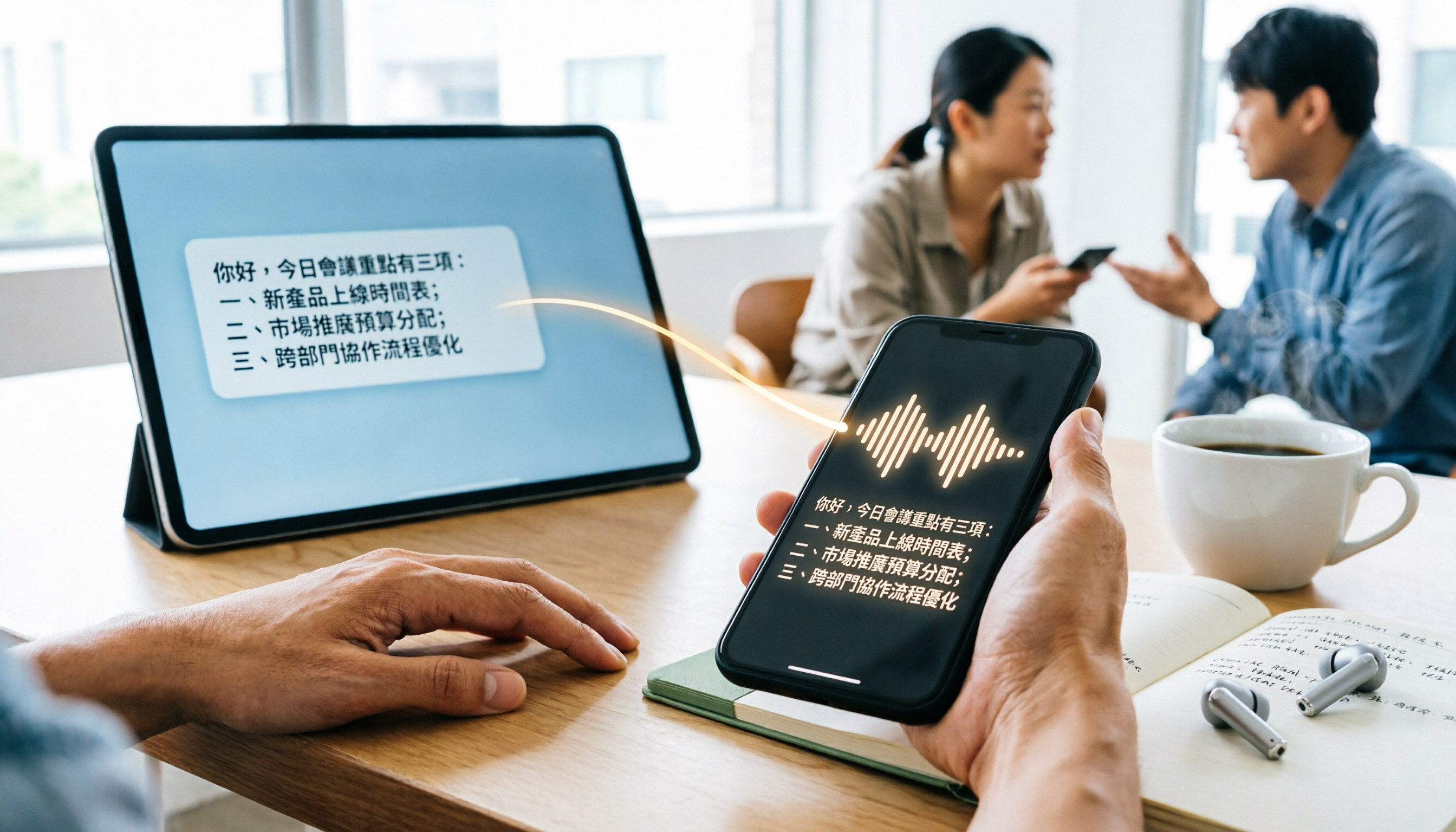
WhatsApp Cantonese Voice to Text in 2026: Official Transcription vs. iOS Shortcut vs. Tinrec
WhatsApp's official voice-to-text feature is rolling out gradually, but Cantonese support and language settings often confuse users. This article compares WhatsApp's official transcription, the iOS Shortcut cantonese.ai, and Tinrec, covering text capture, post-meeting organization, team collaboration, cross-platform support, and pricing to help you choose the right approach.

The Complete 2026 Guide to Transcribing Cantonese Audio on iPhone: From Built-in Dictation to AI Transcripts
Many people think speaking into the iPhone keyboard microphone is the same as recording-to-text, but meeting recordings still need to be replayed. This article covers three common methods for transcribing Cantonese audio on iPhone: iOS built-in Voice Memos, local Whisper tools, and the Tinrec post-meeting workflow. It also helps you choose the right tool with selection criteria, pitfalls to avoid, and scenario-based recommendations.
4 Free Cantonese Speech-to-Text Options in 2026: Free Tiers and Post-Meeting Cleanup Compared
Looking for free Cantonese speech-to-text but hitting limits like only 15 minutes free, paid exports, or manual post-meeting cleanup? This article rounds up 4 options in 2026, comparing free conditions, Cantonese recognition, and post-meeting summary/to-do capabilities, and explains when Tinrec's free and team plans fit. This is not a hands-on test; data verified as of August 18, 2026.