

Turn recordings into transcripts and summaries in minutes
Upload audio or video for multilingual transcription, AI notes, and action items
"Having a transcript means having notes" — the most common misconception about AI note takers
Many people buy an AI note-taking tool and feel a bit disappointed after the first use. The audio is transcribed, but a two-hour meeting turns into a long transcript with no key points, and you still have to read through it from the beginning.
The problem lies in the initial expectation. What really takes time isn't "typing" — it's "going back to find which sentence is the conclusion, who agreed to what, and what the next steps are."
So when choosing this type of tool, I usually don't look at how fast it transcribes first, but at "what it gives you after recording." That makes a big difference.
Before choosing an AI note taker, understand these 4 key points
1. Look at the output, not just the transcription. A tool that only gives you a transcript is essentially handing the organizing work right back to you. The real differentiator is whether it can automatically generate summaries, chapters, and action items.
2. How the meeting is captured. A common approach is to send a "meeting bot" to join online meetings as a participant, which isn't suitable for some occasions. Another approach is to capture system audio directly from your computer without adding participants — this feels more natural in external meetings or client calls.
3. Can you ask follow-up questions after recording? Transcripts only let you use Ctrl+F to find keywords, but the key points in a meeting are often not literal terms. Being able to ask conversationally, "What was the conclusion about the budget in the last meeting?" makes a big difference in usefulness.
4. Free quota and team authorization. For personal use, look at monthly minutes; for team use, look at how member permissions are managed — roles and seats are two different things, which I'll explain later.
Tinrec — the one that best fits "ready to use after recording" in testing
Tinrec is an AI meeting notes and collaboration tool for individuals and teams. It supports real-time recording, online meetings, audio/video file import, and automatically generates summaries, chapters, action items, and mind maps. It doesn't just turn audio into text; it organizes meetings into data that can be searched, queried, further processed, and exported.
No bot needed for online meetings. The desktop version captures system audio directly, so when handling meetings on Zoom, Google Meet, Microsoft Teams, Webex, etc., you don't need to pull an extra bot account into the meeting room. This is especially noticeable in external client meetings because the screen shows only the original participants. Note that this is not "automatically joining all calendar meetings" — you start recording yourself by opening Tinrec.
The part after the transcript is where it stands out. After the meeting, AI provides a summary, chapters, and action items, so you can jump through long meetings by section. For cross-language meetings, it also offers real-time translation, letting you view in original, translated, or bilingual mode.
You can ask questions about the meeting content. This is a relatively rare capability among competitors in the same price range. After recording, you can directly ask "What were the decisions in this meeting?" or "Who mentioned the budget?" and it answers based on semantics, rather than throwing a bunch of keyword search results at you. With Agent post-processing, you can further generate reports, tables, and meeting minutes.
The team version keeps data in the team's hands. The team version provides an independent team space where data belongs to the team, not under a personal account. Management is finely divided: roles determine who can manage members and settings, seats determine who can record, upload, edit, and import/export. Members without seats can still view, play, and read team data. There are also usage analytics, audit logs, team hotwords, and a 30-day audio recycle bin.
Stop organizing recordings by hand
Upload audio or video and automatically get a transcript, summary, and action items
Currently, the team version offers a 7-day trial for first-time eligible users, 1 free seat, and 300 minutes of shared team import quota; monthly billing is USD 29.80 per paid seat per month, annual billing is USD 199 per paid seat per year (about USD 16.58 per month), with each paid seat providing 2,000 minutes of shared team import quota per month. Real-time recording under an active team plan currently does not deduct minutes, but file and web imports consume the shared team quota.
Limitations to be honest about. The free quota of the personal version is suitable for light use; if you have many meetings, consider upgrading. The team version is team-level shared visibility, not file-level granular permission control. Accuracy can be affected by recording quality, accents, noise, and overlapping speakers; for important content, it's recommended to replay and verify with timestamps.
Overall, if you have two or three meetings every week, need to organize Chinese and mixed Chinese-English content, and want to continue asking questions after recording, Tinrec is currently the most complete workflow option.
Besides Tinrec, what other options are there?
Notta is the most overlapping direct competitor, offering multi-platform transcription, meeting notes, document import, and translation. The free version offers 120 minutes per month with a 3-minute limit per item; Pro annual billing is about USD 8.17 per month. It's suitable for those who simply need transcription and translation; however, if you want bot-free recording of online meetings plus team space for accumulation, Tinrec's post-meeting workflow is more complete.
Otter.ai is a veteran choice for English business meetings. The free version offers 300 minutes per month, which is generous, and Pro annual billing is about USD 8.49 per user per month. If your meetings are almost entirely in English and your team is comfortable with an English interface, it does its job well. In contrast, the experience for Chinese meetings and subsequent output in Traditional Chinese is where Tinrec focuses more.
Granola takes a bot-free approach, using desktop system audio plus user handwritten notes to generate content. Basic is free, Business is USD 14 per user per month, suitable for people who are used to typing during meetings. Note that it does not support uploading existing recording files and does not save meeting audio; if you need to keep audio files, import historical recordings, or manage team data, you'll need to consider other options.
Pitfall guide: 4 most common mistakes when choosing an AI note taker
Pitfall 1: Treating "transcription" as "note-taking." Getting only a transcript after recording means you've used only one-third of the tool's capability. The real approach is to check whether it gives you summaries, chapters, and action items.
Pitfall 2: Ignoring how the meeting is recorded. A bot joining the meeting can cause issues in some client situations. Confirming beforehand which capture method the tool uses is much easier than fixing it afterward.
Pitfall 3: Treating the free quota as a permanent solution. Free versions usually have monthly minute limits or per-item length limits. If your meetings often run 90 minutes, check the per-item limit first.
Pitfall 4: Assuming the team version is just "multiple people sharing one account." The real questions to ask are: Who owns the data? How is data handed over when a member leaves? Who has edit permissions? Tinrec, for example, separates roles, seats, and member relationships. When a member exits, the team resources they are responsible for must be handed over to other active members, so data doesn't leave with the person.
Conclusion: Which one should you choose?
To sum up in one sentence: The tool that saves you organizing time isn't the fastest transcriber, but the one that gives you usable results after recording.
- Need Chinese/mixed Chinese-English meeting organization, plus summaries and action items → Tinrec
- Don't want a bot joining online meetings → Tinrec (desktop version captures system audio)
- Want to ask AI "What was the conclusion?" right after recording → Tinrec (conversational query)
- Team needs to share meeting data, manage members and usage → Tinrec Team version
- Meetings are almost all in English, only need basic transcription → Otter.ai can be on your shortlist
If you're not sure which type you are, I recommend running one or two real meetings with Tinrec's free version first to see if the summaries and action items fit your reading habits, then decide whether to upgrade. After all, whether a tool is good or not still needs to be verified with your own meetings.
References
Turn every recording into actionable outcomes
Get 60 free transcription minutes when you sign in. No credit card required.
Related Reading
You might also like

3 WhatsApp Voice-to-Text Tools Tested: Which Handles Cantonese Best in 2026?
A practical comparison of three common ways to transcribe WhatsApp Cantonese voice messages, covering language support, privacy, post-meeting organization, and team collaboration to help you choose the right tool and workflow.

2026 Audio-to-Text Tools Compared: Which Free Tier and Post-Meeting Workflow Actually Saves You Time?
The real difference between audio-to-text tools isn't transcription speed—it's what happens after the transcript is done. We tested Tinrec, Notta, Granola, and TurboScribe using the same imperfect meeting recording, comparing free tier limits, file length restrictions, post-meeting summaries and action items, and team data ownership to help you decide which one truly saves you time on meeting follow-ups.

4 Free Recording Summary Tools for 2026: Free Tiers and Meeting Notes Comparison
How to choose a recording summary tool without getting burned? This article rounds up 4 recording summary tools with free trials in 2026, comparing free quotas, per-file limits, Chinese summaries, and post-meeting follow-up Q&A, and explains which scenarios each suits—meeting notes, class notes, and team collaboration—so you pick the right tool and work less overtime.

2026 Comparison of 4 Meeting Summary Generators: Which Free Tier Is Actually Enough?
A free version doesn't mean you can use it for free. This article compares the free offerings of Tinrec, Notta, Otter.ai, and TurboScribe—breaking down the three different ways limits are counted (minutes, files, and per-session caps), explaining what each can and can't do, and noting the date the data was verified—so you know which one is truly usable before you pay.

The Complete Guide to Cantonese Audio Transcription in 2026: From AI Transcripts to Team Collaboration
A roundup of key considerations for choosing a Cantonese speech-to-text AI in 2026, covering Cantonese recognition, mixed Chinese-English, spoken vs. written language, post-meeting summaries, action items, and team knowledge retention. Features hands-on testing with Tinrec as the primary example, compares use cases and limitations of Otter.ai, Notta, and PLAUD, and includes a pitfalls guide and selection advice.

4 Audio-to-Text Tools Tested and Compared in 2026: Which AI Meeting Notes Actually Save Time?
We tested 4 audio-to-text tools with the same mixed Chinese-English meeting recording, comparing meeting audio capture methods, whether audio files are retained, post-meeting summaries and AI Q&A, Chinese recognition experience, team quotas and permission governance, and compiled 4 common purchasing pitfalls to help you choose a solution that truly saves time within budget.
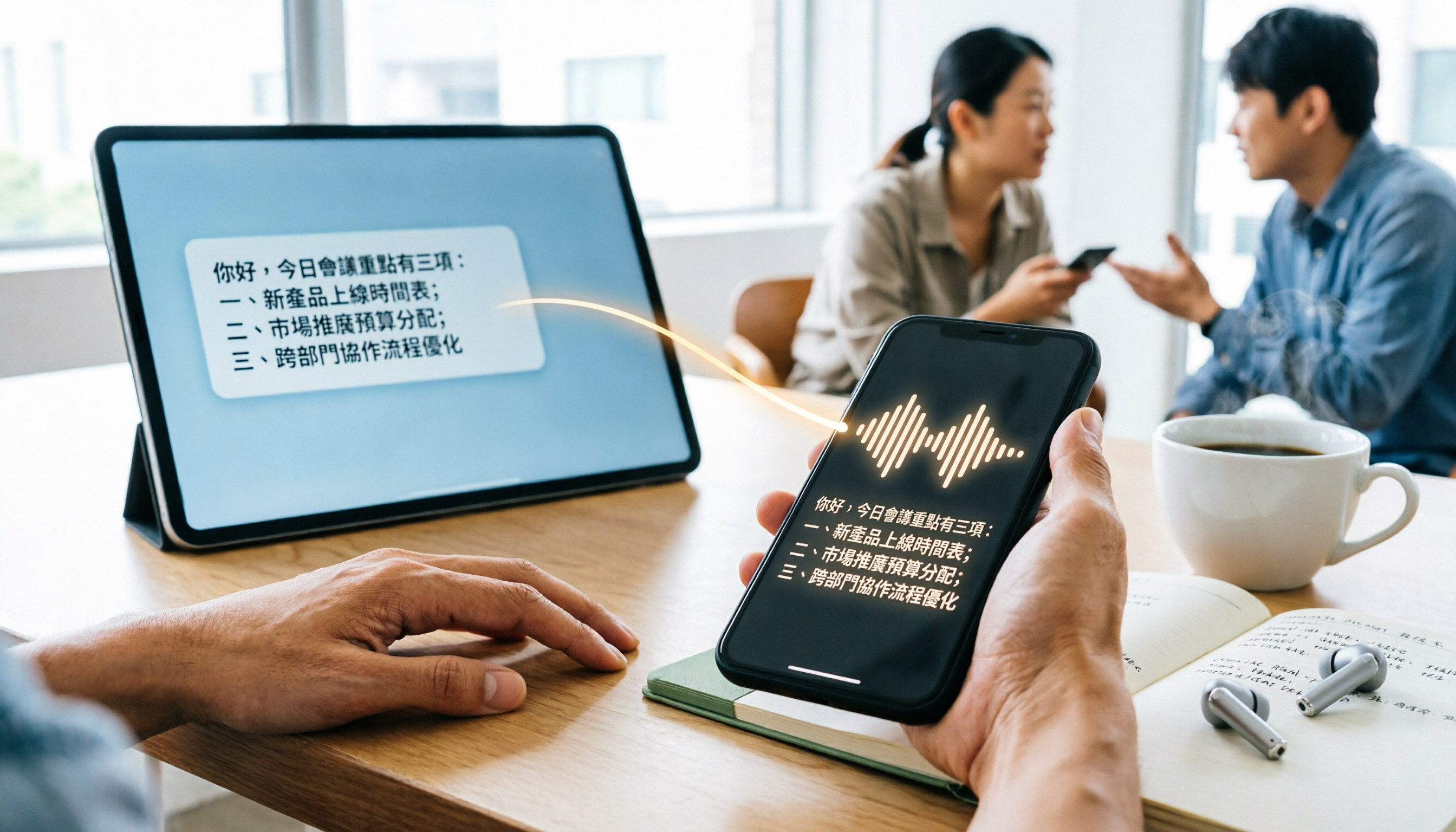
WhatsApp Cantonese Voice to Text in 2026: Official Transcription vs. iOS Shortcut vs. Tinrec
WhatsApp's official voice-to-text feature is rolling out gradually, but Cantonese support and language settings often confuse users. This article compares WhatsApp's official transcription, the iOS Shortcut cantonese.ai, and Tinrec, covering text capture, post-meeting organization, team collaboration, cross-platform support, and pricing to help you choose the right approach.

The Complete 2026 Guide to Transcribing Cantonese Audio on iPhone: From Built-in Dictation to AI Transcripts
Many people think speaking into the iPhone keyboard microphone is the same as recording-to-text, but meeting recordings still need to be replayed. This article covers three common methods for transcribing Cantonese audio on iPhone: iOS built-in Voice Memos, local Whisper tools, and the Tinrec post-meeting workflow. It also helps you choose the right tool with selection criteria, pitfalls to avoid, and scenario-based recommendations.
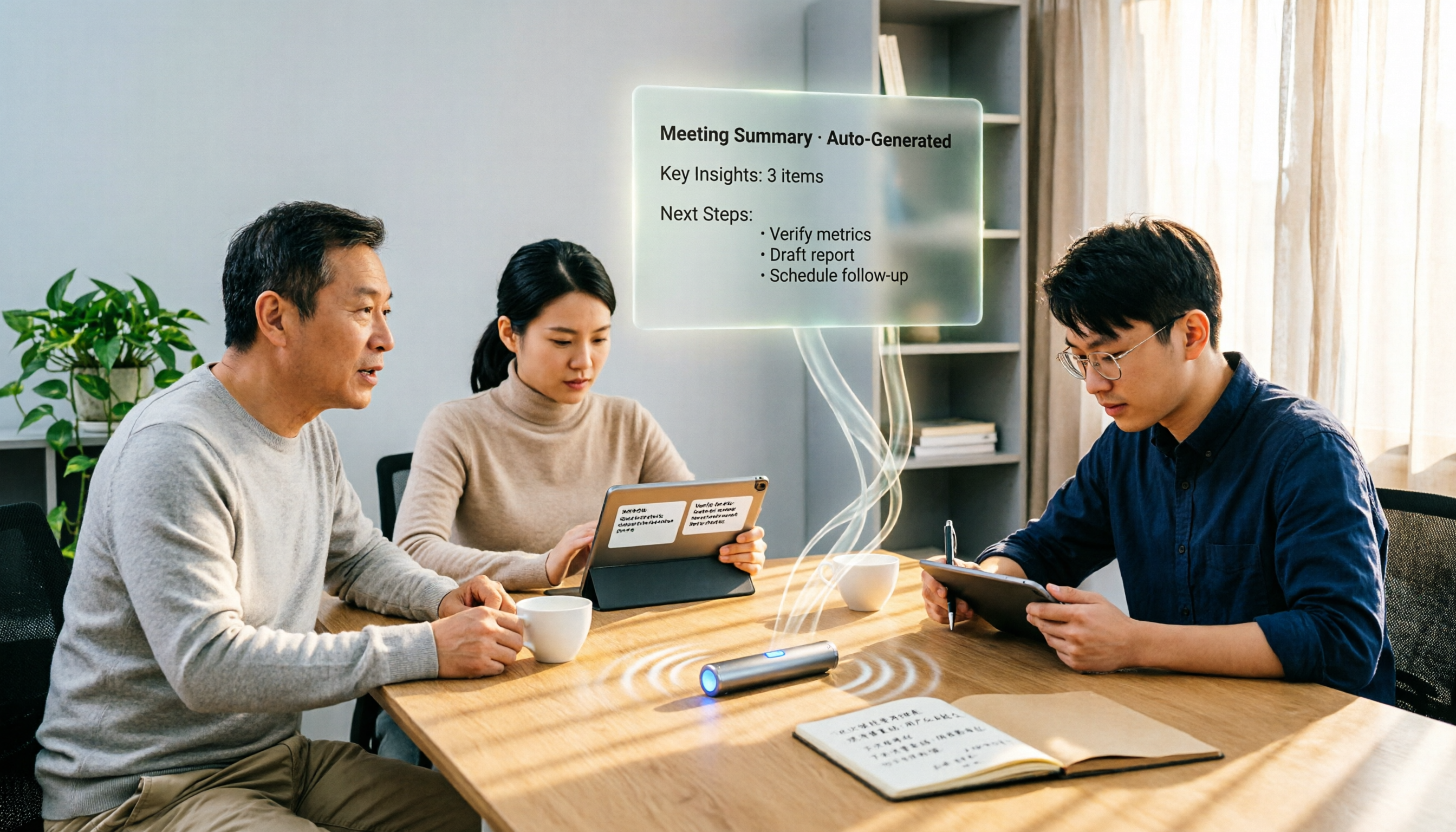
4 Free Cantonese Speech-to-Text Options in 2026: Free Tiers and Post-Meeting Cleanup Compared
Looking for free Cantonese speech-to-text but hitting limits like only 15 minutes free, paid exports, or manual post-meeting cleanup? This article rounds up 4 options in 2026, comparing free conditions, Cantonese recognition, and post-meeting summary/to-do capabilities, and explains when Tinrec's free and team plans fit. This is not a hands-on test; data verified as of August 18, 2026.