

Turn recordings into transcripts and summaries in minutes
Upload audio or video for multilingual transcription, AI notes, and action items
How do you choose a recording summary tool? Don't look at rankings first—ask yourself three questions: Is the free quota enough for a month of use? Can the summary be pasted directly into meeting notes? After recording, can you find that key conclusion?
If you don't think through these three questions, it's easy to end up with four or five apps on your phone and still wearing headphones to re-listen and type transcripts by hand.
You've saved a pile of recordings, but can never find the key points
A one-hour meeting often means another two hours of re-listening and organizing afterward. This is daily life for many office workers, especially with three online meetings a week—the recording files just pile up.
Chinese meetings are even trickier. With mixed Chinese and English, technical terms, and people talking over each other, transcripts often need line-by-line proofreading, and summaries may not capture "so what's the conclusion?"
If you've been in this situation, the problem usually isn't that you're not diligent enough—it's that the tool only helps you "record" the audio, not "use" it. Choosing the right tool can cut most of this time.
Before choosing a recording summary tool, understand these 4 key points
1. How the free quota is calculated matters more than "how many minutes" Many tools say "300 free minutes per month," but there may be a per-recording length limit, a per-file limit, or the minutes may only count uploads, not live recording. When looking at free plans, check three things together: monthly minutes, per-recording limit, and whether you can import existing audio files.
2. Can the summary actually be used? A tool that grabs keywords and strings them into a paragraph is doing collage, not summarization. A good summary separates discussion, decisions, and action items, and notes who should do what. When testing, use a meeting recording you feel has "scattered key points"—that's the most accurate test.
3. Performance with Chinese and mixed Chinese-English Meetings in Taiwan are rarely pure Chinese—usually mostly Chinese with English product names and terminology mixed in. If recognition is even slightly off, you'll spend three times as long proofreading later.
4. Can you ask follow-up questions after recording? If all you get is a transcript, you still have to Ctrl+F to find keywords. If the tool lets you directly ask "What did the client say about the budget in the last meeting?" that's a whole different level of efficiency.
Tinrec—the one I recommend most after actually using it
Tinrec is an AI meeting notes and collaboration tool for individuals and teams, available on iOS, Android, desktop, and web. Its positioning isn't "audio-to-text" but turning meetings into data you can search, query, and keep working with.
No need to invite a bot into the meeting The desktop version directly captures your computer's system audio, so for online meetings on Zoom, Google Meet, Microsoft Teams, or Webex, you don't need to invite an extra meeting bot as a participant. To be precise: this isn't "automatically joining all your calendar meetings"—you actively open Tinrec to start recording. For in-person meetings, you can use live recording and get a transcript as you record.
When the meeting ends, the summary and action items are already there AI automatically generates a summary, breaks long meetings into chapters, extracts key points, and organizes action items. This makes a big difference for anyone who writes meeting notes weekly—before, it was "listen through first, then figure out how to write it"; now it's "read the summary first, then go back and verify."
The most impressive part: you can ask questions about the recording After recording, you can directly ask "What was the budget cap the client mentioned last time?" or "What reference books did the professor list?" It answers based on meaning and cites the source passage, so you don't have to slowly scroll through with Ctrl+F. This is a capability rarely seen in transcription tools at the same price point.
A few things I'd flag The free version offers a basic quota; for actual minutes and plan details, refer to the official website. If your usage is steady, then consider a weekly card or Pro. Also, file and web link imports consume quota, and live recording and imports are calculated differently—worth checking clearly before buying. One more honest note: no matter how smart AI summaries are, they can miss details. Tinrec keeps the full transcript and timeline, so for important numbers, I'd still recommend jumping back to the original sentence to verify.
Stop organizing recordings by hand
Upload audio or video and automatically get a transcript, summary, and action items
If the whole team will use it, consider the Team plan The Team plan is a separate team workspace, not multiple people sharing one account. Meeting data belongs to the team; members can view, play, and read even without a seat; a seat is required to record, upload, edit, and export. Roles govern administration (who can manage members, view usage and audit logs), while seats govern usage eligibility—these two should be viewed separately. Currently, the first eligible team trial is 7 days, 1 free seat, and 300 minutes of team-shared import quota; team monthly billing is USD 29.80 per paid seat per month, annual billing is USD 199 per paid seat per year, each paid seat provides 2,000 minutes of team-shared import quota per month, and live recording under an active seat is currently not deducted by minute. Prices and promotions are subject to the official purchase page.
Who it's for People who often have Chinese or mixed Chinese-English meetings, don't want to invite a bot into the meeting room, want to use AI to find key points right after recording, or need to turn meetings into team knowledge.
Besides Tinrec, what other free options are there?
Otter.ai A veteran choice for English business meetings. The free Basic plan offers 300 minutes per month, which is plenty for pure English meetings. Note that Chinese sentence segmentation and technical term recognition usually require considerable manual proofreading. If you need a Chinese interface, want to ask follow-up questions about meeting content in Chinese, or want to maintain team-specific terminology, Tinrec is smoother in these areas.
Notta Good at multilingual transcription and translation. The free plan offers 120 minutes per month, but there's a 3-minute limit per recording, which makes it awkward to fully test a long meeting. Its Business plan includes role permissions and usage reports. If what you care about is "no bot invited, directly capture computer system audio to record online meetings," Tinrec's desktop version is a more direct path.
TurboScribe A cost-effective file transcription tool. Free plan allows 3 files per day, up to 30 minutes per file; paid plans handle very long files and batch uploads. It's strong at "turning audio files into text," but lacks post-meeting summaries, action items, and follow-up Q&A. If you need to generate minutes, action items, and post-meeting documents after recording, Tinrec's post-processing workflow is much more complete.
Pitfall guide: the 3 most common mistakes when choosing a recording summary tool
Pitfall 1: Only looking at free minutes, ignoring per-file and per-recording limits "300 minutes per month" sounds like a lot, but if you can only record 3 minutes at a time, it's useless for a 60-minute meeting. When reviewing plans, be sure to confirm per-recording length, per-file size, and whether you can import existing recordings.
Pitfall 2: Treating AI summaries as the entire meeting record AI can save you a lot of organizing time, but it may still miss tone shifts or a key promise. The right approach is to use the summary as an index and go back to the transcript timeline to verify important decisions. This is also why I prioritize tools that "keep the full transcript and recording."
Pitfall 3: Treating the Team plan as "multiple people sharing one account" Sharing a personal account leads to unclear data ownership and data being taken away when members leave. What you should really look at is the team workspace, roles, and seat design: data belongs to the team, can be handed over when members change, and admins can view usage and activity logs.
One last reminder: consent before recording Recording and transcription involve personal data and local regulations. Informing participants and getting consent before a meeting is basic courtesy when using such tools—and it protects you.
Conclusion: which one should you actually choose?
Simply put, first figure out which type of meeting you handle most often, then choose the tool:
- Chinese or mixed Chinese-English meeting notes → Tinrec; Chinese summaries and chapter organization are its strong suit.
- Don't want a bot joining online meetings → Tinrec; the desktop version directly captures system audio.
- Want to ask "what's the conclusion?" right after recording → Tinrec; AI Q&A answers by meaning and cites source passages.
- Department needs to share meeting data and manage members and usage → Tinrec Team plan; roles, seats, and team workspace handled in one place.
- Pure English meetings, free quota first → Otter.ai; 300 minutes per month is plenty for English scenarios.
- Only need to batch convert long audio files to text → TurboScribe; long files and batch processing are its strengths.
You don't need to pay from the start. Use the free plan first, take one of your own "hardest to organize" meeting recordings and test it: does the transcript need line-by-line edits, can the summary be used directly, can you find that sentence? After one round of testing, the answer is usually clear.
(Plan and pricing data verified as of August 2026; actual content is subject to each tool's official page.)
References
Turn every recording into actionable outcomes
Get 60 free transcription minutes when you sign in. No credit card required.
Related Reading
You might also like

3 WhatsApp Voice-to-Text Tools Tested: Which Handles Cantonese Best in 2026?
A practical comparison of three common ways to transcribe WhatsApp Cantonese voice messages, covering language support, privacy, post-meeting organization, and team collaboration to help you choose the right tool and workflow.

2026 Audio-to-Text Tools Compared: Which Free Tier and Post-Meeting Workflow Actually Saves You Time?
The real difference between audio-to-text tools isn't transcription speed—it's what happens after the transcript is done. We tested Tinrec, Notta, Granola, and TurboScribe using the same imperfect meeting recording, comparing free tier limits, file length restrictions, post-meeting summaries and action items, and team data ownership to help you decide which one truly saves you time on meeting follow-ups.

2026 Comparison of 4 Meeting Summary Generators: Which Free Tier Is Actually Enough?
A free version doesn't mean you can use it for free. This article compares the free offerings of Tinrec, Notta, Otter.ai, and TurboScribe—breaking down the three different ways limits are counted (minutes, files, and per-session caps), explaining what each can and can't do, and noting the date the data was verified—so you know which one is truly usable before you pay.

2026 AI Note Taker Comparison: 5 Tools Tested — Transcripts Aren't Meeting Notes, Which One Actually Saves You Time?
Most people think AI note takers just turn audio into text, but you still end up with a massive transcript to review yourself. This guide covers buying criteria, hands-on testing, and pitfalls, comparing Tinrec, Notta, Otter.ai, Granola, and more to help you find the one that truly saves you organizing time.

The Complete Guide to Cantonese Audio Transcription in 2026: From AI Transcripts to Team Collaboration
A roundup of key considerations for choosing a Cantonese speech-to-text AI in 2026, covering Cantonese recognition, mixed Chinese-English, spoken vs. written language, post-meeting summaries, action items, and team knowledge retention. Features hands-on testing with Tinrec as the primary example, compares use cases and limitations of Otter.ai, Notta, and PLAUD, and includes a pitfalls guide and selection advice.

4 Audio-to-Text Tools Tested and Compared in 2026: Which AI Meeting Notes Actually Save Time?
We tested 4 audio-to-text tools with the same mixed Chinese-English meeting recording, comparing meeting audio capture methods, whether audio files are retained, post-meeting summaries and AI Q&A, Chinese recognition experience, team quotas and permission governance, and compiled 4 common purchasing pitfalls to help you choose a solution that truly saves time within budget.
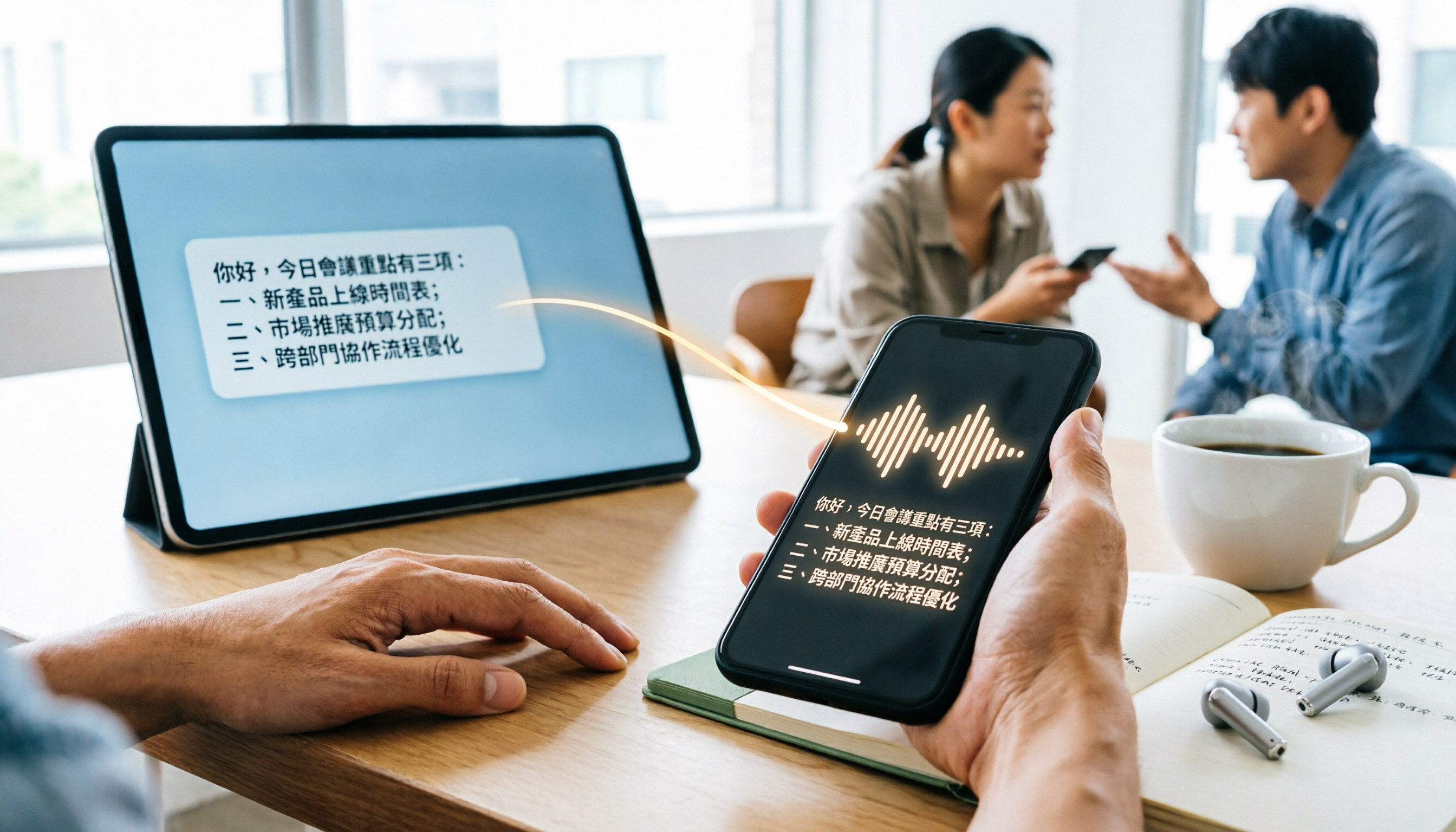
WhatsApp Cantonese Voice to Text in 2026: Official Transcription vs. iOS Shortcut vs. Tinrec
WhatsApp's official voice-to-text feature is rolling out gradually, but Cantonese support and language settings often confuse users. This article compares WhatsApp's official transcription, the iOS Shortcut cantonese.ai, and Tinrec, covering text capture, post-meeting organization, team collaboration, cross-platform support, and pricing to help you choose the right approach.

The Complete 2026 Guide to Transcribing Cantonese Audio on iPhone: From Built-in Dictation to AI Transcripts
Many people think speaking into the iPhone keyboard microphone is the same as recording-to-text, but meeting recordings still need to be replayed. This article covers three common methods for transcribing Cantonese audio on iPhone: iOS built-in Voice Memos, local Whisper tools, and the Tinrec post-meeting workflow. It also helps you choose the right tool with selection criteria, pitfalls to avoid, and scenario-based recommendations.
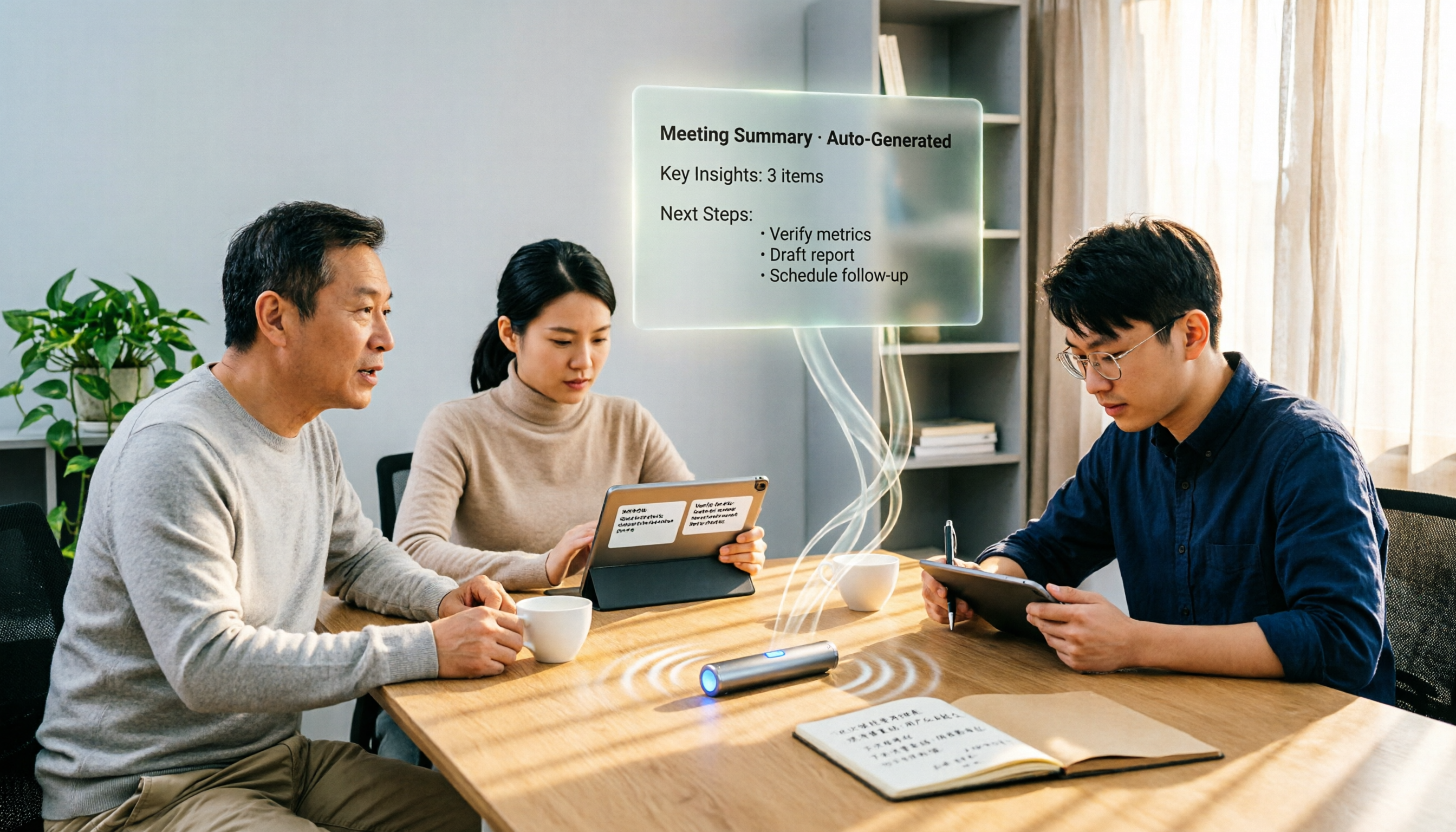
4 Free Cantonese Speech-to-Text Options in 2026: Free Tiers and Post-Meeting Cleanup Compared
Looking for free Cantonese speech-to-text but hitting limits like only 15 minutes free, paid exports, or manual post-meeting cleanup? This article rounds up 4 options in 2026, comparing free conditions, Cantonese recognition, and post-meeting summary/to-do capabilities, and explains when Tinrec's free and team plans fit. This is not a hands-on test; data verified as of August 18, 2026.