

Turn recordings into transcripts and summaries in minutes
Upload audio or video for multilingual transcription, AI notes, and action items
2026 AI Meeting Summary Free Plans Compared: 4 Tools to Try
After the meeting ends, the real work begins—you need a solution, not just a tool
When the online meeting ends and everyone leaves, you look at the recording and blank notes, thinking about the decisions made, who is responsible for what, and when the deadlines are.
Re-listening to the recording takes time, and manual organization is prone to omissions. What's more troublesome is discussions mixed with Chinese and English, full of technical terms, and reviewing the transcript afterward is often confusing.
This article rounds up 4 AI meeting summary tools with free plans. I evaluate them from the perspectives of "is the free quota sufficient, is Chinese support good, is post-meeting organization strong, and is team collaboration convenient," so you can start with a no-cost option.
Before Choosing an AI Meeting Summary Tool, Understand These 4 Key Points
1. How to Evaluate Free Quotas: Look Beyond Minutes, Check Per-Session Limits
Many tools offer monthly minutes in their free versions but limit the length of a single recording. For example, Notta's free plan gives 120 minutes per month but limits each recording to 3 minutes—if you need to record a one-hour meeting, this limit is crippling. When evaluating free plans, remember to check both the "per-session limit" and "feature restrictions."
2. Chinese and Mixed Chinese-English Recognition: A Daily Reality in Taiwanese Workplaces
Meetings in Taiwan are rarely pure Chinese; they often mix Chinese with English terms. Whether a tool can correctly handle sentences like "this campaign's conversion rate needs further optimization" directly affects transcript usability. Beyond transcription, also check for custom vocabulary correction features.
3. Post-Meeting Organization: Transcripts Are Just the Starting Point
If a tool only gives you a transcript, you still have to highlight key points and extract action items yourself. A better approach is automatic generation of summaries, chapters, and action items after the meeting, or even letting you ask the AI directly, "Who mentioned the budget in the last meeting?" That's the key to saving time.
4. Team Collaboration and Data Retention: Individual and Team Needs Differ
For personal use, you just need to be able to view it yourself; for team use, consider whether meeting data can be shared, whether audio files are retained, and data ownership after members leave. If you're using it as a team, it's best to choose a plan with team spaces and member management.
Tinrec (Miao Ting Lu Yin) — A Top Choice for Meeting Summaries You Can Try for Free
Tinrec (Miao Ting Lu Yin) is an AI meeting recording and collaboration tool for individuals and teams, supporting web, desktop, and mobile. It not only converts sound to text but also organizes meeting recordings into searchable, summarizable, queryable, and exportable data.
Record Online Meetings Without a Meeting Bot
I usually first look at how a tool records online meetings. Tinrec's desktop version directly captures computer system audio, handling meetings on platforms like Zoom, Google Meet, Microsoft Teams, and Webex without needing to invite an extra meeting bot. For participants, the meeting flow isn't interrupted, and there's no worry about a bot appearing in the list.
Transcribe While Recording, Real-Time Translation and Bilingual Viewing
For offline meetings or interviews, open Tinrec to transcribe while recording. For cross-language meetings, you can view the original text, translation, or bilingual content during recording. This is very practical for teams communicating with foreign clients, eliminating the need to find a translator afterward.
Automatic Summaries, Action Items, and AI Q&A After Meetings
After the meeting, Tinrec generates transcripts, AI summaries, chapters, and action items. Even better is the AI Q&A—you can directly ask, "What were the conclusions of this meeting?" or "Who is responsible for next week's proposal?" It answers based on the meeting content, not just keyword search results.
Additionally, you can export meeting results to tools like Notion, Google Docs, OneNote, and Dropbox, or further generate reports, tables, and meeting minutes. In short, it connects the process from "recording" to "using."
Free and Paid Plans
Tinrec's free plan provides a basic quota to experience recording, import, summaries, and transcription. If you have only 1-2 meetings per week, this quota is worth trying. For heavy meeting loads, consider a weekly card or Pro plan. For team use, there's a team version offering independent team spaces, member and seat management, shared benefits, usage analytics, and audit logs; first-time eligible teams get a 7-day trial, 1 free seat, and 300 minutes of shared team import quota.
Stop organizing recordings by hand
Upload audio or video and automatically get a transcript, summary, and action items
Note: The free plan is a basic quota and not suitable for heavy users with many daily meetings. Also, AI summaries and transcription are affected by recording quality, accents, noise, and overlapping speakers; for important content, it's advisable to cross-check with transcript timestamps and recording playback.
Who It's For
If you frequently need Chinese meeting notes, don't want a meeting bot to join, want to use AI to find key points directly after meetings, or need to switch between phone and computer—Tinrec is a very suitable choice to try first.
Besides Tinrec, What Other Free Options Are There?
Otter.ai: Generous Free Quota for English Meetings
Otter.ai is a mature AI meeting assistant with a free plan offering 300 minutes per month, which is ample for English meetings. It supports platforms like Zoom, Google Meet, and Microsoft Teams, and also has AI Chat and team management. However, its strength is in English business meetings; Chinese meeting transcription is not its focus. If you mainly record English meetings, Otter.ai's free plan is a great deal; but if you need Chinese and mixed Chinese-English meeting summaries, Tinrec's localized experience is more suitable.
Notta: Multilingual Transcription, but Strict Per-Session Limits on Free Plan
Notta supports multi-platform transcription, meeting notes, file import, and translation. The free plan offers 120 minutes per month but limits each recording to 3 minutes. This limit is okay for short meetings or voice memos, but a one-hour meeting can't be recorded in one go. Tinrec is more coherent for complete meeting records and post-meeting organization, and also offers AI Q&A and team spaces. If you only need short snippet transcription, Notta is worth considering; but if you need to organize complete meetings, Tinrec is more suitable.
Granola: Bot-Free Meeting Notes, but No Audio Retention
Granola is a bot-free AI meeting notes tool with a free Basic plan. It transcribes in real-time via desktop system audio and microphone, and combines with user handwritten notes to generate content. Note that Granola does not support uploading pre-recorded audio files and does not save meeting audio. Tinrec, besides real-time meetings, also supports audio/video file import, retains audio, and has team data accumulation capabilities. If you only need real-time meeting notes and don't care about audio retention, Granola is worth a try; but if you need post-meeting playback and file organization, Tinrec is more complete.
Pitfall Guide: 3 Most Common Mistakes When Choosing an AI Meeting Summary Tool
Pitfall 1: Only Looking at Free Minutes, Ignoring Per-Session and Feature Limits
Many tools' free plans say "120 minutes per month" but don't tell you that each session can only record 3 minutes. Rather than just looking at the total, first confirm the per-session limit, whether audio upload is supported, and whether summaries and exports are locked. Testing with a real meeting is the most accurate.
Pitfall 2: Thinking a Transcript Is Enough
A transcript is just raw material. If the tool can't generate summaries, chapters, and action items for you, you still have to spend time re-reading. Rather than spending time organizing transcripts, choose a tool with AI summary and Q&A features, and save your energy for judgment and decision-making.
Pitfall 3: Ignoring Audio Retention and Team Sharing
For personal use, you might not care, but for team use, ownership of meeting audio and transcripts is important. Some tools don't save audio, and some bind data to personal accounts. If a member leaves, can the data be transferred? These questions need to be asked upfront. Tinrec's team version stores meeting data in team spaces and has seat and role management, suitable for teams that need long-term accumulation of meeting assets.
Conclusion: Which One Should You Choose?
To sum up in one sentence: if you need Chinese meeting summaries, don't want to use a meeting bot, and want to continue asking AI after the meeting, Tinrec is the most suitable choice to try first among these 4.
Scenario-based recommendations:
- Need Chinese and mixed Chinese-English meeting transcription → Tinrec (more complete Chinese experience and custom vocabulary correction)
- Don't want a meeting bot to join online meetings → Tinrec (desktop version directly captures system audio)
- Want to ask AI directly to find key points and action items after meetings → Tinrec (supports AI Q&A and action item extraction)
- Team needs to share meeting data and manage members and seats → Tinrec Team Version (7-day trial, 1 free seat, 300 minutes shared quota)
- Zero budget and only record English meetings → Otter.ai free plan (300 minutes per month, great for English scenarios)
It's recommended to start with Tinrec's free plan and run a real meeting. The free plan has a basic quota, enough to experience recording, transcription, summaries, and AI Q&A. If it meets your needs, then consider upgrading; no need to pay upfront.
(Reminder: Please comply with local laws when recording and transcribing, and obtain consent from participants when necessary.)
References
- Meeting Ink - 2026 AI Meeting Notes Tool Test | 7 Voice-to-Text and Summary Speed Comparison | Meeting Ink - AI Meeting Notes Assistant Automatic Transcription and Summary
- Meeting Ink - AI Meeting Notes Assistant Automatic Transcription and Summary
- AI Meeting Notes Organization Tips! 6 Steps to Use Gemini Notebook and Prompt Templates, Voice-to-Text, Mixed Chinese-English No Problem | 104 Job Bank
- AI Meeting Notes - Intelligent Meeting Notes and Summaries | MaiAgent
- Organizing meeting notes is painful? 5 NotebookLM AI Note Transformation Techniques, Mixed Chinese-English and Technical Terms Translated Accurately | BusinessNext
Turn every recording into actionable outcomes
Get 60 free transcription minutes when you sign in. No credit card required.
Related Reading
You might also like
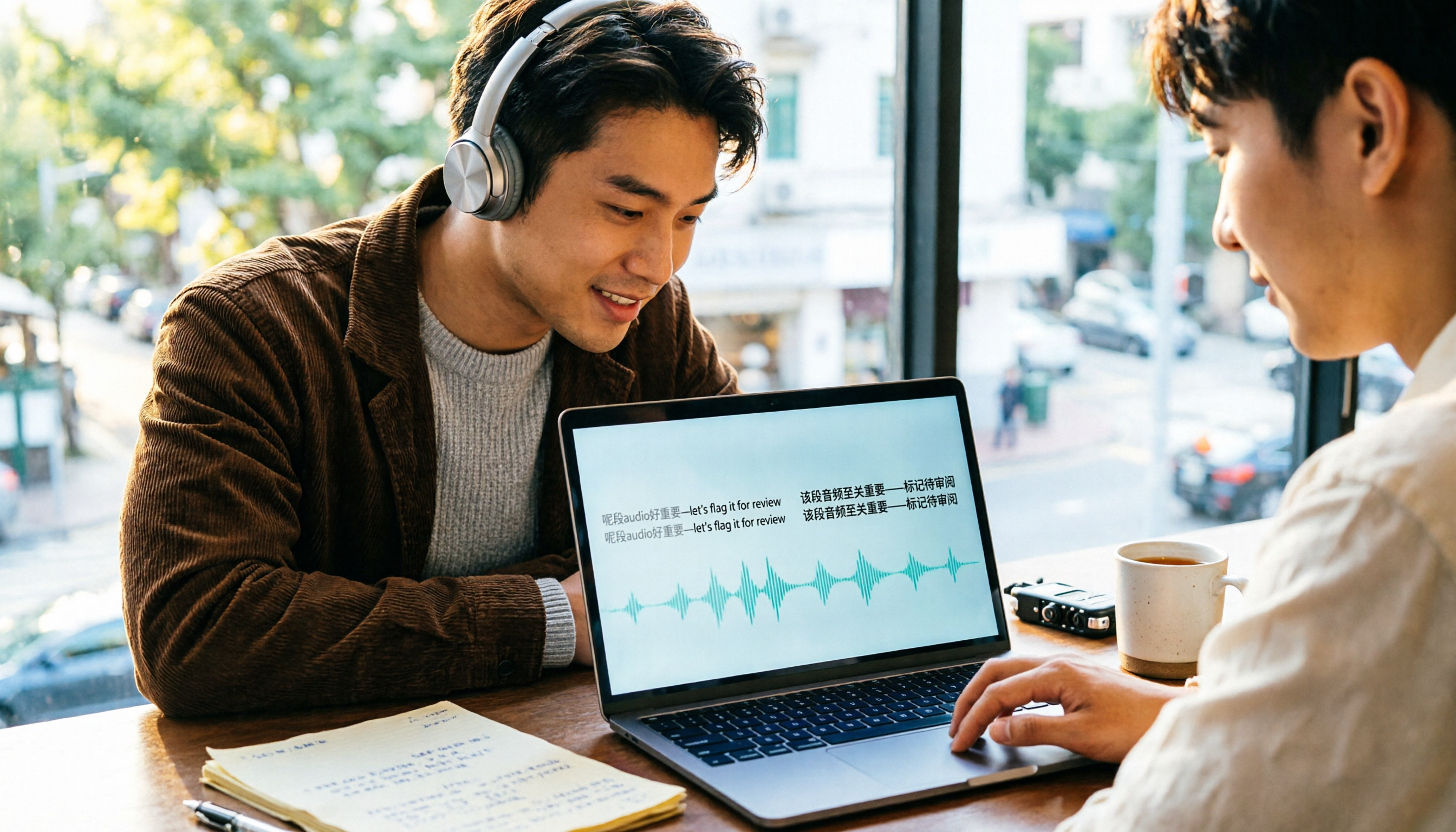
4 Cantonese Speech-to-Text Tools Compared (2026): Code-Switching and Spoken-to-Written Conversion Made Clear
The most time-consuming part of Cantonese speech-to-text is often not the transcription itself, but the editing and organizing afterward. This article breaks down four key purchasing factors—spoken-to-written conversion, mixed Chinese-English handling, free tier limits, and post-meeting workflow—and compares Tinrec, Subanana, CantoSub, and TurboScribe to help you decide which one suits you best.

5 Best Auto Transcription Tools in 2026: Chinese Transcription, Meeting Summaries & Team Collaboration Compared
Still spending half an hour organizing transcripts after meetings? This article compares 5 automatic transcription tools—Tinrec, Otter.ai, Notta, Yating Transcription, and cSubtitle—covering Chinese and mixed Chinese-English recognition, post-meeting summaries and action items, online meeting audio capture, team seats and quota limits, with use cases, buying tips, and pitfalls to avoid. Published by Tinrec; bias disclosed.

2026 Cantonese Speech-to-Text App Comparison: Which Handles Mixed Chinese-English and Spoken-to-Written Conversion Best?
Many people looking for a Cantonese speech-to-text app only care about whether it can transcribe, but overlook mixed Chinese-English speech, converting spoken Cantonese to written Chinese, and post-meeting organization. Based on hands-on experience, this article explains 4 key buying factors and uses Tinrec as the main test subject, comparing how Subanana, Notta, and Otter.ai differ in positioning to help you judge which one truly saves time on re-listening and retyping.

2026 AI Meeting Notes Showdown: Tinrec vs Otter.ai — Which Saves More Time?
We tested Tinrec and Otter.ai across five dimensions—Chinese-language meetings, bot-free recording, post-meeting action items, and team governance—to help Hong Kong office workers decide which AI meeting notes tool better fits Chinese meeting scenarios.

3 WhatsApp Voice-to-Text Tools Tested: Which Handles Cantonese Best in 2026?
A practical comparison of three common ways to transcribe WhatsApp Cantonese voice messages, covering language support, privacy, post-meeting organization, and team collaboration to help you choose the right tool and workflow.

2026 Audio-to-Text Tools Compared: Which Free Tier and Post-Meeting Workflow Actually Saves You Time?
The real difference between audio-to-text tools isn't transcription speed—it's what happens after the transcript is done. We tested Tinrec, Notta, Granola, and TurboScribe using the same imperfect meeting recording, comparing free tier limits, file length restrictions, post-meeting summaries and action items, and team data ownership to help you decide which one truly saves you time on meeting follow-ups.

4 Free Recording Summary Tools for 2026: Free Tiers and Meeting Notes Comparison
How to choose a recording summary tool without getting burned? This article rounds up 4 recording summary tools with free trials in 2026, comparing free quotas, per-file limits, Chinese summaries, and post-meeting follow-up Q&A, and explains which scenarios each suits—meeting notes, class notes, and team collaboration—so you pick the right tool and work less overtime.

2026 Comparison of 4 Meeting Summary Generators: Which Free Tier Is Actually Enough?
A free version doesn't mean you can use it for free. This article compares the free offerings of Tinrec, Notta, Otter.ai, and TurboScribe—breaking down the three different ways limits are counted (minutes, files, and per-session caps), explaining what each can and can't do, and noting the date the data was verified—so you know which one is truly usable before you pay.
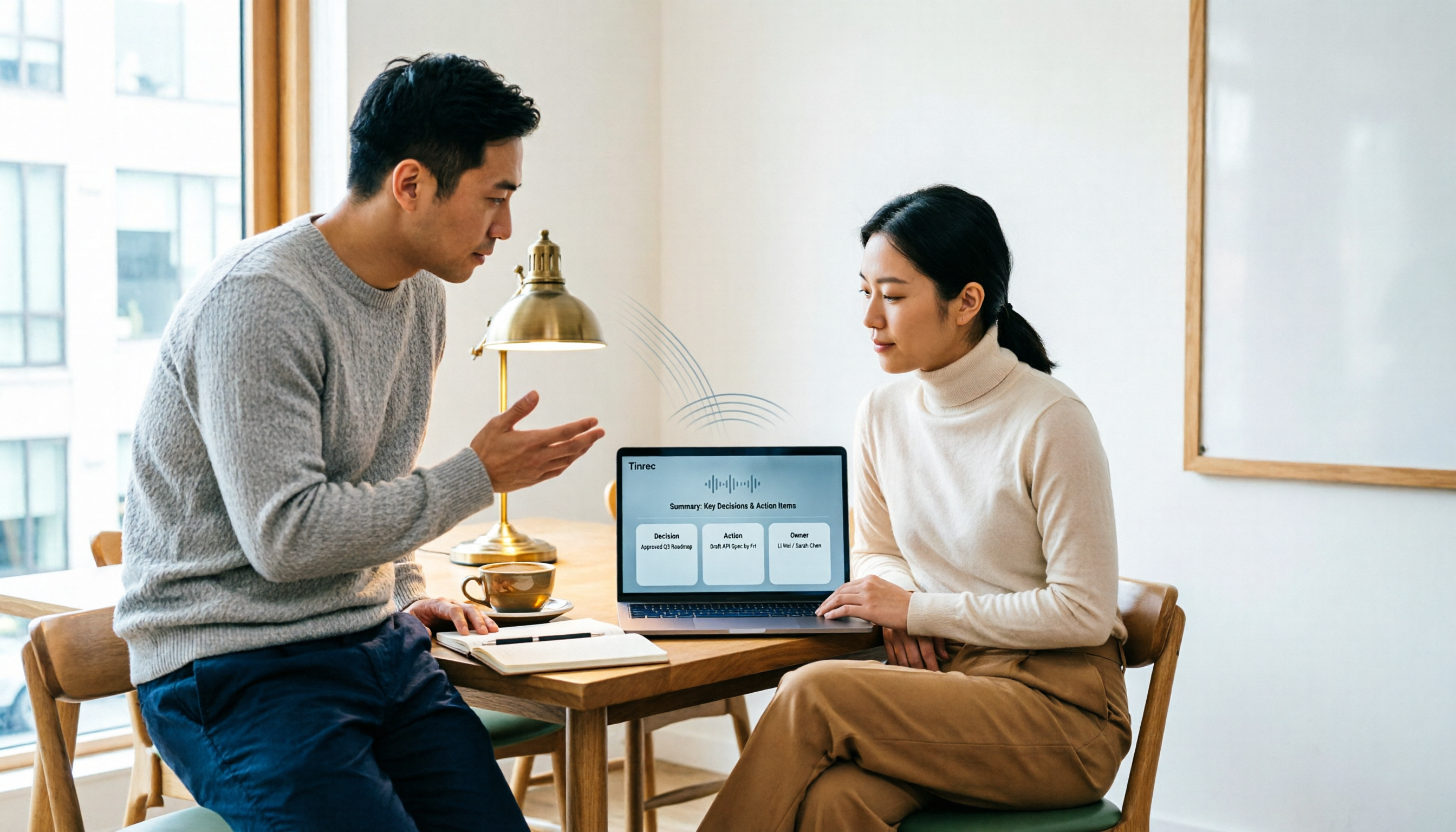
2026 AI Note Taker Comparison: 5 Tools Tested — Transcripts Aren't Meeting Notes, Which One Actually Saves You Time?
Most people think AI note takers just turn audio into text, but you still end up with a massive transcript to review yourself. This guide covers buying criteria, hands-on testing, and pitfalls, comparing Tinrec, Notta, Otter.ai, Granola, and more to help you find the one that truly saves you organizing time.