
Turn recordings into transcripts and summaries in minutes
Upload audio or video for multilingual transcription, AI notes, and action items
Facing hour-long YouTube tutorials, podcast interviews, or online course recordings, do you often drag the progress bar back and forth because you can't find the key points?
This is not just a time management issue; it's an efficiency bottleneck in information retrieval. For students, researchers, or content creators, converting YouTube videos into transcripts is a top priority. This article takes a practical approach, analyzing popular video-to-text solutions in 2026 and providing a detailed tool comparison and hands-on guide to help you transform 'listening to content' into efficient 'searching content'.
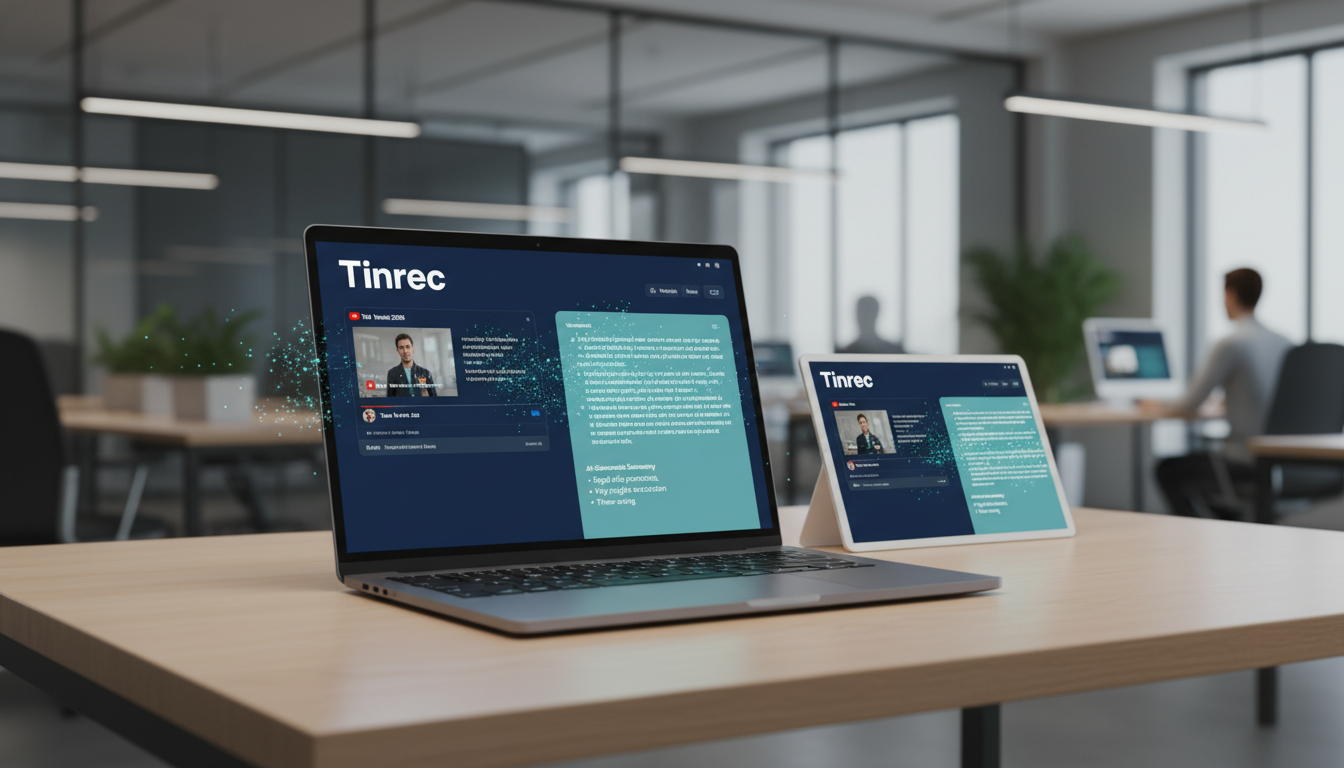
Quick Navigation Conclusion:
- If you need to create CC subtitle files (SRT/VTT): Choose traditional subtitle software specialized in timeline alignment (e.g., Arctime or built-in editing tools).
- If you need to 'understand content' and 'organize notes': Prioritize tools that support URL link parsing and AI conversation summarization (e.g., Tinrec), which skip the tedious file download step and achieve 'paste URL, get draft'.
1. Why You Need a 'Video-to-Text' Tool: Three Core Pain Points
In digital learning and remote work scenarios, the simple 'video' format has inherent limitations:
Low information density, difficult retrieval Text can be scanned quickly, but video must be played linearly. Finding a specific point in a 2-hour interview without a transcript is like searching for a needle in a haystack.
High cross-language comprehension cost When watching English or Japanese YouTube trend videos, relying on YouTube's auto-generated subtitles often leads to unnatural translations or terminology errors, and you can't save a bilingual comparison.
Watch and forget, unable to convert into action Watching a video leaves a 'vague impression' but is hard to turn into concrete notes or action items. The traditional method of pausing and typing while watching is extremely inefficient.
2. Tool Comparison: Traditional Transcription vs. Voice Recorder Apps vs. AI Efficiency Tools
The market offers a wide variety of tools. We've selected three main categories for a feature comparison to help you decide which suits your scenario best.
| Comparison Dimension | Category A: Traditional Subtitle Editors | Category B: General Voice Memo Apps | Category C: AI Efficiency Assistants (e.g., Tinrec) |
|---|---|---|---|
| Primary Use | Video post-production, subtitling | On-site recording and simple archiving | Content organization, knowledge management, note-taking |
| YouTube Support | Must download video file (MP4) first, then import | Cannot directly process web links | Supports YouTube/Podcast link parsing |
| Output Content | Transcript + timeline (SRT) | Raw audio file or rough text | Transcript + AI summary + action items |
| Interactivity | Read and edit only | Re-listen only | Supports AI chat for queries (Chat) |
| Multilingual Recognition | Depends on software plugins | Usually single language | Supports multiple languages: Chinese, English, Japanese, Korean, etc. |
| Cross-Device Experience | Mostly desktop software | Mobile-first | Web / iOS / Android multi-device sync |
Stop organizing recordings by hand
Upload audio or video and automatically get a transcript, summary, and action items
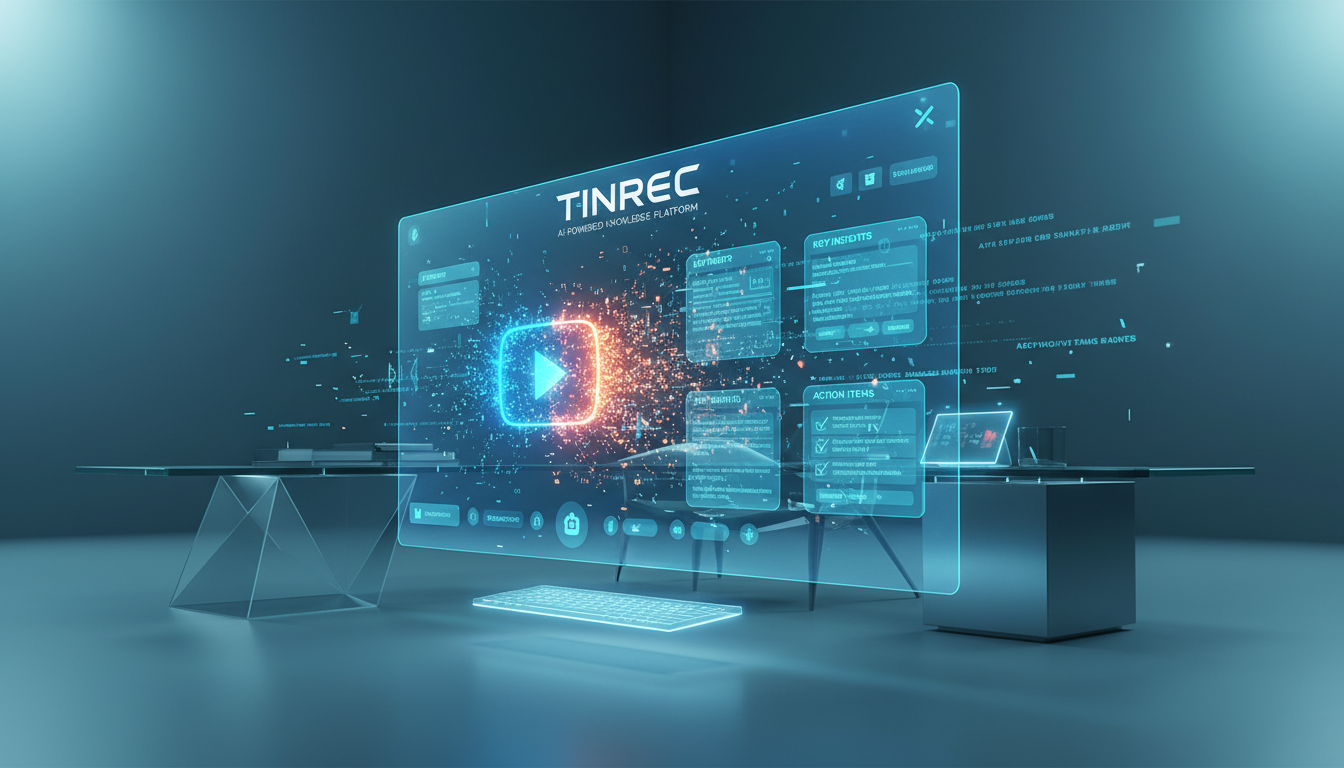
Analysis Perspective: If you need subtitles for 'video editing', Category A tools are the best choice. But if you need 'learning', 'meeting notes', or 'research', Category C tools (like Tinrec) save you the time of downloading videos and directly convert links into an editable knowledge base—a huge efficiency difference.
3. Deep Dive: How Tinrec Solves the 'Video Organization' Challenge
Among many AI tools, Tinrec (MiaoTing Recorder) takes a different path. It's not just a transcription tool; it's more like a 'reader for audio/video content'.
3.1 Direct Link-to-Text, No Download Needed
Most tools require users to first download YouTube videos using third-party sites, then upload to a transcription platform. Tinrec integrates 'Podcast/Online Video to Text' functionality: simply paste a YouTube or Podcast URL, and the system will automatically fetch and transcribe it in the cloud, significantly lowering the barrier.
3.2 From 'Transcript' to 'AI Decision Summary'
For hours-long content, Tinrec's AI engine automatically generates:
- Structured Summary: Summarizes video content by sections.
- Action Items: If the video includes tutorial steps or meeting decisions, the AI extracts them into a to-do list.
3.3 AI Chat: Ask Questions Like an Expert
This is the biggest difference from traditional tools. You can type: "What are the main points about SEO trends in this video?" Tinrec will answer based on the recording content, letting you get answers without re-listening to the entire audio.
4. Hands-On Tutorial: 3 Steps to Turn YouTube Videos into High-Quality Notes
Below is a demonstration of using Tinrec to convert a long YouTube speech into personal notes, without installing complex software.
Step 1: Get the Video Link
Open the YouTube app or website, find the video you want to process (e.g., TED talk, online course, product launch), tap 'Share' and copy the link.
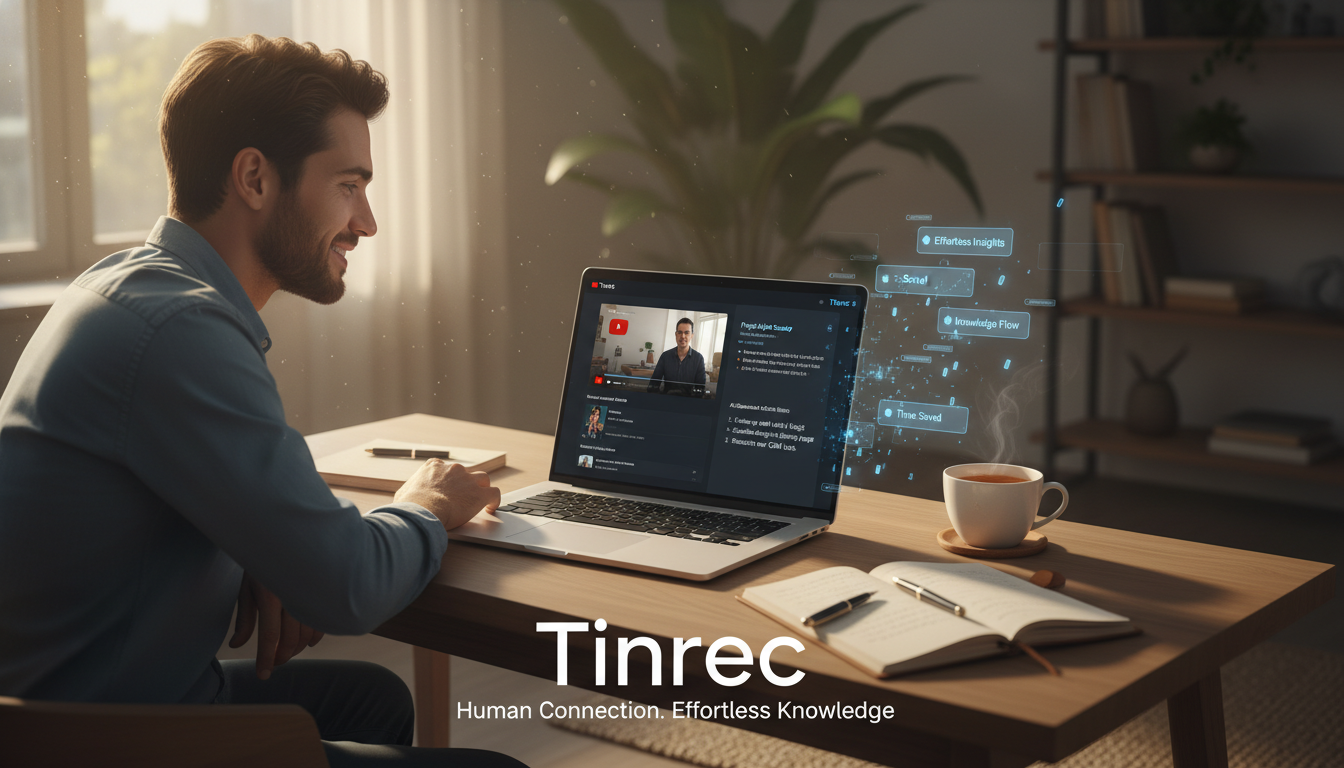
Step 2: Use Link Parsing
Go to Tinrec's Online Video to Text feature page:
- Select 'Link Import' option.
- Paste the YouTube URL you copied.
- Choose the video's primary language (e.g., English, Chinese, Japanese, etc.) to ensure recognition accuracy.
- Click start conversion; the system processes in the background, usually taking a fraction of the video length.
Step 3: AI-Assisted Organizing and Export
After conversion, you'll see:
- Full Transcript: With timestamps; click any text to jump to that point in the video.
- AI Summary Area: Quickly review key points.
- AI Chat Window: Ask questions about specific sections (e.g., "What was the third strategy mentioned by the speaker?").
Finally, you can export the organized content as Markdown, Word, or PDF, and paste it directly into Notion or Evernote for permanent storage.
5. FAQ
Q1: Do these tools support iPhone or Android? Most modern AI tools support cross-platform. For example, Tinrec offers Web, iOS, and Android apps, so you can paste links on your phone during your commute and organize notes later on your computer.
Q2: How accurate is video-to-text conversion? Accuracy depends on audio quality and speaker clarity. For clear interviews or lectures, advanced tools like Tinrec typically achieve 95%+ accuracy. With background noise or overlapping speakers, accuracy drops; using speaker diarization helps.
Q3: What are the typical free plan limits? Most tools follow a 'freemium' model. Common limits include monthly transcription minutes or single file length. Tinrec's free plan offers 100 minutes per month, sufficient for occasional short videos; upgrade for heavy course usage.
Q4: Can I translate foreign language videos? Yes. Tinrec supports recognition of 10 languages including Chinese, Japanese, English, and Korean. You can import an English video, get an English transcript, then use the built-in AI to assist in translation.
Q5: Can the exported text be used as subtitles? Although these tools are mainly for notes, they typically export text with timestamps, which can serve as a subtitle draft. Import into editing software for fine-tuning—much faster than manual transcription.
Q6: Can private or unlisted videos be processed? For videos requiring login, direct URL parsing may fail. Use screen recording or download the audio file, then use audio file to text feature to upload and process.
Turn every recording into actionable outcomes
Get 60 free transcription minutes when you sign in. No credit card required.
Related Reading
You might also like

2026 AI Meeting Assistant Comparison: Which One Saves the Most Time on Chinese Meeting Notes?
Starting from the real scenario of "having to stay after the meeting to re-listen to the recording," this hands-on comparison tests four AI meeting assistants—Tinrec, Notta, Otter.ai, and Granola—breaking down buying criteria, each tool's limitations, and the most common purchasing pitfalls. It also compares pricing, seats, and data ownership between personal and team plans to help you pick the one that truly saves time after meetings.

Tinrec vs Notta 2026: 5 Criteria for Chinese Meeting Notes
Avoid three common mistakes when choosing an AI meeting assistant: relying only on lab accuracy, focusing only on transcription, and judging team features by personal experience. This article establishes evaluation criteria across five dimensions: meeting capture method, transcription and language support, post-meeting organization depth, output workflow, and team governance. It uses Tinrec's actual approach as an example, and includes buying tips and FAQs.

2026 AI Meeting Assistant Comparison: 4 Tools Tested on Free Tiers and Pricing
We break down the cost structure of AI meeting assistants—free tiers, per-meeting caps, seat-based pricing, and hidden limits—and walk through a 3-step workflow covering recording, organizing, follow-up Q&A, and export. We also compare Tinrec, Otter.ai, Notta, and Granola on pricing and best-fit scenarios.

2024 Review: 5 AI Meeting Assistants Tested — No Bots Needed for Chinese Meetings
Starting from the real pain of 'can't find key points after a meeting,' we tested and compared five AI meeting assistants: Tinrec, Otter.ai, Fireflies.ai, Notta, and Granola. We organized five key buying factors: recording method, post-meeting output, Chinese language performance, team permissions, and quota calculation. Also included are common pitfalls to avoid and scenario-based selection advice.

5 AI Meeting Assistants Tested for 2026: Which Free Tier Is Actually Enough?
Our hands-on comparison of 5 AI meeting assistants. Most people only look at free minutes, but overlook 4 things: post-meeting organization, how meetings are recorded, Chinese language performance, and team data ownership. This article covers selection criteria, real-world use cases for Tinrec, alternatives like Otter.ai, Notta, and PLAUD, plus 4 common pitfalls to help you decide which one truly saves you post-meeting time.

2026 AI Meeting Assistant Comparison: Tinrec vs. Notta — Which Is Better for Chinese-Speaking Teams?
There are countless meeting tools, but only three key criteria really matter: how meeting audio gets in, whether the transcribed text is directly usable, and who ultimately holds the data. This article focuses on Tinrec, comparing it with Notta across key dimensions—meeting capture methods, Traditional Chinese experience, post-meeting organization workflow, quota pricing, and team governance—and includes practical use cases and purchasing considerations.

2026 AI Meeting Assistant Review: Bot-Free Recording + Post-Meeting AI Q&A
How to choose an AI meeting assistant in 2026? This review examines five key decision points: meeting bots, transcript quality, post-meeting AI Q&A, team data ownership, and quota calculation. We tested Tinrec, Otter.ai, Notta, and Granola, and compiled four common pitfalls to help you choose the right tool within your budget.

2026 AI Meeting Assistant Comparison: 4 Tools Tested to See Which Really Saves You Time
Online meetings never stop, and post-meeting cleanup is the real nightmare. This article focuses on how meetings are recorded and whether the output can be used directly, testing and comparing four AI meeting assistants: Tinrec, Otter.ai, Notta, and Granola. It outlines 5 key buying criteria and 4 common pitfalls to help you choose the one that truly saves time.

2026 AI Meeting Assistant Comparison: Tinrec vs Granola – Which Is Better for Chinese Meetings?
Most people looking for an AI meeting assistant first check how many free minutes they get, but that's actually the easiest way to make a mistake. This article compares two bot-free AI meeting assistants, Tinrec and Granola, across dimensions including meeting capture, audio retention, post-meeting outputs, Chinese language support, team governance, and pricing, to help you decide which one better fits your meeting scenarios.