
Turn recordings into transcripts and summaries in minutes
Upload audio or video for multilingual transcription, AI notes, and action items
Dealing with interview recordings, Taiwanese drama scripts, or meeting notes involving dialects, "Taiwanese speech-to-text" has always been a headache for many professionals. Most tools on the market support English or standard Mandarin well, but when faced with "Taiwan-accented Mandarin," Taiwanese (Hokkien), or a mix of Chinese, English, and Taiwanese, recognition rates often become dreadful. Manually transcribing an hour of recording can take three to four hours, severely hurting productivity.
This article reviews the top 4 most popular speech-to-text tools in 2026, focusing on their support for Taiwanese/dialects, AI summarization capabilities, and free plan offerings. If you're struggling to choose, here's a quick conclusion:
- If you need the best localized Taiwanese recognition: Consider Yating Transcription first—its optimization for Taiwanese accents is unmatched.
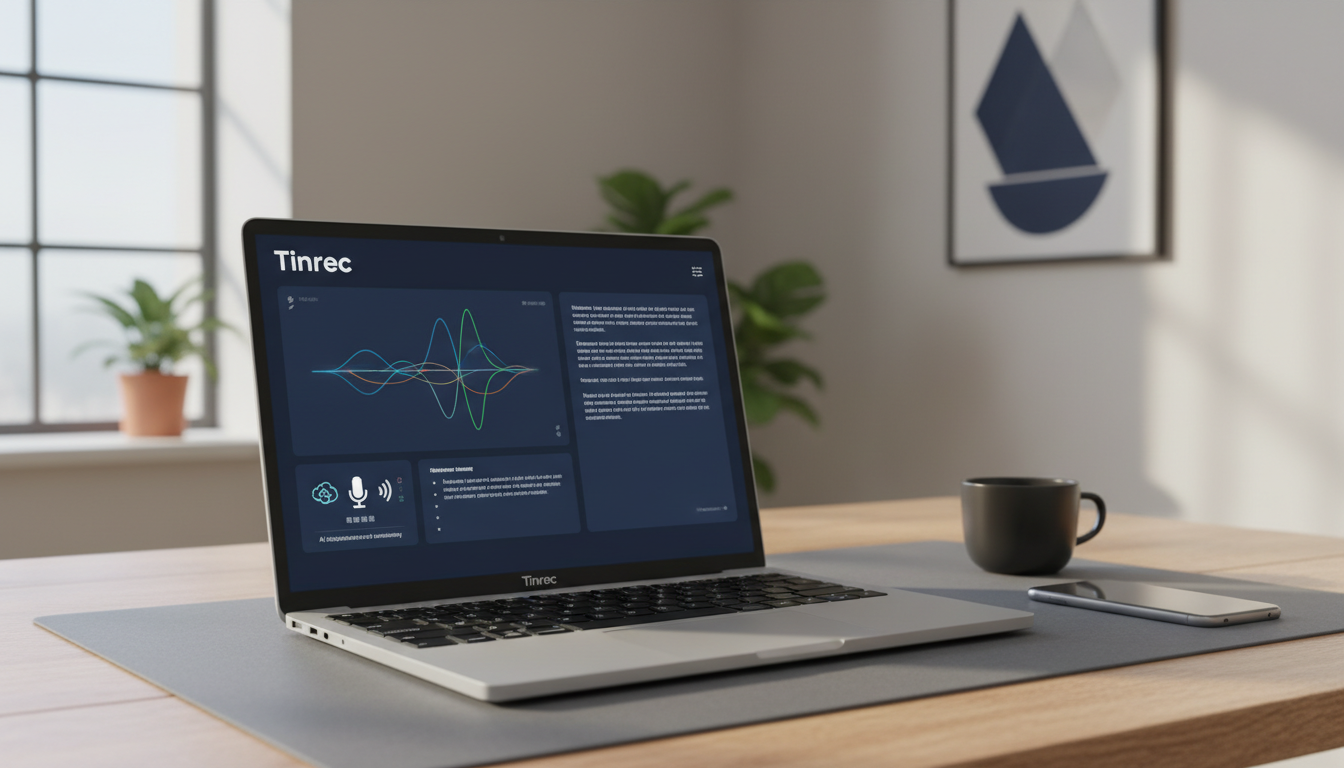
- If you need multi-language (including Taiwanese) and value AI meeting summaries and action items: Tinrec (Miao Ting Lu Yin) is the most comprehensive all-in-one choice.
- If you only need simple file transcription: Good Tape offers a straightforward and intuitive file processing service.
Why Is Taiwanese Transcription So Difficult? 3 Key Criteria for Choosing Tools in 2026
Before selecting the right software, you must understand why "Taiwanese" is so hard to transcribe. Taiwanese has rich tone sandhi and colloquial vocabulary, and modern speech often involves "Chinese-Taiwanese code-switching." Therefore, in 2026, you shouldn't just check "whether it can transcribe" but also these three points:
1. Mixed-Language Recognition
Pure Taiwanese scenarios are rare; more common is "剛才那條代誌 (Taiwanese), we need to discuss it in the meeting (English) 一下 (Chinese)." Tools must have automatic detection or strong multilingual models to avoid garbled output.
2. AI Semantic Understanding and Actionability
Plain transcripts are often text blocks that are hard to read. Modern tools (like Otter or Tinrec) use AI to automatically identify speakers and extract "action items" and "meeting conclusions," which is far more valuable than simple transcription.
3. Cross-Scenario Support
Audio sources vary: live phone recordings, Zoom/Teams meetings, or YouTube videos. A good tool should cover recording, file upload, and link parsing.
In-Depth Review of 4 Popular Speech-to-Text Tools
Based on 2026 market performance and user feedback, here's an analysis of four mainstream tools.
1. Yating Transcription: Best Choice for Taiwanese Locality
Developed by a Taiwanese team, Yating Transcription excels in being "down-to-earth." It's extensively trained on Taiwanese local vocabulary, speech habits, and even "Taiwan-accented Mandarin."
- Pros: Extremely high recognition for Taiwanese and Chinese-English mixes; accurate automatic punctuation.
- Cons: Interface is somewhat traditional; weak in "AI smart summaries" and cross-platform integration (e.g., direct video link parsing).
- Best for: In-depth interviews, field research, pure Taiwanese content creators.
2. Tinrec (Miao Ting Lu Yin): All-in-One AI Voice Assistant
Tinrec is a highly integrated tool in recent years, focusing on a one-stop workflow of "Record → Understand → Act." It supports 10 languages including Taiwanese, Chinese, and English, with standout AI processing capabilities.
- Pros: Multi-platform (App/Web); powerful AI meeting summary generation and "AI conversation query" (e.g., ask "What was the budget mentioned in the meeting?"). For professionals who need to transcribe Taiwanese meetings and turn them into reports, it bridges the gap from "understanding" to "writing."
- Cons: While it supports Taiwanese, it may be slightly less accurate for very obscure slang compared to Yating.
- Best for: Office workers and students who need meeting notes and multi-language material transcription.
Stop organizing recordings by hand
Upload audio or video and automatically get a transcript, summary, and action items

3. Good Tape: Simple File Transcription
Good Tape from Denmark is known for its minimalist interface. It uses OpenAI's Whisper model, offering decent multi-language adaptability.
- Pros: Zero learning curve; drag and drop files to start.
- Cons: Free version requires queuing (sometimes tens of minutes); lacks live recording and meeting summary features; limited functionality.
- Best for: Users who occasionally need to transcribe single files and are not in a hurry.
4. Otter.ai: King of English Meetings
Although this article focuses on Taiwanese, many international meetings are in English. Otter excels in English transcription.
- Pros: Extremely accurate English recognition; strong real-time collaboration.
- Cons: Very poor support for Chinese and Taiwanese; if your content includes dialects, this tool won't work.
2026 Speech-to-Text Tool Comparison Table
For a quick overview, here's a comparison on key dimensions:
| Dimension | Yating Transcription | Tinrec (Miao Ting Lu Yin) | Good Tape | Otter.ai |
|---|---|---|---|---|
| Taiwanese/Dialect Support | ⭐⭐⭐⭐⭐ (Excellent) | ⭐⭐⭐⭐ (Good) | ⭐⭐⭐ (Average) | ❌ (Not supported) |
| Live Recording Transcription | Supported | Supported | Not supported (files only) | Supported |
| AI Summary/Action Items | Basic | ⭐⭐⭐⭐⭐ (Powerful) | None | ⭐⭐⭐⭐ |
| Video Link Parsing | None | Supported (YouTube/TikTok) | None | None |
| AI Conversation Query | None | Supported (ask about content) | None | Supported (English only) |
| Free Tier Reference | Varies by plan | 100 minutes/month | 3 files/month (queued) | 300 minutes/month |
Practical Tutorial: How to Efficiently Organize Dialect/Meeting Audio with AI Tools
Choosing the right tool is just the first step; the right workflow maximizes efficiency. Using the feature-rich Tinrec as an example, here's how to turn "audio" into "usable notes."
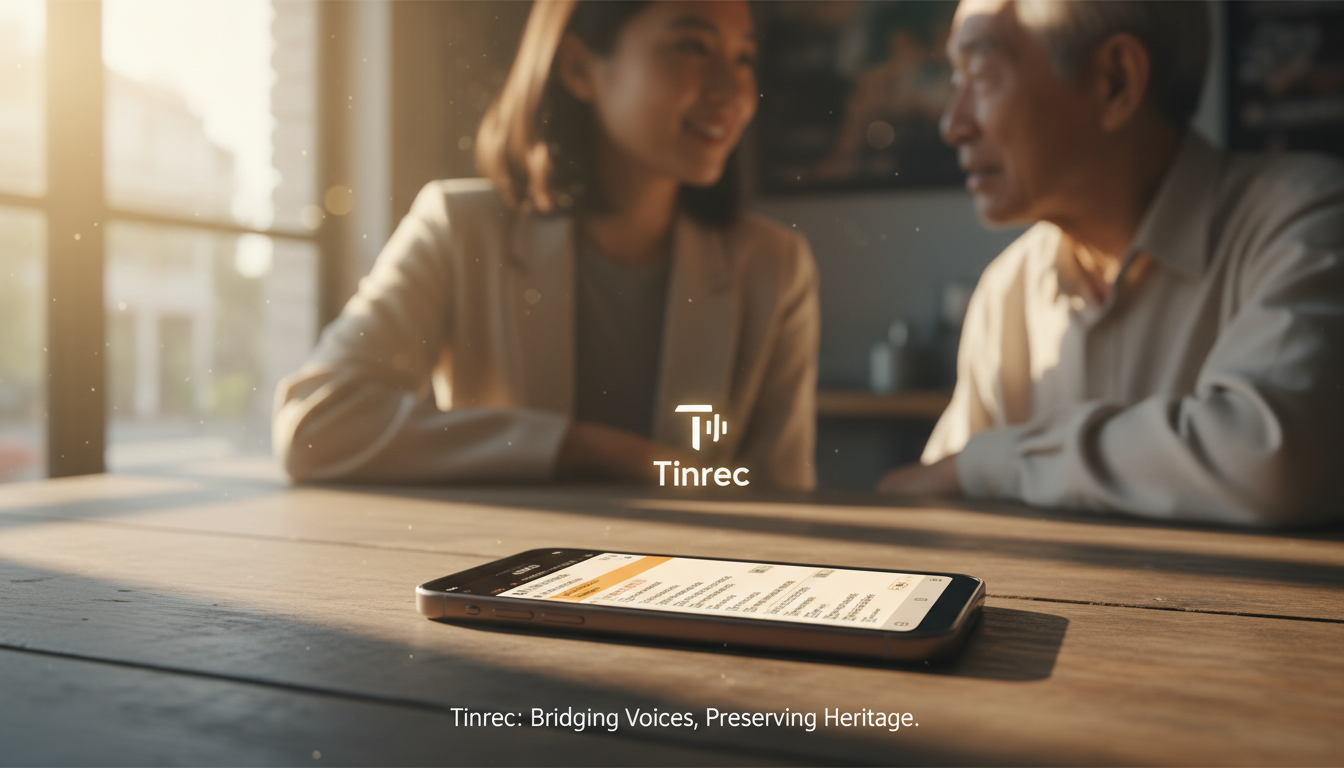
Step 1: Choose Recording Mode and Enable Live Transcription
During an interview or meeting, open the app or web version. If you anticipate Taiwanese or multilingual dialogue, check the language recognition settings. Tinrec displays text in real time as you record, allowing you to mark key points.

Step 2: Import Existing Audio Files (MP3/WAV)
If you already have files from a voice recorder or voice messages from LINE, use the "Import Audio" feature. After upload, the system automatically transcribes in the cloud—typically a 1-hour file takes just minutes.

Step 3: Parse Online Video/Podcast Content
This is a favorite feature for researchers. For YouTube or Podcast content, no need to download—just paste the link into the tool to generate transcripts and summaries. Great for transcribing Taiwanese drama clips or dialect teaching videos.

Step 4: Use AI Conversation Query to Review Key Points
Facing a 2-hour transcript, instead of reading from the top, just "ask." Use Tinrec's AI conversation feature: "What was the conclusion about the budget in this recording?" or "What Taiwanese proverbs did the interviewee mention?" The AI will provide precise answers based on the content.

Frequently Asked Questions (FAQ)
Q1: What accuracy can I expect from Taiwanese speech-to-text? Top tools (like Yating) can reach over 90% in pure Taiwanese environments, but accuracy drops to 70-80% in mixed Chinese-Taiwanese or noisy conditions. Integrated tools like Tinrec use AI context correction to improve readability.
Q2: Can I transcribe iPhone voice memos directly? iOS's built-in voice memo transcription is basic and doesn't support Taiwanese. Use Tinrec or Yating's iOS app for direct recording, or share voice memo files to these apps for transcription.
Q3: Are the free tiers sufficient? Most tools use a freemium model. For example, Tinrec offers 100 minutes per month free, which is usually enough for occasional meetings or interviews. For heavy use, paid plans are more cost-effective.
Q4: Can AI handle poor-quality audio (echo or noise)? Noise is a major hindrance. Try to record close to the microphone. Some tools like Tinrec have noise reduction, but better source quality yields more accurate Taiwanese transcripts.
Q5: Can I edit or export transcripts? Yes. Professional tools include online editors (to fix errors) and export options to Word, PDF, TXT, or SRT (subtitles) for video/report production.
Q6: Can I transcribe Taiwanese YouTube videos directly? Yes. Use a tool that supports link parsing (like Tinrec), paste the URL, and get the text transcript—no need to download or record.
Turn every recording into actionable outcomes
Get 60 free transcription minutes when you sign in. No credit card required.
Related Reading
You might also like

2026 AI Voice Recorder Buying Guide: Plaud Recorders vs. 3 Meeting Note Tools Tested
Thinking about buying a Plaud recorder but unsure how it differs from AI meeting note software? Based on the real pain points of a mid-level manager with 15 meetings a week, this guide compares Plaud Note, NotePin, Tinrec, Otter.ai, and Notta on capture methods, post-meeting organization, Chinese language experience, team collaboration, and cost to help you choose the right meeting notes solution.

2026 Comparison of 4 Chinese Speech-to-Text Tools: How Well Does Otter Support Chinese?
Otter's official language list includes Chinese (Simplified), but Traditional Chinese is not listed. The ability to translate in Chat does not guarantee accurate transcripts. This article addresses the decision of whether to continue using Otter, explains the five capabilities needed for Chinese meeting notes, four practical scenarios, and purchasing considerations. It also demonstrates Tinrec's complete workflow with bot-free recording, summary to-dos, AI Q&A, and team spaces.

4 Classroom Recording Tools Tested for 2026: Chinese Transcripts + AI Highlights—Which One Actually Saves You Time?
How to choose a classroom recording tool? This guide covers in-person classes, online courses, and teacher-provided audio files, outlines 5 key buying factors, and compares Tinrec, Notta, TurboScribe, and PLAUD Note in terms of positioning, quotas, and pricing—so you can find the one that's truly ready to use after recording.

2026 Complete Guide to Vocal Fry: What It Is, 3 Key Testing Points for Transcription, and Tinrec Applications
What is vocal fry? This article starts with the vocal mechanism of the lowest register, explains its practical impact on meeting recordings and speech transcription, and demonstrates how Tinrec uses real-time transcripts, AI summaries, action item extraction, and team spaces to turn low-pitched meeting content into searchable, queryable, and exportable data. The article includes 5 purchasing considerations and 6 frequently asked questions.

4 Chinese Speech-to-Text Tools Tested for 2026: Does Otter.ai Support Chinese? Which Handles Traditional Chinese?
Does Otter.ai support Chinese? Its official language list includes Simplified Chinese, but Traditional Chinese is not officially supported. Starting from the Chinese meeting needs of Taiwan offices, this article outlines 5 key purchasing considerations, tests and compares four tools—Tinrec, Otter.ai, Notta, and TurboScribe—and includes a pitfalls guide and scenario-based selection advice.

2026 Free Chinese Speech-to-Text Options: Otter vs. Tinrec Compared
Can Otter.ai actually transcribe Chinese? The official supported language list only includes Simplified Chinese, not Traditional Chinese. This article compares Otter.ai and Tinrec across language support, meeting capture methods, post-meeting workflows, free quotas, and team governance to help Chinese meeting users decide which one to choose.

Otter.ai vs Tinrec in 2026: 5-Dimension Comparison — Which Is Better for Chinese Support?
Does Otter.ai support Chinese? Its official language list includes Simplified Chinese, but Traditional Chinese is not listed. This article breaks down the three most common misunderstandings about Chinese support, compares Otter.ai and Tinrec across five dimensions for Chinese meetings, transcription, post-meeting organization, and team collaboration, and includes a pitfalls guide and selection advice to help Hong Kong office workers save proofreading time.

3 Meeting Transcription Apps Tested for 2026: Otter's Chinese Support vs. Tinrec — Which Is Enough?
People searching for 'otter app Chinese' really want to know: can Otter handle Chinese meetings? This article starts with 5 key buying criteria, tests Tinrec's bot-free recording and post-meeting AI Q&A, compares Otter.ai, Notta, and Granola side by side, and ends with clear recommendations and pitfalls to avoid.

Otter vs Beaver in Chinese: 5 Key Differences to Tell Them Apart (2026)
Otter is 水獺 in Chinese, but beaver is translated as 河狸, 海狸, or 水狸—so memorizing names only makes things more confusing. This guide tackles common misconceptions and provides five practical identification points: classification, tail, teeth, webbed feet, and behavior. You'll learn a method you can use the next time you see a photo or a live animal, plus a note on the often-overlooked sea otter and coypu.