
Turn recordings into transcripts and summaries in minutes
Upload audio or video for multilingual transcription, AI notes, and action items
Facing online course videos or meeting recordings that often last 1–2 hours, have you ever felt overwhelmed?
"It takes too long to listen through once," "I can't find a specific point by scrolling the timeline," "I end up with no concrete notes after listening"—these are common pain points for students and professionals. Traditional learning methods have low information density, and the cost of re-listening is extremely high.
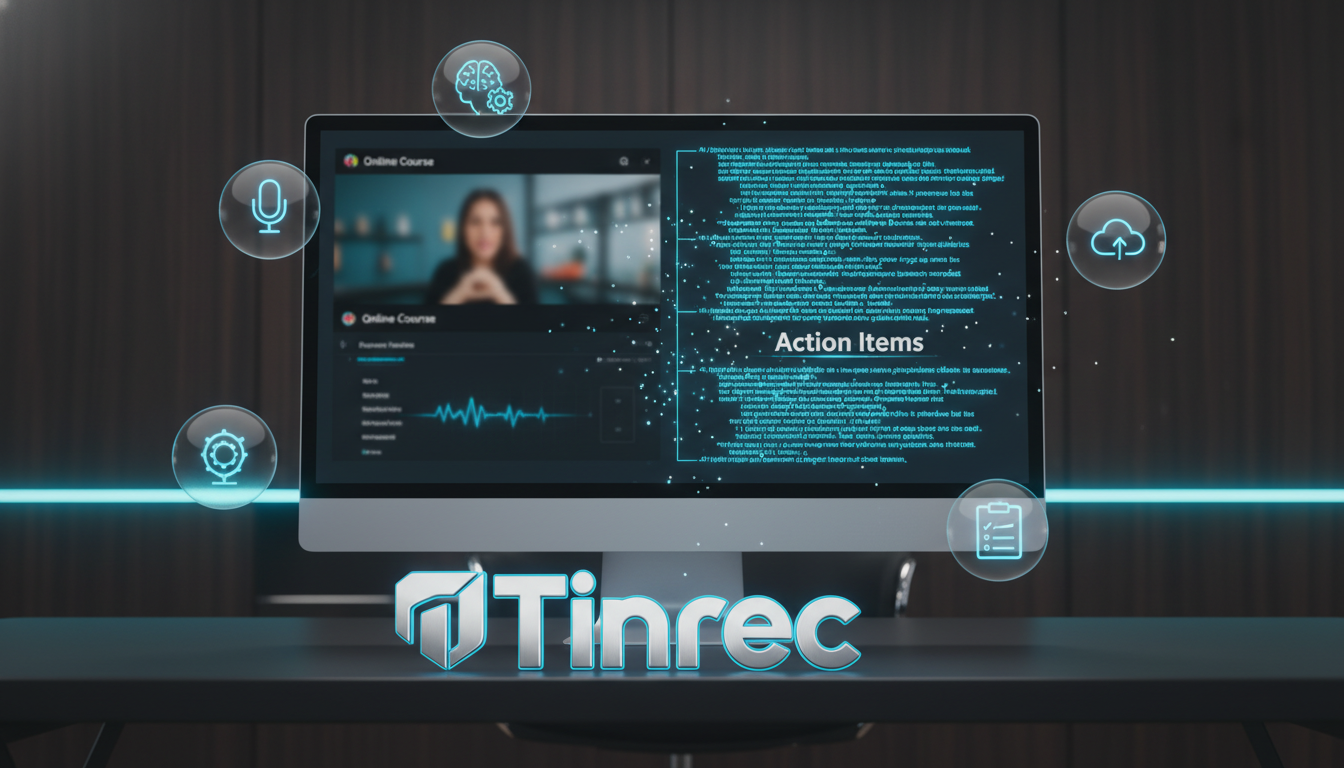
This article evaluates the 5 most representative AI tools in 2026 for "online course video subtitle extraction" and "audio-to-text" needs, providing a multi-dimensional comparison table and hands-on tutorial to help you move from simply "saving files" to "understanding and taking action."
Quick Navigation Conclusions:
- If you need a free and powerful meeting collaboration tool: Go with Lark Minutes (Feishu).
- If you value a complete workflow from understanding to action (including video link parsing and AI chat): Try Tinrec.
- If you need to integrate multiple documents for academic research: Google NotebookLM is the best choice.
Why You Need "Video-to-Text" and AI Note-Taking Tools
In 2026, simple voice recorders or video players can no longer meet the demands of efficient learning. Modern tools solve three core problems:
- Difficulty in information retrieval: Video is a linear medium, unlike text where you can search with Ctrl+F. Tools that transcribe video into searchable text turn content into a searchable database.
- Time-consuming organization: Manually transcribing 1 hour of content usually takes 3–4 hours. AI tools can complete transcription in minutes and even distinguish speakers.
- Lack of actionable summaries: Full transcripts are too long for anyone to read; AI can automatically extract "conclusions," "to-dos," and "action items"—that's the real value of note-taking.
Review of 5 Top Video-to-Text Tools in 2026
Below we analyze 5 mainstream tools that cover different scenarios (meetings, learning, professional subtitling).
1. Lark Minutes (Feishu)
Best for: Enterprise meetings, team collaboration Lark (Feishu) is ByteDance's enterprise collaboration platform. Its "Minutes" feature excels in speech recognition accuracy, especially for Chinese and mixed Chinese-English scenarios. It automatically generates timestamped transcripts and supports clicking on text to jump to the playback position.
- Pros: Almost completely free (based on enterprise quotas), strong multi-user collaboration, accurate speaker identification.
- Cons: Handling non-meeting external videos (e.g., YouTube links) is cumbersome—requires downloading and uploading first.
2. Tinrec
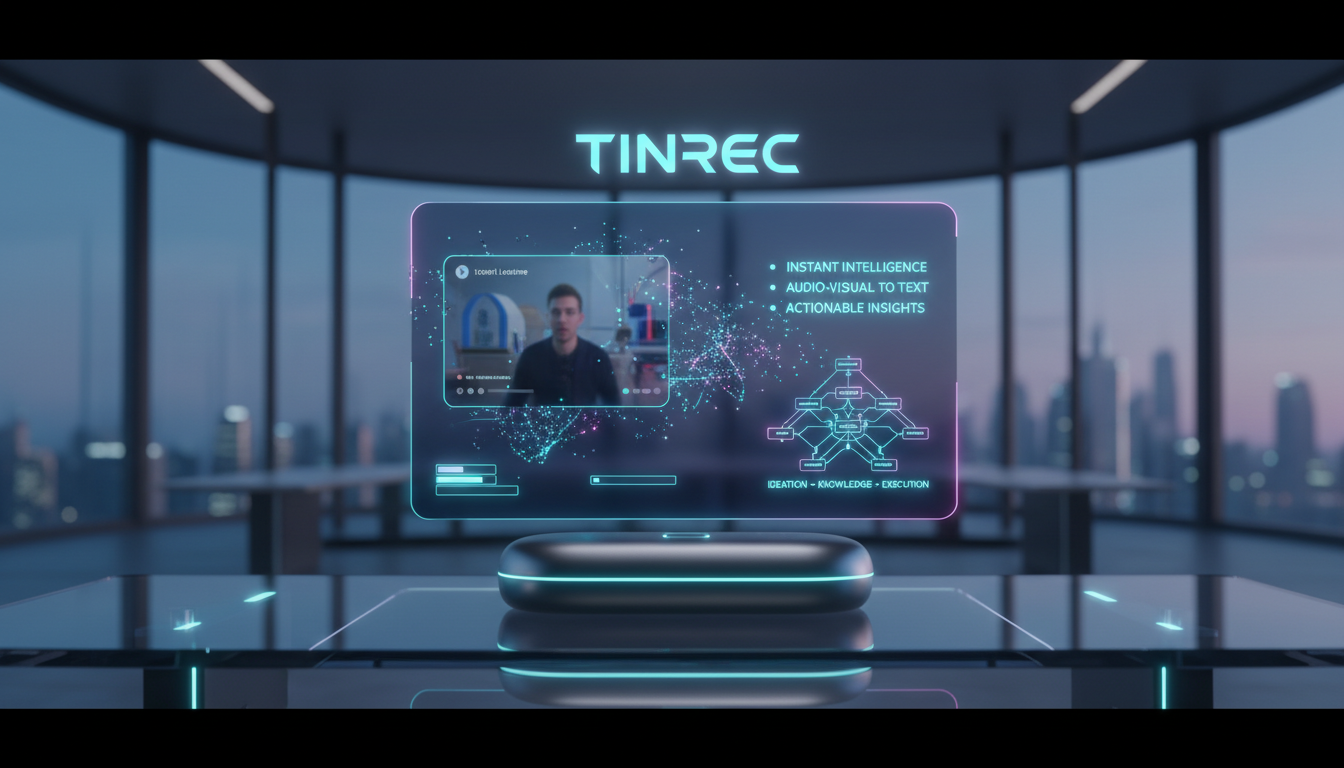
Best for: Online course learning, video content organization, cross-platform mobile workers Tinrec's positioning goes beyond audio-to-text; it emphasizes a "record → understand → act" workflow. It solves the problem of "transcribing and then never looking at it" by providing an AI chat function that lets you directly "ask" questions about the recording, drastically reducing re-listening effort.
- Core Features:
- Multi-source input: Supports recording, uploading audio/video files, and even pasting YouTube/TikTok/Podcast links for parsing.
- AI smart chat: Not just summaries; you can ask questions like "What are the three marketing theories mentioned in this lecture?" similar to chatting with a teaching assistant.
- Action-oriented: Automatically generates meeting minutes and to-do items (To-Do List).
- Platforms: iOS, Android, Web multi-device sync.
3. NotebookLM
Best for: Academic research, multi-document synthesis Google's AI note-taking tool is most powerful when you need to import PDFs, Google Docs, web links, and audio files, then answer questions based on these specific sources. It's ideal for students or researchers who need to review extensive reference materials.
Stop organizing recordings by hand
Upload audio or video and automatically get a transcript, summary, and action items
- Pros: High source credibility (based on uploaded materials), strong integration capabilities.
- Cons: Lacks live recording and mobile app convenience; more suited for desktop research.
4. Taption (YinYi)
Best for: Professional video subtitle creation, bilingual translation If you're a YouTuber or course creator who needs to export SRT subtitle files with precise timestamp alignment, Taption is a professional-grade choice. It focuses on translation fluency and timecode accuracy.
5. MacWhisper
Best for: Mac users, privacy-conscious offline processing A local application based on the OpenAI Whisper model. All transcription is done on your computer, no cloud upload required, suitable for handling sensitive recordings.
In-Depth Tool Comparison Table
To help you choose quickly, we compare five key dimensions:
| Dimension | Lark Minutes | Tinrec | NotebookLM | Taption | MacWhisper |
|---|---|---|---|---|---|
| Primary Use | Team meeting collaboration | Personal learning/work notes & action | Academic research & knowledge base | Professional subtitle production | Local offline transcription |
| Input Methods | Recording, file upload | Recording, file upload, links (YT/TikTok) | File upload, links | File upload | Recording, file upload |
| Live Recording | Yes | Yes (App/Web) | No | No | Yes |
| AI Features | Summaries, keywords | Summaries, action items, AI chat | Comprehensive summaries, Q&A | Translation optimization | Basic transcription |
| Language Support | Chinese/English/Japanese etc. | Chinese/English/Japanese/Korean/Hokkien/Cantonese etc. (10 languages) | Multilingual | Multilingual | Multilingual |
| Pricing | Free quota with enterprise plans | Free tier (100 min/month) / subscription | Free (experimental) | Credit/subscription | Free / one-time purchase |
Hands-On Tutorial: How to Quickly Organize Online Course Notes in 3 Steps
Many people's biggest hurdle with online courses (like YouTube tutorials or pre-recorded videos) is "not wanting to rewatch." Below, using Tinrec as an example, we show how to turn a 1-hour instructional video into review-ready notes in under 5 minutes.
Step 1: Import the Video Source
No need to download the video first.
- Copy the video link from your online course (supports YouTube, TikTok, or Podcast links).
- Open Tinrec's web version or app, and select the "Video to Text" feature.
- Paste the link, and the system will automatically start parsing the audio.
Note: For live classes or Zoom/Meet meetings, you can directly use the "Live Recording to Text" feature.

Step 2: Get the Transcript and AI Summary
After parsing, you don't need to read the full transcript:
- Check the auto-generated "Meeting/Course Summary" to quickly grasp the key points of each section.
- Browse the extracted "To-Do Action Items" to see if there are assignments or follow-up tasks.
Step 3: Use "AI Chat" for Deep Review
This is the biggest differentiator from traditional tools. If you're unclear about a concept, you don't need to hunt for the timestamp. Just type in the AI chat box on the right:
- "What three suggestions did the instructor give for SEO keyword layout?"
- "Please summarize the 5 core points of this lecture."
Tinrec will answer based on the recording content, like having a teaching assistant who listened to the whole session and is ready for your questions.
FAQ
Q1: Is there a time limit for recording with an iPhone? Traditional voice memos are inconvenient to organize. Professional apps like Tinrec support iOS background recording and cloud sync, so you won't run out of storage, making them suitable for long classes or meetings.
Q2: Can these tools translate videos in English or Japanese? Yes. Lark and Tinrec both support multi-language recognition. Tinrec supports 10 languages including Chinese, Japanese, English, Korean, German, Hokkien (Taiwanese), and Cantonese, meeting the needs of international online courses.
Q3: What are the typical limitations of free versions? Most tools have usage caps. For example, Tinrec's free plan offers 100 minutes of transcription per month, which is sufficient for students who occasionally need to summarize key courses. If you need heavy use, the Pro plan provides 1200 minutes per month.
Q4: Can Zoom or Google Meet meetings also be transcribed? Yes. You can enable your computer's recording feature, or export the meeting video file (MP4/MP3) and upload it using the "audio file to text" feature for transcription.
Q5: How accurate are the transcripts? With clear audio, modern AI (such as Whisper or proprietary models) typically achieves over 95% accuracy. However, accuracy decreases with background noise or overlapping speakers. We recommend tools with speaker identification (like Lark or Tinrec) for easier proofreading.
Q6: Is my data safe when using video-to-text tools? Check the privacy policy when choosing a tool. For enterprise-grade meetings, use Lark or paid versions; for personal study notes, Tinrec or NotebookLM are suitable. If you have high confidentiality requirements, use offline tools like MacWhisper.
Turn every recording into actionable outcomes
Get 60 free transcription minutes when you sign in. No credit card required.
Related Reading
You might also like

2026 Webcam Recording Guide: From Video Capture to AI Meeting Notes
Can a webcam record video? Yes. This guide covers standard webcam recording methods and compares them with Tinrec's AI meeting notes workflow, showing how to turn recordings into searchable, collaborative, and actionable meeting data.

4 AI Transcription Tools Tested in 2026: Which Saves the Most Time for Chinese Meetings?
Still spending two hours after a meeting to clean up transcripts? This article compares Tinrec, Yating Transcription, Google AI Studio, and Notta from four angles: Chinese recognition, post-meeting organization, online meeting recording methods, and team data retention. It also covers free quotas, pricing, and three common pitfalls in choosing a tool, helping you find the one that saves the most time.

4 Audio-to-Text Apps Tested for 2026: Which Saves the Most Time in Cantonese Meetings?
2026 audio-to-text app comparison. We used the same Cantonese meeting recording with mixed English to compare transcription and post-meeting organization across 4 tools, breaking down 4 key buying factors, pitfalls to avoid, and scenario-based recommendations. We also tested Tinrec's desktop bot-free meeting recording, AI Q&A, and team seat management.

4 Best Browser Audio Recorders in 2026: Which One Transcribes While Recording and Keeps the Audio?
We tested and compared 4 tools for recording browser audio, analyzing recording sources, format limits, transcription, and team collaboration. We cover key buying factors and common pitfalls, and explain how Tinrec turns browser recordings into searchable, actionable transcripts and summaries.

4 AI Transcription Tools Tested in 2026: Which Saves the Most Time on Chinese Meeting Transcripts?
AI transcription isn't just pressing record. This article addresses common misconceptions and compares four AI transcription tools—Tinrec, Notta, Otter.ai, and TurboScribe—on recording methods, Chinese language performance, and post-meeting organization. It also outlines selection criteria and pitfalls to avoid.

2026 Comparison of 4 AI Meeting Note-Takers for Chinese: Which Saves the Most Time on Chinese Transcription and Post-Meeting Organization?
How to choose an AI meeting note-taker for Chinese? This article compares Tinrec, Notta, Otter.ai, and Granola on Chinese recognition performance, recording methods, and post-meeting organization capabilities. It covers free tiers, team collaboration, and common pitfalls to help you find the most time-saving Chinese meeting note-taking tool.
2026 Comparison of 4 Web Recording Tools: Which One Can Record Both Microphone and System Audio?
The most common reason web recording fails isn't the tool—it's setting the wrong audio source and not organizing the recording afterward. This article first highlights three common pitfalls, then uses Tinrec as an example to explain the core capabilities of web recording, practical use cases, 5 key factors to consider when choosing a tool, and the differences and costs between personal and team plans, ending with an FAQ.
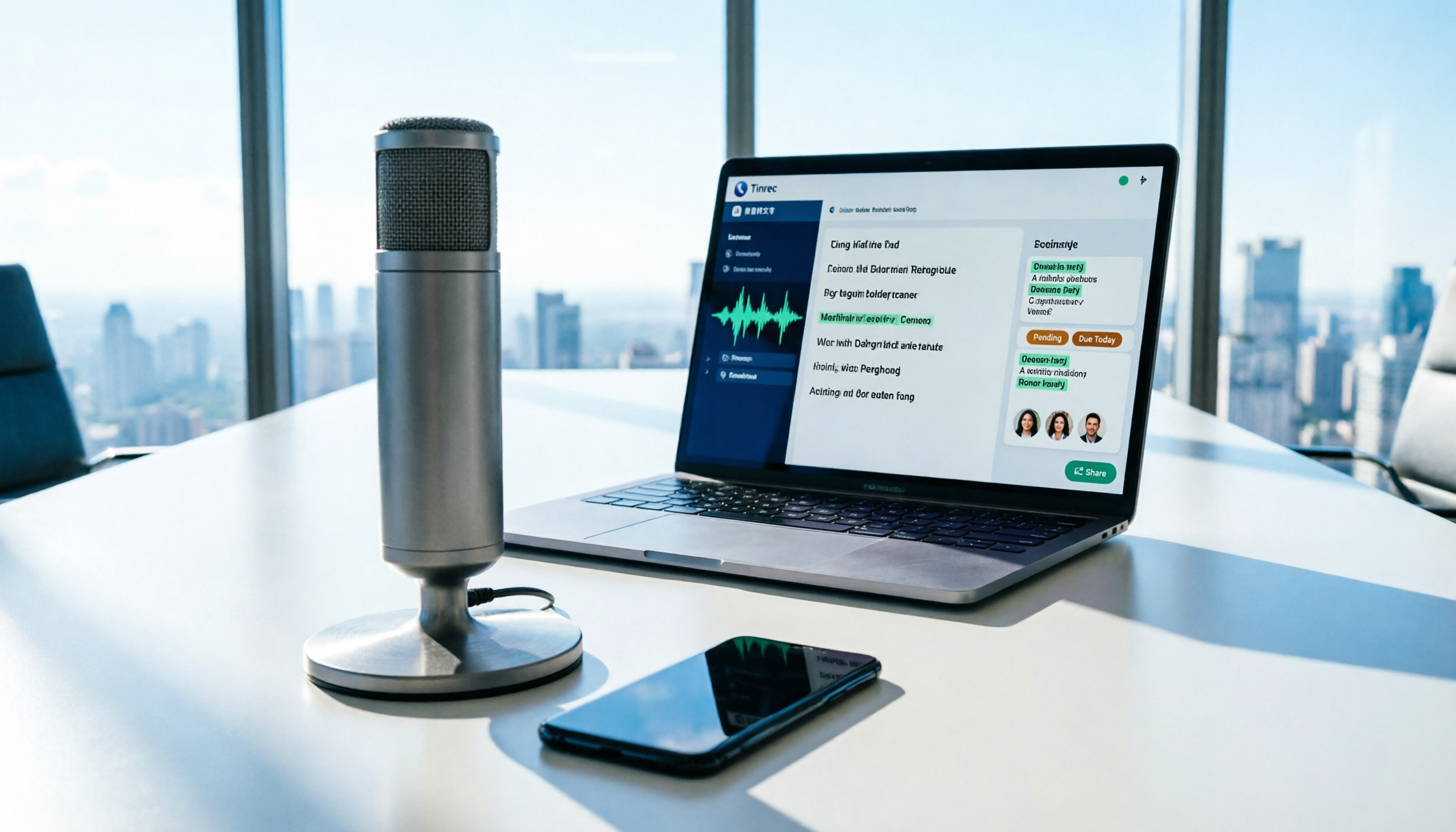
How to Use AI for Meeting Recordings in 2026: A Complete 5-Step Tutorial
Struggling to organize long meeting recordings? This tutorial uses Tinrec as an example to guide you through 5 steps: recording, transcription, proofreading, generating meeting minutes, and exporting/sharing. It also includes troubleshooting FAQs and 3 efficiency-boosting tips to turn your meeting recordings into searchable, collaborative team resources with AI.

2026 AI Meeting Notes Tools Comparison: Tinrec vs Notta — Which Is Better for Chinese-Speaking Teams Across 5 Key Areas?
Starting from common misconceptions, this hands-on comparison of Tinrec and Notta examines 5 key areas: Chinese meeting recording, post-meeting organization, team governance, pricing and quotas, and export workflows. It also answers 6 common questions to help you decide which AI meeting notes workflow best fits your work style.