

Turn recordings into transcripts and summaries in minutes
Upload audio or video for multilingual transcription, AI notes, and action items
Having meetings in Sichuan dialect and getting gibberish transcripts? Is this your daily life?
Recently, I've been working closely with a team in Chengdu. They habitually speak Sichuan dialect during meetings—not just occasionally, but fully authentic Sichuan-accented Mandarin. I recorded the sessions to compile meeting minutes, but typical speech-to-text tools produced results that were completely unusable.
"This plan is basideban" turned into "This plan is basi de ban"; "You hurry up yo" turned into "You high point yo." I spent more time fixing the text than if I had typed it myself.
If you've encountered similar issues—recording dialect-rich meetings, interviews, or courses, only to find the transcription tool doesn't recognize your native language—this article is for you.
Before choosing a Sichuan dialect speech-to-text tool, understand these 3 key points
Before the actual test, I want to share the three dimensions I care about most when selecting such tools. These aren't specs on official sheets, but the real factors that determine whether you'll enjoy using them.
1. Dialect support isn't just about "availability"—it's about how well it handles it
Many tools claim to support Chinese, but they usually mean standard Mandarin. Sichuan dialect has unique tones, vocabulary, and expressions. If the transcription engine isn't trained on these, the results will be laughable.
So in my test, I didn't use standard Mandarin recordings. I fed it a real Sichuan dialect meeting recording and checked how many words I needed to correct—just a few or the whole paragraph.
2. Post-transcription organization is more important than transcription itself
Recording dialect situations often aims to compile minutes, notes, or searchable databases. If you only get a raw transcript, you still have to search, summarize, and extract action items yourself. AI summaries, chapter splits, action item extraction, and even the ability to ask questions about the recording—these features are actually more useful for Sichuan dialect than Mandarin, because you might already spend time understanding the transcript.
3. Cross-platform is crucial, especially for sharing with non-Sichuan dialect speakers
Sichuan dialect speakers may be scattered across regions, and colleagues or clients may not understand it. You'll likely record on your phone, organize on your computer, and export results to documents or spreadsheets. The tool must support this flow seamlessly.
Tinrec (Miao Listening) — The top choice for Sichuan dialect speech-to-text in our test
I tested three tools, and Tinrec is the one I ended up using most often. Not because it has the most features, but because it saved me the most effort in "understanding Sichuan dialect."
(Screenshot: Tinrec real-time transcription interface, arrow pointing to live transcript)
My test conditions: I used an iPhone in a typical meeting room, recording about 5 minutes of Sichuan dialect discussion with background air conditioner hum and keyboard clicks—a normal meeting environment. Tinrec produced a live transcript on the screen as it recorded.
Results? It understood "Don't rush, let me check the data first." Although it occasionally misinterpreted local expressions into homophones (e.g., "gao guiyi" was wrong the first time), the overall meaning was very clear. I only needed to correct a few proper nouns, not retype everything.
(Screenshot: Tinrec AI summary result, showing automatically generated meeting highlights from Sichuan dialect recording)

Stop organizing recordings by hand
Upload audio or video and automatically get a transcript, summary, and action items
Beyond transcription, after recording, Tinrec automatically organized summaries, chapters, and action items. For example, when someone said "Send the proposal to the client by next Wednesday," it actually appeared in the to-do list—saving me the time of reviewing the raw transcript.
Another feature I really liked is the AI conversation query. I could ask in Tinrec: "In this meeting, which colleague mentioned budget overrun?" Instead of just returning keyword matches, it semantically found the sentence and provided context. Almost no tool in this price range achieves this level.
(Screenshot: Tinrec AI Q&A interface, showing conversation query for Sichuan dialect recording)
Of course, Tinrec isn't perfect. The free plan offers only 100 minutes per month. If you have daily Sichuan dialect meetings, you may need to upgrade quickly. But for most people with two or three meetings a week, the free version is enough to evaluate its performance.
If you frequently process Sichuan dialect recordings or want to turn meetings, courses, or interviews into searchable databases, Tinrec is the most worthwhile option to try first.
Besides Tinrec, what other options are there?
If you're still shopping around, I also tested these two tools, but their Sichuan dialect performance has a clear gap compared to Tinrec.
Otter.ai: King of English meetings, but completely fails with Sichuan dialect Otter.ai is a tool I love for English meetings—its real-time transcription and summaries are excellent. However, its Chinese support is very limited. When I fed the same Sichuan dialect recording into Otter, it barely recognized complete sentences; the output looked like gibberish. If you primarily record English content, Otter is the go-to; but for Sichuan dialect, it's useless. And Otter lacks the AI Q&A feature that works with Chinese audio like Tinrec does.
Notta: Supports Chinese, but not optimized for Sichuan dialect like Tinrec Notta does a decent job with Chinese transcription; its Mandarin accuracy is quite high. But with the same Sichuan dialect recording, Notta's transcript had significantly more errors than Tinrec's, especially with local expressions—often mis-transcribing or skipping them. Also, Notta currently lacks AI conversation queries, so you have to manually search the transcript for key points. If you only record Mandarin, Notta is worth considering; but for Sichuan dialect, Tinrec saves you many corrections.
Pitfall guide: 3 most common mistakes when choosing Sichuan dialect speech-to-text tools
I've used many transcription tools and seen many friends fall into traps. Here are three things worth knowing upfront.
Trap 1: Relying only on official accuracy claims without testing dialect yourself Many tools boast 98% accuracy, but that's measured in a quiet recording studio with standard Mandarin. Sichuan dialect's tones, speed, and unique vocabulary can drastically reduce accuracy. What matters is not "theoretical accuracy" but "will it drive you crazy with your meetings." Always test with your real Sichuan dialect recordings using free trials.
Trap 2: Ignoring AI organization features, treating the tool as just a transcript generator If all you need is speech-to-text, many tools can do that. But if you record Sichuan dialect meetings, you likely want to extract action items and share with others. Tools without AI summaries, task extraction, and Q&A will force you to read through the entire transcript. A tool like Tinrec, which lets you ask "What was the meeting conclusion?" right after recording, truly saves time.
Trap 3: Forgetting cross-platform and export capabilities, leaving your organized data trapped on your phone You'll likely record on your phone but need to write reports or share on a computer. If the tool lacks cross-platform sync or only exports plain text, you'll face extra hassle. When choosing, ensure at least web access and export to Word/PDF to fit your workflow.
Conclusion: Which Sichuan dialect speech-to-text tool should you choose?
Back to the original question: Which tool truly understands Sichuan dialect? Based on our tests, Tinrec is the top recommendation. Not because it's perfect, but because it offers the most balanced and hassle-free experience in understanding Sichuan dialect, organizing content, and cross-platform use.
Choose based on your scenario:
- You frequently record Sichuan dialect meetings, interviews, or courses and want summaries and action items right after → Tinrec (most complete AI features)
- You mainly record English content with occasional Chinese → Otter.ai (superb English, poor Chinese)
- You only record standard Mandarin and don't need AI Q&A → Notta (sufficient for Mandarin)
Finally, I recommend downloading the free version of Tinrec first—100 minutes per month is enough for two or three meetings. Test it with your own Sichuan dialect recordings. Upgrade only if you find it useful, without spending money upfront.
Try step by step, and you'll find the dialect processing workflow that works best for you.
Turn every recording into actionable outcomes
Get 60 free transcription minutes when you sign in. No credit card required.
Related Reading
You might also like

2026 AI Recording Solutions Compared: Plaud vs. Phone Recording vs. Tinrec — Which Should You Choose?
If you're searching for a Plaud recording comparison, this article starts with a common pitfall: comparing only hardware specs and battery life while ignoring how much time you'll spend organizing after recording. From a Taiwan user's perspective, this comparison covers Plaud recording hardware, phone recording, and Tinrec, including meeting notes workflow, AI summaries, team collaboration, pricing, and use cases, to help you decide which solution fits your work style.

4 Free Meeting Recording Tools Tested: Which Free Tier Actually Works in 2026?
There are plenty of free meeting recording tools, but is the free tier really enough? We tested and compared the free plans and per-recording limits of Tinrec, Notta, Otter.ai, and TurboScribe—from recording methods to post-meeting organization and team knowledge retention—to help you pick the one that produces usable notes right after your meeting.

2026 AI Meeting Recorder Comparison: What Does 'Otter' Mean in Chinese? Which Tool Fits Chinese Meetings?
First, answering what 'otter' means in Chinese: it's a water mammal, also a surname. Otter is also Otter.ai, an AI meeting assistant. This article compares Otter.ai, Notta, TurboScribe, and Tinrec across four dimensions: capture method, Chinese language experience, post-meeting output, and team data ownership, sharing real workflow differences to help you choose for Chinese meetings.

What Is Vocal Fry in Chinese? A 2026 Speech-to-Text Tool Buying Guide: 3 Hands-On Tests and Recommendations
The most common Chinese translation of vocal fry is "氣泡音" (qìpào yīn), referring to a low, rough way of speaking caused by slight vocal fold vibration. This article first explains the meaning and origin of the term, then from the perspective of "how to fully capture meeting recordings," helps you decide how to choose a speech-to-text tool, and compares the differences and use cases of Tinrec, Otter.ai, Notta, and Granola.
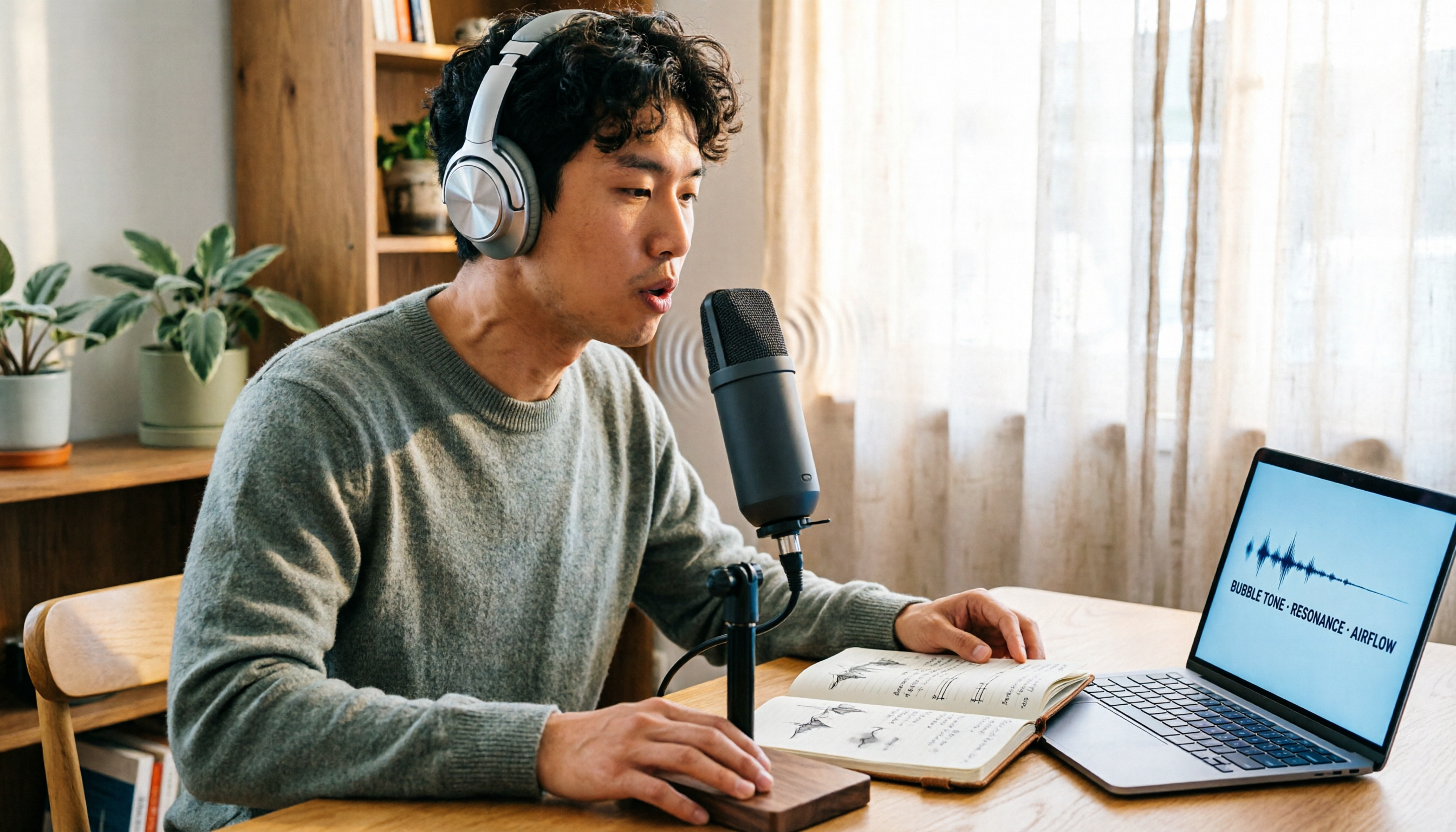
Vocal Fry Meaning Explained: 3 Key Questions to Decide If It's a Style or a Vocal Habit
What does vocal fry mean? This plain-language guide explains the definition, how it's produced, and famous examples. It also covers 3 key questions to help you decide whether to use it, plus practical tips for recording transcription and tool selection.

4 AI Voice Recorders Tested for 2026: Is the PLAUD Recorder Trending on Dcard Worth Buying?
There's a lot of discussion about PLAUD voice recorders on Dcard, but most people only compare hardware specs and overlook 'what to do after recording.' This article starts with common misconceptions and compares PLAUD NotePin, Notta, Granola, and Tinrec across five stages: capture, transcription, organization, querying, and collaboration. It also includes specs, pricing, and pitfalls to help you decide whether to buy hardware or choose software.

Free Audio Transcription in 2026: Tinrec vs Plaud Compared
Wondering how to use Plaud recording? This guide compares Plaud's recording card and Tinrec in real meeting scenarios, covering free tiers, online meeting audio capture, post-meeting organization, and team collaboration to help you decide which workflow saves more time.

PLAUD Voice Recorder Review: Which Model Is Best? 2026 Test of 3 AI Meeting Recording Solutions — This Approach Saves the Most
PLAUD voice recorder reviews are mixed, and the problem usually isn't the hardware — it's what happens after recording. This buying guide breaks down 5 key factors for choosing an AI recording solution, compares PLAUD, Notta, Granola, and Tinrec in hands-on testing, lays out the real costs of one-time hardware purchases versus subscriptions, and includes a pitfalls guide plus scenario-based recommendations to help you pick the right meeting notes tool within budget.

Vocol.ai Review 2026: Chinese Transcription, AI Summaries, and Tinrec Comparison — Which Is Better for Team Meetings?
After hands-on testing, we break down Vocol.ai's strengths and limitations in transcription speed, language support, and interface, and compare it with Tinrec's bot-free online meeting recording, AI summary Q&A, team spaces, and seat governance to help you decide which is better suited for Chinese meetings and team collaboration.