

Turn recordings into transcripts and summaries in minutes
Upload audio or video for multilingual transcription, AI notes, and action items
2026 Complete Guide to Hokkien Speech to Text: Convert Hokkien Recordings to Text, Summaries & Transcripts with Tinrec
Have you ever had this problem: You attend a meeting conducted entirely in Hokkien and want to create meeting minutes, but you find that while speaking Hokkien is easy, typing it out is a challenge because you don't know how to romanize it? Or, you recorded an oral history from your grandparents and want to save it as a text file, but you're stuck spending hours transcribing word by word?

Now, with AI speech-to-text tools, these pain points can be significantly simplified. Take Tinrec as an example: it is an AI recording and audio/video organizing tool that supports multiple languages. It can transcribe Hokkien recordings into text in real time, and further organize them into summaries, chapters, and action items. Below, we'll guide you step by step on how to use such tools to turn your Hokkien audio into usable digital data.
What Can Hokkien Speech to Text Do for You?
Whether you are an office worker, student, researcher, or content creator, as long as your work or life involves processing Hokkien recordings, AI speech to text can help in the following scenarios:
Scenario 1: Meeting minutes without manual transcription
After a meeting conducted entirely in Hokkien, instead of relistening to two hours of audio and typing slowly, just upload the recording to Tinrec. It will automatically generate a transcript, and even highlight key points and action items, getting the summary done in 5 minutes.Scenario 2: Quick transcription for interview research
When conducting fieldwork or oral history interviews, Hokkien conversations often need to be recorded verbatim. Tinrec supports uploading audio files for direct transcription. After transcription, you can use the AI Q&A feature to search for keywords—for example, ask "Who mentioned 'temple fair'?" and instantly locate the relevant section.Scenario 3: Easier mother tongue learning
Want to learn Hokkien but lack materials? Record conversations with elders or listen to Hokkien podcasts, then use Tinrec to transcribe them into text. Syncing the audio with the text speeds up learning and improves accuracy much faster than just listening.Scenario 4: Repurposing video content
Many YouTube or TikTok Hokkien teaching and entertainment videos can be processed by pasting the link into Tinrec, which extracts the content and converts it to text, making it easy to create notes, subtitles, or social media posts.
What Are the Core Capabilities of Hokkien Speech to Text?
Choosing the right tool means Hokkien to text goes beyond just "dictation"—it can understand and apply the content. Tinrec offers the following key capabilities:
Real-Time Transcription: Output Text as You Record
Tinrec's real-time recording-to-text feature has a delay of less than 1 second. During meetings or classes, you can see text output immediately. Even if the entire session is in Hokkien, it displays smoothly, allowing you to verify accuracy on the spot.

Multiple Input Sources: Process Videos and Files
Besides direct phone recording, Tinrec can import local audio or video files, and even support pasting online video links (e.g., YouTube, TikTok) for direct content parsing. This means you are not limited to recording scenarios; any Hokkien audio/video material can be converted to text.
AI Summaries and Chapters: Quickly Grasp Key Points
Transcription is just the first step. Tinrec automatically splits long recordings into chapters with summaries. For example, a one-hour Hokkien meeting recording will be organized into structures like "Discussion Topic: Spring Festival Event Planning" and "Conclusion: Budget Approved," so you don't have to listen from start to finish.
Stop organizing recordings by hand
Upload audio or video and automatically get a transcript, summary, and action items
Automatic Action Item Extraction
For instructions like "You need to submit the report the day after tomorrow" mentioned in a meeting, Tinrec can automatically extract action items, listing responsible persons and deadlines. This is especially useful for teams accustomed to holding meetings in Hokkien.
AI Q&A: Query Like a Database
After transcription, you can directly ask Tinrec questions using keywords in Chinese or Hokkien, such as "What did the customer think about the price?" It uses semantic understanding to pull out the relevant sections, saving you time searching through a haystack.
Real-World Use Cases
Use Case 1: Company Meetings Entirely in Hokkien
A small-to-medium enterprise that holds meetings in Hokkien used to rely on one colleague to slowly type up minutes. After adopting Tinrec, they just place a phone on the table to record, and get the transcript and summary immediately after the meeting. A senior employee noted: "Although some Hokkien slang still has errors, over 80% of the content is accurate, and with minor edits it's good enough."
Use Case 2: University Hokkien Classes
A student taking Hokkien literature classes records 2 hours of lecture each week. Previously, reviewing relied on notes. Now they upload the recording to Tinrec, let AI transcribe and auto-segment. Before exams, they use the Q&A feature to quickly find key authors mentioned by the professor.
Use Case 3: Podcast Transcripts
A podcaster regularly interviews guests from different generations entirely in Hokkien. They upload the audio to Tinrec for transcription, lightly polish it, and publish it as show notes. Listeners feedback that "having a searchable text version is super convenient," and it also boosts SEO.
Use Case 4: Organizing LINE Group Voice Messages
In family chat groups, elders often use voice messages to give instructions. Accumulated hundreds of these are hard to search through. Tinrec can import these voice messages via "Import Audio" and convert them to text, then use keyword search to never miss mom's reminders again.
4 Points to Consider When Choosing a Hokkien Speech-to-Text Tool
1. Recognition Accuracy
Hokkien has significant tonal and dialectal variation, so no tool is perfect. Don't just rely on official specs; test with your own recordings. For instance, Tinrec performs steadily in mixed Chinese-English and everyday conversations, though it still has room for improvement with obscure slang. Overall, it's sufficient for daily needs.
2. Input Source Diversity
If you need to process not only phone recordings but also video files on your computer or YouTube links, a tool that accepts multiple input sources is important. Tinrec covers a wide range of common audio/video formats and platforms.
3. Post-Processing Capabilities
Transcription is just the first step. Real value lies in summarizing, highlighting key points, and extracting action items. Beyond basic transcription, Tinrec generates structured meeting summaries, action lists, and even lets you ask questions to find information—essentially an AI assistant included.
4. Pricing and Free Plans
For average users, whether the free tier offers enough minutes is a key consideration. Tinrec's free plan provides a certain number of transcription minutes per month, suitable for light users to try out. If you have high-volume needs weekly, the Pro monthly or annual subscription is reasonably priced, so you don't need to pay a large upfront fee.
Frequently Asked Questions
Q: Does Tinrec support Hokkien? How is the recognition accuracy?
A: Tinrec supports 14 languages, including Mandarin Chinese and multiple dialects. In practice, its recognition of Hokkien is decent. However, due to large tonal variation, accuracy improves with clear audio and mainstream accents; heavy slang or strong accents may require manual correction. We recommend testing with a sample of your own recording using the free version.
Q: How long can I transcribe Hokkien audio with the free plan?
A: Currently, the Tinrec free plan provides a basic monthly transcription allowance, enough for a few meetings or classes. For heavy use, consider the weekly card or Pro plan. Exact figures please refer to the official pricing page.
Q: Can I upload an existing Hokkien MP3 file?
A: Yes, Tinrec supports importing audio and video files, including common formats like MP3, WAV, and MP4. Open the app or web version, select "Import Audio/Video," and upload files from your computer or phone for transcription.
Q: Can I export the transcribed text?
A: Yes. Tinrec offers multiple export formats, including TXT, Word, and PDF. You can also share a link directly. If you prefer organizing in tools like Notion or Google Docs, you can integrate via third-party export functions.
Q: After transcribing Hokkien to text, can it be translated into Chinese?
A: Tinrec focuses on speech-to-text and content organization. If you need to translate the Hokkien transcript into Mandarin, you can export the text first and then use other translation tools. However, due to grammatical differences between Hokkien and Mandarin, the translation may require manual polishing.
Conclusion
Hokkien speech-to-text is no longer a distant technology. With the right tool, you can save significant time on manual transcription and organization. Tinrec, as a multifunctional AI recording and audio/video organization platform, not only supports real-time recording, file import, and online video parsing but also provides summaries, action items, and Q&A features. Even the free version lets you try it out. If you have Hokkien recordings that need processing, download Tinrec now and turn your audio into searchable, usable text assets.
Turn every recording into actionable outcomes
Get 60 free transcription minutes when you sign in. No credit card required.
Related Reading
You might also like

2026 AI Recording Solutions Compared: Plaud vs. Phone Recording vs. Tinrec — Which Should You Choose?
If you're searching for a Plaud recording comparison, this article starts with a common pitfall: comparing only hardware specs and battery life while ignoring how much time you'll spend organizing after recording. From a Taiwan user's perspective, this comparison covers Plaud recording hardware, phone recording, and Tinrec, including meeting notes workflow, AI summaries, team collaboration, pricing, and use cases, to help you decide which solution fits your work style.

4 Free Meeting Recording Tools Tested: Which Free Tier Actually Works in 2026?
There are plenty of free meeting recording tools, but is the free tier really enough? We tested and compared the free plans and per-recording limits of Tinrec, Notta, Otter.ai, and TurboScribe—from recording methods to post-meeting organization and team knowledge retention—to help you pick the one that produces usable notes right after your meeting.

2026 AI Meeting Recorder Comparison: What Does 'Otter' Mean in Chinese? Which Tool Fits Chinese Meetings?
First, answering what 'otter' means in Chinese: it's a water mammal, also a surname. Otter is also Otter.ai, an AI meeting assistant. This article compares Otter.ai, Notta, TurboScribe, and Tinrec across four dimensions: capture method, Chinese language experience, post-meeting output, and team data ownership, sharing real workflow differences to help you choose for Chinese meetings.

What Is Vocal Fry in Chinese? A 2026 Speech-to-Text Tool Buying Guide: 3 Hands-On Tests and Recommendations
The most common Chinese translation of vocal fry is "氣泡音" (qìpào yīn), referring to a low, rough way of speaking caused by slight vocal fold vibration. This article first explains the meaning and origin of the term, then from the perspective of "how to fully capture meeting recordings," helps you decide how to choose a speech-to-text tool, and compares the differences and use cases of Tinrec, Otter.ai, Notta, and Granola.
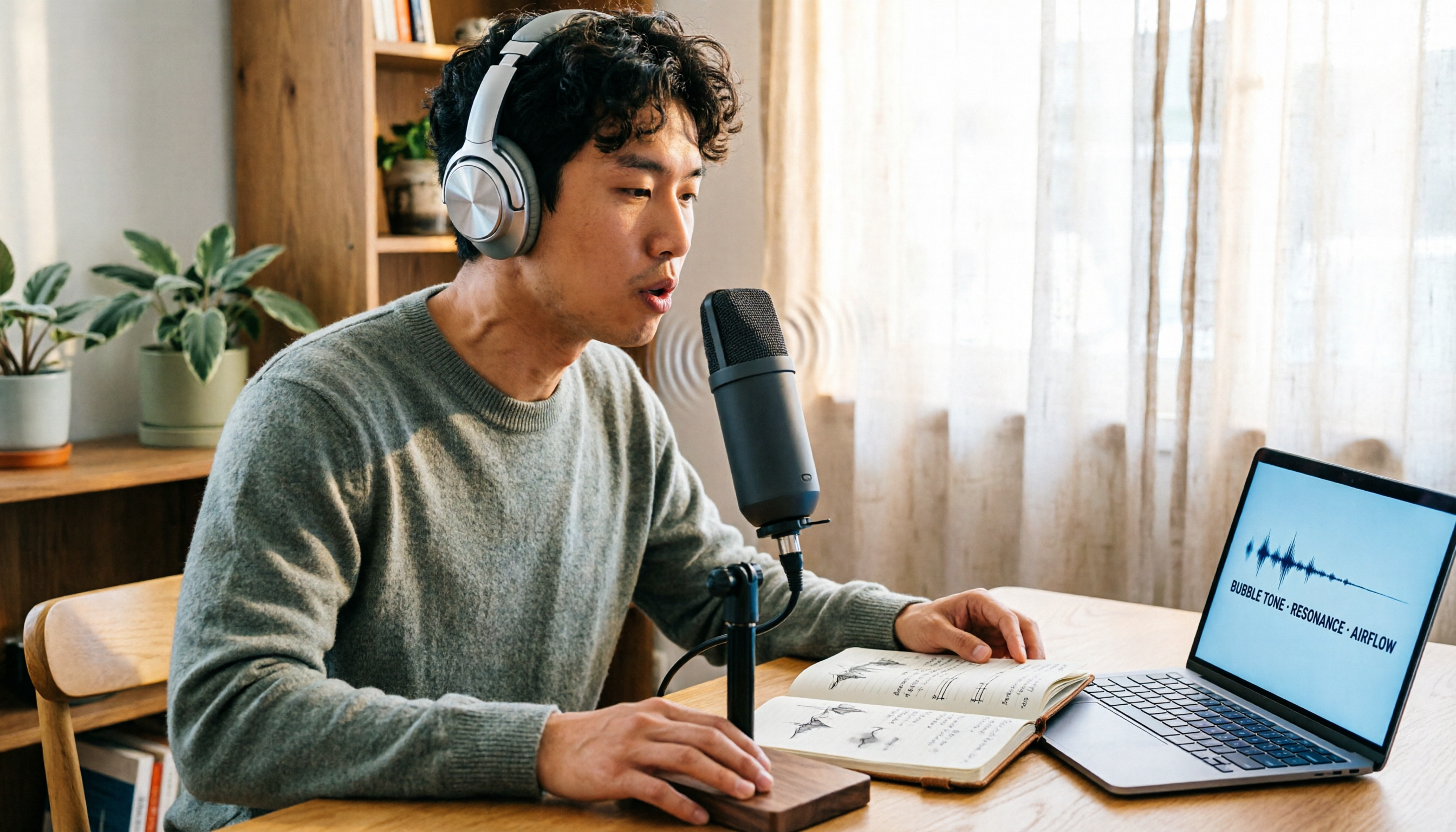
Vocal Fry Meaning Explained: 3 Key Questions to Decide If It's a Style or a Vocal Habit
What does vocal fry mean? This plain-language guide explains the definition, how it's produced, and famous examples. It also covers 3 key questions to help you decide whether to use it, plus practical tips for recording transcription and tool selection.

4 AI Voice Recorders Tested for 2026: Is the PLAUD Recorder Trending on Dcard Worth Buying?
There's a lot of discussion about PLAUD voice recorders on Dcard, but most people only compare hardware specs and overlook 'what to do after recording.' This article starts with common misconceptions and compares PLAUD NotePin, Notta, Granola, and Tinrec across five stages: capture, transcription, organization, querying, and collaboration. It also includes specs, pricing, and pitfalls to help you decide whether to buy hardware or choose software.

Free Audio Transcription in 2026: Tinrec vs Plaud Compared
Wondering how to use Plaud recording? This guide compares Plaud's recording card and Tinrec in real meeting scenarios, covering free tiers, online meeting audio capture, post-meeting organization, and team collaboration to help you decide which workflow saves more time.

PLAUD Voice Recorder Review: Which Model Is Best? 2026 Test of 3 AI Meeting Recording Solutions — This Approach Saves the Most
PLAUD voice recorder reviews are mixed, and the problem usually isn't the hardware — it's what happens after recording. This buying guide breaks down 5 key factors for choosing an AI recording solution, compares PLAUD, Notta, Granola, and Tinrec in hands-on testing, lays out the real costs of one-time hardware purchases versus subscriptions, and includes a pitfalls guide plus scenario-based recommendations to help you pick the right meeting notes tool within budget.

Vocol.ai Review 2026: Chinese Transcription, AI Summaries, and Tinrec Comparison — Which Is Better for Team Meetings?
After hands-on testing, we break down Vocol.ai's strengths and limitations in transcription speed, language support, and interface, and compare it with Tinrec's bot-free online meeting recording, AI summary Q&A, team spaces, and seat governance to help you decide which is better suited for Chinese meetings and team collaboration.