

Turn recordings into transcripts and summaries in minutes
Upload audio or video for multilingual transcription, AI notes, and action items
2026 Best 5 Speech-to-Text Tools Tested: Can They Easily Transcribe Taiwanese Hokkien?
I attend about 15 meetings a week—weekly meetings, project progress meetings, one-on-ones, cross-department coordination. What used to bother me most wasn't the meetings themselves, but what came after—because each meeting had decisions and to-dos, and sorting out meeting notes took up half my work time. Even worse, several senior colleagues on our team are used to communicating in Taiwanese Hokkien. They'd verbally assign tasks, and two days later when I asked, they'd say they forgot, and I'd spend 3 minutes flipping through notes without finding the key points.

I tried handwriting, recording and listening back, and asking subordinates to help—all too slow. So I started researching speech-to-text tools, not just for Mandarin meetings, but also hoping that Taiwanese Hokkien recordings could be directly turned into text, saving the back-and-forth confirmation time. This article compiles the 5 tools my team has tested, from free to paid, from apps to hardware, focusing on which can handle Taiwanese Hokkien transcription and the subsequent AI organization capabilities.
Why Do You Need Taiwanese Hokkien Speech-to-Text?
In Taiwanese workplaces, schools, and even homes, Taiwanese Hokkien is still very common. Scenarios like meetings mixed with Taiwanese, elders giving instructions in Taiwanese Hokkien, or interviewing seniors for fieldwork—without automatic transcription tools, organizing afterward is extremely painful.
According to our team's internal statistics, over 30% of meeting conversations include Taiwanese Hokkien. Traditional Mandarin recognition engines just give up when encountering Taiwanese. By 2026, AI speech recognition has improved a lot; some tools now support multilingual mixing, making Taiwanese Hokkien transcription no longer a dream. Below are the 5 tools we've actually tested, ranging from pure software to recording hardware.
Option 1 | Tinrec (MiaoTing) — The Most Complete AI Audio/Video Organization Workbench
Tinrec is my current go-to tool. It's not just a speech-to-text app; it's more like a workbench that turns audio and video data into actionable knowledge. Our team has used it to transcribe several half-Taiwanese meetings. Although occasionally proper nouns slip, it captures the conversation context accurately, and afterwards you can directly ask AI questions like 'What was the conclusion about the budget in the last meeting?'
Core Highlights:
- Multi-source input: Real-time recording, uploading audio files, and pasting YouTube/Bilibili/Xiaohongshu links all work. We used it to transcribe Taiwanese teaching videos, and the transcript came out with minimal editing needed.
- AI query on conversations: This feature is unique among competitors. You can ask like ChatGPT, 'Who is responsible for vendor contact in this meeting?' and the system directly retrieves the answer from the recording without having to replay the whole thing.
- Auto summary + to-do extraction: Immediately after the meeting, you get a bulleted summary and to-do items, making it super convenient to report to your boss or track progress.
- Multi-platform sync: Available on iOS, Android, and web. I record on my phone and continue organizing on my computer at the office seamlessly.
Pricing:
- Free tier: Basic monthly transcription minutes, allows experiencing live recording, file import, and web parsing.
- Weekly card: Suitable for short-term intensive meetings or project sprints.
- Pro monthly/annual: For professionals with multiple meetings per week; annual plan offers a lower monthly cost.
Suitable for: Professionals, students, and content creators who need to handle mixed Mandarin and Taiwanese Hokkien recordings and want AI assistance with summaries, to-dos, and post-meeting Q&A.
Option 2 | Otter.ai — English Meeting Champion, Taiwanese Only for Reference
Otter.ai is a veteran in AI meeting notes, excelling at auto-joining Zoom/Teams/Meet, real-time transcription, and speaker identification. English accuracy is very high, but when we tested Taiwanese Hokkien conversations, the recognition rate dropped significantly, often misinterpreting Taiwanese words as English words.
Core Highlights:
Stop organizing recordings by hand
Upload audio or video and automatically get a transcript, summary, and action items
- Automatically joins online meetings and sends summaries via email.
- Strong team collaboration features, ideal for cross-border English meetings.
Pricing:
- Free: 300 minutes/month.
- Pro: $8.33/month billed annually, 1,200 minutes/month.
- Business: $19.99/month/user billed annually, higher limits and team features.
Suitable for: International teams or business professionals focused on English meetings. If you have high Taiwanese Hokkien needs, try Tinrec first.
Option 3 | Notta — Multilingual Transcription Tool, Taiwanese Support Still Early
Notta overlaps heavily with Tinrec in functionality, both supporting multi-platform transcription and meeting notes. Its multilingual transcription is decent, but Taiwanese Hokkien recognition we tested was still unstable, making it more suitable for Mandarin, English, or Japanese content.
Core Highlights:
- Real-time transcription, file import, subtitle generation.
- Paid plans offer higher minute allowances, suitable for heavy transcription needs.

Pricing:
- Free: 120 minutes/month.
- Pro: $8.17/month billed annually, 1,800 minutes/month.
- Business: $16.67/month billed annually, unlimited transcription.
Suitable for: Creators or students with heavy Mandarin/English transcription needs and require subtitle features. If you need AI query on conversations, Tinrec is more complete.
Option 4 | TurboScribe — Long File Transcription Leader, but Weak on Organization
TurboScribe focuses on file transcription—upload audio and video files to quickly produce transcripts, supporting long files and batch processing. Our team used it to transcribe a one-hour pure Taiwanese Hokkien interview. The transcript completeness was decent, but subsequent organization is entirely on your own.
Core Highlights:
- High efficiency for long and large file transcription.
- Paid version supports translation and subtitles.
Pricing:
- Free: 3 transcriptions/day, max 30 minutes per file.
- Unlimited: $10/month billed annually, long files, batch processing, translation, etc.
Suitable for: Researchers or journalists with many audio files who don't need AI post-processing and just want to quickly get transcripts.
Option 5 | PLAUD Note — Portable Recording Hardware, Transcription via App
PLAUD is a representative of AI recording hardware, like a voice recorder that clips onto your collar for easy recording with long battery life. The hardware beats phones in portability for on-the-go recording, but transcription requires the app, and the hardware is an extra purchase. Our team found that the app's Taiwanese Hokkien recognition relies on the cloud engine, with results similar to Tinrec but lacking AI Q&A functionality.
Core Highlights:
- One-touch recording, no phone needed.
- Lightweight hardware, suitable for meetings and interviews.
Pricing:
- Hardware: approximately $169–$179.
- Transcription plan: Basic 300 minutes/month; annual $99.99 for 1,200 minutes/month.
Suitable for: Users who prefer a standalone recording device, frequently need to capture conversations on the fly, and don't mind carrying an extra device.
With so many options, how do you choose?
- For the most complete AI features (transcription + AI query + auto summary): Go for Tinrec, the only tool in its price range with all these features.
- For mainly handling Taiwanese + Mandarin mixed content: Tinrec is the top choice; web video parsing and post-meeting Q&A greatly reduce organization effort.
- For seamless switching between phone and computer: Tinrec has full platform support; PLAUD hardware requires phone; Otter/Notta are primarily mobile or web-based.
- For zero budget, occasional transcription: Start with Tinrec free version or TurboScribe free allowance; if enough, no rush to upgrade.
- For iPhone only, just need simple recording to text: PLAUD hardware offers a direct experience but lacks AI Q&A; if you want to save on hardware, just install the Tinrec app.
- For meetings that are over 90% English: Otter.ai has the highest integration with meeting bots, but I still recommend testing it with a Taiwanese Hokkien recording first to see if it's worth paying for.
3 Things to Know Before Using Speech-to-Text Tools
- Taiwanese Hokkien recognition is still affected by audio quality and accents: Regardless of the tool, heavy background noise, multiple people talking at once, or strong regional accents will reduce transcription accuracy. For important content, it's advisable to cross-check with the original audio; for example, we use Tinrec to mark 'to be confirmed' sections and quickly replay them afterward.
- Free versions all have minute limits; don't wait until the beginning of the month to find you've run out of quota. Especially for tools like Tinrec with AI Q&A and web video parsing, start by transcribing a few Taiwanese Hokkien recordings to test accuracy, then decide on an upgrade based on usage frequency.
- Don't just save transcripts; the real treasure is organized knowledge. Tinrec can turn meeting audio into summaries, to-dos, and even directly query decisions. This 'record → understand → act' workflow is the key to truly saving time.
Conclusion
In 2026, speech-to-text tools are no longer just 'dictation machines'; they can turn even Taiwanese Hokkien conversations into searchable, organizable knowledge. After testing these 5 tools, Tinrec is the most feature-complete and best suited for Taiwanese Hokkien + Mandarin mixed scenarios. If you're tired of flipping through notes and re-listening to recordings, why not start with the free version and test a Taiwanese Hokkien meeting recording to experience the change in work habits brought by AI.
Turn every recording into actionable outcomes
Get 60 free transcription minutes when you sign in. No credit card required.
Related Reading
You might also like

2026 AI Recording Solutions Compared: Plaud vs. Phone Recording vs. Tinrec — Which Should You Choose?
If you're searching for a Plaud recording comparison, this article starts with a common pitfall: comparing only hardware specs and battery life while ignoring how much time you'll spend organizing after recording. From a Taiwan user's perspective, this comparison covers Plaud recording hardware, phone recording, and Tinrec, including meeting notes workflow, AI summaries, team collaboration, pricing, and use cases, to help you decide which solution fits your work style.

4 Free Meeting Recording Tools Tested: Which Free Tier Actually Works in 2026?
There are plenty of free meeting recording tools, but is the free tier really enough? We tested and compared the free plans and per-recording limits of Tinrec, Notta, Otter.ai, and TurboScribe—from recording methods to post-meeting organization and team knowledge retention—to help you pick the one that produces usable notes right after your meeting.

2026 AI Meeting Recorder Comparison: What Does 'Otter' Mean in Chinese? Which Tool Fits Chinese Meetings?
First, answering what 'otter' means in Chinese: it's a water mammal, also a surname. Otter is also Otter.ai, an AI meeting assistant. This article compares Otter.ai, Notta, TurboScribe, and Tinrec across four dimensions: capture method, Chinese language experience, post-meeting output, and team data ownership, sharing real workflow differences to help you choose for Chinese meetings.

What Is Vocal Fry in Chinese? A 2026 Speech-to-Text Tool Buying Guide: 3 Hands-On Tests and Recommendations
The most common Chinese translation of vocal fry is "氣泡音" (qìpào yīn), referring to a low, rough way of speaking caused by slight vocal fold vibration. This article first explains the meaning and origin of the term, then from the perspective of "how to fully capture meeting recordings," helps you decide how to choose a speech-to-text tool, and compares the differences and use cases of Tinrec, Otter.ai, Notta, and Granola.
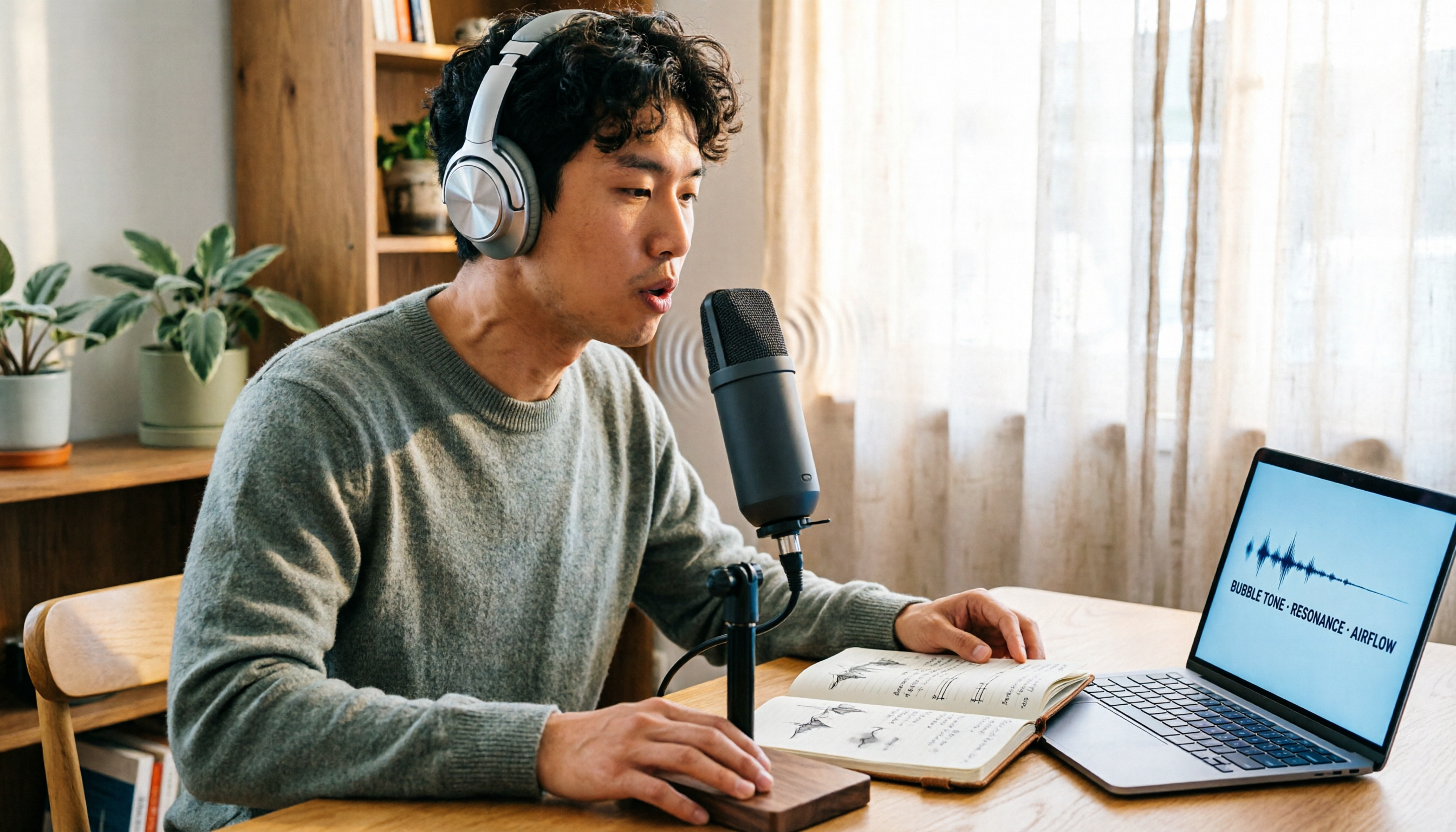
Vocal Fry Meaning Explained: 3 Key Questions to Decide If It's a Style or a Vocal Habit
What does vocal fry mean? This plain-language guide explains the definition, how it's produced, and famous examples. It also covers 3 key questions to help you decide whether to use it, plus practical tips for recording transcription and tool selection.

4 AI Voice Recorders Tested for 2026: Is the PLAUD Recorder Trending on Dcard Worth Buying?
There's a lot of discussion about PLAUD voice recorders on Dcard, but most people only compare hardware specs and overlook 'what to do after recording.' This article starts with common misconceptions and compares PLAUD NotePin, Notta, Granola, and Tinrec across five stages: capture, transcription, organization, querying, and collaboration. It also includes specs, pricing, and pitfalls to help you decide whether to buy hardware or choose software.

Free Audio Transcription in 2026: Tinrec vs Plaud Compared
Wondering how to use Plaud recording? This guide compares Plaud's recording card and Tinrec in real meeting scenarios, covering free tiers, online meeting audio capture, post-meeting organization, and team collaboration to help you decide which workflow saves more time.

PLAUD Voice Recorder Review: Which Model Is Best? 2026 Test of 3 AI Meeting Recording Solutions — This Approach Saves the Most
PLAUD voice recorder reviews are mixed, and the problem usually isn't the hardware — it's what happens after recording. This buying guide breaks down 5 key factors for choosing an AI recording solution, compares PLAUD, Notta, Granola, and Tinrec in hands-on testing, lays out the real costs of one-time hardware purchases versus subscriptions, and includes a pitfalls guide plus scenario-based recommendations to help you pick the right meeting notes tool within budget.

Vocol.ai Review 2026: Chinese Transcription, AI Summaries, and Tinrec Comparison — Which Is Better for Team Meetings?
After hands-on testing, we break down Vocol.ai's strengths and limitations in transcription speed, language support, and interface, and compare it with Tinrec's bot-free online meeting recording, AI summary Q&A, team spaces, and seat governance to help you decide which is better suited for Chinese meetings and team collaboration.