

Turn recordings into transcripts and summaries in minutes
Upload audio or video for multilingual transcription, AI notes, and action items
I recently sorted out an in-depth online interview.
The interviewee was a teacher working on cultural preservation in Sichuan. The entire conversation had a strong Sichuan accent, mixed with Mandarin and technical terms. Initially, I thought throwing the recording into a transcription tool would solve everything, but the transcript came out riddled with errors — "曉得 (know)" became "小的 (small)", "咋個 (how)" became "砸個 (smash)". The whole thing looked like it had been mangled.

It wasn't just recognition errors. The bigger problem: even if the transcript was correct, a one-hour conversation would still take an entire afternoon to read through, extract key points, and write a summary.
I started thinking: is there a tool that doesn't just convert sound to text, but can actually help me organize these long, heavily accented recordings into truly usable data?
(Screenshot here: Real-time recording transcription 1, arrow pointing to the live transcription screen)
Why Are People Looking for Alternatives to Speech-to-Text Tools?
Most transcription tools boast "high accuracy" and "generous minute allowances," but in practice, you'll find several issues:
First, if you record Chinese dialects or accented conversations, standard models often make mistakes, and few tools claim specialized support for Sichuanese. Second, most tools just give you a transcript and that's it — you have to figure out how to digest it yourself. Third, cross-scenario needs: you want to handle meetings, lectures, interviews, even online videos, but each tool seems to focus on just one area.
If you share these frustrations, maybe you should look at tools that "do more than transcribe," just like I did.
Tinrec vs Notta vs Otter: What's Different in Core Experience?
I tried Notta and Otter first, and then Tinrec last. This journey made the positioning differences among the three tools clear.
First: More Than Just a Transcript Notta transcribes quickly and its subtitle feature is good, but the core output is still a transcript. Otter excels at meeting summaries, but it's clearly stronger in English scenarios and only average at handling Chinese accents. Tinrec felt different — after transcribing, it automatically generates summaries, chapters, action items, and even lets me "ask" questions about the recording conversationally.
This saved me the most time: not proofreading the transcript, but "digesting the content."
(Screenshot here: AI conversation query 1, arrow pointing to the question box)
Second: More Than One Input Source Otter is best for online meetings. Notta can handle files and meetings. But Tinrec can handle live recording, files, and even paste online video links for direct parsing. I tried pasting a YouTube video about Sichuan dialect research, and it not only transcribed it but also automatically split the content into chapters.
For anyone who collects various audio/video materials, this means needing fewer tools.
Third: Practical Details for Chinese Scenarios Although all three tools claim to support Chinese, Tinrec's post-processing was a huge help with accented interviews. Even if the initial transcription had flaws, I could just ask the AI: "What was the main point of that older gentleman mentioned earlier?" Tinrec would understand from context and give a clearer answer than the raw transcript.
This doesn't mean it recognizes Sichuanese perfectly, but it makes imperfect recognition much more tolerable.
Tinrec's Core Features at a Glance
Next, I'll walk you through Tinrec's key features using my actual workflow. This isn't a feature list, but a method to turn long recordings into actionable data.
Real-Time Recording Transcription
Open Tinrec, hit record, and text appears on screen almost in real time. This is especially useful for meetings or classes — you can listen while glancing at the text to confirm key points, without worrying about missing anything.
(Screenshot here: Real-time recording transcription 1)
Stop organizing recordings by hand
Upload audio or video and automatically get a transcript, summary, and action items
Import Audio or Video Files
Already have a recording? Whether it's MP3, WAV, or MP4, just drop it into Tinrec and it automatically transcribes. My interview recording was 57 minutes long, and transcription took about a third of that time.
(Screenshot here: Import audio/video file for transcription 1)
Online Video Link Parsing
Paste a YouTube, Bilibili, or Xiaohongshu video link, and Tinrec can grab and transcribe the content. I recently used this feature to quickly organize several public videos about dialect preservation.

(Screenshot here: Online video link parsing)
AI Summaries and Chapters
After transcription, Tinrec automatically generates summaries and chapter titles. You don't have to read through 50 pages of transcript. Just check the summary to grasp the big picture, then dive into specific chapters for details.
(Screenshot here: AI conversation query 1, arrow pointing to summary or chapters)
AI Conversation Query
This is my most relied-upon feature. It's like having a super assistant you can ask: "In this interview, what does the interviewee think is the biggest challenge for passing on the Sichuan dialect?" Tinrec extracts the answer from the recording and even tells you the timestamp.
You can start with this prompt template:
"Based on this recording, complete the following tasks: 1. List three core points with supporting quotes from the transcript; 2. Summarize all action suggestions mentioned by the interviewee; 3. If I were the project lead, what should I do next?"
(Screenshot here: AI conversation query 2)
Action Item Extraction
After a meeting, no need to dig through notes for "who needs to do what." Tinrec automatically extracts promised actions from the discussion and organizes them into a to-do list. You can even copy it to Notepad or Notion with one click.
(Screenshot here: Action item extraction 1)
Multi-Format Export
Export the organized results as PDF, Word, TXT, subtitle files, or sync directly to Google Docs, Notion, OneNote. This makes Tinrec not a closed tool, but part of your workflow.
(Screenshot here: Multi-format file export)
Practical Scenarios: How to Organize Sichuan Dialect Meetings, Lectures, and Interviews
Scenario 1: Sichuan Dialect Project Meeting
Several teammates from Sichuan occasionally use dialect in meetings. After recording with Tinrec, I can just ask the AI: "How many versions of the Sichuan dialect course outline were discussed today?" Tinrec finds them for me without replaying the recording.
Scenario 2: University General Education Course "Dialect and Culture"
In a two-hour class, the professor recited a folk song in Sichuan dialect. It was interesting to hear, but hard to review afterward. I used Tinrec to transcribe it, and then used the Q&A feature to dig out key background points about the folk song and turn them into notes.
Scenario 3: Field Interview Organization
The Sichuan culture interview I mentioned earlier was the tipping point for me switching to Tinrec. Relying only on a transcript would have taken me over 3 hours to outline. But with Tinrec's summaries and Q&A, I produced a well-structured interview report in just 40 minutes. Even my boss said, "This time it's really well organized."
Key Points to Consider When Choosing a Transcription Tool
If you're evaluating different tools, consider these aspects:
- Output completeness: Transcription is just step one. Can it automatically summarize, generate chapters, and extract action items? That determines how much time you'll spend afterward.
- Input diversity: Do you only need meeting transcription, or also files and online videos? The broader the source support, the more you'll use the tool.
- Tolerance for imperfect recognition: No tool can 100% correctly recognize dialects. But if it has built-in AI Q&A, even if the transcript has errors, you can still capture semantic key points.
- Cross-platform and export: Can the results integrate into your existing workflow (e.g., Notion, Google Docs)? That affects whether you'll keep using it.
- Free plan generosity: Don't rush to buy. Test with your own recordings on the free version first — that's more reliable than any review.
Conclusion: Is Tinrec Worth Trying?
If your recordings often involve Chinese accents or dialects, and you need not a "draft to proofread" but a finished result you can act on, Tinrec is a great fit.
Especially for multi-source audio/video processing, it covers live recording, files, and online videos in one app, then uses AI to directly extract key points from long content. This method is what turned my past hours-long transcription organization into a report delivered in half an hour.
I recommend downloading Tinrec's free version and testing with your own recordings. Don't rush to judge — give it a chance, and you might find that organizing recordings can be this easy.
You Can Do It Too: A 5-Step Checklist for Organizing Recordings with Tinrec
- Open Tinrec, record your meeting or class, or import an existing file.
- After transcription, first look at the AI-generated summary and chapters.
- For parts you want to dive deeper into, use the AI Q&A to ask questions.
- Copy key points and action items to your note-taking tool.
- Export in your desired format and save to your work folder.
Test step by step, and you'll gradually master this method, turning recordings from "files waiting to be listened to someday" into actionable data.
Turn every recording into actionable outcomes
Get 60 free transcription minutes when you sign in. No credit card required.
Related Reading
You might also like

2026 AI Recording Solutions Compared: Plaud vs. Phone Recording vs. Tinrec — Which Should You Choose?
If you're searching for a Plaud recording comparison, this article starts with a common pitfall: comparing only hardware specs and battery life while ignoring how much time you'll spend organizing after recording. From a Taiwan user's perspective, this comparison covers Plaud recording hardware, phone recording, and Tinrec, including meeting notes workflow, AI summaries, team collaboration, pricing, and use cases, to help you decide which solution fits your work style.

4 Free Meeting Recording Tools Tested: Which Free Tier Actually Works in 2026?
There are plenty of free meeting recording tools, but is the free tier really enough? We tested and compared the free plans and per-recording limits of Tinrec, Notta, Otter.ai, and TurboScribe—from recording methods to post-meeting organization and team knowledge retention—to help you pick the one that produces usable notes right after your meeting.

2026 AI Meeting Recorder Comparison: What Does 'Otter' Mean in Chinese? Which Tool Fits Chinese Meetings?
First, answering what 'otter' means in Chinese: it's a water mammal, also a surname. Otter is also Otter.ai, an AI meeting assistant. This article compares Otter.ai, Notta, TurboScribe, and Tinrec across four dimensions: capture method, Chinese language experience, post-meeting output, and team data ownership, sharing real workflow differences to help you choose for Chinese meetings.

What Is Vocal Fry in Chinese? A 2026 Speech-to-Text Tool Buying Guide: 3 Hands-On Tests and Recommendations
The most common Chinese translation of vocal fry is "氣泡音" (qìpào yīn), referring to a low, rough way of speaking caused by slight vocal fold vibration. This article first explains the meaning and origin of the term, then from the perspective of "how to fully capture meeting recordings," helps you decide how to choose a speech-to-text tool, and compares the differences and use cases of Tinrec, Otter.ai, Notta, and Granola.
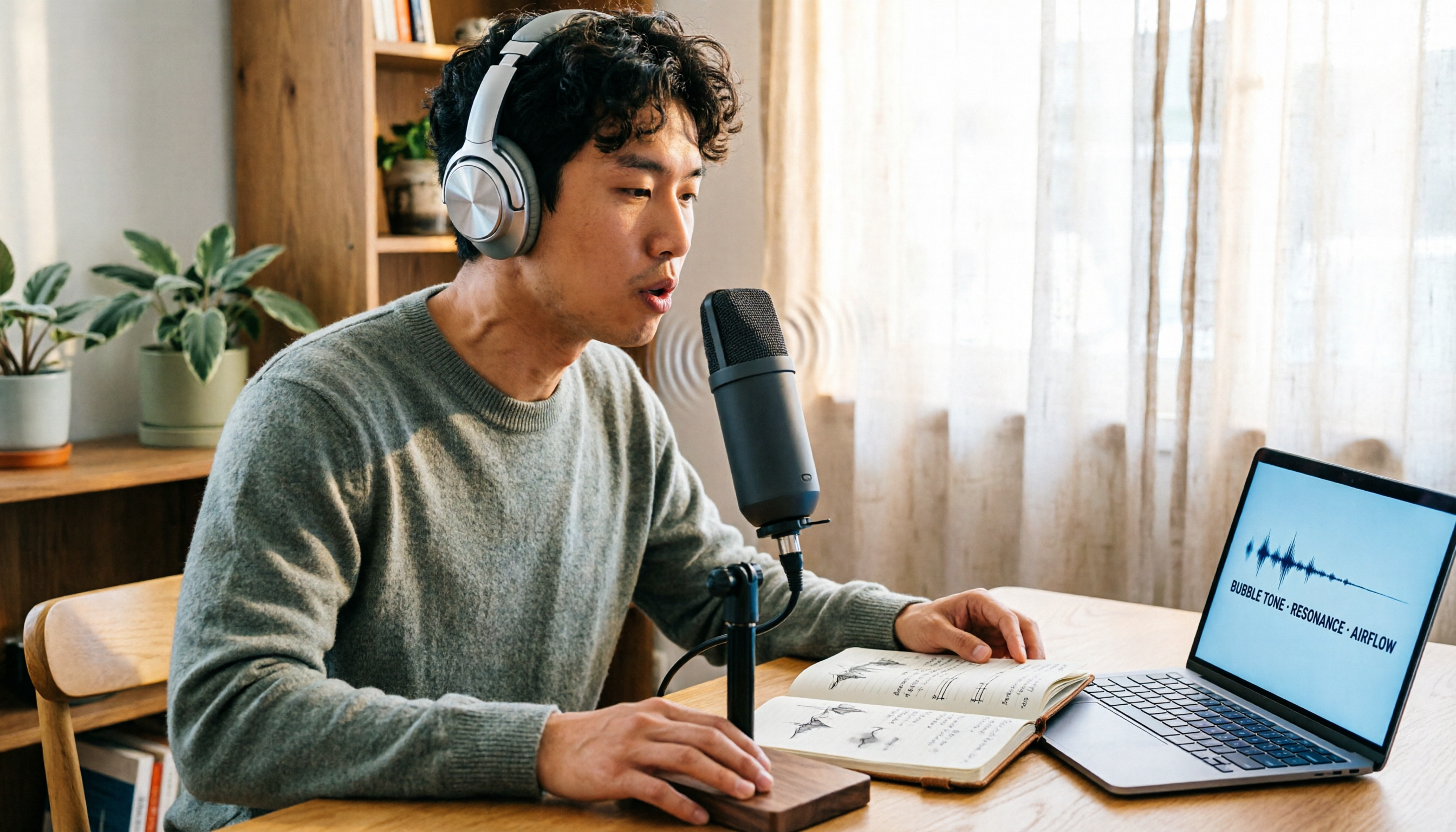
Vocal Fry Meaning Explained: 3 Key Questions to Decide If It's a Style or a Vocal Habit
What does vocal fry mean? This plain-language guide explains the definition, how it's produced, and famous examples. It also covers 3 key questions to help you decide whether to use it, plus practical tips for recording transcription and tool selection.

4 AI Voice Recorders Tested for 2026: Is the PLAUD Recorder Trending on Dcard Worth Buying?
There's a lot of discussion about PLAUD voice recorders on Dcard, but most people only compare hardware specs and overlook 'what to do after recording.' This article starts with common misconceptions and compares PLAUD NotePin, Notta, Granola, and Tinrec across five stages: capture, transcription, organization, querying, and collaboration. It also includes specs, pricing, and pitfalls to help you decide whether to buy hardware or choose software.

Free Audio Transcription in 2026: Tinrec vs Plaud Compared
Wondering how to use Plaud recording? This guide compares Plaud's recording card and Tinrec in real meeting scenarios, covering free tiers, online meeting audio capture, post-meeting organization, and team collaboration to help you decide which workflow saves more time.

PLAUD Voice Recorder Review: Which Model Is Best? 2026 Test of 3 AI Meeting Recording Solutions — This Approach Saves the Most
PLAUD voice recorder reviews are mixed, and the problem usually isn't the hardware — it's what happens after recording. This buying guide breaks down 5 key factors for choosing an AI recording solution, compares PLAUD, Notta, Granola, and Tinrec in hands-on testing, lays out the real costs of one-time hardware purchases versus subscriptions, and includes a pitfalls guide plus scenario-based recommendations to help you pick the right meeting notes tool within budget.

Vocol.ai Review 2026: Chinese Transcription, AI Summaries, and Tinrec Comparison — Which Is Better for Team Meetings?
After hands-on testing, we break down Vocol.ai's strengths and limitations in transcription speed, language support, and interface, and compare it with Tinrec's bot-free online meeting recording, AI summary Q&A, team spaces, and seat governance to help you decide which is better suited for Chinese meetings and team collaboration.