

Turn recordings into transcripts and summaries in minutes
Upload audio or video for multilingual transcription, AI notes, and action items
I attend about 15 meetings a week—team stand-ups, progress reviews, 1-on-1s, cross-departmental coordination—they fill up my calendar. What used to bother me most wasn’t the meetings themselves, but what came after. Every meeting left a pile of decisions and action items, meaning my real work began when the meeting ended. I tried handwritten notes (couldn’t keep up), tried recording and listening back (too time-consuming), tried asking a colleague to take notes (they were busy too). Then I started using AI speech-to-text tools, and that’s when I finally saved the most mechanical part of the work.
There are plenty of free plans out there, but for someone like me who lives in meetings, what I need is "high accuracy, fast organization, and ideally the ability to ask AI about key points." In this article, I’m comparing two popular free solutions from a team-testing perspective: Tinrec (MiaoTing) and Otter.ai, to see which one turns your recordings into truly usable material.

Tinrec vs Otter.ai: Quick Overview
Simply put, Otter.ai is a Silicon Valley-born veteran in AI meeting notes, strong in English business meetings and team collaboration. Tinrec, on the other hand, is more of a "turn audio/video into actionable knowledge" workspace—handling not just meetings but also lectures, interviews, and online videos. Both have free versions, but with different focuses.
| Tinrec | Otter.ai | |
|---|---|---|
| Positioning | AI recording & audio/video organization | AI meeting notes & collaboration |
| Free Plan | Monthly base transcription quota with full feature access | 300 minutes transcription/month with full features |
| Platforms | iOS, Android, Web | iOS, Android, Web |
| Key Difference | Supports online video link transcription, Chinese optimization, rich AI post-processing | Strong English meeting ecosystem, robust speaker identification |
Below, I break down four dimensions our team cares about most, so you can see the difference at a glance.
Dimension 1: Chinese Transcription Accuracy
Otter.ai Performance: Otter’s English transcription accuracy is solid, but when it comes to Chinese meetings—especially multi-speaker discussions with Taiwanese colloquialisms or code-switching between Chinese and English—the error rate increases noticeably. We tested the same 5-minute Chinese meeting recording (light background noise, two people talking). Otter transcribed “那個專案的 deadline 再延一週” (the deadline for that project is extended by one week) as “那個專案的 dead line 在演一週” (that project’s dead line is performing one week). With one keyword wrong, the whole meaning shifted.
Tinrec Performance: On the same recording, Tinrec’s verbatim transcript required almost no manual corrections. Conversational fillers, code-switching—all handled cleanly. We later tried a meeting clip with some Taiwanese Hokkien mixed in. While not perfect, Tinrec’s recognition and context recovery were clearly higher than Otter’s. For workplace needs, this means you don’t have to spend additional time listening back and proofreading—you can use it directly.
→ Winner: Tinrec. For professionals with primarily Chinese meetings, accuracy equals time saved.
Stop organizing recordings by hand
Upload audio or video and automatically get a transcript, summary, and action items
Dimension 2: Free Plan & Quota
Otter.ai Free Plan: 300 minutes of transcription per month, counting only the “speech-to-text” part. Other AI features like summaries and action item extraction are included. If you have moderate meeting hours, 300 minutes might be enough. But for someone like me who easily exceeds 5 hours of meetings per week, that’s over 1,000 minutes a month—the free tier runs out mid-month.
Tinrec Free Plan: Also offers a monthly base transcription quota (exact minutes subject to product updates; check the app). But the key is that Tinrec’s free version already includes “online video link transcription” and AI summaries, which is handy for people who need to organize online courses, YouTube meeting recordings, etc. Additionally, Tinrec offers flexible add-ons—week passes for heavy meeting periods—more aligned with real work rhythms than fixed monthly subscriptions.
→ Tie. Both have free limits; Otter’s minutes are transparent, while Tinrec’s flexibility and extra features suit multi-source organization better. For pure free-tier use, both satisfy light users.
Dimension 3: AI Features & Post-processing

Otter.ai Post-processing: Otter’s auto summaries and action item extraction work well, especially in English where it integrates seamlessly with Slack, Zoom, etc. for team collaboration. But in Chinese, the AI summaries sometimes miss the mark, and you can’t ask questions about the recording—you only see the summary it generates, not "What was the budget figure discussed last time?"
Tinrec Post-processing: Beyond summaries, chapters, and to-do items, what really sold my team on Tinrec is its "AI conversation query". You can type questions about the recording, and the AI finds relevant passages from the transcript. For example, when my boss asks, "In last Friday’s meeting with the client, what were the shipping terms for the second batch?", I don’t need to listen to the whole recording—I open Tinrec, ask, and get the answer. Additionally, Tinrec can generate meeting minutes, reports, and even mind maps from the organized results, with direct export to Notion or Google Docs.
→ Winner: Tinrec. Otter’s AI stops at summarization; Tinrec goes further with dialog and re-generation, more useful for professionals who frequently need to look back and verify details.
Dimension 4: Cross-platform & Usability
Otter.ai: Supports iOS, Android, web. The interface is intuitive—just hit record and go. For English users, there’s almost no learning curve.
Tinrec: Also supports iOS, Android, web. The mobile app allows pausing and resuming during recording, handy for meetings that get interrupted. The web version can take a YouTube or Bilibili link and transcribe it directly—no need to download the video first.
→ Tie. Both cover the major platforms and offer smooth everyday operation with no significant gap.
Unique Strengths
Tinrec’s Unique Strengths
- Best for Chinese content: From meetings to courses to online videos, Chinese recognition and post-processing are notably more refined, especially for Taiwan workplace contexts with code-switching and Hokkien terms.
- AI conversation query: You can ask follow-up questions about recording content like a database—no more historical meetings getting lost.
- Diverse input sources: Besides live recording, it supports uploading audio/video files and directly parsing online video links, consolidating scattered material.
- Flexible payment options: Offers week, month, and year passes, so you don’t have to swallow a monthly fee during months with fluctuating usage.
Otter.ai’s Unique Strengths
- Complete English meeting ecosystem: If your meetings are primarily in English and your team is deeply integrated with Slack/Zoom, Otter’s collaboration experience is still the smoothest.
- Reliable speaker identification: In English environments, it accurately distinguishes multiple speakers, very helpful for fully English multi-person meetings.
Conclusion: Which One Should You Choose?
- If your meetings, courses, and interviews are primarily in Chinese, and you need quick post-meeting reference and AI Q&A → Tinrec; the Chinese accuracy and AI conversation query directly save you tons of organization time.
- If your meetings are fully in English, your team already uses Otter’s ecosystem, and you don’t need Chinese transcription → Otter.ai works fine.
- If you often need to organize content from public videos (YouTube, Bilibili, etc.) → Only Tinrec can directly paste a link to transcribe text.
In a nutshell: For most Chinese workplace environments, Tinrec is a more complete free starting point. Download Tinrec’s free version and test it with your own meeting recordings—you’ll see if it saves you that 1-2 hours of organization time every day.
Turn every recording into actionable outcomes
Get 60 free transcription minutes when you sign in. No credit card required.
Related Reading
You might also like
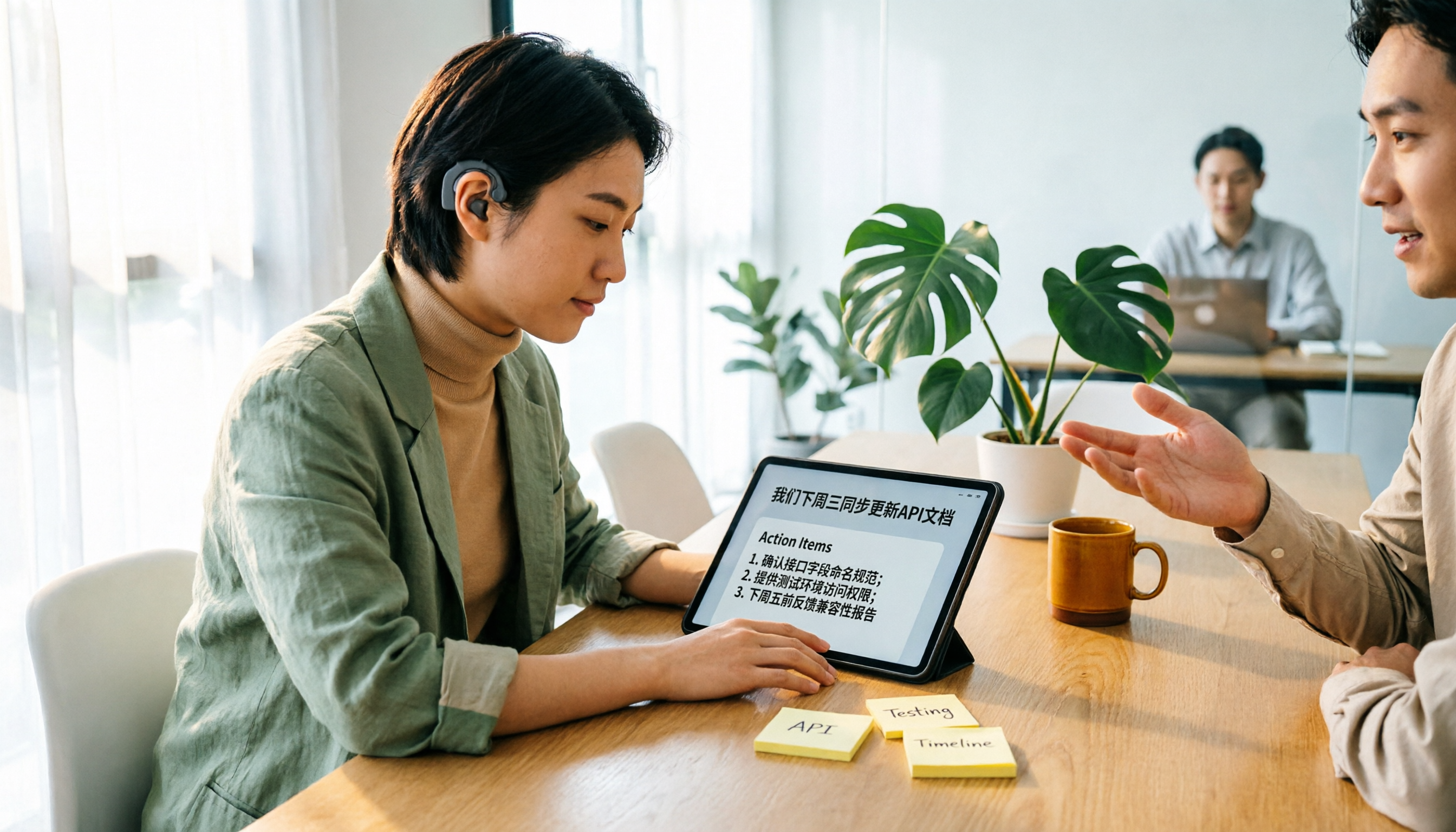
Tinrec vs Yating Transcription 2026: 5-Dimension Comparison for Hearing Accessibility and Post-Meeting Productivity
For users with hearing loss, the goal isn't just converting speech to text—it's eliminating the need to ask others to repeat and having a searchable record afterward. This article compares Tinrec (Miao Ting Recording) and Yating Transcription across five dimensions: live transcription, post-meeting organization, cross-device online meetings, multilingual support and real-time translation, and team collaboration. It also provides a starter checklist for choosing based on your scenario.

2026 Comparison of 2 Sales Call Recording Tools: Tinrec vs PLAUD Note — Which Better Turns Calls into Action Items?
This article starts from the pain point of organizing key points after sales call recordings, comparing Tinrec and PLAUD Note on recording acquisition, transcription summarization, post-meeting follow-up, team collaboration, and entry cost, to help you decide which is better suited for turning customer calls into actionable data.
2026 Comparison of 3 Thesis Defense Recording Tools: Which One Really Saves Time for Transcripts and Summaries?
After recording your thesis defense, do you spend twice as long re-listening? Based on real needs for thesis defenses, this article breaks down four key purchasing factors: Chinese and mixed Chinese-English recognition, audio file retention, AI Q&A, and quota limits. It compares Tinrec, Notta, Otter.ai, and Granola on defense transcripts, summaries, and post-meeting organization, with common pitfalls and selection advice.

3 AI Transcription Tools Tested in 2026: Vocol.ai Tutorial vs. Tinrec — Which Should You Choose?
Many people search for Vocol.ai tutorials but get stuck when it's time to organize recordings. This article uses Tinrec to demonstrate a complete workflow from recording to transcript, summary, action items, and team archiving, and compares Vocol.ai's positioning and key purchasing considerations to help you find the right AI transcription workflow.

How to Choose a Recording Capsule in 2026: 5 Steps to Understand PLAUD NotePin Reviews and Procurement Value
A clear breakdown of PLAUD NotePin recording capsule reviews: 16g body, 20 hours of continuous recording, 112-language transcription—who it suits and who it doesn't. This article walks you through 5 steps, from needs assessment and key buying points to cost payback, avoiding pitfalls, and final selection. It also compares Tinrec, Otter.ai, and Notta on online meetings, post-meeting organization, and team collaboration, so you can justify your choice in a budget meeting.

Tinrec vs Free Meeting Transcription in 2026: 5-Dimension Comparison, Which Should Students Choose for Meeting Notes?
Starting from common misconceptions students have about meeting audio transcription, this article explains 5 key purchasing considerations: free quota, meeting capture method, Chinese recognition, post-meeting organization, and team data ownership. It also demonstrates Tinrec's actual workflow for classes, group discussions, and interviews.
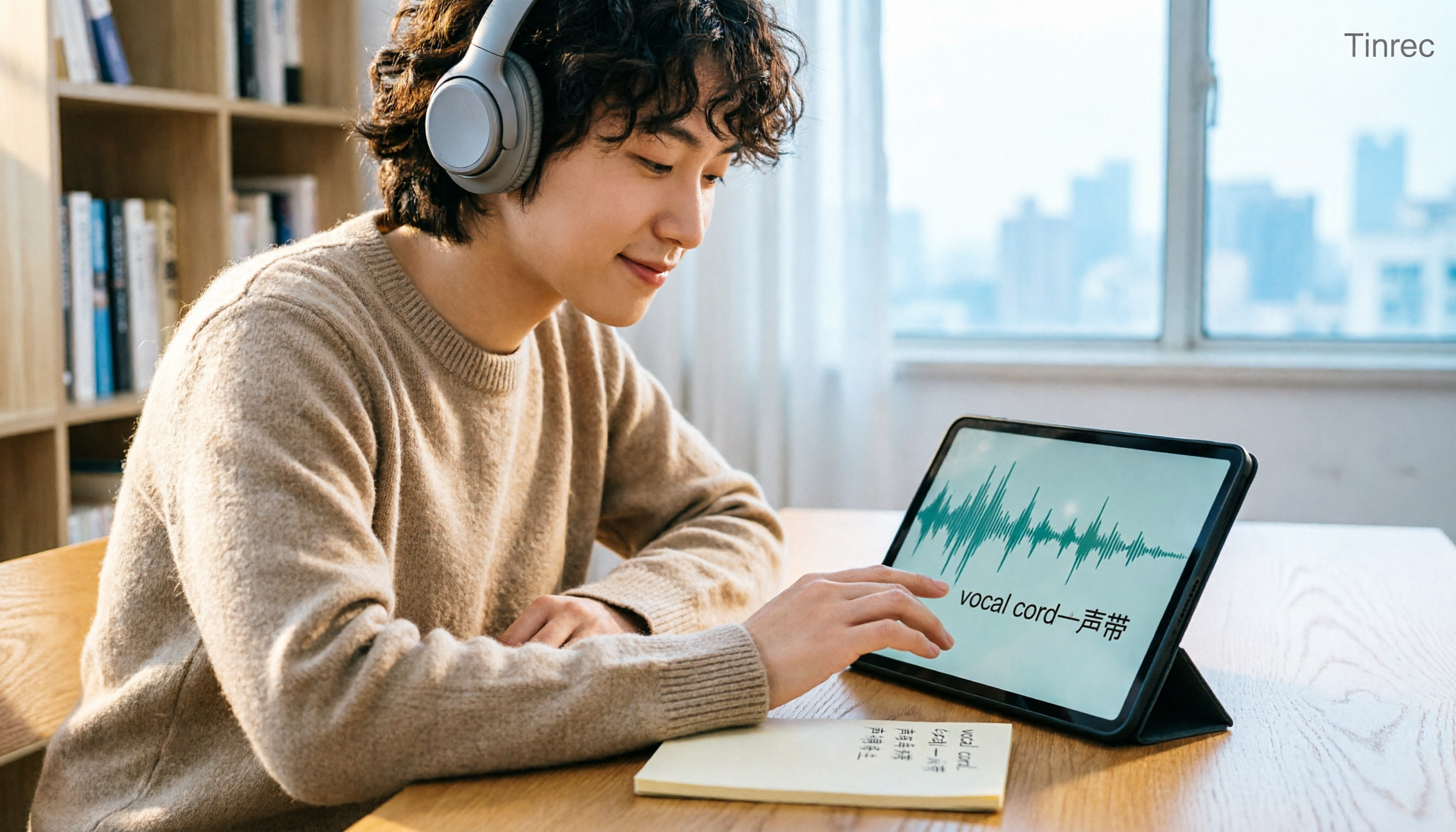
Tinrec vs Otter.ai in 2026: A 5-Dimension Comparison — Which Is Better for English Content Like 'vocal cord'?
'Vocal cord' in Chinese means '声带' (vocal cords), but most people who look up this term are actually struggling to understand and remember entire English passages. This article starts with the word's meaning, breaks down 4 key factors for choosing an English-to-Chinese content tool, compares Tinrec with Otter.ai, Notta, and TurboScribe through hands-on testing, and summarizes 4 common pitfalls and selection recommendations.

4 AI Voice Recorder Tools Tested and Compared for 2026: Is the NotePin Wearable Recorder Worth Buying?
Plaud NotePin reviews are sharply divided, and the problem is often mismatched expectations. Starting from real recording scenarios, this article breaks down the NotePin's specs, wearing experience, subscription costs, and pain points reported by forum users, then compares it with three different approaches—Tinrec, Notta, and Otter.ai—to help you decide whether you need a piece of hardware or a software workflow.

Can Otter.ai Handle Chinese in 2026? 5 Key Checks and Chinese Meeting Tool Options
Otter.ai's official language list only includes Chinese (Simplified), supporting spoken Mandarin with Simplified Chinese output. Traditional Chinese is not officially supported, and each meeting can only be set to one language. This article uses 5 key points to help you determine if it suits your Chinese meetings, and outlines Chinese meeting tools that work more smoothly in practice, along with pitfalls to avoid.