

Turn recordings into transcripts and summaries in minutes
Upload audio or video for multilingual transcription, AI notes, and action items
2026 Tinrec vs Otter.ai: 5-Aspect Showdown – Which Transcription Tool Suits You Best?
Tinrec vs Otter.ai: Quick Overview

When we need to transcribe meetings, lectures, interviews, or videos, Otter.ai often comes to mind first—it's one of the pioneers of AI meeting notes. But if you handle not just meetings but also large volumes of Chinese courses, online videos, or past recordings, Tinrec might be a better fit.
- Focus: Tinrec is an "AI recording and audio/video transcription tool"; Otter.ai is an "AI meeting notes tool."
- Platform Support: Both offer iOS, Android, and web versions, but Tinrec also emphasizes integration with computer meeting recording (Zoom, Teams, etc.).
- Free Plan: Otter provides 300 transcription minutes per month; Tinrec offers a basic free tier with flexible week, month, and annual passes.
- Key Difference: Tinrec handles a wider variety of input sources (live recording, uploaded audio, online video links) and offers more comprehensive post-transcription features; Otter excels in meeting collaboration and team management.
Below, I compare them across five practical use cases so you can decide which one to start using.
Dimension 1: Input Source Variety
Otter.ai's biggest strength is automatically joining online meetings (Zoom, Google Meet, etc.) and providing real-time transcription with speaker labeling—great for frequent internal meetings. However, if you want to transcribe a pre-recorded interview MP3 or a public YouTube course, Otter does support file uploads but with limits (Pro plan: 10 files per month), and it cannot directly process online video links.
Tinrec offers much more flexibility: besides live recording, you can upload audio or video files, and most conveniently, paste public video links—YouTube, TikTok, Xiaohongshu, Bilibili—all can be parsed and transcribed, saving tons of time for those who collect online material.
→ This dimension: Tinrec clearly wins, especially for users who frequently need to transcribe lectures, interviews, or videos.
Dimension 2: Chinese Content Transcription Experience
Although Otter has improved Chinese transcription in recent years, its core R&D and training data are still English-focused. When dealing with mixed Chinese-English content, Taiwanese accents, or many proper nouns, error rates increase noticeably. Its interface and output files are also more English-oriented, requiring some adjustment for pure Chinese users.
Tinrec has prioritized Chinese, Traditional Chinese, and multilingual scenarios from the start. Its product copy and interface fully support Traditional Chinese (Taiwan). In a test with a 10-minute NTU Open Course recording (lecturer explanation, student questions, Chinese-English mix), Tinrec's verbatim transcript was almost directly readable, and its summaries and chapter divisions were spot-on.
→ This dimension: Tinrec wins big. If you want clean Chinese transcripts, go with Tinrec.
Dimension 3: Post-Transcription Organization and Usage
Many think "transcription" is the endpoint, but you then have to read and highlight key points from thousands of words. Both tools offer AI summaries, but differently.
Otter automatically extracts action items and key discussion points from meetings, but its summary is more of a "meeting summary" framework. For courses or interviews, it may capture the flow but miss the real highlights.
Tinrec is designed as an "organization workstation": it not only provides summaries but also auto-splits chapters, extracts key notes, to-do items, and even generates mind maps. Better yet, these results can be exported in multiple formats (plain text, Markdown, PDF, etc.) or synced to Notion, Google Docs, etc., for further report writing or presentations.
Stop organizing recordings by hand
Upload audio or video and automatically get a transcript, summary, and action items
→ This dimension: Tinrec wins completely. It goes deeper into "what else you can do after transcription," not just giving you a text file.
Dimension 4: AI Chat Query
Otter has "Otter AI Chat," allowing you to ask questions like "Who mentioned the budget in this meeting?" or "What was the last decision?" This is very helpful for frequent team project meetings.

Tinrec also has built-in AI chat query, and it's not limited to meeting recordings—you can feed in courses, interviews, and online videos from the past year and ask questions naturally, like "Did the professor mention the trigger of World War II?" or "What three pain points did the client mention in the last interview?" It finds answers from the corresponding recordings without manually scanning transcripts.
→ This dimension: Tinrec slightly edges ahead, as its AI Q&A works across more content types, not just meetings.
Dimension 5: Pricing Plans and Flexibility
Otter's free plan offers 300 transcription minutes per month, enough for 1–2 meetings per week. The Pro plan costs $8.33/month (billed annually, about $100/year), providing 1,200 minutes and limited file uploads. For larger file processing or team features, you need the Business plan, which is pricier.
Tinrec's free plan also offers basic credits to test the service. Paid plans include Pro monthly and annual passes (lower monthly cost for long-term use), and a clever "week pass"—if you have a sudden intensive week of courses, project interviews, or want to batch-process backlogged videos, you can buy a week's worth of credits instead of committing to a monthly subscription.
→ This dimension: Tinrec's pricing is more flexible for different usage frequencies, especially the week pass for short-term heavy transcription needs.
Unique Advantages of Each
Tinrec's Unique Advantages
- Multi-source all-in-one: live recording, file upload, and online link—covers almost any audio/video content.
- Chinese optimized and Taiwan localized: interface, transcription, and summaries are especially friendly to Traditional Chinese.
- Post-transcription processing: chapters, to-dos, mind maps, multiple export formats—directly usable for further work.
- Flexible payment options: week pass for short sprints, annual pass for long-term knowledge accumulation.
Otter.ai's Unique Advantages
- Team meeting collaboration: auto speaker labeling, integration with Slack, Teams, etc., ideal for department routine meetings.
- Meeting-specific features: meeting note sharing, real-time highlight prompts, mature team collaboration experience.
Summary: Which Should You Choose?
- If you need a tool to handle Chinese courses, interviews, and online videos comprehensively → Tinrec
- If you want to turn recordings into a searchable, queryable knowledge base, not just one-time transcription → Tinrec
- If you often have short-term, focused transcription needs (exam week, project period) → Tinrec Week Pass
- If your team mainly has English online meetings and needs powerful meeting bots and collaboration → Otter.ai
- If you only need simple recording-to-text with no further processing → try both free versions
In a nutshell: For most Chinese-speaking users who need flexible handling of various audio/video content, Tinrec is a more comprehensive choice. Download the free version, test it with your own recordings, and then consider upgrading if you like it.
Frequently Asked Questions
Q1: Is Tinrec's free version sufficient?
For 1-2 lectures or meetings per week, the free credits should be enough. Start with the free version and upgrade when you need more minutes or advanced features.
Q2: Is the Chinese transcription accuracy really as high as claimed online?
In a clear recording environment (no heavy background noise, clear speech), accuracy can reach 95% or above. Background noise, overlapping speech, or specialized terms may affect accuracy; we recommend double-checking important content against the original recording.
Q3: Are there copyright issues with transcribing online videos?
Tinrec provides a tool; users must comply with each platform's terms and copyright laws. Personal learning and note-taking generally fall under fair use, but be cautious about publicly distributing transcriptions.
Q4: Can I export Tinrec's organized content to other note-taking apps?
Yes, Tinrec supports export as TXT, PDF, Markdown, etc., and can sync directly to Notion, Google Docs, OneNote, and other common tools.
Q5: Can I use Otter.ai and Tinrec together?
Absolutely. If your company meetings are mostly in English and require team collaboration, Otter is still a good choice. For personal learning, Chinese courses, or video material transcription, adding Tinrec as a supplement is not conflicting.
Turn every recording into actionable outcomes
Get 60 free transcription minutes when you sign in. No credit card required.
Related Reading
You might also like

Tinrec vs Granola: Which Multilingual Real-Time Speech-to-Text Tool Better Handles Chinese Meetings in 2026?
Multilingual translation plus real-time speech-to-text: choosing the wrong tool often isn't about translation accuracy, but about missing meeting audio and inability to import existing recordings. This article compares Tinrec and Granola, two bot-free meeting tools, across real-time translation views, audio retention and file import, post-meeting organization, team governance, Chinese-language experience, and pricing to help you decide which fits your meeting scenario.

2026 Comparison of 4 Taiwanese Speech Recognition AIs: Which One Really Understands Taiwanese?
Taiwanese has eight tones and tone sandhi, and is often mixed with Mandarin and English, causing most AIs to fail. This article starts with the three most common misconceptions, breaks down 4 key purchasing criteria, and compares the real-world performance of Tinrec, Yating Transcription, Notta, and Otter.ai in Taiwanese and mixed-language scenarios. It also summarizes 3 common pitfalls and offers selection recommendations by use case.

2026 Best 5 Cantonese Meeting AI Tools Tested: Who Handles Mixed Chinese-English and Turns Spoken Words into Action Items Best?
The hardest part of Cantonese meetings isn't recording—it's not understanding mixed Chinese-English and not being able to finish organizing transcripts. This article starts from 'what problem are you trying to solve?' and breaks down the differences among 5 common approaches. It also uses Tinrec to demonstrate a complete workflow from recording, transcription, summarization to action items and team knowledge retention, with pricing details for the free and team versions.

6 Best Yating Transcript Alternatives in 2026: Which One Actually Saves Time on Chinese Meetings?
Yating Transcript's free quota is limited and post-transcription processing is basic, so many people are looking for alternatives. Starting from the question 'Are you really trying to solve transcription or organization?', this article tests and compares six options—Tinrec, Notta, Otter.ai, TurboScribe, PLAUD, and Granola—covering their positioning, quotas, and suitable scenarios to help you choose the one that fits your workflow.
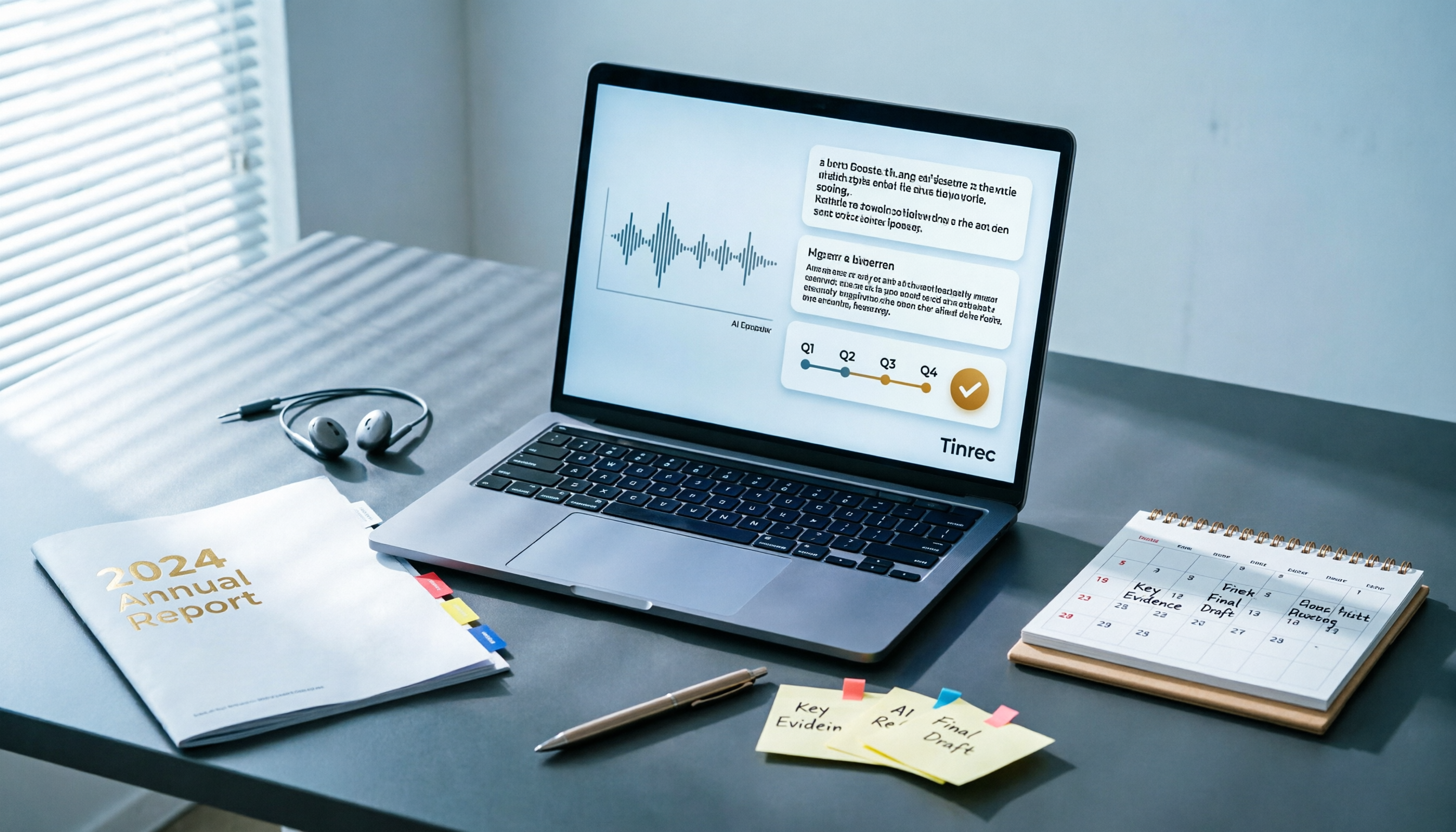
Best AI Tools for Year-End Performance Reviews 2026: 6 Tested, One Organizes Results Fastest
How to choose AI for organizing your year-end performance review? This guide starts with the right order: gather evidence first, then let AI rewrite. It covers 6 practical solutions: meeting recording transcription with AI Q&A, general-purpose AI rewriting, template generation, and presentation layout, plus data security reminders and selection advice before pasting data into AI.

How to Record iPhone Calls in 2026: iOS 18.1 Built-in Feature + Transcription Guide
Confused about iPhone call recording? Older posts say it's impossible, but iOS 18.1 now supports it. This guide covers how to enable built-in call recording, regional and device restrictions, whether the other party hears a notification, and compares 7 recording and post-call organization solutions including Tinrec, Otter, Notta, TurboScribe, Granola, and PLAUD—so you can go from recording to transcript, summary, and action items in one go.

5 Phone Call Recording Solutions Tested for 2026: iPhone, Android, LINE, and AI Transcription Compared
A practical guide addressing common phone recording questions from Dcard, comparing iPhone, Android, LINE, and AI-powered transcription workflows. Covers legal reminders, recording limitations, and how to use Tinrec to turn call audio into transcripts, summaries, and action items.

How to Choose Brainstorming Tools in 2026: A 5-Step Practical Guide
Brainstorming sessions end, but ideas get scattered across whiteboard photos and group chats. This article, from a mid-level manager's practical perspective, breaks down the 5-step process for brainstorming tools in 2026 and 4 key purchasing criteria. It uses Tinrec to demonstrate how AI recording, transcription, summarization, to-dos, and Q&A can turn meeting ideas into team knowledge. It also honestly compares the use cases and limitations of Otter.ai, Notta, and Granola.

How to Choose an AI Meeting Notes App in 2026: 5 Steps from Recording to Team Summaries
Starting from a meeting that just ended but no one wants to organize, this article explains the key considerations for choosing an AI meeting notes app and demonstrates 5 steps with Tinrec: recording, transcription, summarization, follow-up questions, and team knowledge retention.