

Turn recordings into transcripts and summaries in minutes
Upload audio or video for multilingual transcription, AI notes, and action items
The keyword 'Yating Transcript alternative app' usually gets searched not because you don't know how to use Yating.
It's because you've already used it and found that it gets stuck at some step.
When I help teams streamline their meeting notes process, the first reaction I see most often is 'switch to a tool with better recognition accuracy.' But after actually switching, efficiency often doesn't improve.
So don't rush to compare prices. First ask yourself three questions:
- Is your audio source a live meeting, or an audio file you get afterward?
- Do you only need a transcript, or do you also need summaries, action items, and follow-up queries?
- Will this material be viewed by you alone, or shared with a team?
The answers to these three questions determine which 'type' of tool you should switch to, not which 'most popular' tool to switch to.
Why do you start looking for Yating Transcript alternatives?
Yating Transcript is a service developed by a Taiwanese team, optimized for the local Taiwanese context over the long term. It performs relatively stably in recognizing Chinese mixed with English, Taiwanese (Hokkien), and Mandarin with Taiwanese accents. For those new to transcription, its free trial also lets you experience most of the process.
But its positioning is more focused on 'transcription' itself.
After transcription, automatic summaries, action item extraction, and semantic-based conversational queries are relatively basic. In addition, with operational adjustments, the current free quota is limited and sometimes requires queuing; for long recordings, feature settings are also more restricted.
This is exactly why most people start looking for alternatives.
In other words, what you need to judge is not 'whether Yating is good,' but 'whether my work needs the part after transcription.'
Option 1 | Tinrec — The most complete AI meeting notes and team collaboration
One-sentence positioning: Turn meetings into searchable, collaborative, actionable team data.
It's the option I'd put first on the list, not because it has many features, but because it fills in the workflow 'after transcription.'
The first highlight is bot-free recording of online meetings. The desktop version directly captures computer system audio, handling online meetings like Zoom, Google Meet, Microsoft Teams, and Webex without inviting a bot to join as a participant. In actual operation, I just open the desktop version, press start, and the transcript takes shape as the meeting runs.
The second highlight is post-transcription organization. It automatically generates summaries and chapters, breaks discussions into easily browsable sections, and extracts action items from the conversation. For a one-hour meeting, what this step saves is not typing time, but 're-listening' time.
The third highlight is AI Q&A. You don't need to re-listen to the entire recording; just ask questions about the meeting content, such as 'What was the budget cap mentioned earlier?' and it will search the recording content for an answer. This is what I consider the biggest difference from traditional transcription tools.
The fourth highlight is team knowledge retention. The team version provides an independent team space where meeting data belongs to the team, and members, roles, and seats can be managed; administrators can view usage trends and operation logs. When a member leaves, the data does not disappear with the individual and needs to be handed over to other active members.
Free and paid plans: The personal version has a free version to experience basic quotas, plus weekly cards, Pro monthly cards, and annual cards for different usage frequencies. The team version's first eligible trial is 7 days, 1 free seat, and 300 minutes of team shared import quota; team monthly payment is USD 29.80 per paid seat per month, annual payment is USD 199 per paid seat per year (equivalent to about USD 16.58 per month), with each seat providing 2,000 minutes of team shared import quota per month. Prices and benefits are subject to the official purchase page.
Who it's for: People who need Chinese meeting notes, want to turn transcripts into minutes and action items, and want the team to share the same meeting data.
Option 2 | Notta — Multilingual transcription and meeting notes
Positioning: A general-purpose tool with multi-device transcription, file import, translation, and team plans.
It overlaps significantly with Tinrec, but the difference is that it leans more toward 'transcription and translation' itself. The official current statement is that the free version offers 120 minutes per month, with a maximum of 3 minutes per item; Pro annual payment is about USD 8.17 per month for 1,800 minutes per month; Business annual payment is about USD 16.67 per seat per month, offering unlimited transcription, role permissions, and usage reports.
Who it's for: People who need multilingual transcription and subtitles but still prefer to handle post-meeting organization themselves.
Stop organizing recordings by hand
Upload audio or video and automatically get a transcript, summary, and action items
Option 3 | Otter.ai — A mature choice for English business meetings
Positioning: A mature AI meeting assistant covering online meetings, real-time transcription, speaker identification, and team management.
It has deep experience in English business meetings, which is its home turf. The official pricing page currently shows Basic free with 300 minutes per month; Pro annual payment is about USD 8.49 per user per month, including 1,200 minutes of in-app recording per month and 10 file imports; Business offers unlimited meetings and in-app recording.
Who it's for: People whose team meetings are mainly in English and who are already used to the Otter workflow. If you have heavy Chinese meeting needs, I'd suggest trying it first before deciding.
Option 4 | TurboScribe — Long audio files and batch transcription
Positioning: A cost-effective file transcription tool focused on long files, batch uploads, subtitles, and translation.
Its strength is clear: processing large numbers of files at once. The official statement is that the free version allows 3 files per day, with a maximum of 30 minutes per file; Unlimited annual payment is USD 120 (equivalent to about USD 10 per month), and the paid version supports files up to 10 hours or 5 GB, with up to 50 files uploaded at once.
Who it's for: People who have a batch of historical recordings to process rather than hosting online meetings every day.
Option 5 | PLAUD Note / NotePin — The hardware route for portable recording
Positioning: AI recording hardware; what you buy is a standalone device, portable recording, and phone call recording experience.
It solves the problem of 'occasions where opening a computer isn't suitable.' The official US website currently shows NotePin at USD 159 and Note Pro at USD 189; membership plans are Starter with 300 minutes per month, Pro at USD 99.99 per year (1,200 minutes per month), and Unlimited at USD 239.99 per year.
Who it's for: People who are often on the go and need a physical device for quick recording. If your meetings are mostly on the computer, hardware becomes an extra layer of cost.
Option 6 | Granola — Free entry-level bot-free meeting notes
Positioning: Bot-free AI meeting notes that use system audio plus your handwritten notes to generate content closer to your thinking.
It also takes the 'no bot invitation' route. The Basic version is free, Business is USD 14 per user per month, and Enterprise is USD 35 per user per month. Note that it does not support uploading pre-recorded audio files and does not retain meeting audio files; transcripts can be viewed, copied, and searched in real time.
Who it's for: People with zero budget who only handle live meetings and don't need to listen back to recordings.
With so many options, how should you choose?
My decision order is like this:
• You want 'transcription + post-meeting organization + follow-up queries' → Tinrec, which puts summaries, chapters, action items, and AI Q&A in the same workflow. • You need mixed Chinese-English or cross-language meetings, plus bilingual comparison → Tinrec, which supports real-time translation and original/translated/bilingual views. • You don't want an extra bot participant in meetings → Tinrec or Granola, both capture system audio on the desktop. • You're handling team meetings and need seats, usage, and operation logs → Tinrec team version, the most complete team governance in the list. • You have a batch of historical audio files to process at once → TurboScribe. • Your meetings are mainly in English → Otter.ai. • You need a physical device for portable recording → PLAUD. • You don't want to pay at all and only occasionally record live meetings → Granola free version.
If you're still hesitating, I'd suggest starting with the question 'Will you go back and open that transcript after the meeting?' If you will, choose one with post-processing and search capabilities; if not, choose the cheapest.
4 things to know before using an alternative app
First, free quotas are not a permanent solution. Most tools' free versions have minute or single-session length limits. Use the free quota to verify 'I will really use this workflow' before deciding whether to pay.
Second, recognition rate is not a spec; it's a condition. Any tool will noticeably improve with clear audio, low noise, and non-overlapping speech. Rather than looking for the highest accuracy, first improve microphone placement and the meeting environment.
Third, transcripts should leave room for checking the original text. For important information, it's advisable to go back to the timestamp and recording to confirm; AI summaries are good for quick locating, not as the sole basis.
Fourth, when recording and transcribing, remember to comply with local regulations and obtain participants' consent when necessary.
Conclusion
Back to the original question: what you need to switch is not 'a tool more like Yating,' but 'a tool that connects to your post-meeting work.'
Yating's transcription performance in the Taiwanese context remains reliable, but when the need shifts from 'turning into text' to 'organizing into usable data,' the workflow gap appears.
The six options in the list each have their home turf. If you want a workflow that connects recording, transcription, summarization, follow-up queries, and team knowledge retention, Tinrec is the most complete one in this list.
Give yourself a starting point:
- First pick the type of meeting you host most often.
- Run through the complete workflow once with the free quota.
- After the meeting, ask yourself only one thing: Did I go back and open it?
- If yes, continue setting up summary formats and action item fields.
- If no, try another option.
Test step by step, and you'll gradually find the method that truly captures your meeting content.
References
- Complete Guide to Yating Transcript: Free Version, Pricing, and Alternatives at a Glance
- How to Use Yating Transcript? 2026 Complete Tutorial and AI Recording Tool Comparison (Including Free Alternatives) - Tinrec Blog
- Yating Transcript Free Alternatives: Hands-on Test and Comparison of 3 Unlimited AI Transcription Tools - Tinrec Blog
- What Is Yating Transcript? 2026 In-Depth Review and Selection Guide of 7 Recording-to-Text Tools - Tinrec Blog
- Not Enough Free Hours on Yating Transcript? 2026 Comparison and Selection Guide of 6 Efficient Recording-to-Text Tools - Tinrec Blog
Turn every recording into actionable outcomes
Get 60 free transcription minutes when you sign in. No credit card required.
Related Reading
You might also like

2026 Free vs Paid Audio-to-Text Apps: 4 Real-World Comparisons of Limits, Features, and Pricing
Is the free version enough? What do you actually get when you pay? This article compares the free tiers, paid plans, and post-meeting organization capabilities of four popular audio-to-text apps. From Chinese transcripts and AI summary Q&A to team seat management, we break it down so you can decide whether to stick with free or if paying is worth it.

4 Best Voice Recorder App Alternatives in 2026: Free vs. Paid Comparison
A voice recorder is no longer your only option. This side-by-side comparison of Tinrec, Otter.ai, Notta, and PLAUD covers online meeting recording, Chinese transcription, post-meeting organization, team collaboration, and pricing limits to help you find a tool that truly works right after recording.

Fireflies.ai vs Tinrec (2026): 5-Factor Comparison for Chinese Meeting Notes — Which Is Better for Taiwan Teams?
Fireflies.ai lists Chinese in its supported languages, but after a real Chinese meeting, do you still have to spend time proofreading the transcript? This article compares Fireflies.ai and Tinrec across 5 dimensions — meeting recording method, Chinese transcript usability, post-meeting organization, quota calculation, and team management — to help you decide which is more suitable for Chinese meeting scenarios in Taiwan teams.

Best Speech-to-Text Tools in 2026: 4 Tested for Mixed Chinese-English Meetings
A sentence like "check the budget" turning into gibberish is a common frustration with speech-to-text tools in mixed Chinese-English meetings. We tested Tinrec, Otter.ai, Yating, and Notta on the same real meeting recording, comparing language switching, file and live meeting support, post-meeting workflows, and team data ownership. We also highlight 4 common purchasing pitfalls to help you choose the right tool within budget.
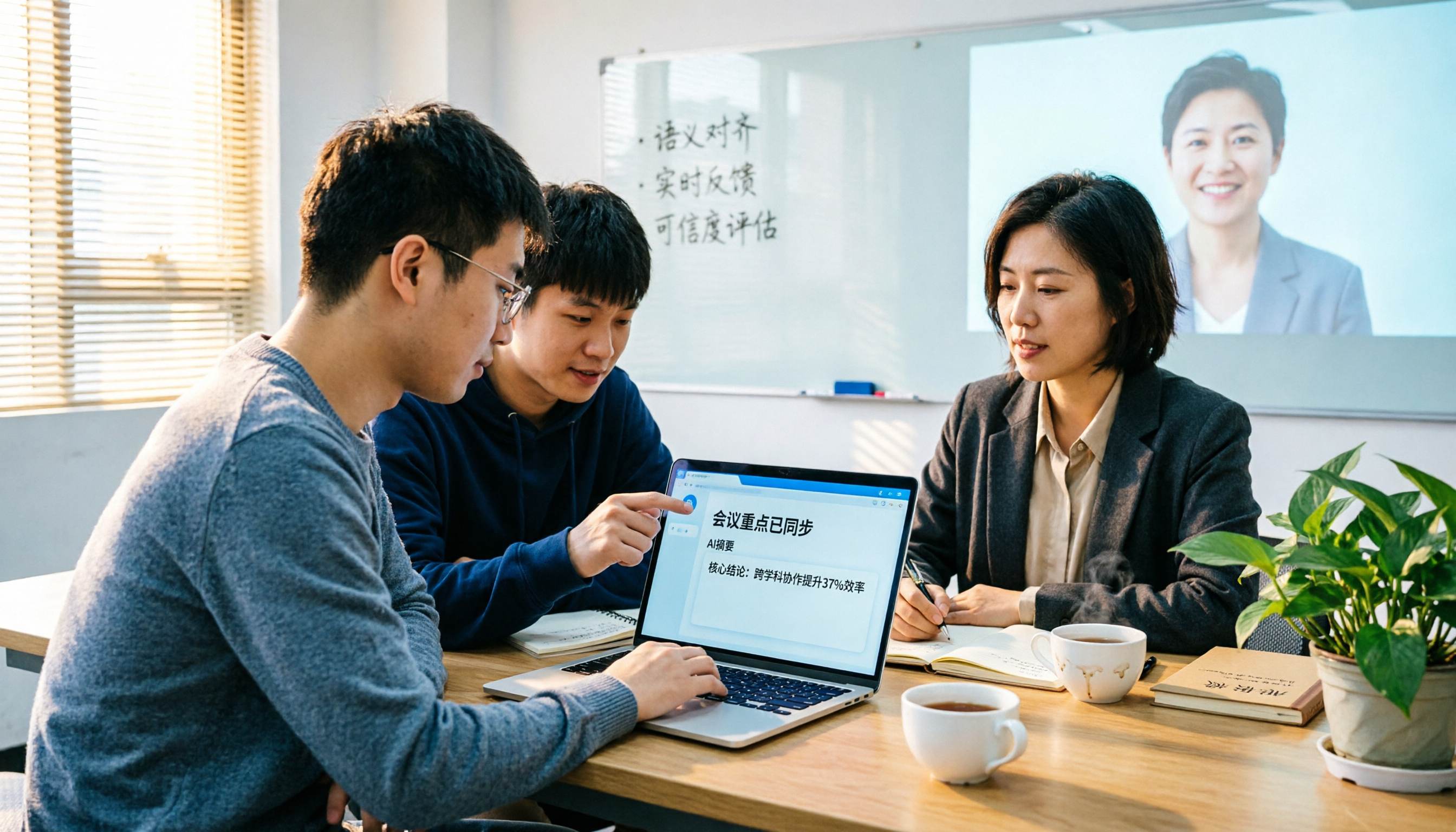
The Complete Guide to tl;dv Alternatives in 2026: Features, Use Cases, and How to Choose a Chinese Meeting Transcription Tool
When looking for a tl;dv alternative, focusing only on free minutes usually leads nowhere. Starting from real campus scenarios, this article explains what a meeting transcription tool really needs: real-time Chinese transcription, bot-free online meeting recording, AI summaries and action items, transcript Q&A, and export. Using Tinrec as a hands-on example, it covers five things to watch for when choosing a tool and answers common questions.
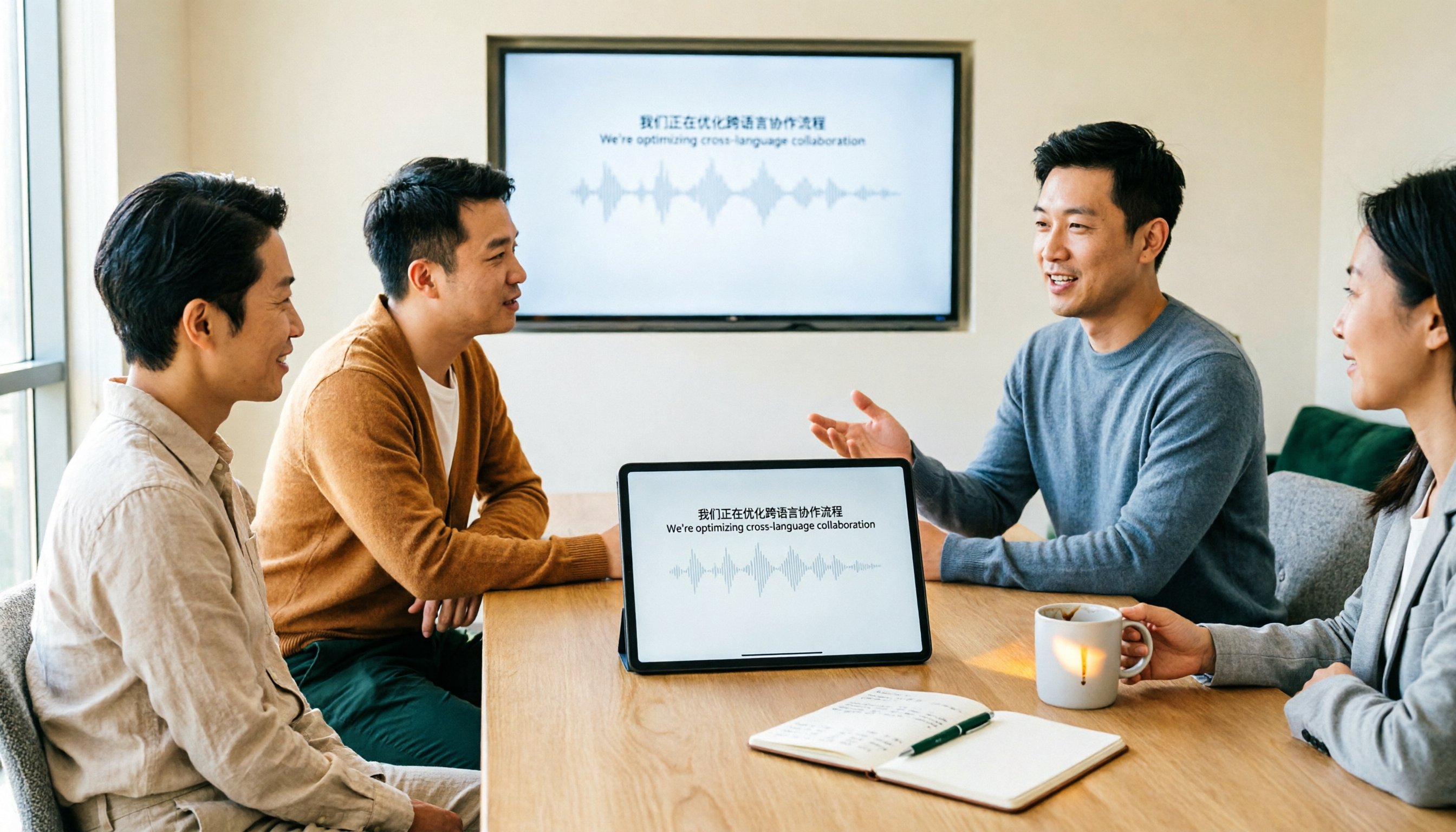
Tinrec vs Granola: Which Multilingual Real-Time Speech-to-Text Tool Better Handles Chinese Meetings in 2026?
Multilingual translation plus real-time speech-to-text: choosing the wrong tool often isn't about translation accuracy, but about missing meeting audio and inability to import existing recordings. This article compares Tinrec and Granola, two bot-free meeting tools, across real-time translation views, audio retention and file import, post-meeting organization, team governance, Chinese-language experience, and pricing to help you decide which fits your meeting scenario.

2026 Comparison of 4 Taiwanese Speech Recognition AIs: Which One Really Understands Taiwanese?
Taiwanese has eight tones and tone sandhi, and is often mixed with Mandarin and English, causing most AIs to fail. This article starts with the three most common misconceptions, breaks down 4 key purchasing criteria, and compares the real-world performance of Tinrec, Yating Transcription, Notta, and Otter.ai in Taiwanese and mixed-language scenarios. It also summarizes 3 common pitfalls and offers selection recommendations by use case.

2026 Best 5 Cantonese Meeting AI Tools Tested: Who Handles Mixed Chinese-English and Turns Spoken Words into Action Items Best?
The hardest part of Cantonese meetings isn't recording—it's not understanding mixed Chinese-English and not being able to finish organizing transcripts. This article starts from 'what problem are you trying to solve?' and breaks down the differences among 5 common approaches. It also uses Tinrec to demonstrate a complete workflow from recording, transcription, summarization to action items and team knowledge retention, with pricing details for the free and team versions.
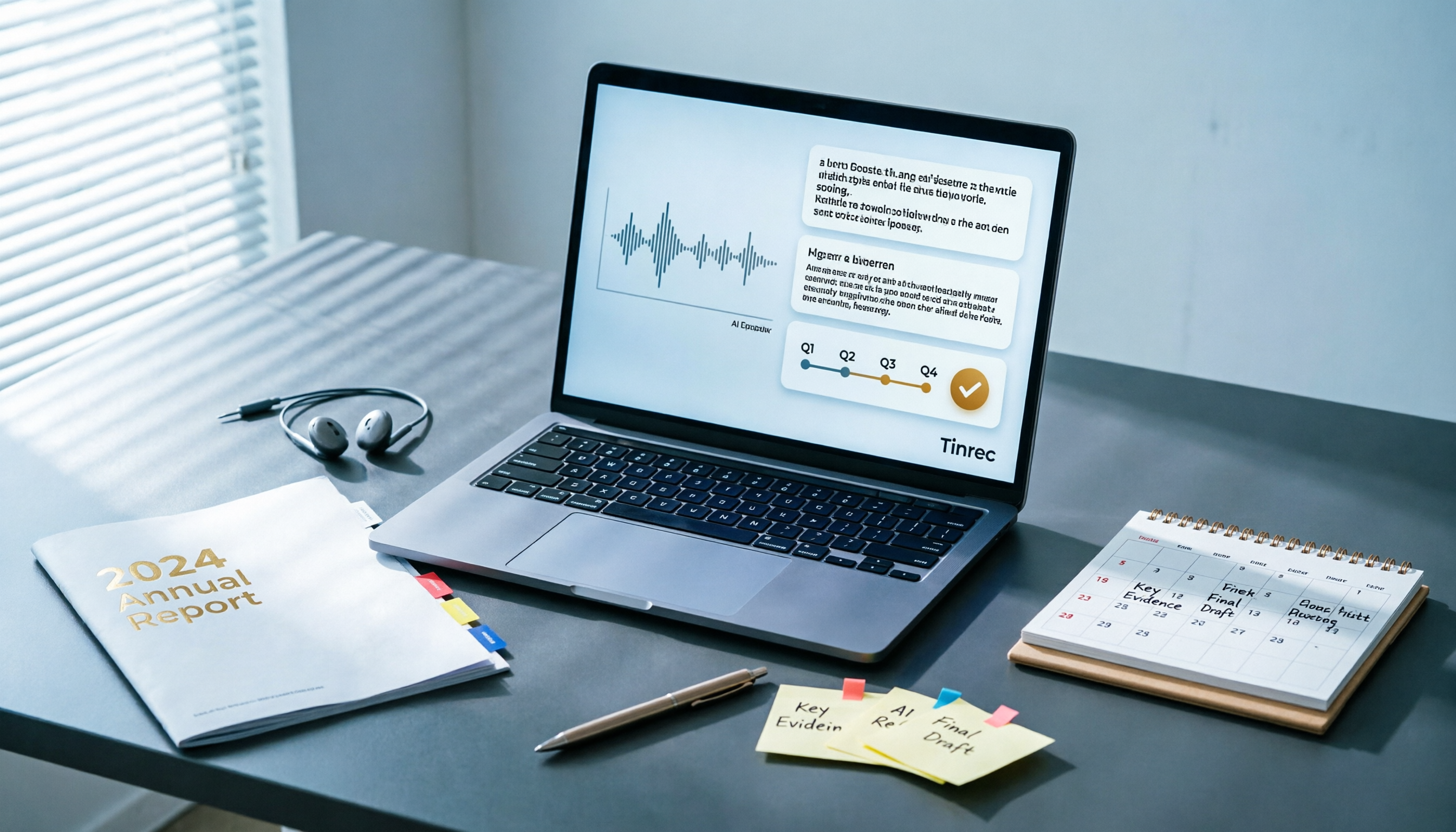
Best AI Tools for Year-End Performance Reviews 2026: 6 Tested, One Organizes Results Fastest
How to choose AI for organizing your year-end performance review? This guide starts with the right order: gather evidence first, then let AI rewrite. It covers 6 practical solutions: meeting recording transcription with AI Q&A, general-purpose AI rewriting, template generation, and presentation layout, plus data security reminders and selection advice before pasting data into AI.