

Turn recordings into transcripts and summaries in minutes
Upload audio or video for multilingual transcription, AI notes, and action items
Before choosing a tool, ask yourself three questions: Is your meeting online or offline? Do participants speak pure Cantonese, or a mix like 'this quarter's target' in Chinese and English? After the meeting, do you want a transcript, or meeting minutes that can directly assign work? The answers to these three questions will determine which tool you should use and whether you'll waste money.
On the market, approaches labeled 'Cantonese AI meeting notes' can be roughly divided into 5 representative types: meeting bot type, platform built-in transcription, general file transcription, AI recording hardware, and bot-free approaches like Tinrec that directly capture system audio on desktop. This article doesn't pile on specs but breaks down these 5 types from the perspective of 'what problem are you trying to solve?'
What can Cantonese meeting notes AI do for you?
Scenario 1: Get a draft 5 minutes after the meeting
Previously, after a two-hour meeting, you'd spend another hour replaying and typing. Now, with Tinrec as an example, by the time the meeting ends, the transcript, summary, chapters, and action items are already organized—who's responsible for what and when to deliver is clear at a glance.
Scenario 2: No need to re-listen to mixed Chinese-English
The most time-consuming part of Cantonese meetings is 'starting in Cantonese, then mixing in English terms.' Tinrec focuses on organizing Chinese and mixed Chinese-English content, so when participants say 'follow up on the case,' you don't need to replay the whole segment to guess the meaning.
Scenario 3: Being asked after the meeting 'Who said to change the budget?'
Instead of digging through chat logs, just ask. Tinrec's AI Q&A allows follow-up questions about a single meeting or historical meeting content, with answers directly linked to the original context.
Scenario 4: Turn scattered recordings into team data
Recordings are scattered on personal phones, computers, and cloud drives; when people leave, data is lost. The team version centralizes meetings into a team space, so new members can also access historical records.
What are the core capabilities of Cantonese meeting notes AI?
Transcript: Text appears while recording, not transcribed after
Tinrec supports real-time recording to text, so you can simultaneously check for missed key points during the meeting. For online meetings, the desktop version directly captures computer system audio, handling meeting audio played from platforms like Zoom, Google Meet, Microsoft Teams, and Webex.
Note that this is not the same as 'automatically joining all meetings.' You need to actively open Tinrec to start recording; it won't automatically jump into your calendar meetings as a bot.
AI summary and chapters: Condense two hours into a scannable structure
It doesn't just compress the transcript into one paragraph; it divides into meeting topics, discussion highlights, conclusions, and chapters. Long meetings are most feared for 'not finding that discussion'; chapters help you locate it.
Action item extraction: Pull out action items from discussions
The real output of a project meeting is 'what to do after the meeting.' Tinrec organizes action items from the conversation, saving manual comparison time; for important items, it's still recommended to cross-check with the original text and recording.
AI Q&A: Continue digging after transcription
The transcript is just raw material. Tinrec lets you ask questions directly, such as 'What was the budget cap the client mentioned?' or 'Did this decision change the launch time?' without scrolling from start to finish.
Real-time translation and bilingual view
For cross-language meetings, you can view the original text, translation, or bilingual content simultaneously—especially useful for users in Hong Kong and Taiwan who need to interface with English teams.
Multi-format export and post-meeting processing
Results can be exported to tools like Notion, Google Docs, OneNote, and Dropbox, and further generate meeting minutes, reports, tables, and documents, directly connecting to your existing workflow.
Practical application scenarios
Cross-department weekly meetings
Fixed weekly, one hour each, someone always late. With Tinrec's real-time transcription and automatic summary, latecomers can catch up by reading chapters themselves, and the host doesn't need to repeat. Action items are exported uniformly and checked directly in the next meeting.
Client interviews and sales meetings
Clients often mix Chinese and English technical terms when discussing needs. After Tinrec organizes the transcript, you can ask 'What were the client's concerns about pricing?' to consolidate scattered objections and export them as follow-up materials.
Online courses and lectures
Speakers talk fast with high content density, making note-taking easy to miss. Record online courses with the desktop version, and after the meeting, jump through chapters—much faster than replaying the whole thing.
Stop organizing recordings by hand
Upload audio or video and automatically get a transcript, summary, and action items
Personal content creation and research
When working alone, recording is the fastest input method. Tinrec has web, desktop, and mobile versions; record on phone, organize on computer, no need to switch tools and start over.
5 things to note when choosing Cantonese meeting notes AI
1. Don't just look at promotional accuracy numbers
No tool can guarantee a fixed accuracy rate. Actual performance is affected by recording quality, background noise, accents, overlapping speech, and technical terms. It's best to test with your own Cantonese meeting recording—more accurate than any review. Tinrec's approach is to provide team hotwords so you can add company-specific terms and product codes to reduce misrecognition of proper nouns.
2. How mixed Chinese-English is handled
Some tools forcibly translate English terms into Chinese, which reads even stranger. When choosing, check whether it can retain the original English and whether spoken discussions can be organized into written meeting minutes. Tinrec focuses on organizing Chinese and mixed Chinese-English content, outputting summaries and minutes in written language while retaining original speech in transcripts.
3. How meetings are recorded
Meeting bots need to join as participants, which is often inconvenient for external meetings; platform built-in transcription is tied to a single platform. Tinrec takes a bot-free approach by capturing system audio on desktop, so no extra participant is needed and it's not tied to a single meeting platform.
4. Post-meeting output is more important than transcription itself
A tool that only provides transcripts is essentially returning the organizing work to you. When choosing, ask directly: After transcription, can it give me summaries, chapters, action items, and queryable Q&A? Can it export to tools I already use? This is where real time savings happen.
5. Team permissions and data ownership
If meeting data is to be used by the entire department, confirm whether 'roles' and 'seats' are separated. Tinrec's team version separates the two: roles determine who can manage members, audits, and team settings; seats determine whether members can record, upload, edit, import, and export. Active members without seats can still view, play, and read team data, but cannot perform resource usage operations.
Also note that recording and transcription involve local regulations; obtain participant consent before meetings as required.
Frequently Asked Questions
Q1: Is the free version enough?
You can first use the free version for one or two meetings to test the waters and confirm whether Cantonese recognition is sufficient in your actual meeting environment. If you only occasionally organize a recording, the free version is enough; for intensive meetings or interviews in the short term, consider a weekly card; for stable weekly needs, the Pro monthly card is more suitable; for long-term recording data retention, the annual card has a lower monthly equivalent. Actual quotas and prices are subject to the official purchase page.
Q2: Do I need to invite a bot to the meeting?
No. Tinrec desktop version directly captures computer system audio, so no bot participant appears in the meeting. But you need to open Tinrec yourself to start recording; it is not a background service that automatically joins all calendar meetings.
Q3: How high is Cantonese accuracy really?
Don't trust any fixed number. Influencing factors include recording quality, ambient noise, accent, speaking speed, and overlapping speech. Practical approach: test with a real meeting first, add frequently misrecognized terms to team hotwords, and cross-check important decisions with transcript timestamps and recordings.
Q4: What's the difference between team and personal versions?
Personal version data is managed by individual accounts; the team version is an independent team space where meeting data belongs to the team, with additional member invitations, role and seat management, usage analytics, audit logs, audio recycle bin, and team hotwords. Currently, team monthly payment is USD 29.80 per paid seat per month, annual payment is USD 199 per paid seat per year (equivalent to about USD 16.58 per month), each paid seat provides 2,000 minutes of team shared import quota per month; under an active team plan and active seats, real-time recording is currently not deducted by minutes. First eligible teams can try 7 days, 1 free seat, 300 minutes of team shared import quota.
Q5: Can members without seats see meeting data?
Yes. Active members without seats can view, play, and read team data; but only after obtaining a seat can they record, upload, edit, import, and export. Currently, the team version focuses on team-level sharing, not file-level granular permission control.
Q6: Can deleted recordings be recovered?
After audio enters the team recycle bin, it can be restored before permanent cleanup begins; the current retention period is 30 days. Note that action items are not within the scope of the recycle bin.
Conclusion
The difficulty of Cantonese meeting notes has never been 'whether it was recorded,' but not understanding mixed Chinese-English, not finishing transcript organization, and no one following up on post-meeting actions.
When choosing a tool, first confirm whether your meeting is online or offline, whether you need bot-free recording, and what output you need after the meeting, then discuss price. Rather than comparing whose promotional numbers are prettier, test with a real meeting.
If you want 'usable right after recording' rather than 'organize it yourself after recording,' Tinrec puts transcript, summary, chapters, action items, Q&A, translation, and export in one workflow, and the team version can also retain this data as searchable, transferable team assets. First run a free version on your most challenging Cantonese meeting—the answer will be clear.
References
- No VPN needed, common tools, Cantonese OK, super time-saving AI meeting notes tutorial, step-by-step practical demonstration! - Techapple.com
- Cantonese Speech to Text | AI Cantonese Speech Recognition | CantoSub
- AI Meeting Notes Generator | Meeting Transcription | Smart Meeting Summary | CantoSub
- 2026 Latest 6 Cantonese AI Meeting Notes Tool Recommendations: Solving Mixed Chinese-English and Transcript Organization Pain Points - Miaoting Recording Blog
- AI Meeting Notes Generator | Supports Cantonese & Mixed Chinese-English 2026 | Subanana
Turn every recording into actionable outcomes
Get 60 free transcription minutes when you sign in. No credit card required.
Related Reading
You might also like

2026 Free vs Paid Audio-to-Text Apps: 4 Real-World Comparisons of Limits, Features, and Pricing
Is the free version enough? What do you actually get when you pay? This article compares the free tiers, paid plans, and post-meeting organization capabilities of four popular audio-to-text apps. From Chinese transcripts and AI summary Q&A to team seat management, we break it down so you can decide whether to stick with free or if paying is worth it.

4 Best Voice Recorder App Alternatives in 2026: Free vs. Paid Comparison
A voice recorder is no longer your only option. This side-by-side comparison of Tinrec, Otter.ai, Notta, and PLAUD covers online meeting recording, Chinese transcription, post-meeting organization, team collaboration, and pricing limits to help you find a tool that truly works right after recording.

Fireflies.ai vs Tinrec (2026): 5-Factor Comparison for Chinese Meeting Notes — Which Is Better for Taiwan Teams?
Fireflies.ai lists Chinese in its supported languages, but after a real Chinese meeting, do you still have to spend time proofreading the transcript? This article compares Fireflies.ai and Tinrec across 5 dimensions — meeting recording method, Chinese transcript usability, post-meeting organization, quota calculation, and team management — to help you decide which is more suitable for Chinese meeting scenarios in Taiwan teams.

Best Speech-to-Text Tools in 2026: 4 Tested for Mixed Chinese-English Meetings
A sentence like "check the budget" turning into gibberish is a common frustration with speech-to-text tools in mixed Chinese-English meetings. We tested Tinrec, Otter.ai, Yating, and Notta on the same real meeting recording, comparing language switching, file and live meeting support, post-meeting workflows, and team data ownership. We also highlight 4 common purchasing pitfalls to help you choose the right tool within budget.

The Complete Guide to tl;dv Alternatives in 2026: Features, Use Cases, and How to Choose a Chinese Meeting Transcription Tool
When looking for a tl;dv alternative, focusing only on free minutes usually leads nowhere. Starting from real campus scenarios, this article explains what a meeting transcription tool really needs: real-time Chinese transcription, bot-free online meeting recording, AI summaries and action items, transcript Q&A, and export. Using Tinrec as a hands-on example, it covers five things to watch for when choosing a tool and answers common questions.

Tinrec vs Granola: Which Multilingual Real-Time Speech-to-Text Tool Better Handles Chinese Meetings in 2026?
Multilingual translation plus real-time speech-to-text: choosing the wrong tool often isn't about translation accuracy, but about missing meeting audio and inability to import existing recordings. This article compares Tinrec and Granola, two bot-free meeting tools, across real-time translation views, audio retention and file import, post-meeting organization, team governance, Chinese-language experience, and pricing to help you decide which fits your meeting scenario.

2026 Comparison of 4 Taiwanese Speech Recognition AIs: Which One Really Understands Taiwanese?
Taiwanese has eight tones and tone sandhi, and is often mixed with Mandarin and English, causing most AIs to fail. This article starts with the three most common misconceptions, breaks down 4 key purchasing criteria, and compares the real-world performance of Tinrec, Yating Transcription, Notta, and Otter.ai in Taiwanese and mixed-language scenarios. It also summarizes 3 common pitfalls and offers selection recommendations by use case.

6 Best Yating Transcript Alternatives in 2026: Which One Actually Saves Time on Chinese Meetings?
Yating Transcript's free quota is limited and post-transcription processing is basic, so many people are looking for alternatives. Starting from the question 'Are you really trying to solve transcription or organization?', this article tests and compares six options—Tinrec, Notta, Otter.ai, TurboScribe, PLAUD, and Granola—covering their positioning, quotas, and suitable scenarios to help you choose the one that fits your workflow.
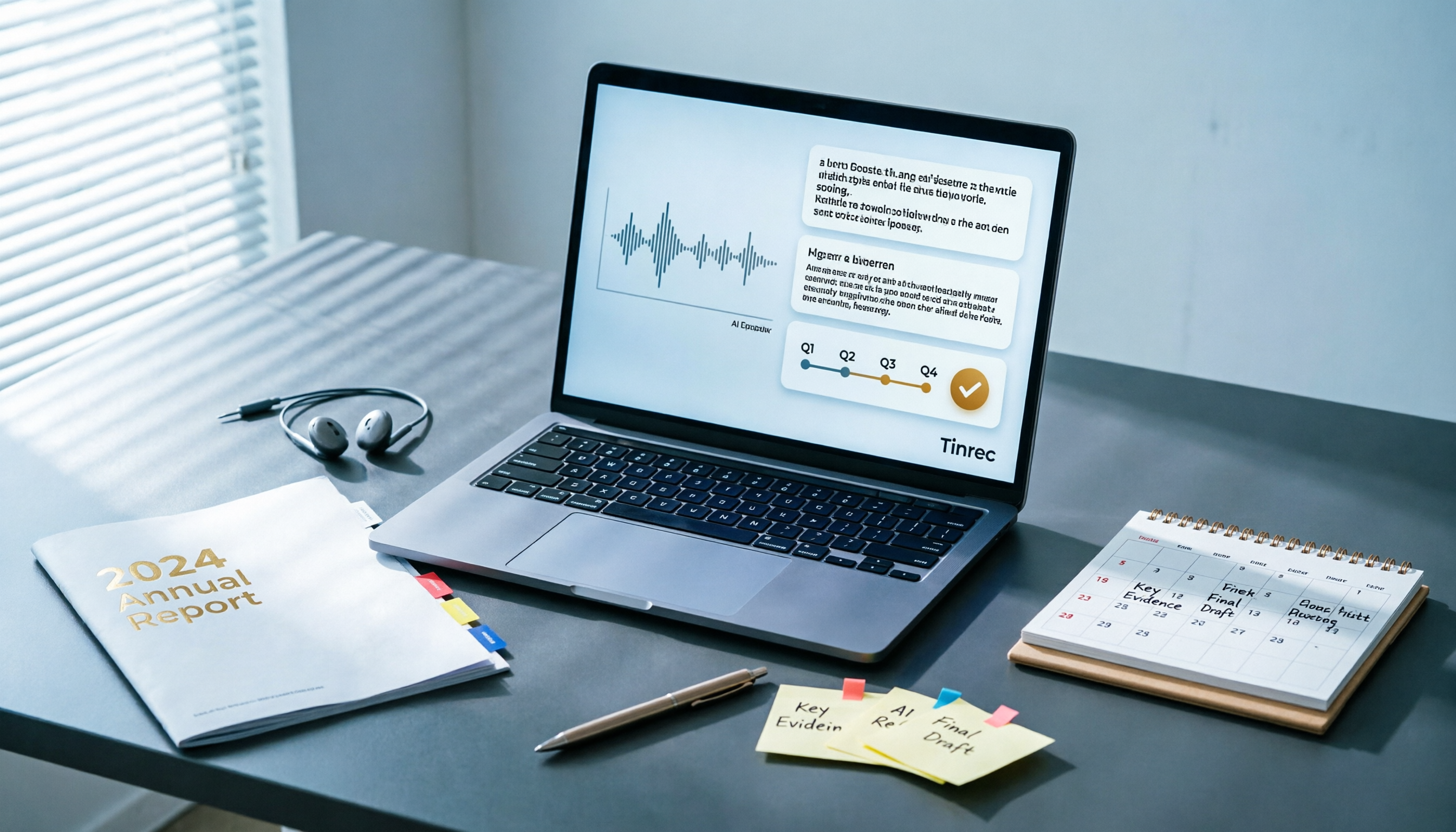
Best AI Tools for Year-End Performance Reviews 2026: 6 Tested, One Organizes Results Fastest
How to choose AI for organizing your year-end performance review? This guide starts with the right order: gather evidence first, then let AI rewrite. It covers 6 practical solutions: meeting recording transcription with AI Q&A, general-purpose AI rewriting, template generation, and presentation layout, plus data security reminders and selection advice before pasting data into AI.