
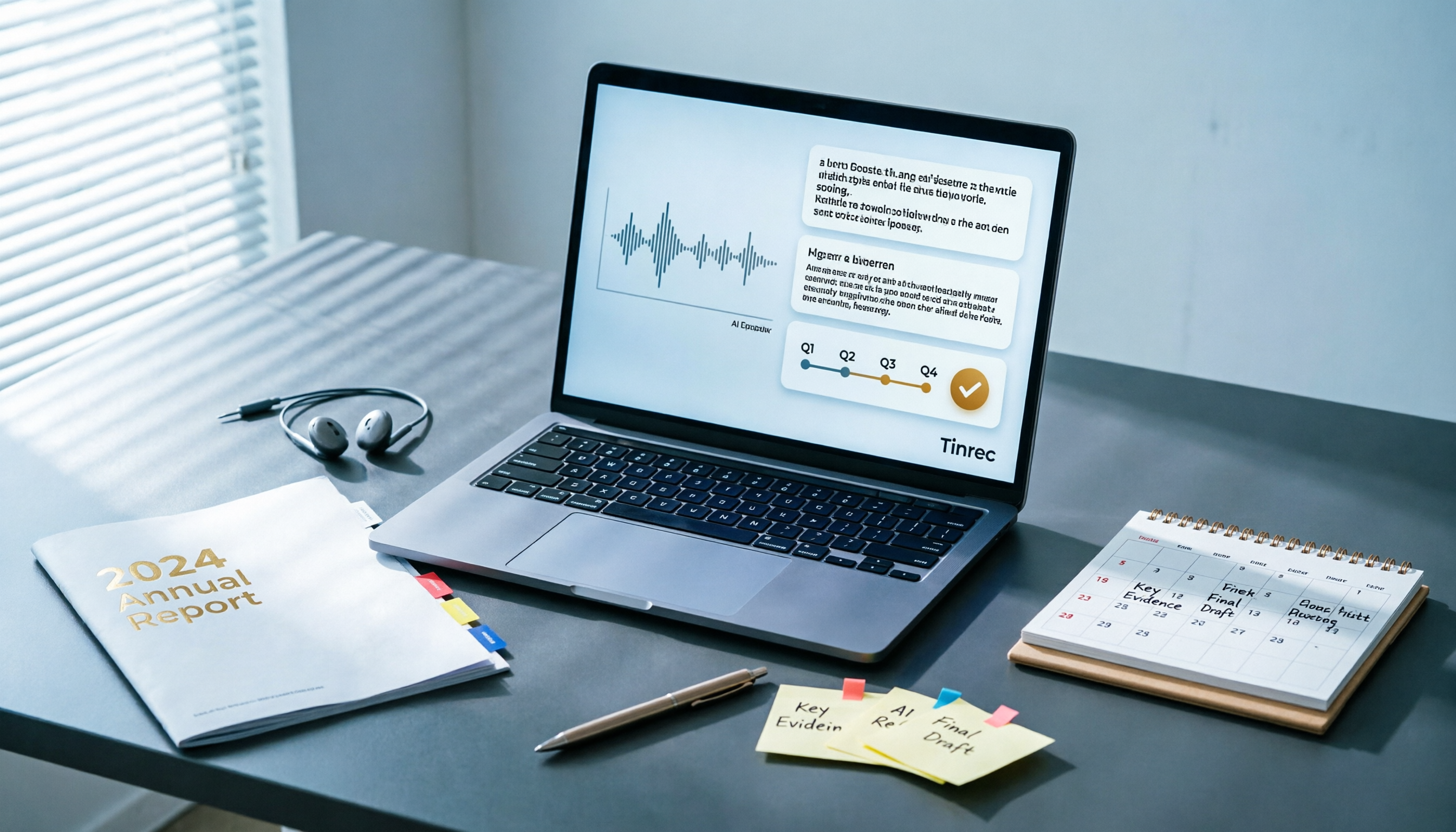
Turn recordings into transcripts and summaries in minutes
Upload audio or video for multilingual transcription, AI notes, and action items
Best AI Tools for Year-End Performance Reviews 2026: 6 Tested, One Organizes Results Fastest
At the end of December, your manager drops a message in the group chat: "Submit your work summary for the year by next Monday."
You open your computer and realize all you remember is "busy."
A whole year of meetings, weekly reports, client calls, and group messages are scattered everywhere. Piecing together "what I actually did and what results I delivered" is more exhausting than writing the report itself.
That's why I brought AI into the picture.
I don't want a fancy essay that my manager will see through instantly. I want to turn my scattered records into achievements my manager can understand and I can defend in the review meeting.
These 6 approaches are what I actually use—from turning a year of meetings into a queryable database to pure text rewriting. At the end, I'll tell you how to choose.
Why does year-end performance review need AI help?
Bottom line: AI can't remember for you. That's where most people get it wrong from the start.
The useful order is reversed—spend an hour finding evidence first, then 20 minutes letting AI categorize, prioritize, and rewrite.
And "evidence" usually hides in three places: meeting recordings, weekly report messages, and calendars.
Unfortunately, the first two are often overlooked until year-end.
Tinrec | Turn a year of meetings and interviews into a queryable results database
One-liner: It's not just transcription; it turns meetings into searchable, queryable, exportable data.
I put it first because year-end summaries lack material, not writing skills. Tinrec fills that gap.
- Desktop version captures system audio directly—no need to invite a meeting bot to Zoom, Google Meet, Microsoft Teams, or Webex. No need to explain "what's that bot" in client meetings. Practical.
- It doesn't just transcribe. It auto-generates summaries, chapters, key points, and action items, so you can skim a two-hour meeting.
- The most useful part is AI Q&A. You can ask "What budget adjustments did I propose in the March project meeting?" and it finds answers from meeting data instead of dumping links. For recalling "what I did" at year-end, this saves real time.
- Supports real-time translation and bilingual display, so you don't have to guess in mixed Chinese-English meetings.
- Export to Notion, Google Docs, OneNote, Dropbox, and paste directly into your self-evaluation form.
- For post-meeting deliverables, Agent post-processing can generate reports, tables, and documents.
Pricing: Free personal version to try; weekly pass for short bursts; Pro monthly for steady use; Pro annual for long-term data retention.
For team-wide meeting records, the Team version offers a separate space: USD 29.80 per paid seat per month, or USD 199 per paid seat per year (about USD 16.58/month). First-time eligible users get a 7-day trial, 1 free seat, and 300 minutes of shared team import quota; paid seats get 2,000 minutes of shared team import quota per month.
Note: In the Team version, "roles" and "seats" are different. Members without a seat can view, play, and read team data but cannot upload, edit, or export. Clarify this with admin or IT upfront, or someone will assume joining the team means editing rights.
Who it's for: People with heavy meeting loads who need to look back at "what I actually said," and managers who want meeting data kept in the team, not on personal computers.
ChatGPT | General-purpose AI to rewrite scattered notes into Situation, Action, Result
Positioning: You have the material; you just need an editor who can write.
Its value isn't thinking for you—it's rewriting. Give it about 20 work records and ask it to rewrite in Situation-Action-Result format, explicitly forbidding it from inventing numbers.
If you just say "write a professional year-end self-evaluation," it'll give you generic lines like "demonstrated high responsibility and continuously improved professional skills"—no better than what you'd write yourself.
Stop organizing recordings by hand
Upload audio or video and automatically get a transcript, summary, and action items
Who it's for: People who have text material and need to convert plain language into professional tone.
Pricing: Free version available; paid plans per official announcement.
Claude | Another option for long-text summarization and tone refinement
Positioning: When meeting notes and weekly reports are voluminous and need to be read and summarized at once.
It follows the same path as ChatGPT and Gemini—you find evidence, it rewrites. Pasting a whole quarter of weekly reports and asking for a quarterly summary works especially well.
Who it's for: People who prefer pasting batches of data and asking AI for cross-month summaries.
Pricing: Per official announcement.
Gemini | Convenient for those already in the Google workflow
Positioning: For those whose data is already in Google Docs and Calendar.
Also a general-purpose AI route. If your calendar and documents are in the Google ecosystem, organizing annual events requires less manual transfer.
Who it's for: Google workflow users who only need text rewriting.
Pricing: Per official announcement.
Wenzhi Doc | Quickly generate daily, monthly, and year-end summaries with templates
Positioning: For those who don't want to structure it themselves—just use a template.
It supports AI-generated work summaries covering daily, weekly, monthly, quarterly reviews, and year-end summaries. After generation, you can edit online and export to Word.
It puts it well: The challenge of work summaries isn't "doing nothing," but scattered information, awkward expression, and incomplete structure.
Who it's for: People who need a fixed format and a Word file at the end.
Pricing: Per official page.
Boardmix | Content ready, just needs layout and charts
Positioning: Pure layout tool—doesn't help you think of content.
Its use case is clear: you already have a full text draft and just need to apply layout and charts, using year-end summary templates to quickly produce a presentation.
Who it's for: People whose summary is written and need it for a review meeting or department sharing.
Pricing: Per official page.
So many options—how to choose?
Here's the bottom line, pick by your situation:
• If you want to solve both "where does material come from" and "how to organize content" at once, choose Tinrec. It's the only one among these that combines transcription, AI summary, action item extraction, AI Q&A, and team data accumulation. For year-end scenarios requiring looking back at a whole year of data, the gap is most obvious.
• If you have many meetings and don't want a bot in client meetings, use Tinrec desktop to capture system audio.
• For mixed Chinese-English meeting transcripts and translation, Tinrec handles it and can fine-tune company terminology with team hotwords.
• If the team needs shared meeting records and member/usage management, choose Tinrec Team with roles, seats, usage analytics, and audit logs.
• If material is already text and you only need tone rewriting, ChatGPT or Claude free versions suffice.
• If you just want a quick Word file from a template, use Wenzhi Doc.
• If content is done and you only need presentation layout, use Boardmix.
4 things to know before using AI for year-end work summaries
Order matters. Find evidence first, then let AI organize. Asking AI to write directly gives you something pretty but empty.
Explicitly forbid AI from fabricating numbers. Project results, percentages, amounts must come from your own records. Every sentence must trace back to source data.
Redact before pasting. Personal info, client names, company secrets, unreleased financials should not be pasted as-is into any AI tool.
Read it aloud. If you can't say a sentence in the review meeting, delete it. Your manager may ask "Can you elaborate on this?"—every sentence must hold up.
One more for teams: Confirm role and seat assignments first. Members without seats can only view, not edit. If not clarified, someone will complain at year-end.
Conclusion
A year-end work summary is not creation—it's review and distillation.
Spend an hour finding the year's meetings, weekly reports, and recordings, then 20 minutes letting tools categorize and rewrite. With the right order, your report won't be a laundry list.
If you lack the "material" side, Tinrec is what I'd try first; if you only lack writing, general AI like ChatGPT or Claude is enough.
References
- How to Write a Year-End Performance Self-Evaluation: Use AI to Turn a Year of Work Records into Results Your Manager Understands | TheAI Academy
- Say Goodbye to Overtime Reports: 3 Must-Have Year-End Summary Tools for Nurses, Extract Annual Performance in One Click - Tinrec Blog
- AI Work Summary Generator - Quickly Generate Daily, Monthly, Year-End Summaries | Wenzhi Doc
- AI-Assisted Year-End/Mid-Year Summary: Uncover All Your Work Highlights | Xiexiu AI - Free AI Tutorials, Prompt Library, AI Tool Navigation
- TOP 8 Annual Report Personal Summary Tools (2026): Efficiency Saviors for Professionals and Students - Tinrec Blog
Turn every recording into actionable outcomes
Get 60 free transcription minutes when you sign in. No credit card required.
Related Reading
You might also like

2026 Free vs Paid Audio-to-Text Apps: 4 Real-World Comparisons of Limits, Features, and Pricing
Is the free version enough? What do you actually get when you pay? This article compares the free tiers, paid plans, and post-meeting organization capabilities of four popular audio-to-text apps. From Chinese transcripts and AI summary Q&A to team seat management, we break it down so you can decide whether to stick with free or if paying is worth it.

4 Best Voice Recorder App Alternatives in 2026: Free vs. Paid Comparison
A voice recorder is no longer your only option. This side-by-side comparison of Tinrec, Otter.ai, Notta, and PLAUD covers online meeting recording, Chinese transcription, post-meeting organization, team collaboration, and pricing limits to help you find a tool that truly works right after recording.
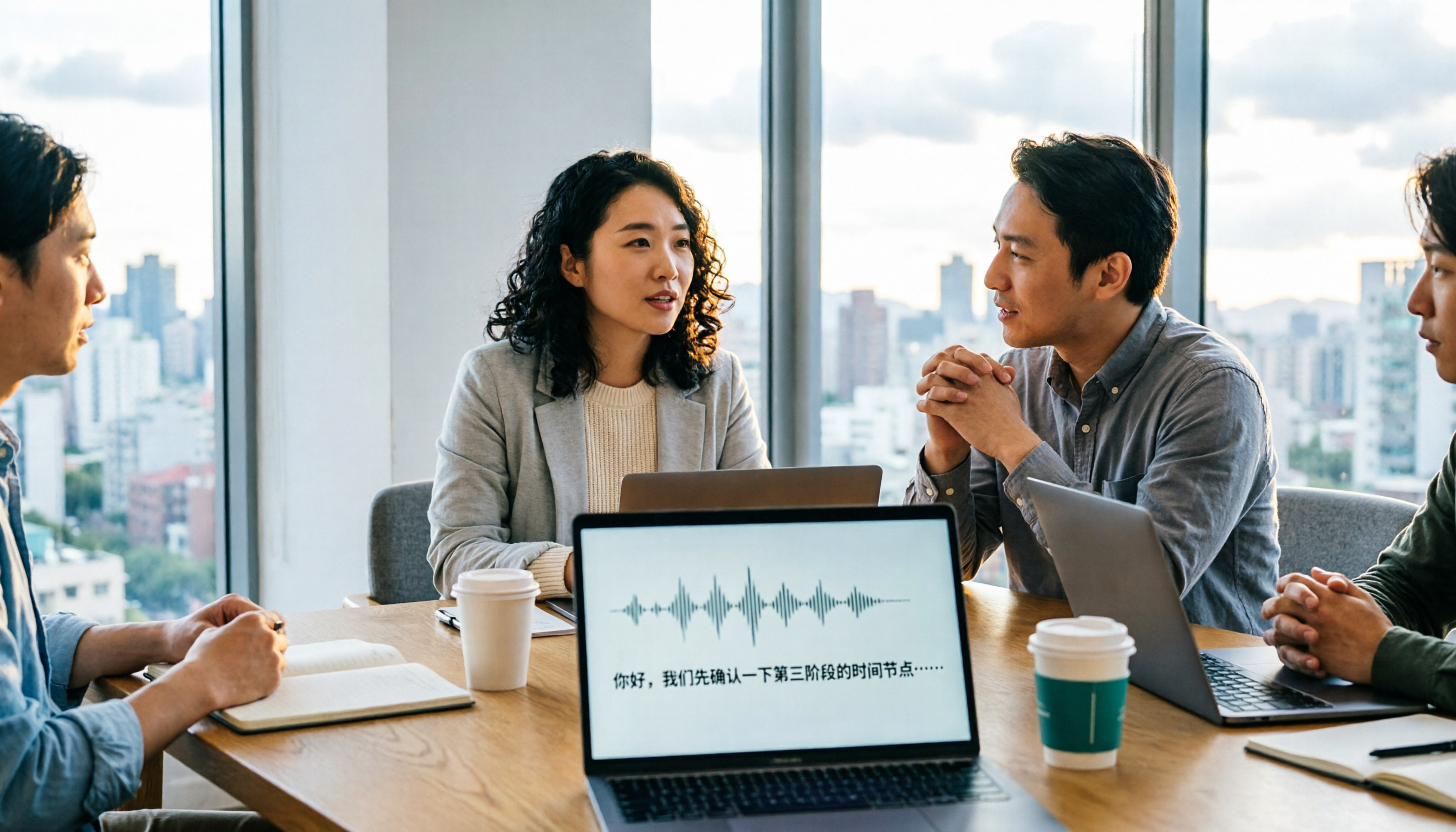
Fireflies.ai vs Tinrec (2026): 5-Factor Comparison for Chinese Meeting Notes — Which Is Better for Taiwan Teams?
Fireflies.ai lists Chinese in its supported languages, but after a real Chinese meeting, do you still have to spend time proofreading the transcript? This article compares Fireflies.ai and Tinrec across 5 dimensions — meeting recording method, Chinese transcript usability, post-meeting organization, quota calculation, and team management — to help you decide which is more suitable for Chinese meeting scenarios in Taiwan teams.

Best Speech-to-Text Tools in 2026: 4 Tested for Mixed Chinese-English Meetings
A sentence like "check the budget" turning into gibberish is a common frustration with speech-to-text tools in mixed Chinese-English meetings. We tested Tinrec, Otter.ai, Yating, and Notta on the same real meeting recording, comparing language switching, file and live meeting support, post-meeting workflows, and team data ownership. We also highlight 4 common purchasing pitfalls to help you choose the right tool within budget.
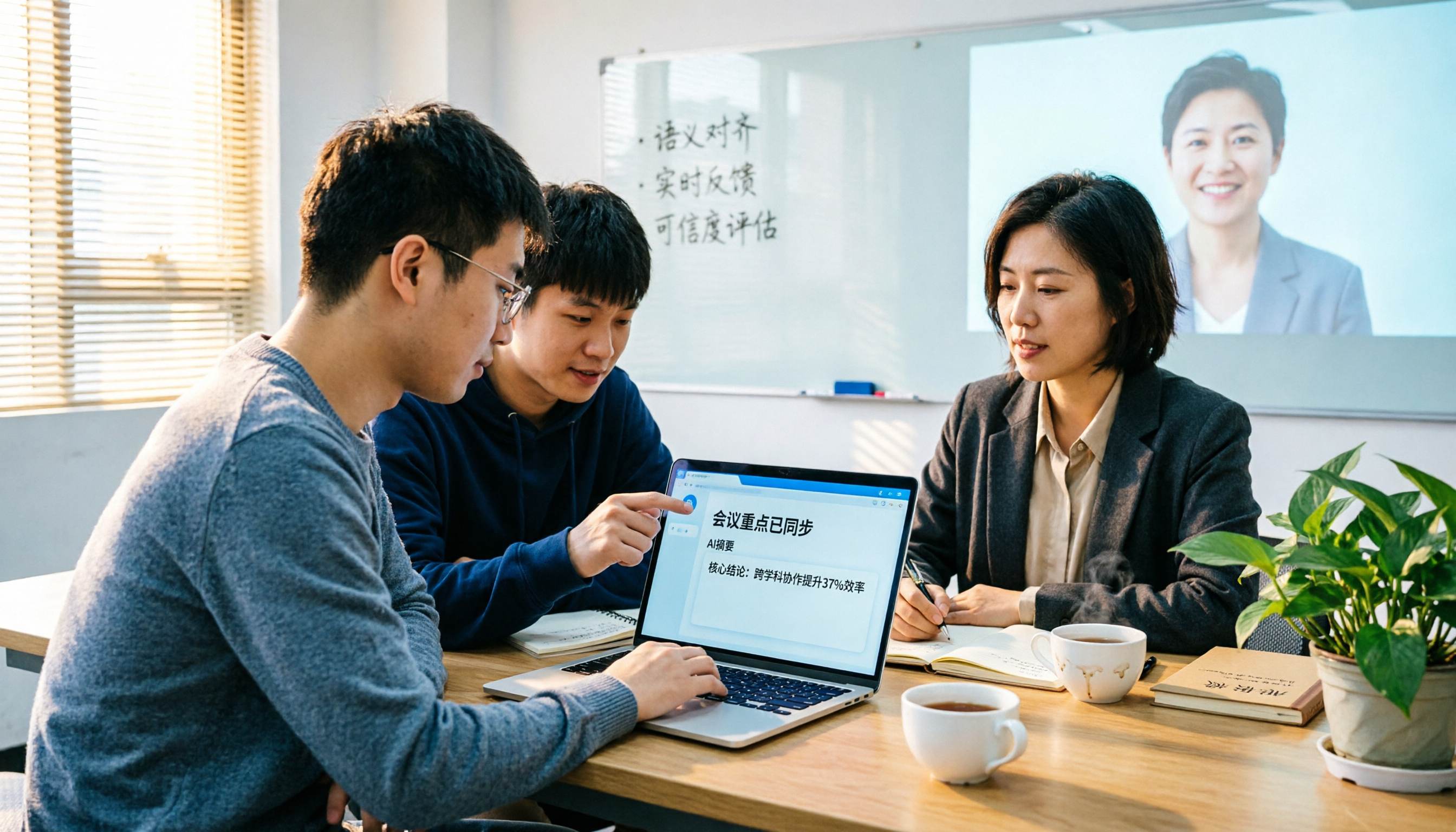
The Complete Guide to tl;dv Alternatives in 2026: Features, Use Cases, and How to Choose a Chinese Meeting Transcription Tool
When looking for a tl;dv alternative, focusing only on free minutes usually leads nowhere. Starting from real campus scenarios, this article explains what a meeting transcription tool really needs: real-time Chinese transcription, bot-free online meeting recording, AI summaries and action items, transcript Q&A, and export. Using Tinrec as a hands-on example, it covers five things to watch for when choosing a tool and answers common questions.
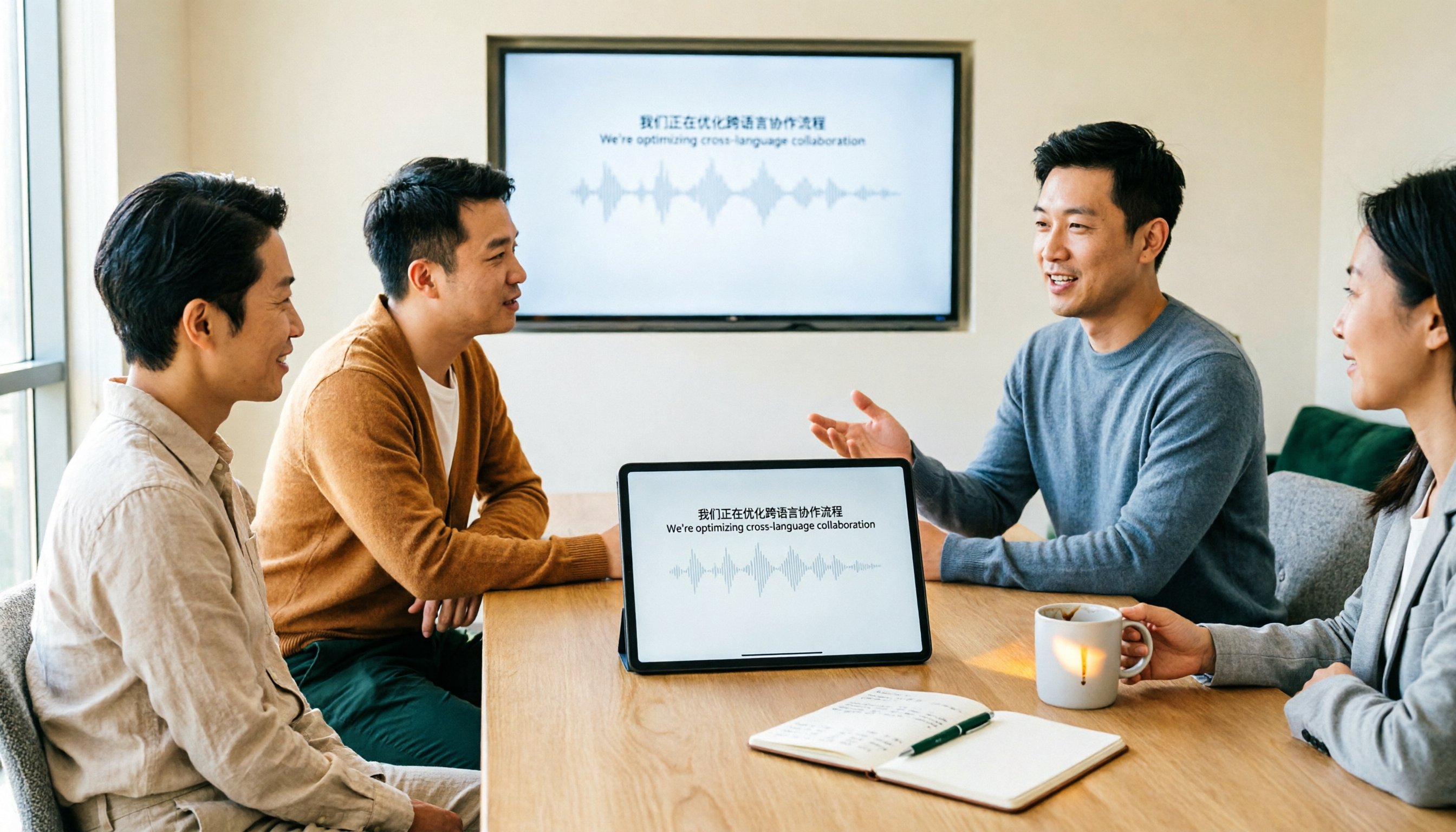
Tinrec vs Granola: Which Multilingual Real-Time Speech-to-Text Tool Better Handles Chinese Meetings in 2026?
Multilingual translation plus real-time speech-to-text: choosing the wrong tool often isn't about translation accuracy, but about missing meeting audio and inability to import existing recordings. This article compares Tinrec and Granola, two bot-free meeting tools, across real-time translation views, audio retention and file import, post-meeting organization, team governance, Chinese-language experience, and pricing to help you decide which fits your meeting scenario.

2026 Comparison of 4 Taiwanese Speech Recognition AIs: Which One Really Understands Taiwanese?
Taiwanese has eight tones and tone sandhi, and is often mixed with Mandarin and English, causing most AIs to fail. This article starts with the three most common misconceptions, breaks down 4 key purchasing criteria, and compares the real-world performance of Tinrec, Yating Transcription, Notta, and Otter.ai in Taiwanese and mixed-language scenarios. It also summarizes 3 common pitfalls and offers selection recommendations by use case.

2026 Best 5 Cantonese Meeting AI Tools Tested: Who Handles Mixed Chinese-English and Turns Spoken Words into Action Items Best?
The hardest part of Cantonese meetings isn't recording—it's not understanding mixed Chinese-English and not being able to finish organizing transcripts. This article starts from 'what problem are you trying to solve?' and breaks down the differences among 5 common approaches. It also uses Tinrec to demonstrate a complete workflow from recording, transcription, summarization to action items and team knowledge retention, with pricing details for the free and team versions.

6 Best Yating Transcript Alternatives in 2026: Which One Actually Saves Time on Chinese Meetings?
Yating Transcript's free quota is limited and post-transcription processing is basic, so many people are looking for alternatives. Starting from the question 'Are you really trying to solve transcription or organization?', this article tests and compares six options—Tinrec, Notta, Otter.ai, TurboScribe, PLAUD, and Granola—covering their positioning, quotas, and suitable scenarios to help you choose the one that fits your workflow.