

Turn recordings into transcripts and summaries in minutes
Upload audio or video for multilingual transcription, AI notes, and action items
2026 Side-by-Side Comparison: 2 Best Speech-to-Text Tools for Busy Professionals
I attend roughly 15 meetings a week—weekly syncs, project status updates, one-on-ones, cross-departmental coordination. What used to annoy me most wasn't the meetings themselves, but the aftermath: each session left a pile of decisions and action items to sort out. After I started using AI speech-to-text tools, I finally reclaimed that mechanical chunk of time. In this article, I picked two popular options: Tinrec, a pure software solution, and Plaud Note, a dedicated hardware device. Based on my team's real usage, I'll compare them directly across five dimensions.

Tinrec vs. Plaud Note: Quick Overview
Tinrec is an AI-powered recording and audio/video organization tool that emphasizes "turning recordings into actionable knowledge." Plaud Note is an AI recording hardware device whose core selling points are portable recording, long battery life, and tactile hardware feel. Both can transcribe speech to text and generate summaries, but their design philosophies are completely different.
| Comparison Item | Tinrec | Plaud Note |
|---|---|---|
| Primary Usage | iOS/Android/Web App, use on your phone or computer | Standalone hardware recording, sync via Bluetooth to mobile app |
| Starting Cost | Free tier with basic credits; Pro monthly or annual subscription | Hardware unit about $179 USD (pre-order price); additional subscription required for full transcription credits |
| Input Sources | Live recording, local files, online video links, computer meetings | Hardware recording primarily; app supports file upload (requires hardware activation) |
| Core Difference | Software-only, covers meetings, courses, interviews, online videos, etc. | Standalone device, ideal for one-handed recording, moments when you don't want to take out your phone |
This article will examine five dimensions: "Input Source Diversity," "AI Summarization & Q&A," "Cross-Platform Convenience," "Long-Term Cost," and "Chinese Language Support & Export." Finally, I'll help you decide which one fits you better.
Dimension 1: Input Sources & Scenario Coverage
Plaud Note's biggest strength is that you can just press a button and start recording. It's intuitive for scenarios where you need to record hands-free without pulling out your phone—like walking interviews or exhibition notes. However, its design is focused: primarily hardware recording. Although the app supports file uploads for transcription, you must first pair the hardware, and it doesn't support directly pasting YouTube links or recording system audio from a computer.
Tinrec covers almost all the scenarios I'm used to: recording live meetings with my phone, using the web version to capture Google Meet audio on my computer, dropping in accumulated interview MP3 files for transcription, or even pasting a YouTube interview link to get a summary. For a manager who's constantly in meetings and also deals with courses and interviews, one tool handles all audio/video data—no need to think about "which device should I use for this."
→ Verdict: Tinrec clearly wins in scenario coverage. While Plaud's hardware recording experience is slick, most people in daily work still need to process files and online content.
Dimension 2: AI Summarization & Q&A
Plaud Note's app provides summaries, templates, and Q&A, basically generating key points for a single recording. But because it's designed as "hardware + cloud transcription," it's more about turning audio into a transcript and then summarizing. Interactions with long recordings or large historical datasets are weaker.
Stop organizing recordings by hand
Upload audio or video and automatically get a transcript, summary, and action items
Tinrec goes deeper with "organization." After transcription, it doesn't just give a summary—it automatically splits into chapters, extracts action items, and even allows AI Q&A across the entire recording library. For example, I once imported recordings from three project review meetings and asked, "What was the root cause of the iOS launch delay discussed last time?" Tinrec could retrieve relevant sections and organize an answer, saving me the trouble of searching through transcripts manually. Plaud Note currently cannot do this.
→ Verdict: Tinrec wins, especially when you need to quickly synthesize information from multiple meetings or interviews.
Dimension 3: Cross-Platform & Collaboration
Plaud Note relies on connecting hardware to the mobile app. Although you can view transcripts on a computer via a web backend, the recording control always stays with the hardware—there's no native computer recording solution. If you're in an online meeting on your computer, you need to find a way to feed audio to the hardware or upload the file later.
Tinrec has native iOS, Android, and web versions. At my desk, I use the web version to record system audio; on the go, I use my phone; at home, I open the web version on my iPad. All data syncs, and I can start working from any device. This gives much more flexibility for someone who moves between laptop, phone, and conference rooms.

→ Verdict: Tinrec's cross-platform completeness is higher than Plaud's, making it more friendly for multi-device users.
Dimension 4: Long-Term Cost
Plaud Note requires an upfront hardware cost (around $179 USD for the unit), plus a subscription to unlock full transcription hours. If you don't renew, the hardware only retains basic recording functionality. For those who want to try it out or have variable usage, the barrier is relatively high.
Tinrec has a free tier that lets you experience core features directly, with a monthly base credit. My team initially used the free version to test meeting accuracy; only when satisfied did they upgrade to the Pro monthly plan. In terms of cost, a Pro monthly plan is roughly the price of a couple of Starbucks drinks. Even if you only use it short-term, the cost risk is much lower.
→ Verdict: Tinrec's entry cost and plan flexibility beat Plaud Note, especially for professionals who prefer to try before buying.
Dimension 5: Chinese Language Support & Export Flexibility
Plaud Note supports multilingual transcription, but its market focus leans toward English and international business. Chinese localization and export options are relatively basic. In tests, I compared a 10-minute Chinese product meeting recording: Plaud's transcript occasionally stumbled on names and mixed Chinese-English phrases, and export options were limited to plain text or PDF.
Tinrec handles Chinese (including Traditional Chinese) much more delicately—whether it's mixed terms like "Q3 OKR tracking" or generating meeting minutes, tables, and action items. Export options include direct integration with Notion, Google Docs, and other tools I commonly use. For managers who need to report upward and track downward, this saves the pain of manual reformatting afterward.
→ Verdict: Tinrec is more complete in Chinese processing and export integration, and better aligned with local work habits.
What Unique Advantages Does Each Have?
Tinrec's Unique Advantages
- All-Scenario Audio/Video Organization: Live recording, files, online videos, online meetings—all handled with one tool, no extra hardware needed.
- AI Conversational Search: Query your entire recording library to quickly retrieve key information—it turns your recordings into a searchable knowledge base.
- Rich Post-Processing & Export: Not just transcripts, but also summaries, action items, chapter breakdowns, and export to major productivity tools.
- Low-Risk Trial: Free tier lets you test core features; upgrade only if satisfied—no upfront hardware cost.
Plaud Note's Unique Advantages
- Ultra-Portable One-Button Recording: Hardware button to start recording instantly, great for scenarios where you don't want to pull out your phone (e.g., exhibitions, field notes).
- Standalone Device, Long Battery Life: Doesn't drain your phone battery, more reliable for long recordings.
Conclusion: Which One Should You Choose?
- If you frequently handle meetings, courses, interviews, and online videos, and need to quickly retrieve recording content later → Tinrec software integration and AI Q&A will save you the most time.
- If you often need to record while walking or your hands are busy, and you already have a clear transcription subscription plan → Plaud Note's hardware experience is indeed slick.
- If you're still unsure and don't want to spend hundreds on a device upfront → download Tinrec free version and test it on your own meetings or interviews. If satisfied, then consider upgrading. Lowest cost risk.
In one sentence: For most professionals who need flexible organization of various audio/video content, Tinrec is the more practical and complete starting choice.
Turn every recording into actionable outcomes
Get 60 free transcription minutes when you sign in. No credit card required.
Related Reading
You might also like

Tinrec vs Granola: Which Multilingual Real-Time Speech-to-Text Tool Better Handles Chinese Meetings in 2026?
Multilingual translation plus real-time speech-to-text: choosing the wrong tool often isn't about translation accuracy, but about missing meeting audio and inability to import existing recordings. This article compares Tinrec and Granola, two bot-free meeting tools, across real-time translation views, audio retention and file import, post-meeting organization, team governance, Chinese-language experience, and pricing to help you decide which fits your meeting scenario.

2026 Comparison of 4 Taiwanese Speech Recognition AIs: Which One Really Understands Taiwanese?
Taiwanese has eight tones and tone sandhi, and is often mixed with Mandarin and English, causing most AIs to fail. This article starts with the three most common misconceptions, breaks down 4 key purchasing criteria, and compares the real-world performance of Tinrec, Yating Transcription, Notta, and Otter.ai in Taiwanese and mixed-language scenarios. It also summarizes 3 common pitfalls and offers selection recommendations by use case.

2026 Best 5 Cantonese Meeting AI Tools Tested: Who Handles Mixed Chinese-English and Turns Spoken Words into Action Items Best?
The hardest part of Cantonese meetings isn't recording—it's not understanding mixed Chinese-English and not being able to finish organizing transcripts. This article starts from 'what problem are you trying to solve?' and breaks down the differences among 5 common approaches. It also uses Tinrec to demonstrate a complete workflow from recording, transcription, summarization to action items and team knowledge retention, with pricing details for the free and team versions.

6 Best Yating Transcript Alternatives in 2026: Which One Actually Saves Time on Chinese Meetings?
Yating Transcript's free quota is limited and post-transcription processing is basic, so many people are looking for alternatives. Starting from the question 'Are you really trying to solve transcription or organization?', this article tests and compares six options—Tinrec, Notta, Otter.ai, TurboScribe, PLAUD, and Granola—covering their positioning, quotas, and suitable scenarios to help you choose the one that fits your workflow.
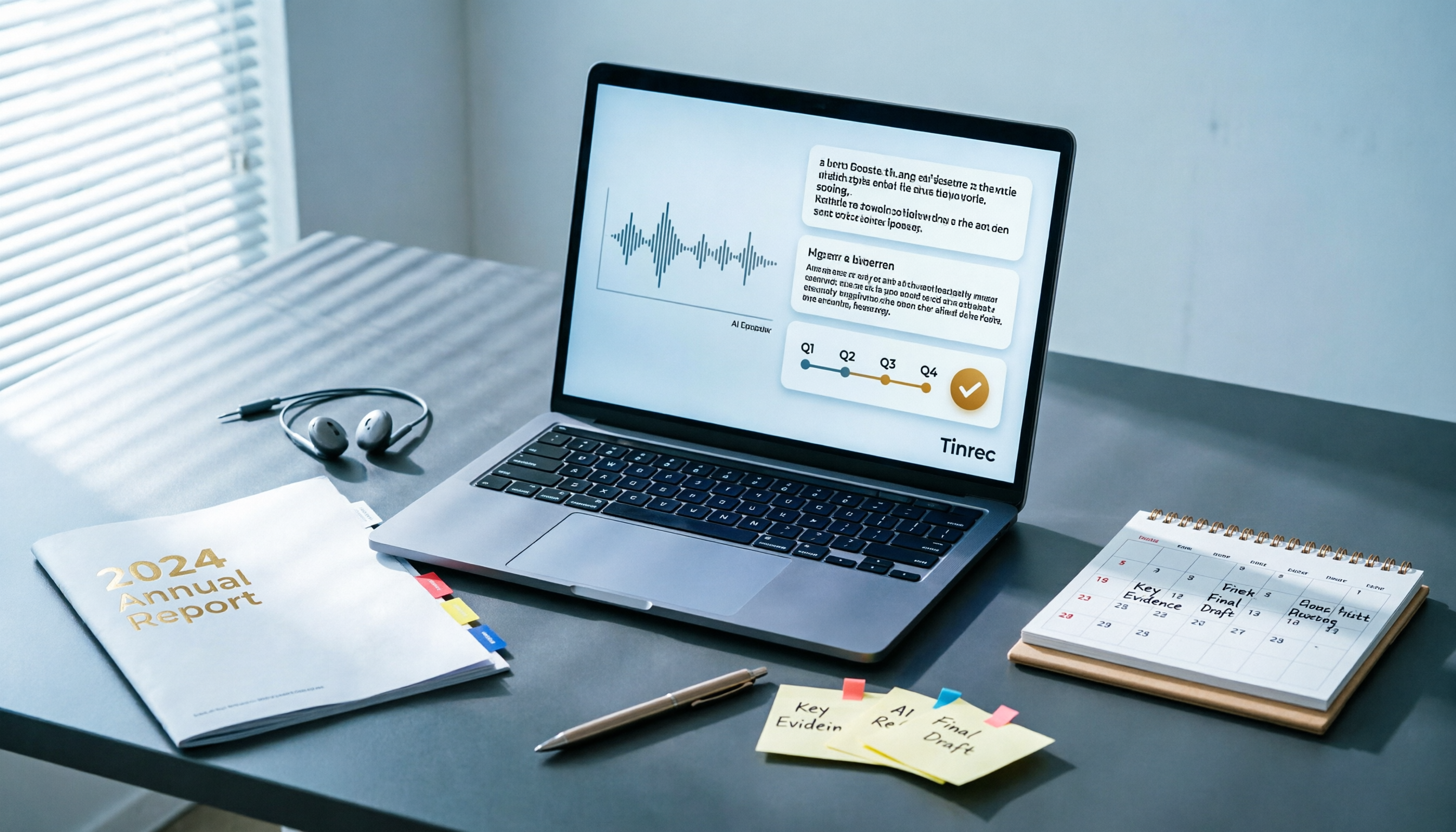
Best AI Tools for Year-End Performance Reviews 2026: 6 Tested, One Organizes Results Fastest
How to choose AI for organizing your year-end performance review? This guide starts with the right order: gather evidence first, then let AI rewrite. It covers 6 practical solutions: meeting recording transcription with AI Q&A, general-purpose AI rewriting, template generation, and presentation layout, plus data security reminders and selection advice before pasting data into AI.

How to Record iPhone Calls in 2026: iOS 18.1 Built-in Feature + Transcription Guide
Confused about iPhone call recording? Older posts say it's impossible, but iOS 18.1 now supports it. This guide covers how to enable built-in call recording, regional and device restrictions, whether the other party hears a notification, and compares 7 recording and post-call organization solutions including Tinrec, Otter, Notta, TurboScribe, Granola, and PLAUD—so you can go from recording to transcript, summary, and action items in one go.

5 Phone Call Recording Solutions Tested for 2026: iPhone, Android, LINE, and AI Transcription Compared
A practical guide addressing common phone recording questions from Dcard, comparing iPhone, Android, LINE, and AI-powered transcription workflows. Covers legal reminders, recording limitations, and how to use Tinrec to turn call audio into transcripts, summaries, and action items.

How to Choose Brainstorming Tools in 2026: A 5-Step Practical Guide
Brainstorming sessions end, but ideas get scattered across whiteboard photos and group chats. This article, from a mid-level manager's practical perspective, breaks down the 5-step process for brainstorming tools in 2026 and 4 key purchasing criteria. It uses Tinrec to demonstrate how AI recording, transcription, summarization, to-dos, and Q&A can turn meeting ideas into team knowledge. It also honestly compares the use cases and limitations of Otter.ai, Notta, and Granola.

How to Choose an AI Meeting Notes App in 2026: 5 Steps from Recording to Team Summaries
Starting from a meeting that just ended but no one wants to organize, this article explains the key considerations for choosing an AI meeting notes app and demonstrates 5 steps with Tinrec: recording, transcription, summarization, follow-up questions, and team knowledge retention.