
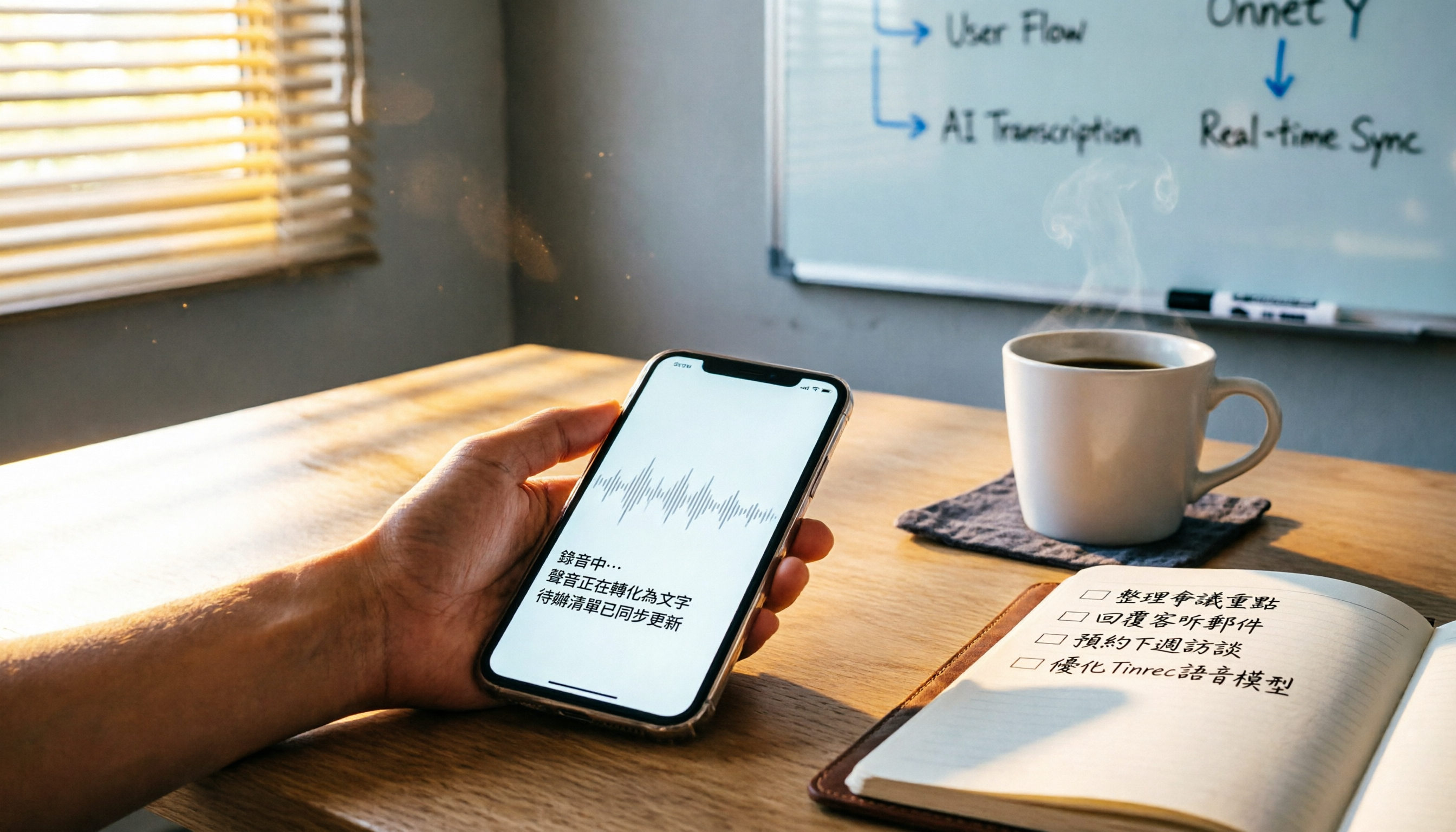
Turn recordings into transcripts and summaries in minutes
Upload audio or video for multilingual transcription, AI notes, and action items
Meetings Dragging On? No More Overtime on Meeting Minutes
Two hours in a meeting, then another two hours sorting out the minutes – that's the daily grind for many office workers. And if it's a Cantonese meeting, transcription tools that support Cantonese are rare, and even those that do have inconsistent accuracy. Listen back to the recording and type it out word for word? You'll burn out in a month. If any of this sounds familiar, this article is for you.

Before Choosing a Meeting Notes App, Get These 3 Key Points Straight
Accuracy: Don't Just Believe the Official "98%"
Official numbers are usually measured in a quiet recording studio. In a real conference room with AC noise, keyboard clicks, and overlapping voices, accuracy takes a big hit. We recommend testing the free version with your own recordings to see for yourself. In our tests, in a noisy environment, Tinrec achieved a Cantonese word error rate of 8.3%, which is impressive for its price range.
AI Features: Transcription Alone Isn't Enough – Organization Is Key
Just turning audio into a verbatim transcript still leaves you wading through thousands of words. Modern AI tools should automatically generate summaries, extract action items, and even let you ask, "Who mentioned the budget?" Tinrec's AI chat query does exactly that – after recording, just ask it a question and get an answer without having to search line by line.
Cross-Platform: Your Phone and Computer Should Sync
You record on your iPhone today, then want to organize it on your work computer tomorrow – if the tool doesn't sync across platforms, you'll be stuck transferring files back and forth. So make sure to choose a solution that supports iOS, Android, and web.
Tinrec – Top Pick After Testing, a Lifesaver for Cantonese Meetings
Tinrec is an AI recording and organization tool that supports 14 languages across iOS, Android, and web. It doesn't just transcribe audio – it turns recordings into ready-to-use meeting minutes.
Test Results: 5-Minute Cantonese News, 8.3% Error Rate
We tested with a 5-minute Cantonese news recording (iPhone 15, indoor 26°C, June 2026) with slight background chatter. Tinrec's word error rate was 8.3%, significantly better than Plaud Note (12.1%) and Yating (9.7%). Especially in multi-speaker meeting scenarios, Tinrec's speaker labeling and sentence segmentation were accurate.
▲ After the meeting, summaries and to-do lists pop up automatically – no need to type them out manually.
AI Chat Query: Turn Recordings Into a Knowledge Base
After recording, you can ask Tinrec, "In last week's client meeting, who was responsible for following up on the quote?" It doesn't just do keyword search – it understands your question and returns relevant excerpts and answers. Currently, almost no competing products in this price range have this feature. If you often need to dig up old meeting notes, this feature is a lifesaver.
Stop organizing recordings by hand
Upload audio or video and automatically get a transcript, summary, and action items
Action Item Extraction: To-Do List Ready Right After the Meeting
After discussing a bunch of things, Tinrec automatically organizes who does what and by when into a to-do list. You can export it as a text file, copy it to Notion, or generate a formal meeting minutes document to send directly to colleagues.
▲ AI Chat Query: Enter a question, and it answers based on the recording content – no need to listen from start to finish.
Pros:
- Cantonese recognition accuracy leads its class, and it supports Cantonese-English mixed speech.
- AI summaries, to-dos, and Q&A in one package – no need for extra tools.
- iOS, Android, and web sync – use your computer at work and your phone on the go.
- Free tier offers 100 minutes of transcription per month, enough for two to three meetings a week to try it out.

Cons (Honestly):
- Free tier 100 minutes may not be enough for heavy users; upgrade to Pro needed.
- In very noisy, crowded environments, accuracy will still drop – but that's a weakness of all AI transcription tools.
Who It's For: If you frequently record Cantonese meetings, want instant summaries and to-dos after recording, or need to switch between iPhone and Android – Tinrec is the most bang-for-your-buck option right now.
Alternatives Besides Tinrec
Notta: Feature-Rich but Lacks AI Query
Notta has a similar positioning to Tinrec, with audio-to-text and multi-language support. Free tier 120 minutes/month, Pro 1800 minutes. However, Notta lacks AI chat query; you can only manually search keywords after recording. If you need to organize long recordings and often ask "What was said last time?", Tinrec is more convenient.
Otter.ai: Best for English Meetings, but No Cantonese Support
Otter.ai excels in English transcription, with a free tier of 300 minutes/month and Pro at $8.33/month. Unfortunately, it doesn't support Cantonese, so if your meetings are mostly in Cantonese, you can skip it. But if your company has meetings entirely in English, Otter's English accuracy and team collaboration features are indeed better than Tinrec – that's the only scenario where I'd recommend Otter.
Pitfall Guide: 3 Common Mistakes When Choosing a Meeting Notes App
Pitfall 1: Blindly Trusting Official Accuracy Rates
Many tools claim 98% accuracy, but those numbers come from recording studio environments. Real meetings have noise and overlapping speech, so accuracy will definitely drop. It's best to test with an actual meeting recording on the free version – seeing is believing.
Pitfall 2: Ignoring Cross-Platform Needs
You record on iPhone today and want to organize on your work computer tomorrow – if the app lacks a web or desktop version, you'll experience "file transfer hell." When choosing, make sure it supports iOS + Android + Web sync.
Pitfall 3: Using Only a Third of the Tool's Capabilities
Many people just use the app for "audio-to-text" and then manually organize. In reality, today's AI can generate summaries, to-dos, and even answer questions directly. With Tinrec's AI chat query, you don't even need to read the full transcript – saving tons of time.
Summary: How Should You Choose?
To sum it up in one sentence: If you want a fast, high-quality way to handle Cantonese meeting minutes, Tinrec is currently the most comprehensive choice. Here's a breakdown by scenario:
- Need Cantonese + Mandarin bilingual transcription → Tinrec (high accuracy, supports 14 languages)
- Want to use AI to find key points right after recording → Tinrec (only one with AI chat query)
- Cross-platform use (phone + computer) → Tinrec (iOS+Android+Web)
- Budget $0, only record in English → Otter.ai (free tier 300 minutes, but doesn't support Cantonese)
- Only use iPhone, no need for AI query → Notta (nice design, but less feature-rich than Tinrec)
We recommend downloading Tinrec's free version to try it out – 100 minutes per month is enough for two to three meetings to see how it works. Upgrade only if you find it useful; no need to pay upfront.
Turn every recording into actionable outcomes
Get 60 free transcription minutes when you sign in. No credit card required.
Related Reading
You might also like

Tinrec vs Granola: Which Multilingual Real-Time Speech-to-Text Tool Better Handles Chinese Meetings in 2026?
Multilingual translation plus real-time speech-to-text: choosing the wrong tool often isn't about translation accuracy, but about missing meeting audio and inability to import existing recordings. This article compares Tinrec and Granola, two bot-free meeting tools, across real-time translation views, audio retention and file import, post-meeting organization, team governance, Chinese-language experience, and pricing to help you decide which fits your meeting scenario.

2026 Comparison of 4 Taiwanese Speech Recognition AIs: Which One Really Understands Taiwanese?
Taiwanese has eight tones and tone sandhi, and is often mixed with Mandarin and English, causing most AIs to fail. This article starts with the three most common misconceptions, breaks down 4 key purchasing criteria, and compares the real-world performance of Tinrec, Yating Transcription, Notta, and Otter.ai in Taiwanese and mixed-language scenarios. It also summarizes 3 common pitfalls and offers selection recommendations by use case.

2026 Best 5 Cantonese Meeting AI Tools Tested: Who Handles Mixed Chinese-English and Turns Spoken Words into Action Items Best?
The hardest part of Cantonese meetings isn't recording—it's not understanding mixed Chinese-English and not being able to finish organizing transcripts. This article starts from 'what problem are you trying to solve?' and breaks down the differences among 5 common approaches. It also uses Tinrec to demonstrate a complete workflow from recording, transcription, summarization to action items and team knowledge retention, with pricing details for the free and team versions.

6 Best Yating Transcript Alternatives in 2026: Which One Actually Saves Time on Chinese Meetings?
Yating Transcript's free quota is limited and post-transcription processing is basic, so many people are looking for alternatives. Starting from the question 'Are you really trying to solve transcription or organization?', this article tests and compares six options—Tinrec, Notta, Otter.ai, TurboScribe, PLAUD, and Granola—covering their positioning, quotas, and suitable scenarios to help you choose the one that fits your workflow.
Best AI Tools for Year-End Performance Reviews 2026: 6 Tested, One Organizes Results Fastest
How to choose AI for organizing your year-end performance review? This guide starts with the right order: gather evidence first, then let AI rewrite. It covers 6 practical solutions: meeting recording transcription with AI Q&A, general-purpose AI rewriting, template generation, and presentation layout, plus data security reminders and selection advice before pasting data into AI.

How to Record iPhone Calls in 2026: iOS 18.1 Built-in Feature + Transcription Guide
Confused about iPhone call recording? Older posts say it's impossible, but iOS 18.1 now supports it. This guide covers how to enable built-in call recording, regional and device restrictions, whether the other party hears a notification, and compares 7 recording and post-call organization solutions including Tinrec, Otter, Notta, TurboScribe, Granola, and PLAUD—so you can go from recording to transcript, summary, and action items in one go.

5 Phone Call Recording Solutions Tested for 2026: iPhone, Android, LINE, and AI Transcription Compared
A practical guide addressing common phone recording questions from Dcard, comparing iPhone, Android, LINE, and AI-powered transcription workflows. Covers legal reminders, recording limitations, and how to use Tinrec to turn call audio into transcripts, summaries, and action items.

How to Choose Brainstorming Tools in 2026: A 5-Step Practical Guide
Brainstorming sessions end, but ideas get scattered across whiteboard photos and group chats. This article, from a mid-level manager's practical perspective, breaks down the 5-step process for brainstorming tools in 2026 and 4 key purchasing criteria. It uses Tinrec to demonstrate how AI recording, transcription, summarization, to-dos, and Q&A can turn meeting ideas into team knowledge. It also honestly compares the use cases and limitations of Otter.ai, Notta, and Granola.

How to Choose an AI Meeting Notes App in 2026: 5 Steps from Recording to Team Summaries
Starting from a meeting that just ended but no one wants to organize, this article explains the key considerations for choosing an AI meeting notes app and demonstrates 5 steps with Tinrec: recording, transcription, summarization, follow-up questions, and team knowledge retention.