

Turn recordings into transcripts and summaries in minutes
Upload audio or video for multilingual transcription, AI notes, and action items
Why Do You Need Transcription?
After every meeting, class, or interview, there's the endless manual note-taking. I have 15 meetings a week, and just turning discussions into transcripts eats up half my work time. Not to mention the awkwardness of being grilled by the boss after missing key decisions or action items. AI voice-to-text tools can drastically shorten this process. This article reviews 5 free and paid options, from the most complete AI assistant to zero-budget alternatives, helping you find your transcription lifesaver.

Option 1: Tinrec (Miao Ting Lu Yin) – The Most Complete AI Recording Assistant
If you're like me and want more than just a transcript—you want recordings turned into actionable data—Tinrec is a great first choice. It not only transcribes meetings, lectures, or online videos but also features AI summaries, chapter splitting, action item extraction, and conversational queries, turning a passive recording into an interactive knowledge base.
Our team found that Tinrec handles Chinese content particularly well, even with mixed Chinese-English jargon. The "AI Q&A" feature is especially useful—you can ask "What was the conclusion of the last meeting?" or "Where was the budget discussed?" and the system pulls the relevant section directly, saving you from re-listening to everything.
The free plan provides basic transcription credits for light testing. If you have more than 3 meetings per week, I recommend the Pro version (monthly or yearly subscription). It costs less than a few cups of coffee per month to save at least 1 hour of organizing time daily. Best for: mid-level managers and professionals who need multi-source audio/video processing (meetings, courses, online videos) and value AI post-processing capabilities.
Option 2: Notta – High Value Multilingual Transcription Tool
Notta is a direct competitor to Tinrec, supporting real-time recording, file transcription, and multi-platform use. Its strength lies in multilingual transcription and translation, with a clean interface that supports English, Japanese, and other languages. The free plan offers 120 minutes of transcription per month, suitable for occasional users; the Pro plan costs about NT$250 per month (annual billing), providing 1,800 minutes per month—a good value.
However, Notta's AI features are focused on transcription and summarization, lacking Tinrec's deep conversational Q&A and automatic action item extraction. It's more like a high-efficiency transcription machine. If you just need audio turned into text, Notta is sufficient; but if you need to turn text into working documents, you'll need supplementary tools. Best for: users who frequently handle foreign language meetings, have a limited budget, but need stable transcription quality.
Stop organizing recordings by hand
Upload audio or video and automatically get a transcript, summary, and action items
Option 3: Otter.ai – The Go-To for English Meeting Notes
When talking about AI meeting notes, Otter.ai is almost synonymous. It excels at automatically joining online meetings like Zoom and Google Meet, generating real-time transcripts and summaries, and recognizing different speakers. The free plan offers 300 minutes of transcription per month, very appealing for English-centric teams.
However, Otter's Chinese transcription is less stable than its English, and its strength lies in meeting collaboration, with limited support for classroom recordings or online video processing. If your work language is primarily English, Otter is a powerful assistant; if you deal with a lot of Chinese content, Tinrec or Notta are more practical. Best for: multinational teams, cross-border meetings, heavy English users.

Option 4: TurboScribe – Efficient for Bulk Document Transcription
If your need is to batch upload audio/video files and quickly generate subtitles or transcripts, TurboScribe is an efficiency-oriented choice. The free plan allows 3 files per day (each up to 30 minutes), while the paid Unlimited plan at about NT$300/month (annual billing) supports large files, batch conversion, and multilingual translation.
Its positioning is simple: drop in a file, get text out—no AI summaries, Q&A, or advanced features. It's great for researchers or content creators who process large volumes of recordings at once, but not for professionals who need to summarize meeting highlights. Best for: academic interview processing, subtitle creation, one-time bulk transcription needs.
Option 5: Zero Budget – Phone Voice Memo + Manual Note-Taking
If your budget is zero, using your phone's voice memos with Google Docs for manual transcription is still the most basic solution. It's completely free and requires no new tools. The downside is obvious: a one-hour meeting takes three hours to relisten, type, and proofread—extremely time-consuming and error-prone. Suitable for occasional use, but not for professionals who regularly need notes.
How to Choose Among These Options?
- Want the most complete AI features (transcription + smart Q&A + auto summaries)? → Tinrec, the only one covering all these functions simultaneously.
- Need multilingual transcription on a limited budget? → Notta, with 120 free minutes and a high-value paid plan.
- Team primarily uses English meetings with a need for meeting bots? → Otter.ai, best for automatically joining online meetings.
- Only need bulk transcription without further processing? → TurboScribe, the Unlimited plan is most cost-effective for long files.
- Truly zero budget and very low frequency? → Phone recording + manual notes, but be prepared for the time cost.
3 Things to Know Before Using Transcription Tools
- Accuracy depends on recording quality: Background noise, overlapping speech, and strong accents all affect results. Using an external microphone or staying close to the audio source makes a significant difference. Tools like Tinrec offer "speaker differentiation" in meeting mode, but the recording environment is still critical.
- Free plans have hidden ceilings: Most free versions limit transcription minutes or file count and exclude advanced features. For example, Tinrec's free plan is good for evaluation, but if it becomes part of your daily workflow, upgrading to the paid version unlocks full organizational capabilities.
- AI output still requires human review: AI-generated summaries and action items may misinterpret or miss details. Always cross-check important decisions and data against the original text to avoid communication errors. This isn't a tool flaw—it's a reasonable division of labor in human-AI collaboration.
Conclusion
Transcription tools have evolved from "turning audio into text" to "turning data into action." When choosing, don't just compare price and minutes—consider how much post-processing time they save. In my own team, Tinrec is currently the best solution for meeting, course, and video processing, especially with its AI Q&A feature that drastically reduces the pain of searching through history. If your work involves constant meetings and note-taking, start with the free trial to see how it can reclaim your after-hours from endless transcription.
Turn every recording into actionable outcomes
Get 60 free transcription minutes when you sign in. No credit card required.
Related Reading
You might also like

Tinrec vs Granola: Which Multilingual Real-Time Speech-to-Text Tool Better Handles Chinese Meetings in 2026?
Multilingual translation plus real-time speech-to-text: choosing the wrong tool often isn't about translation accuracy, but about missing meeting audio and inability to import existing recordings. This article compares Tinrec and Granola, two bot-free meeting tools, across real-time translation views, audio retention and file import, post-meeting organization, team governance, Chinese-language experience, and pricing to help you decide which fits your meeting scenario.

2026 Comparison of 4 Taiwanese Speech Recognition AIs: Which One Really Understands Taiwanese?
Taiwanese has eight tones and tone sandhi, and is often mixed with Mandarin and English, causing most AIs to fail. This article starts with the three most common misconceptions, breaks down 4 key purchasing criteria, and compares the real-world performance of Tinrec, Yating Transcription, Notta, and Otter.ai in Taiwanese and mixed-language scenarios. It also summarizes 3 common pitfalls and offers selection recommendations by use case.

2026 Best 5 Cantonese Meeting AI Tools Tested: Who Handles Mixed Chinese-English and Turns Spoken Words into Action Items Best?
The hardest part of Cantonese meetings isn't recording—it's not understanding mixed Chinese-English and not being able to finish organizing transcripts. This article starts from 'what problem are you trying to solve?' and breaks down the differences among 5 common approaches. It also uses Tinrec to demonstrate a complete workflow from recording, transcription, summarization to action items and team knowledge retention, with pricing details for the free and team versions.

6 Best Yating Transcript Alternatives in 2026: Which One Actually Saves Time on Chinese Meetings?
Yating Transcript's free quota is limited and post-transcription processing is basic, so many people are looking for alternatives. Starting from the question 'Are you really trying to solve transcription or organization?', this article tests and compares six options—Tinrec, Notta, Otter.ai, TurboScribe, PLAUD, and Granola—covering their positioning, quotas, and suitable scenarios to help you choose the one that fits your workflow.
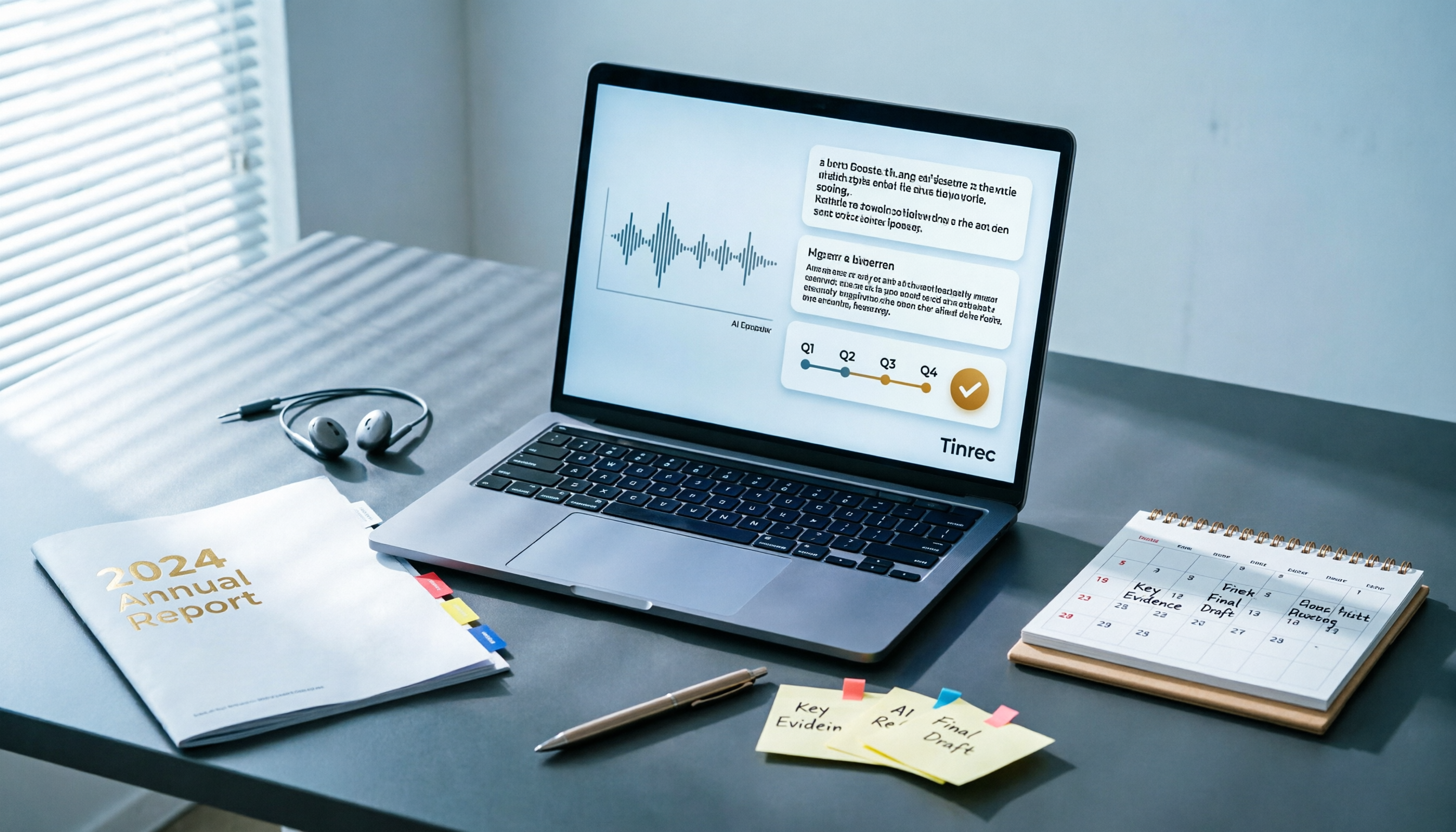
Best AI Tools for Year-End Performance Reviews 2026: 6 Tested, One Organizes Results Fastest
How to choose AI for organizing your year-end performance review? This guide starts with the right order: gather evidence first, then let AI rewrite. It covers 6 practical solutions: meeting recording transcription with AI Q&A, general-purpose AI rewriting, template generation, and presentation layout, plus data security reminders and selection advice before pasting data into AI.

How to Record iPhone Calls in 2026: iOS 18.1 Built-in Feature + Transcription Guide
Confused about iPhone call recording? Older posts say it's impossible, but iOS 18.1 now supports it. This guide covers how to enable built-in call recording, regional and device restrictions, whether the other party hears a notification, and compares 7 recording and post-call organization solutions including Tinrec, Otter, Notta, TurboScribe, Granola, and PLAUD—so you can go from recording to transcript, summary, and action items in one go.

5 Phone Call Recording Solutions Tested for 2026: iPhone, Android, LINE, and AI Transcription Compared
A practical guide addressing common phone recording questions from Dcard, comparing iPhone, Android, LINE, and AI-powered transcription workflows. Covers legal reminders, recording limitations, and how to use Tinrec to turn call audio into transcripts, summaries, and action items.

How to Choose Brainstorming Tools in 2026: A 5-Step Practical Guide
Brainstorming sessions end, but ideas get scattered across whiteboard photos and group chats. This article, from a mid-level manager's practical perspective, breaks down the 5-step process for brainstorming tools in 2026 and 4 key purchasing criteria. It uses Tinrec to demonstrate how AI recording, transcription, summarization, to-dos, and Q&A can turn meeting ideas into team knowledge. It also honestly compares the use cases and limitations of Otter.ai, Notta, and Granola.

How to Choose an AI Meeting Notes App in 2026: 5 Steps from Recording to Team Summaries
Starting from a meeting that just ended but no one wants to organize, this article explains the key considerations for choosing an AI meeting notes app and demonstrates 5 steps with Tinrec: recording, transcription, summarization, follow-up questions, and team knowledge retention.