

Turn recordings into transcripts and summaries in minutes
Upload audio or video for multilingual transcription, AI notes, and action items
Why Do You Need AI Meeting Minutes?
A one-hour meeting recording often takes two to three times as long to transcribe manually, and it's easy to miss key points. With the maturity of AI speech-to-text technology, many tools can now automatically transcribe meeting recordings into text and even generate summaries and action items, making meeting documentation a breeze. This article reviews 5 of the most notable AI meeting minutes solutions on the market, covering functionality, Chinese language experience, and pricing to help you decide at a glance.

Tinrec (秒聽錄音) – The Most Comprehensive AI Recording and Minutes Assistant
Tinrec is more than just a transcription tool; it's a full-fledged audio/video processing workstation. For meetings, you can record live using your phone or computer, get real-time transcription, and automatically generate summaries, chapters, and action items after the session. What's more, it features an AI conversation search—you can ask questions like "What was the budget discussed in the last meeting?" and the system will find the answer from your history, saving you from re-listening.
Key Highlights:
- Multiple Input Sources: Besides live recording, you can upload local audio files, paste links from online meeting recordings, or even parse YouTube videos—cross-platform organization made easy.
- More Than Just Transcripts: Automatically extracts meeting summaries, key points, and action items, and can export to Word, Google Docs, or other formats directly as work deliverables.
- AI Conversation Search: A unique feature that lets you query past meetings like asking a colleague—your historical data is never buried.
- Excellent Chinese Support: Performs exceptionally well in recognizing and summarizing Chinese meetings and interviews, making it ideal for English users who also need Chinese capabilities.
Pricing: Free tier available (basic monthly quota). Paid plans include Weekly, Pro Monthly, and Pro Annual, flexible for light to heavy users.
Who It's For: If you need to process not only meetings but also lectures, interviews, online videos, and other audio/video content, Tinrec is the most feature-rich option.
Otter.ai – Veteran AI Meeting Notes, Best for English Environments
Otter.ai is often the first AI meeting notes tool people try, focusing on real-time transcription and collaboration for online meetings. It offers stable English accuracy, speaker identification, and meeting summaries, with deep integration with Zoom and Google Meet. However, its Chinese support is weak, and it lacks flexibility for local files or online videos compared to Tinrec.
Key Highlights: Real-time meeting transcription, team collaboration, rich meeting history search. Pricing: Free: 300 minutes/month; Pro: ~$8.33/month billed annually (1,200 minutes and more features). Who It's For: Business users who primarily have English meetings and need shared meeting notes.
Stop organizing recordings by hand
Upload audio or video and automatically get a transcript, summary, and action items
Fireflies.ai – Unlimited Transcription and Automation Bot
Fireflies.ai emphasizes "unlimited transcription," automatically joining meetings, recording, and generating summaries and action items, with integrations for CRM, Slack, and more. Its strength is meeting workflow automation, but Chinese content handling is less polished, and the interface is English-centric. If you want a "set it and forget it" meeting recorder, Fireflies is worth considering, but Tinrec offers more flexible post-processing.
Key Highlights: Auto-join meetings, unlimited transcription (with team storage caps), extensive integrations. Pricing: Free: team storage limits; Pro: $10/user/month billed annually; Business: $19/user/month billed annually. Who It's For: Teams that value automation, often have cross-department meetings, and don't mind an English interface.

Notta – Strong Multilingual Transcription, Meeting & Translation in One
Notta is positioned similarly to Tinrec, supporting multi-device recording, real-time transcription, and multilingual translation, with good results in English, Japanese, Korean, etc. It also offers AI summaries and team plans, but lacks Tinrec's AI conversation search and online video parsing. For users who need deep historical audio search or frequently use YouTube materials, Tinrec is more comprehensive.
Key Highlights: Multilingual transcription and translation, smooth meeting recording experience, multiple export formats. Pricing: Free: 120 minutes/month; Pro: ~$8.17/month billed annually (1,800 minutes). Who It's For: Individual users needing multilingual transcription with minimal extra features.
Granola – Human-AI Collaborative Notes, Perfect for Note-Takers
Granola isn't a fully automatic meeting recorder; instead, you take brief notes during the meeting and AI fills in details and organizes the highlights. This preserves personal note-taking style, but you need to actively participate while meeting, not a hands-off approach. For pure Chinese transcription and versatility, Tinrec's real-time transcription and post-processing are more efficient.
Key Highlights: Hybrid note-taking mode, integrations with Notion, Slack, etc., team folder management. Pricing: Basic: free; Business: $14/user/month. Who It's For: People who like to take manual notes yet want AI enhancement, primarily in English meetings.
How to Choose Among So Many Options?
- For the most comprehensive AI features (transcription + AI conversation search + auto minutes) → Tinrec (the only tool with all these capabilities)
- For accurate Chinese meeting minutes and seamless cross-platform use (phone, computer, web) → Tinrec (best Chinese experience and multi-device support)
- For frequent organization of lectures, interviews, online videos, not just meetings → Tinrec (supports link parsing and file transcription)
- For zero budget, just want to try auto meeting notes → Tinrec Free (offers basic quota with full features) or Otter Free
- For primarily English meetings with team shared notes → Otter.ai or Fireflies.ai
- For multilingual transcription and translation with minimal other needs → Notta
- For manual note-taking during meetings with AI enhancement → Granola
4 Things to Know Before Using AI Meeting Minutes Tools
- Recording Quality Determines Accuracy: No matter the tool, clear audio is key. With Tinrec, place your phone near the speaker or use an external mic for precise minutes.
- AI Summaries Still Need Review: Auto-generated minutes may miss details or misinterpret meaning. Always verify critical decisions against the original. Tinrec's AI conversation search helps quickly revisit original segments.
- Leverage Export and Integration: After generating minutes, export directly to Google Docs or Notion for seamless workflow. Tinrec supports multiple export formats so your data isn't locked in the app.
- Start with Free Trial: Not sure if you need paid? Begin with the free tier to monitor monthly usage. Tinrec's free version supports live recording, file transcription, and AI summaries—low barrier to entry.
Conclusion
Automated meeting minutes are no longer science fiction. In 2026, several tools can drastically reduce organization time. If you need a versatile assistant that handles not only meetings but also lectures, interviews, and online videos, Tinrec is currently the most feature-rich option. Start with the free version today and let AI turn your meeting content into usable assets.
Turn every recording into actionable outcomes
Get 60 free transcription minutes when you sign in. No credit card required.
Related Reading
You might also like
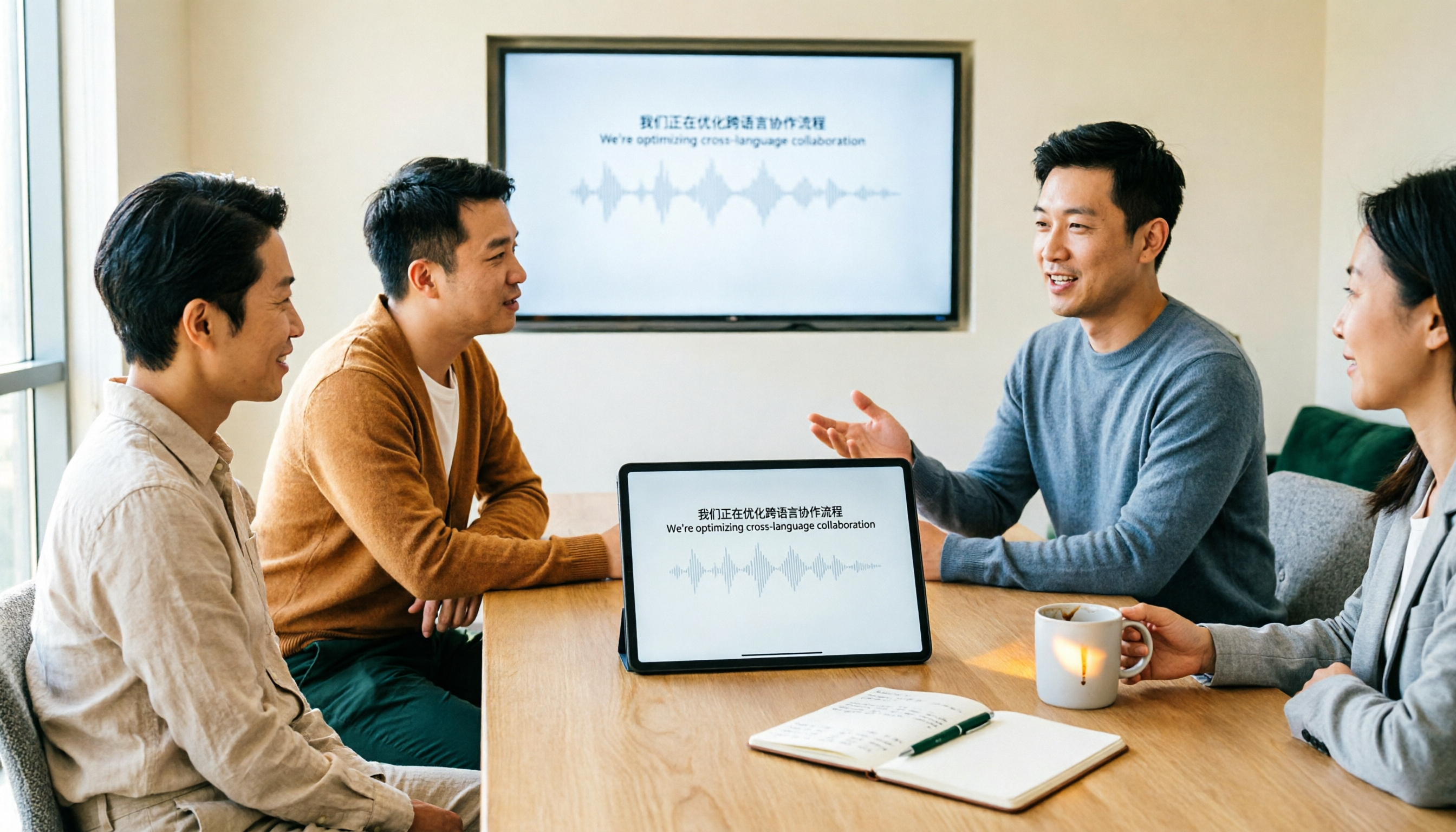
Tinrec vs Granola: Which Multilingual Real-Time Speech-to-Text Tool Better Handles Chinese Meetings in 2026?
Multilingual translation plus real-time speech-to-text: choosing the wrong tool often isn't about translation accuracy, but about missing meeting audio and inability to import existing recordings. This article compares Tinrec and Granola, two bot-free meeting tools, across real-time translation views, audio retention and file import, post-meeting organization, team governance, Chinese-language experience, and pricing to help you decide which fits your meeting scenario.

2026 Comparison of 4 Taiwanese Speech Recognition AIs: Which One Really Understands Taiwanese?
Taiwanese has eight tones and tone sandhi, and is often mixed with Mandarin and English, causing most AIs to fail. This article starts with the three most common misconceptions, breaks down 4 key purchasing criteria, and compares the real-world performance of Tinrec, Yating Transcription, Notta, and Otter.ai in Taiwanese and mixed-language scenarios. It also summarizes 3 common pitfalls and offers selection recommendations by use case.

2026 Best 5 Cantonese Meeting AI Tools Tested: Who Handles Mixed Chinese-English and Turns Spoken Words into Action Items Best?
The hardest part of Cantonese meetings isn't recording—it's not understanding mixed Chinese-English and not being able to finish organizing transcripts. This article starts from 'what problem are you trying to solve?' and breaks down the differences among 5 common approaches. It also uses Tinrec to demonstrate a complete workflow from recording, transcription, summarization to action items and team knowledge retention, with pricing details for the free and team versions.

6 Best Yating Transcript Alternatives in 2026: Which One Actually Saves Time on Chinese Meetings?
Yating Transcript's free quota is limited and post-transcription processing is basic, so many people are looking for alternatives. Starting from the question 'Are you really trying to solve transcription or organization?', this article tests and compares six options—Tinrec, Notta, Otter.ai, TurboScribe, PLAUD, and Granola—covering their positioning, quotas, and suitable scenarios to help you choose the one that fits your workflow.
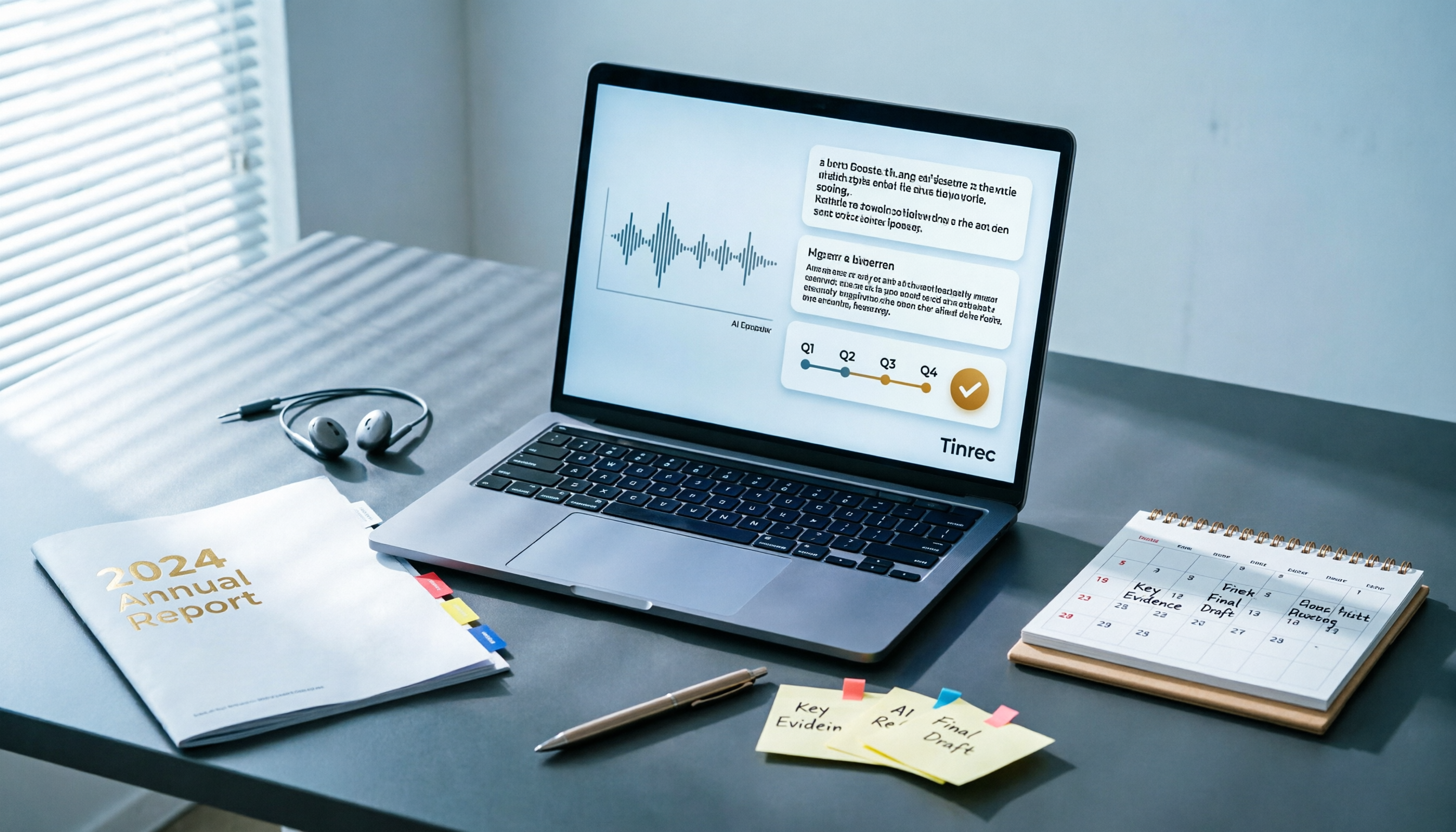
Best AI Tools for Year-End Performance Reviews 2026: 6 Tested, One Organizes Results Fastest
How to choose AI for organizing your year-end performance review? This guide starts with the right order: gather evidence first, then let AI rewrite. It covers 6 practical solutions: meeting recording transcription with AI Q&A, general-purpose AI rewriting, template generation, and presentation layout, plus data security reminders and selection advice before pasting data into AI.

How to Record iPhone Calls in 2026: iOS 18.1 Built-in Feature + Transcription Guide
Confused about iPhone call recording? Older posts say it's impossible, but iOS 18.1 now supports it. This guide covers how to enable built-in call recording, regional and device restrictions, whether the other party hears a notification, and compares 7 recording and post-call organization solutions including Tinrec, Otter, Notta, TurboScribe, Granola, and PLAUD—so you can go from recording to transcript, summary, and action items in one go.

5 Phone Call Recording Solutions Tested for 2026: iPhone, Android, LINE, and AI Transcription Compared
A practical guide addressing common phone recording questions from Dcard, comparing iPhone, Android, LINE, and AI-powered transcription workflows. Covers legal reminders, recording limitations, and how to use Tinrec to turn call audio into transcripts, summaries, and action items.

How to Choose Brainstorming Tools in 2026: A 5-Step Practical Guide
Brainstorming sessions end, but ideas get scattered across whiteboard photos and group chats. This article, from a mid-level manager's practical perspective, breaks down the 5-step process for brainstorming tools in 2026 and 4 key purchasing criteria. It uses Tinrec to demonstrate how AI recording, transcription, summarization, to-dos, and Q&A can turn meeting ideas into team knowledge. It also honestly compares the use cases and limitations of Otter.ai, Notta, and Granola.

How to Choose an AI Meeting Notes App in 2026: 5 Steps from Recording to Team Summaries
Starting from a meeting that just ended but no one wants to organize, this article explains the key considerations for choosing an AI meeting notes app and demonstrates 5 steps with Tinrec: recording, transcription, summarization, follow-up questions, and team knowledge retention.