

Turn recordings into transcripts and summaries in minutes
Upload audio or video for multilingual transcription, AI notes, and action items
During my freshman year, group discussions left me super frustrated. After an hour-long meeting, I'd pull out the meeting minutes template passed down by a senior, spend half an hour just recalling who said what, and then slowly type everything in. When finals came around, opening those Word files revealed I'd missed tons of key points, and I couldn't even figure out why I'd written them that way.
Later, a senior introduced me to Tinrec, saying "Just listen – it organizes everything for you." Skeptical, I tried it for a whole semester. Now, within 5 minutes after a meeting, I have structured meeting minutes, a to-do list, and even key discussion points highlighted. This article compares 5 dimensions to show why traditional templates fall short and how students can use Tinrec to turn meeting notes into a one-click task.

What Can AI Meeting Notes Do for You?
"Meeting minutes" aren't just verbatim transcripts – they capture conclusions, action items, and key discussions. Take Tinrec: it converts audio to text and then uses AI to organize it into usable material, so you no longer have to wrestle with Word templates.
Scenario 1: Instantly generating task assignments after group discussions
After a project meeting with classmates, the worst part is nobody remembering who's responsible for what. Tinrec records the entire discussion, provides a transcript, and automatically extracts to-dos – "Ming is responsible for literature review, Mei handles the PPT structure" – clear and direct, saving all the back-and-forth confirmation.
Scenario 2: No more switching windows to take notes during online meetings
Many classes now use Google Meet or Teams. I used to pause the video and type notes, often missing what the professor said. Tinrec supports recording computer audio, and after the meeting, AI generates a summary and chapters, even highlighting phrases like "This will be on the exam."
Scenario 3: Quickly transcribing interviews or user research
For my senior capstone project, I needed interviews. Manually transcribing with a template took three hours for one hour of audio. With Tinrec, I upload the audio file, it transcribes, and then I can query the AI: "What did the interviewee complain about the interface?" It instantly pulls the relevant sections.
Core Capabilities of AI Meeting Notes
Not every AI tool is the same – the key is whether it can organize the content after transcription. Here are some particularly useful abilities Tinrec offers:
Real-time transcription: See text as it's recorded
You don't have to wait until the meeting ends. Tinrec displays text with less than a 1-second delay. You can listen while watching the screen to catch important terms, which is super helpful for fast-talking professors.
AI-structured summary: Not just a paragraph
Many transcription tools only give a single summary paragraph, but Tinrec breaks down content into "Meeting Topic," "Discussion Conclusions," "Action Items," and "Key Decisions." This is far more accurate than manually categorizing with a template, and the format is ready to submit as a report.
Chapter and key point markers: Never get lost in long recordings
A two-hour lecture is a nightmare to re-listen and find key points. Tinrec automatically splits the recording into chapters and highlights important parts, like a YouTube timeline. Click anywhere to jump to that section – study efficiency skyrockets.
To-do extraction: Pull out "who does what" from conversation
This is my favorite feature. Templates required me to listen and write manually. Now Tinrec automatically lists actions like "A needs to send the file to B by Friday." For final project crunch time, it's a lifesaver.
Stop organizing recordings by hand
Upload audio or video and automatically get a transcript, summary, and action items
AI Q&A: Treat your recording library like a database
All historical recordings are searchable. Just type: "What was the budget cap from the last meeting?" Tinrec uses semantic understanding to retrieve the answer, unlike Word templates where keyword searches can miss things.
Practical Use Cases
Campus group meetings
After each discussion, Tinrec generates a draft of meeting minutes within 5 minutes, complete with assigned to-dos. I just screenshot and post it to the group chat. Once confirmed, I save it directly to Notion – no more filling out Word templates.
Class note supplement
For professors who talk lightning fast, I use the Tinrec app to record in real time, then review key points with the AI summary after class. Some courses let me convert recordings into chapters, so before finals I can re-listen to weak chapters – more complete than borrowing classmates' notes.

Online lectures and event recordings
Attending career webinars or workshops? It's easy to forget everything. Now I record the whole session with Tinrec. After it ends, key points and resource links mentioned in the slides are automatically organized and stored in my personal database. I can revisit them when writing my resume or preparing for interviews.
Interview and research organization
For user research or interviews, I import audio files into Tinrec. After transcription, I use AI Q&A to quickly filter key opinions. No more manual tagging while listening – research efficiency at least doubles.
5 Points to Consider When Choosing an AI Meeting Notes Tool
Transcription accuracy and language support
Don't just trust official numbers – try it. Tinrec handles Chinese (including Traditional) well. In classrooms or cafés with background noise, it still produces usable text. Accuracy drops slightly with heavy accents or overlapping speech, so try the free version first.AI organization features
Transcription is only step one. The real value is whether it can summarize, list to-dos, and create chapters. Tinrec's structured summary and to-do extraction save far more time than getting a Word transcript and processing it with a template.Cross-platform and diverse input sources
Check if the tool works on your devices. Tinrec has iOS, Android, and web versions, and can even convert YouTube or TikTok links to text – not limited to meeting recordings.Student-friendly pricing
I have a limited monthly allowance, so I care about the free tier. Tinrec's free version offers basic transcription minutes – enough if you only record two or three key meetings or classes per week. For heavy use, the Pro monthly plan is still affordable.Data retention and export flexibility
Meeting minutes aren't a one-time thing – searching and reorganizing later matters. Tinrec exports to multiple formats and syncs with Google Docs or Notion, keeping your notes and recordings unified.
Frequently Asked Questions
Q: Are AI-generated meeting minutes reliable? Won't it make things up?
A: The AI organizes based on audio content. Accuracy depends on audio quality. In normal settings, Tinrec's summaries and to-dos are quite accurate. For important meetings, quickly scan the original text to verify – good practice anyway.
Q: Do I have to pay? Is the free version too limited?
A: The free version provides basic monthly transcription minutes – sufficient for occasional class or group discussions. I started with the free version and only upgraded to Pro when my project volume increased. This lets you confirm it works for you before paying.
Q: Will recording in class be noticed? Is it weird?
A: Tinrec is a phone app. You can turn off the screen during recording; it looks like your phone is idle, not conspicuous. Most classmates who noticed actually asked me what app it was – it became an unexpected conversation starter.
Q: How is Tinrec different from a regular voice recorder?
A: A regular recorder only captures audio. You still transcribe and organize manually. Tinrec automatically transcribes, highlights key points, splits chapters, and even lets you ask questions about the content – something traditional hardware can't do.
Q: During group discussions with many people, can it tell who is who?
A: Tinrec has speaker diarization. Different speakers are labeled "Speaker 1, Speaker 2," etc. It's not like movie subtitles with names, but it's enough to follow conversation flow – much clearer than handwritten notes.
Summary
Honestly, I don't want underclassmen to go through the pain I did with Word templates for meeting minutes. AI meeting notes aren't futuristic – they're available now and truly save huge amounts of time. If you have weekly group discussions, online classes, or any situation that needs documentation, instead of downloading templates, try the free version of Tinrec. Let AI handle your meeting notes – you'll find organizing information can be this easy.
Turn every recording into actionable outcomes
Get 60 free transcription minutes when you sign in. No credit card required.
Related Reading
You might also like

Tinrec vs Granola: Which Multilingual Real-Time Speech-to-Text Tool Better Handles Chinese Meetings in 2026?
Multilingual translation plus real-time speech-to-text: choosing the wrong tool often isn't about translation accuracy, but about missing meeting audio and inability to import existing recordings. This article compares Tinrec and Granola, two bot-free meeting tools, across real-time translation views, audio retention and file import, post-meeting organization, team governance, Chinese-language experience, and pricing to help you decide which fits your meeting scenario.

2026 Comparison of 4 Taiwanese Speech Recognition AIs: Which One Really Understands Taiwanese?
Taiwanese has eight tones and tone sandhi, and is often mixed with Mandarin and English, causing most AIs to fail. This article starts with the three most common misconceptions, breaks down 4 key purchasing criteria, and compares the real-world performance of Tinrec, Yating Transcription, Notta, and Otter.ai in Taiwanese and mixed-language scenarios. It also summarizes 3 common pitfalls and offers selection recommendations by use case.

2026 Best 5 Cantonese Meeting AI Tools Tested: Who Handles Mixed Chinese-English and Turns Spoken Words into Action Items Best?
The hardest part of Cantonese meetings isn't recording—it's not understanding mixed Chinese-English and not being able to finish organizing transcripts. This article starts from 'what problem are you trying to solve?' and breaks down the differences among 5 common approaches. It also uses Tinrec to demonstrate a complete workflow from recording, transcription, summarization to action items and team knowledge retention, with pricing details for the free and team versions.

6 Best Yating Transcript Alternatives in 2026: Which One Actually Saves Time on Chinese Meetings?
Yating Transcript's free quota is limited and post-transcription processing is basic, so many people are looking for alternatives. Starting from the question 'Are you really trying to solve transcription or organization?', this article tests and compares six options—Tinrec, Notta, Otter.ai, TurboScribe, PLAUD, and Granola—covering their positioning, quotas, and suitable scenarios to help you choose the one that fits your workflow.
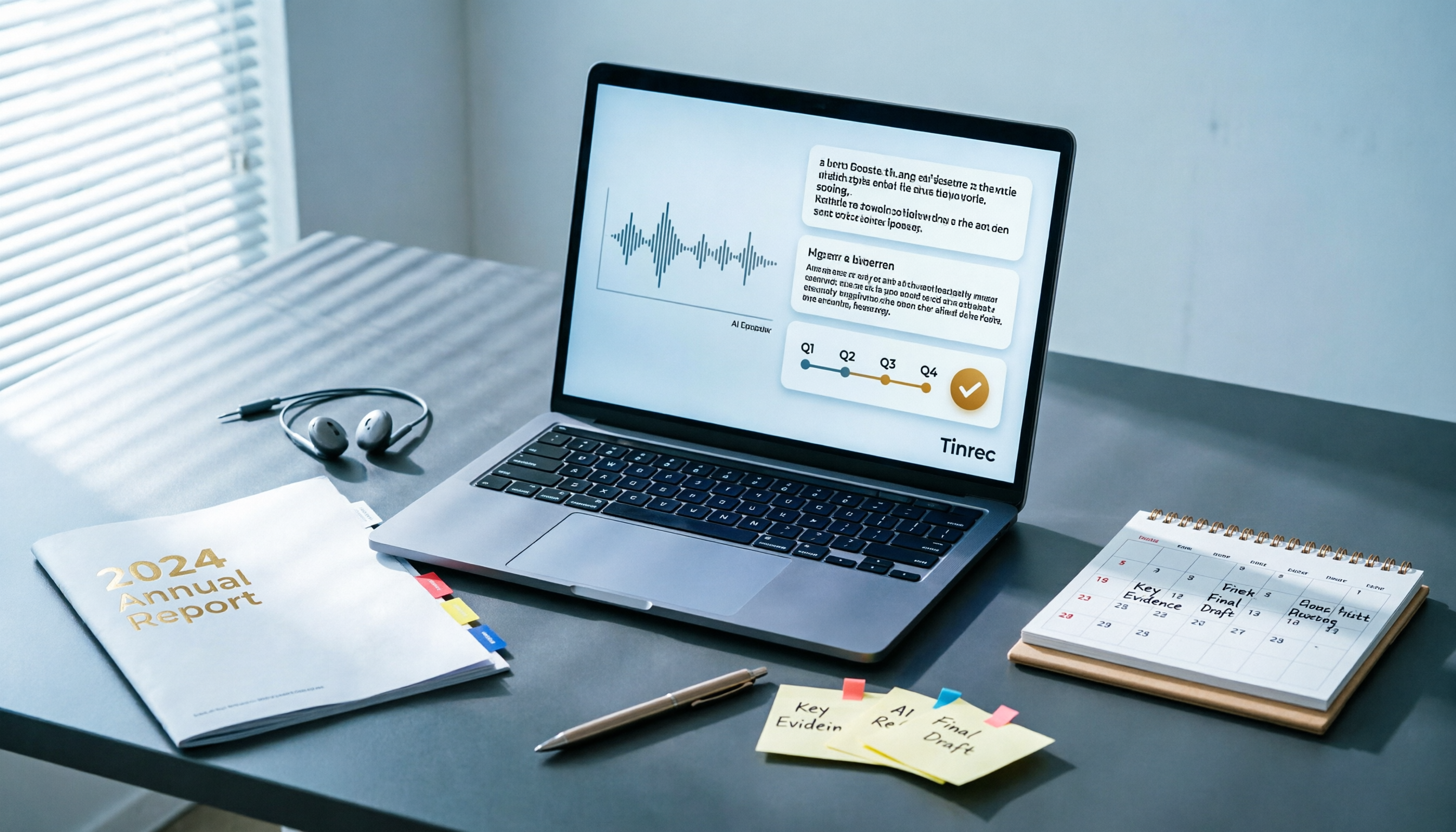
Best AI Tools for Year-End Performance Reviews 2026: 6 Tested, One Organizes Results Fastest
How to choose AI for organizing your year-end performance review? This guide starts with the right order: gather evidence first, then let AI rewrite. It covers 6 practical solutions: meeting recording transcription with AI Q&A, general-purpose AI rewriting, template generation, and presentation layout, plus data security reminders and selection advice before pasting data into AI.

How to Record iPhone Calls in 2026: iOS 18.1 Built-in Feature + Transcription Guide
Confused about iPhone call recording? Older posts say it's impossible, but iOS 18.1 now supports it. This guide covers how to enable built-in call recording, regional and device restrictions, whether the other party hears a notification, and compares 7 recording and post-call organization solutions including Tinrec, Otter, Notta, TurboScribe, Granola, and PLAUD—so you can go from recording to transcript, summary, and action items in one go.

5 Phone Call Recording Solutions Tested for 2026: iPhone, Android, LINE, and AI Transcription Compared
A practical guide addressing common phone recording questions from Dcard, comparing iPhone, Android, LINE, and AI-powered transcription workflows. Covers legal reminders, recording limitations, and how to use Tinrec to turn call audio into transcripts, summaries, and action items.

How to Choose Brainstorming Tools in 2026: A 5-Step Practical Guide
Brainstorming sessions end, but ideas get scattered across whiteboard photos and group chats. This article, from a mid-level manager's practical perspective, breaks down the 5-step process for brainstorming tools in 2026 and 4 key purchasing criteria. It uses Tinrec to demonstrate how AI recording, transcription, summarization, to-dos, and Q&A can turn meeting ideas into team knowledge. It also honestly compares the use cases and limitations of Otter.ai, Notta, and Granola.

How to Choose an AI Meeting Notes App in 2026: 5 Steps from Recording to Team Summaries
Starting from a meeting that just ended but no one wants to organize, this article explains the key considerations for choosing an AI meeting notes app and demonstrates 5 steps with Tinrec: recording, transcription, summarization, follow-up questions, and team knowledge retention.