

Turn recordings into transcripts and summaries in minutes
Upload audio or video for multilingual transcription, AI notes, and action items
How to Choose an Online Simultaneous Interpretation Tool?
When holding cross-border meetings, one side speaks fluently while the other struggles to understand. Relying on human interpreters is costly and hard to schedule. Some translation apps have long delays or struggle with mixed Chinese-English speech. If you've faced these issues, you need an online simultaneous interpretation tool designed for work scenarios—one that listens in real time, displays translations instantly, and generates searchable meeting records afterward.
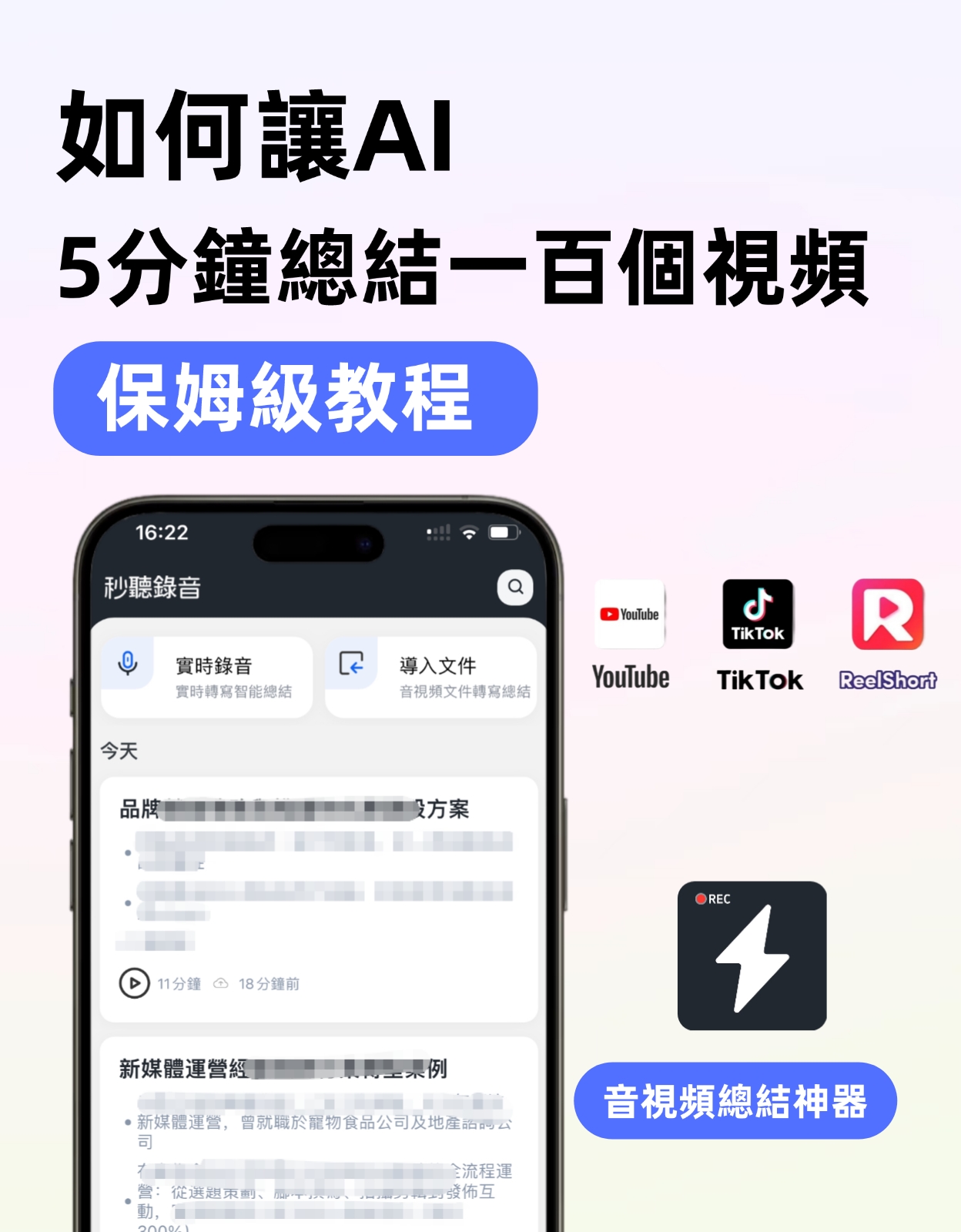
There are many options on the market, but few truly suit Chinese speakers and offer a free trial. This article recommends one tool that has been tested in real-world use and highlights 4 key points to consider when purchasing, so you can avoid common pitfalls.
4 Key Points When Choosing an Online Simultaneous Interpretation Tool
1. Real-Time Speed: Can It Display Text as You Speak?
Simultaneous interpretation suffers if delay exceeds 3 seconds, disrupting meeting flow. Ensure the tool shows text and translation while recording, not just batch processing afterward. This directly affects meeting smoothness.
2. Language Support and Accent Adaptation
If meetings often involve mixed Chinese-English, Cantonese, or Taiwanese Mandarin, the recognition engine must be optimized for Chinese. Some tools claim to support 100 languages but fail with mixed sentences. Always test with your own recordings.
3. Not Just Translation, but Post-Meeting Organization
The value of simultaneous interpretation goes beyond real-time understanding—it includes transcripts, translation comparisons, and key takeaways. A good tool should automatically generate bilingual meeting notes after the session, ready to share with clients or archive.
4. Is the Free Plan Sufficient?
Unless your company pays, the first consideration is free usage. An ideal online interpretation tool should at least cover a 30-60 minute meeting in its free version, with core translation features fully available, not just a crippled trial.
Recommendation: Tinrec Instant Recording—Making Online Simultaneous Interpretation a Work Standard
After testing several tools, Tinrec (Instant Recording) is currently the best online interpretation solution for professionals in Taiwan and Hong Kong. It goes beyond one-to-one recording-to-text, integrating real-time translation into a complete workflow.
Stop organizing recordings by hand
Upload audio or video and automatically get a transcript, summary, and action items
Real-Time Recording + Real-Time Translation, Zero-Lag Communication
Start recording in Tinrec, and the system instantly recognizes speech, displaying both original text and translation on screen. Measured delay is about 1 second. Accuracy in mixed Chinese-English technical meetings is impressive. It supports bidirectional translation in 14 languages, including Traditional Chinese, Cantonese, English, Japanese, Korean, etc., ideal for users who frequently meet with East Asian and Western clients.
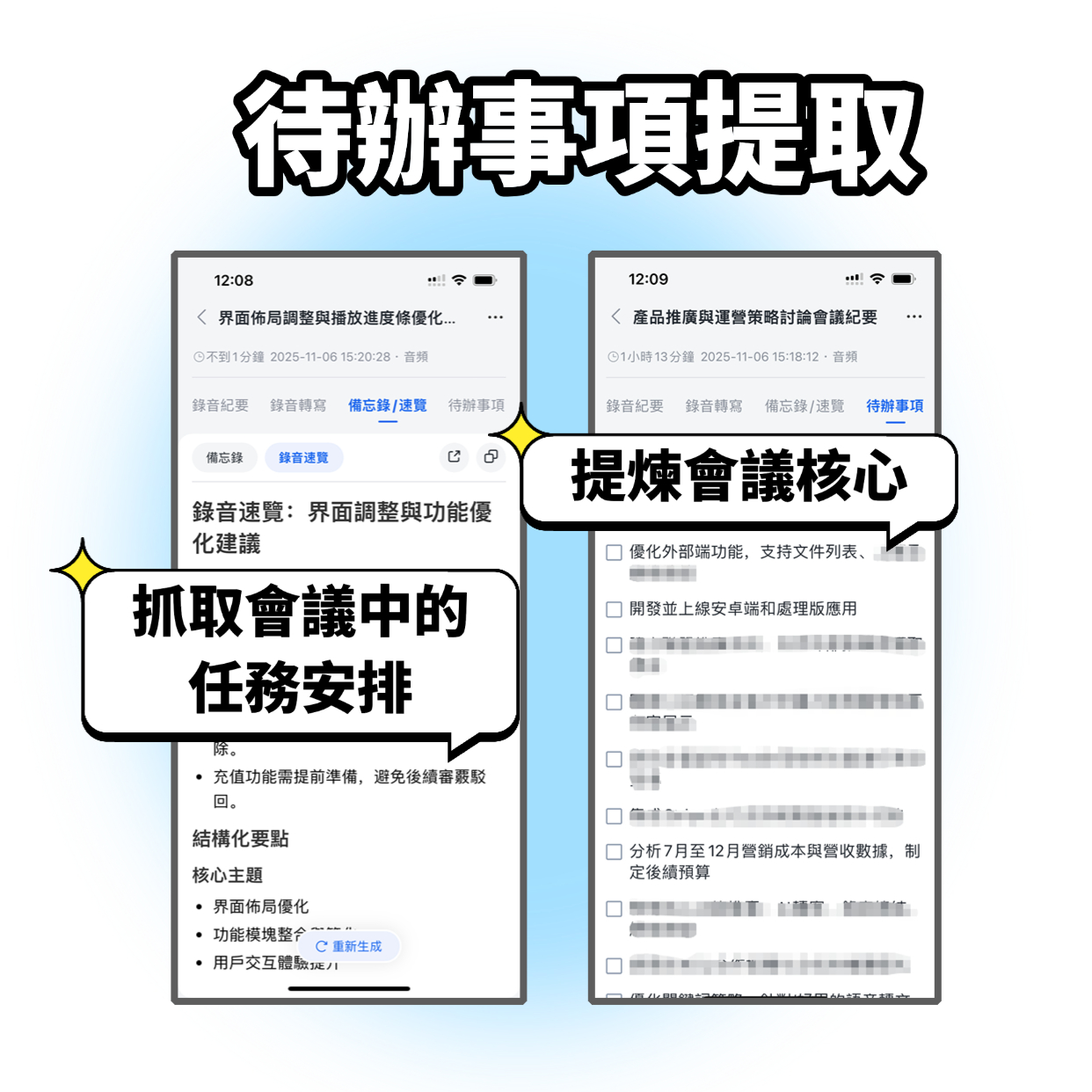
Beyond Live Translation: Automatic Bilingual Meeting Notes
Many tools work only in real time. Tinrec records the entire session and automatically generates time-stamped bilingual transcripts, AI summaries, and action items. You can export as Word, PDF, or sync to Notion and Google Docs, saving hours of manual transcription and translation.
Cross-Platform, Cross-Scenario: Your Phone as an Interpreter
Tinrec offers iOS, Android, and web versions—no extra hardware needed. For in-person meetings, place your phone on the table to capture audio and translate instantly. For online meetings, the desktop version can capture system audio and produce translations. Even without a human interpreter, domestic and international teams can communicate smoothly.
Free Plan: 100 Minutes per Month, Easy for SMBs
Tinrec offers a free version with a monthly base transcription quota, and core features like real-time translation and AI summaries are fully available—no sudden paywalls. For months with heavy meetings, you can choose a weekly card (ideal for project sprints) or a Pro monthly card (for high-frequency users). Plans are flexible and far more cost-effective than per-session interpretation services.
Who Benefits Most from Tinrec for Online Simultaneous Interpretation?
- Startups: Weekly meetings with international investors or tech partners but can't afford simultaneous interpretation.
- Content Creators: Interviewing foreign speakers or processing recordings from international conferences, needing bilingual transcripts.
- Learners: Attending online courses by foreign professors, wanting to see both original and translation.
- Cross-Border E-Commerce/Trade: Phone calls with suppliers and clients, requiring post-call records and key point comparison.
If you already have a stable interpreter, Tinrec can serve as a backup for critical moments. If you're still looking for your first online interpretation tool, Tinrec's free plan is the safest starting point.
Test Summary: Is Tinrec Worth a Try?
Rating: 8.5/10
| Dimension | Performance |
|---|---|
| Real-time Translation Speed | ⭐⭐⭐⭐⭐ |
| Chinese/Cantonese Recognition | ⭐⭐⭐⭐⭐ |
| Post-Meeting Organization | ⭐⭐⭐⭐⭐ |
| Free Quota | ⭐⭐⭐⭐ |
| Hardware Dependence | No extra equipment needed |
If you're looking for an online simultaneous interpretation tool that supports Chinese, translates as you record, and automatically organizes records afterward, Tinrec is the most comprehensive choice available. Especially for Cantonese users, its tone optimization makes daily communication nearly seamless.
Download the free version of Tinrec and test it with your own meeting or course audio. Experience the shift from "not understanding" to "understanding and remembering."
Turn every recording into actionable outcomes
Get 60 free transcription minutes when you sign in. No credit card required.
Related Reading
You might also like

2026 Free vs Paid Audio-to-Text Apps: 4 Real-World Comparisons of Limits, Features, and Pricing
Is the free version enough? What do you actually get when you pay? This article compares the free tiers, paid plans, and post-meeting organization capabilities of four popular audio-to-text apps. From Chinese transcripts and AI summary Q&A to team seat management, we break it down so you can decide whether to stick with free or if paying is worth it.

4 Best Voice Recorder App Alternatives in 2026: Free vs. Paid Comparison
A voice recorder is no longer your only option. This side-by-side comparison of Tinrec, Otter.ai, Notta, and PLAUD covers online meeting recording, Chinese transcription, post-meeting organization, team collaboration, and pricing limits to help you find a tool that truly works right after recording.

Fireflies.ai vs Tinrec (2026): 5-Factor Comparison for Chinese Meeting Notes — Which Is Better for Taiwan Teams?
Fireflies.ai lists Chinese in its supported languages, but after a real Chinese meeting, do you still have to spend time proofreading the transcript? This article compares Fireflies.ai and Tinrec across 5 dimensions — meeting recording method, Chinese transcript usability, post-meeting organization, quota calculation, and team management — to help you decide which is more suitable for Chinese meeting scenarios in Taiwan teams.

Best Speech-to-Text Tools in 2026: 4 Tested for Mixed Chinese-English Meetings
A sentence like "check the budget" turning into gibberish is a common frustration with speech-to-text tools in mixed Chinese-English meetings. We tested Tinrec, Otter.ai, Yating, and Notta on the same real meeting recording, comparing language switching, file and live meeting support, post-meeting workflows, and team data ownership. We also highlight 4 common purchasing pitfalls to help you choose the right tool within budget.

The Complete Guide to tl;dv Alternatives in 2026: Features, Use Cases, and How to Choose a Chinese Meeting Transcription Tool
When looking for a tl;dv alternative, focusing only on free minutes usually leads nowhere. Starting from real campus scenarios, this article explains what a meeting transcription tool really needs: real-time Chinese transcription, bot-free online meeting recording, AI summaries and action items, transcript Q&A, and export. Using Tinrec as a hands-on example, it covers five things to watch for when choosing a tool and answers common questions.

Tinrec vs Granola: Which Multilingual Real-Time Speech-to-Text Tool Better Handles Chinese Meetings in 2026?
Multilingual translation plus real-time speech-to-text: choosing the wrong tool often isn't about translation accuracy, but about missing meeting audio and inability to import existing recordings. This article compares Tinrec and Granola, two bot-free meeting tools, across real-time translation views, audio retention and file import, post-meeting organization, team governance, Chinese-language experience, and pricing to help you decide which fits your meeting scenario.

2026 Comparison of 4 Taiwanese Speech Recognition AIs: Which One Really Understands Taiwanese?
Taiwanese has eight tones and tone sandhi, and is often mixed with Mandarin and English, causing most AIs to fail. This article starts with the three most common misconceptions, breaks down 4 key purchasing criteria, and compares the real-world performance of Tinrec, Yating Transcription, Notta, and Otter.ai in Taiwanese and mixed-language scenarios. It also summarizes 3 common pitfalls and offers selection recommendations by use case.

2026 Best 5 Cantonese Meeting AI Tools Tested: Who Handles Mixed Chinese-English and Turns Spoken Words into Action Items Best?
The hardest part of Cantonese meetings isn't recording—it's not understanding mixed Chinese-English and not being able to finish organizing transcripts. This article starts from 'what problem are you trying to solve?' and breaks down the differences among 5 common approaches. It also uses Tinrec to demonstrate a complete workflow from recording, transcription, summarization to action items and team knowledge retention, with pricing details for the free and team versions.

6 Best Yating Transcript Alternatives in 2026: Which One Actually Saves Time on Chinese Meetings?
Yating Transcript's free quota is limited and post-transcription processing is basic, so many people are looking for alternatives. Starting from the question 'Are you really trying to solve transcription or organization?', this article tests and compares six options—Tinrec, Notta, Otter.ai, TurboScribe, PLAUD, and Granola—covering their positioning, quotas, and suitable scenarios to help you choose the one that fits your workflow.