
Turn recordings into transcripts and summaries in minutes
Upload audio or video for multilingual transcription, AI notes, and action items
When Google Meet Audio Fails, You Need a Reliable Recording Solution
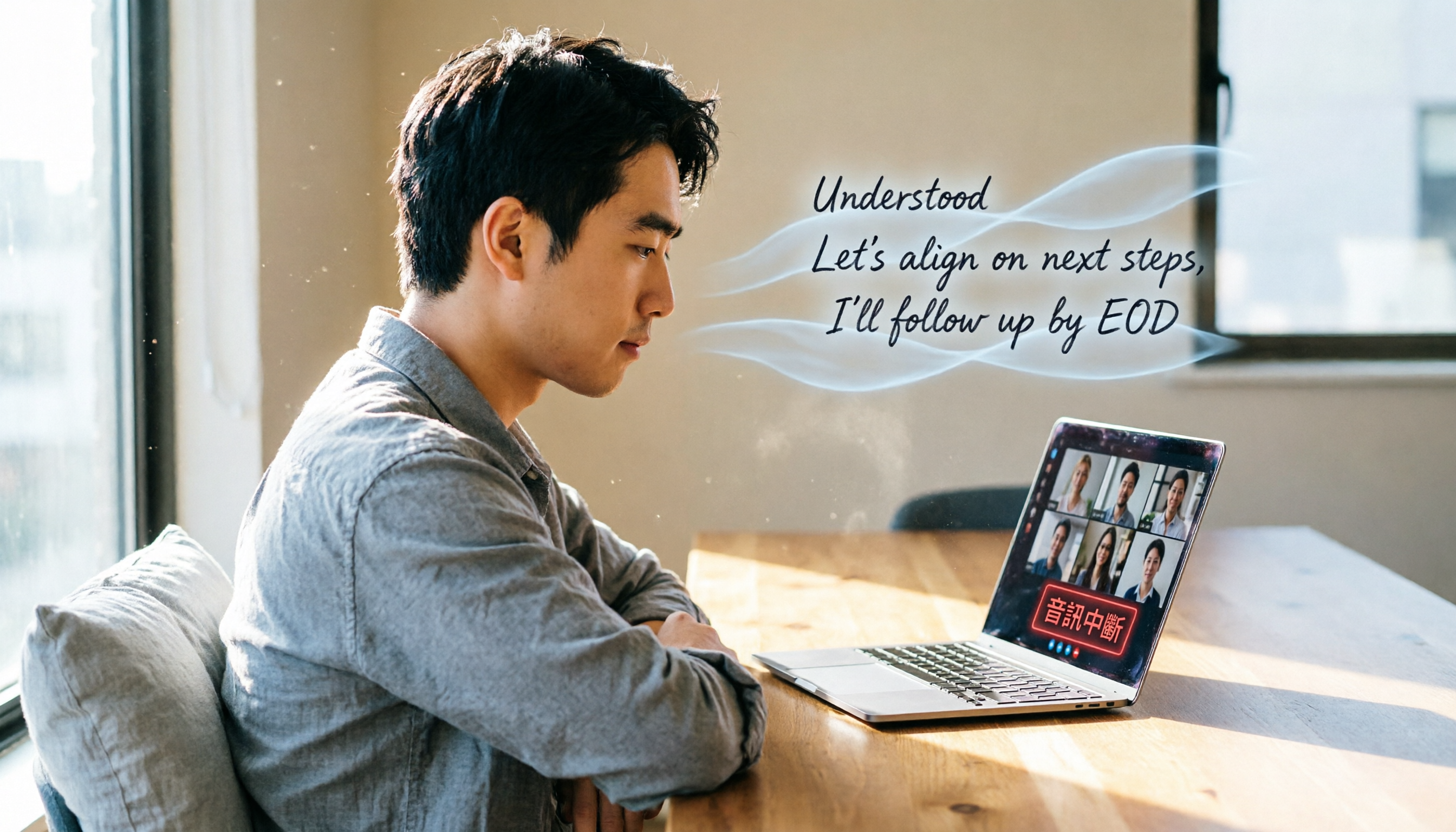
Last week, I had an important cross-department Google Meet meeting. Midway through, the other manager's voice suddenly vanished completely.

I waved at the screen, typed "help" in the chat, but the issue never resolved.
After the meeting ended abruptly, what worried me most wasn't the awkwardness—it was that the key decisions, task assignments, and deadlines discussed had not been recorded by anyone.
If you've experienced something similar—whether it's a dead microphone, no sound from speakers, or a complete audio drop—this article is for you.
Instead of worrying every meeting, prepare a solution that can capture everything regardless of platform issues.
The key is choosing the right meeting recording tool.
Before Choosing a Meeting Recording Tool, Understand These 3 Key Points
Many people think "recording" is just saving audio.
But when your goal is "never miss any meeting point," what you actually need is an intelligent tool that can organize, search, and even answer questions.
1. Can it accurately transcribe Chinese (especially colloquial speech)?
If the transcription is gibberish, it's as useless as no recording at all.
During testing, I paid special attention to how tools handle Chinese colloquial speech, mixed Chinese-English, and even slight background noise.
Some tools perform well in quiet environments, but meeting rooms always have AC hum and keyboard clicks—that's the real test.
2. Can it summarize key points instead of just providing a verbatim transcript?
This point is often overlooked.
A thousands-word transcript still requires 30 minutes to find the highlights yourself.
Better tools automatically generate summaries, break into chapters, and even list action items—letting you jump straight to next steps.
3. Can it work across platforms, syncing seamlessly between computer and phone?
You might record a discussion on your phone, but can't find the file on your computer.
Or you use an iPhone while a collaborator uses Android.
A good recording tool should be like a digital assistant, accessible on any device for editing and sharing.
Tinrec (秒聽錄音) – Our Top Pick After Testing
Tinrec is more than just a voice-to-text tool; it's an "audio/video data organization workstation."
During a meeting, open Tinrec and it transcribes in real time, allowing you to mark key points.
Core Features in Real-World Scenarios
Scenario 1: Meeting Notes and Action Item Organization
When using Google Meet, I usually launch Tinrec's live recording simultaneously.
Even if the platform audio fails, Tinrec clearly records all the sound I hear (ideally capturing the other party's audio as well).
When the meeting ends, the AI has already auto-generated a summary and action items—who is responsible for what and deadlines—at a glance.
No need to manually organize; Tinrec extracts decisions and actions directly from the recording.
Scenario 2: AI Chat Query – Ask Questions About Past Meetings
My favorite feature is that after recording, I can ask questions conversationally.
Stop organizing recordings by hand
Upload audio or video and automatically get a transcript, summary, and action items
For example: "Who proposed changing the product specs in the last meeting?"
Instead of just keyword search, it uses semantic understanding to give you the answer along with the relevant timestamp.
Currently, no competitor in the same price range offers this feature.
Scenario 3: Beyond Meetings – Organize Courses, Interviews, Online Videos
If you attend online courses, record interviews, or need to take notes from YouTube videos, Tinrec can handle them all.
Just paste the video link, and it transcribes text and generates a summary.
Test Results
We tested with a real 5-minute Google Meet recording (two speakers, occasional overlapping speech, office environment).

Tinrec's verbatim transcript required almost no corrections, especially excelling at Chinese colloquial speech.
Pros
- High-quality Chinese transcription: Handles colloquial speech and mixed Chinese-English smoothly.
- Unique and practical AI chat query: No need to scrub through recordings after meetings.
- Comprehensive cross-platform support: iOS, Android, web, with automatic data sync.
- Multiple output formats: Export to Word, PDF, or even mind maps.
Cons
The free plan offers a basic monthly transcription quota; if you have more than 5 meetings per week, you may need to pay.
But for most people, try the free version first to confirm it meets your needs before upgrading.
Best for
If you frequently need to record Chinese meetings, want summaries and action items right after, or need seamless switching between phone and computer—Tinrec is currently the best choice.
Other Options Besides Tinrec
Otter.ai
Best for English meetings; the free plan offers 300 minutes of transcription, which is generous.
However, its Chinese transcription accuracy is noticeably lower than Tinrec, and the AI Chat often misinterprets Chinese conversations.
If your meetings are primarily in English, Otter is worth considering.
But for Chinese organization and conversational queries, Tinrec remains the only choice.
Notta
Transcription speed is fast, supports multiple languages, and interface is clean.
However, its AI features are basic: only simple summaries, no deep conversational query or automatic chapter splitting like Tinrec.
If you only need quick voice-to-text and don't mind reading the transcript yourself, Notta is an option.
But if you want "actionable insights right after recording," Tinrec is more effective.
Pitfall Guide: 3 Common Mistakes When Choosing Meeting Recording Tools
Pitfall 1: Relying solely on the platform's built-in recording feature
Some platforms (like Google Meet) have built-in recording or live captions.
But when audio fails, these features often fail or become inaccurate.
Additionally, platform recordings are usually stored in the cloud with no organization or export capabilities, so you still have to organize manually.
Pitfall 2: Ignoring post-transcription organization capabilities
Many people buy transcription tools but only use them to convert voice to text.
That's using only one-third of the functionality.
The real time-saver comes from AI summaries, action item extraction, and conversational query.
Pitfall 3: Not considering cross-platform sync
Recording on your phone today but unable to find the file on your computer tomorrow is a common pain point.
Ensure the tool offers cloud sync and cross-device access, or your recordings will be scattered.
Summary: Which One Should You Choose?
Back to the original question: What to do when Google Meet audio fails?
My advice: don't change your meeting habits; just add a recording and organization tool like Tinrec.
Based on your primary needs, here's the choice:
- High-quality Chinese meeting records + AI auto-organization → Tinrec
- English-only meetings, occasional simple summaries → Otter.ai
- Just need fast verbatim transcripts, don't mind manual organization → Notta
Considering organization, search, cross-platform, and AI capabilities, Tinrec is currently the best solution to ensure you never miss information even when the platform has no audio.
We recommend downloading the free version of Tinrec first—the monthly quota is enough for a few meetings to test the workflow.
If it works well, consider upgrading; no need to pay upfront.
Turn every recording into actionable outcomes
Get 60 free transcription minutes when you sign in. No credit card required.
Related Reading
You might also like

2026 AI Tools Comparison: How to Avoid Wasted Effort in Meeting Transcript Organization
The most time-consuming part of meeting transcript organization is never converting speech to text, but turning chaotic discussions into actionable records. This article breaks down three common misconceptions, compares the actual workflows and limitations of tools like NotebookLM, Gemini, ChatGPT, and CLOVA Note, and provides a step-by-step process and pitfall checklist you can directly apply.

2026 Comparison of 5 Speech-to-Transcript Tools: Free Quotas and Chinese Recognition—Which Is Enough?
Starting from the most common pitfalls when choosing a transcription tool, this article compares five speech-to-transcript tools—Yating Transcription, cSubtitle, Atter App, Easemate AI Meeting Recorder, and NotebookLM—on language support, free quotas, and import/export differences, helping you choose the right tool based on your recording scenario.

5 Best AI Meeting Transcription Tools in 2026: Free Tiers, Chinese Accuracy, and Summaries Compared
Tired of spending two hours after every meeting replaying recordings and typing transcripts? This guide walks through the actual workflows of five AI meeting transcription tools in 2026, comparing free tiers, Chinese and mixed Chinese-English recognition, speaker identification, and summary and action-item generation. It also includes a pitfalls guide and scenario-based recommendations to help you find the one that's good enough for free.
7 Free Meeting Transcription Software Compared: Which Free Tier Is Most Generous in 2026?
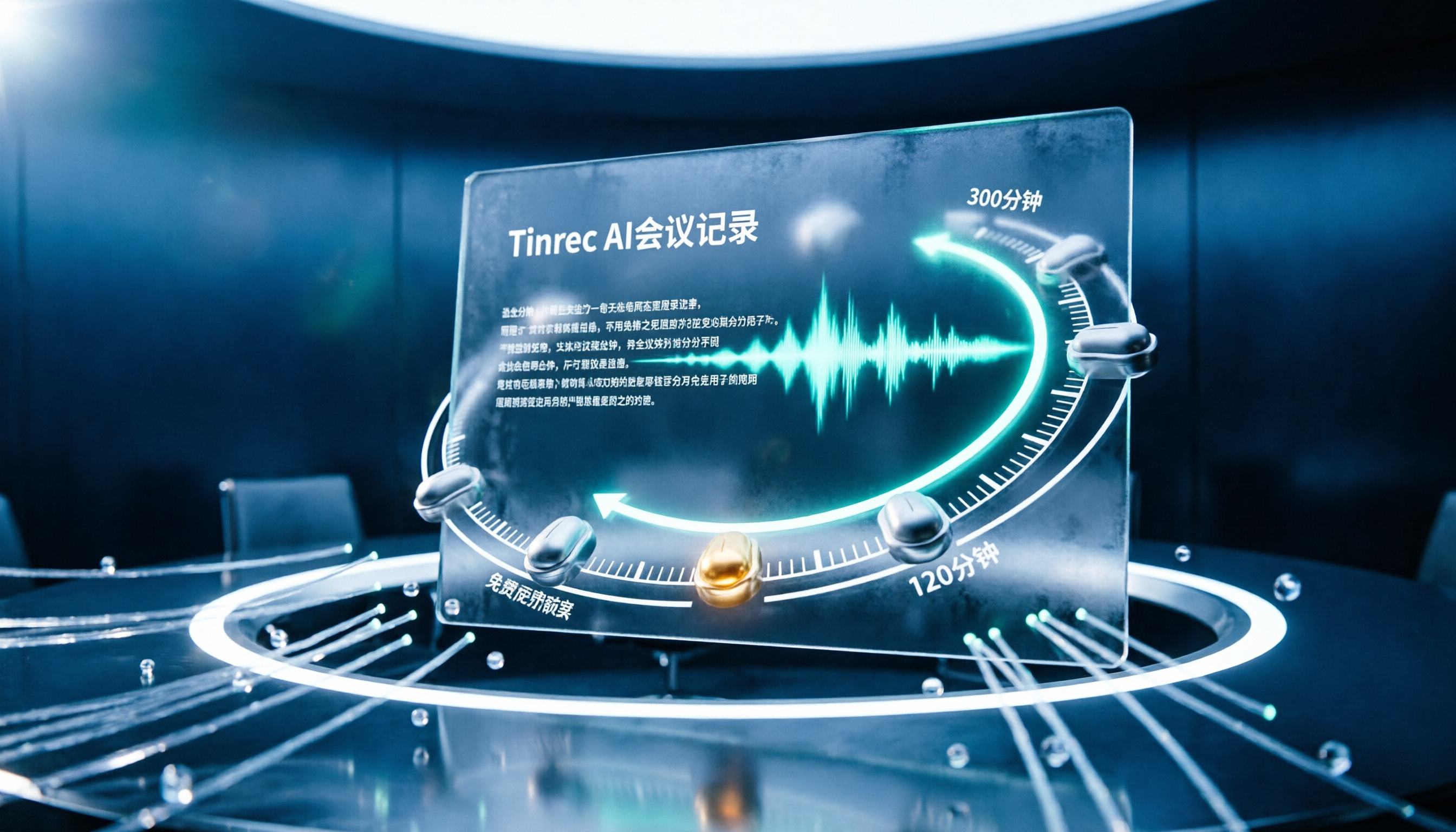
We reviewed the free plans of 7 meeting transcription tools, from 300 minutes and 120 minutes per month to completely free AI note-taking tools. We explain each plan's limits, restrictions, and ideal users to help you avoid mistaking a 'free trial' for a 'free plan'.
How to Use AI Transcription in 2026: 5 Steps from Recording to Meeting Notes
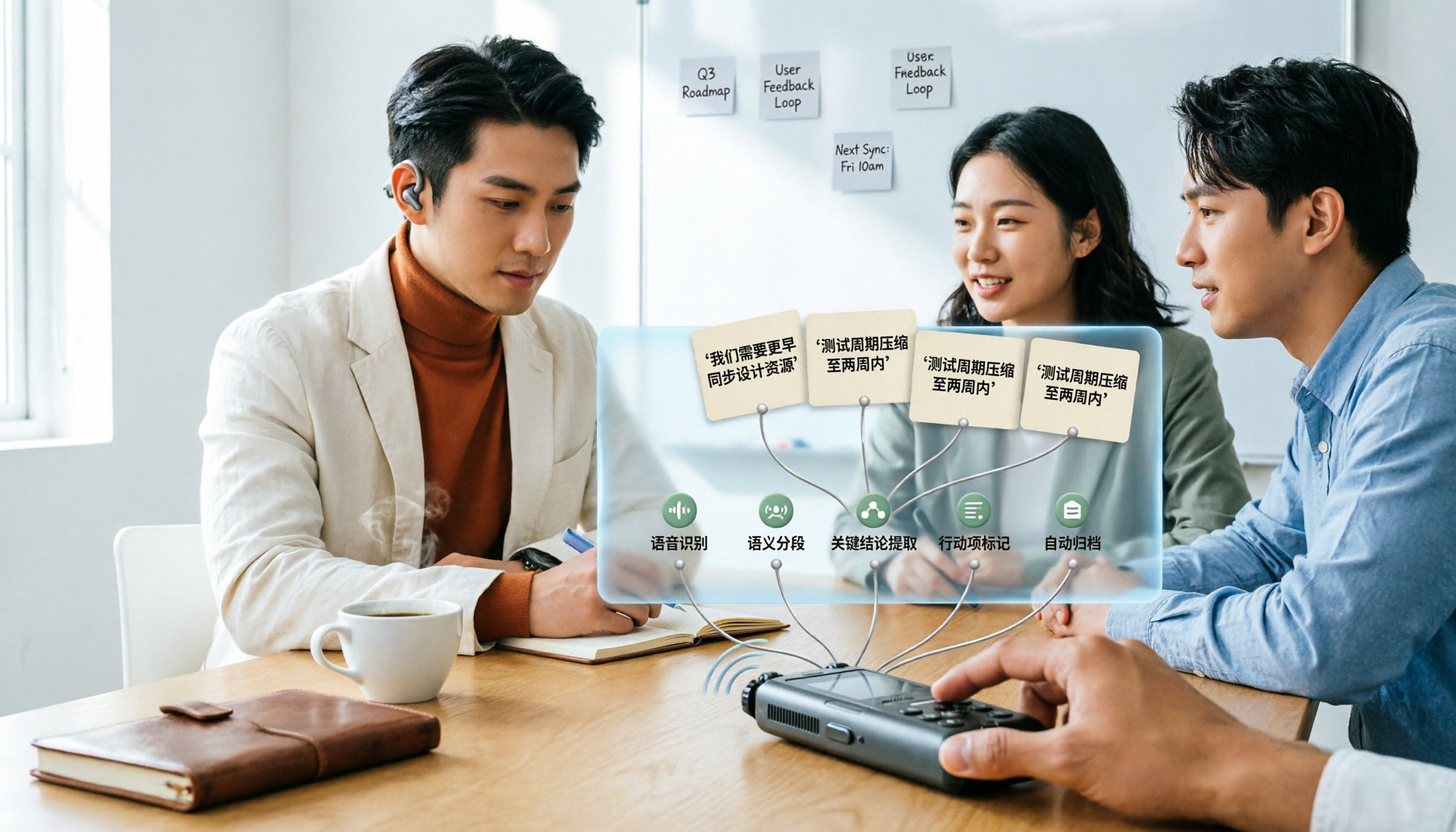
Many people upload a recording to AI and expect a perfect transcript, but end up with a document full of errors, no key points, and requiring re-listening. This article addresses common misconceptions, breaks down the key factors for choosing an AI transcription tool, and walks you through 5 steps from audio file to usable meeting notes. It also compares the suitable scenarios and limitations of different approaches such as Yating Transcription, Vocol.ai, and ChatGPT.

cSubtitle vs MyEdit 2026: 4-Dimension Comparison for Chinese Speech-to-Text Transcription
Which AI speech-to-text tool should you use for meeting, interview, or class recordings? This article compares cSubtitle and MyEdit across four dimensions: Chinese recognition, format support, editing and export, and free usage limits. It also covers alternatives like NotebookLM, Yating Transcription, inFin, and Easemate AI Meeting Recorder to help you choose the best fit for your needs.
4 Japanese Audio-to-Text AI Tools Tested: Which One Actually Organizes Your Notes?
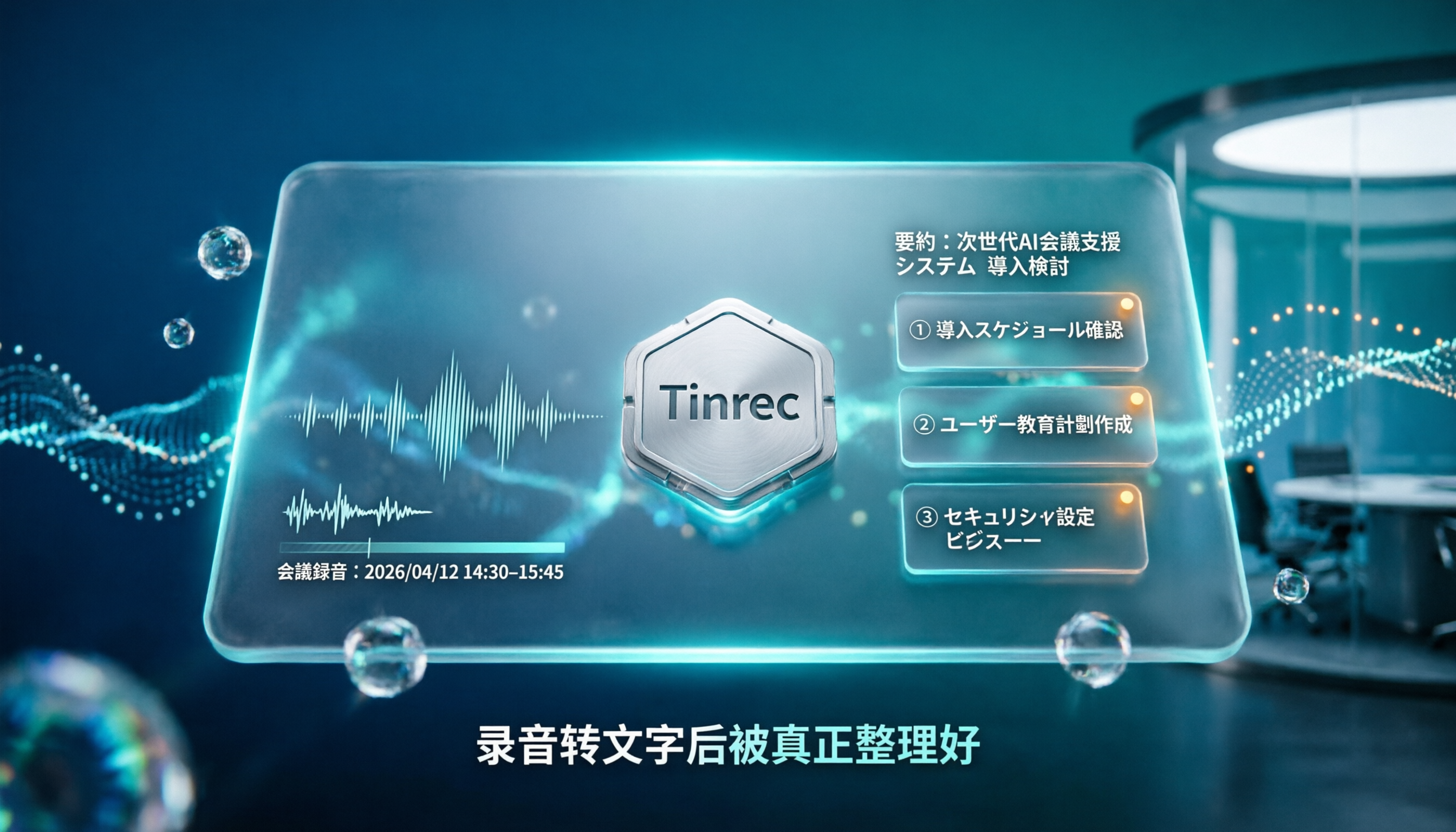
Transcribing Japanese meeting recordings isn't just about accuracy—it's about what happens after the transcript is generated. This article compares Tinrec, VOMO, MyEdit, and Notta on Japanese transcription and post-meeting organization, and covers 4 key factors and 3 common pitfalls to help you choose a time-saving solution.

2026 iFlytek Voice Alternative: Tinrec Chinese Transcription + Team Meeting Organization
When looking for an iFlytek Voice alternative in Taiwan, the real challenges are Traditional Chinese meeting transcription, recording Zoom/Meet/Teams without bots, and post-meeting summaries, action items, and team knowledge retention. This article starts from use cases, compares iFlytek Voice, Otter.ai, TurboScribe, and Tinrec, and covers selection criteria, pitfalls to avoid, and scenario-based recommendations.

2026 Comparison of 3 Free Plaud Alternatives: Why Tinrec Is Better for Meeting Notes
Plaud's free tier pauses transcription once you run out of minutes, and you need hardware first. This article compares Plaud and Tinrec from a mid-level manager's meeting perspective, covering acquisition cost, online meeting handling, post-meeting outputs, and team collaboration, and explains why Tinrec is a more suitable free alternative for meeting notes.