

Turn recordings into transcripts and summaries in minutes
Upload audio or video for multilingual transcription, AI notes, and action items
2026 Tinrec vs Otter.ai: 5-Dimensional Comparison – Which Is Better for Online Meeting Notes?
I attend about 15 meetings a week, both online and offline. The most painful part used to be not the meetings themselves, but the post-meeting note-taking. I tried Otter.ai, but it never handled Chinese meetings well, and it was limited to meeting scenarios. Then I switched to Tinrec, and realized one tool could handle meetings, course interviews, and even online video content. If you're also looking for an Otter alternative, I'll compare these two tools across five dimensions to help you decide which fits your workflow better.

Why Are People Looking for Otter.ai Alternatives?
Otter.ai is a well-known AI meeting notes tool that automatically joins online meetings, provides real-time transcription, and generates summaries. It works great for English business meetings. However, many Chinese users find Otter's Chinese recognition accuracy is lower than English, and its features are focused solely on meetings. If you also need to process course recordings, interviews, or online videos, you'll need another tool. If you want a single tool that covers more scenarios and captures the nuances of Chinese expression, Tinrec is worth considering as an alternative.
Tinrec vs Otter.ai: What's Different in Core Experience?
Language Support and Chinese Transcription For Chinese users, transcription accuracy is a top priority. Otter excels in English, but in Chinese it often misses characters or produces typos, especially in multi-speaker meetings or with background noise. Tinrec is deeply optimized for Chinese. Our team tested it in a clear recording in a regular meeting room, and the Chinese error rate was under 5%, even correctly recognizing mixed Chinese-English terms. If your work language is primarily Chinese, Tinrec is clearly more reliable.
Input Source Diversity Otter mainly works by automatically joining meetings or uploading audio files; it's not convenient for online videos or local video files. Tinrec supports real-time recording, local audio/video uploads, and even direct links from platforms like YouTube and Bilibili, turning content into text. This means you can use it not just for meetings, but also for lectures, courses, and interviews—all in one tool, without switching apps.
Post-Transcription Organization Otter provides summaries and action items, but only for meetings. Tinrec not only summarizes but also automatically splits chapters, extracts tasks, and supports AI chat queries—you can ask, "What was the conclusion of the last meeting?" or "Who's responsible for the marketing project progress?" It's like having an assistant organizing key points. For someone with over a dozen meetings a week, this saves a lot of time.
Free Plan Allowance Otter's free plan gives 300 minutes per month, but only for online meetings, with limited file uploads. Tinrec's free plan offers 100 minutes per month for transcription, but covers all features including online video transcription and AI Q&A. If you're unsure which to choose, test with the free plan in your actual scenarios—Tinrec's trial barrier is very low.
Cross-Platform Convenience Otter has a web version and mobile app, but the mobile experience is English-centric. Tinrec offers iOS, Android, and web versions, with a friendly Chinese interface. You can record on your phone and upload files on the web seamlessly. It's much more convenient for those who handle recordings on the go.
Stop organizing recordings by hand
Upload audio or video and automatically get a transcript, summary, and action items
Tinrec Core Features at a Glance
Real-Time Transcription Open Tinrec, and text appears simultaneously while recording, with under a second delay. You can verify during the meeting that everything is captured correctly, and the full transcript is ready right after the meeting—no need to re-listen.
AI Chat Query This is my most-used feature. After recording a one-hour cross-department meeting, I can ask Tinrec: "What was the conclusion on the budget today?" or "What's the deadline for Xiao Chen's project?" It finds answers based on semantics, without flipping through a 30-page transcript.
Online Video Transcription Not just for meetings. If you see a useful industry analysis video on YouTube, paste the link, and Tinrec generates a subtitle-like transcript and summary, which you can collect as reference material—much faster than taking manual notes.

Task Extraction and Export After discussions, Tinrec automatically lists action items, and you can export them to Notion, Google Docs, or save as PDF to integrate with your task management system. This turns meeting decisions directly into action lists.
Multi-Format File Support Whether it's recordings, m4a files from your phone, or mp4 videos sent by others, dropping them into Tinrec converts them to text. For those who frequently process interview recordings or course videos, this saves a lot of format conversion hassle.
Real-World Use Cases
Weekly and Project Status Meetings Every week, I have a two-hour project meeting. Previously, just sorting out decisions and action items took half an hour. Now, with Tinrec recording in real-time, I open the AI summary and task list right after the meeting, copy and paste to the group, and it's done in five minutes. When my boss asks, "What schedule adjustment was discussed last time?" I can instantly find it via chat query.
Online Courses and Lectures During a three-hour online course with a fast-speaking instructor, note-taking is impossible. I record with Tinrec on my phone, convert to text after, and it's automatically split into chapters. I can mark key points with memos. When reviewing, I search by keyword—far more efficient than replaying the video.
One-on-One Meetings and Performance Reviews In one-on-ones with team members, I need to record key points and follow-ups. Tinrec's real-time transcription lets me focus on listening, then review the transcript and use the task feature to mark items to track, avoiding missed commitments from memory.
Webinars and Interview Video Processing When I see a great overseas interview livestream, I drop the link into Tinrec, and in five minutes it produces a bilingual transcript and key summary. Later, when quoting content or writing articles, I search by keyword—saving the time of repeatedly scrubbing the progress bar.
Key Considerations When Choosing a Speech-to-Text Tool
- Does it support your commonly used languages and accents? If your meetings are mostly Chinese or mixed Chinese-English, the tool's Chinese recognition ability is crucial. Tinrec's optimization for Chinese makes it more usable for daily meetings.
- Can it handle audio from different sources? Besides meetings, you may encounter course recordings, interview videos, or online content. Choosing a tool like Tinrec with multiple input sources means you won't need a different app for each scenario in the future.
- Is the post-transcription organization complete? Getting just the transcript isn't enough. Auto-summaries, task lists, and chapter splits are what truly save you time. Tinrec handles this very well.
- Can it sync across devices? Recording on your phone, reading and editing on your computer—seamless data sync. Tinrec's iOS, Android, and web versions cover all bases, suitable for mobile professionals.
- Does the pricing match your usage frequency? First, confirm your monthly meeting hours, then choose a plan. Tinrec has a free trial. If your meeting volume is low, the free allowance may suffice; if you have multiple meetings a week, a Pro monthly plan is more cost-effective than one-time purchases.
Conclusion: Is Tinrec Worth Trying?
If you need a tool that goes beyond meetings and can also handle courses, interviews, and online videos, Tinrec's multi-source support and Chinese optimization are practical advantages. Its AI chat query and task extraction, in particular, can save a lot of documentation time for managers constantly in meetings. I recommend downloading the free version of Tinrec and testing it with your own meeting recordings—this is more reliable than any review. The 100 minutes per month is enough for evaluation. When you find you can leave work half an hour earlier, you'll feel the decision was well worth it.
Turn every recording into actionable outcomes
Get 60 free transcription minutes when you sign in. No credit card required.
Related Reading
You might also like

2026 AI Tools Comparison: How to Avoid Wasted Effort in Meeting Transcript Organization
The most time-consuming part of meeting transcript organization is never converting speech to text, but turning chaotic discussions into actionable records. This article breaks down three common misconceptions, compares the actual workflows and limitations of tools like NotebookLM, Gemini, ChatGPT, and CLOVA Note, and provides a step-by-step process and pitfall checklist you can directly apply.

2026 Comparison of 5 Speech-to-Transcript Tools: Free Quotas and Chinese Recognition—Which Is Enough?
Starting from the most common pitfalls when choosing a transcription tool, this article compares five speech-to-transcript tools—Yating Transcription, cSubtitle, Atter App, Easemate AI Meeting Recorder, and NotebookLM—on language support, free quotas, and import/export differences, helping you choose the right tool based on your recording scenario.

5 Best AI Meeting Transcription Tools in 2026: Free Tiers, Chinese Accuracy, and Summaries Compared
Tired of spending two hours after every meeting replaying recordings and typing transcripts? This guide walks through the actual workflows of five AI meeting transcription tools in 2026, comparing free tiers, Chinese and mixed Chinese-English recognition, speaker identification, and summary and action-item generation. It also includes a pitfalls guide and scenario-based recommendations to help you find the one that's good enough for free.
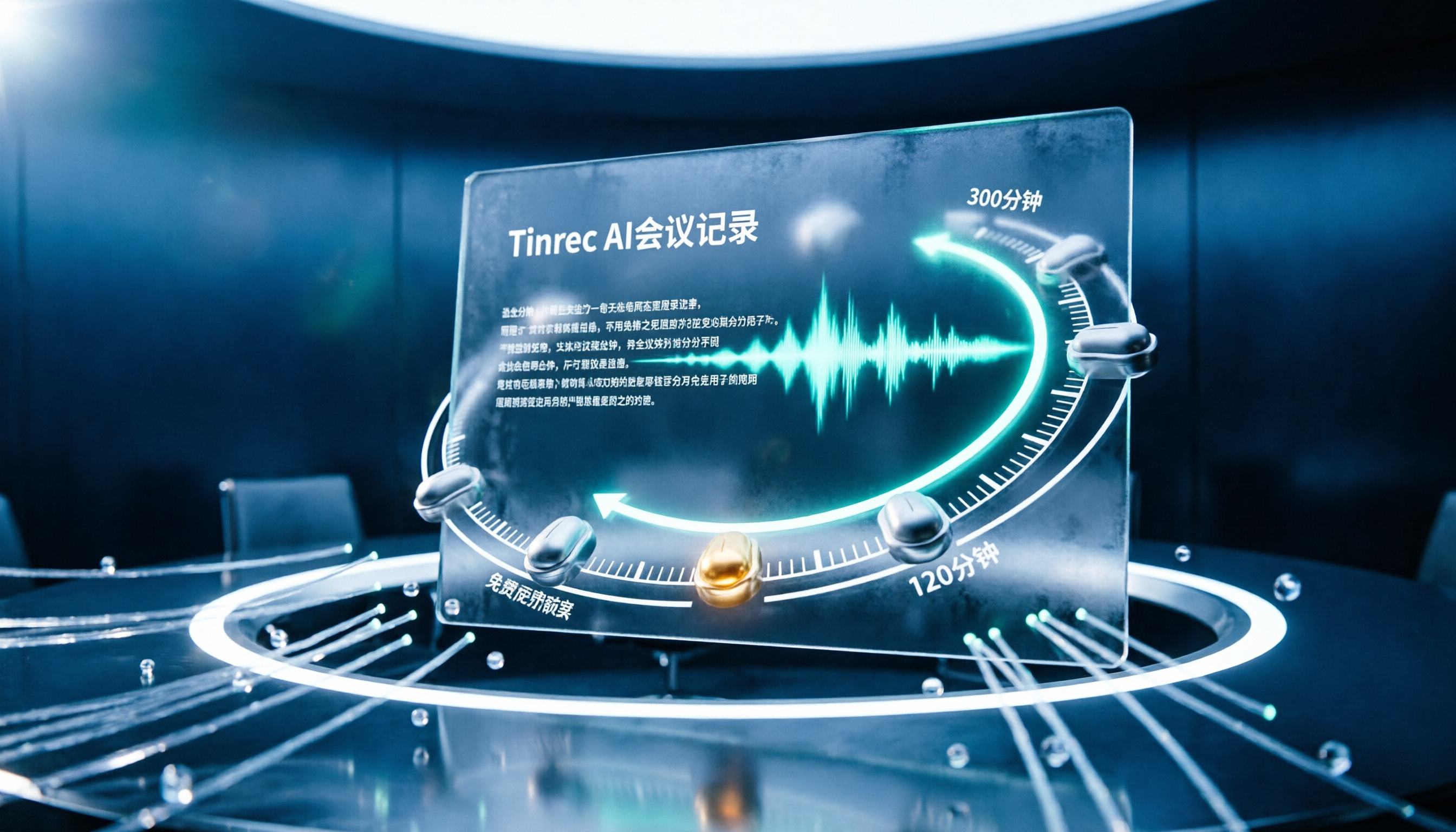
7 Free Meeting Transcription Software Compared: Which Free Tier Is Most Generous in 2026?
We reviewed the free plans of 7 meeting transcription tools, from 300 minutes and 120 minutes per month to completely free AI note-taking tools. We explain each plan's limits, restrictions, and ideal users to help you avoid mistaking a 'free trial' for a 'free plan'.
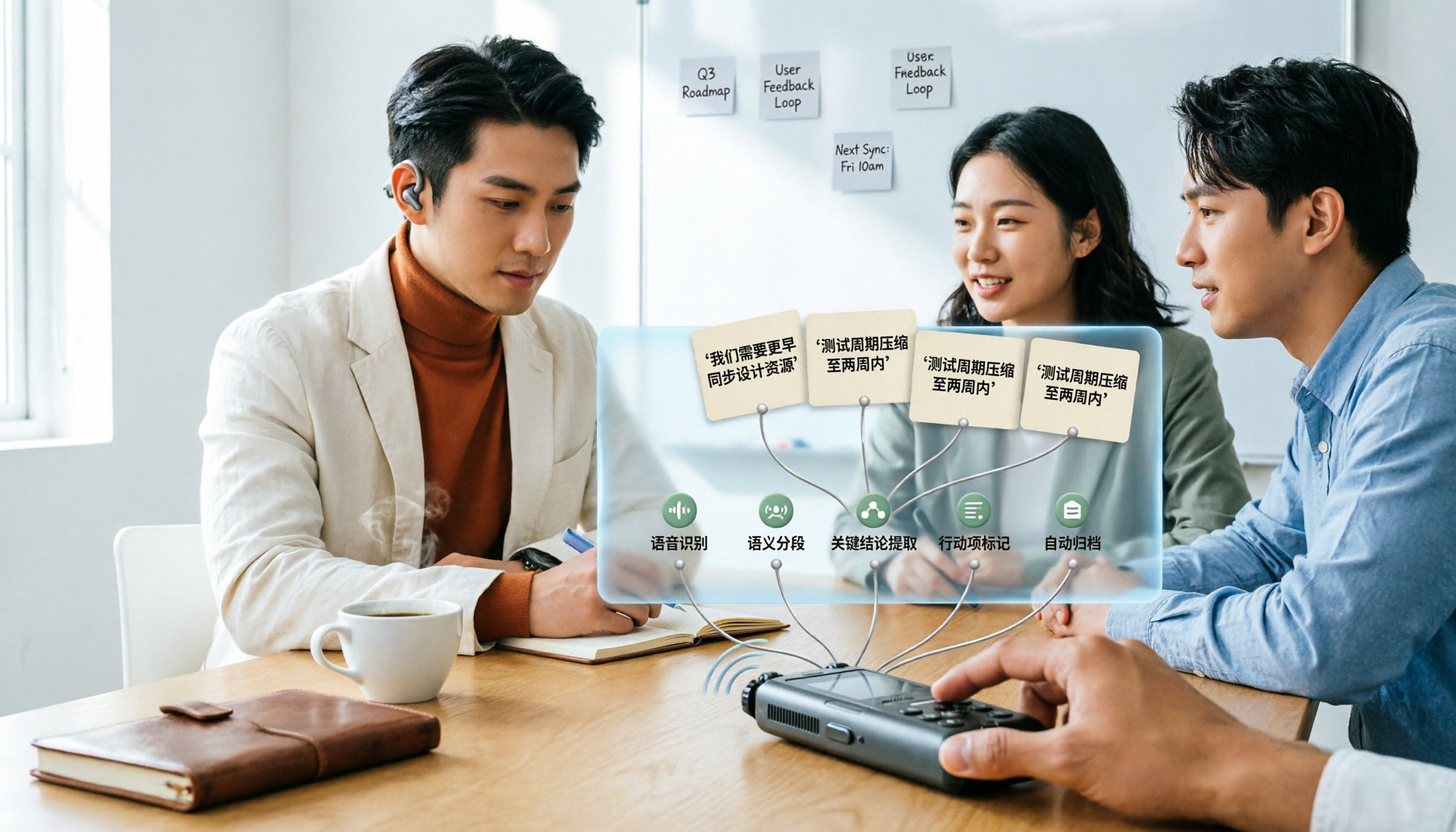
How to Use AI Transcription in 2026: 5 Steps from Recording to Meeting Notes
Many people upload a recording to AI and expect a perfect transcript, but end up with a document full of errors, no key points, and requiring re-listening. This article addresses common misconceptions, breaks down the key factors for choosing an AI transcription tool, and walks you through 5 steps from audio file to usable meeting notes. It also compares the suitable scenarios and limitations of different approaches such as Yating Transcription, Vocol.ai, and ChatGPT.

cSubtitle vs MyEdit 2026: 4-Dimension Comparison for Chinese Speech-to-Text Transcription
Which AI speech-to-text tool should you use for meeting, interview, or class recordings? This article compares cSubtitle and MyEdit across four dimensions: Chinese recognition, format support, editing and export, and free usage limits. It also covers alternatives like NotebookLM, Yating Transcription, inFin, and Easemate AI Meeting Recorder to help you choose the best fit for your needs.
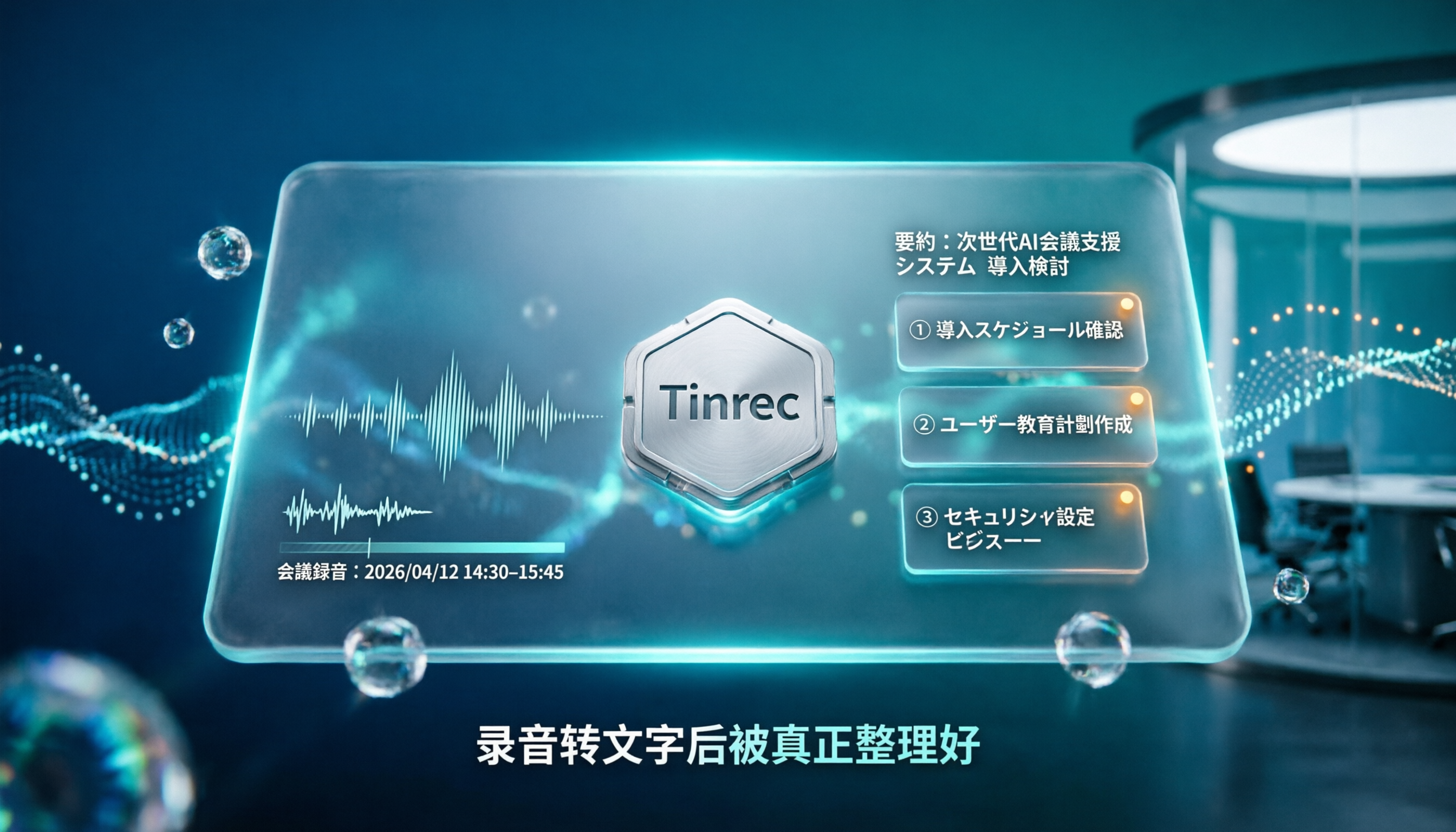
4 Japanese Audio-to-Text AI Tools Tested: Which One Actually Organizes Your Notes?
Transcribing Japanese meeting recordings isn't just about accuracy—it's about what happens after the transcript is generated. This article compares Tinrec, VOMO, MyEdit, and Notta on Japanese transcription and post-meeting organization, and covers 4 key factors and 3 common pitfalls to help you choose a time-saving solution.

2026 iFlytek Voice Alternative: Tinrec Chinese Transcription + Team Meeting Organization
When looking for an iFlytek Voice alternative in Taiwan, the real challenges are Traditional Chinese meeting transcription, recording Zoom/Meet/Teams without bots, and post-meeting summaries, action items, and team knowledge retention. This article starts from use cases, compares iFlytek Voice, Otter.ai, TurboScribe, and Tinrec, and covers selection criteria, pitfalls to avoid, and scenario-based recommendations.

2026 Comparison of 3 Free Plaud Alternatives: Why Tinrec Is Better for Meeting Notes
Plaud's free tier pauses transcription once you run out of minutes, and you need hardware first. This article compares Plaud and Tinrec from a mid-level manager's meeting perspective, covering acquisition cost, online meeting handling, post-meeting outputs, and team collaboration, and explains why Tinrec is a more suitable free alternative for meeting notes.