

Turn recordings into transcripts and summaries in minutes
Upload audio or video for multilingual transcription, AI notes, and action items
2026 Best 5 Real-Time Translation AI Tools Compared: Which Can Handle Transcription and Live Translation Simultaneously?
Why Do You Need Real-Time Translation AI?

Faced with foreign language speeches in meetings, overseas courses, or foreign YouTube videos, do you want to understand content instantly without taking manual notes? Real-time translation AI tools can record audio, transcribe it, and even translate it into your preferred language on the fly. According to statistics, manual notes in multilingual meetings can miss up to 40% of key information. This article reviews 5 AI tools that support transcription and real-time translation, from free plans to professional features, helping you choose the right one at a glance.
Tinrec (Instant Voice Recorder)|Not Just Speech-to-Text, Real-Time Translation Done Right
Tinrec is an AI-powered recording and audio/video organization tool that integrates real-time speech-to-text, file import, online video parsing, and AI Q&A. It also supports real-time translation, making it ideal for users who need cross-language meetings, courses, and content organization.
Core Features & Highlights
- Real-Time Transcription + Translation: Converts speech to text on the fly and translates it into multiple languages instantly, perfect for meetings or lectures.
- Direct Online Video Parsing & Translation: Paste a YouTube or Bilibili link to get translated text from the video content, saving manual note-taking time.
- AI Q&A Assistance: If you encounter unclear parts, you can ask the AI questions in your native language, and it will answer based on the recording content — like having a personal translation assistant.
- Multi-format Export: Translation results can be exported as text or subtitles for easy editing.
Pricing
The free plan offers a basic monthly transcription quota with real-time translation access; Pro monthly/yearly plans provide higher limits for frequent users. Check the official website for the latest rates.
Best For
Professionals and students who frequently attend foreign language meetings, take overseas courses, or organize foreign video content.
Notta|Professional Choice for Multilingual Transcription & Translation
Notta is a multi-platform transcription tool similar to Tinrec, excelling in multilingual transcription and real-time translation, supporting over 104 languages.
Key Highlights
Record and translate simultaneously, automatically generating bilingual subtitles during meetings; also supports document translation, ideal for professionals needing bilingual meeting notes.
Pricing
Free plan: 120 minutes per month. Pro yearly: approx. US$8.17/month, providing 1800 minutes.
Best For
Professionals who need bilingual meeting records, especially in multinational teams.
TurboScribe|High Value Document Transcription & Translation
TurboScribe focuses on uploading audio/video files for transcription and translation, handling long files in one go, but lacks live recording capabilities.
Stop organizing recordings by hand
Upload audio or video and automatically get a transcript, summary, and action items
Key Highlights
Supports bulk transcription and translation with high accuracy, exportable subtitles, suitable for post-processing.
Pricing
Free plan: 3 transcriptions per day, up to 30 minutes each. Unlimited yearly: approx. US$10/month.
Best For
Users who process large volumes of pre-recorded audio and need subtitle translation, such as content creators.
Otter.ai|Built for Meeting Notes, Translation is Secondary
Otter.ai is a well-known AI meeting note tool, strong in English speech recognition, and offers real-time translation, but is geared toward native English speakers.
Key Highlights
Automatically joins Zoom/Teams/Meet meetings, generates meeting summaries; real-time translation feature is basic.
Pricing

Free plan: 300 minutes per month. Pro yearly: approx. US$8.33/month/user.
Best For
Teams with primarily English meetings, who occasionally need translation.
Fireflies.ai|Unlimited Transcription but Translation is Supplementary
Fireflies.ai is a meeting bot that offers unlimited transcription and AI summaries, supporting 100+ languages, but translation quality heavily depends on the default language.
Key Highlights
Automatically records and transcribes online meetings; translation requires manual setup; integrates with various work tools.
Pricing
Free plan: unlimited transcription (with storage limits). Pro yearly: approx. US$10/month/user.
Best For
Teams that need extensive meeting notes but have low translation requirements.
How to Choose Among These Options?
- Need simultaneous recording, transcription, and real-time translation → Tinrec (only option with integrated AI Q&A)
- Frequent cross-border meetings requiring bilingual live subtitles → Tinrec or Notta, but Tinrec offers more comprehensive online video parsing
- Have many foreign language audio/video files to quickly translate to text → TurboScribe (but lacks live recording)
- Mainly meeting in English, translation is just a bonus → Otter.ai (strong meeting integration)
- Team needs unlimited meeting transcription with little translation need → Fireflies.ai
3 Things to Know Before Using Real-Time Translation AI
- Real-time translation accuracy is affected by audio quality, accents, and background noise; for important content, compare with the original recording.
- Free plans usually have minute or usage limits; if you exceed them, consider weekly or monthly plans like Tinrec's.
- Some tools (e.g., Tinrec) require transcription before translation; if you need zero-lag real-time, test each tool's response speed.
Summary
These five tools each have their strengths. If you want one app to handle recording, transcription, translation, and even AI Q&A for understanding content, Tinrec, developed by a Taiwan team, is one of the most comprehensive choices. The free plan includes basic translation credits, so we recommend starting with the free version to find the workflow that suits you best.
Frequently Asked Questions
How many languages does Tinrec support for translation?
Tinrec supports transcription and translation between multiple languages, including Chinese, English, Japanese, Korean, etc. Refer to the in-app language list for details.
How is real-time translation different from Google Translate?
Tinrec translates entire segments based on recording content, rather than single sentences; it directly produces bilingual transcripts, ideal for meetings and learning scenarios.
How much translation time does the free plan offer?
The free plan provides a monthly quota sufficient for several short meeting translations. Try it out and upgrade as needed.
Do I need additional equipment to use these tools?
No, you only need a phone or computer. No hardware like PLAUD is required.
Can I export translation results?
Most tools (including Tinrec) support exporting text, subtitles, and other formats for easy editing.
Is real-time translation effective for lecture recordings?
If the speaker's pronunciation is clear and background noise is minimal, it works well. You can also use AI Q&A to review key points after class.
Turn every recording into actionable outcomes
Get 60 free transcription minutes when you sign in. No credit card required.
Related Reading
You might also like

2026 AI Tools Comparison: How to Avoid Wasted Effort in Meeting Transcript Organization
The most time-consuming part of meeting transcript organization is never converting speech to text, but turning chaotic discussions into actionable records. This article breaks down three common misconceptions, compares the actual workflows and limitations of tools like NotebookLM, Gemini, ChatGPT, and CLOVA Note, and provides a step-by-step process and pitfall checklist you can directly apply.

2026 Comparison of 5 Speech-to-Transcript Tools: Free Quotas and Chinese Recognition—Which Is Enough?
Starting from the most common pitfalls when choosing a transcription tool, this article compares five speech-to-transcript tools—Yating Transcription, cSubtitle, Atter App, Easemate AI Meeting Recorder, and NotebookLM—on language support, free quotas, and import/export differences, helping you choose the right tool based on your recording scenario.

5 Best AI Meeting Transcription Tools in 2026: Free Tiers, Chinese Accuracy, and Summaries Compared
Tired of spending two hours after every meeting replaying recordings and typing transcripts? This guide walks through the actual workflows of five AI meeting transcription tools in 2026, comparing free tiers, Chinese and mixed Chinese-English recognition, speaker identification, and summary and action-item generation. It also includes a pitfalls guide and scenario-based recommendations to help you find the one that's good enough for free.
7 Free Meeting Transcription Software Compared: Which Free Tier Is Most Generous in 2026?
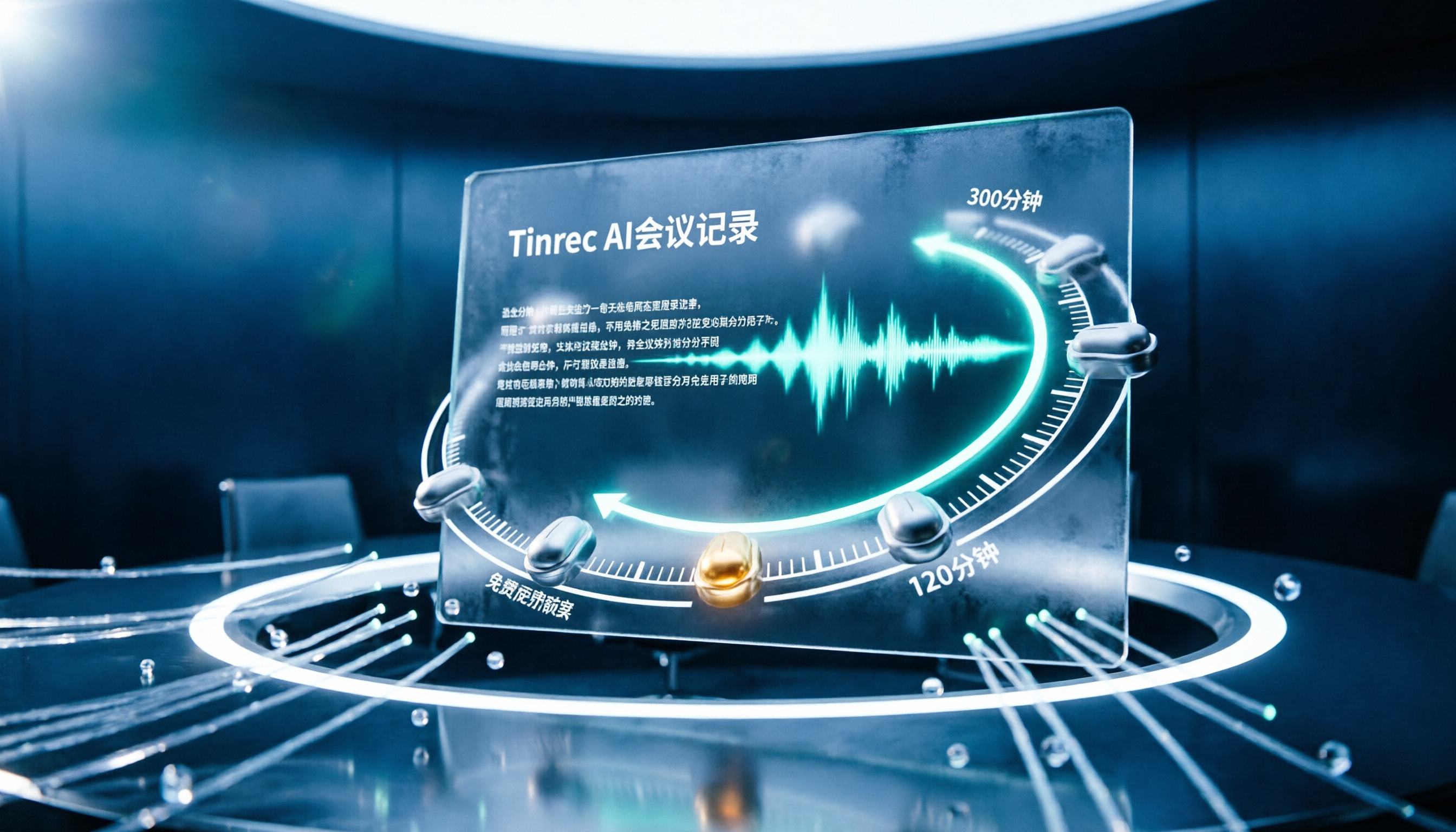
We reviewed the free plans of 7 meeting transcription tools, from 300 minutes and 120 minutes per month to completely free AI note-taking tools. We explain each plan's limits, restrictions, and ideal users to help you avoid mistaking a 'free trial' for a 'free plan'.
How to Use AI Transcription in 2026: 5 Steps from Recording to Meeting Notes
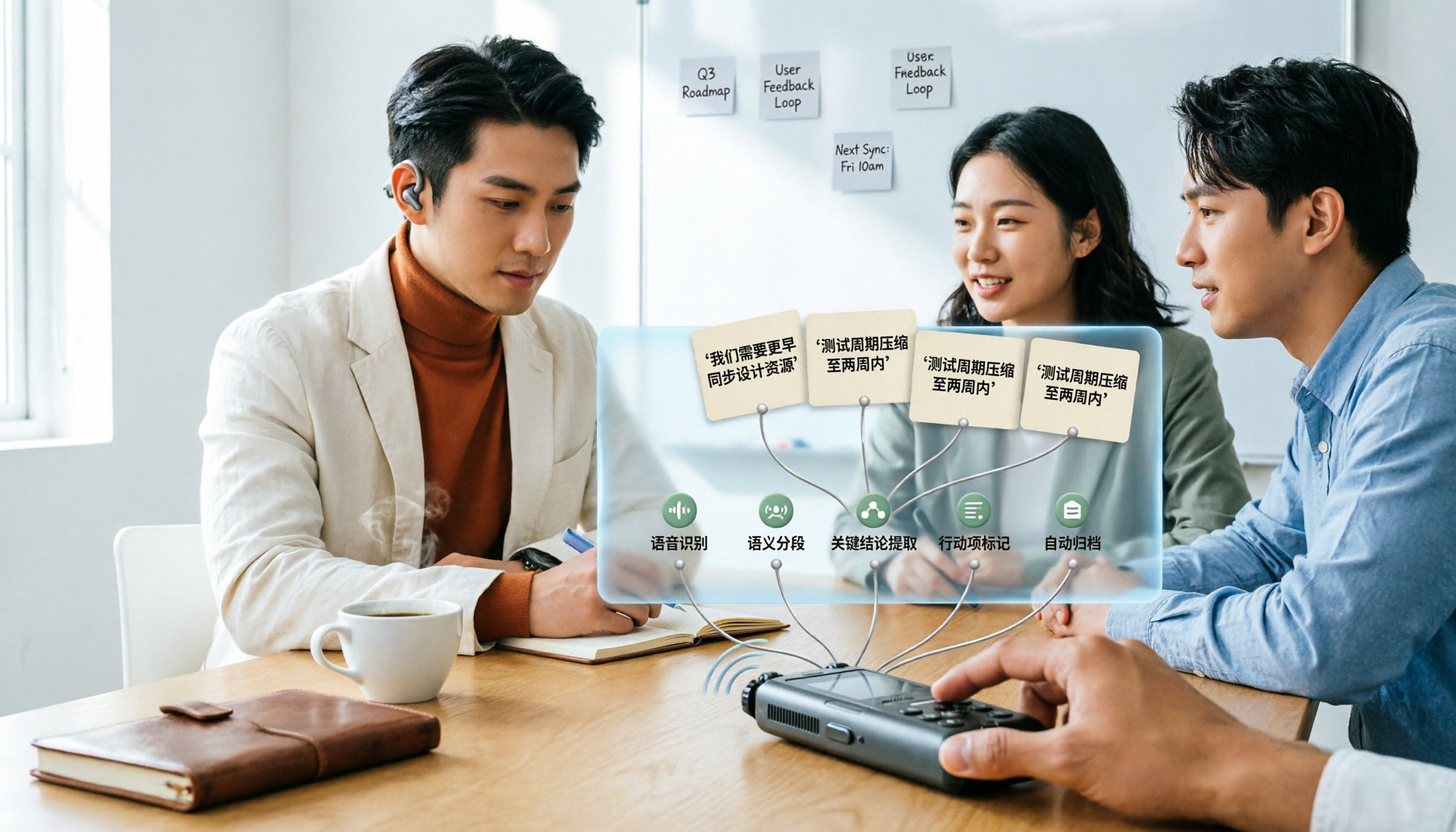
Many people upload a recording to AI and expect a perfect transcript, but end up with a document full of errors, no key points, and requiring re-listening. This article addresses common misconceptions, breaks down the key factors for choosing an AI transcription tool, and walks you through 5 steps from audio file to usable meeting notes. It also compares the suitable scenarios and limitations of different approaches such as Yating Transcription, Vocol.ai, and ChatGPT.

cSubtitle vs MyEdit 2026: 4-Dimension Comparison for Chinese Speech-to-Text Transcription
Which AI speech-to-text tool should you use for meeting, interview, or class recordings? This article compares cSubtitle and MyEdit across four dimensions: Chinese recognition, format support, editing and export, and free usage limits. It also covers alternatives like NotebookLM, Yating Transcription, inFin, and Easemate AI Meeting Recorder to help you choose the best fit for your needs.
4 Japanese Audio-to-Text AI Tools Tested: Which One Actually Organizes Your Notes?
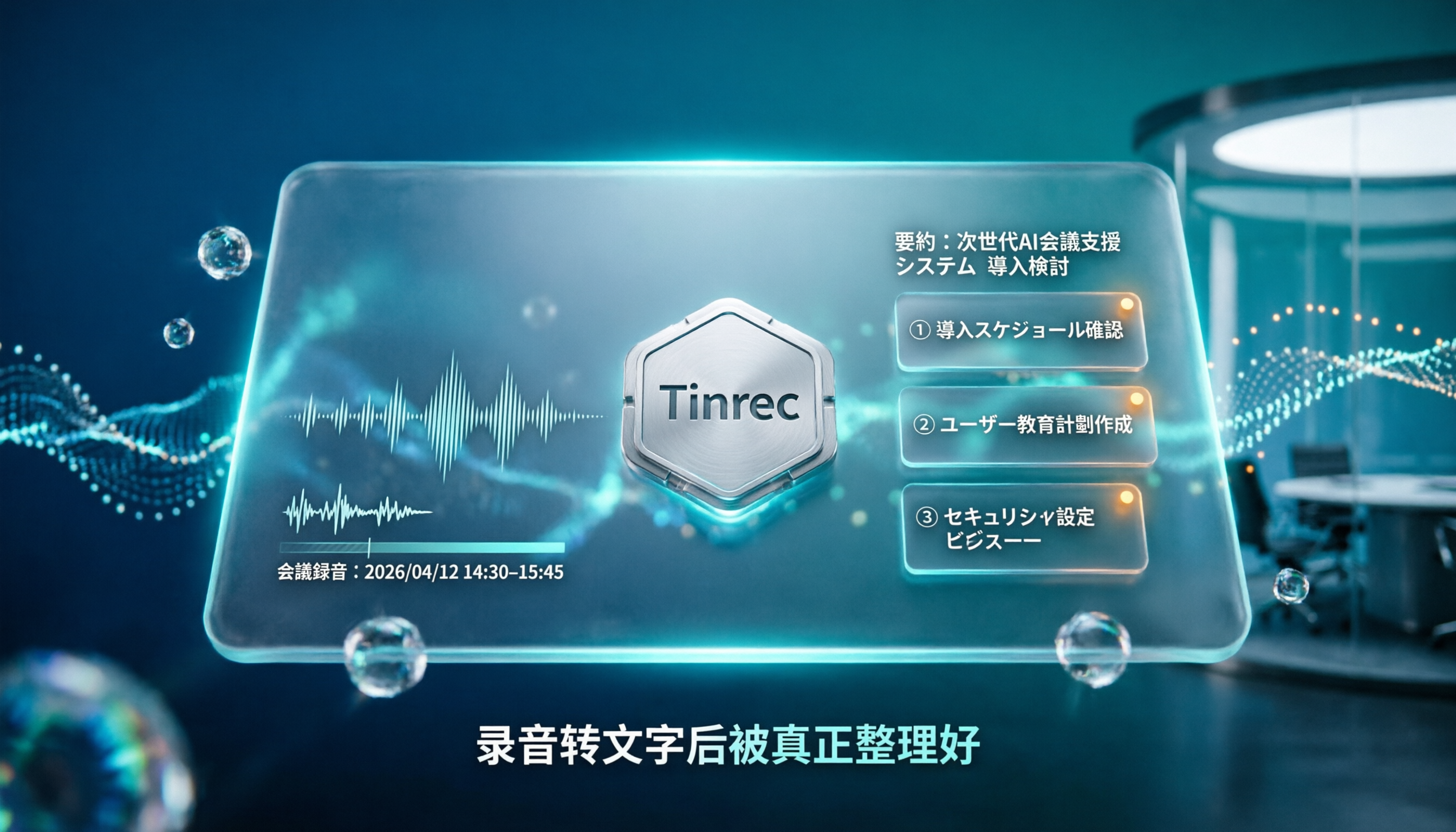
Transcribing Japanese meeting recordings isn't just about accuracy—it's about what happens after the transcript is generated. This article compares Tinrec, VOMO, MyEdit, and Notta on Japanese transcription and post-meeting organization, and covers 4 key factors and 3 common pitfalls to help you choose a time-saving solution.

2026 iFlytek Voice Alternative: Tinrec Chinese Transcription + Team Meeting Organization
When looking for an iFlytek Voice alternative in Taiwan, the real challenges are Traditional Chinese meeting transcription, recording Zoom/Meet/Teams without bots, and post-meeting summaries, action items, and team knowledge retention. This article starts from use cases, compares iFlytek Voice, Otter.ai, TurboScribe, and Tinrec, and covers selection criteria, pitfalls to avoid, and scenario-based recommendations.

2026 Comparison of 3 Free Plaud Alternatives: Why Tinrec Is Better for Meeting Notes
Plaud's free tier pauses transcription once you run out of minutes, and you need hardware first. This article compares Plaud and Tinrec from a mid-level manager's meeting perspective, covering acquisition cost, online meeting handling, post-meeting outputs, and team collaboration, and explains why Tinrec is a more suitable free alternative for meeting notes.