

Turn recordings into transcripts and summaries in minutes
Upload audio or video for multilingual transcription, AI notes, and action items
Meetings, Lectures, Foreign Videos... You Need More Than Translation—You Need a Tool That Turns Audio into Usable Content
Many people think voice translation apps just convert Chinese to English or English to Chinese.

But in reality: you recorded an English meeting and want to turn it into a Chinese summary; or you found a YouTube video with no subtitles and want to know what it's about.
These scenarios don't need sentence-by-sentence translation—they need the entire recording or video to be transcribed and translated seamlessly into usable material.
If you've struggled with these issues, this article is for you.
Before Choosing a Voice Translation App, Understand These 4 Key Points
1. Translation Depends on Accurate Transcription
The first step in voice translation is speech recognition. If the original text is misheard, the translation will be inaccurate. During testing, I usually use a Chinese meeting recording with background noise to check the accuracy of the verbatim transcript.
2. More Than Sentence Translation: Can It Summarize Then Translate?
Many people overlook that a good voice translation tool should first summarize and segment the content, then translate the whole passage. This way, you get logical content instead of fragmented sentences.
3. The More Input Sources, the Better
You won't only record on your phone; you might also upload audio files from your computer or paste YouTube links. Before choosing an app, think about which sources you'll use.
4. Is the Free Quota Enough for Testing?
Most tools offer free quotas, but some only give 10 minutes while others give hundreds. For occasional users, this difference is significant.
Tinrec (Instant Recording) – Our Top Pick After Testing: More Than Just Voice Translation
Tinrec is an AI-powered recording and audio/video organization tool that supports multiple languages on iOS, Android, and web.
Its voice translation isn't sentence-by-sentence; it first transcribes the entire meeting, lecture, or video, then translates. This preserves context, making the translation more natural.
During a meeting, start real-time recording, and it will produce a transcript as you go. After the meeting, AI automatically generates a summary and action items—who is responsible for what and deadlines—at a glance. If you need to share meeting notes with foreign colleagues, you can select transcript segments and use the built-in translation to convert them into English.
Another great feature is web video link parsing. Just paste a YouTube or Bilibili URL, and Tinrec will transcribe the entire video and generate a Chinese summary. If you understand the original audio but want a translation, you can use its segment translation to save manual typing.
We tested a 5-minute English meeting recording (iPhone 15, typical office environment). Tinrec's transcription accuracy was high, and the translated paragraphs read smoothly with no obvious grammar errors. Of course, for specialized terminology or heavy accents, manual polishing is still recommended.
Stop organizing recordings by hand
Upload audio or video and automatically get a transcript, summary, and action items
Pros:
- Integrated transcription and translation without needing a separate translation app.
- Supports multiple sources: real-time recording, file uploads, and web videos.
- Free tier includes 100 minutes per month, which is sufficient for most people to try or for light use.

Cons:
- After the free quota is used up, you need to pay; heavy users should take note.
- Translation currently focuses on common languages; support for less common languages is not as strong as professional translation tools.
Best for: If you frequently record meetings, lectures, or foreign videos and want to get a translated summary or key points directly, Tinrec is a highly integrated choice available today.
Beyond Tinrec: What Are the Alternatives?
Otter.ai
Otter.ai is a veteran in English transcription. Its free plan offers 300 minutes per month, which is great for English meetings. It also supports real-time transcription and summaries, with simple translation features. However, Otter's strength is English; if you often work with Chinese, Cantonese, or mixed-language content, Tinrec is more stable, plus Tinrec offers video link parsing and AI Q&A features.
Notta
Notta is one of the few tools focusing on multilingual transcription and translation, supporting over 100 languages. Its translation quality is among the best in its class. The free tier gives 120 minutes per month, which is generous. But if you want more than just translation—like AI-powered queries, meeting report generation, or table formatting after recording—Tinrec currently offers more complete post-processing capabilities.
TurboScribe
TurboScribe is geared toward file transcription and translation, ideal if you have a backlog of audio or video files you want to quickly convert to text and translate. Its free plan allows 3 files per day (each up to 30 minutes), which is friendly for light needs. However, TurboScribe struggles with real-time recording and web video links, areas where Tinrec's convenience clearly outshines it.
Common Mistakes to Avoid: 3 Pitfalls When Choosing a Voice Translation App
Pitfall 1: Focusing Only on the Number of Languages, Ignoring Translation Quality
Many apps claim to support 100+ languages, but actual translation quality varies, especially for proper nouns and long sentences. Test with your own familiar language and real recordings—don't just rely on ads.
Pitfall 2: Overlooking the Smoothness of Transcription + Translation
If a tool has low transcription accuracy, the translation will be disastrous. Choose an app that handles both transcription and translation within the same tool to avoid moving data around.
Pitfall 3: Assuming Free Versions Are Unlimited
Most free plans have time or usage limits, and some restrictions are hidden. For example, Tinrec's free tier offers 100 minutes per month, which is enough for most people, but if you have long meetings every week, calculate first. Check the free quota before downloading to avoid being cut off mid-recording.
Conclusion: Which One Should You Choose?
If you're not looking for the cheapest translation app, but rather a tool that can seamlessly turn meetings, lectures, and foreign videos into organized Chinese content, Tinrec is my top recommendation.
Scenario Recommendations:
- Need multilingual meeting transcription + translation (Chinese, English, Cantonese) → Tinrec (wide language support, strong post-processing)
- Just want to quickly translate a foreign YouTube video → Tinrec (paste the link and you're done)
- Primarily English meetings, budget $0 → Otter.ai (free 300 minutes)
- Have a large backlog of old audio files to translate → TurboScribe (free 3 files/day)
- Prioritize number of translation languages → Notta (100+ languages)
I recommend downloading Tinrec's free version first. The monthly 100 minutes are enough for a few meetings or video summaries. If you find it useful, consider the paid plan—no need to spend money upfront.
Turn every recording into actionable outcomes
Get 60 free transcription minutes when you sign in. No credit card required.
Related Reading
You might also like

2026 AI Tools Comparison: How to Avoid Wasted Effort in Meeting Transcript Organization
The most time-consuming part of meeting transcript organization is never converting speech to text, but turning chaotic discussions into actionable records. This article breaks down three common misconceptions, compares the actual workflows and limitations of tools like NotebookLM, Gemini, ChatGPT, and CLOVA Note, and provides a step-by-step process and pitfall checklist you can directly apply.
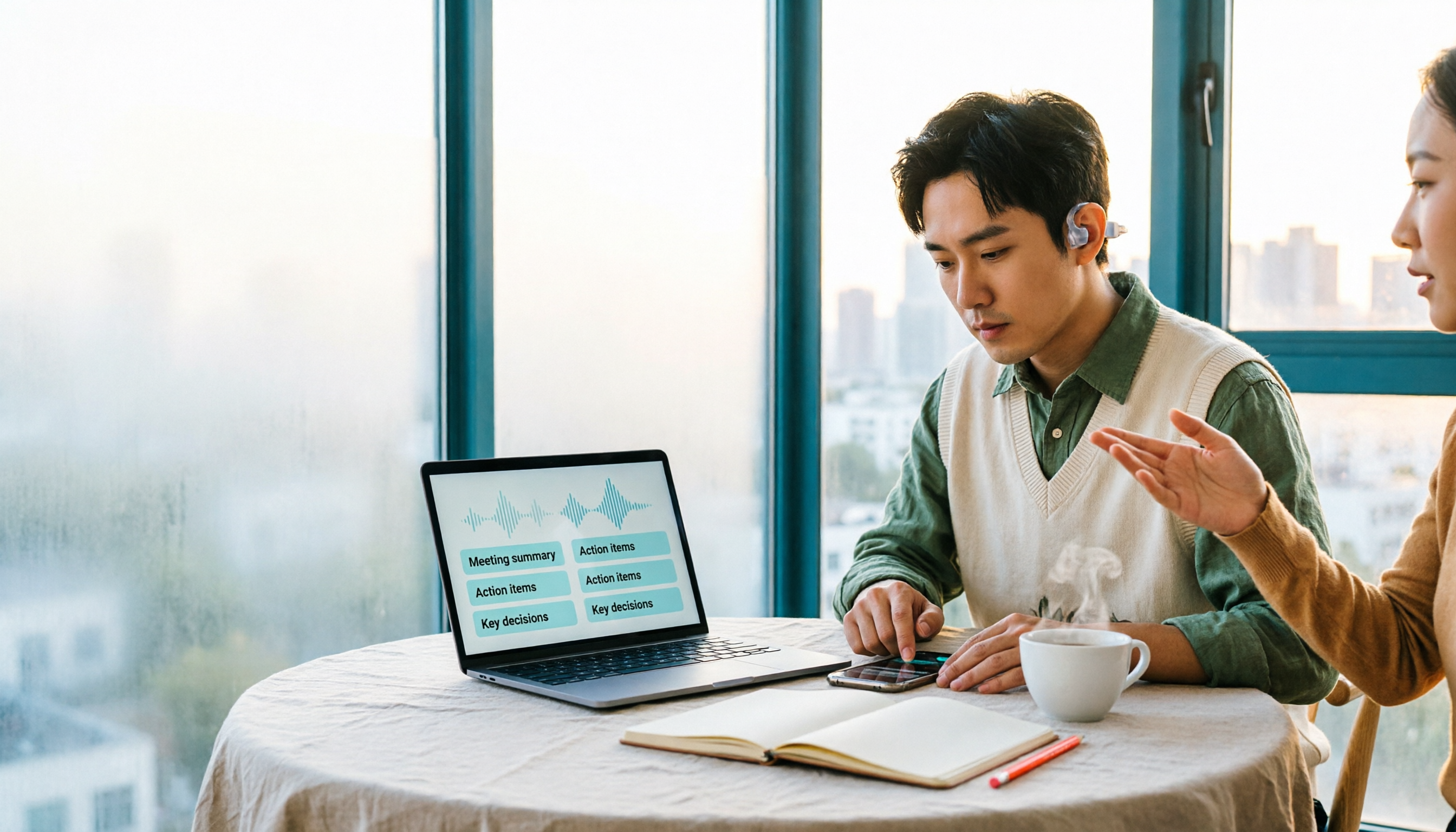
2026 Comparison of 5 Speech-to-Transcript Tools: Free Quotas and Chinese Recognition—Which Is Enough?
Starting from the most common pitfalls when choosing a transcription tool, this article compares five speech-to-transcript tools—Yating Transcription, cSubtitle, Atter App, Easemate AI Meeting Recorder, and NotebookLM—on language support, free quotas, and import/export differences, helping you choose the right tool based on your recording scenario.

5 Best AI Meeting Transcription Tools in 2026: Free Tiers, Chinese Accuracy, and Summaries Compared
Tired of spending two hours after every meeting replaying recordings and typing transcripts? This guide walks through the actual workflows of five AI meeting transcription tools in 2026, comparing free tiers, Chinese and mixed Chinese-English recognition, speaker identification, and summary and action-item generation. It also includes a pitfalls guide and scenario-based recommendations to help you find the one that's good enough for free.
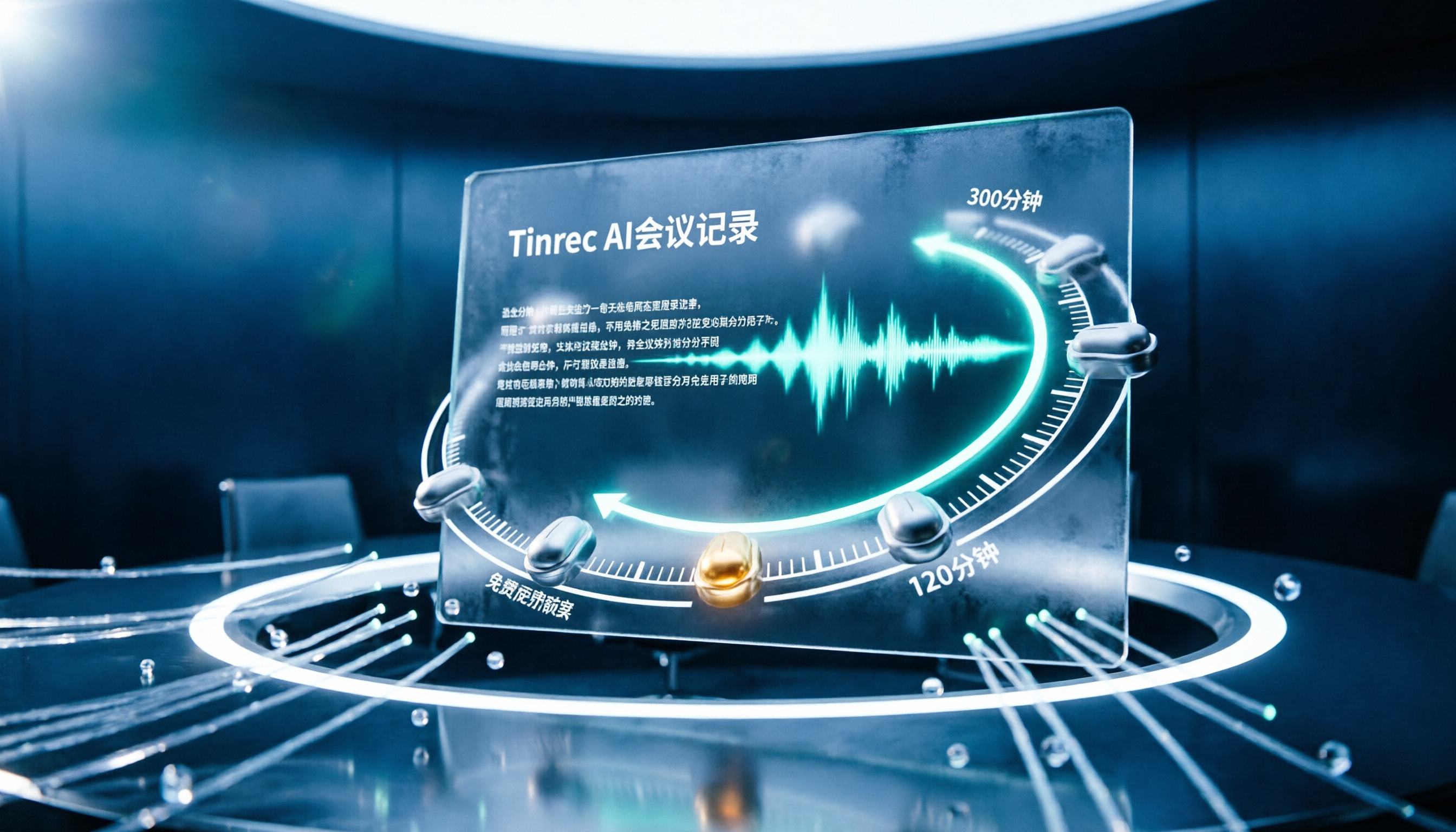
7 Free Meeting Transcription Software Compared: Which Free Tier Is Most Generous in 2026?
We reviewed the free plans of 7 meeting transcription tools, from 300 minutes and 120 minutes per month to completely free AI note-taking tools. We explain each plan's limits, restrictions, and ideal users to help you avoid mistaking a 'free trial' for a 'free plan'.
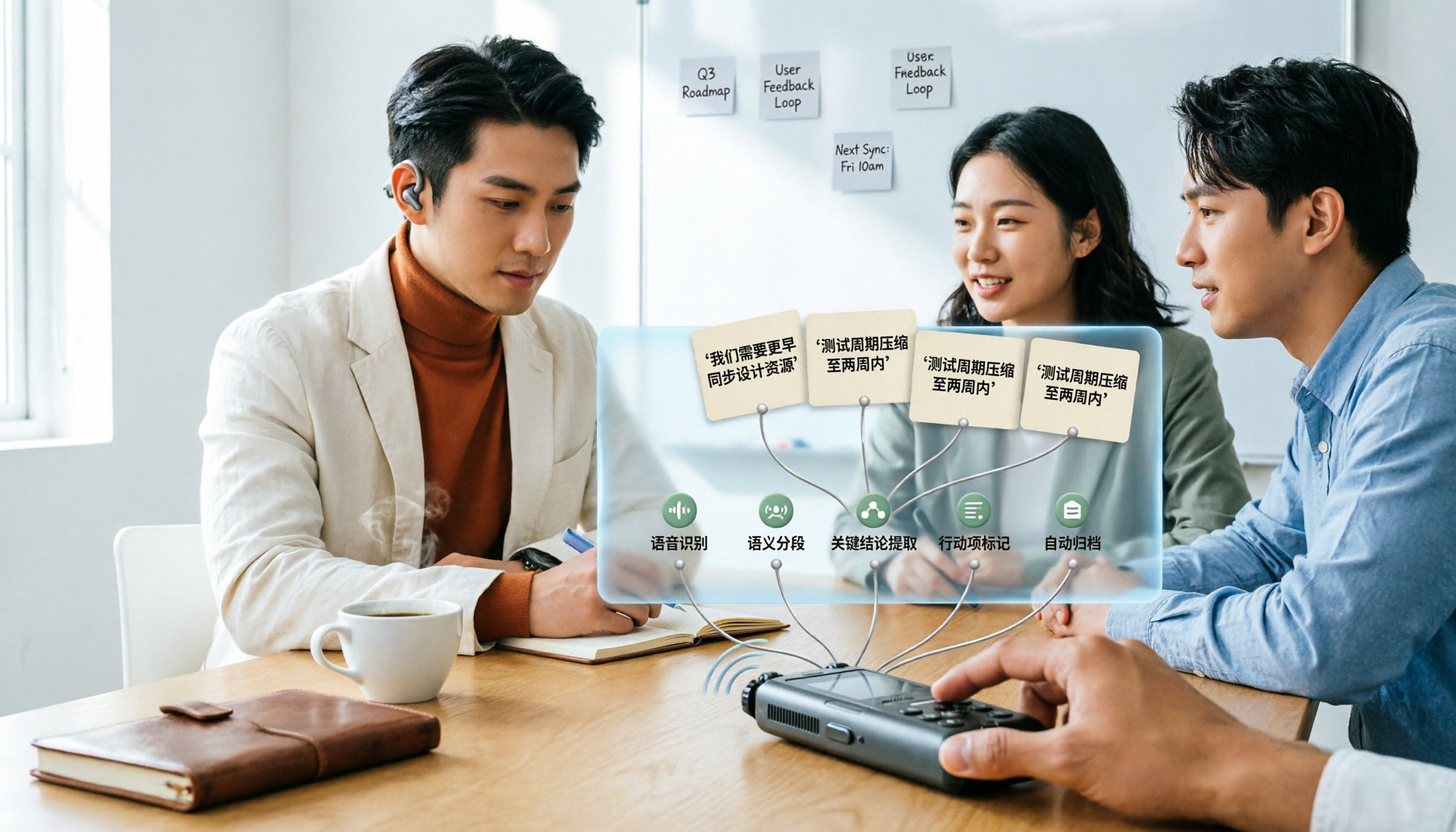
How to Use AI Transcription in 2026: 5 Steps from Recording to Meeting Notes
Many people upload a recording to AI and expect a perfect transcript, but end up with a document full of errors, no key points, and requiring re-listening. This article addresses common misconceptions, breaks down the key factors for choosing an AI transcription tool, and walks you through 5 steps from audio file to usable meeting notes. It also compares the suitable scenarios and limitations of different approaches such as Yating Transcription, Vocol.ai, and ChatGPT.

cSubtitle vs MyEdit 2026: 4-Dimension Comparison for Chinese Speech-to-Text Transcription
Which AI speech-to-text tool should you use for meeting, interview, or class recordings? This article compares cSubtitle and MyEdit across four dimensions: Chinese recognition, format support, editing and export, and free usage limits. It also covers alternatives like NotebookLM, Yating Transcription, inFin, and Easemate AI Meeting Recorder to help you choose the best fit for your needs.
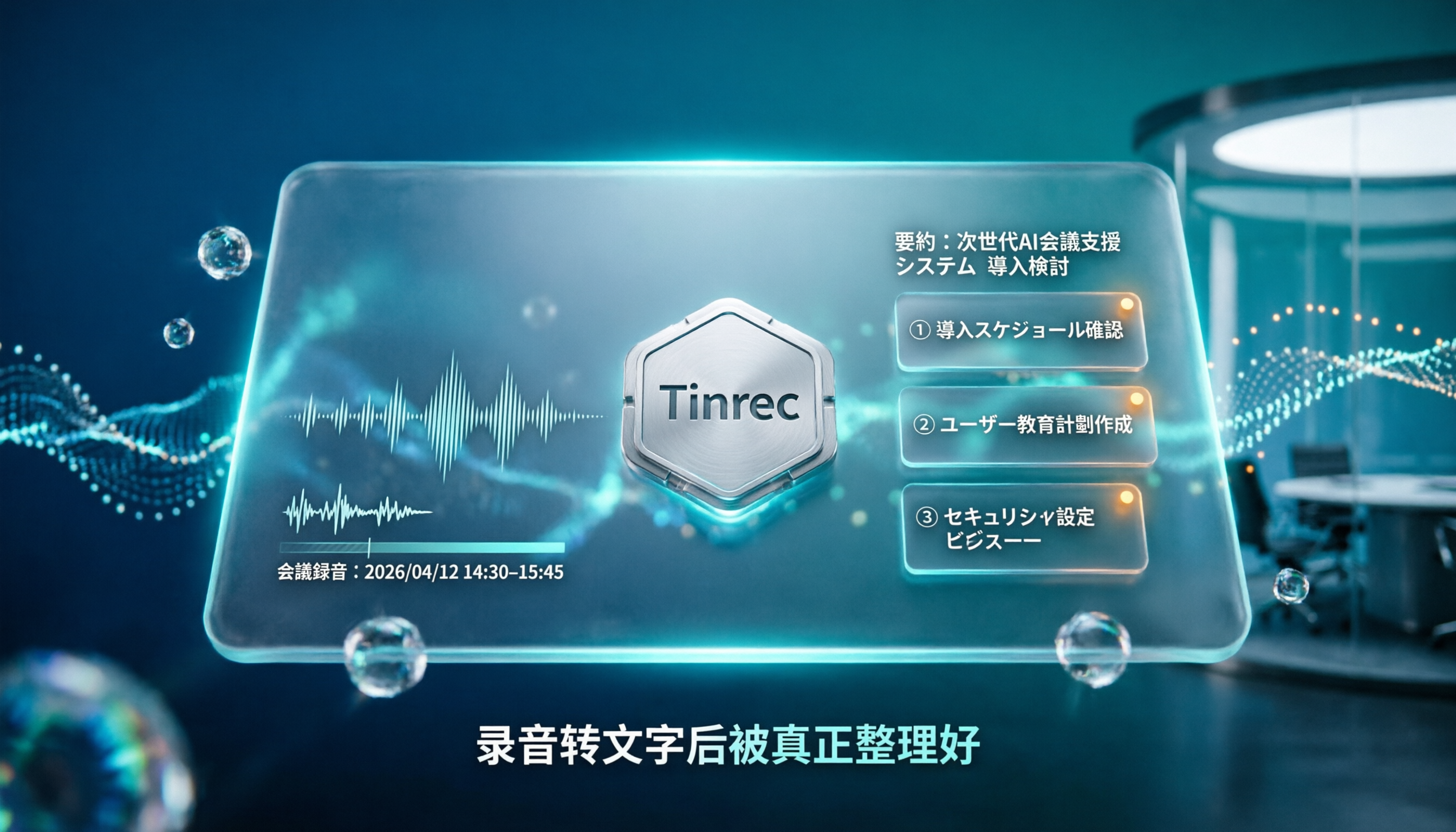
4 Japanese Audio-to-Text AI Tools Tested: Which One Actually Organizes Your Notes?
Transcribing Japanese meeting recordings isn't just about accuracy—it's about what happens after the transcript is generated. This article compares Tinrec, VOMO, MyEdit, and Notta on Japanese transcription and post-meeting organization, and covers 4 key factors and 3 common pitfalls to help you choose a time-saving solution.

2026 iFlytek Voice Alternative: Tinrec Chinese Transcription + Team Meeting Organization
When looking for an iFlytek Voice alternative in Taiwan, the real challenges are Traditional Chinese meeting transcription, recording Zoom/Meet/Teams without bots, and post-meeting summaries, action items, and team knowledge retention. This article starts from use cases, compares iFlytek Voice, Otter.ai, TurboScribe, and Tinrec, and covers selection criteria, pitfalls to avoid, and scenario-based recommendations.

2026 Comparison of 3 Free Plaud Alternatives: Why Tinrec Is Better for Meeting Notes
Plaud's free tier pauses transcription once you run out of minutes, and you need hardware first. This article compares Plaud and Tinrec from a mid-level manager's meeting perspective, covering acquisition cost, online meeting handling, post-meeting outputs, and team collaboration, and explains why Tinrec is a more suitable free alternative for meeting notes.