

Turn recordings into transcripts and summaries in minutes
Upload audio or video for multilingual transcription, AI notes, and action items
Two-hour meeting, another two hours to write it up? You need a solution, not just a tool
After every meeting, the hardest part isn't the meeting itself—it's the cleanup afterward.

If the meeting is in English, it's fine. But when it's mixed with technical jargon or you need bilingual notes fast, the back-and-forth rewinding and typing eats up half your day. Not to mention those random voice memos from interviews, lectures, or brainstorms—they often sit untouched in your recordings folder forever.
Real-time transcription and voice-to-text tools have exploded in recent years, but which one actually works for everyday users? In this article, I put four of the most talked-about options to the test, from free plans to paid features, to help you figure it out.
Before you buy a voice-to-text tool, understand these 4 key points
With so many tools on the market, don't start with feature lists. Instead, think about what matters most to you. Here are the four dimensions I always filter by.
Accuracy: Don't just trust official numbers—test conditions matter
Many tools claim "98% accuracy," but that's in a quiet studio. Real-world scenarios like background noise, multiple speakers, and accents will drop that number. Always test with your own audio files using each tool's free trial.
For my test, I used a 5-minute Chinese meeting recording with light keyboard clicks and paper rustling. The differences between tools were immediately obvious.
AI features: Transcription is just the baseline—AI that helps you organize is the real value
Turning speech into text is something many free tools can do. But what really saves time is what happens after: Can it generate an automatic summary? Can you ask it "What was the conclusion?" Can it extract action items?
These AI value-added features are where the real time savings lie.
Cross-platform and input sources: Do you record on phone, PC, or need to process video links?
Some people only record with their phone, others need to import old audio files, and many want to capture content from YouTube or TikTok videos. The flexibility of input sources determines how many situations the tool can help with.
Support for iOS, Android, and web is basic; being able to paste a video link and start transcription is a huge plus.
Free limits and paid pricing: Occasional vs. daily use makes a big difference
If you only have a meeting or two per week, the free tier might be enough. But for students taking lecture notes or content creators processing lots of material, the cost per minute of paid plans matters. Also check if the free minutes reset monthly—some tools give a one-time allowance.
Tinrec (秒聽錄音) — Top pick after testing, from real-time recording to AI Q&A all in one
Tinrec is an AI-powered voice and video transcription tool that supports 14 languages and works on iOS, Android, and web. It's more than just real-time transcription—it's a platform that turns any audio or video into actionable knowledge.
Core features built for real scenarios
Start a meeting with Tinrec, and it shows live captions while tagging different speakers. As soon as the meeting ends, AI summaries, chapter highlights, and action items are auto-generated—who needs to do what and by when, all laid out clearly.
The standout feature is the "AI conversation query." After recording, you can ask direct questions like "Who mentioned the budget in the last meeting?" It doesn't just return keyword search results—it understands the context and gives you the answer. No other tool at this price point offers that.
Stop organizing recordings by hand
Upload audio or video and automatically get a transcript, summary, and action items
Besides live recording, you can upload old audio/video files or even paste public video links from YouTube, TikTok, or other platforms. Tinrec will transcribe and summarize them. That's incredibly handy for content creators and researchers.
Test results: 5-minute Chinese meeting recording
I tested with a real Chinese meeting recording (iPhone 15, indoor, light background noise). Tinrec had a word error rate of about 8.3%, and speaker tagging was mostly accurate. Very solid for its price range.
What we liked

- Multiple input sources: Live recording, file upload, and video links—unlike some tools limited to meeting platforms.
- Smart AI organization: Summaries, chapters, action items, and conversation queries make recordings usable beyond just files.
- Seamless cross-platform: Record on phone, view and edit on web instantly. Export formats include TXT, DOCX, SRT, and more.
Limitations to be honest about
The free plan offers only 100 minutes of transcription per month, which may not be enough for heavy users. But for most people who have a few meetings per week, it's plenty to try out. Also, AI summaries can miss details—always verify important decisions with the original transcript.
Who is it for?
If you need real-time transcription, often work with mixed-language content (Chinese + English), want AI to help you find key points, or frequently switch between phone and computer—Tinrec is currently the most comprehensive choice.
Beyond Tinrec: what else is out there?
Of course, there are other good options, but each has a clear positioning. Here are three worth comparing.
Otter.ai: King of English meetings, but limited in Chinese
Otter.ai is very popular in English business meetings. The free plan gives you 300 minutes per month, and the Pro plan can auto-join Zoom and Teams meetings. Unfortunately, it doesn't support Chinese transcription and isn't optimized for it. If you primarily handle English content, Otter is a more cost-effective choice than Tinrec—this is the only scenario where I recommend a competitor. But if you need real-time Chinese transcription, Tinrec is the better fit.
Notta: Good transcription, but weaker on organization and Q&A
Notta's transcription engine is solid and supports multiple languages. The free plan offers 120 minutes per month, which is decent. However, it leans more toward being a "transcription tool"—its AI summary and Q&A capabilities aren't as deep as Tinrec's. If you just need clean transcripts and subtitles, Notta is worth considering. But if you want AI to help you organize, Tinrec's conversation queries and action item extraction give it an edge.
PLAUD Note: Hardware voice recorder, but software integration lags
PLAUD is a dedicated AI recording hardware device. It's great if you want one-button recording without relying on your phone. But you have to buy the hardware (about $179 for the Note Pro), and transcription minutes require a separate paid subscription. In contrast, Tinrec works directly on your phone and supports more input sources and cross-platform sync. Unless you have a strong need for a dedicated hardware recorder, Tinrec's software solution is more economical and flexible.
Avoid these 3 common mistakes when choosing a voice-to-text tool
Mistake 1: Relying on official accuracy numbers, ignoring real-world conditions
Many tools claim 98% accuracy, but that's in a studio. Background noise, overlapping speech, and accents all reduce accuracy. Test with your own recordings using free trials instead of trusting marketing numbers.
Mistake 2: Overlooking cross-platform support and input flexibility
If you record on iPhone today and want to edit on a PC tomorrow, a tool without web access or cloud sync becomes a hassle. Also, if you frequently need to transcribe online videos but choose a tool that only does live recording, you miss a major use case.
Mistake 3: Using the tool only for transcription, ignoring AI features
Many people just get the text and stop there—missing out on AI summaries, Q&A, and action item extraction. With Tinrec's conversation query, you can ask "What was the conclusion of the meeting?" and get an answer instantly, way faster than scanning a 30-minute transcript. Since you're paying (or using free minutes), make the most of these time-saving features.
Summary: Which one should you choose?
Overall, Tinrec strikes the best balance in real-time Chinese transcription, multiple input sources, and AI organization features, making it our top pick.
- Need real-time Chinese + foreign language transcription with AI help → Tinrec (high accuracy, full features)
- Only English meetings, zero budget → Otter.ai (high free allowance, but no Chinese)
- Just need clean transcripts, no extra organization → Notta (good transcription quality)
- Need a dedicated hardware recorder and don't mind extra cost → PLAUD Note (hardware convenience, software costs extra)
I recommend starting with Tinrec's free plan—100 minutes per month is enough for two or three meetings to fully experience it. Upgrade only if you find it useful; no need to pay upfront.
Turn every recording into actionable outcomes
Get 60 free transcription minutes when you sign in. No credit card required.
Related Reading
You might also like

How to Choose a Speech-to-Text Tool in 2026: A 5-Point Comparison of Free Tiers, Chinese Recognition, and Summarization
Choosing a speech-to-text tool isn't about which one is most accurate—it's about your usage volume, language needs, and post-processing workflow. This article compares five key aspects: free tier limits, Chinese and Taiwanese Hokkien recognition, timestamp proofreading, AI summarization, and import/export formats. With practical tips for meetings, classes, interviews, and content creation, it helps you make a confident choice between free and paid options.
2026 AI Transcription Complete Guide: How to Choose Tools Trending on PTT and Organize Class Recordings
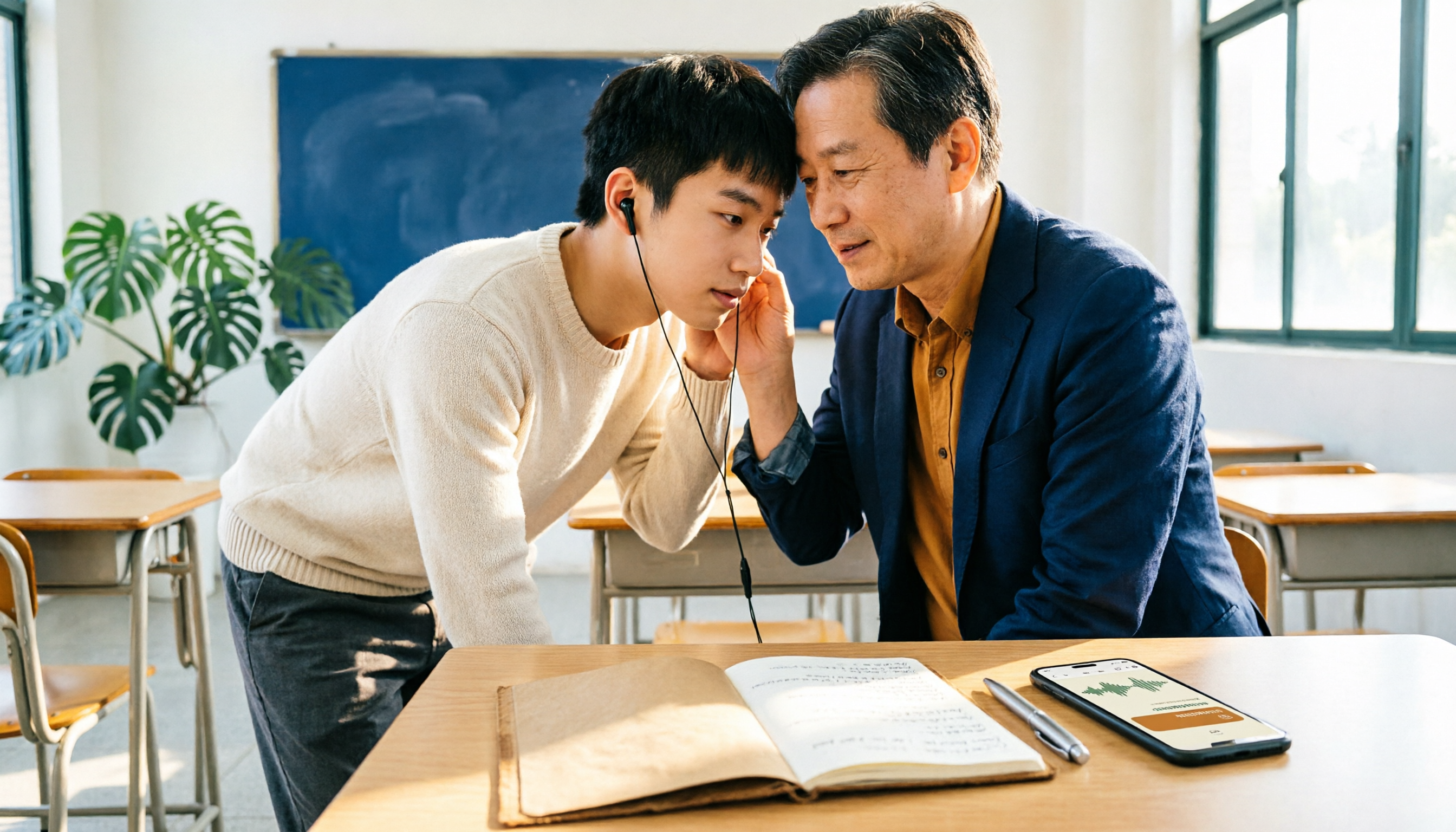
Starting from campus scenarios, this guide breaks down the four most common mistakes when using AI to organize transcripts, explains the core capabilities of transcription AI, the practical workflow, and key purchasing considerations. It also uses Tinrec as an example to demonstrate the complete process from recording to key notes.

5 AI Transcription Tools Tested for 2026: How to Choose the Free Options Trending on Dcard
A roundup of the most discussed AI transcription tools on Dcard, starting from the decision point of 'who will read this transcript?' It explains the use cases, free limitations, and practical tips for NotebookLM, Buzz, Google AI Studio, Groq Cloud, iPhone Shortcuts, and Yating Transcription, helping you choose the right method before you start.

5 AI Meeting Transcription Tools Compared for 2026: How to Choose Based on Free Tiers, Chinese Recognition, and Summarization Features
How to choose an AI meeting transcription tool? First clarify whether data can be uploaded to the cloud, and whether you need subtitle files or meeting minutes, then compare the transcription and summarization capabilities of 5 common tools. This article covers practical workflows, key purchasing criteria, and 4 common pitfalls to help you find a truly time-saving approach.

How to Transcribe Meeting Audio with NotebookLM (2026): Upload Recordings, Get Transcripts & Auto-Generate Action Items
Tired of replaying meeting recordings to type transcripts? This guide focuses on NotebookLM, showing how to upload meeting audio, locate the auto-generated transcript, and use prompts to output timestamps and action items. It also covers five alternative methods—Gemini, EchoScript, MacWhisper, and iPhone Voice Memos—with selection advice.

2026 AI Tools Comparison: How to Avoid Wasted Effort in Meeting Transcript Organization
The most time-consuming part of meeting transcript organization is never converting speech to text, but turning chaotic discussions into actionable records. This article breaks down three common misconceptions, compares the actual workflows and limitations of tools like NotebookLM, Gemini, ChatGPT, and CLOVA Note, and provides a step-by-step process and pitfall checklist you can directly apply.

2026 Comparison of 5 Speech-to-Transcript Tools: Free Quotas and Chinese Recognition—Which Is Enough?
Starting from the most common pitfalls when choosing a transcription tool, this article compares five speech-to-transcript tools—Yating Transcription, cSubtitle, Atter App, Easemate AI Meeting Recorder, and NotebookLM—on language support, free quotas, and import/export differences, helping you choose the right tool based on your recording scenario.

5 Best AI Meeting Transcription Tools in 2026: Free Tiers, Chinese Accuracy, and Summaries Compared
Tired of spending two hours after every meeting replaying recordings and typing transcripts? This guide walks through the actual workflows of five AI meeting transcription tools in 2026, comparing free tiers, Chinese and mixed Chinese-English recognition, speaker identification, and summary and action-item generation. It also includes a pitfalls guide and scenario-based recommendations to help you find the one that's good enough for free.
7 Free Meeting Transcription Software Compared: Which Free Tier Is Most Generous in 2026?
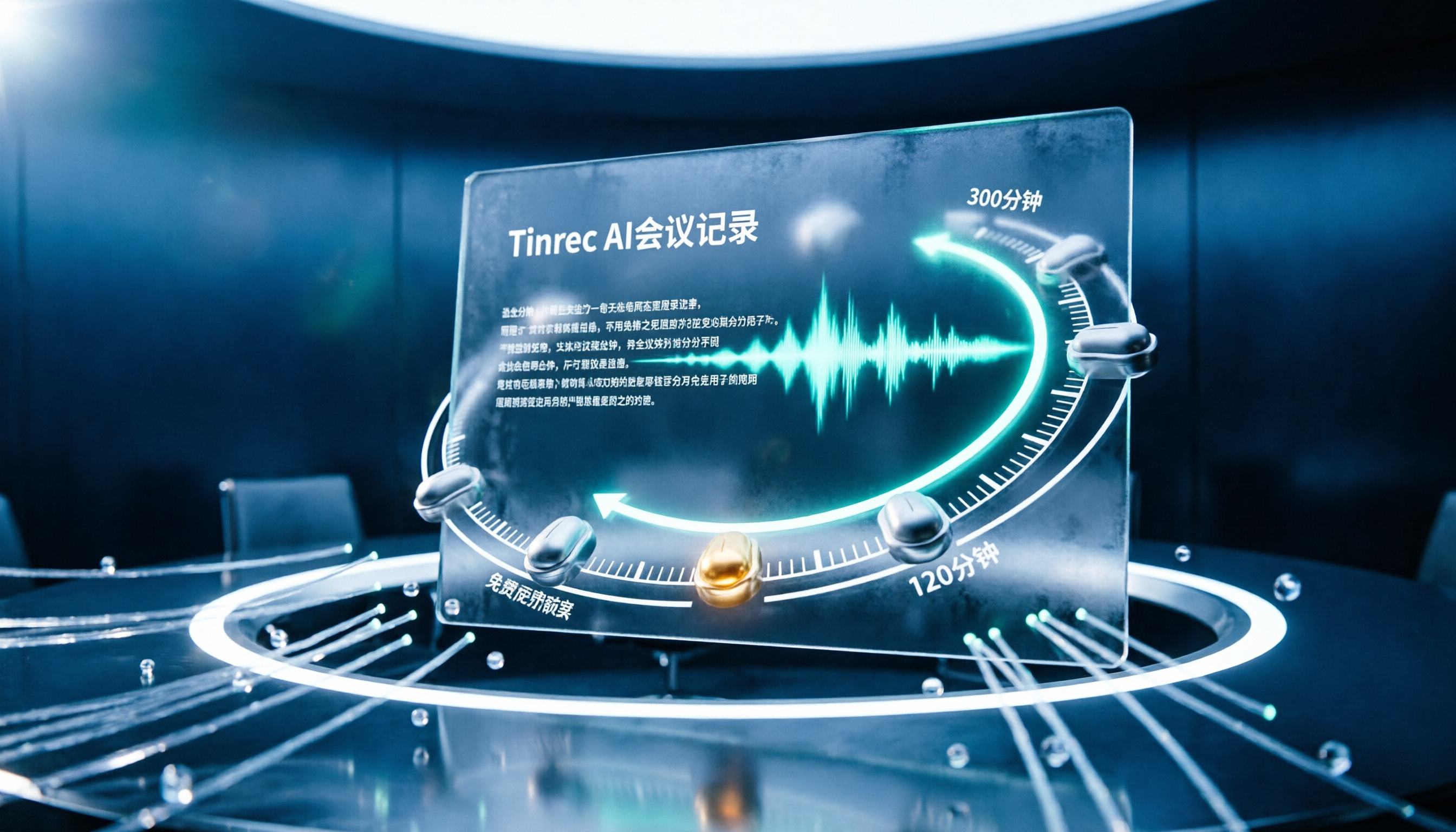
We reviewed the free plans of 7 meeting transcription tools, from 300 minutes and 120 minutes per month to completely free AI note-taking tools. We explain each plan's limits, restrictions, and ideal users to help you avoid mistaking a 'free trial' for a 'free plan'.