
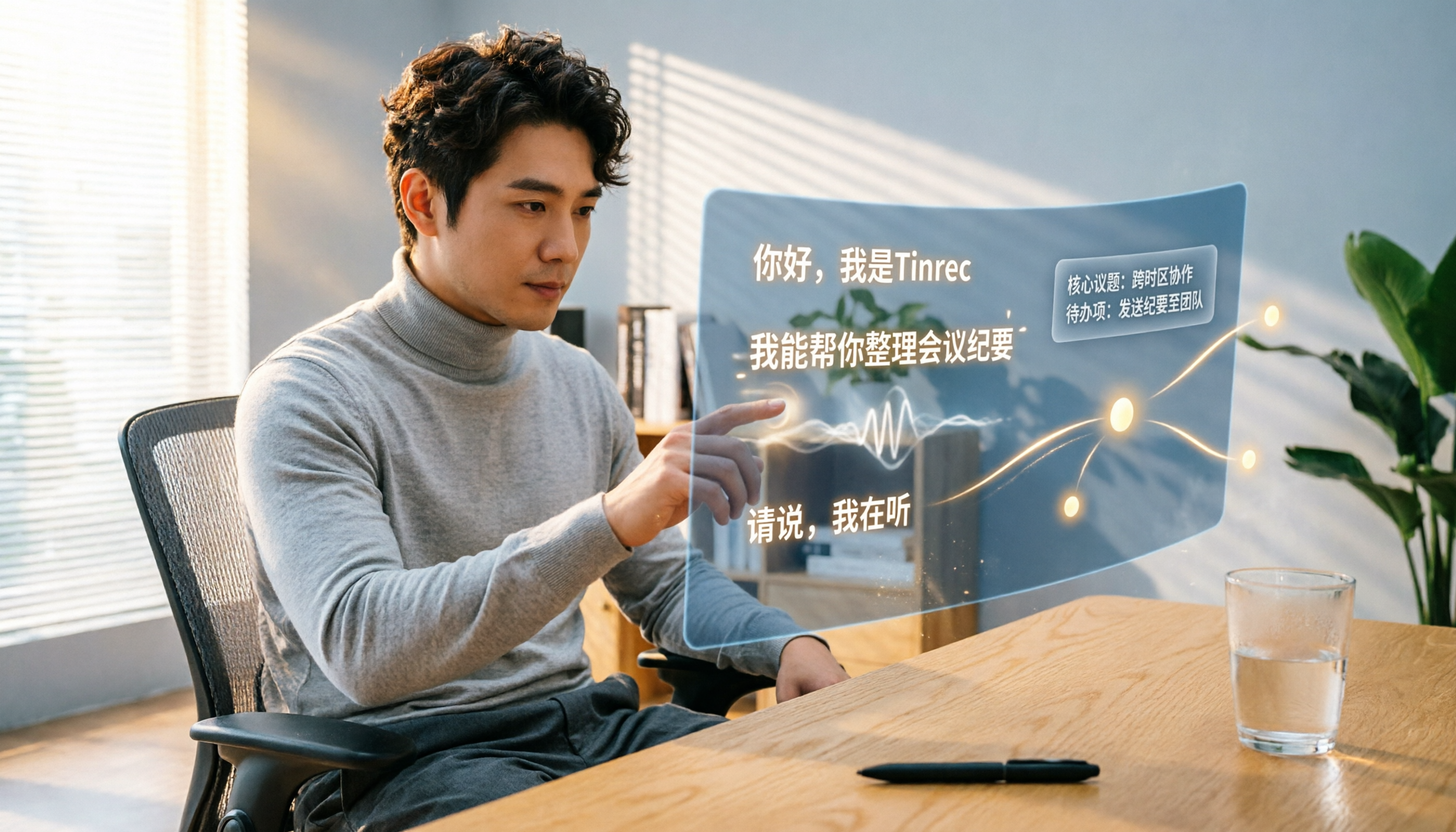
Turn recordings into transcripts and summaries in minutes
Upload audio or video for multilingual transcription, AI notes, and action items
Tinrec (formerly Miaoshen Record) is an audio/video workstation that integrates speech-to-text, video link parsing, and AI-powered smart organization. It supports iOS, Android, and web. The free plan offers basic monthly transcription credits, making it suitable for office workers, students, and creators who need to process meetings, lectures, interviews, or online videos.
Why Are People Looking for Alternatives to Notta?

Notta is a popular choice for transcription tools, supporting multi-device recording, meeting notes, and translation, with a free plan offering 120 minutes per month. However, as use cases expand, some users find they need more than just transcription: better content organization, higher-quality summaries for Chinese contexts, or an all-in-one tool for meetings, videos, and legacy files. If you have similar needs, Tinrec is worth a look.
Tinrec vs Notta: What Are the Core Differences?
Language Support and Chinese Optimization: For users in Taiwan and Hong Kong, Chinese recognition quality directly impacts efficiency. Tinrec is enhanced for Traditional Chinese, Cantonese, and mixed-language environments, maintaining stable transcription performance in common scenarios like meetings and lectures. In contrast, while Notta supports multiple languages, Tinrec's tuning is more aligned with local usage habits, especially for colloquial Chinese and English-mixed content. If you frequently process Chinese content, you'll notice the difference.
Input Source Variety: Notta focuses on recording and meeting transcription, and also allows audio file uploads. But Tinrec goes further by directly supporting video link transcription from YouTube, TikTok, Bilibili, and other platforms, as well as local audio/video file imports. For content creators who need to extract material from videos, or students who want to organize online courses, Tinrec saves significant download and conversion time.
AI Post-Processing Capabilities: Transcription is just the first step; quickly capturing key points is crucial. Beyond AI summaries, Tinrec can automatically split chapters, extract action items, and even use AI Q&A to query details from recordings. For example, after a meeting, you can ask Tinrec “What was the conclusion?” or “Who is responsible for which task?” and it will extract answers from the transcript. Notta also offers summaries and translation, but for “post-transcription thinking tools” like Q&A and action item extraction, Tinrec's design is more comprehensive.
Free Plan Practicality: Tinrec's free version provides basic transcription credits, and all features like real-time transcription, AI summaries, and web video parsing are available without feature restrictions – ideal for those who want to try everything. Notta's free plan offers 120 minutes per month, sufficient for light users, but if you want to test all features, Tinrec's free experience is more open.
Cross-Platform Coverage: Both tools support iOS, Android, and web, but Tinrec's web version is more feature-rich, allowing you to upload files and manage all recordings directly on your computer without switching devices – more convenient for those who work between office and phone.
Tinrec Core Features at a Glance
Real-Time Speech-to-Text: Open Tinrec, and text displays simultaneously with recording, with extremely low latency. During meetings or lectures, you can read the text and confirm key points; the transcript is ready the moment the recording ends.
Audio/Video File Transcription: Import existing audio or video files into Tinrec to get transcripts. Supports multiple formats without requiring conversion, saving you hassle.
Stop organizing recordings by hand
Upload audio or video and automatically get a transcript, summary, and action items
Web Video Link Parsing: Paste a link from YouTube, TikTok, Xiaohongshu, etc., and Tinrec converts the content into text and generates a summary. This is very useful for content creators to extract inspiration from video material.
AI Summary and Q&A: Long recordings can be hard to navigate. Tinrec automatically generates summaries and allows you to ask questions about the content, such as “What were the three main points of this lecture?” or “Who proposed the budget adjustment in the meeting?” No manual scanning needed; Tinrec answers directly.
Multi-Format Export and Action Item Extraction: Export organized content as TXT, PDF, Word, etc., or extract action items mentioned in meetings into a to-do list for easy follow-up.
Practical Use Cases
Meeting Notes: Record meetings live with Tinrec; transcripts, summaries, and action items are ready immediately after, shareable with colleagues. Compared to manual note-taking, it saves time and ensures no decisions are missed.
Classroom Learning: Tinrec converts lecture recordings into text, splits them into chapters, and automatically summarizes key points. During review, use AI Q&A to ask “What is the core concept of this chapter?” – more efficient than listening from start to finish.

Content Creation: To repurpose YouTube videos or podcasts, simply paste the link to get the transcript. Tinrec automatically summarizes, helping you quickly find usable material and perspectives, saving hours of manual transcription.
Interview Organization: Importing interview recordings into Tinrec quickly yields response summaries for each question and allows you to use the Q&A feature to query specific topics, making report writing and citation easier.
Key Considerations When Choosing a Speech-to-Text Tool
Chinese Content Processing Ability: Not all transcription tools handle Chinese well. Test with a recording that includes colloquial speech and code-switching to see if the text is coherent. Tinrec has invested heavily in Chinese optimization, which is particularly important for users in Taiwan.
Input Source Breadth: If you need to process not just recordings but also online videos or legacy files, a multi-source input tool is more efficient. Tinrec covers this comprehensively, from live recording to web links.
Post-Transcription Organization Features: Getting a transcript is just the start; summaries, chapters, action items, and even AI Q&A are where time is truly saved. Tinrec's post-processing capabilities set it apart from simple transcription tools.
Cross-Platform and Sync: Seamless switching between phone, tablet, and computer impacts where and when you can organize data. Tinrec supports iOS, Android, and web with real-time sync, not tied to a single device.
Free Plan Generosity: Some tools lock core features in their free version. Tinrec's free plan gives access to all major features, so you can fully evaluate before deciding to pay – a practical approach.
Conclusion: Is Tinrec Worth Trying?
If you're looking for an AI subtitle generator that goes beyond transcription to truly help you “understand content,” Tinrec is one of the few options on the market that combines multi-source input, Chinese optimization, and AI post-processing. Especially for users who need to process meetings, lectures, interviews, and web videos, Tinrec's design aligns closely with real workflows. We recommend downloading the free version of Tinrec and testing it with your own recordings and videos – that's more direct than any review.
Frequently Asked Questions
Which is better, Tinrec or Notta? There's no absolute winner; it depends on your needs. If you only need simple meeting transcription, both work; but if you need to process web videos, legacy files, or deep AI organization after transcription, Tinrec is more suitable.
How many minutes does Tinrec's free plan offer? The free plan provides basic monthly transcription credits; the exact amount may adjust with updates, but it's enough for several meetings or lectures, and all core features are accessible.
What languages does Tinrec support? It supports multiple languages, including Chinese, English, Cantonese, etc., with special optimization for colloquial Chinese and Traditional Chinese – very convenient for users in Taiwan.
Are there copyright issues with transcribing web videos using Tinrec? Transcribing public video content for personal notes or learning is generally fine as long as it's not reproduced or distributed publicly. For public use, adhere to the original platform's terms and copyright laws.
What accuracy can I expect? In clear recording environments, Tinrec's transcription quality is very high. However, background noise, overlapping speech, or heavy accents can affect results. We recommend testing with your own recordings.
What export formats are available? Supports TXT, PDF, Word, and other formats, as well as direct link sharing for easy editing or archiving.
Turn every recording into actionable outcomes
Get 60 free transcription minutes when you sign in. No credit card required.
Related Reading
You might also like

How to Choose a Speech-to-Text Tool in 2026: A 5-Point Comparison of Free Tiers, Chinese Recognition, and Summarization
Choosing a speech-to-text tool isn't about which one is most accurate—it's about your usage volume, language needs, and post-processing workflow. This article compares five key aspects: free tier limits, Chinese and Taiwanese Hokkien recognition, timestamp proofreading, AI summarization, and import/export formats. With practical tips for meetings, classes, interviews, and content creation, it helps you make a confident choice between free and paid options.
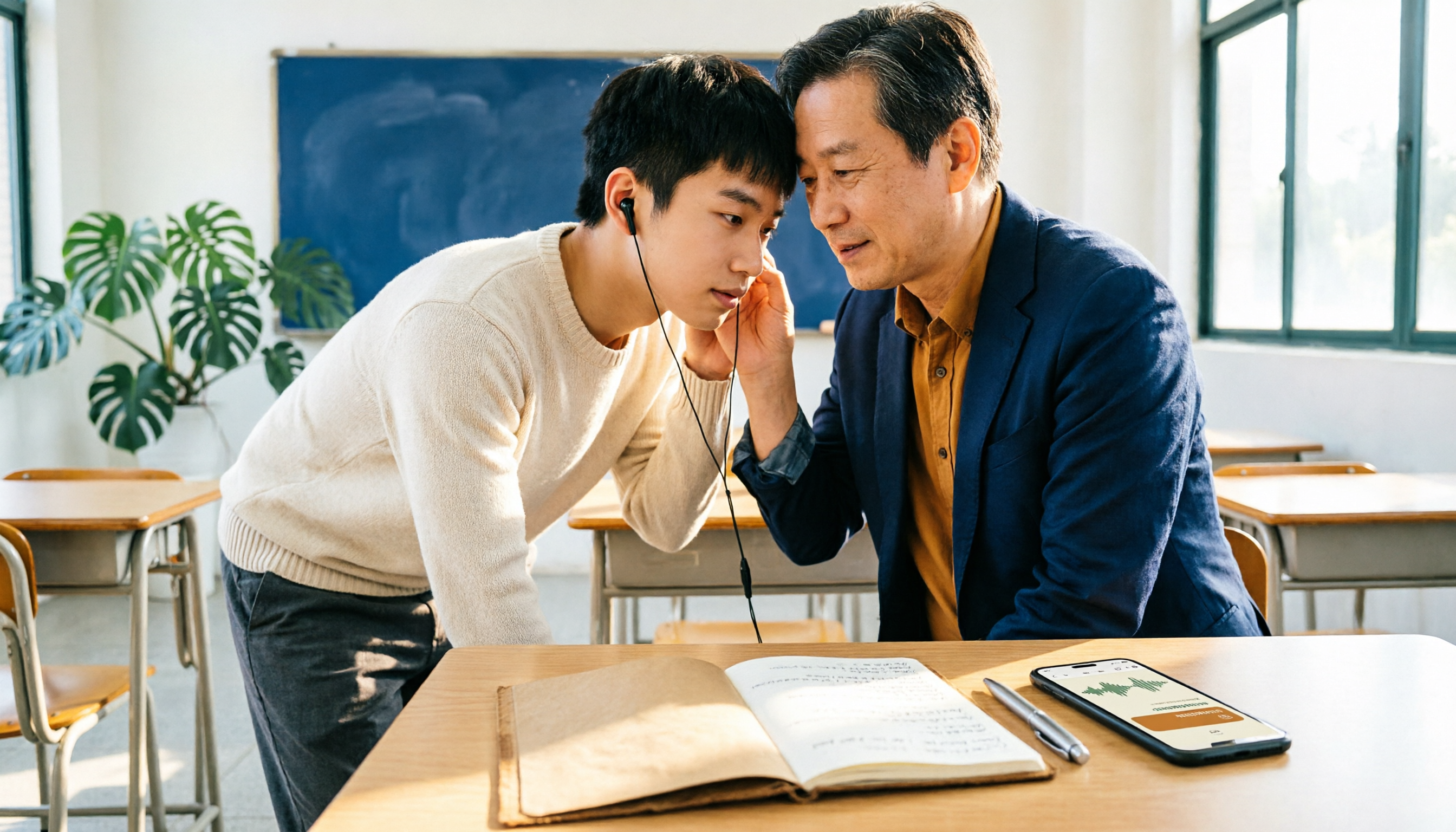
2026 AI Transcription Complete Guide: How to Choose Tools Trending on PTT and Organize Class Recordings
Starting from campus scenarios, this guide breaks down the four most common mistakes when using AI to organize transcripts, explains the core capabilities of transcription AI, the practical workflow, and key purchasing considerations. It also uses Tinrec as an example to demonstrate the complete process from recording to key notes.

5 AI Transcription Tools Tested for 2026: How to Choose the Free Options Trending on Dcard
A roundup of the most discussed AI transcription tools on Dcard, starting from the decision point of 'who will read this transcript?' It explains the use cases, free limitations, and practical tips for NotebookLM, Buzz, Google AI Studio, Groq Cloud, iPhone Shortcuts, and Yating Transcription, helping you choose the right method before you start.

5 AI Meeting Transcription Tools Compared for 2026: How to Choose Based on Free Tiers, Chinese Recognition, and Summarization Features
How to choose an AI meeting transcription tool? First clarify whether data can be uploaded to the cloud, and whether you need subtitle files or meeting minutes, then compare the transcription and summarization capabilities of 5 common tools. This article covers practical workflows, key purchasing criteria, and 4 common pitfalls to help you find a truly time-saving approach.

How to Transcribe Meeting Audio with NotebookLM (2026): Upload Recordings, Get Transcripts & Auto-Generate Action Items
Tired of replaying meeting recordings to type transcripts? This guide focuses on NotebookLM, showing how to upload meeting audio, locate the auto-generated transcript, and use prompts to output timestamps and action items. It also covers five alternative methods—Gemini, EchoScript, MacWhisper, and iPhone Voice Memos—with selection advice.

2026 AI Tools Comparison: How to Avoid Wasted Effort in Meeting Transcript Organization
The most time-consuming part of meeting transcript organization is never converting speech to text, but turning chaotic discussions into actionable records. This article breaks down three common misconceptions, compares the actual workflows and limitations of tools like NotebookLM, Gemini, ChatGPT, and CLOVA Note, and provides a step-by-step process and pitfall checklist you can directly apply.
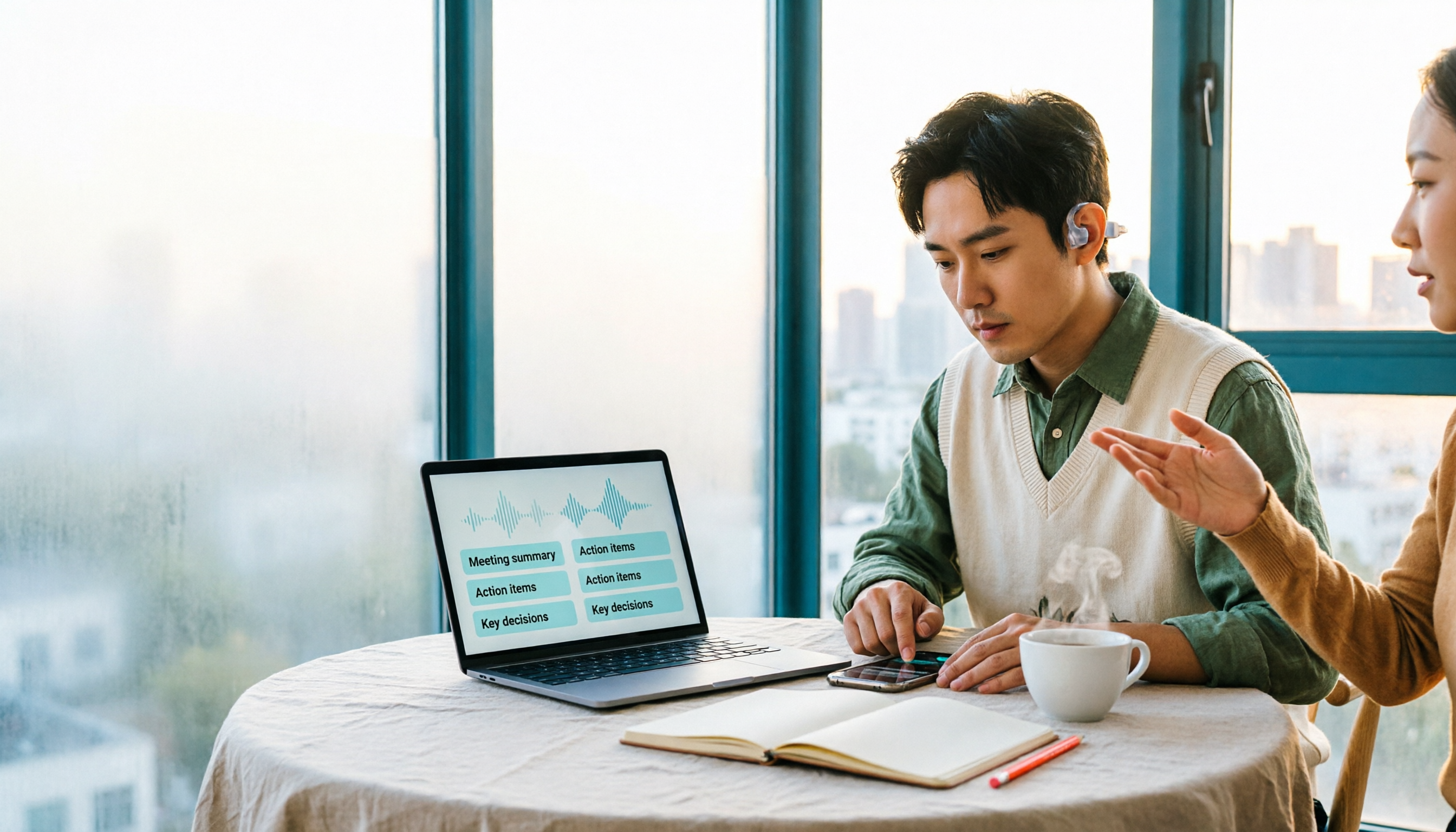
2026 Comparison of 5 Speech-to-Transcript Tools: Free Quotas and Chinese Recognition—Which Is Enough?
Starting from the most common pitfalls when choosing a transcription tool, this article compares five speech-to-transcript tools—Yating Transcription, cSubtitle, Atter App, Easemate AI Meeting Recorder, and NotebookLM—on language support, free quotas, and import/export differences, helping you choose the right tool based on your recording scenario.
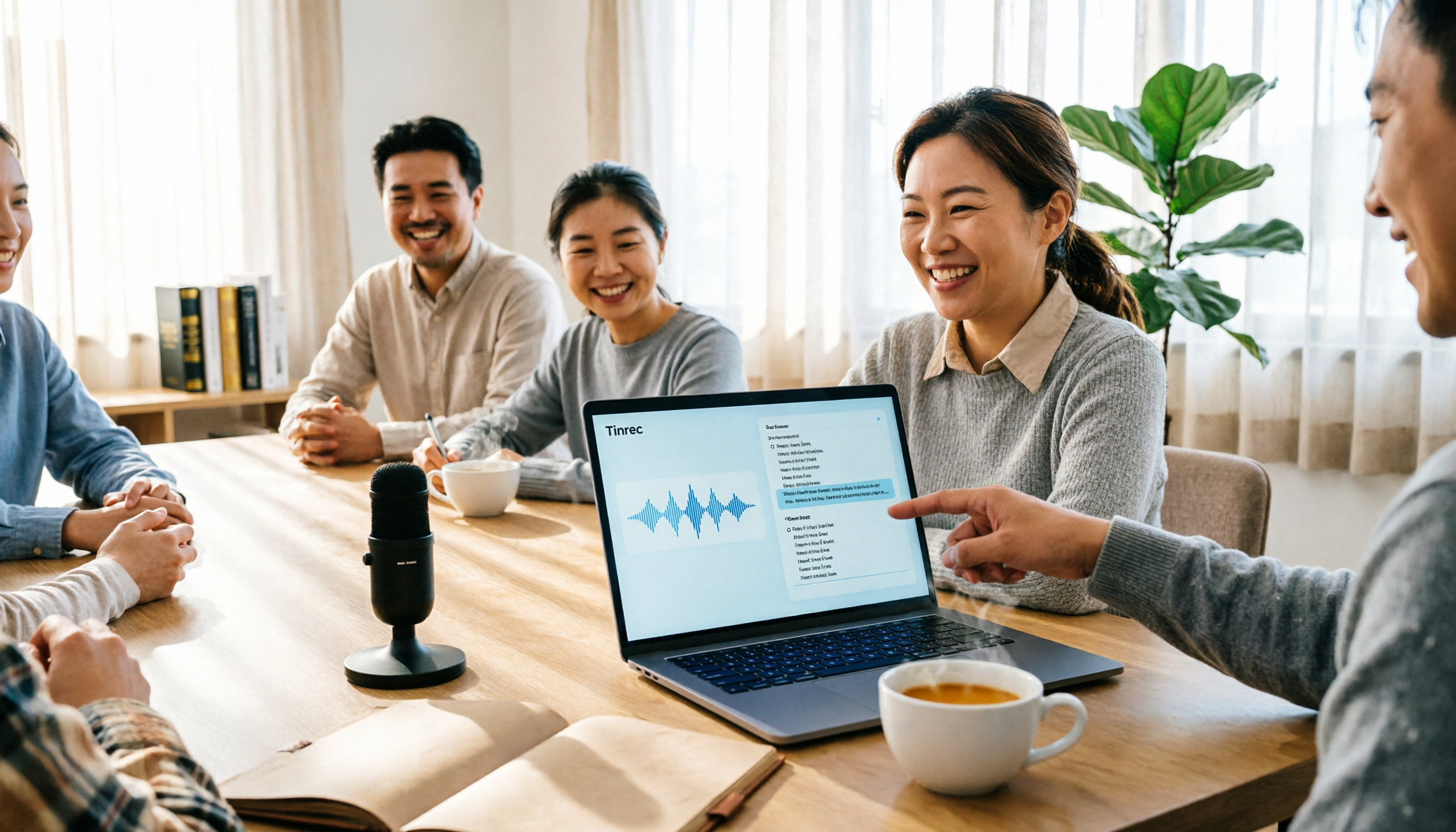
5 Best AI Meeting Transcription Tools in 2026: Free Tiers, Chinese Accuracy, and Summaries Compared
Tired of spending two hours after every meeting replaying recordings and typing transcripts? This guide walks through the actual workflows of five AI meeting transcription tools in 2026, comparing free tiers, Chinese and mixed Chinese-English recognition, speaker identification, and summary and action-item generation. It also includes a pitfalls guide and scenario-based recommendations to help you find the one that's good enough for free.
7 Free Meeting Transcription Software Compared: Which Free Tier Is Most Generous in 2026?
We reviewed the free plans of 7 meeting transcription tools, from 300 minutes and 120 minutes per month to completely free AI note-taking tools. We explain each plan's limits, restrictions, and ideal users to help you avoid mistaking a 'free trial' for a 'free plan'.