

Turn recordings into transcripts and summaries in minutes
Upload audio or video for multilingual transcription, AI notes, and action items
Frustrated when you find that Google Meet's recording feature isn't working during a meeting?
Tinrec is an AI-powered recording and audio/video organization tool that supports real-time speech-to-text, importing audio files and videos, parsing online links, and automatically generating summaries, action items, and Q&A. Whether you're an office worker, student, or creator, you can turn all your audio and video content into searchable, organized material.

Why Can't You Record on Google Meet?
Google Meet's built-in recording feature actually has many limitations: only certain versions (like Workspace paid plans) can use it; free or personal accounts may not even have the record button; recordings are saved only to the cloud, with no direct text transcription; and if someone joins via mobile or you're an external guest, recording may be prohibited.
These restrictions mean many people still have to rely on memory or manually type transcripts after meetings—very inefficient.
But don't worry—Tinrec bypasses these restrictions, helping you capture the full meeting content. And it doesn't just record audio; it automatically organizes everything into minutes with summaries and action items.
What Can Tinrec Do for You?
Tinrec doesn't just convert speech to text; it goes further to "understand" the meeting content. Based on my experience, these scenarios are especially useful:
Scenario 1: Meeting Minutes Ready in 5 Minutes After the Meeting
Before, a two-hour meeting meant another hour of sorting notes afterward. Now with Tinrec, you can transcribe in real time as the meeting runs. When it's over, AI summaries, conclusions, and action items are automatically generated—who is responsible for what and deadlines are clear.
Scenario 2: Record All Meetings Across Platforms
Whether you're using Google Meet, Zoom, Teams, or meeting face-to-face, Tinrec can record. Simply open Tinrec on your phone or computer, tap record, and it runs in the background without interrupting the meeting.
Scenario 3: Easily Search Past Meetings
Ever had that moment when you know something was discussed but can't find the record? Tinrec saves every recording and lets you query via AI Q&A. For example, ask: "Who mentioned the budget in the last meeting?" It gives you the answer directly—no need to replay the whole thing.
Key Capabilities of Tinrec
Tinrec can record your meetings, but it's much more than a recorder. Its strengths include:
Real-Time Transcript: Text appears as you record, not after. Tinrec's delay is less than 1 second, so you can follow along during the meeting. Even if Google Meet recording fails, you're covered.
AI Semantic Summaries: It doesn't just condense the transcript; it organizes it structurally—meeting topic, conclusions, action items, and assignees listed separately. I'm always impressed by how much time this saves.
Stop organizing recordings by hand
Upload audio or video and automatically get a transcript, summary, and action items
AI Dialogue Query: After transcription, you can ask Tinrec questions like "What was the client's feedback?" or "What was the discussed budget?" It answers based on semantic understanding, no need to scroll through the whole text.
Action Item Extraction: Follow-up tasks discussed in meetings are automatically extracted and can be exported to your task management tools.

Multi-Source Support: Besides live recording, Tinrec also supports uploading audio files, pasting online video links (e.g., YouTube), and even other meeting recordings—all turned into text.
Practical Use Cases
Online Meeting Minutes: Whether it's Google Meet, Zoom, or Teams, start Tinrec to capture the entire conversation and receive a well-organized summary and action items immediately after. No more worrying about Google Meet blocking recording.
Class Notes: Students can record entire lectures with Tinrec. It automatically splits into chapters and highlights key points. During review, use AI Q&A to find what the teacher emphasized—much faster than manual notes.
Interview Transcripts: Journalists or researchers can record interviews with Tinrec, see the text in real time, and later search for key statements—saving hours of manual transcription.
Content Creation Inspiration: Creators can drop video links into Tinrec, which analyzes and summarizes the content, allowing quick digestion of material for your own work.
4 Things to Consider When Choosing a Meeting Recording Tool
- Cross-Platform Support: If your meetings span different platforms or you need mobile recording, choose a tool like Tinrec that offers iOS, Android, and web versions.
- More Than Transcription: Organization: Transcription is just the first step. The key is whether the tool generates summaries and action items. Tinrec's AI post-processing makes it more than a simple transcription tool.
- Language Adaptability: Need Chinese meeting minutes? Tinrec supports Chinese well; in my experience, its Chinese recognition is quite good.
- Pricing and Flexibility: Tinrec's free plan offers a basic monthly quota for trial. If you need more, weekly or monthly cards are flexible—no need for an annual commitment.
Frequently Asked Questions
Why can't I press record in Google Meet?
Your account may lack recording permission, or you joined as an external guest. Google Meet's recording feature has many restrictions—free and some subscription plans don't include it.
What's the difference between Tinrec and just recording on my phone?
Phone recording only gives you an audio file; you have to transcribe it manually. Tinrec not only transcribes but also automatically summarizes, splits chapters, extracts action items, and even lets you ask questions to find key points.
Do I need extra setup to record a Google Meet meeting with Tinrec?
No. Just open Tinrec and start recording during the meeting. It captures audio via your device's microphone, bypassing Google Meet's permissions.
Is the free plan enough?
If you only occasionally need to organize meetings, the free plan's basic quota is sufficient for a try. If you have multiple meetings per week, consider the weekly card or Pro plan for higher monthly limits.
Are my recordings secure?
Tinrec encrypts data during transmission and storage. You can use it with confidence. Detailed privacy policies are available on the official website.
In summary, instead of worrying about Google Meet's recording limitations, try Tinrec. It not only bypasses restrictions but turns your meeting content into immediately usable material. Download the free version of Tinrec and start recording your next meeting—see how AI can make meeting minutes easy.
Turn every recording into actionable outcomes
Get 60 free transcription minutes when you sign in. No credit card required.
Related Reading
You might also like

How to Choose a Speech-to-Text Tool in 2026: A 5-Point Comparison of Free Tiers, Chinese Recognition, and Summarization
Choosing a speech-to-text tool isn't about which one is most accurate—it's about your usage volume, language needs, and post-processing workflow. This article compares five key aspects: free tier limits, Chinese and Taiwanese Hokkien recognition, timestamp proofreading, AI summarization, and import/export formats. With practical tips for meetings, classes, interviews, and content creation, it helps you make a confident choice between free and paid options.
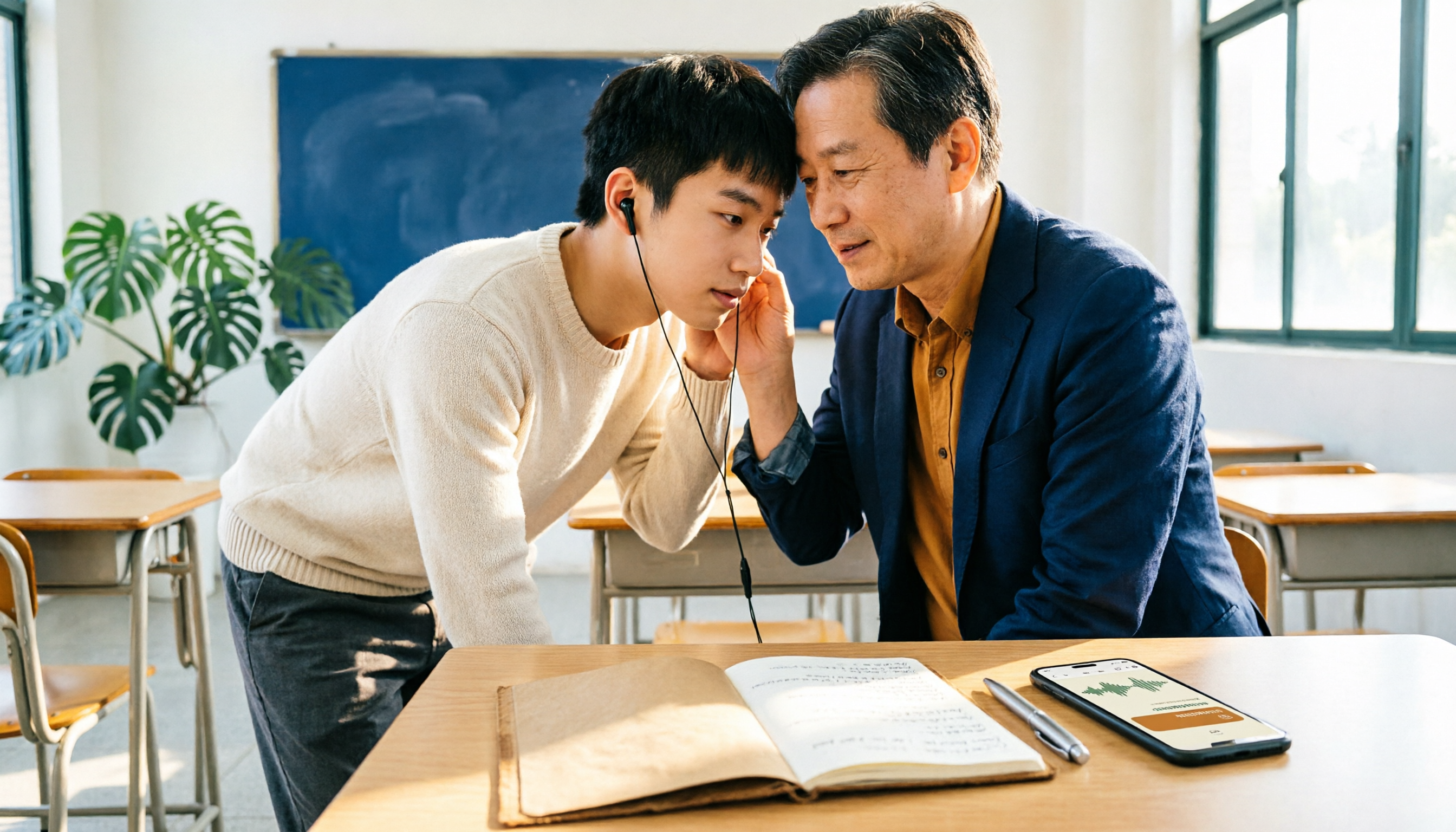
2026 AI Transcription Complete Guide: How to Choose Tools Trending on PTT and Organize Class Recordings
Starting from campus scenarios, this guide breaks down the four most common mistakes when using AI to organize transcripts, explains the core capabilities of transcription AI, the practical workflow, and key purchasing considerations. It also uses Tinrec as an example to demonstrate the complete process from recording to key notes.

5 AI Transcription Tools Tested for 2026: How to Choose the Free Options Trending on Dcard
A roundup of the most discussed AI transcription tools on Dcard, starting from the decision point of 'who will read this transcript?' It explains the use cases, free limitations, and practical tips for NotebookLM, Buzz, Google AI Studio, Groq Cloud, iPhone Shortcuts, and Yating Transcription, helping you choose the right method before you start.

5 AI Meeting Transcription Tools Compared for 2026: How to Choose Based on Free Tiers, Chinese Recognition, and Summarization Features
How to choose an AI meeting transcription tool? First clarify whether data can be uploaded to the cloud, and whether you need subtitle files or meeting minutes, then compare the transcription and summarization capabilities of 5 common tools. This article covers practical workflows, key purchasing criteria, and 4 common pitfalls to help you find a truly time-saving approach.

How to Transcribe Meeting Audio with NotebookLM (2026): Upload Recordings, Get Transcripts & Auto-Generate Action Items
Tired of replaying meeting recordings to type transcripts? This guide focuses on NotebookLM, showing how to upload meeting audio, locate the auto-generated transcript, and use prompts to output timestamps and action items. It also covers five alternative methods—Gemini, EchoScript, MacWhisper, and iPhone Voice Memos—with selection advice.

2026 AI Tools Comparison: How to Avoid Wasted Effort in Meeting Transcript Organization
The most time-consuming part of meeting transcript organization is never converting speech to text, but turning chaotic discussions into actionable records. This article breaks down three common misconceptions, compares the actual workflows and limitations of tools like NotebookLM, Gemini, ChatGPT, and CLOVA Note, and provides a step-by-step process and pitfall checklist you can directly apply.
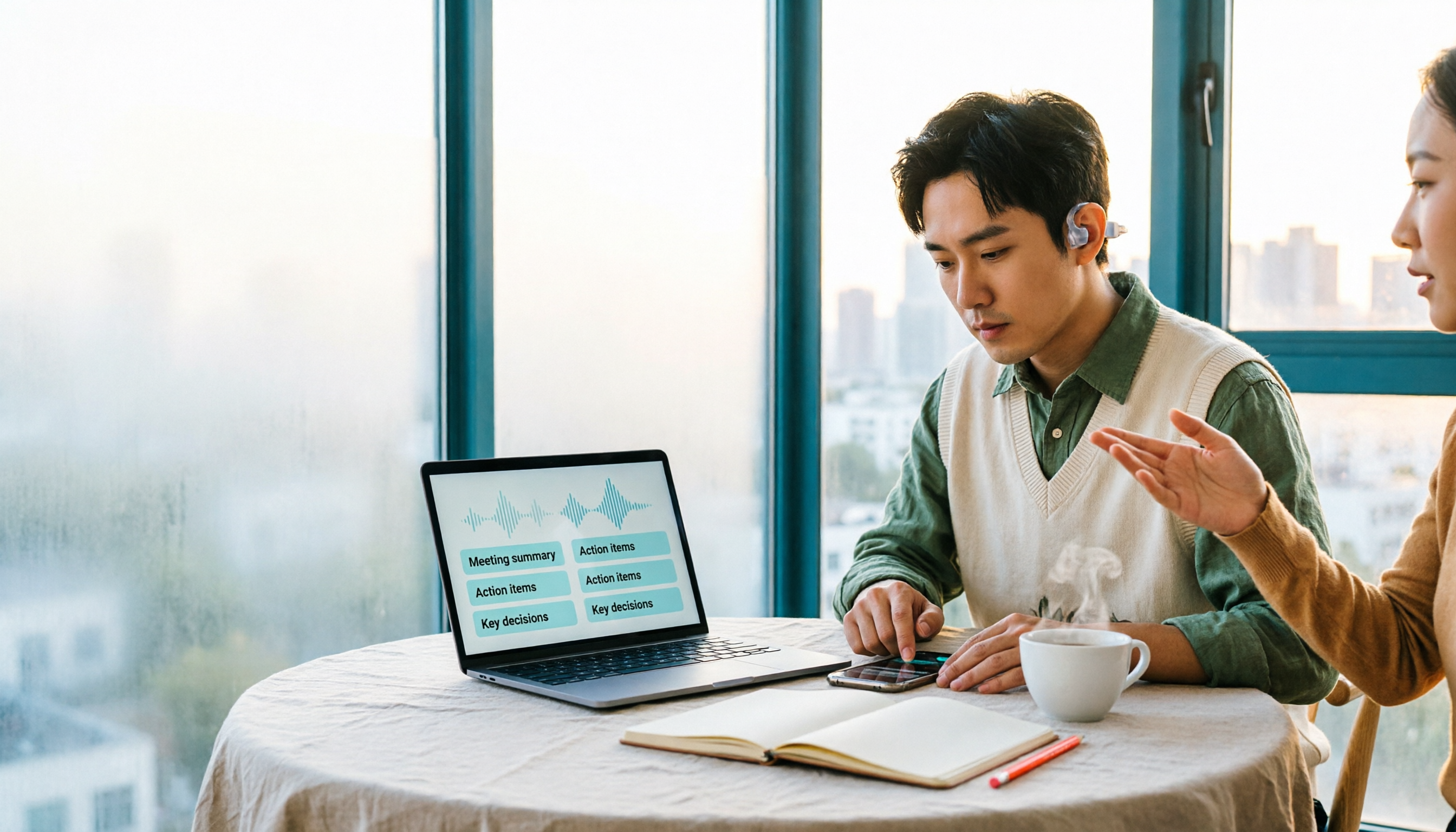
2026 Comparison of 5 Speech-to-Transcript Tools: Free Quotas and Chinese Recognition—Which Is Enough?
Starting from the most common pitfalls when choosing a transcription tool, this article compares five speech-to-transcript tools—Yating Transcription, cSubtitle, Atter App, Easemate AI Meeting Recorder, and NotebookLM—on language support, free quotas, and import/export differences, helping you choose the right tool based on your recording scenario.

5 Best AI Meeting Transcription Tools in 2026: Free Tiers, Chinese Accuracy, and Summaries Compared
Tired of spending two hours after every meeting replaying recordings and typing transcripts? This guide walks through the actual workflows of five AI meeting transcription tools in 2026, comparing free tiers, Chinese and mixed Chinese-English recognition, speaker identification, and summary and action-item generation. It also includes a pitfalls guide and scenario-based recommendations to help you find the one that's good enough for free.
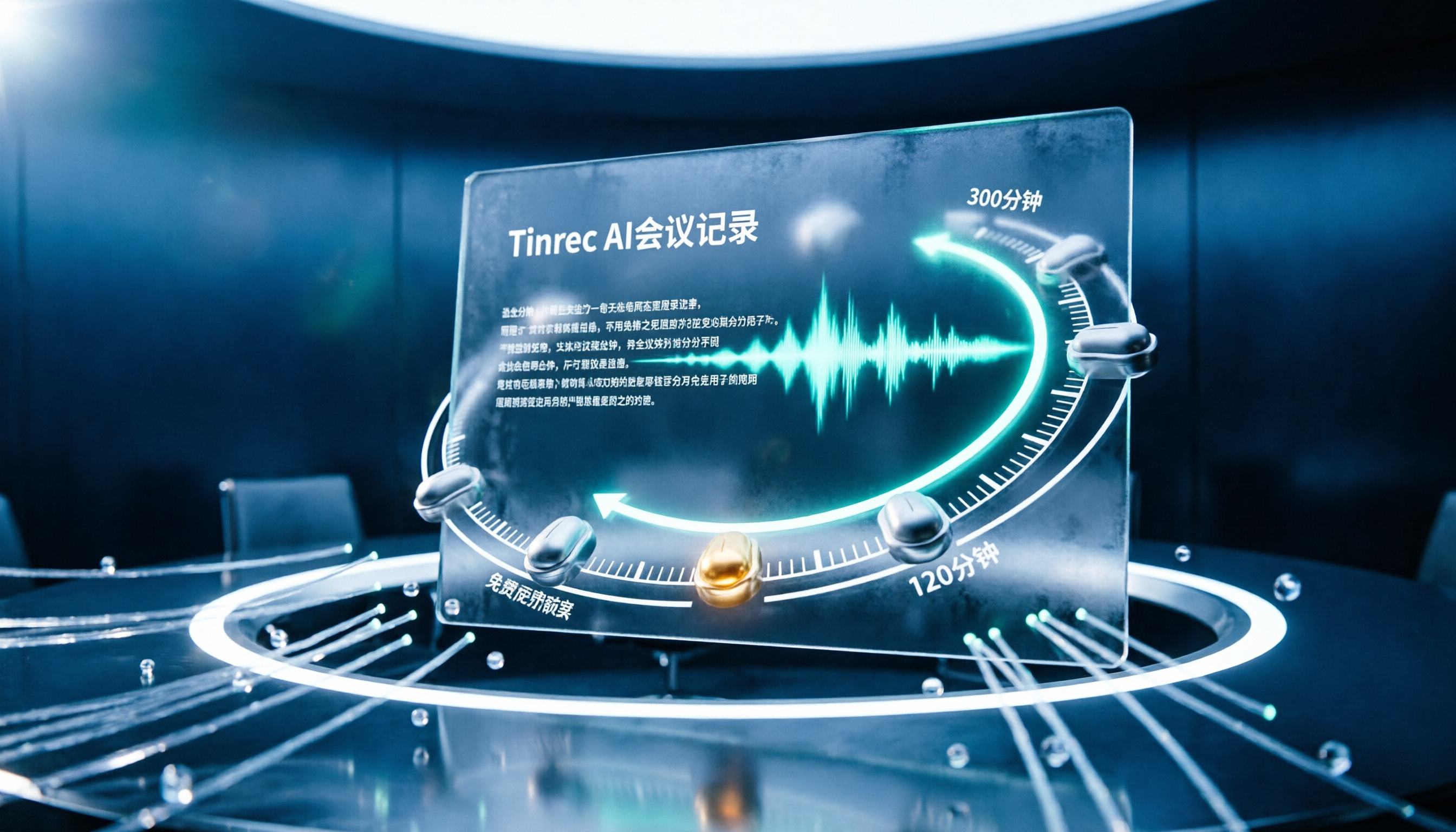
7 Free Meeting Transcription Software Compared: Which Free Tier Is Most Generous in 2026?
We reviewed the free plans of 7 meeting transcription tools, from 300 minutes and 120 minutes per month to completely free AI note-taking tools. We explain each plan's limits, restrictions, and ideal users to help you avoid mistaking a 'free trial' for a 'free plan'.